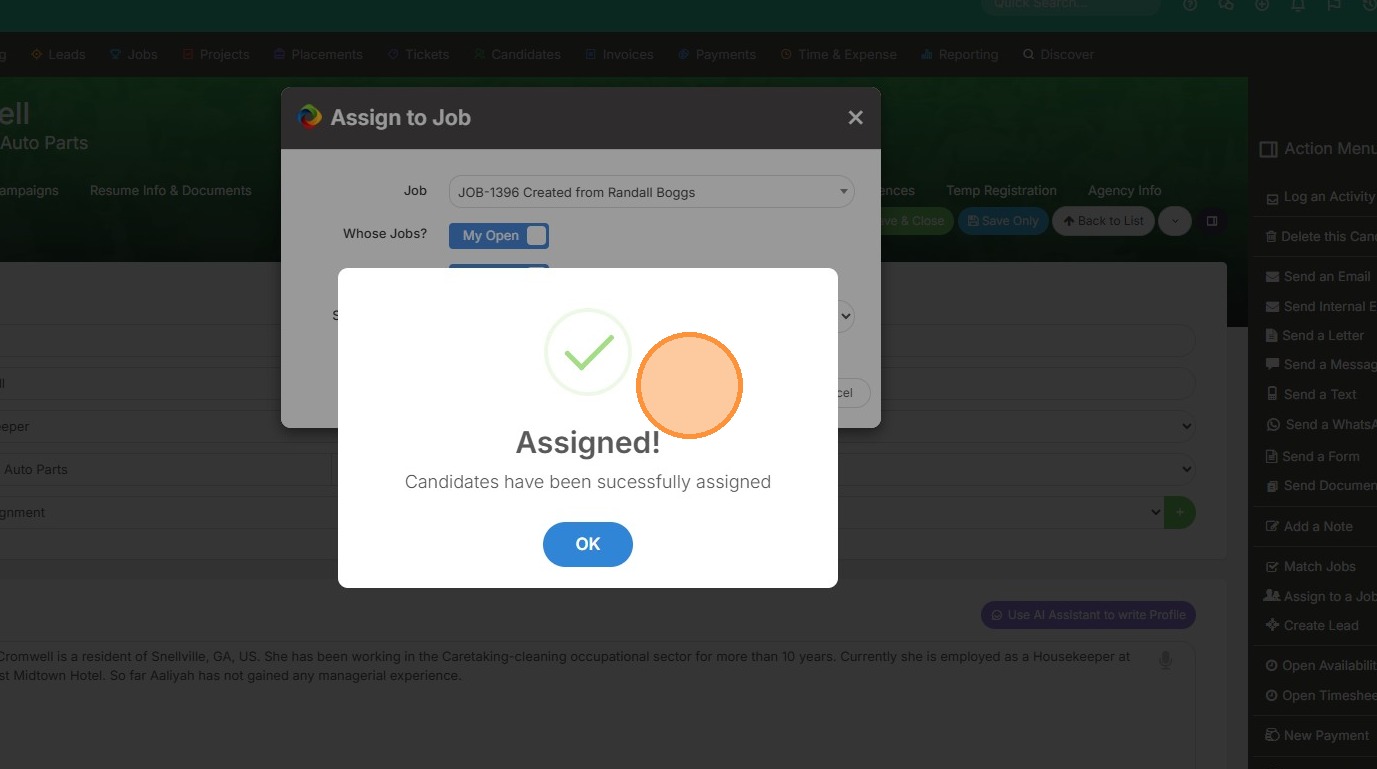
This lesson shows you how to Assign a Candidate to Multiple Jobs.
1. To assign a candidate to multiple jobs, click into the action menu from within their record.
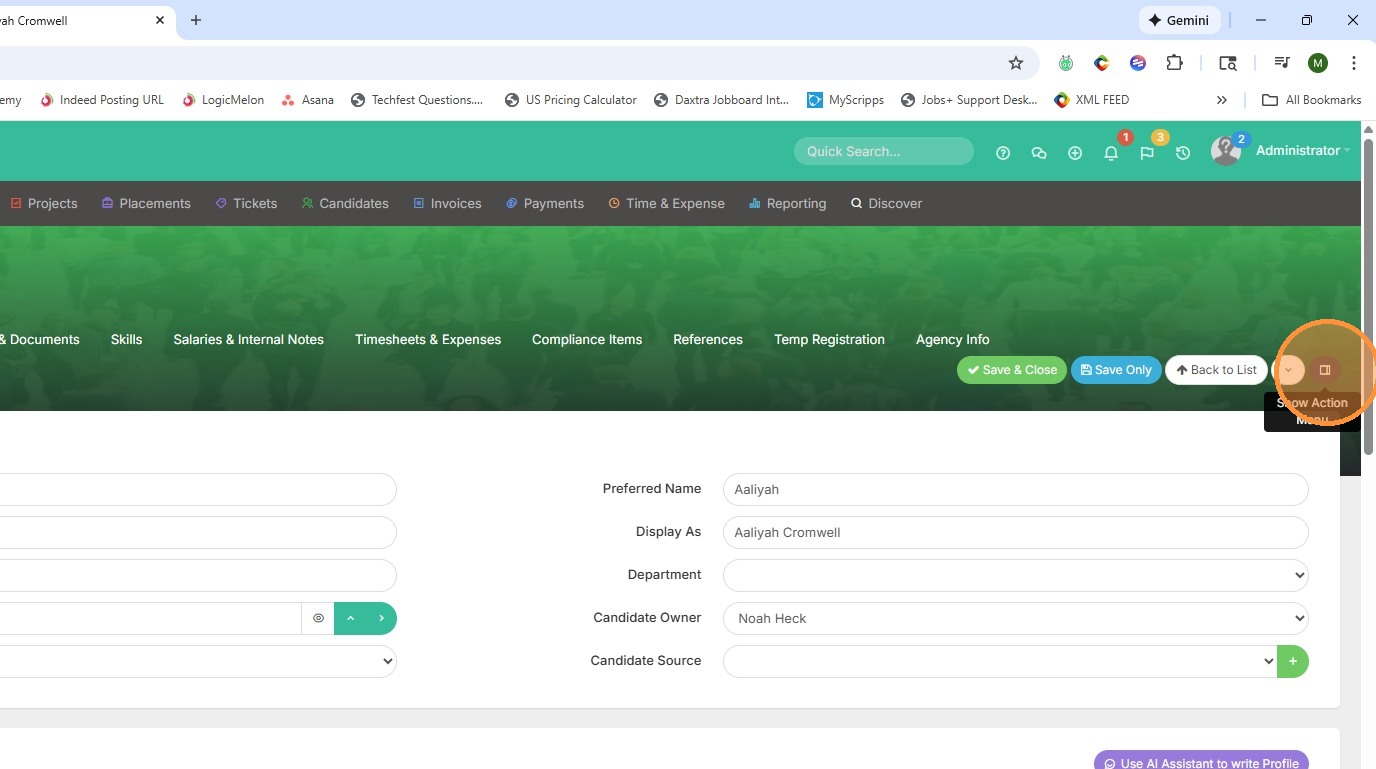
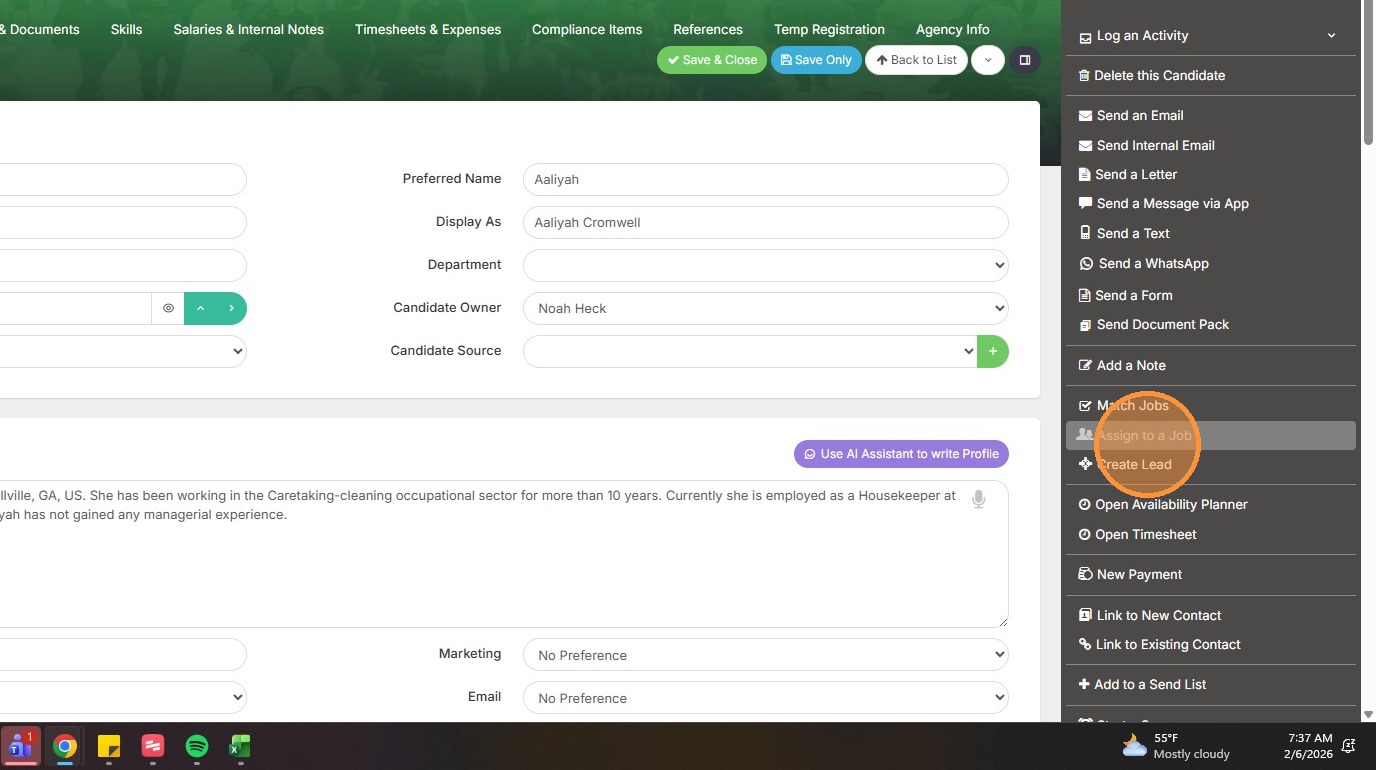
2. Click "Assign to Job".
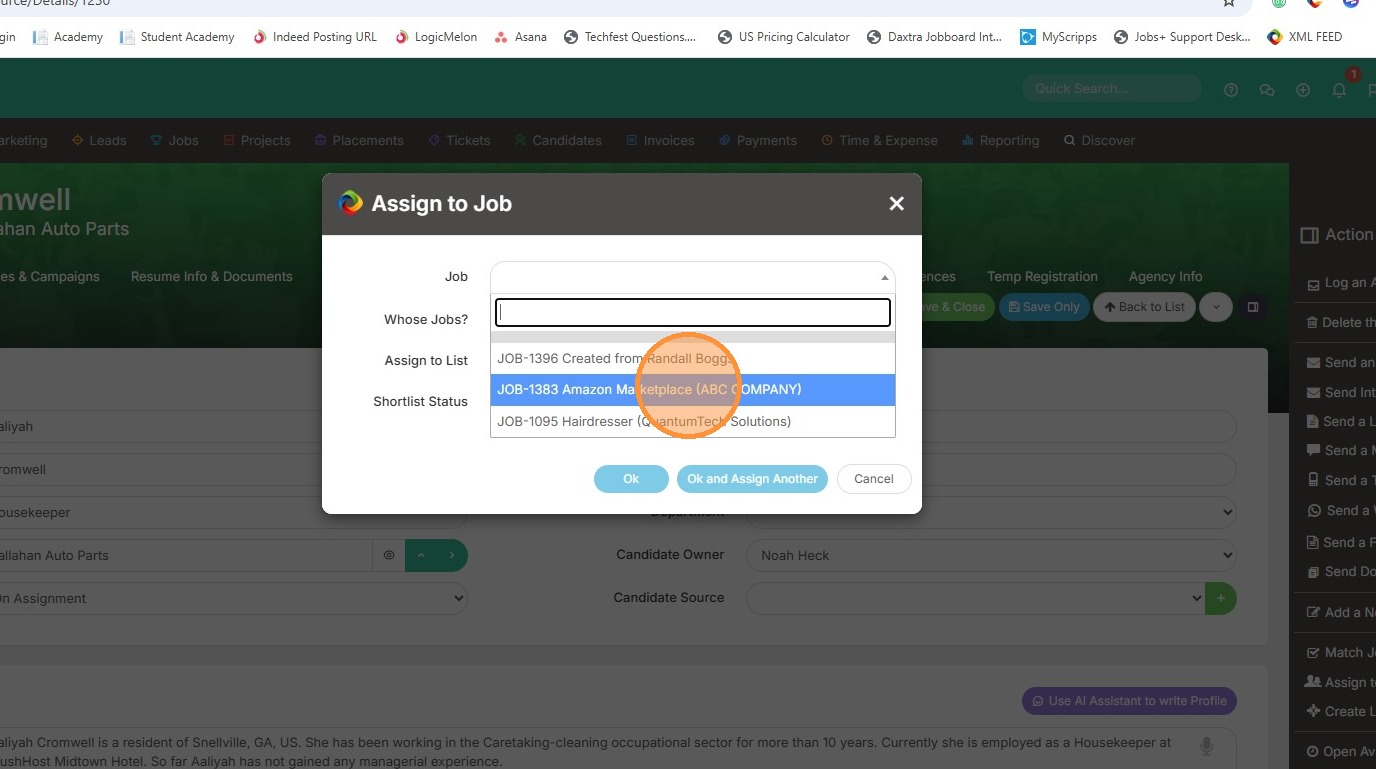
3. Click on the job field to open the list.
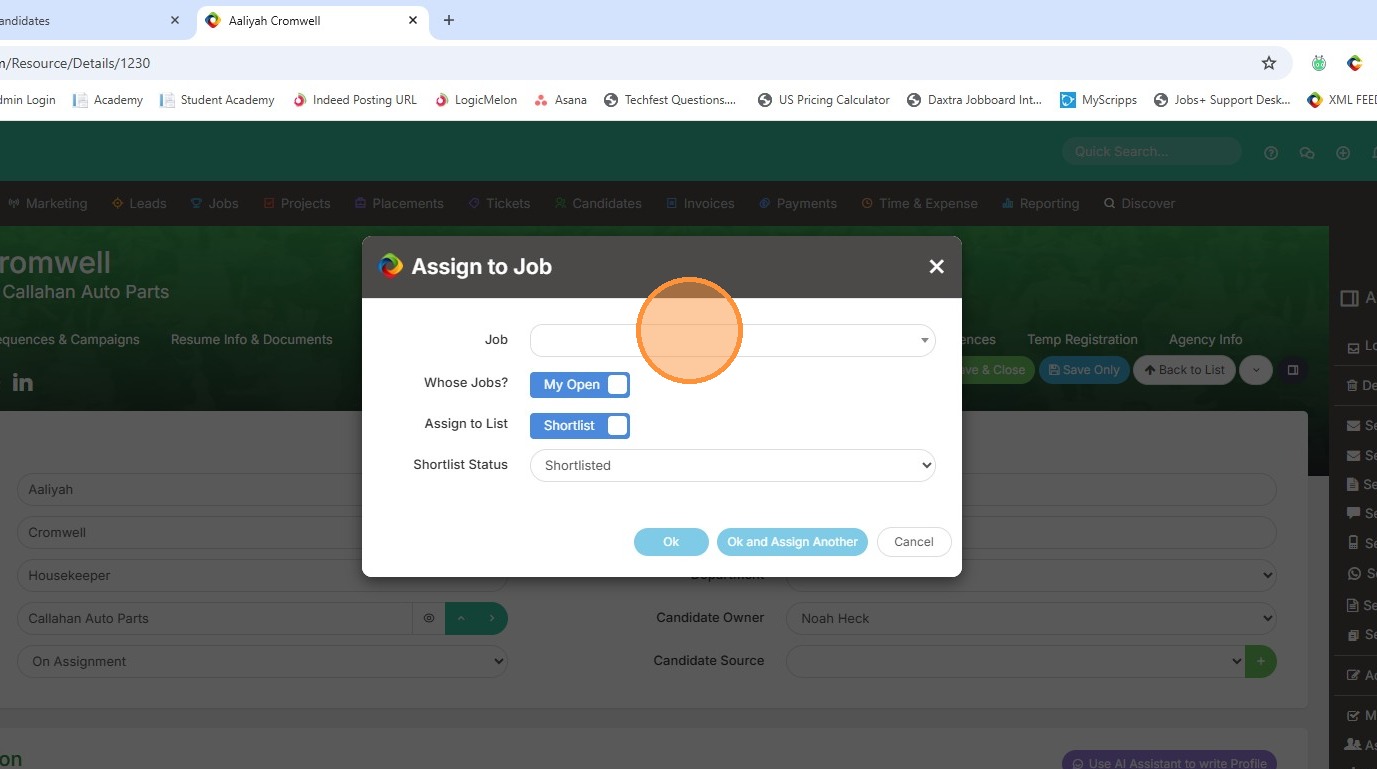
4. Select from the dropdown (keep in mind it's only showing My Open jobs right now).
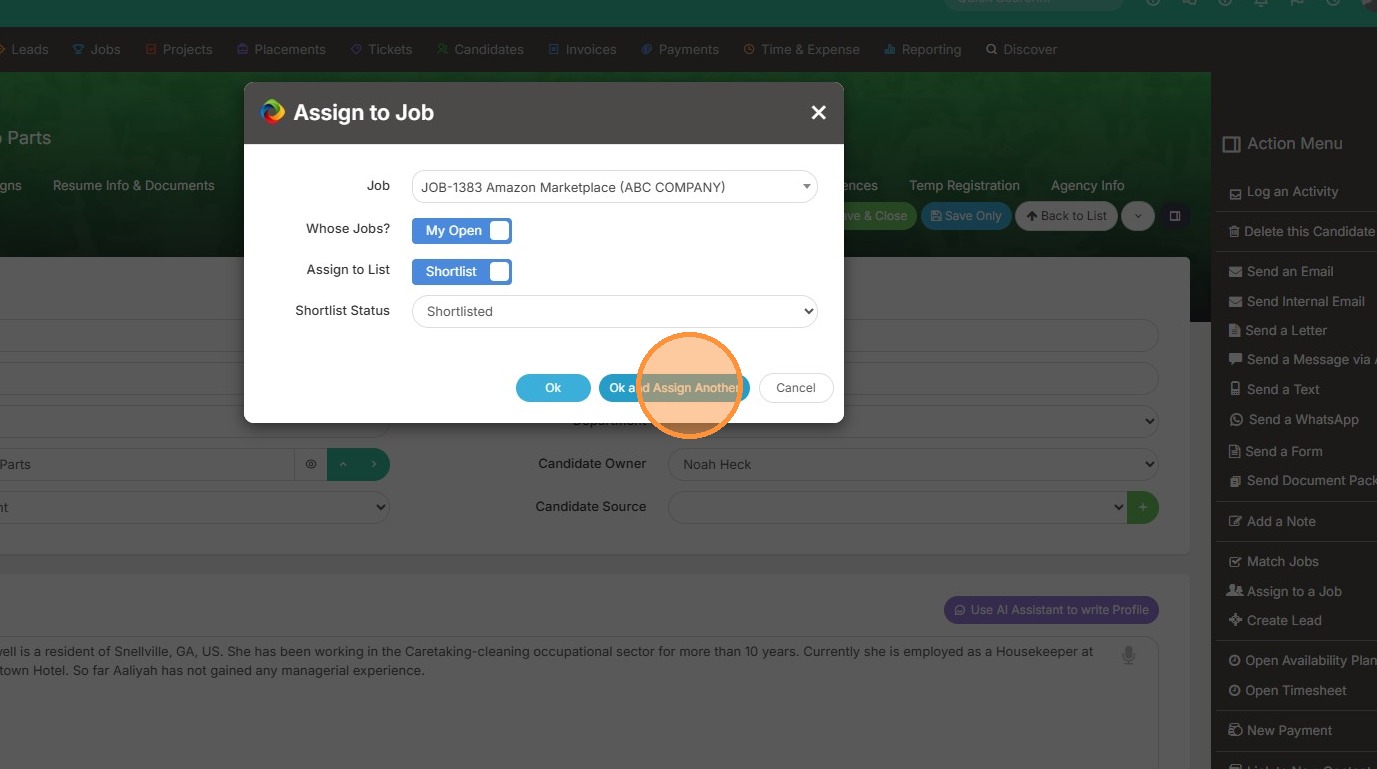
5. Click "Ok and Assign Another".
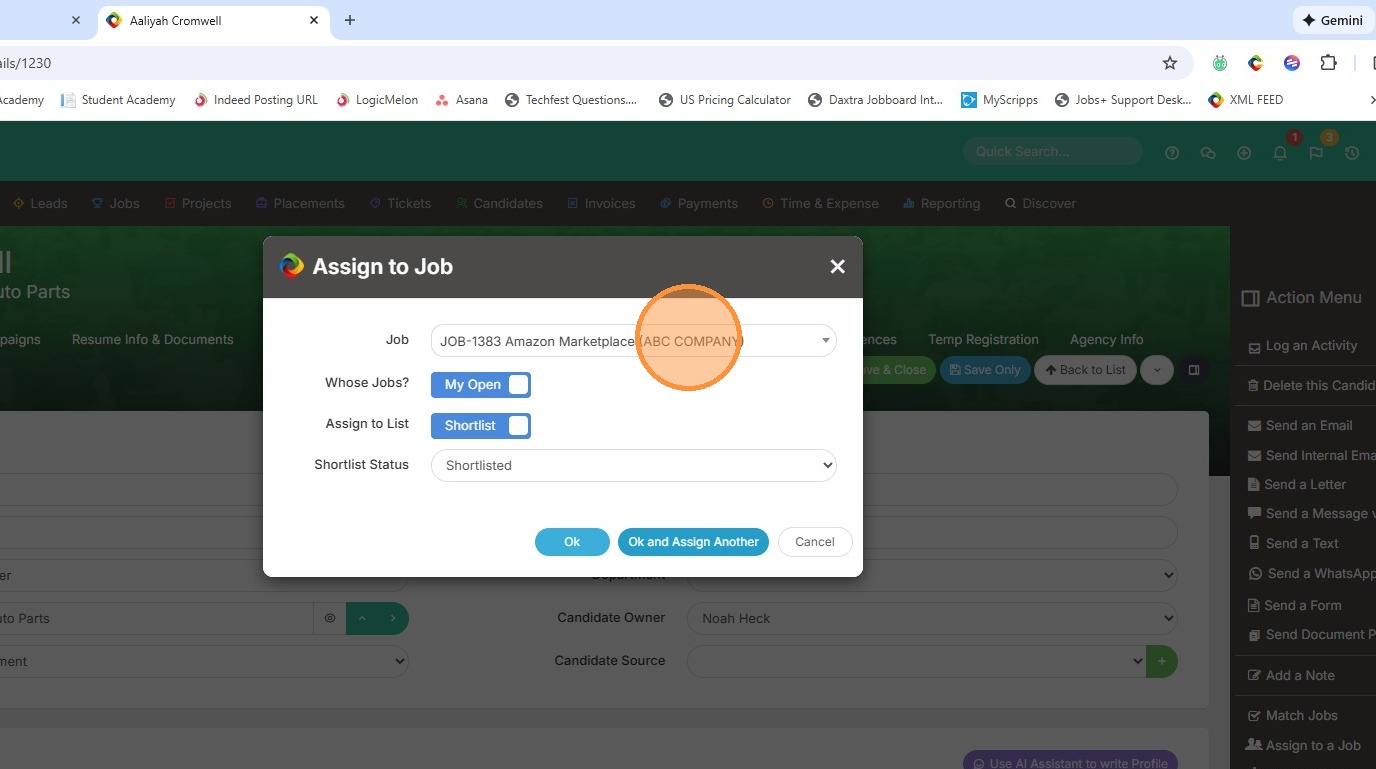
6. Pick another job to assign this candidate to.
7. Click "Ok and Assign Another".
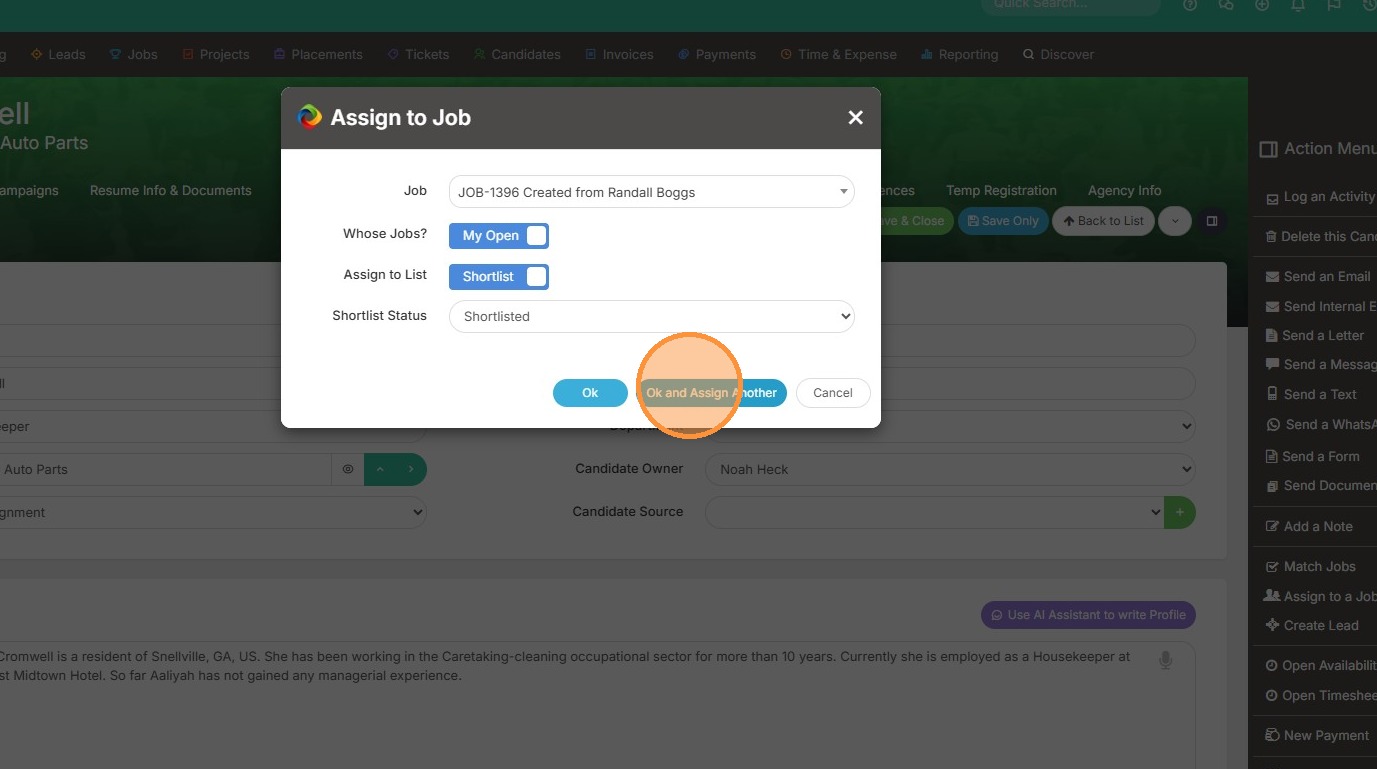
8. You will keep receiving this popup once you have clicked the "Ok and Assign Another" to ensure this candidate was added.