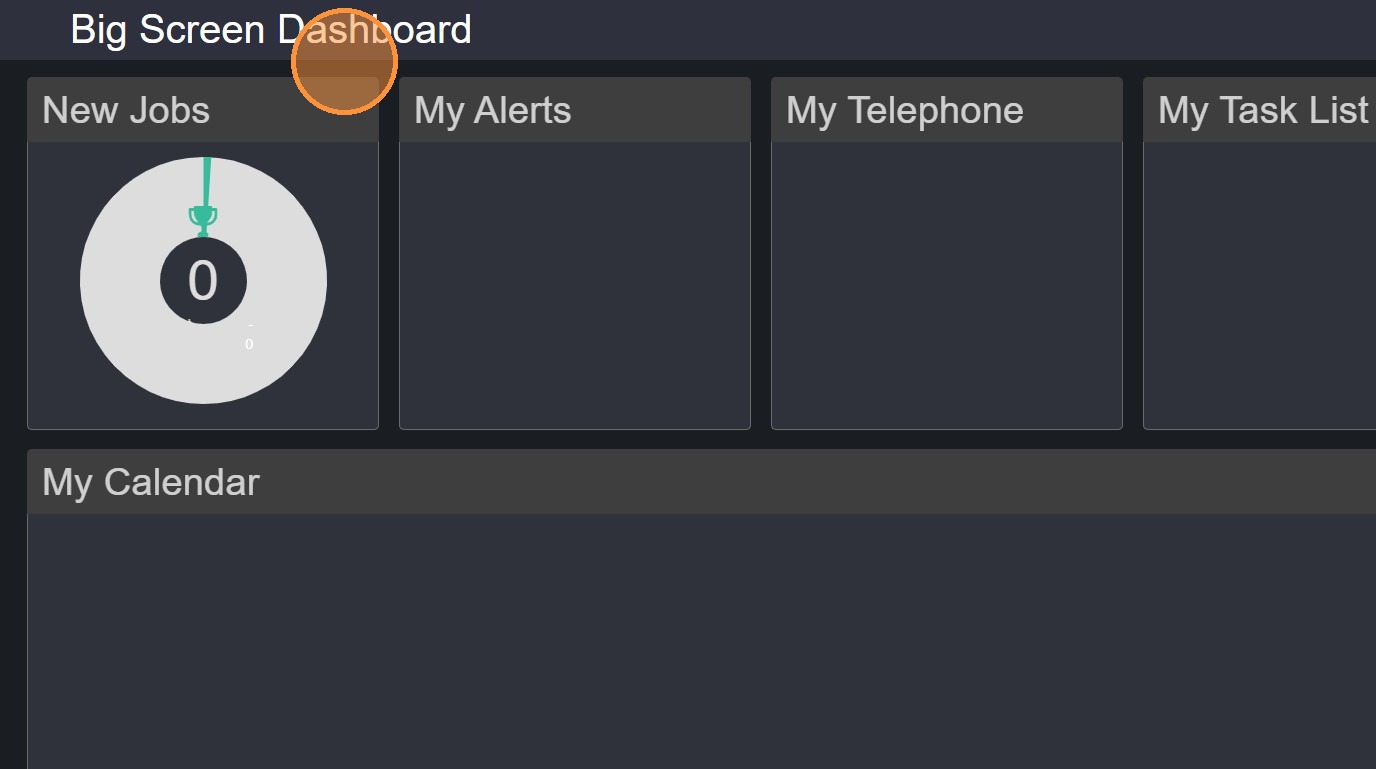
This lesson shows you how to view your Big Screen Dashboard.
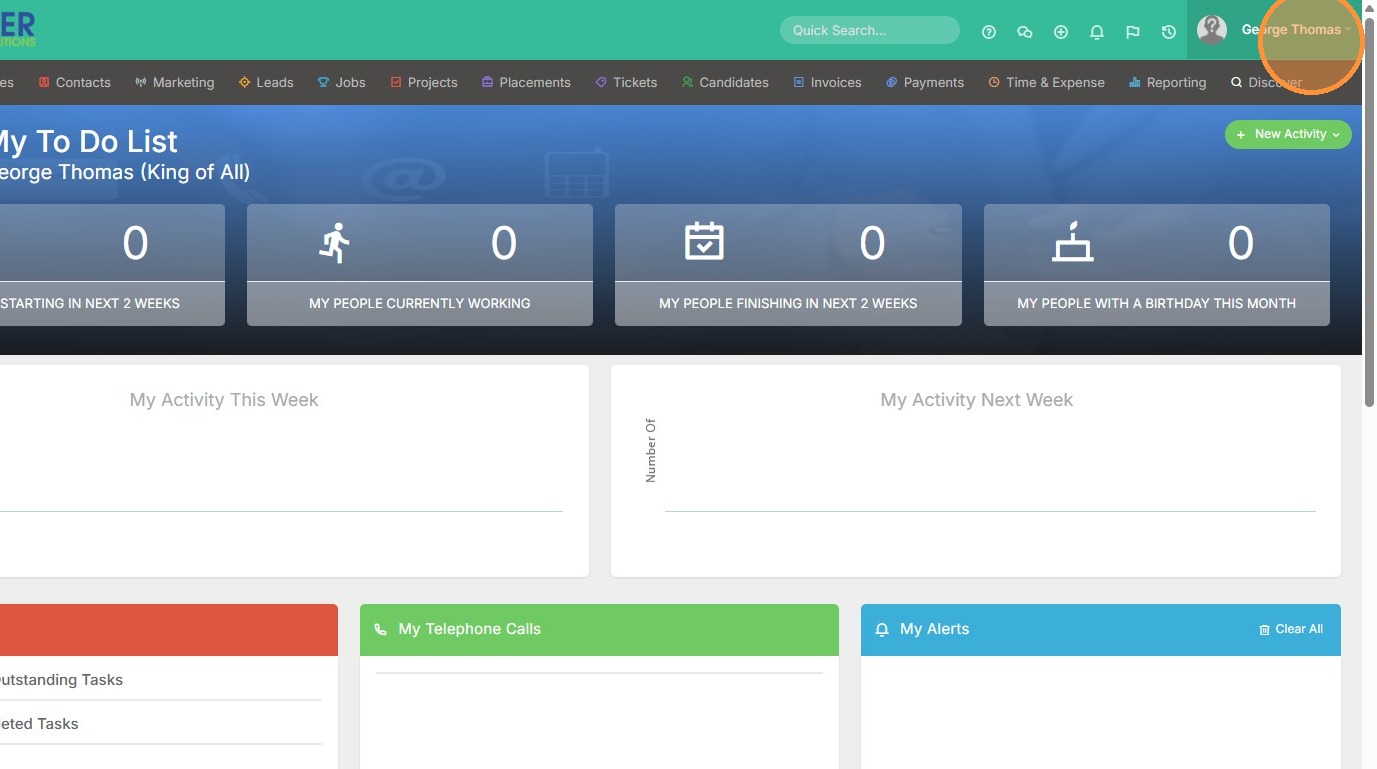
1. Click on your name in the top right corner of the screen.
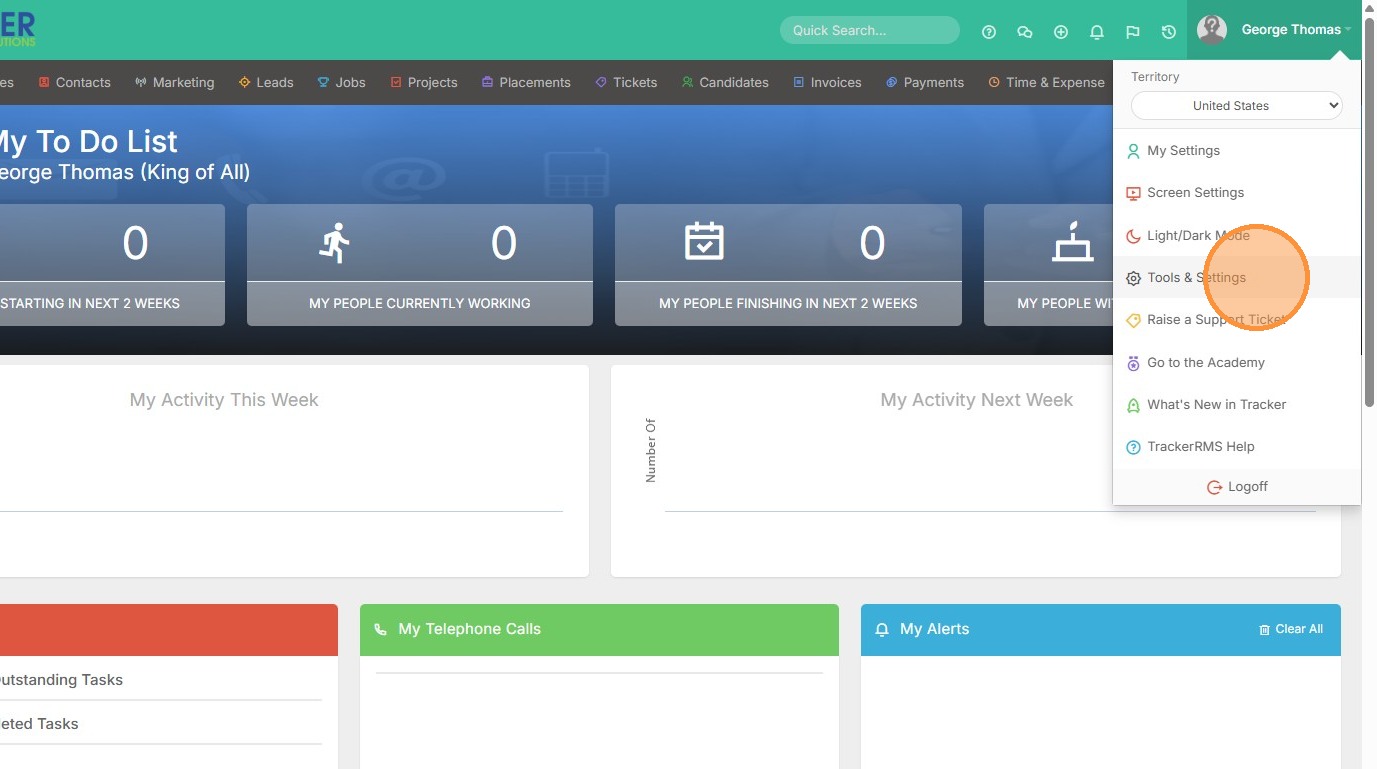
2. Click "Tools & Settings"
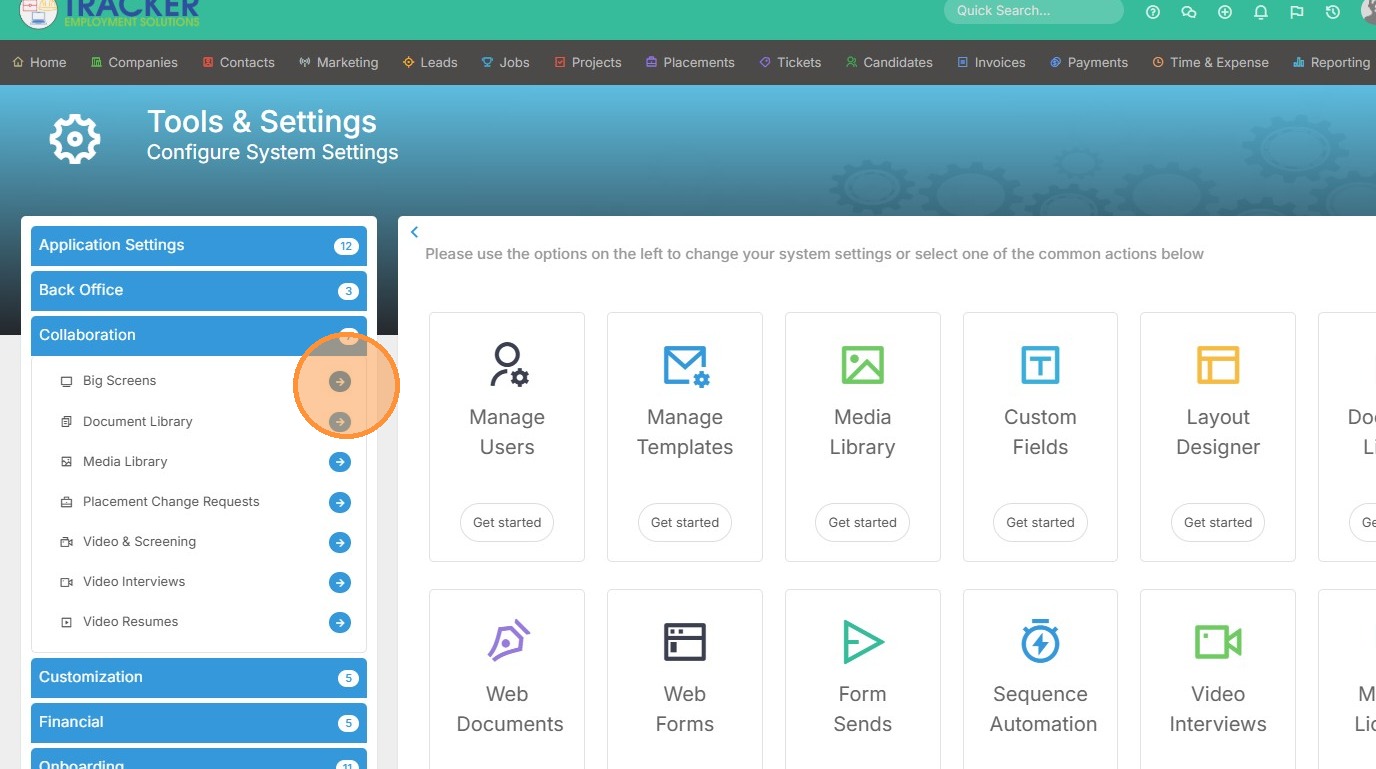
3. Click "Collaboration"
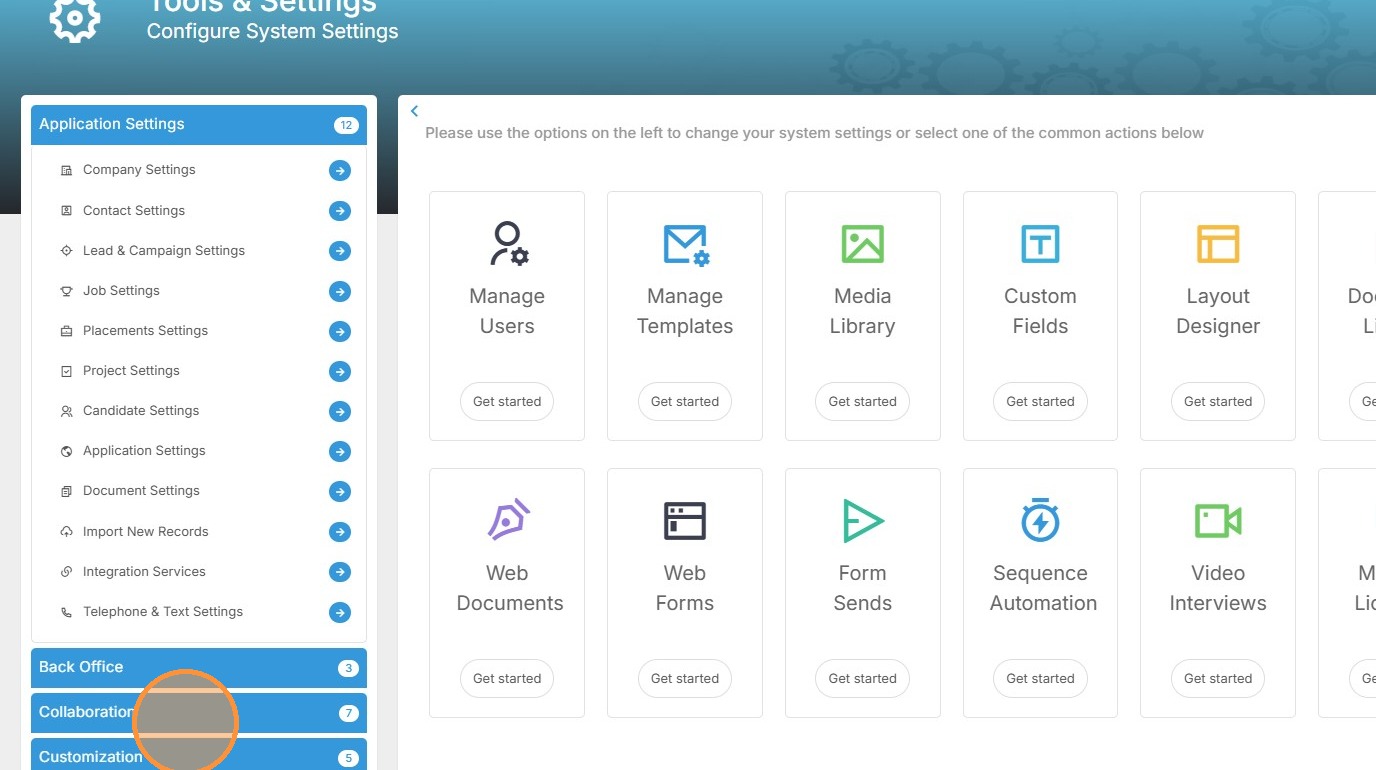
4. Then Big Screens.
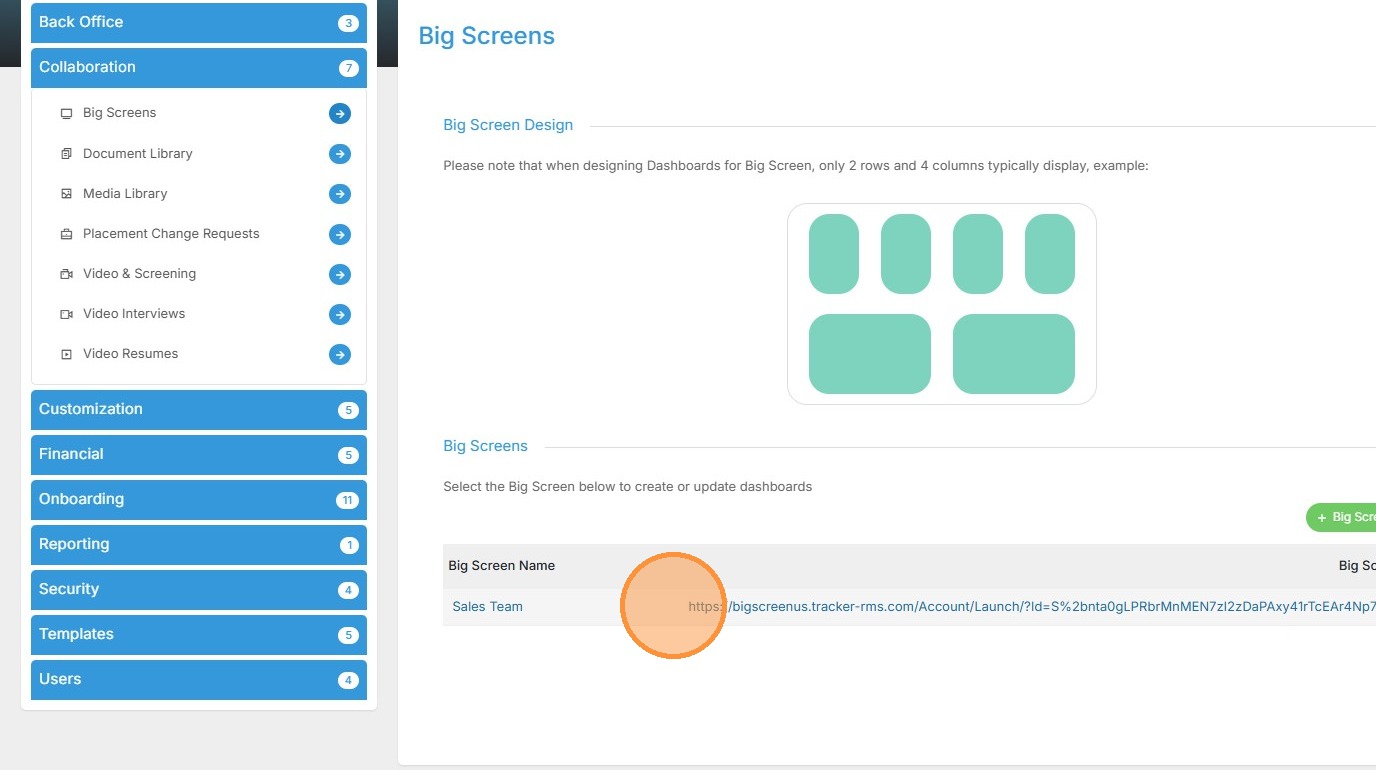
5. Click on the hyperlink for the big screen you want to view (it will open in this tab) or copy it, open a new tab in your browser, and paste.
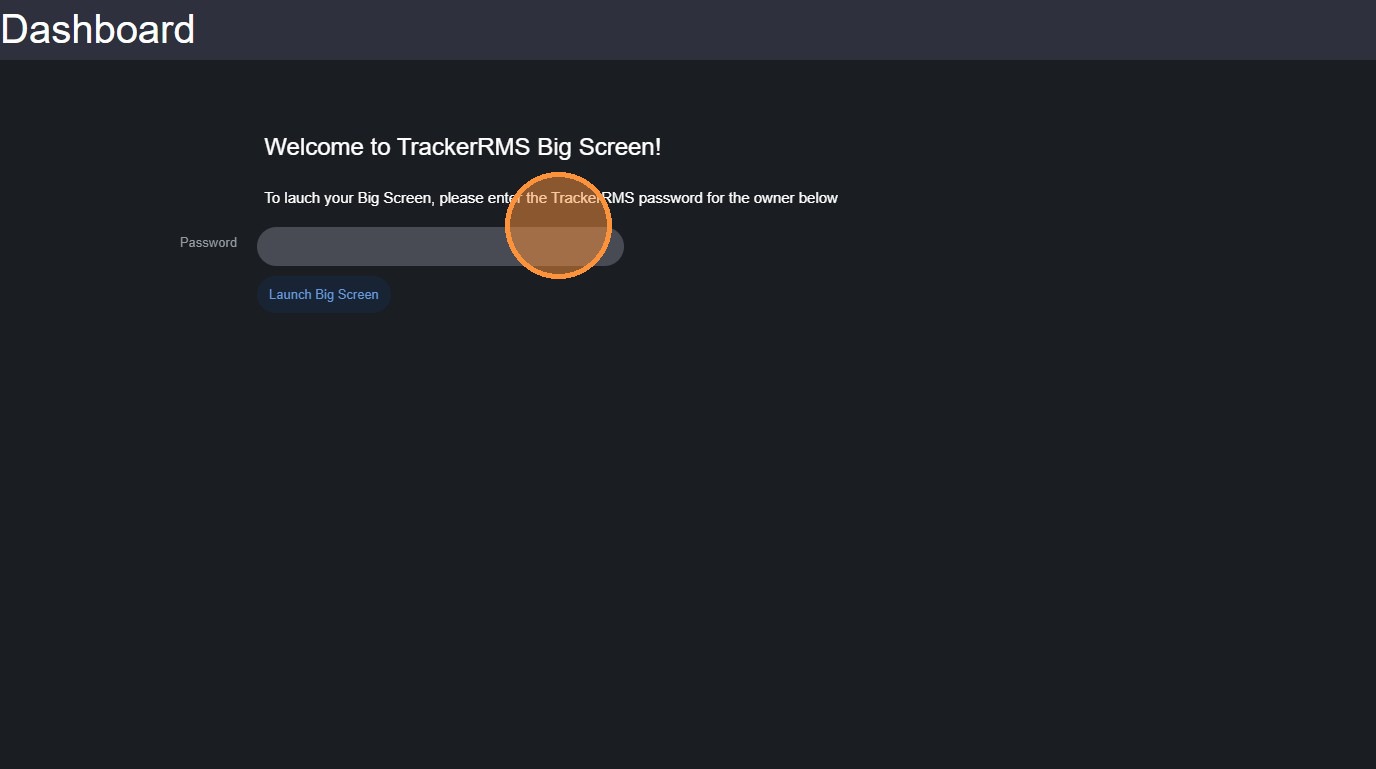
6. Enter your Tracker password to launch the Big Screen.
7. Click "Submit"
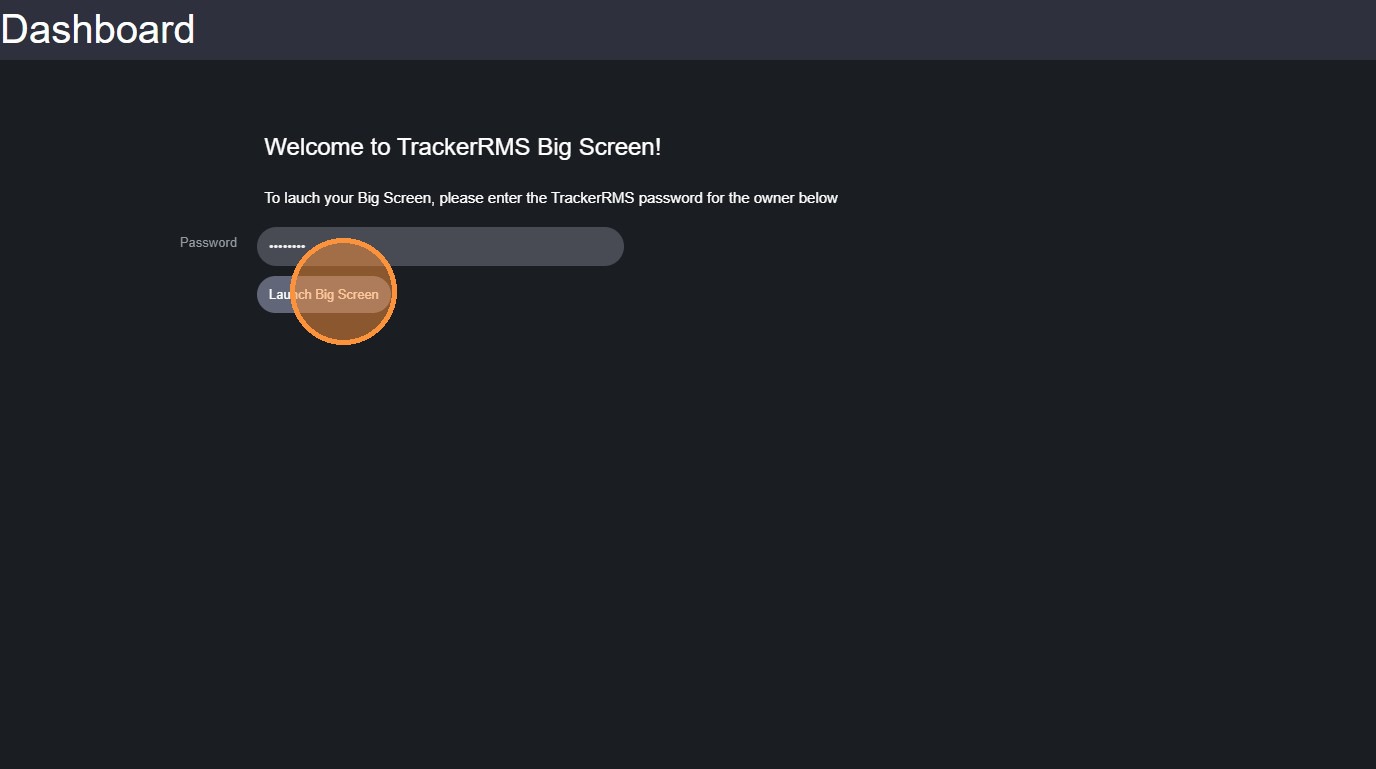
8. Now you can view it!