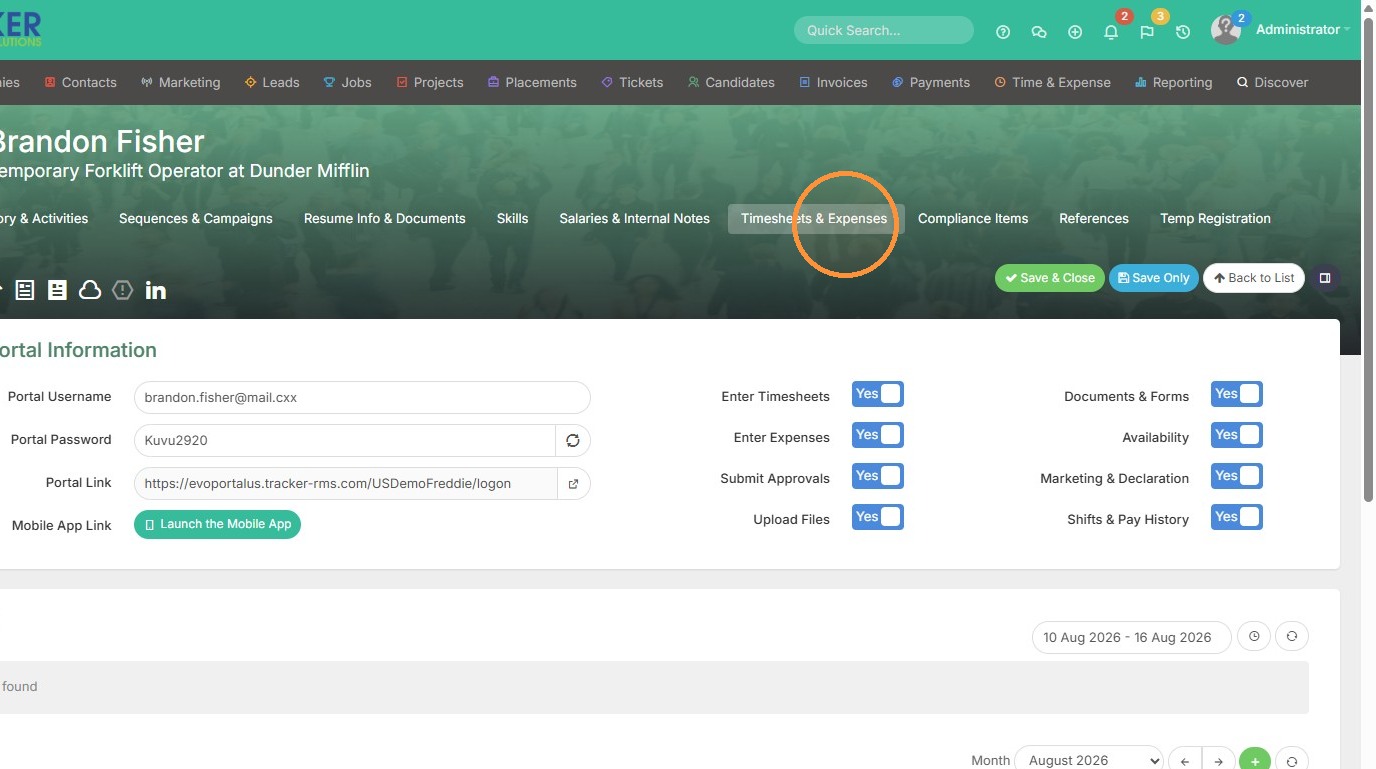
1. Click "Timesheets & Expenses" to access the timesheet section in a candidate's record.
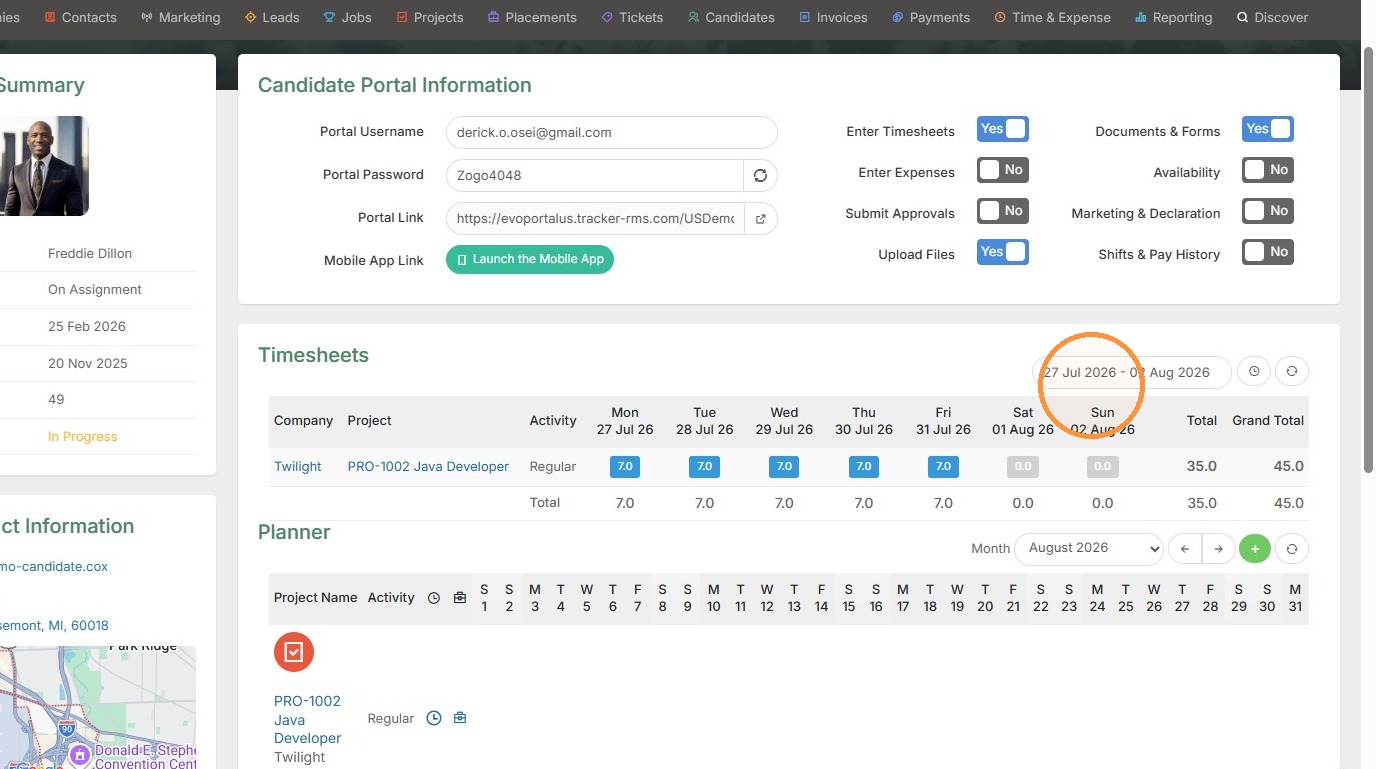
2. The timesheets section is useful if you want to avoid logging into the candidate's portal to adjust something. Here you can change the date period. You can also see what hours were logged, the Company record, and Project record are clickable from here.
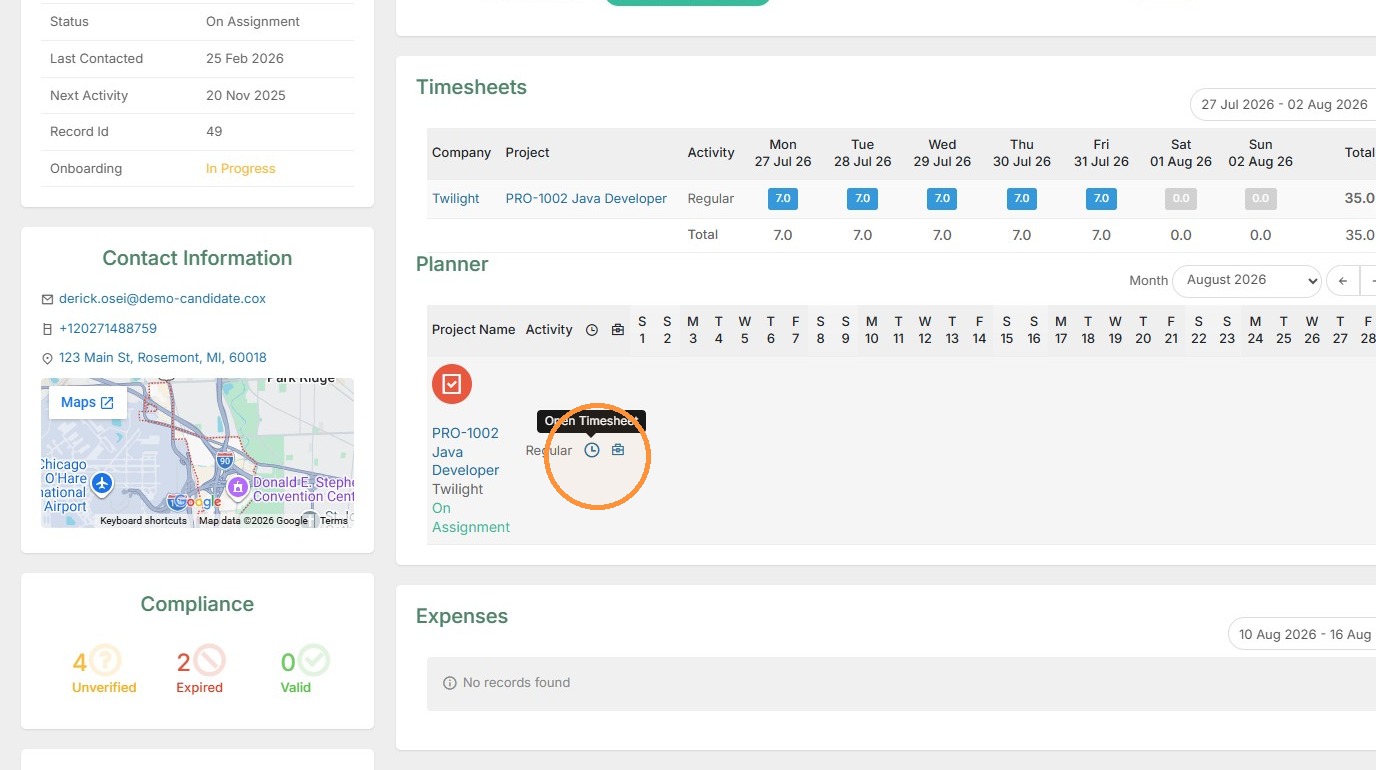
3. Below in the Planner section, you can open the candidate's timesheet by clicking this icon.
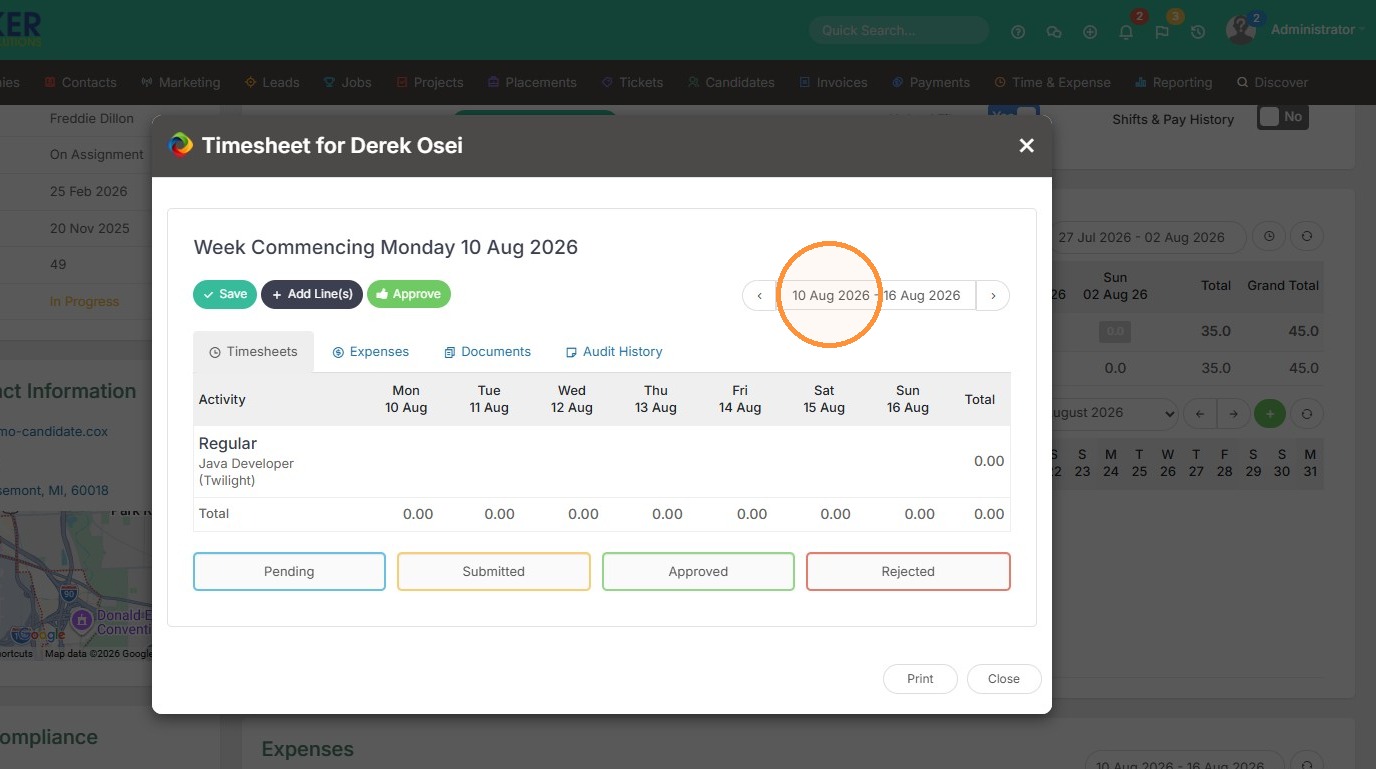
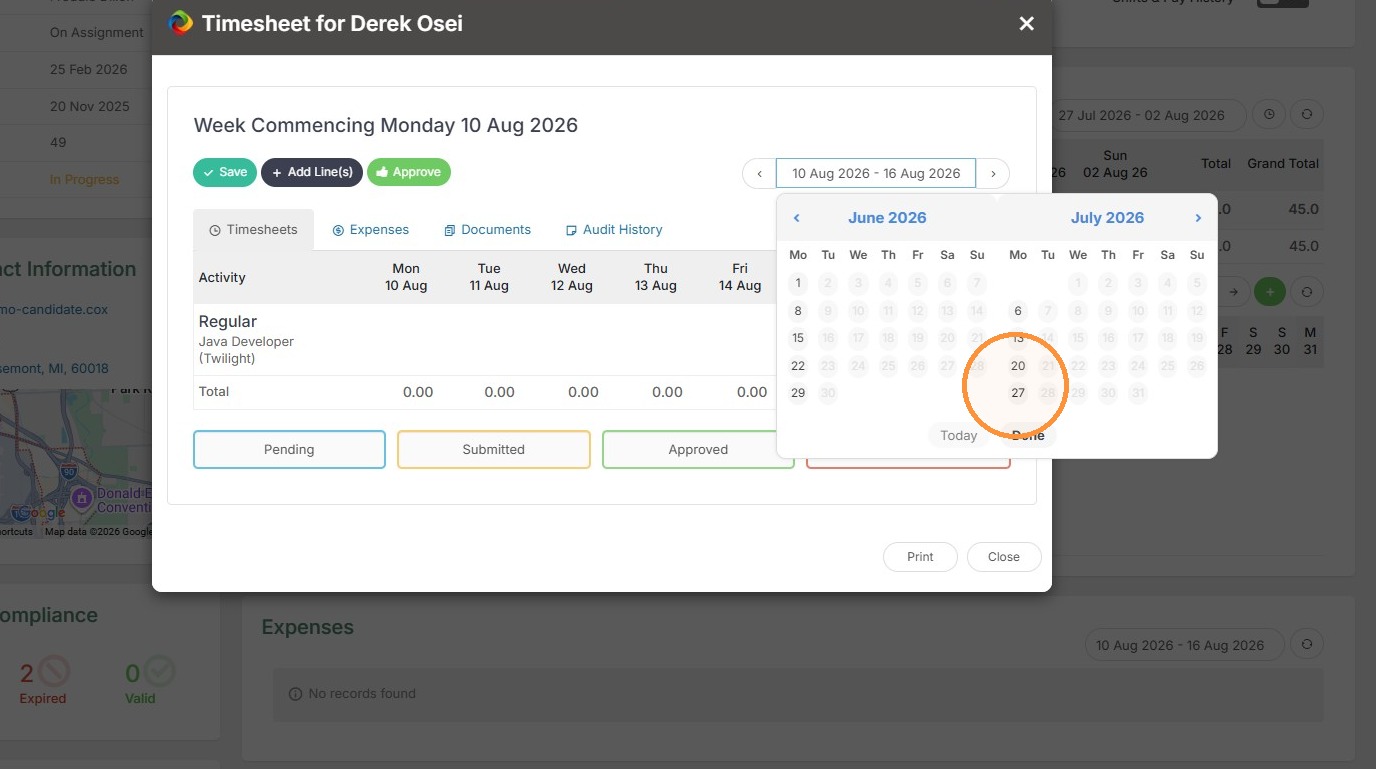
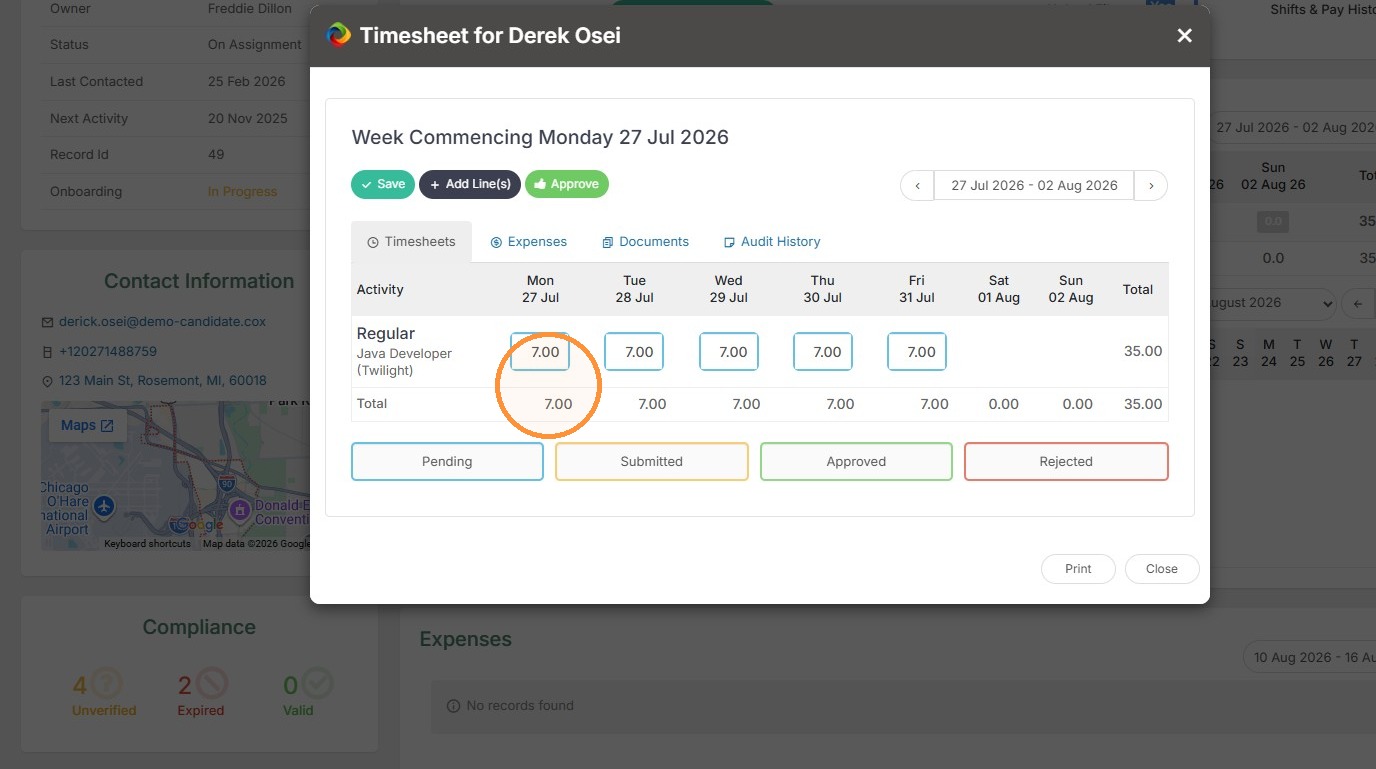
4. Adjust the time period, and then you can access the time they booked and approve or make adjustments.
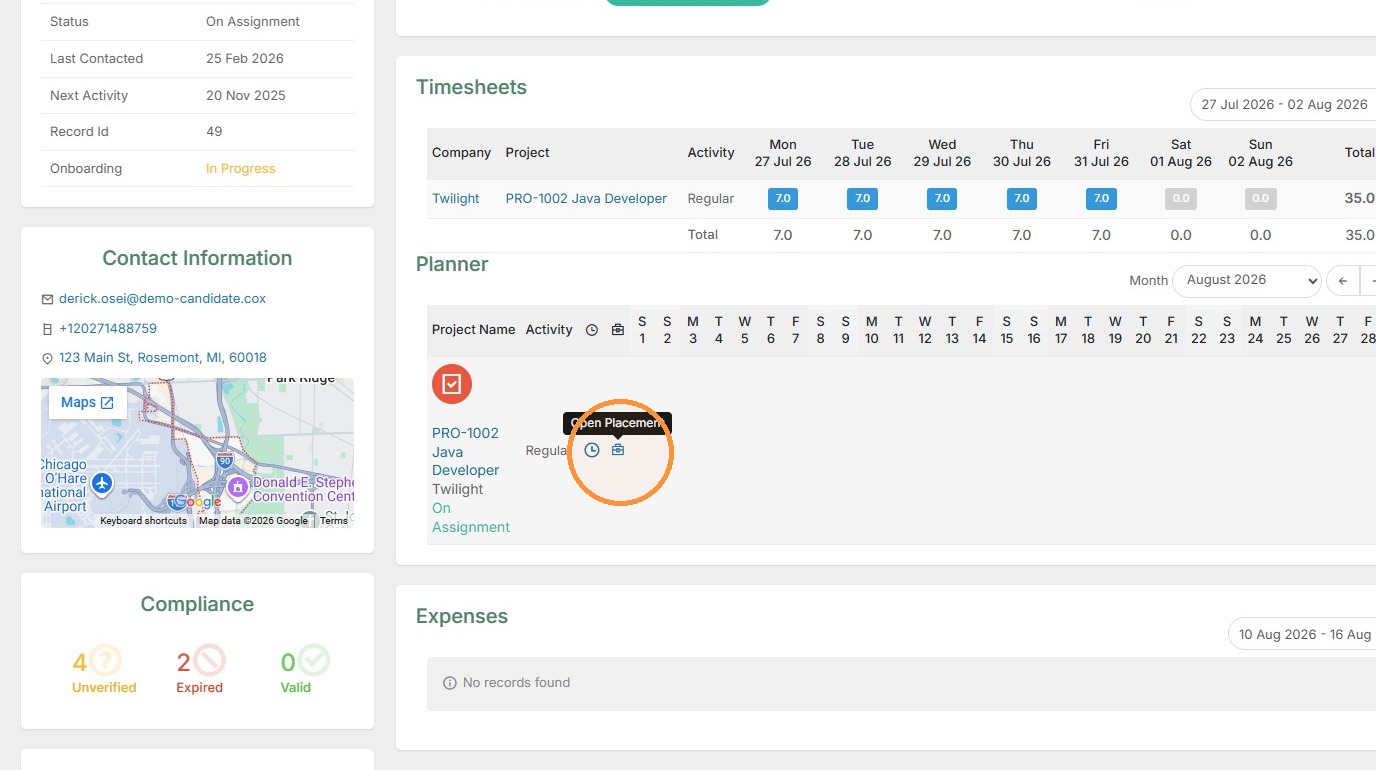
5. You can also access the Project and Placement records from this section.