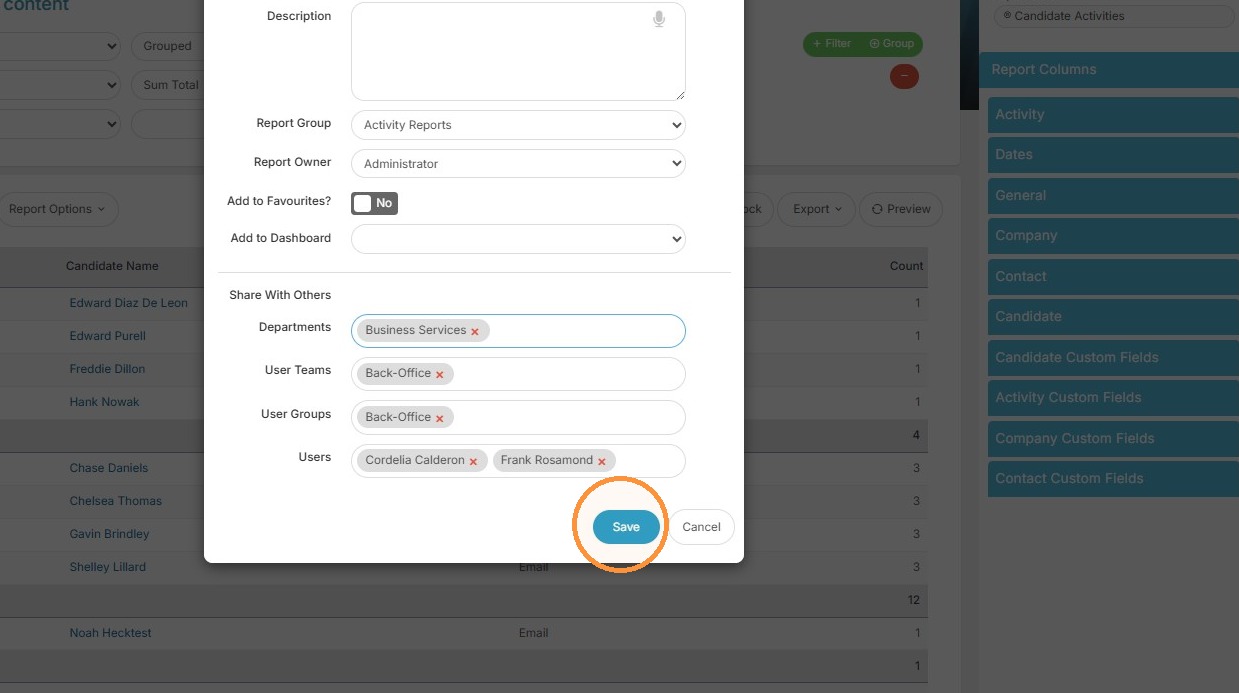
This lesson shows you how to Share a Custom Report with others.
Access Report
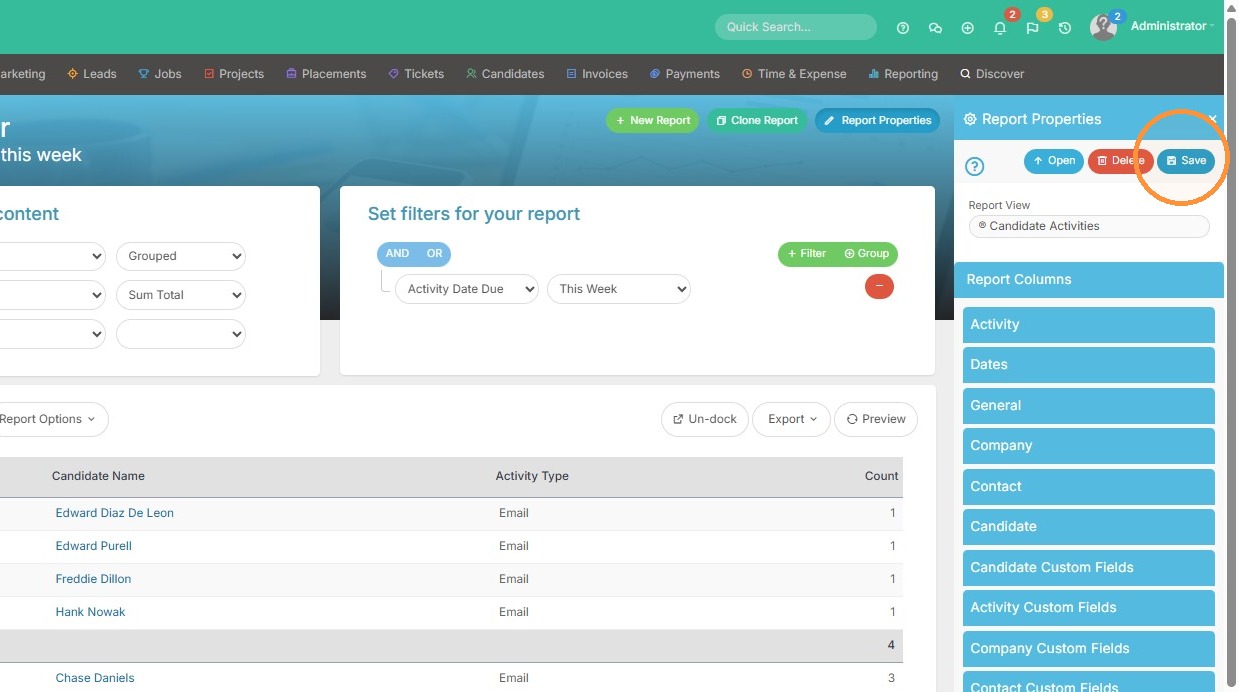
1. Click "Save" in the Report Properties pane.
Configure Sharing
2. Here you can share this report by specific user.
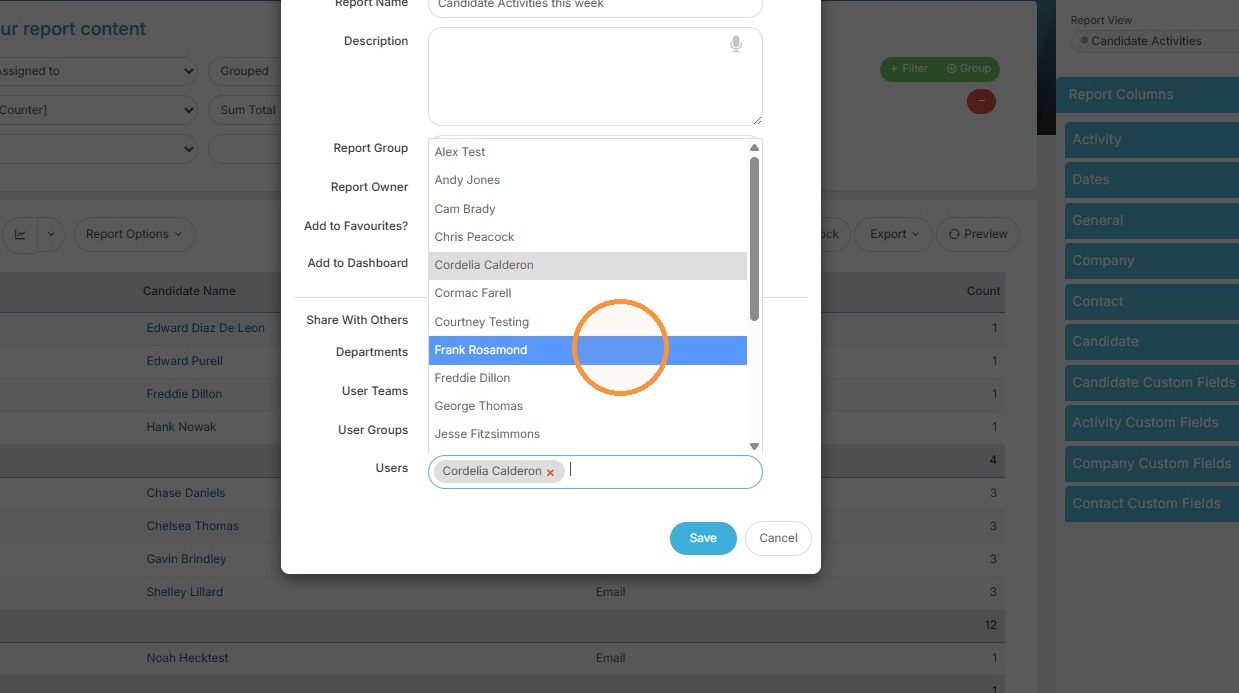
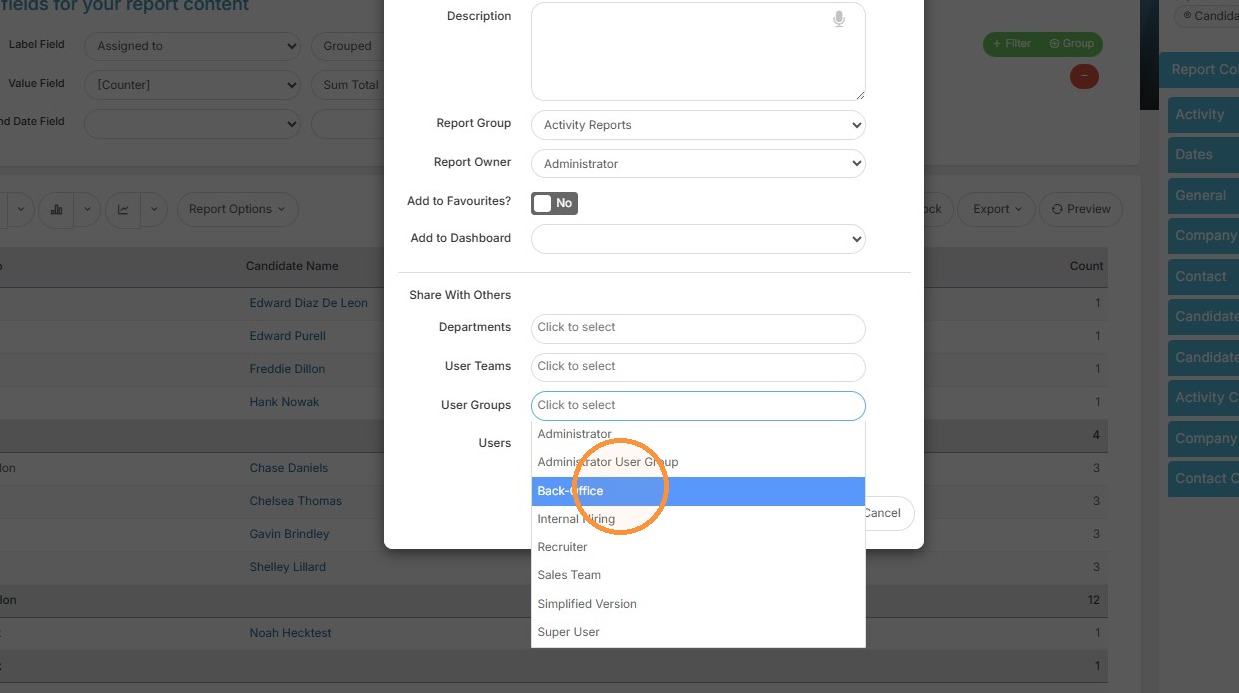
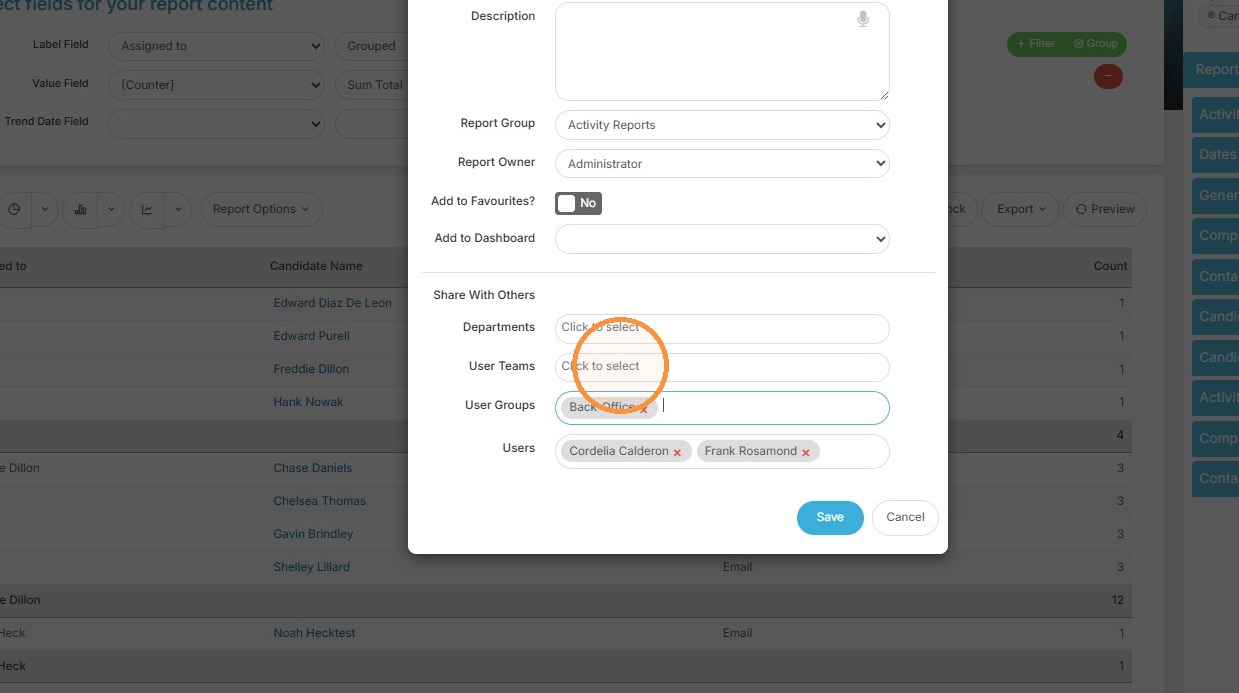
3. Or by User Group if you want to easily share it with multiple people.
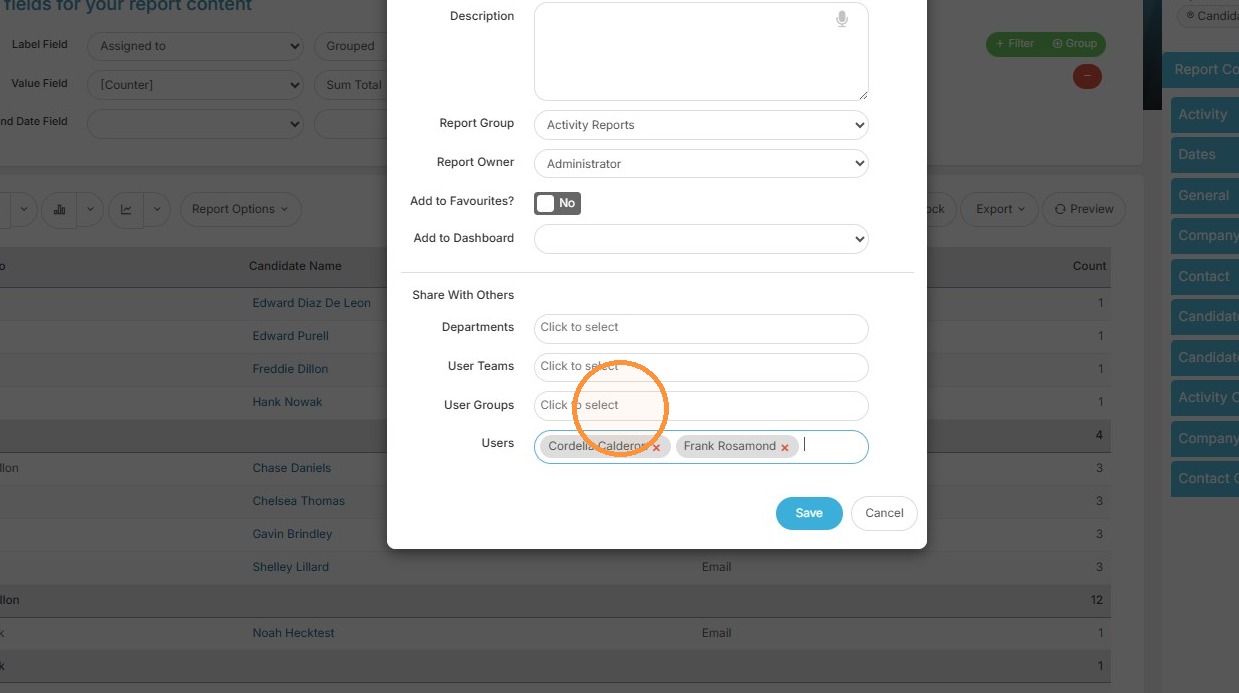
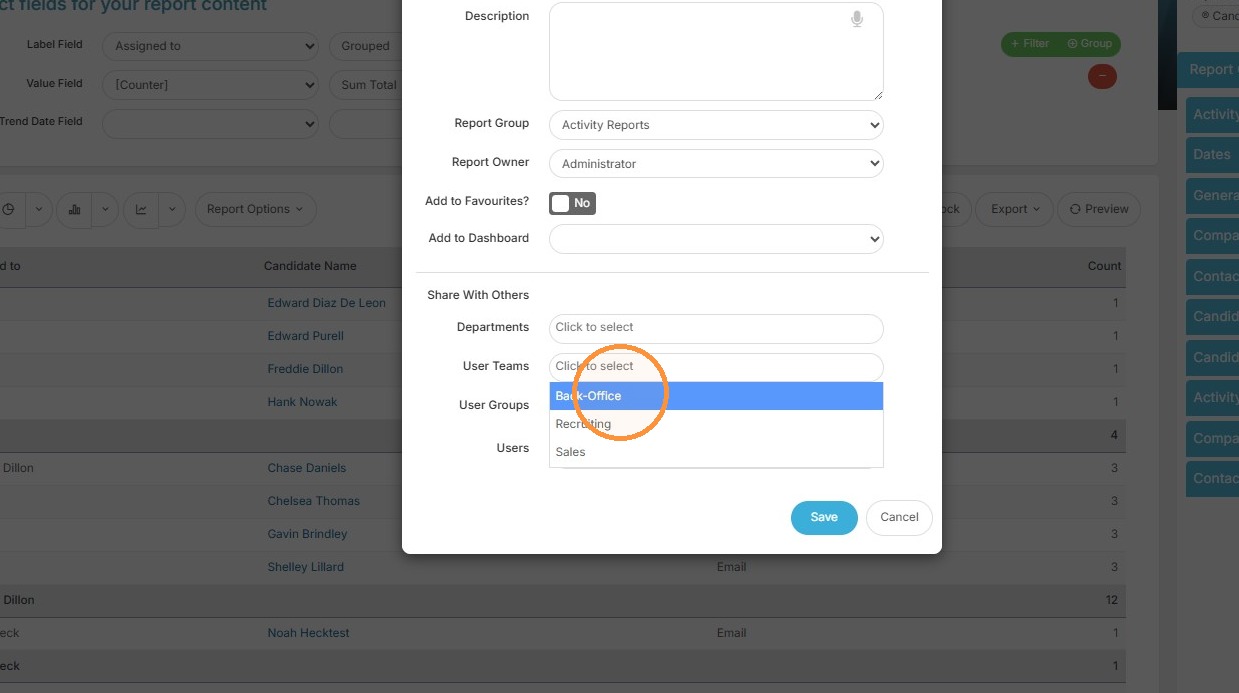
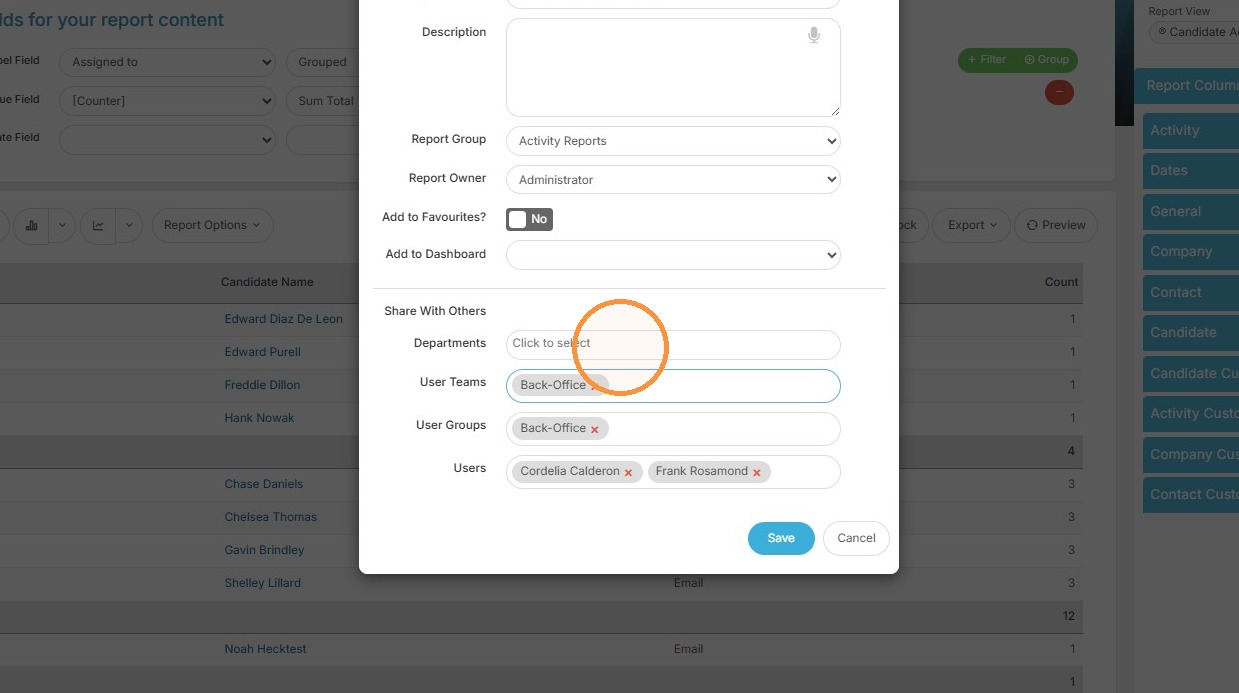
4. If you have User Teams setup, you can share by team.
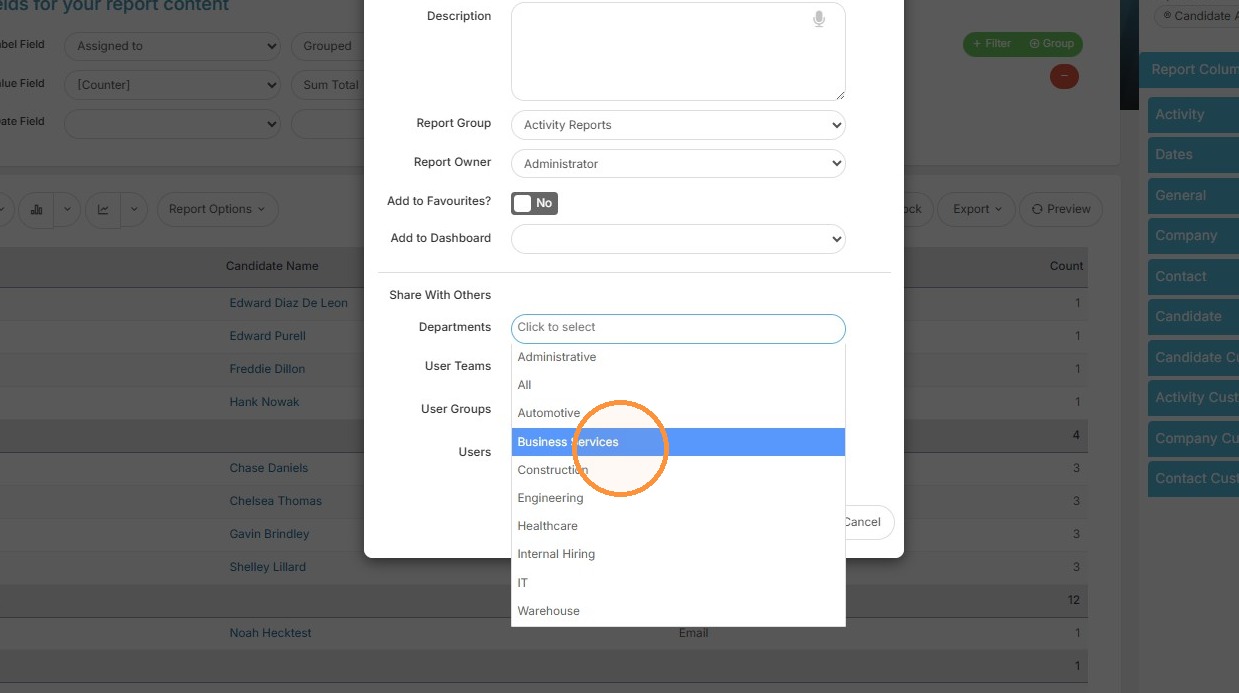
5. Lastly, you have the option to share by Department.
Save Changes
6. Click "Save" in the Save Report dialog.