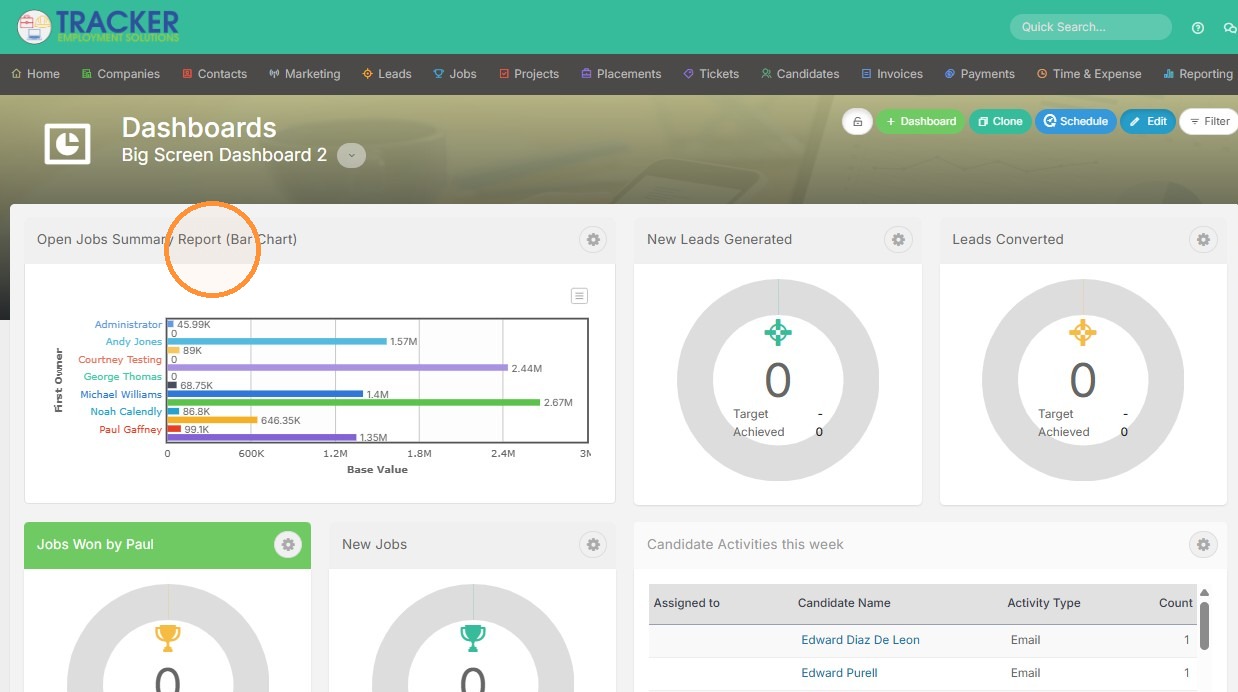
This lesson explains how to add a Custom Report to your Dashboard.
Report Assignment
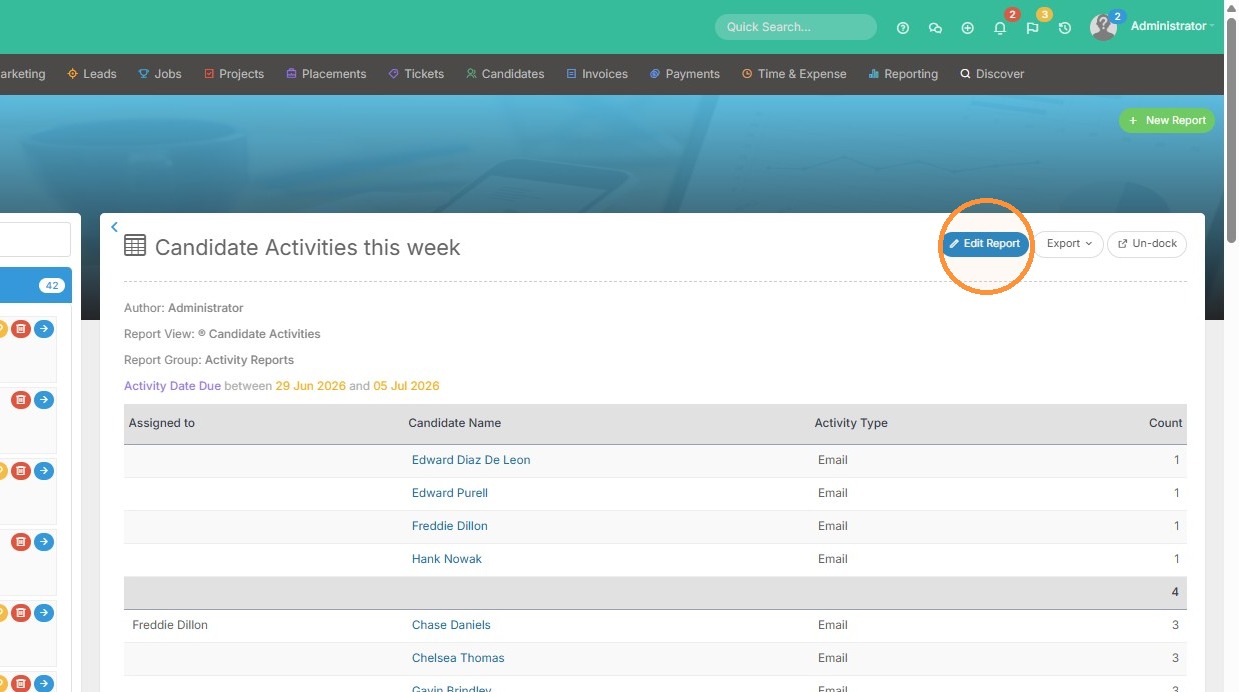
1. Click "Edit Report"
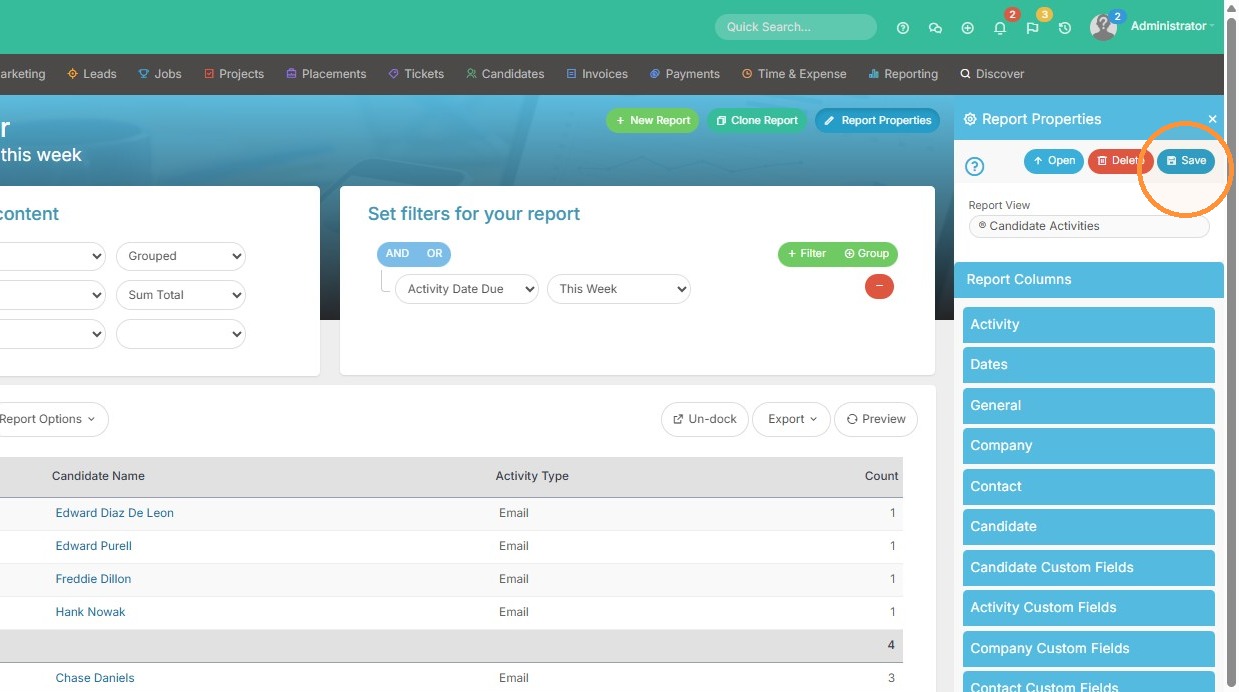
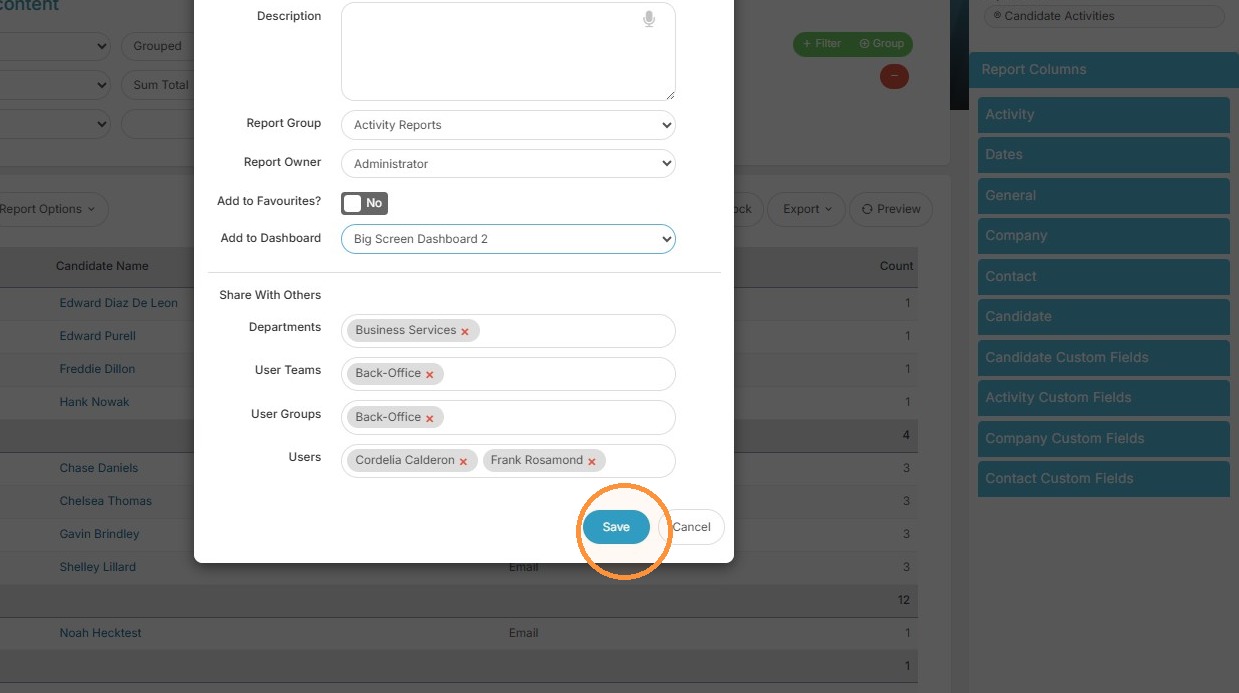
2. Click "Save" to open the report properties modal
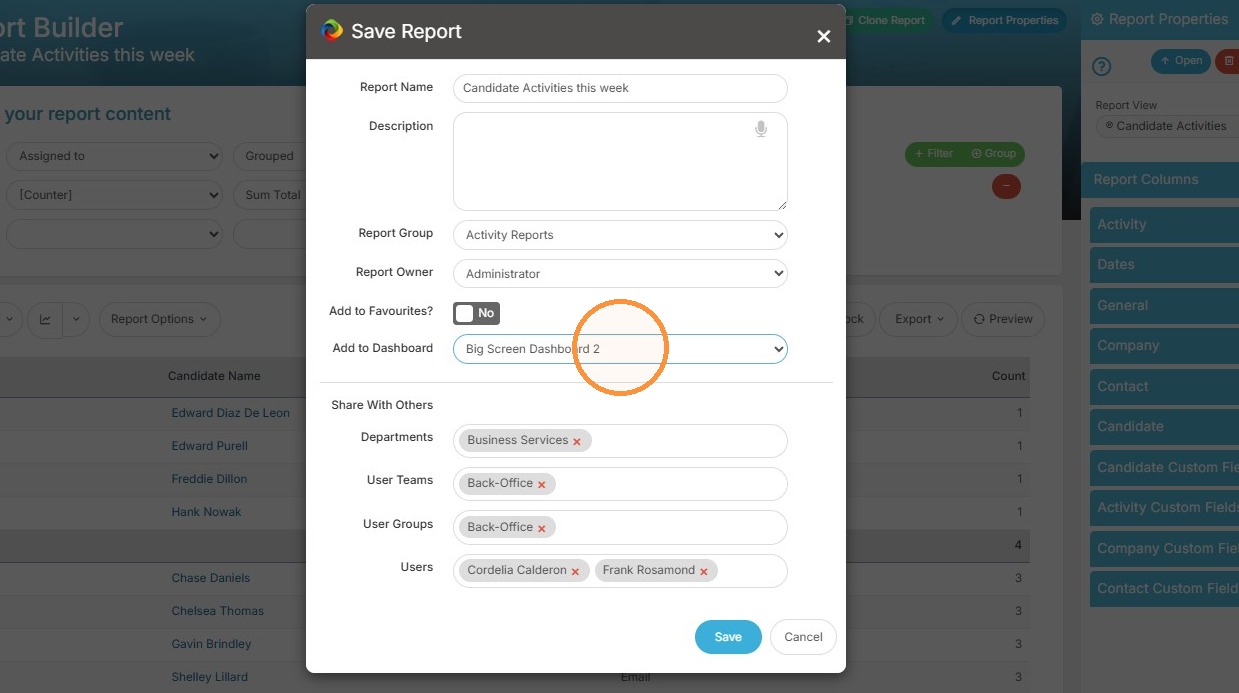
3. Here you can add the report to a dashboard, then click save.
Dashboard Access
4. Now we can open that dashboard.
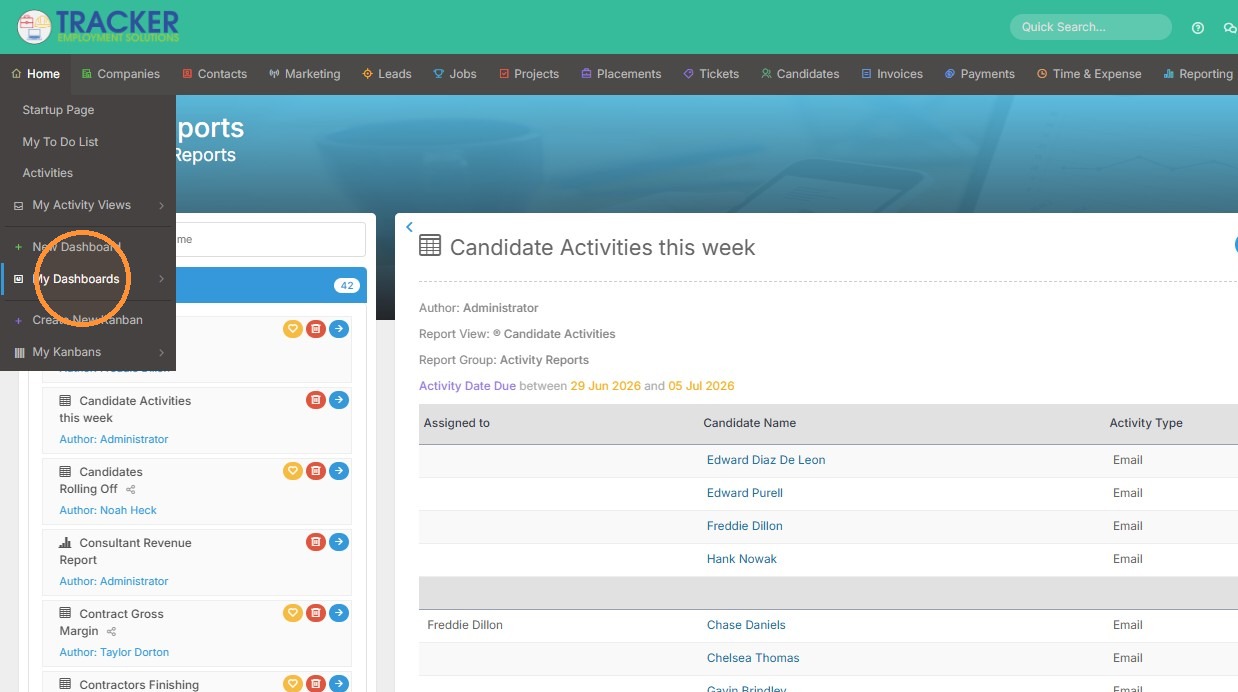
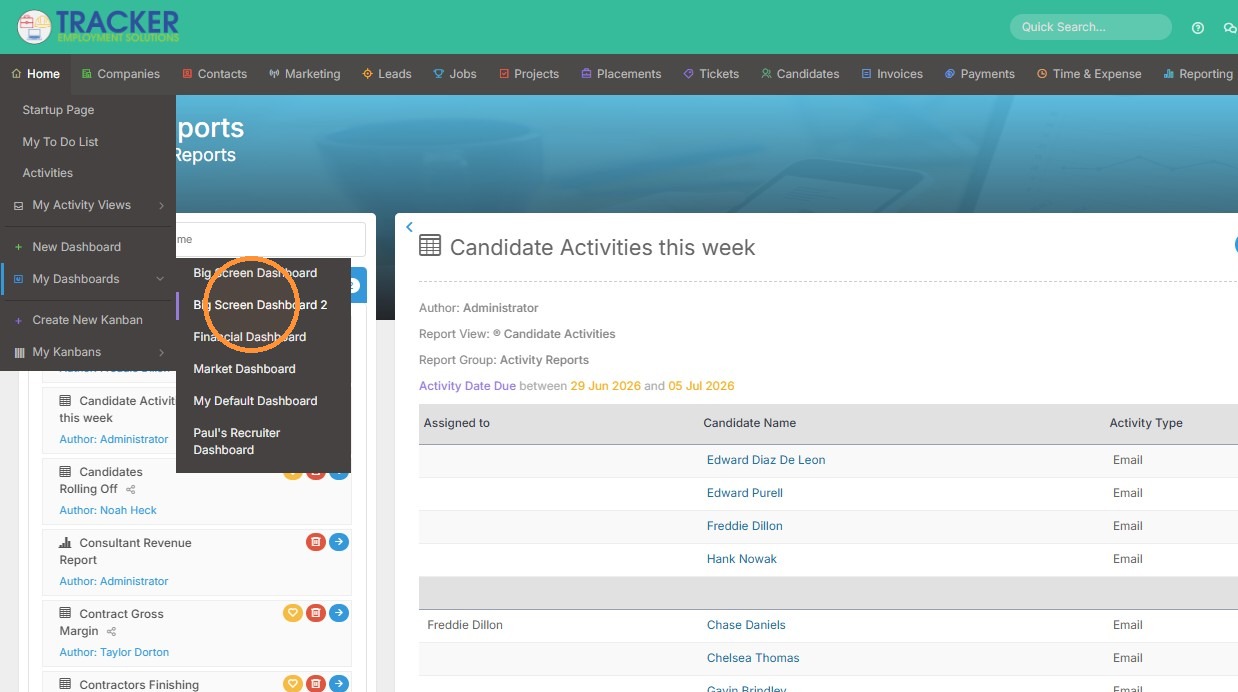
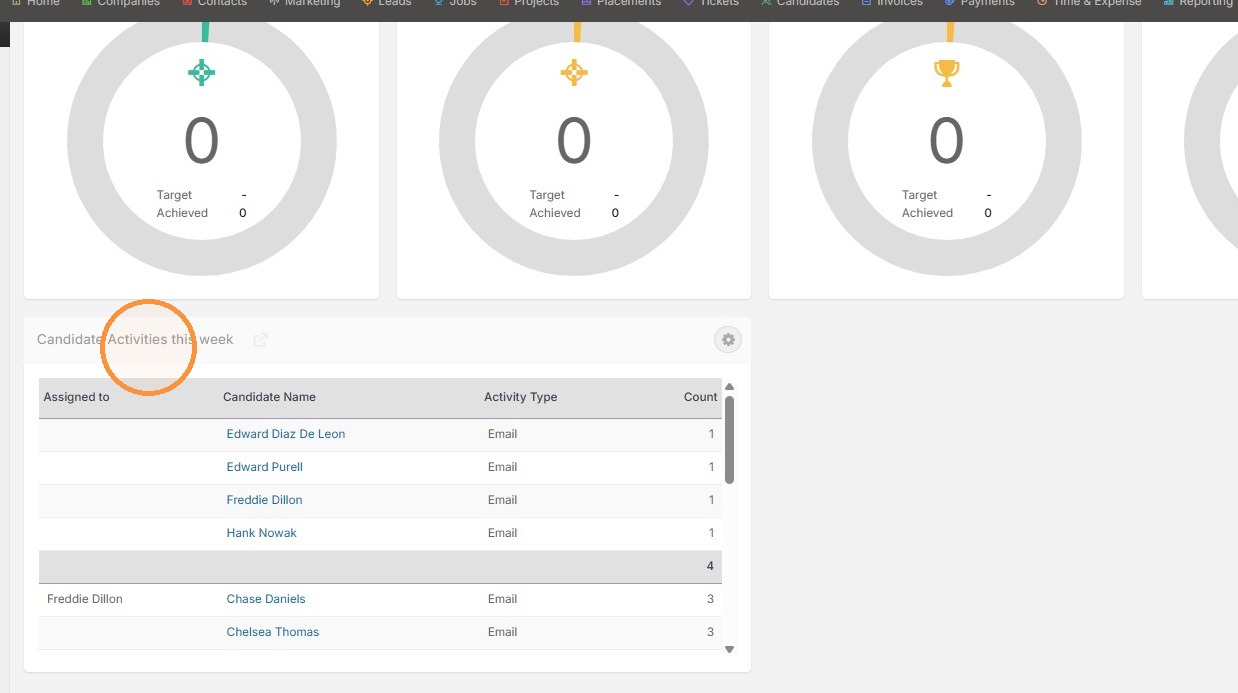
5. And you can see our report now lives on it.
Widget Management
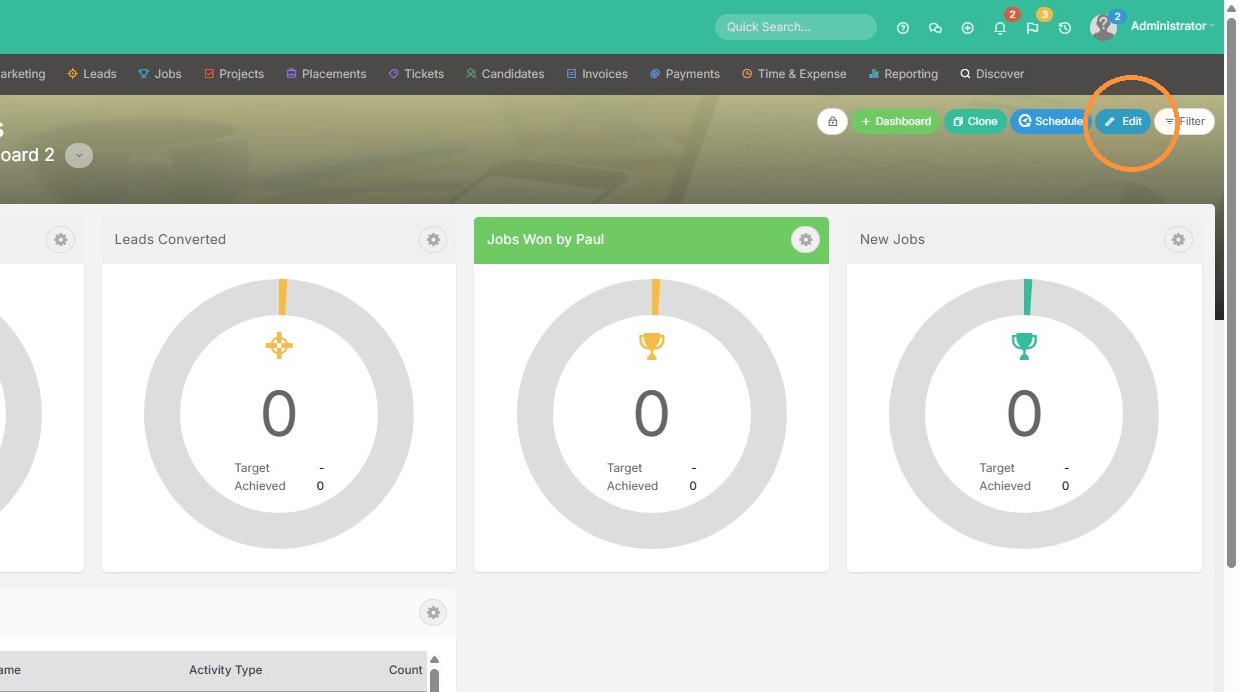
6. Click "Edit" to add reports directly from the dashboard instead.
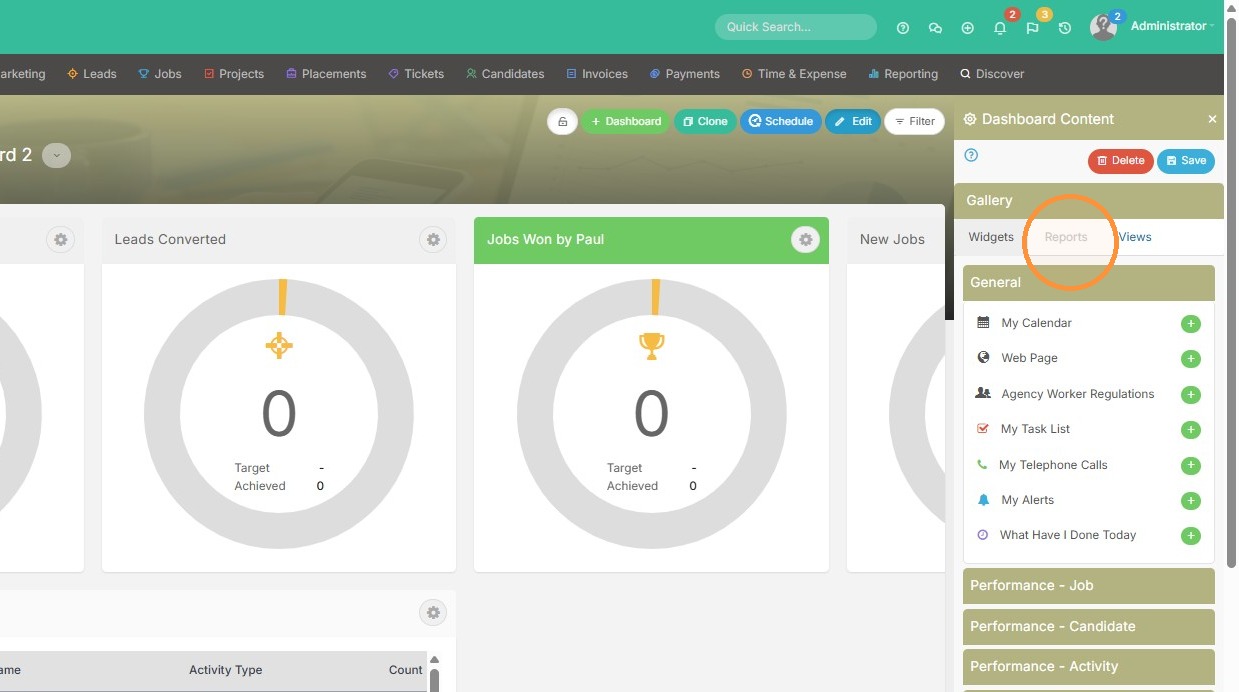
7. Click "Reports"
8. Click the add (+) button next to the report you want to add.
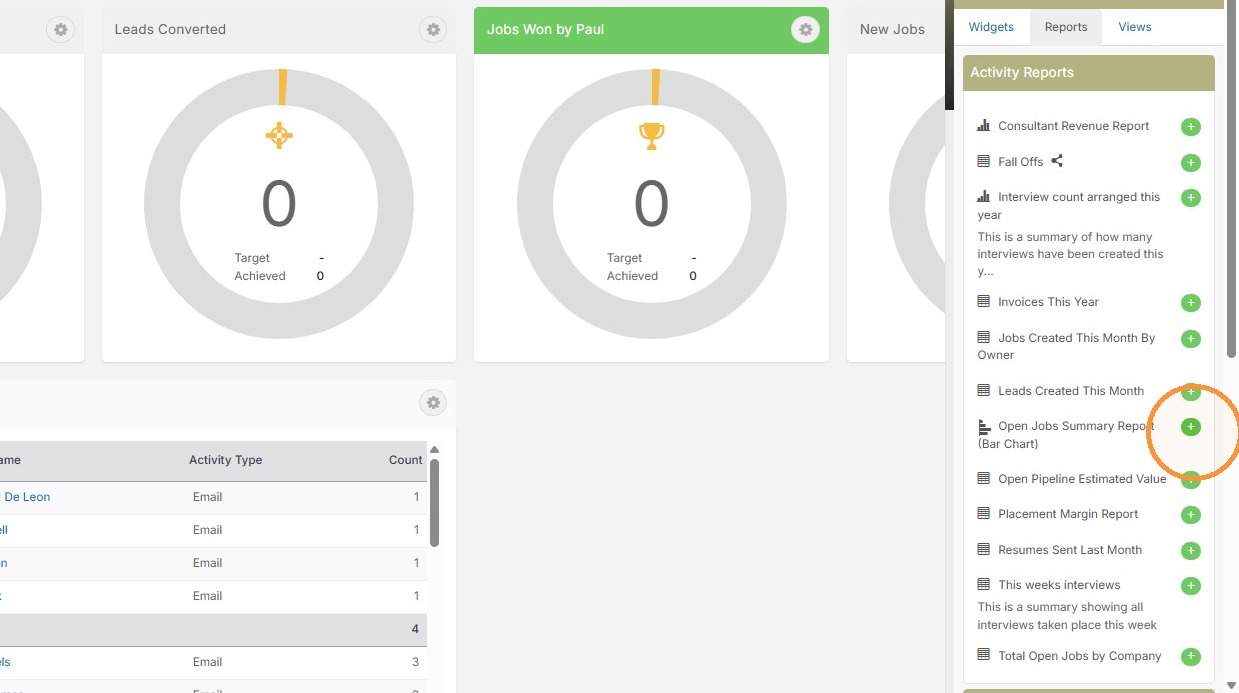
9. The report has been successfully added. Don't forget to save!