Timesheet Navigation
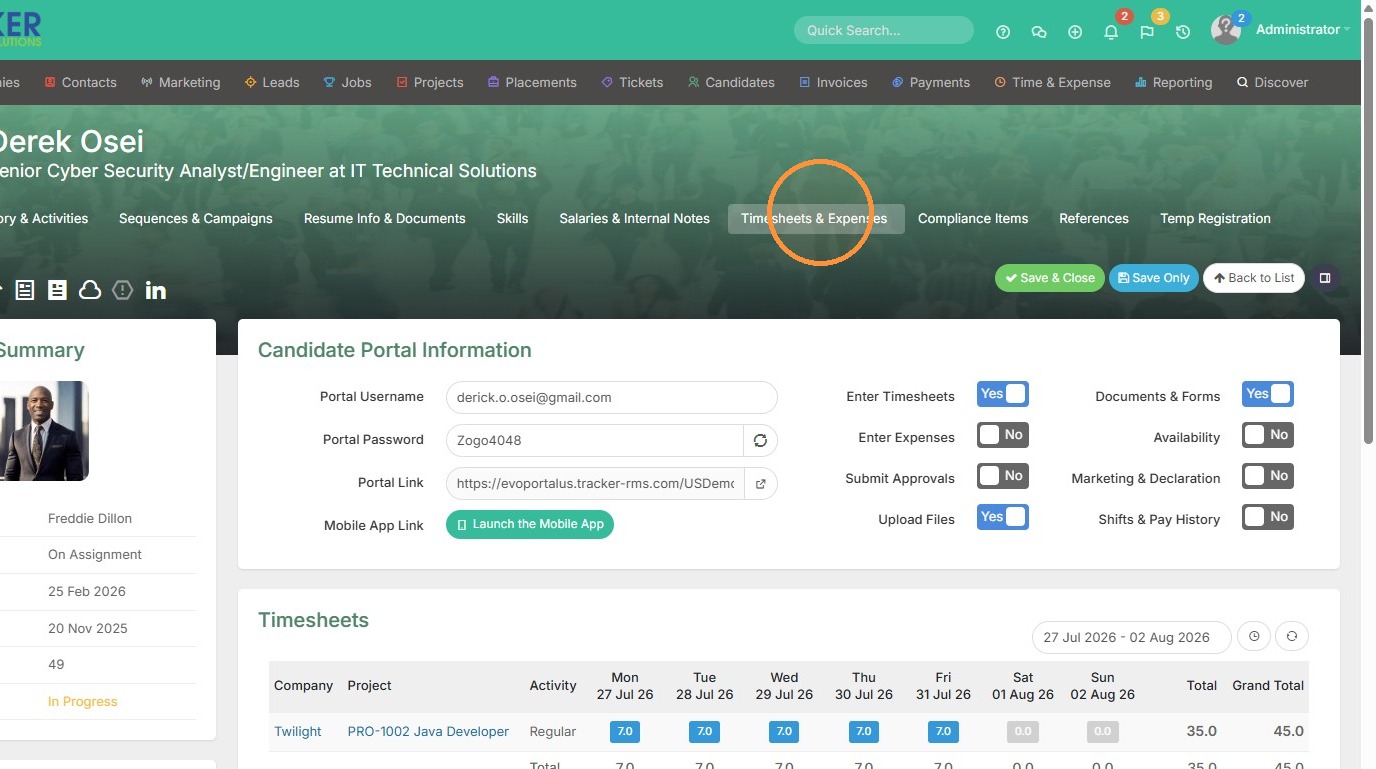
1. Click "Timesheets & Expenses" to access the Planner.
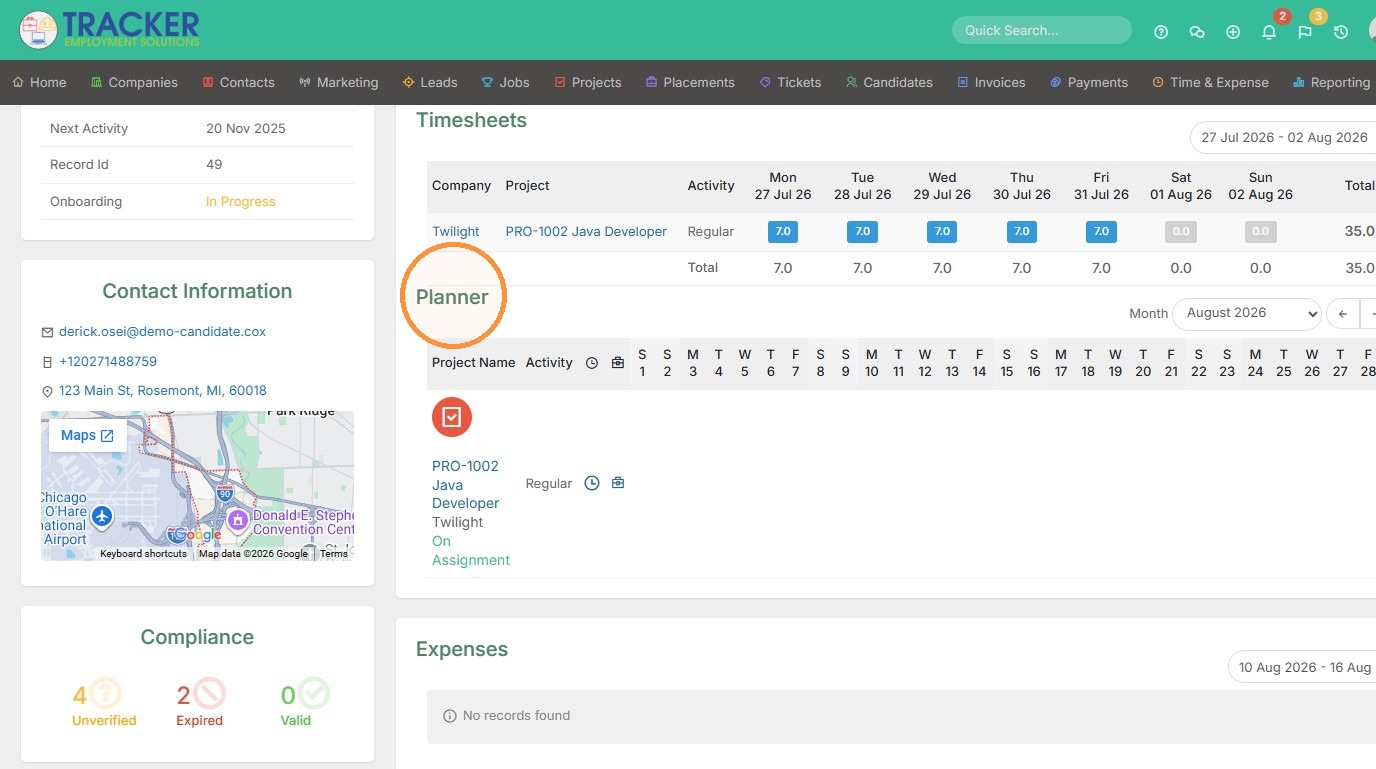
2. You can access the project, timesheet, and placement record from the Planner.
Placement Details
Planner Configuration
3. You can also easily change the date/month period from this area up top.
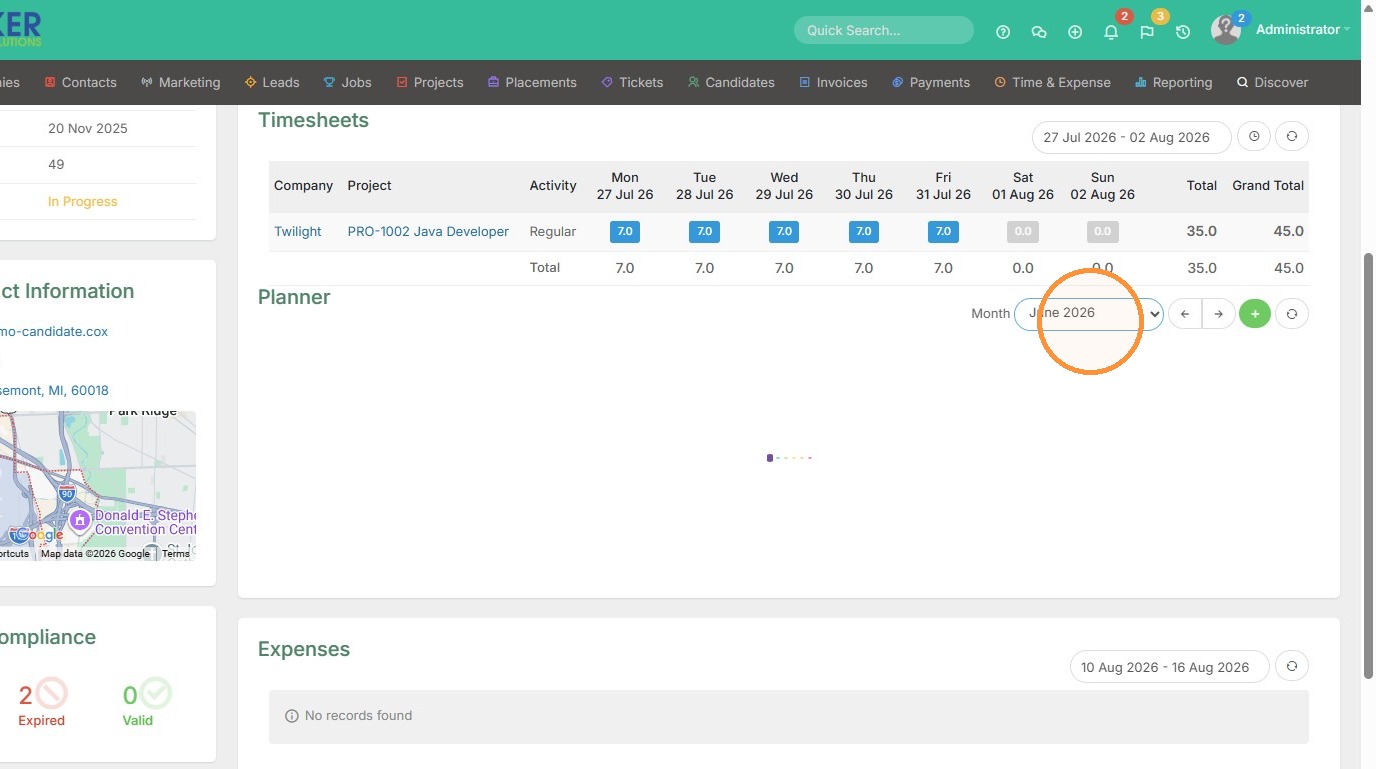
4. Or click the green Plus button.
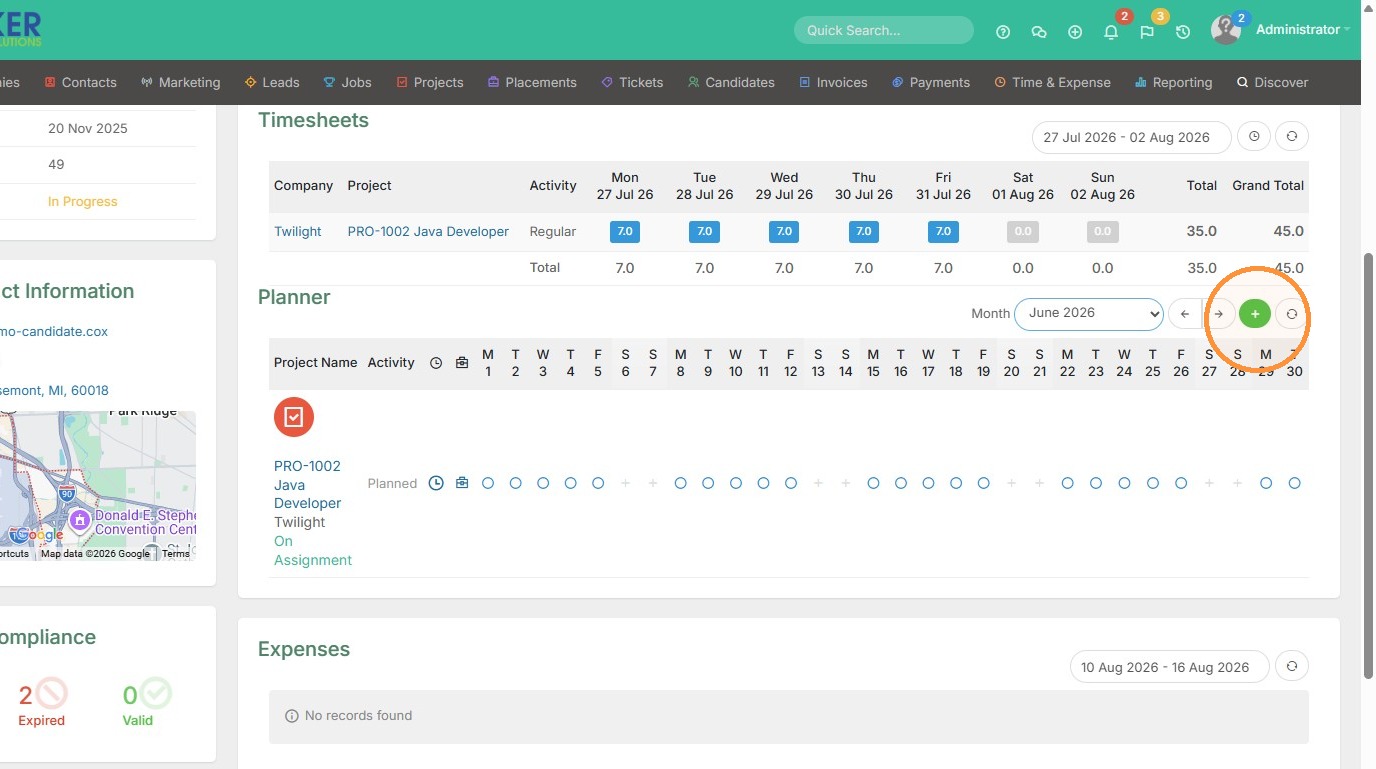
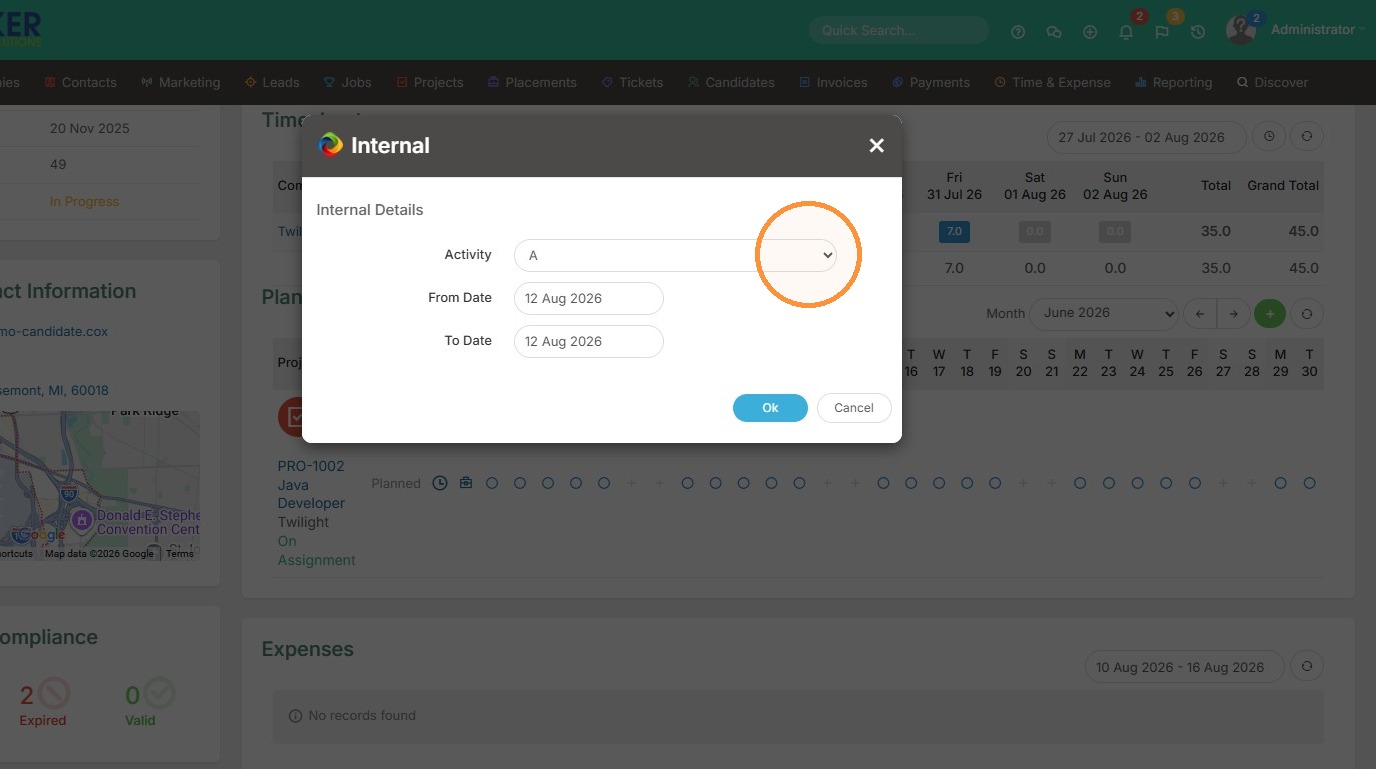
5. And this will allow you to add time off requests or other internal items from this dropdown.