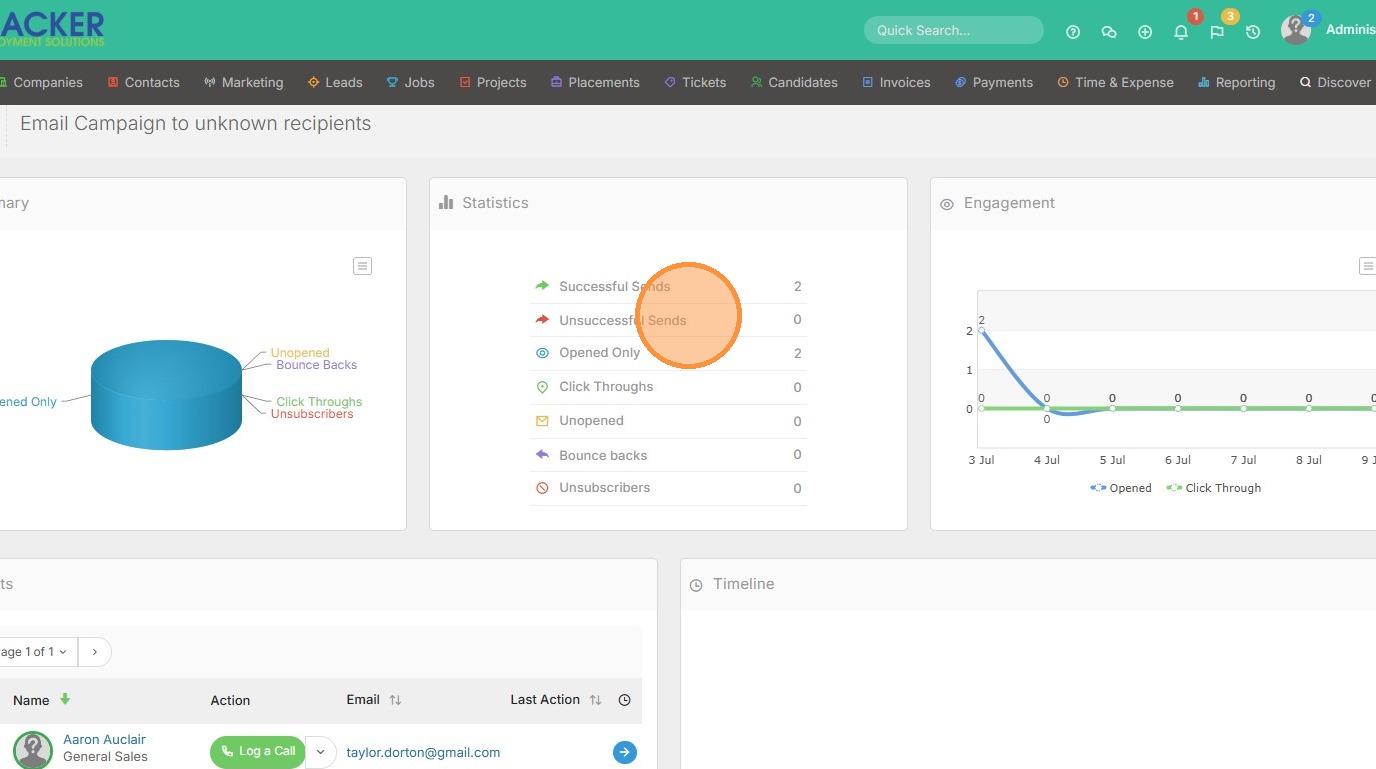
Filtering the Results List Based on Statistics
1. To enter into Campaign Statistics, click the marketing tab.
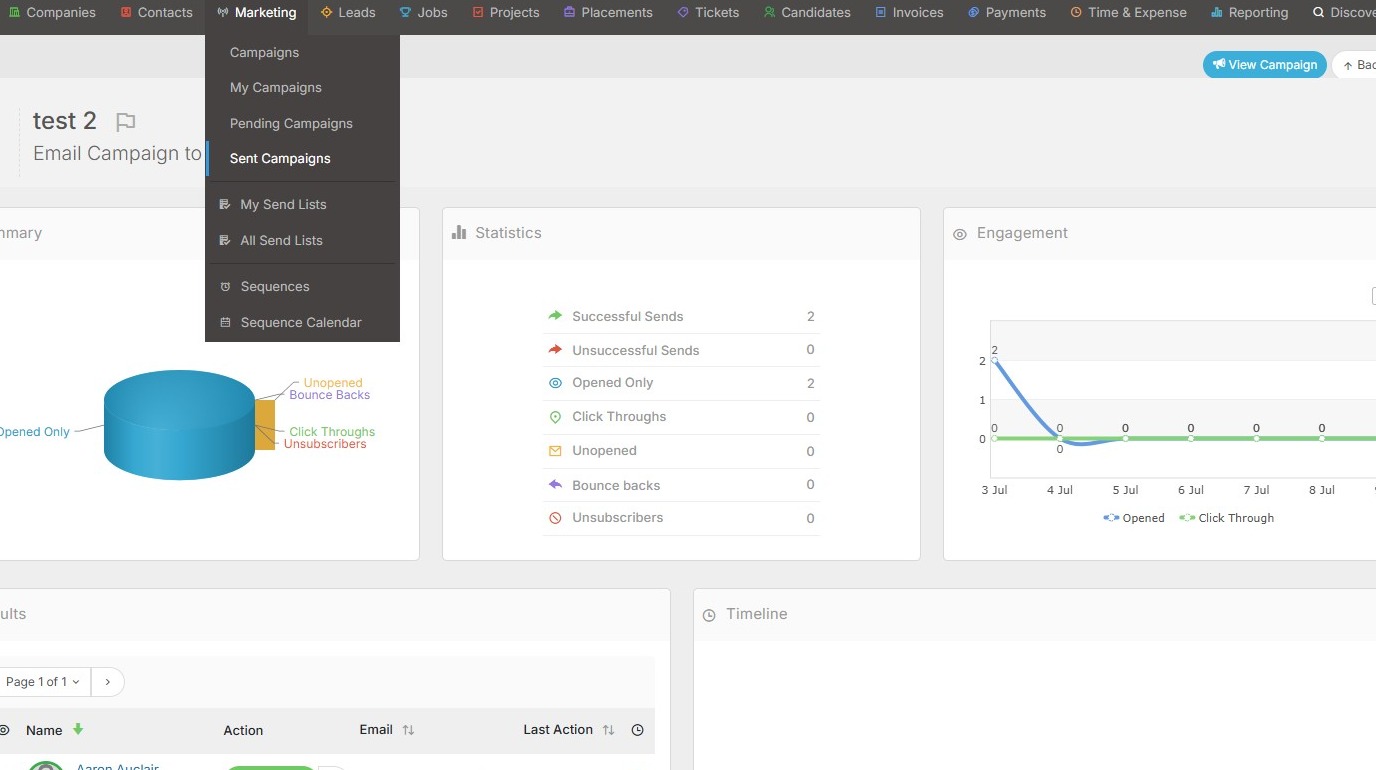
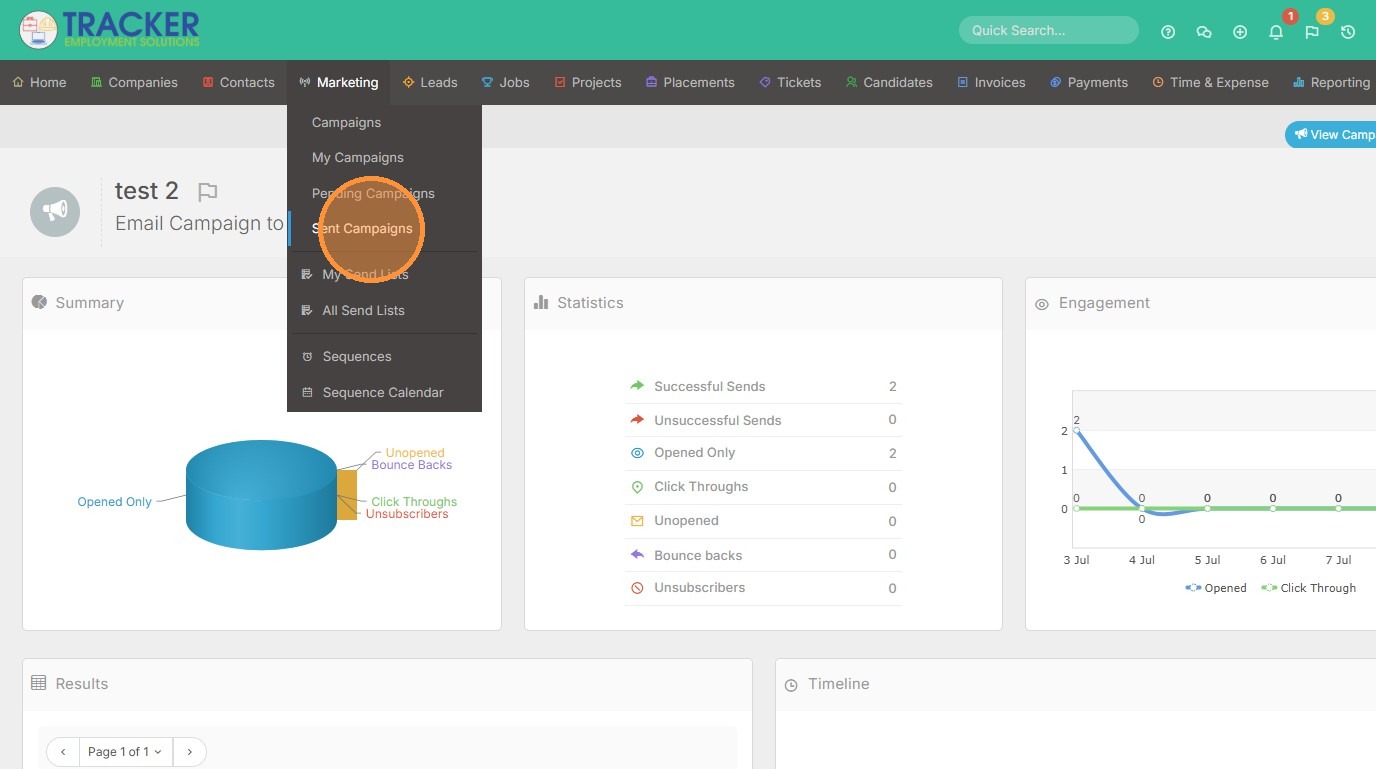
2. Click "Sent Campaigns"
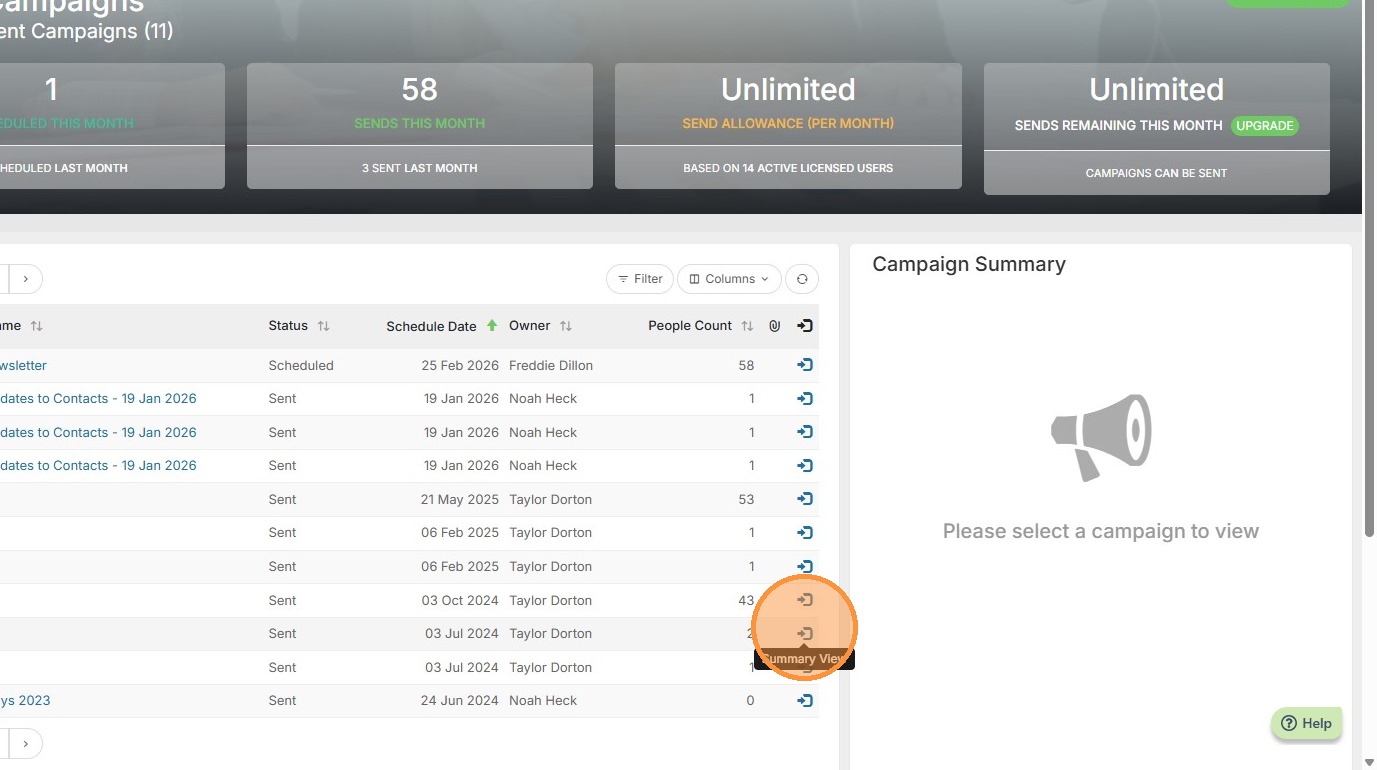
3. Click Summary View.
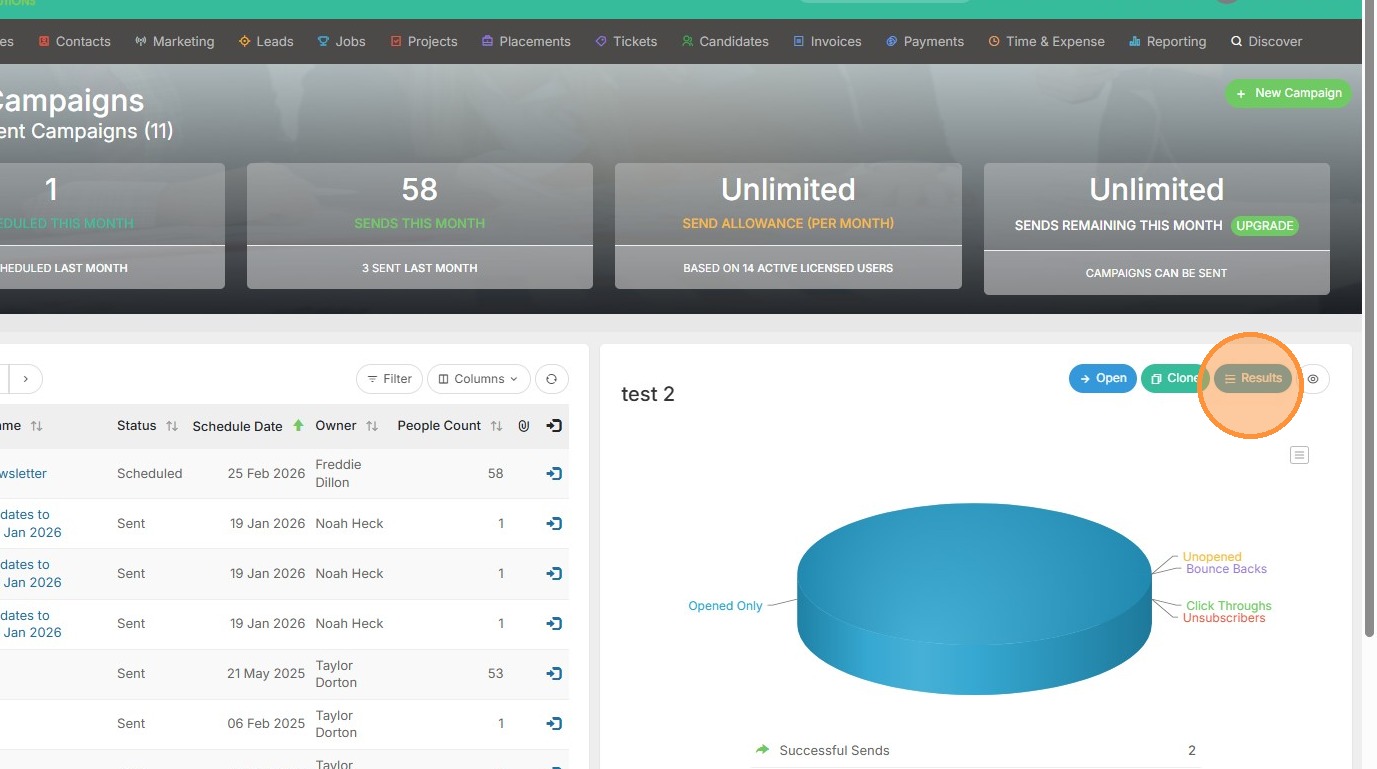
4. Click "Results"
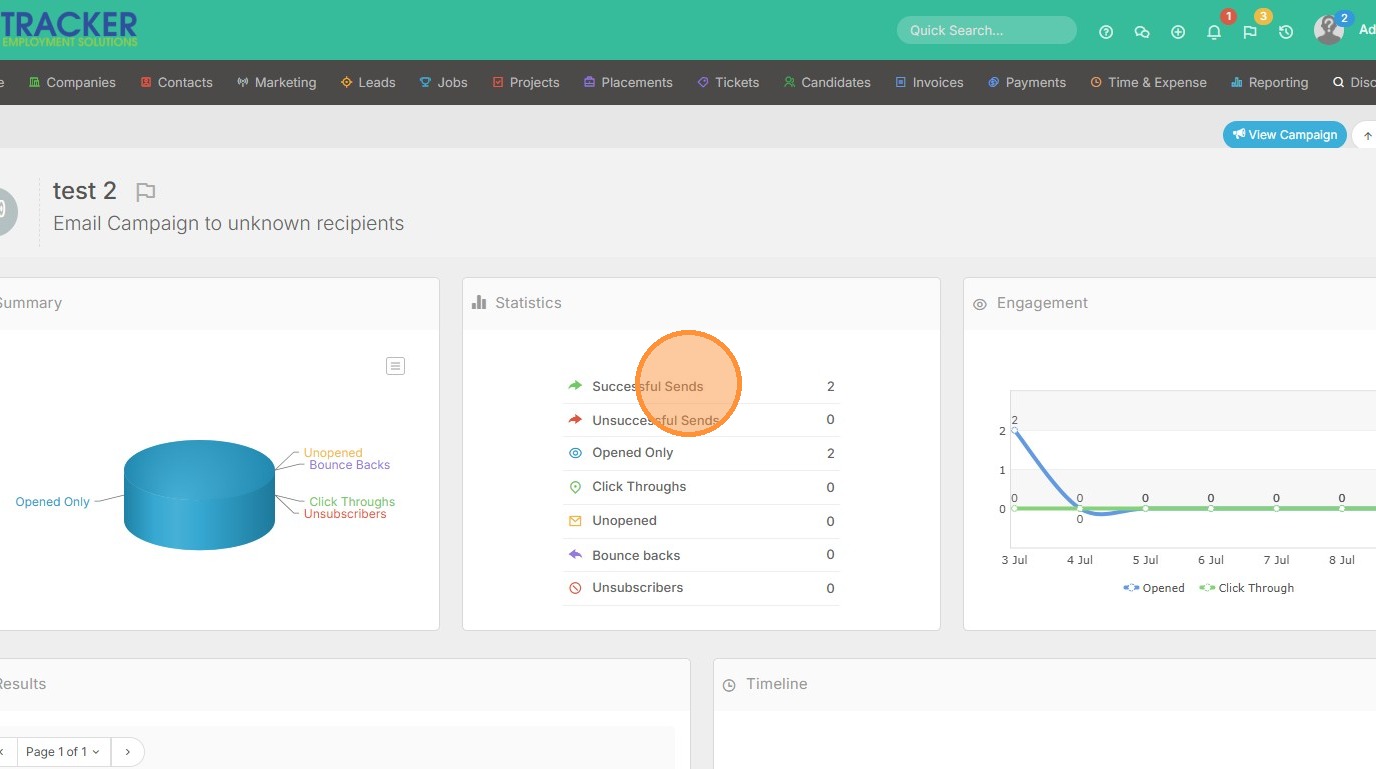
5. Under the statistics box you can filter out results simply by clicking on any of these bolded options. Click "Successful Sends" to view the 2 people that fell into this category.
6. Here you can take action with those two successful sends.
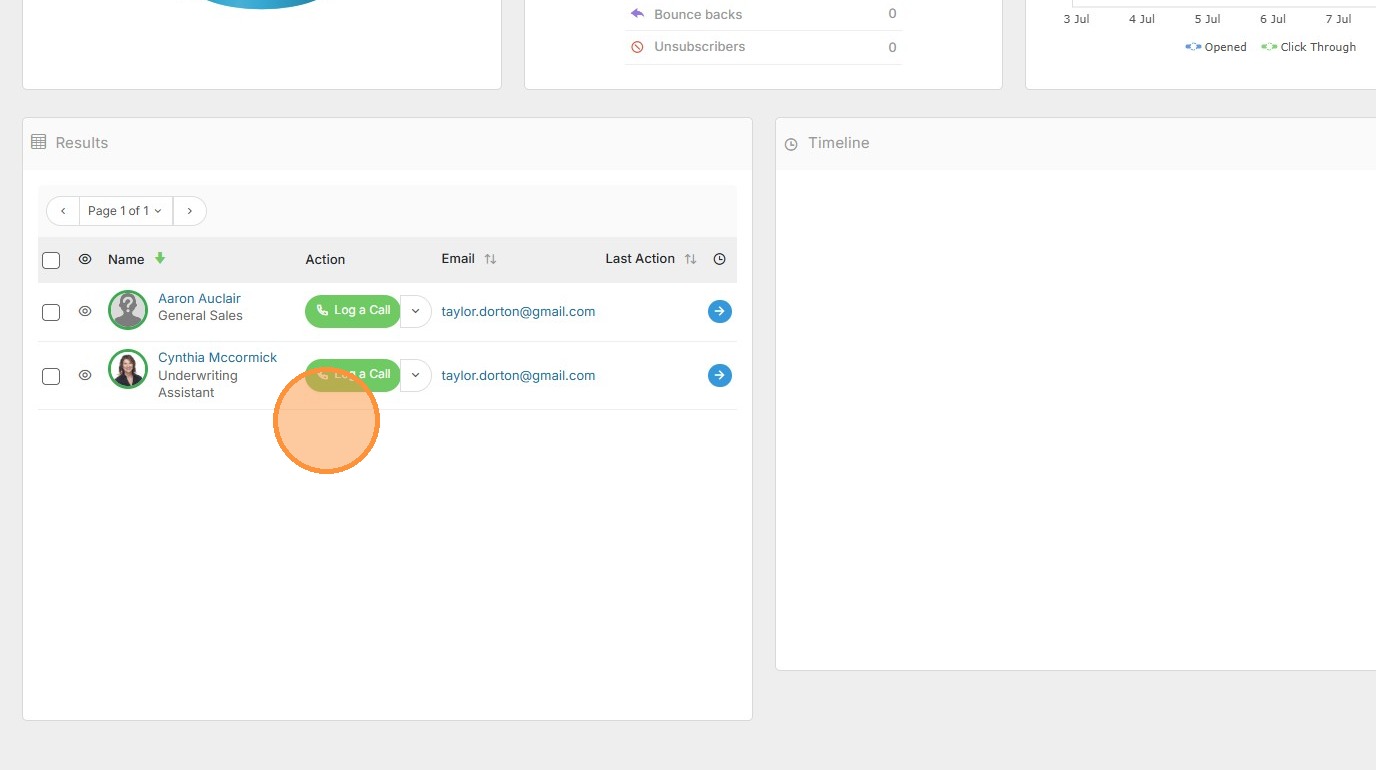
7. Click successful sends again to un-bold it and see all results.