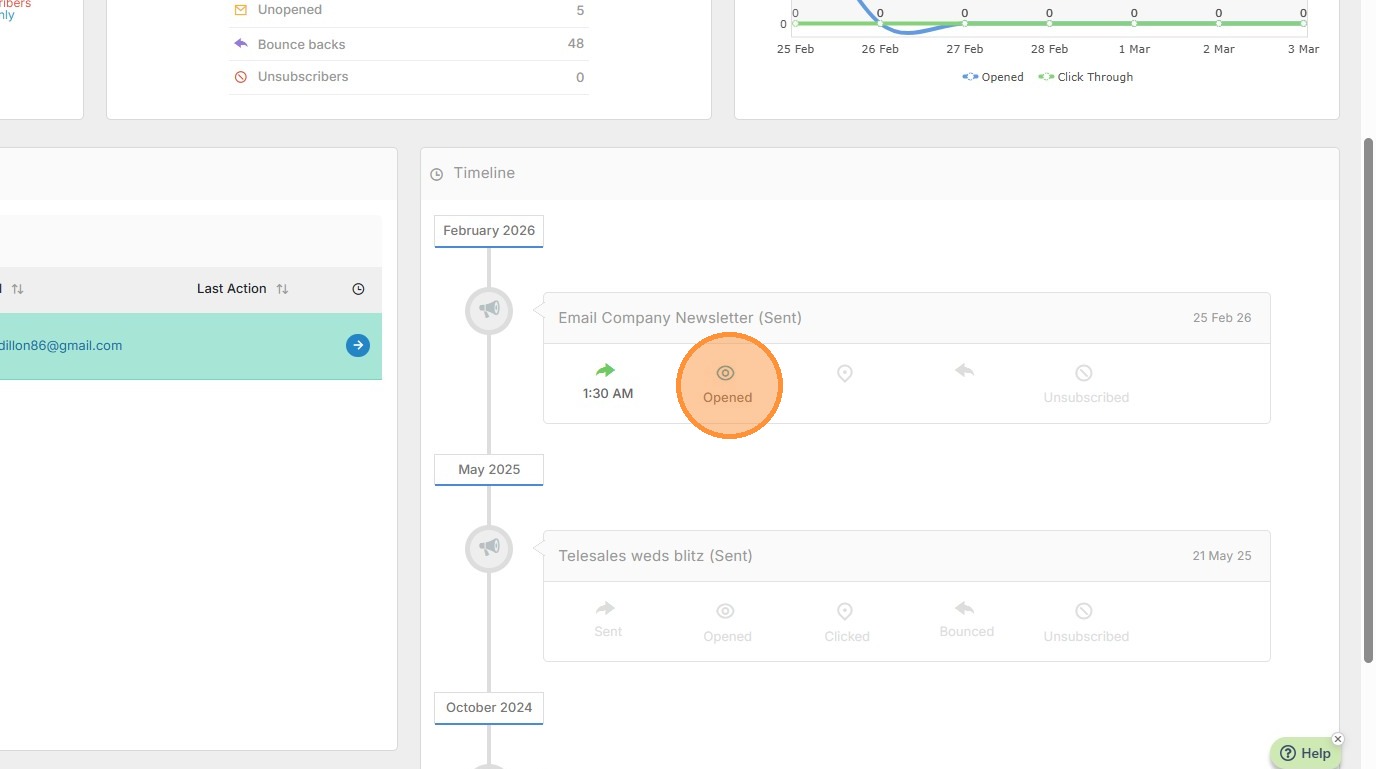
Viewing the Campaign Timeline
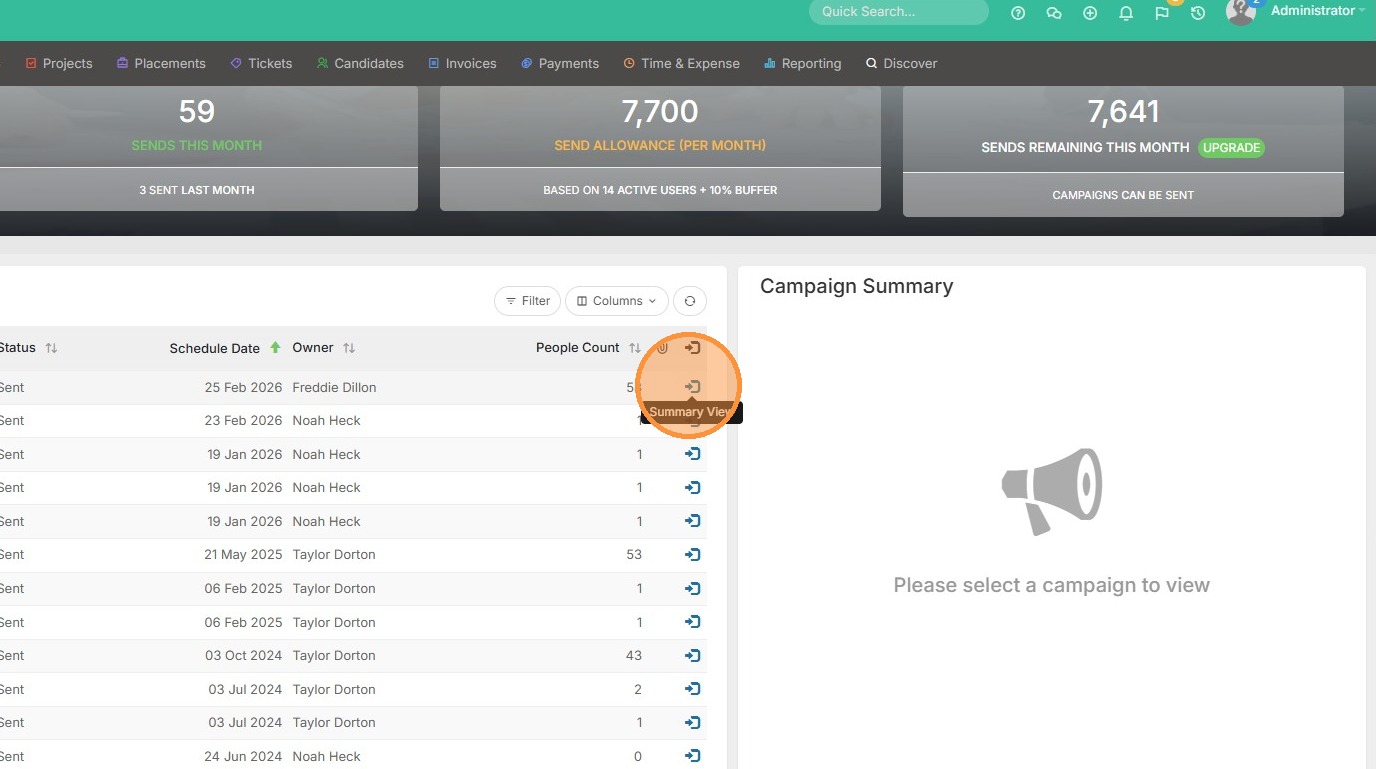
1. Open up the Campaigns section from your marketing tab. To view the timeline for a specific campaign, click the blue Summary View button.
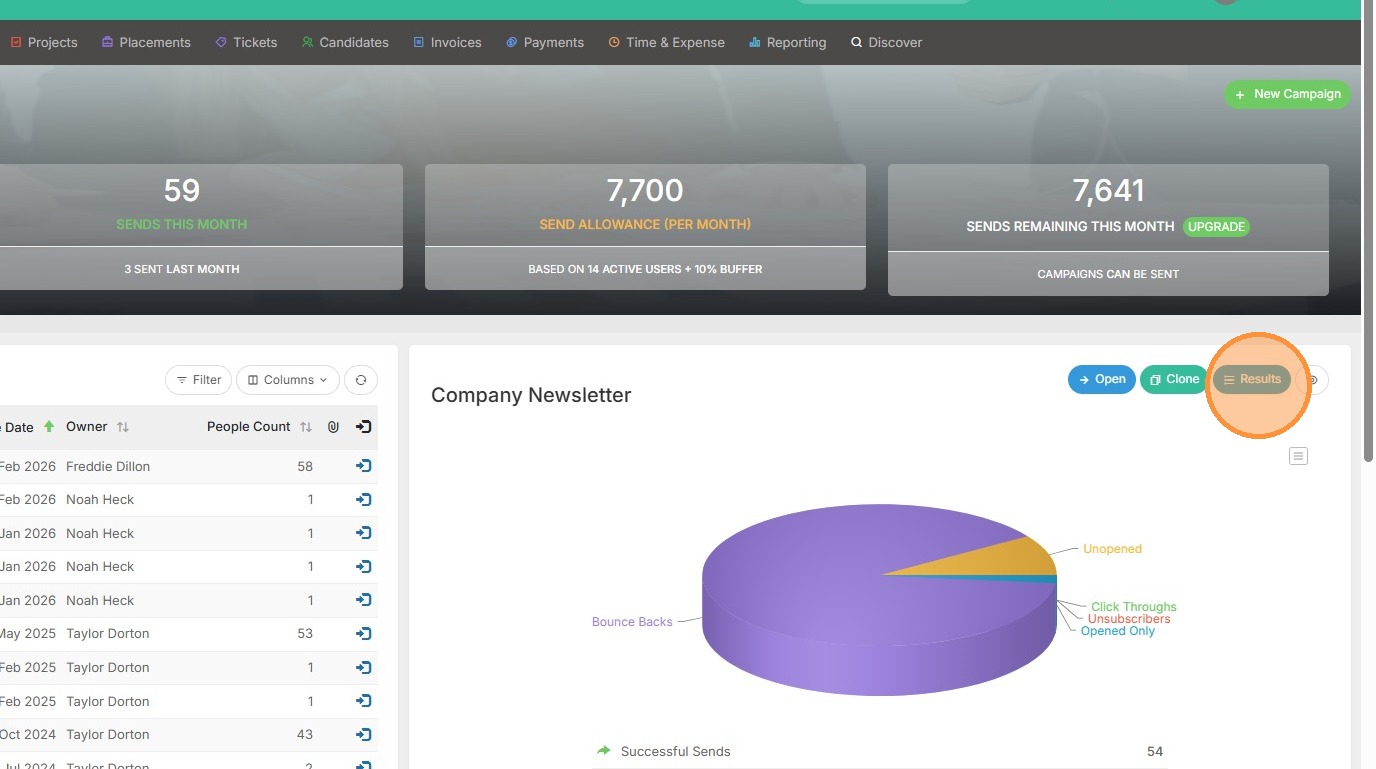
2. Open Results.
3. Filter to whomever you want to view the timeline for.
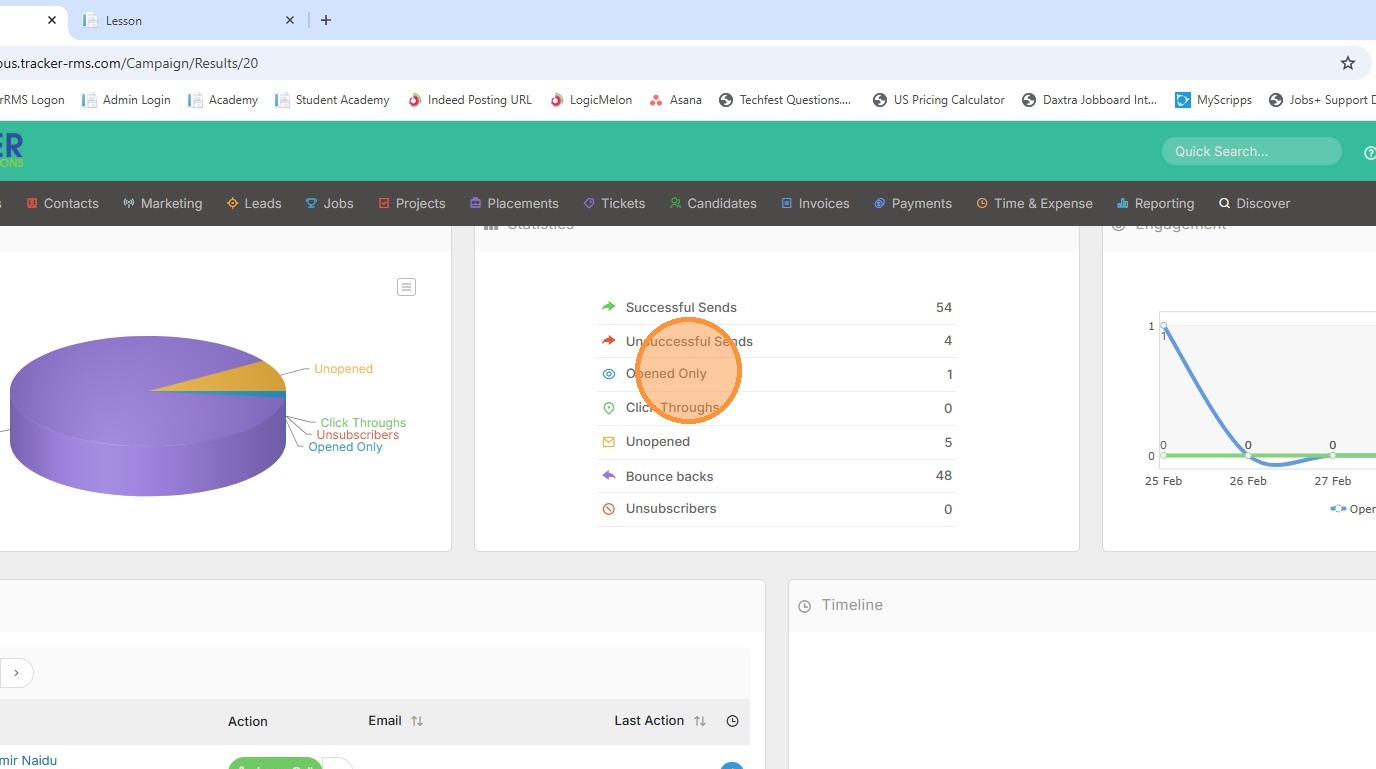
4. Click the blue View Timeline button.
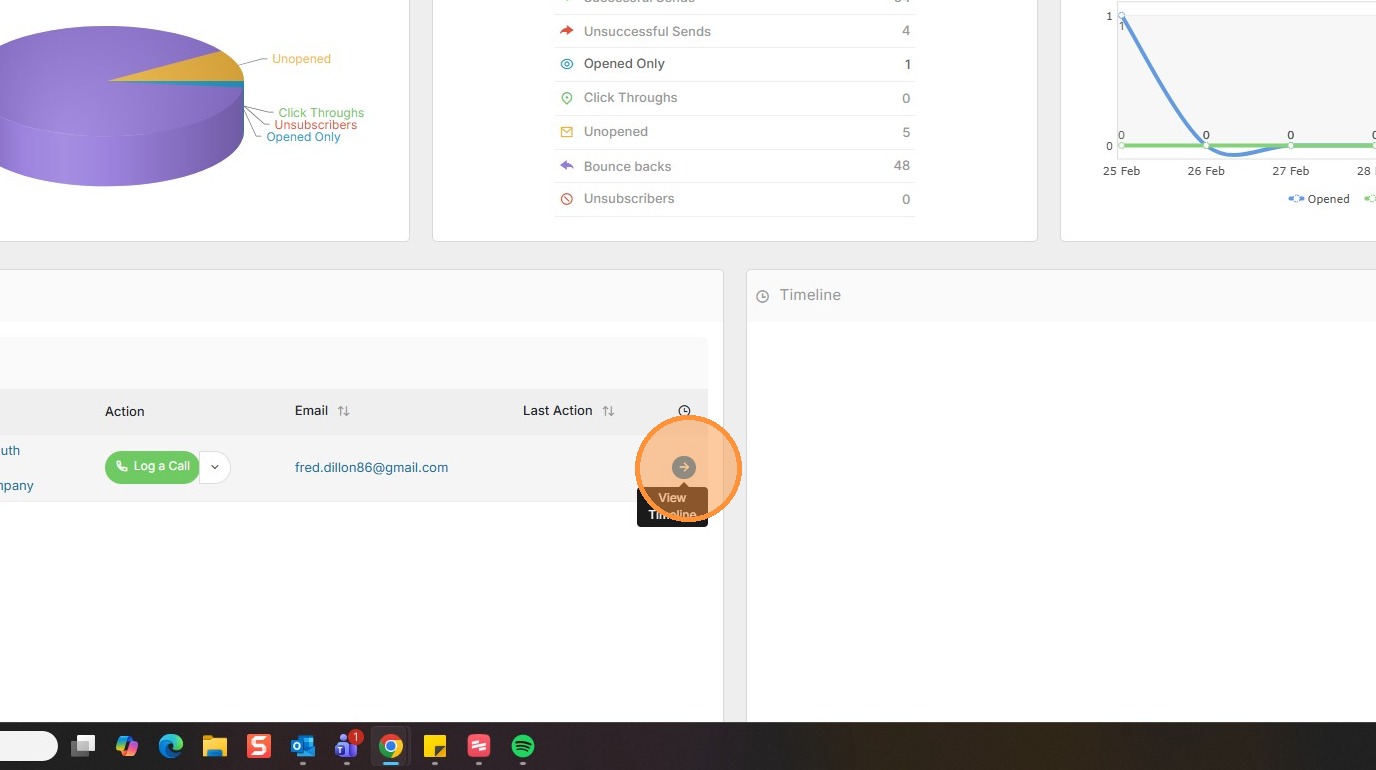
5. Here you can view the timeline for this person. It will also show you why an email wasn't a successful send, when it was open etc.