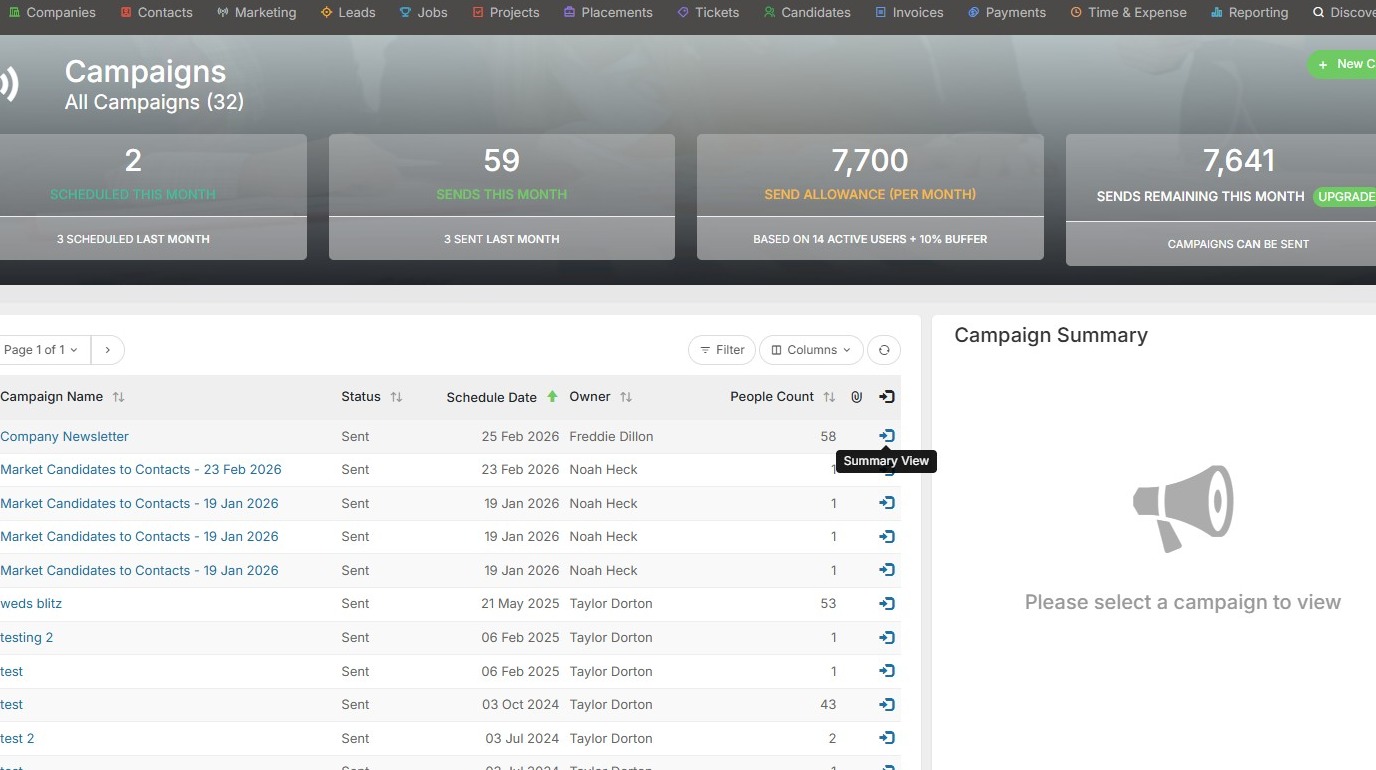
1. Go to your marketing tab and open Campaigns. From here, click the Summary View option.
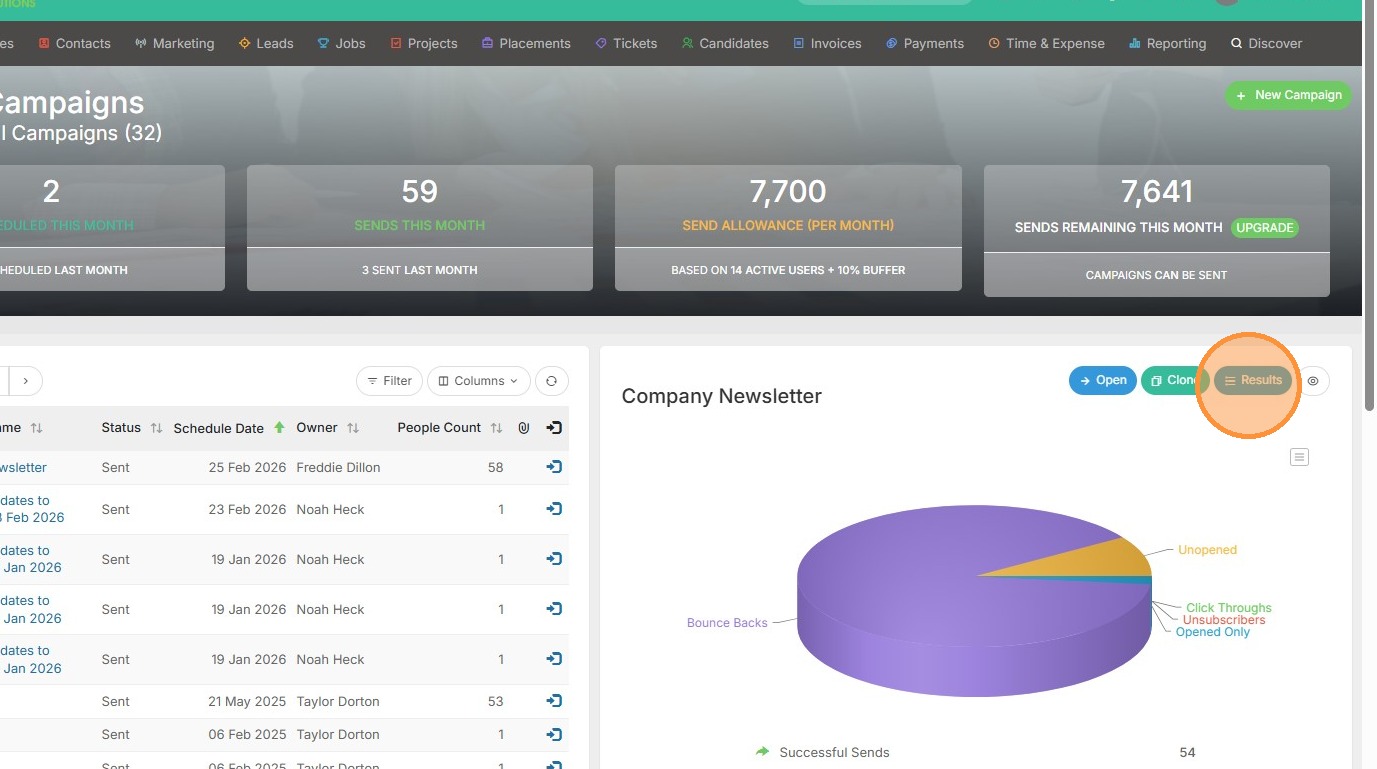
2. Click "Results".
3. Filter to the list of people you want to action (for example, I want to perform an action with the people that had Unsuccessful Sends).
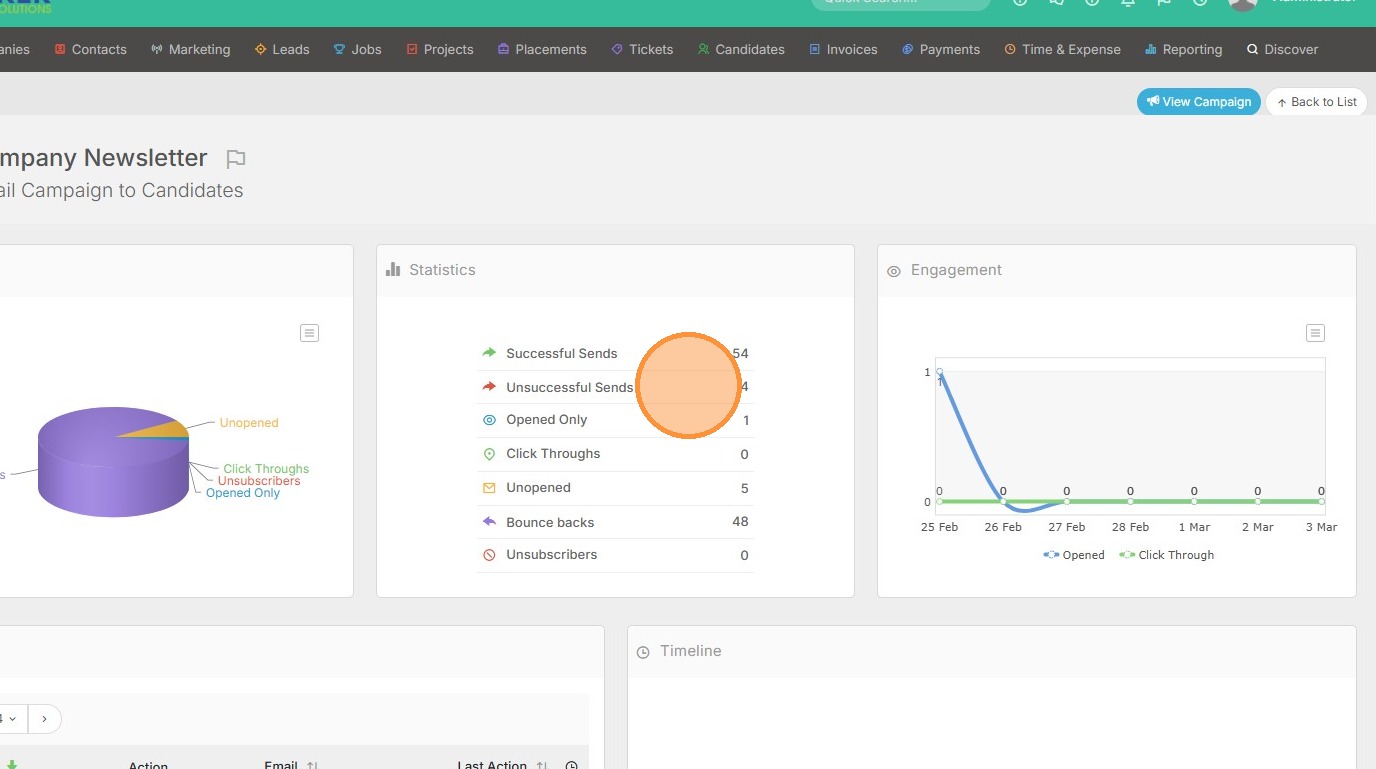
4. Click the checkbox to select these people.
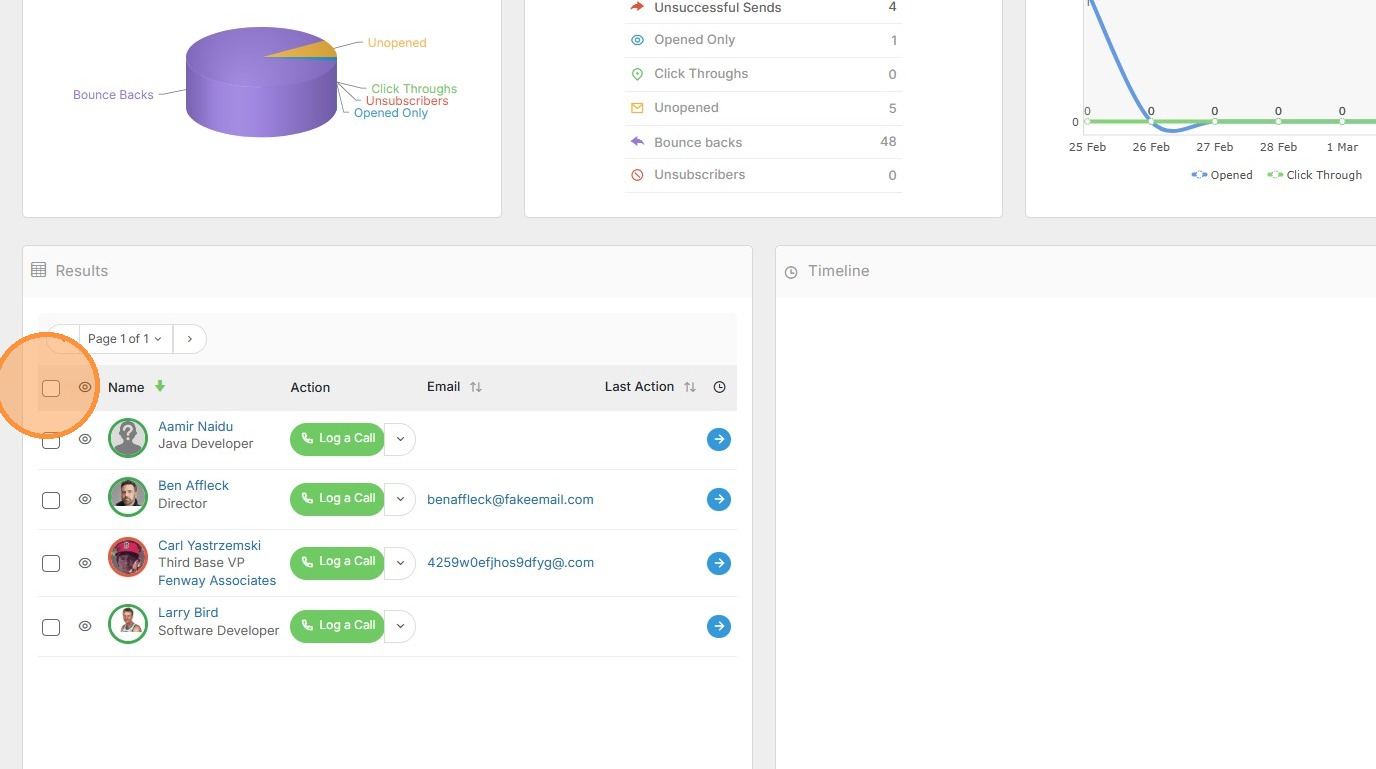
5. An action button will appear.
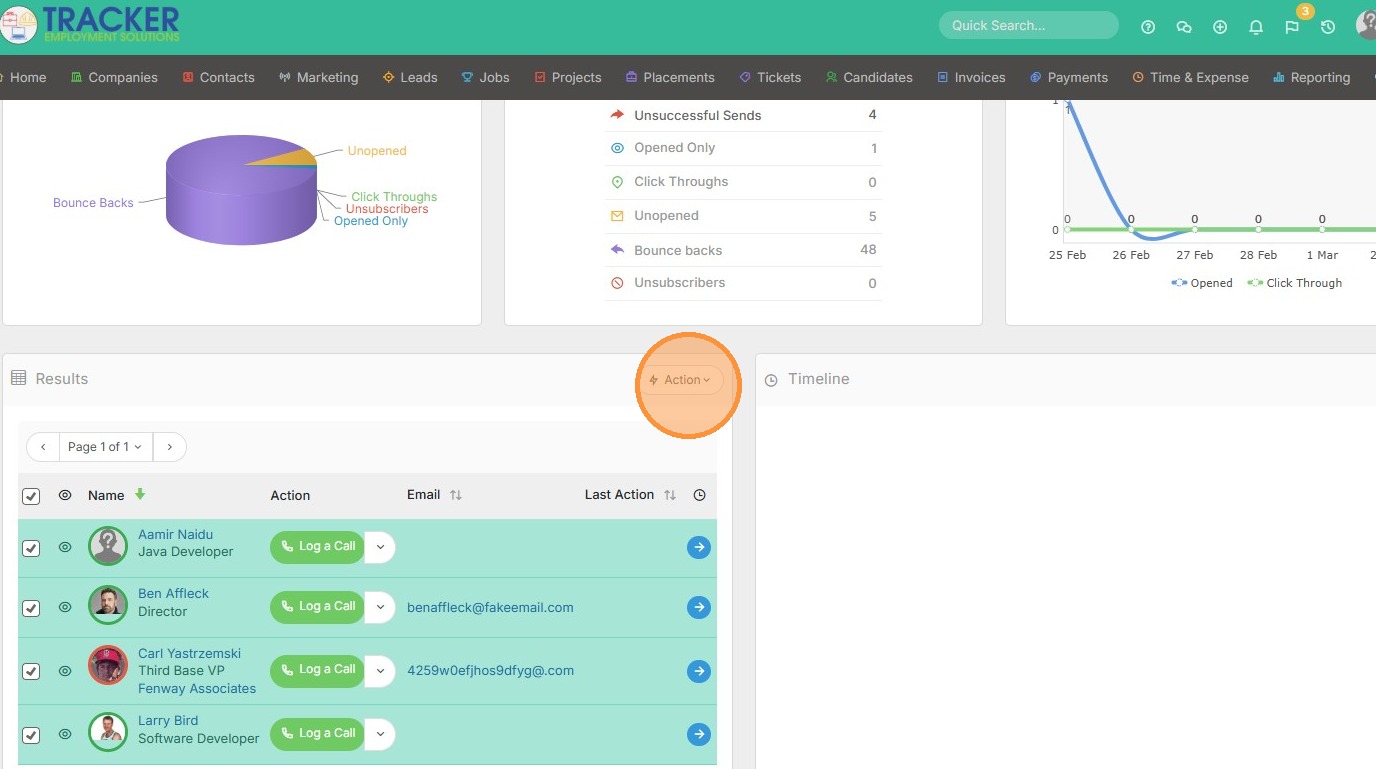
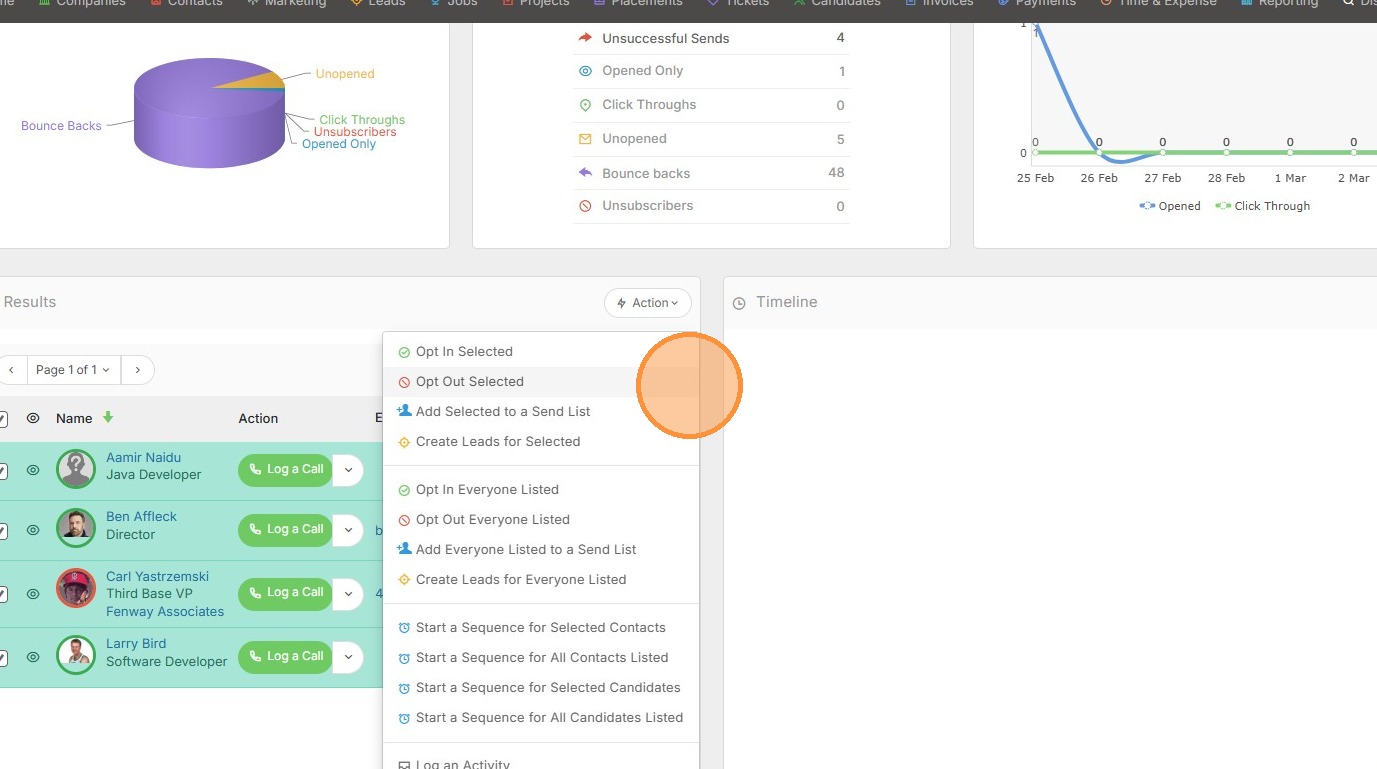
6. From here you can perform a few actions, such as opting in/out of future campaigns. You can also create leads, or start a sequence of emails for this group of individuals.
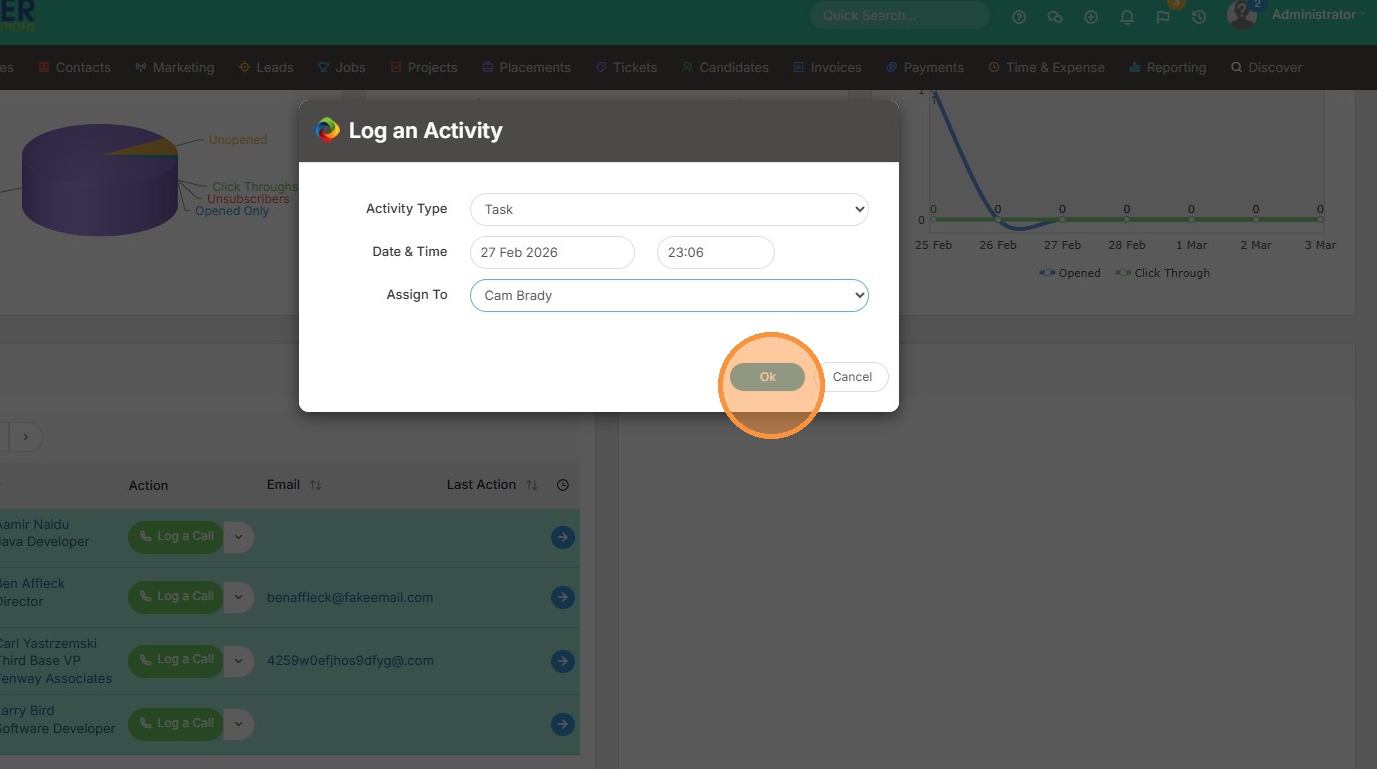
7. You can also log an activity in bulk.
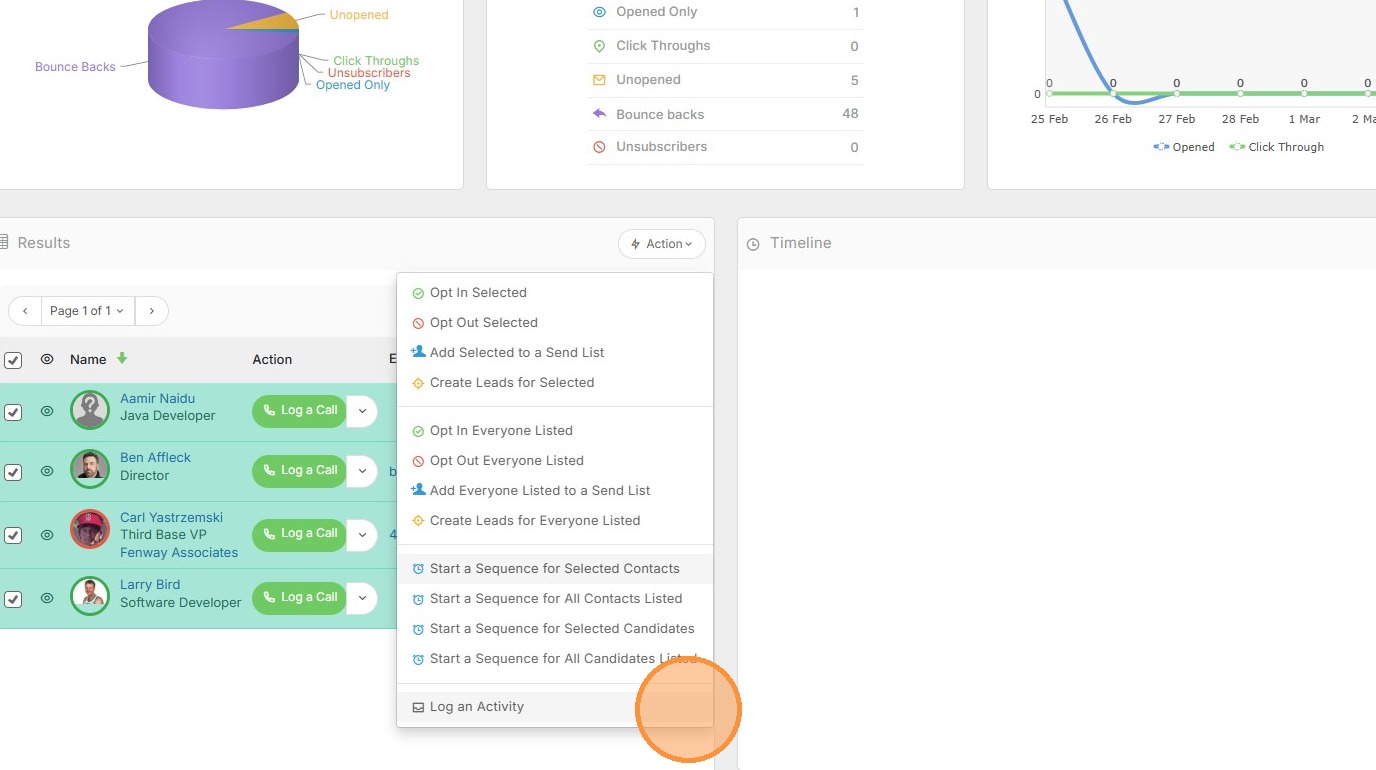
8. Pick the activity type.
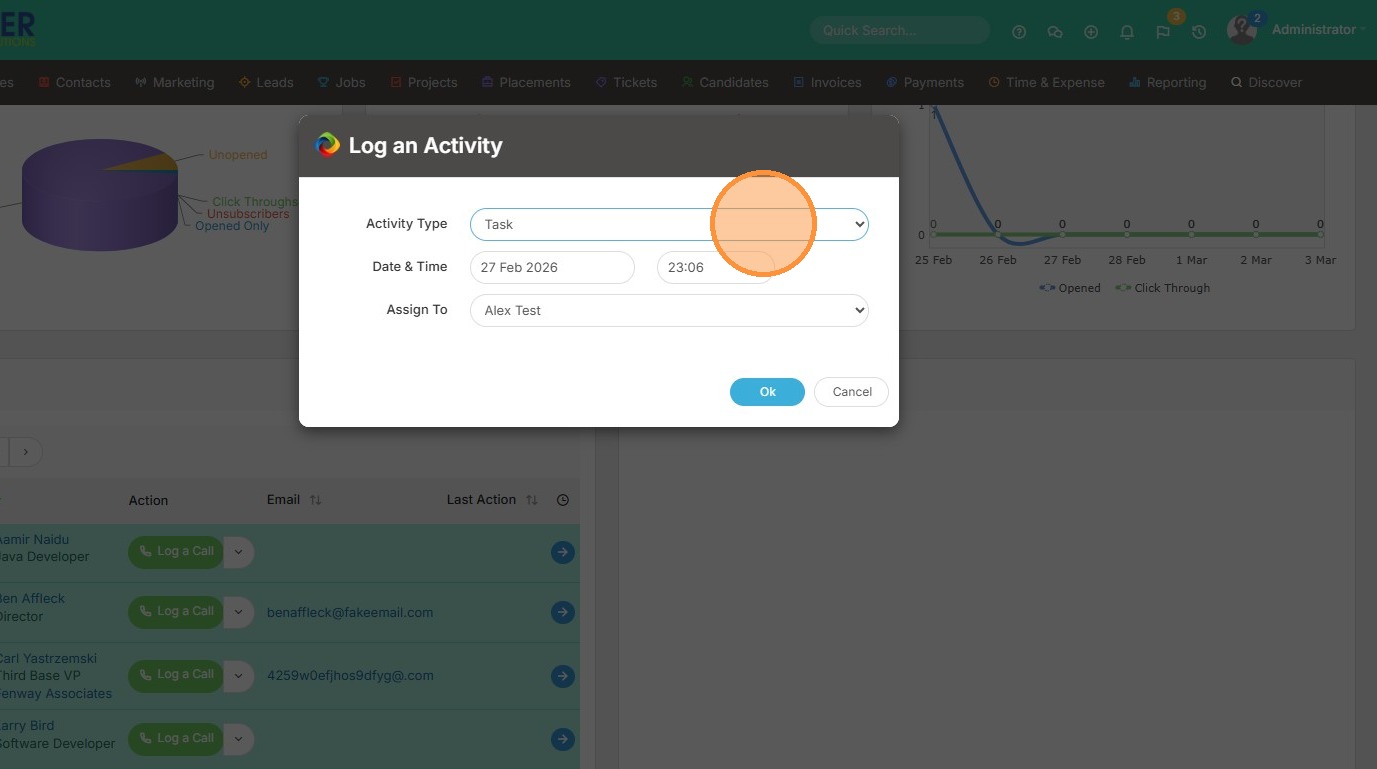
9. The date/time, and who it should be assigned to.
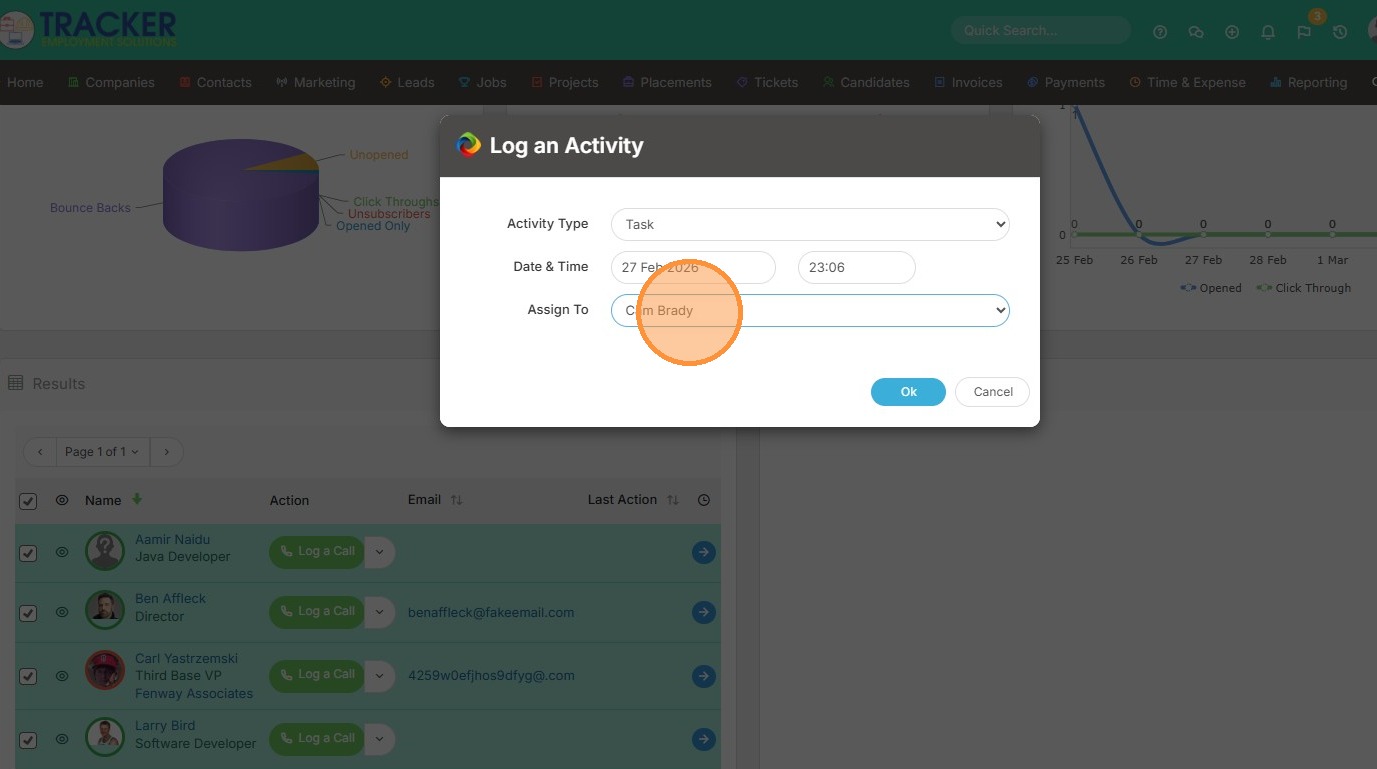
10. Click "Ok". This will appear in My To Do List or other future activity list views.