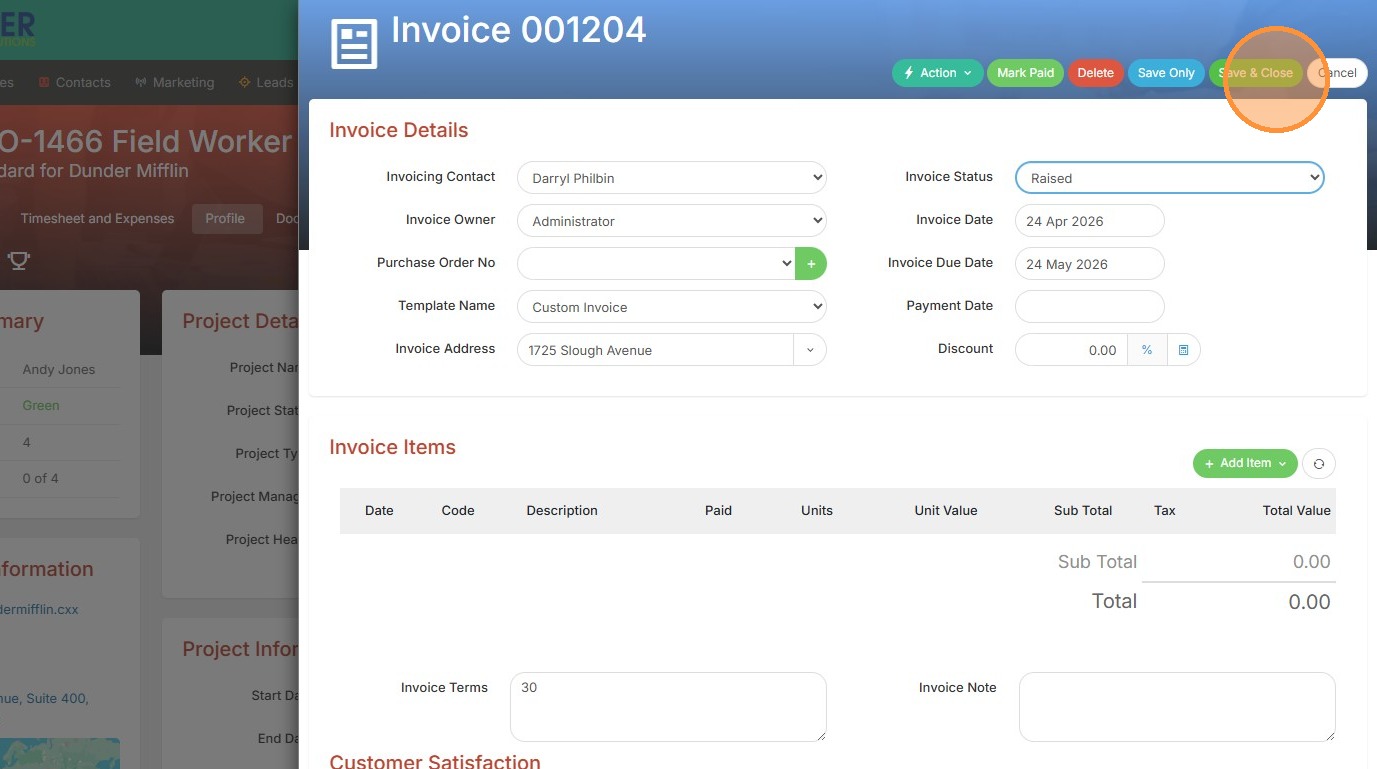
1. An invoice can be raised from a job or project/assignment record. Click on the action menu to get started.
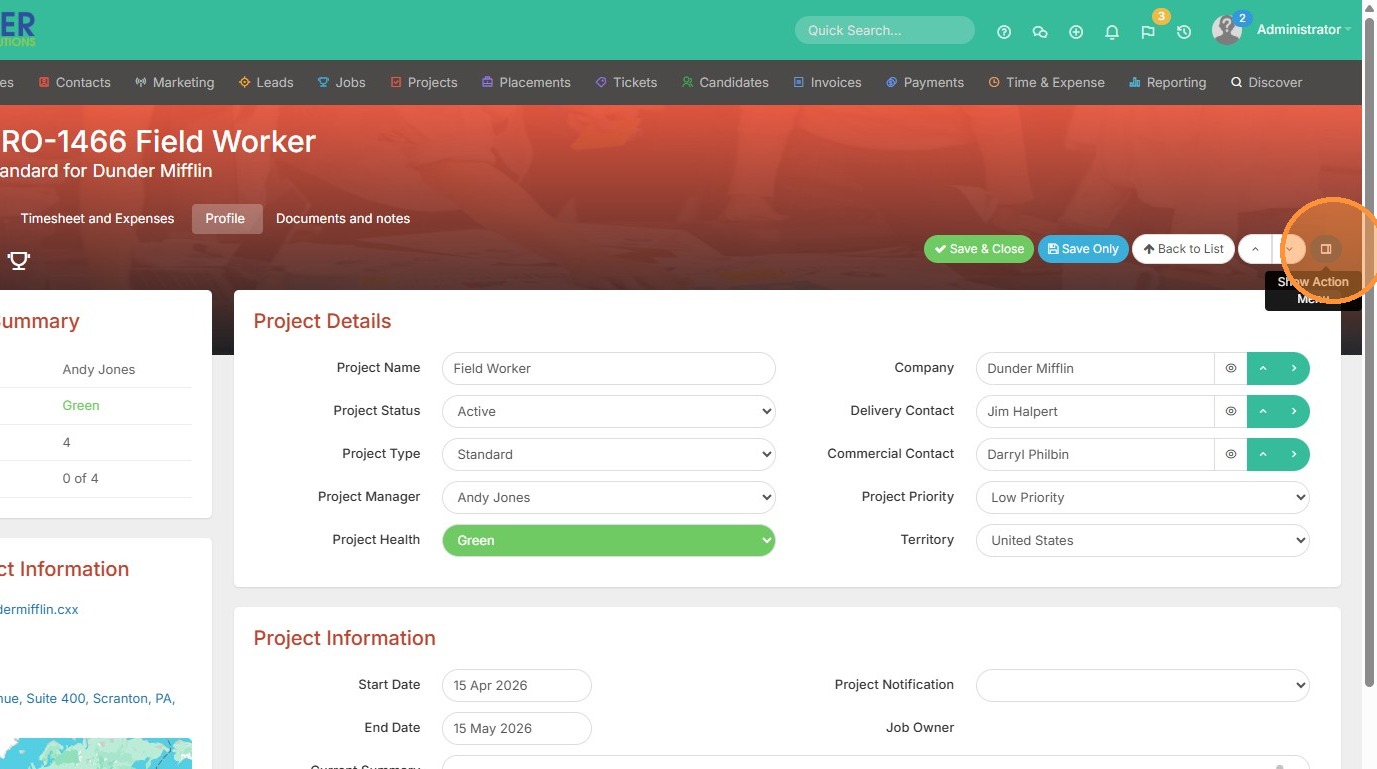
2. Click "New Invoice"
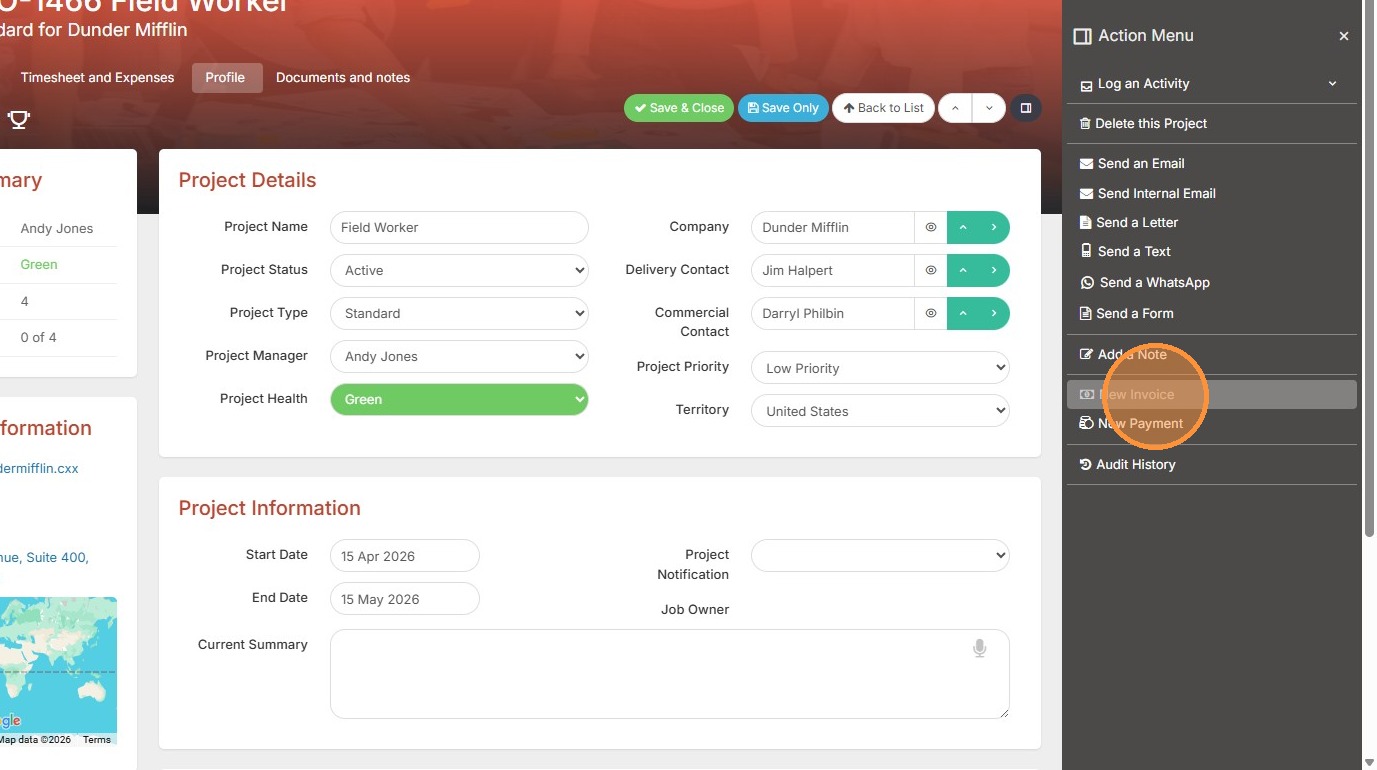
3. Pick the invoice contact, though it will default to whomever is listed as the "Commercial Contact" on this project/assignment record.
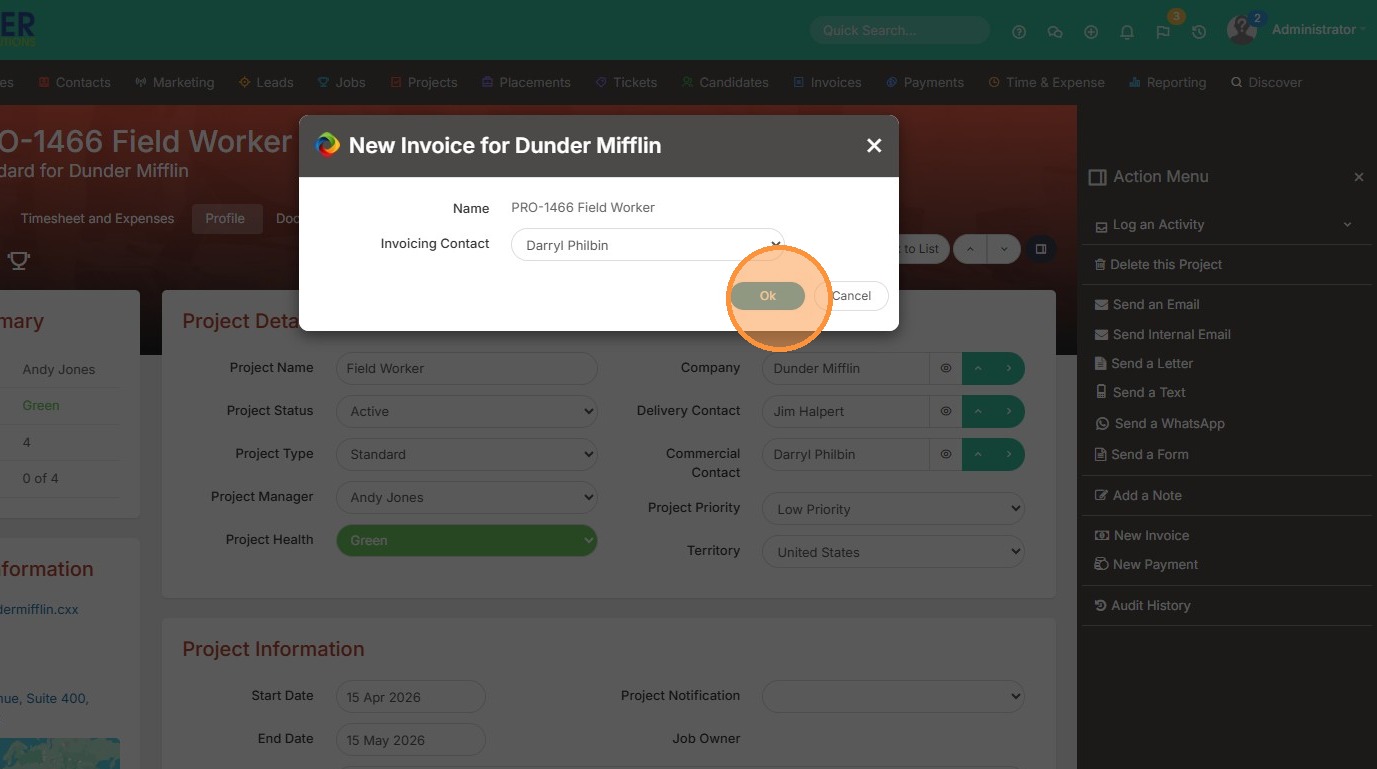
4. From here you can make any necessary edits to the invoice, and then save & close once you're done. This new invoice can then be viewed on your Invoices tab.