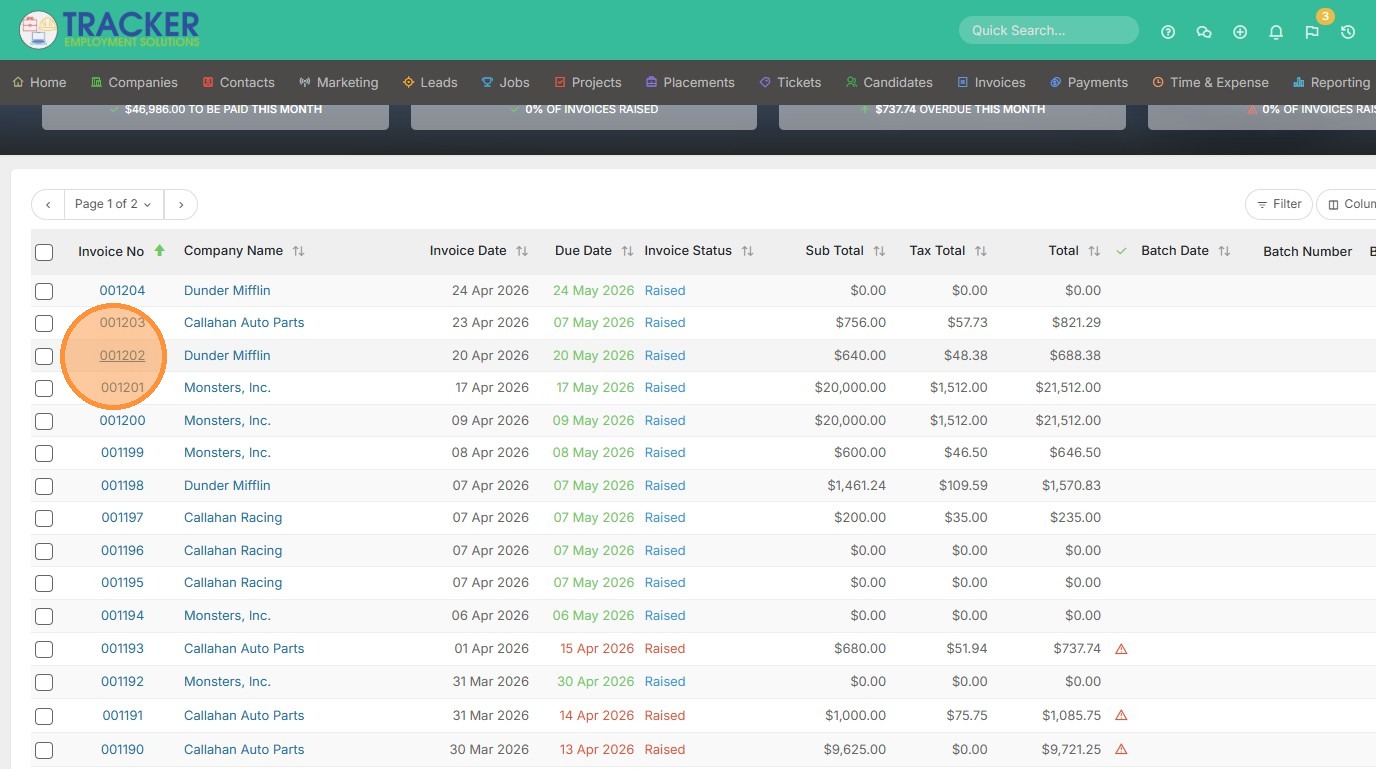
1. Once you have raised an invoice, you can add opportunity products or services. These may include products you have added in the system that have a cost associated to them, so that you can build out a proposal and ultimately add them to an invoice. Click on one of the invoices you want to add to.
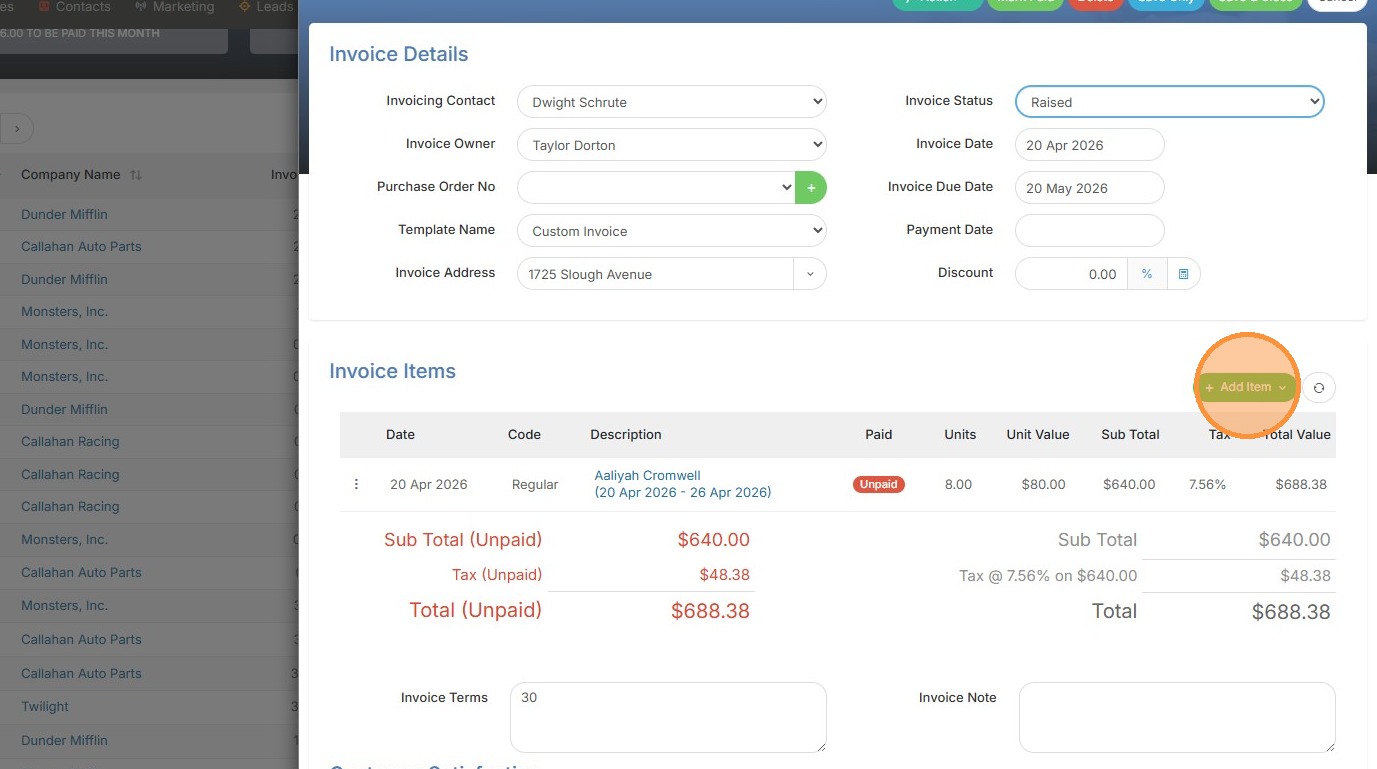
2. Click "Add Item"
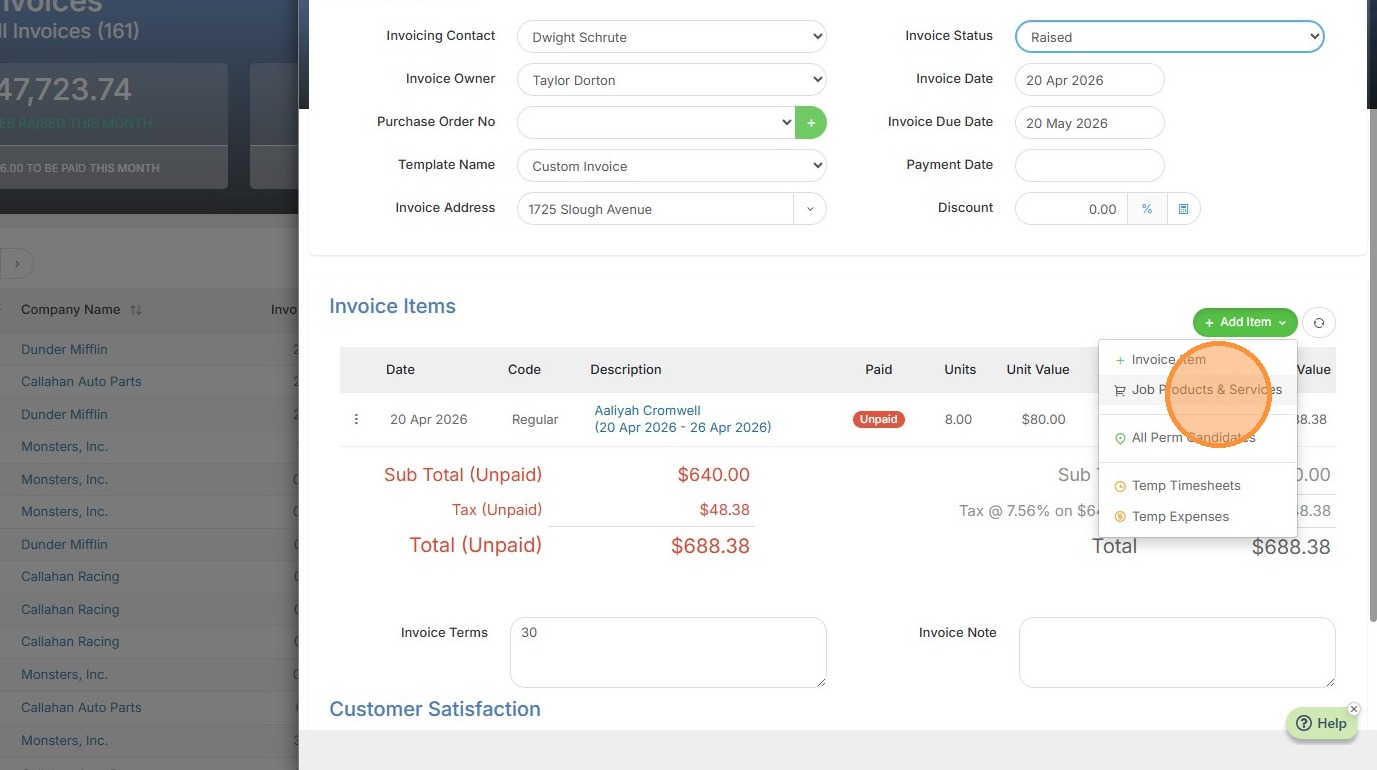
3. Click "Job Products & Services"
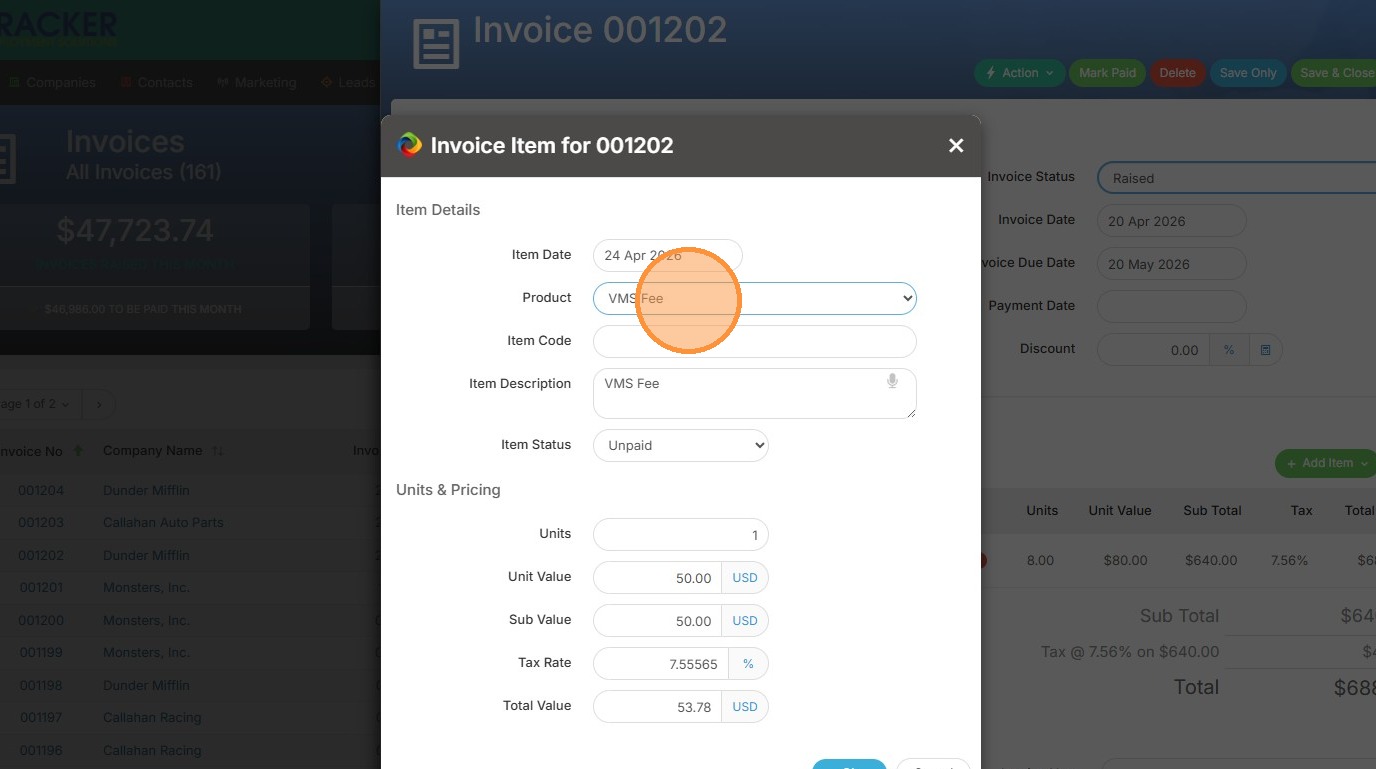
4. Select the product/service you would like to include (keep in mind, my options on this screen stem from what I've added to the Products and Services section under Tools & Settings).
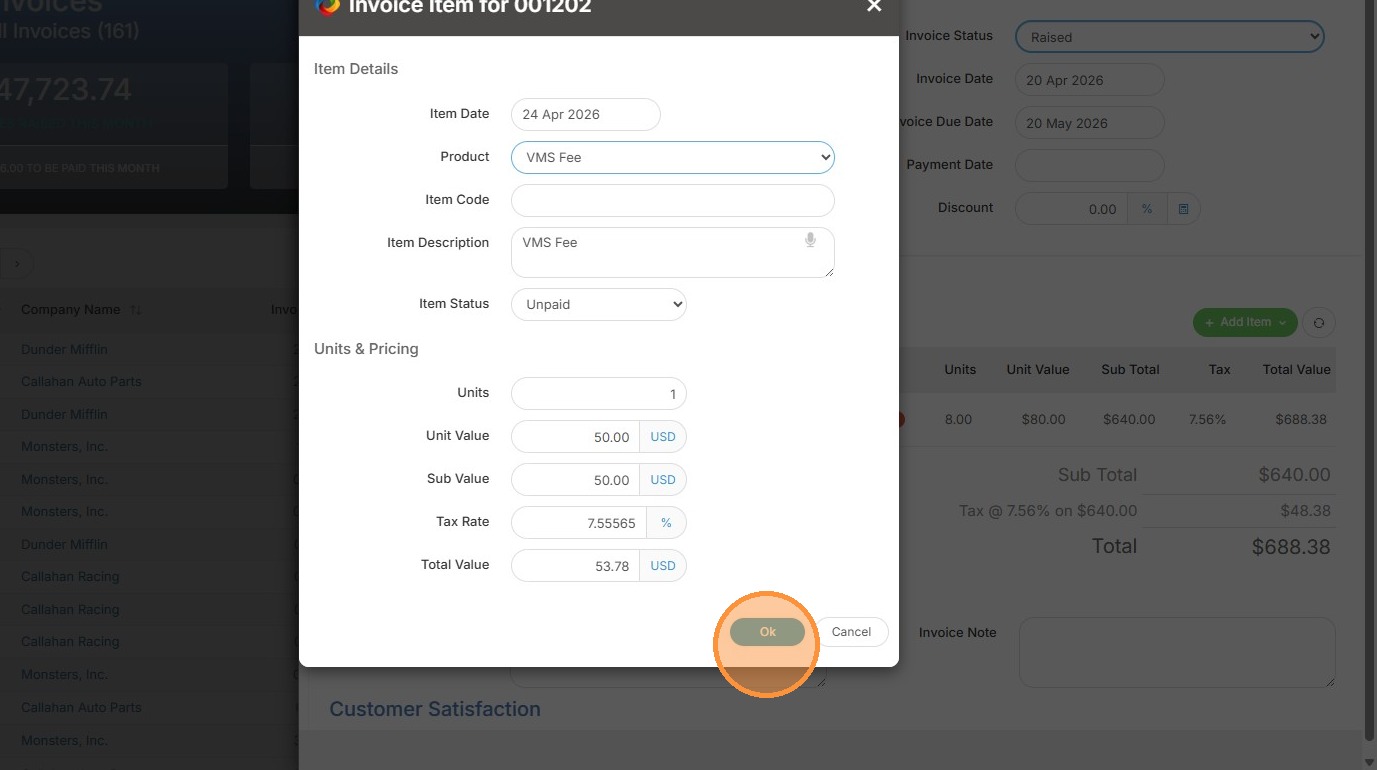
5. Click "Ok"
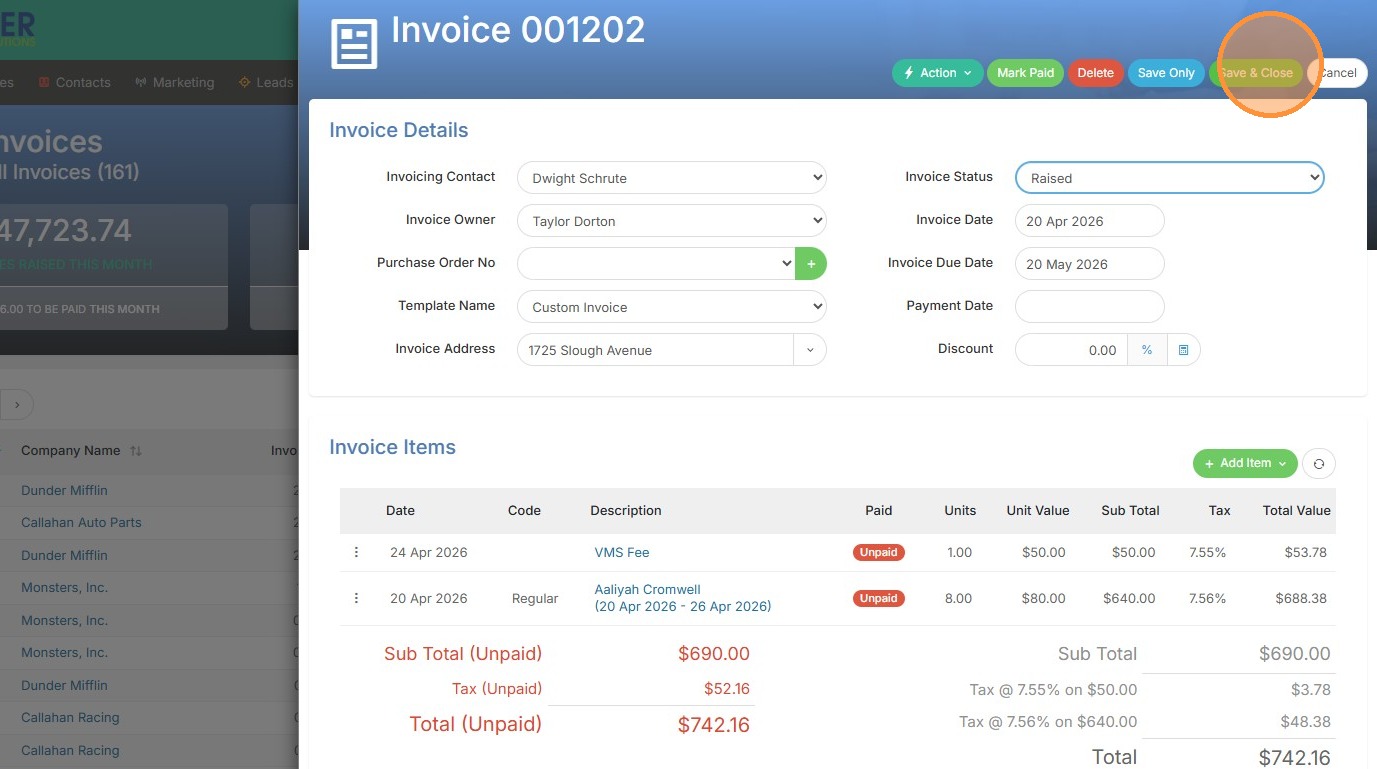
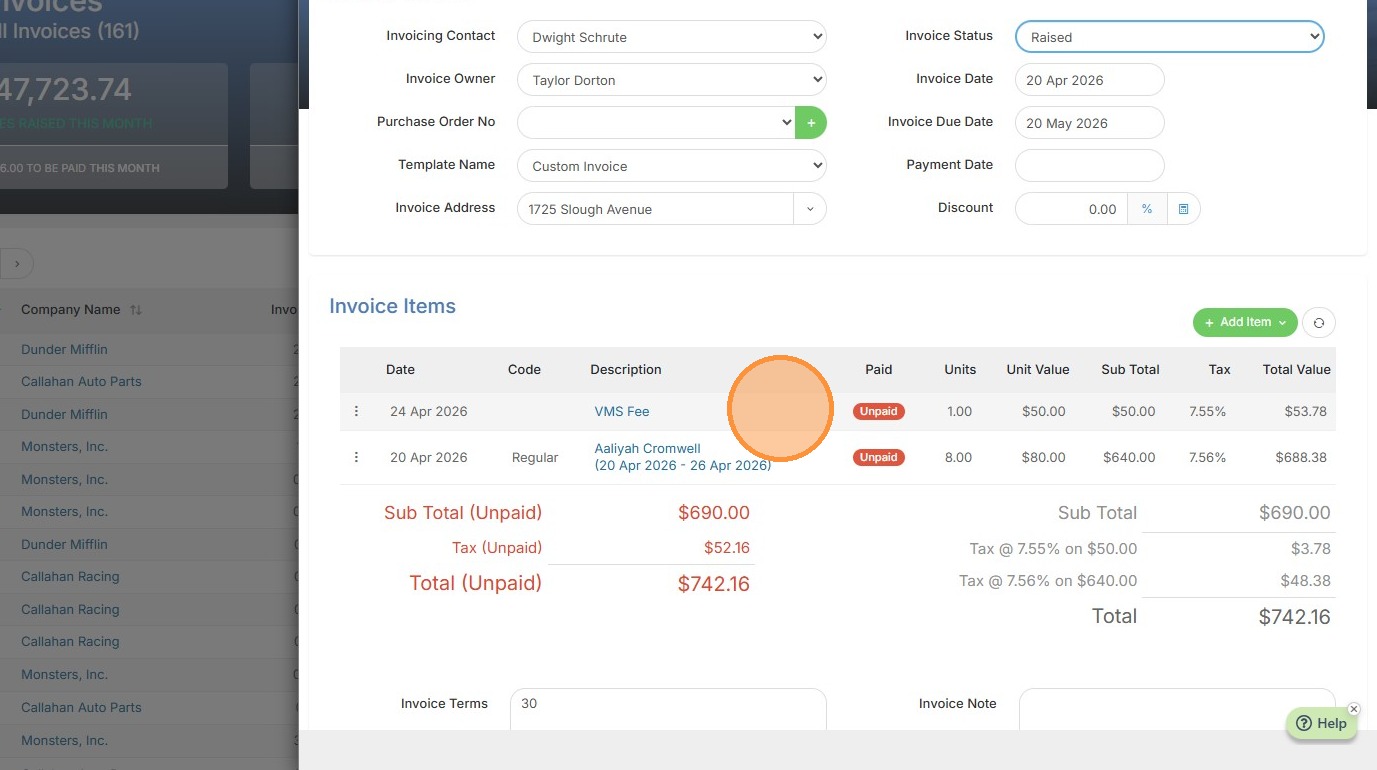
6. You can now see my added product, VMS Fee, is included in the invoice total.
7. Click "Save & Close"