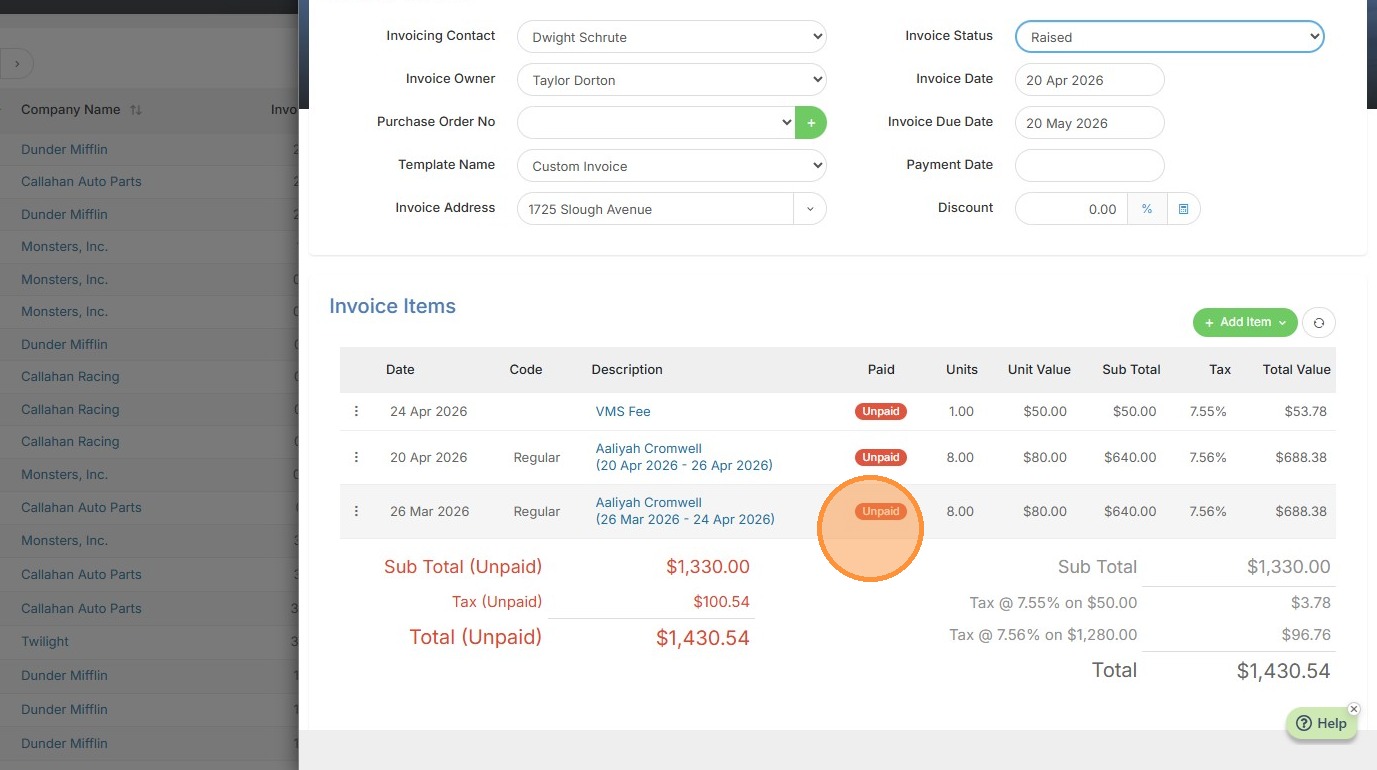
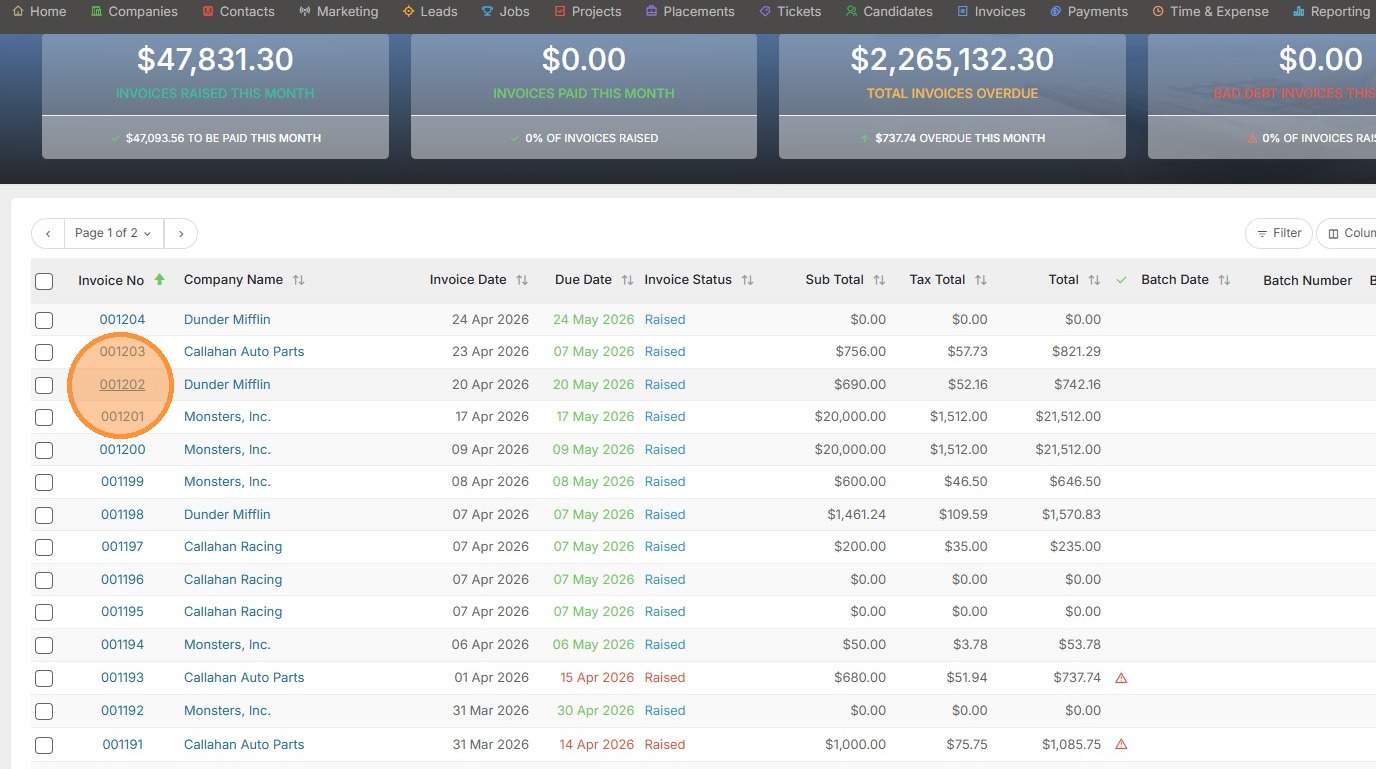
1. To add time to an existing invoice, click open that invoice.
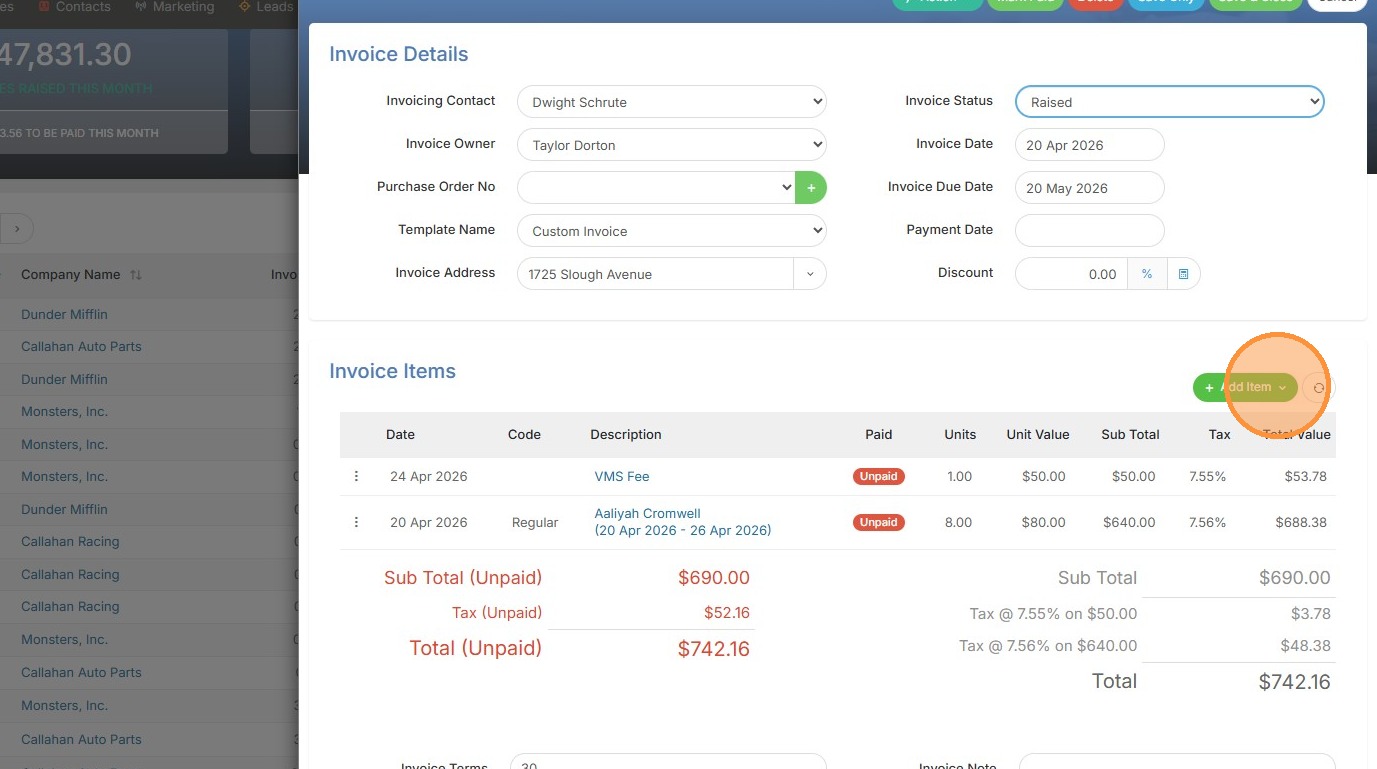
2. Click add item.
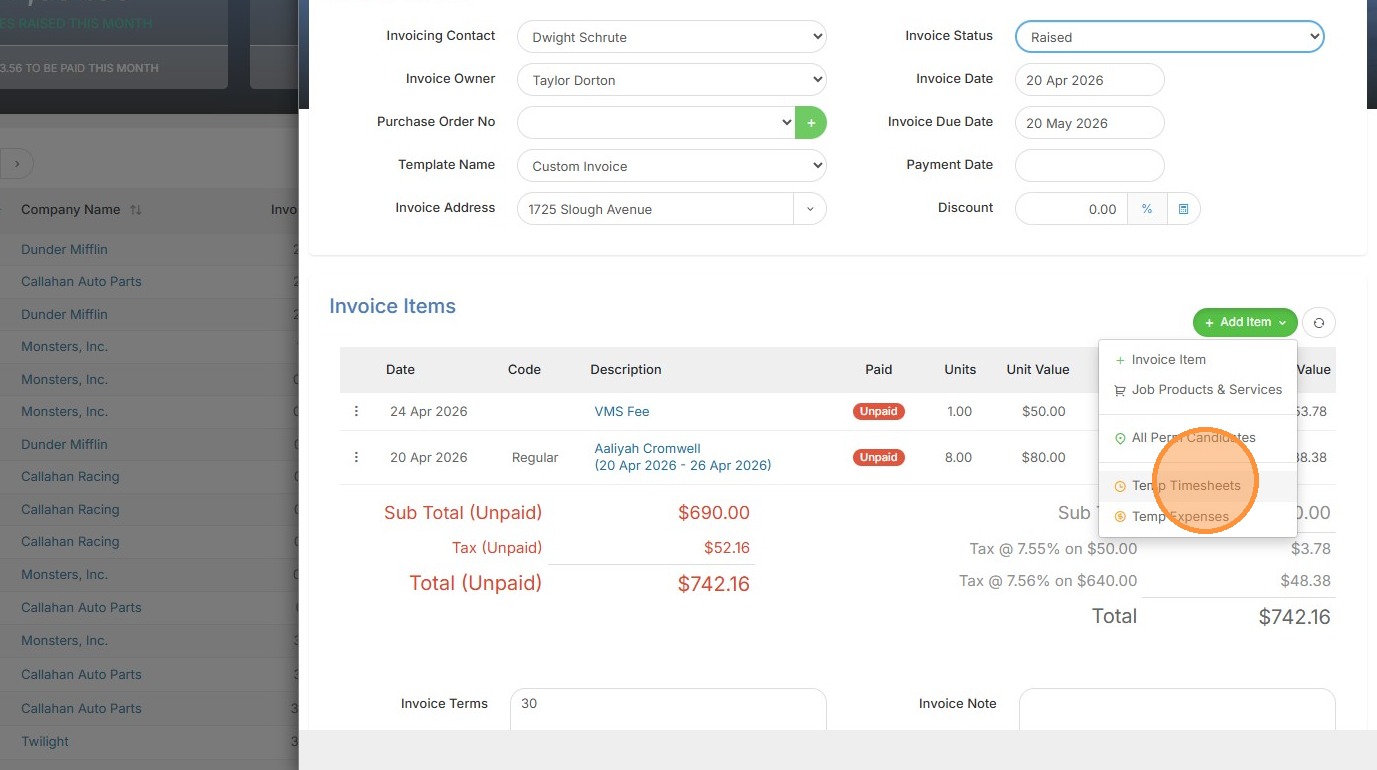
3. Click "Temp Timesheets"
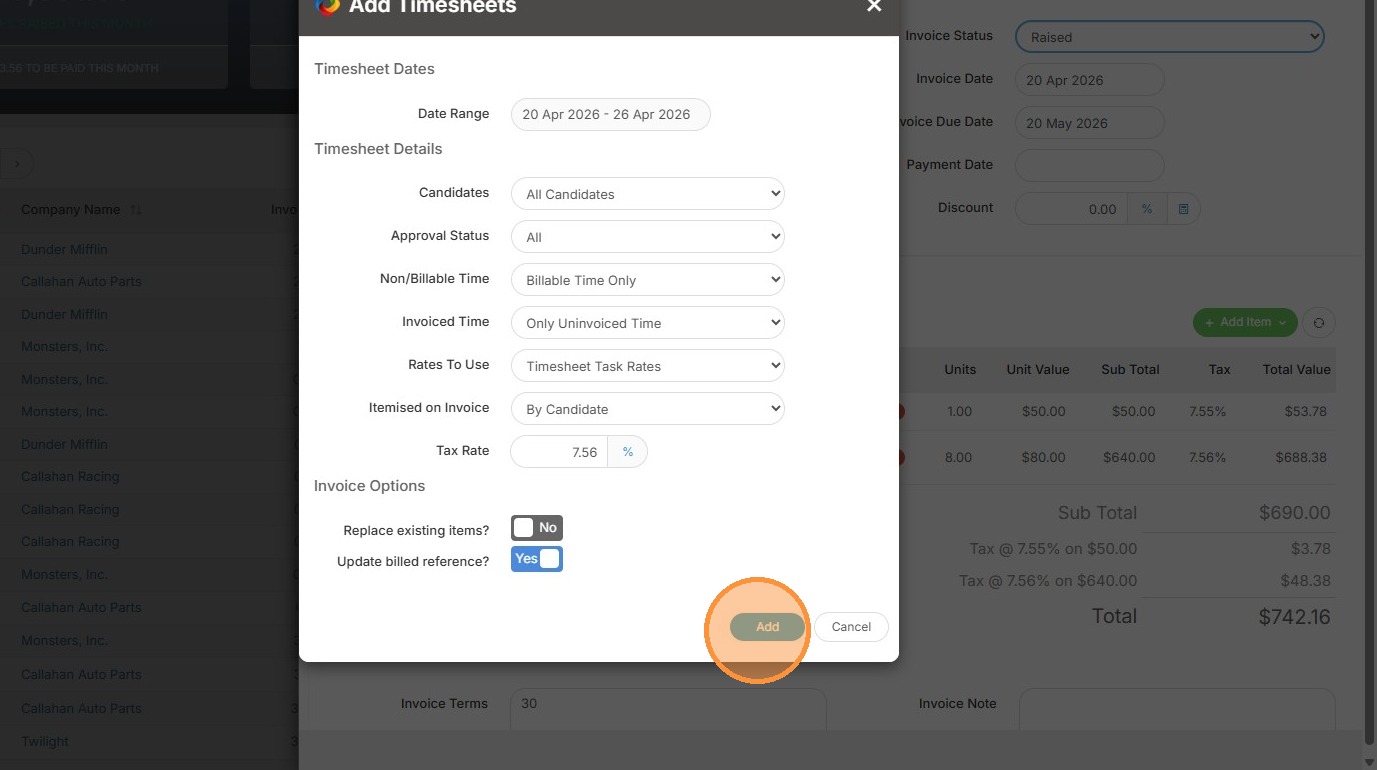
4. Click "Add" once confirm the date period / details are all correct.
5. Here you can see that additional time has now been added to the invoice and total.