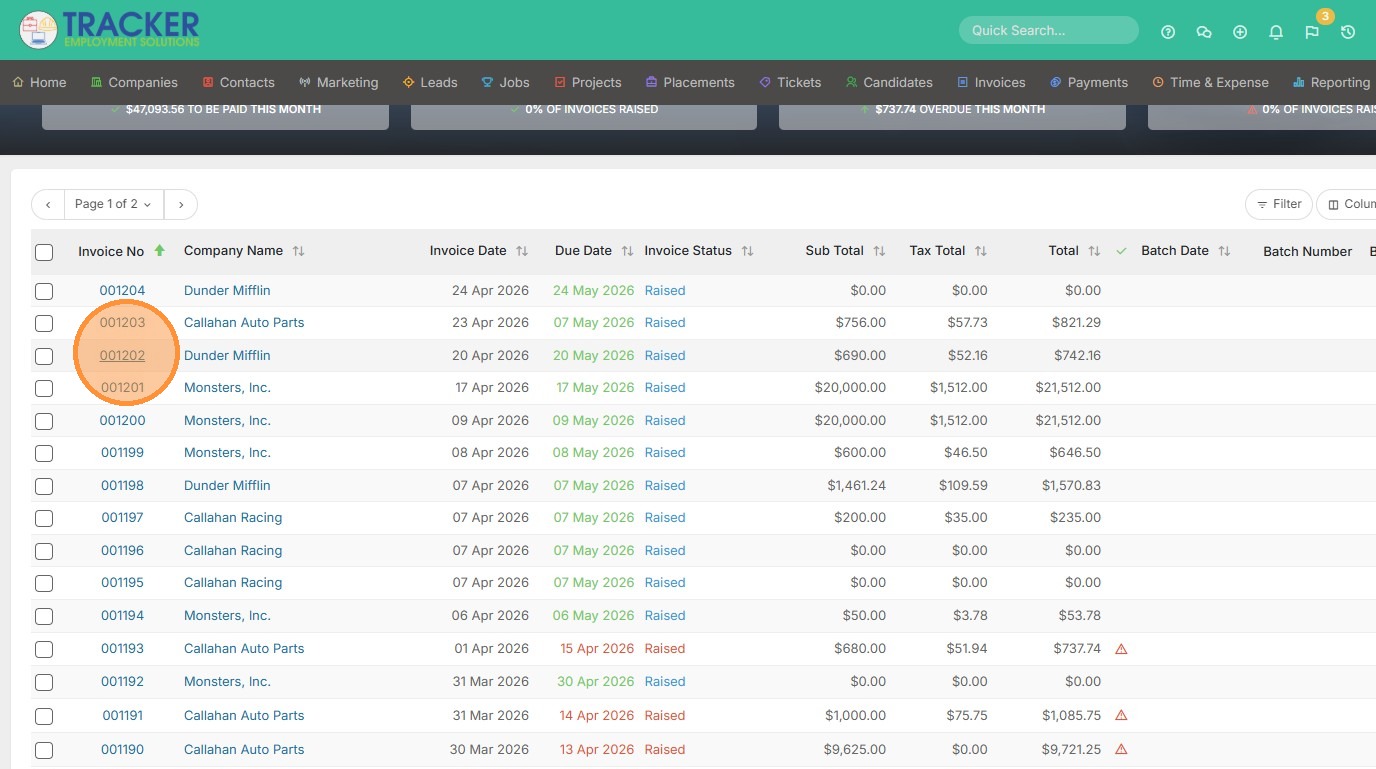
1. To add an expense to an existing invoice, open that invoice.
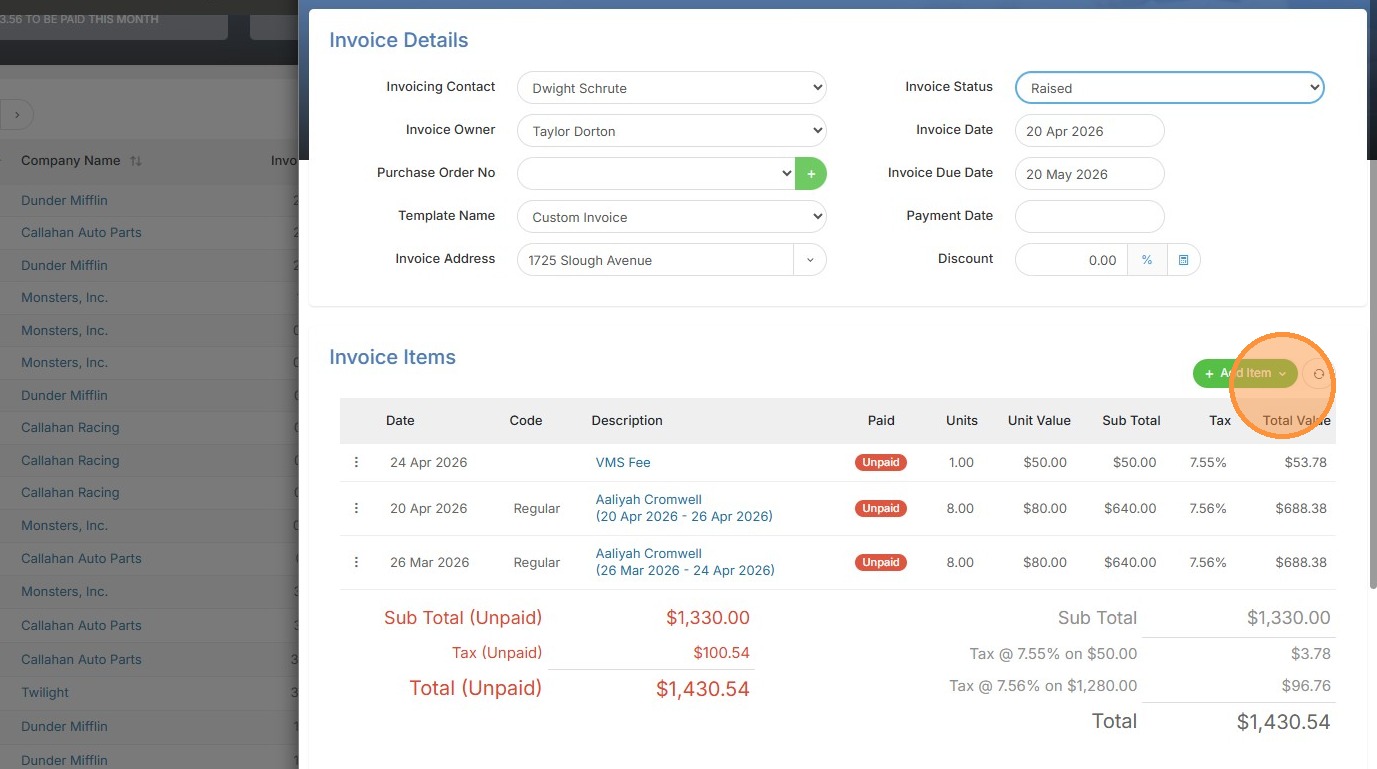
2. Click "Add Item"
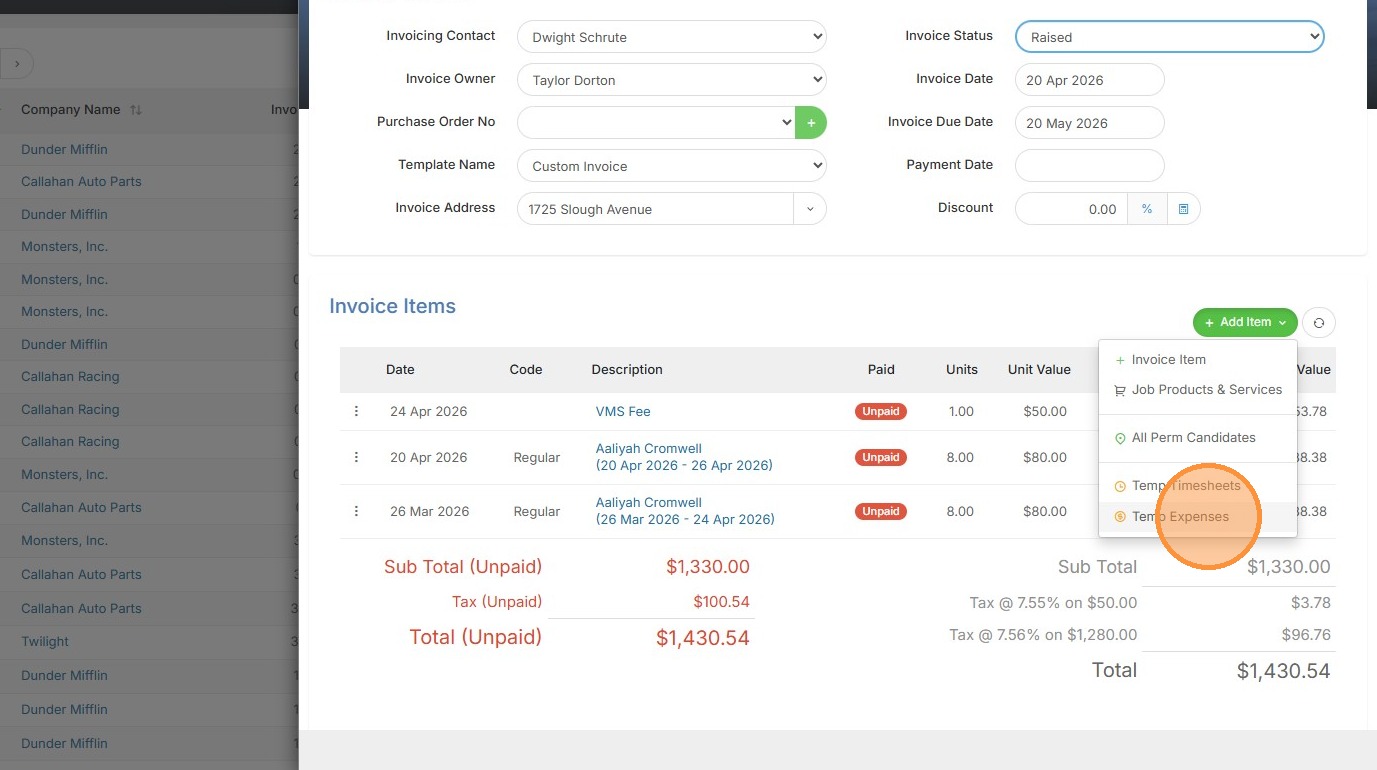
3. Click "Temp Expenses"
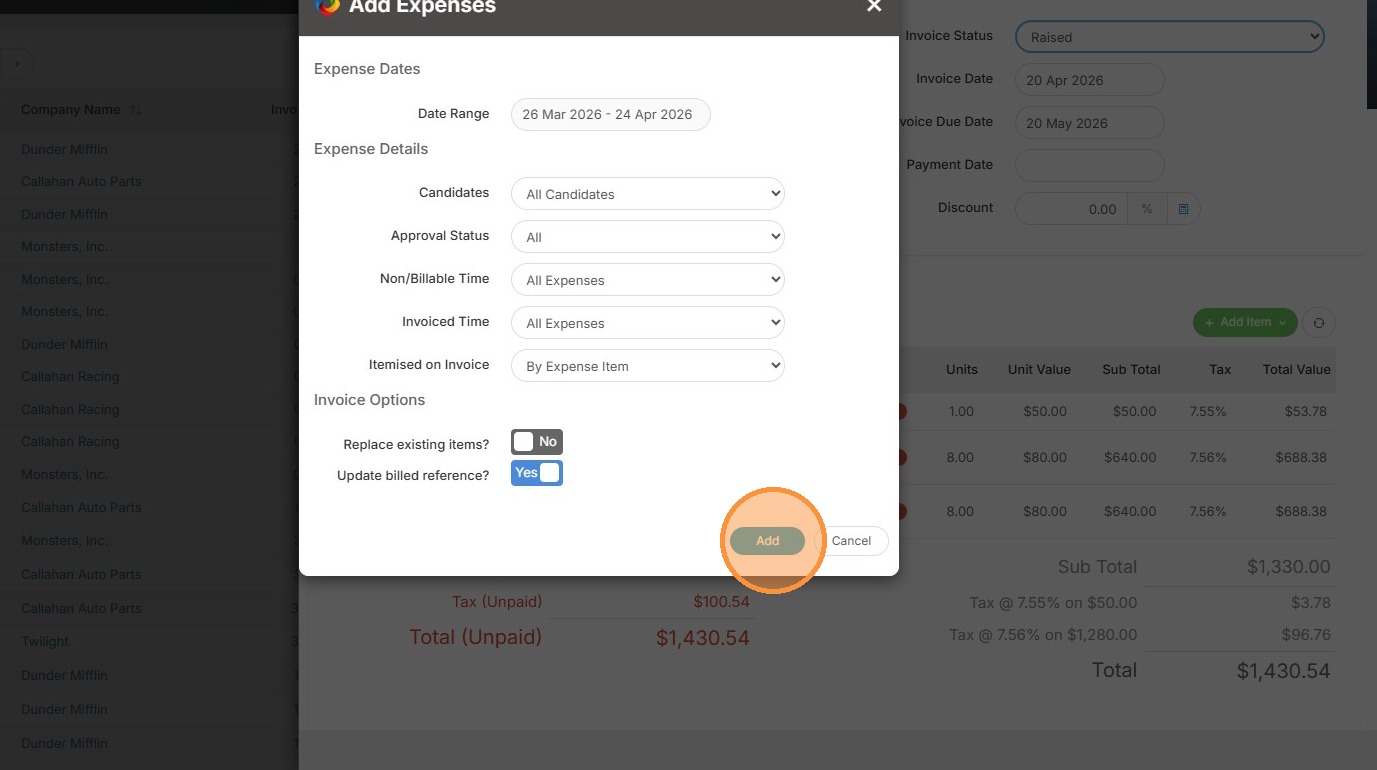
4. Select the correct details (dates etc.), then click add.
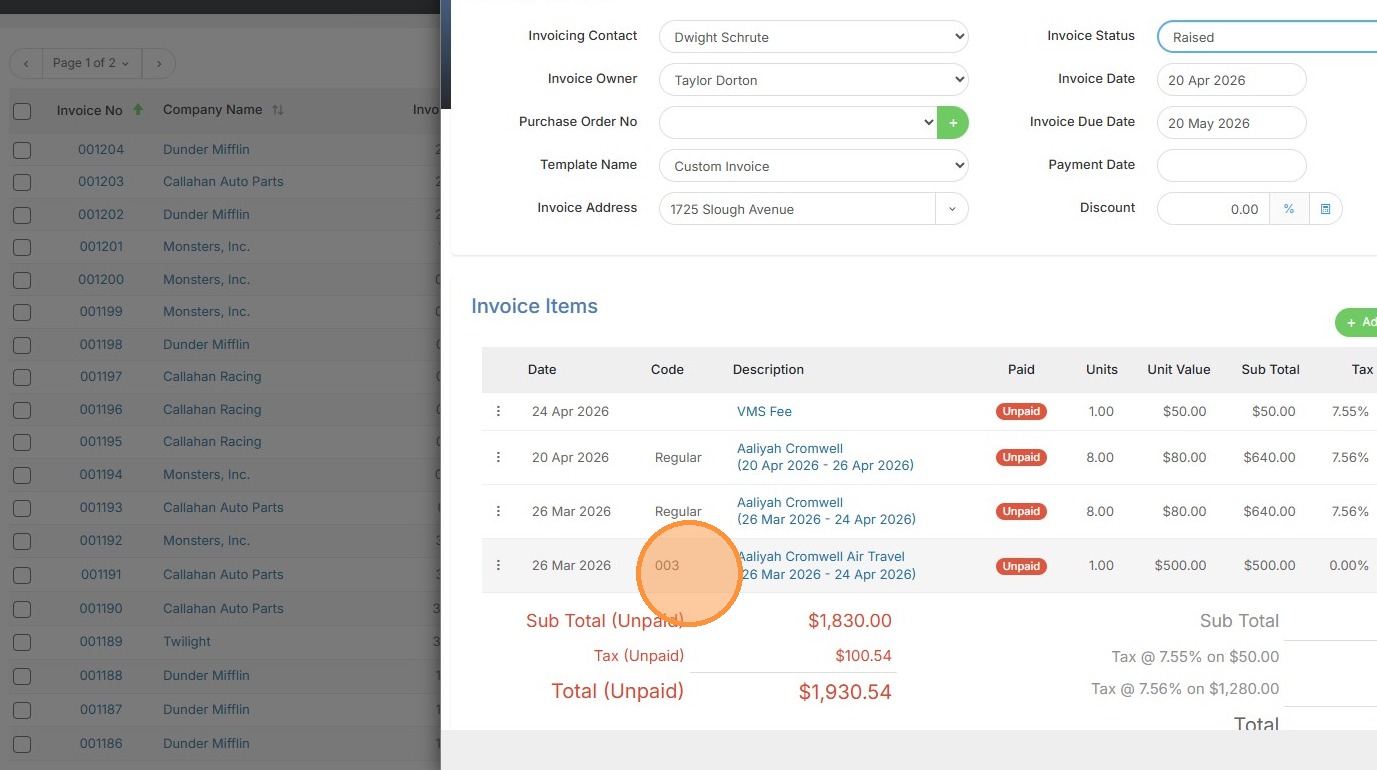
5. You can now see the Air Travel expense has been added.
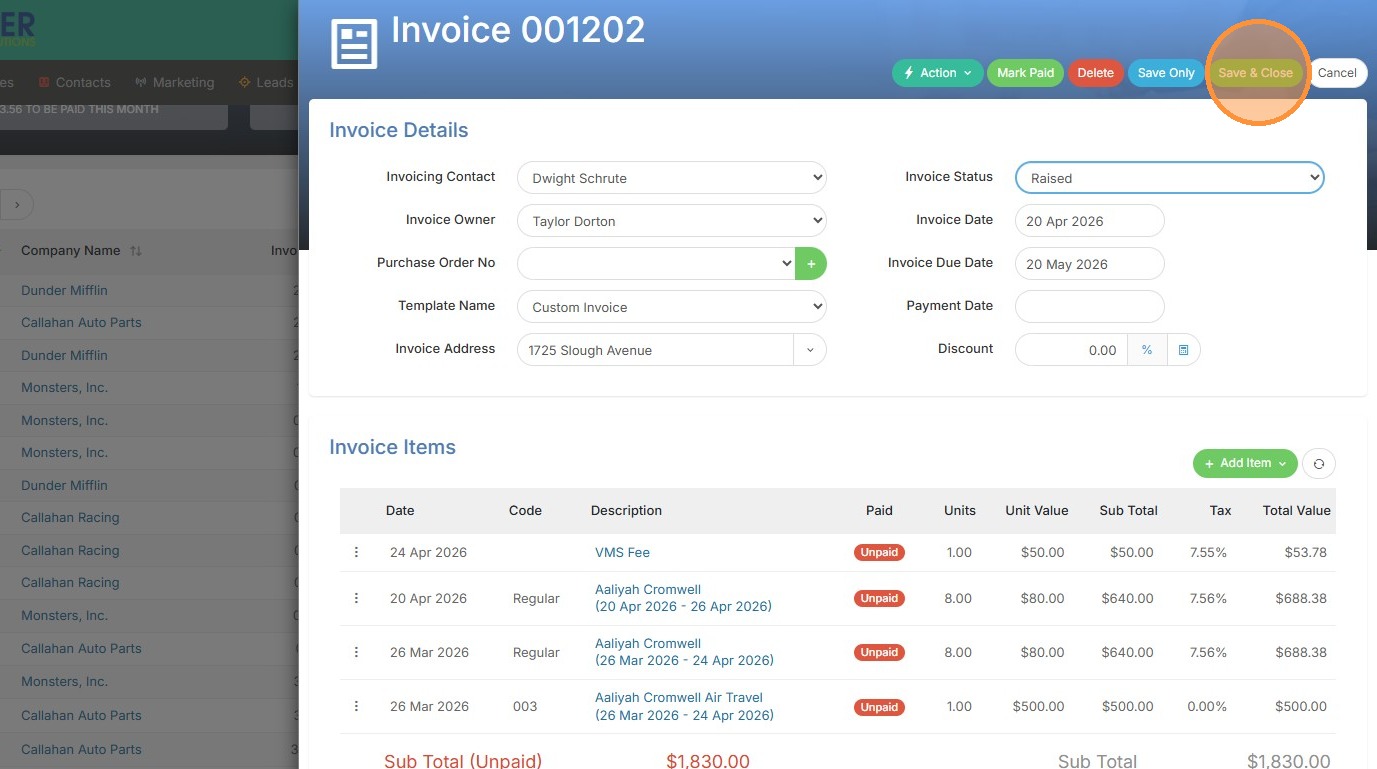
6. Click "Save & Close"