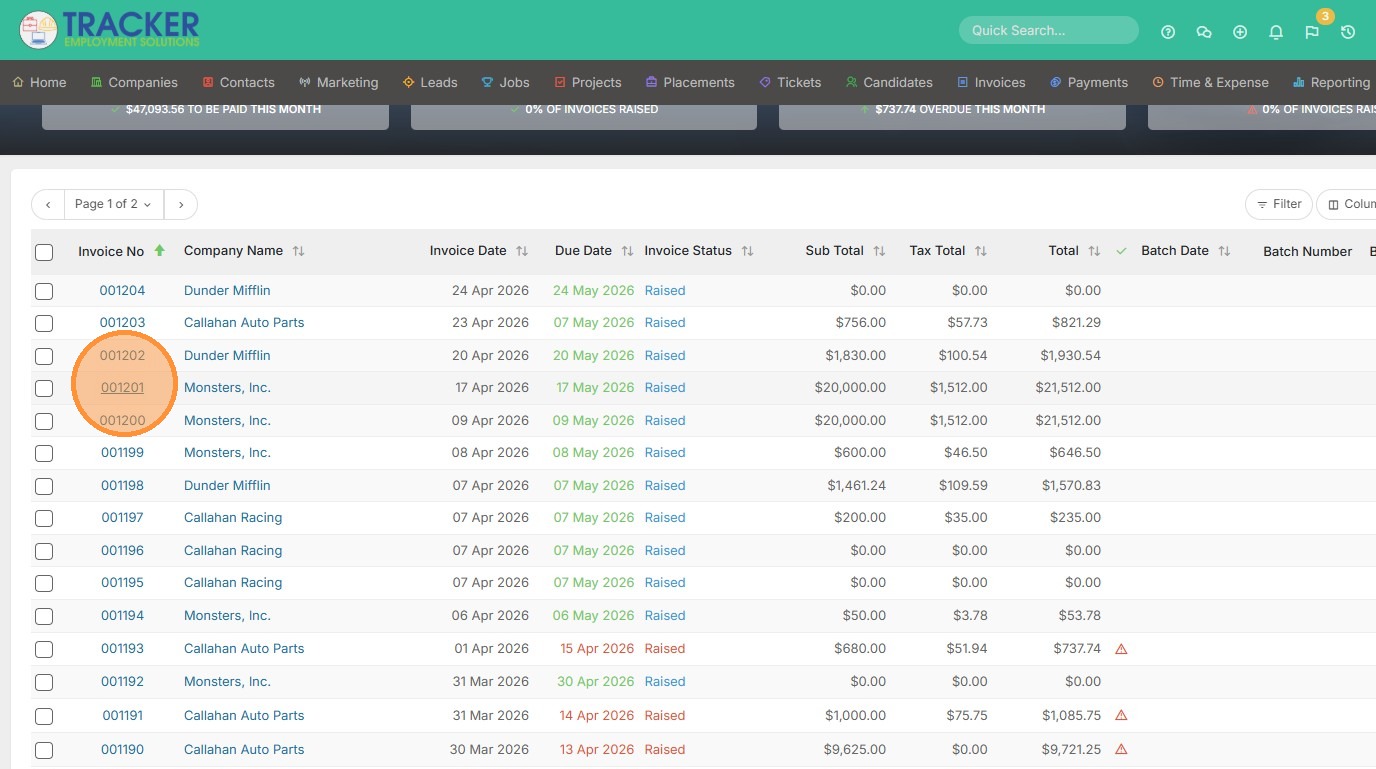
1. To add new ad hoc items to an existing invoice, open that invoice.
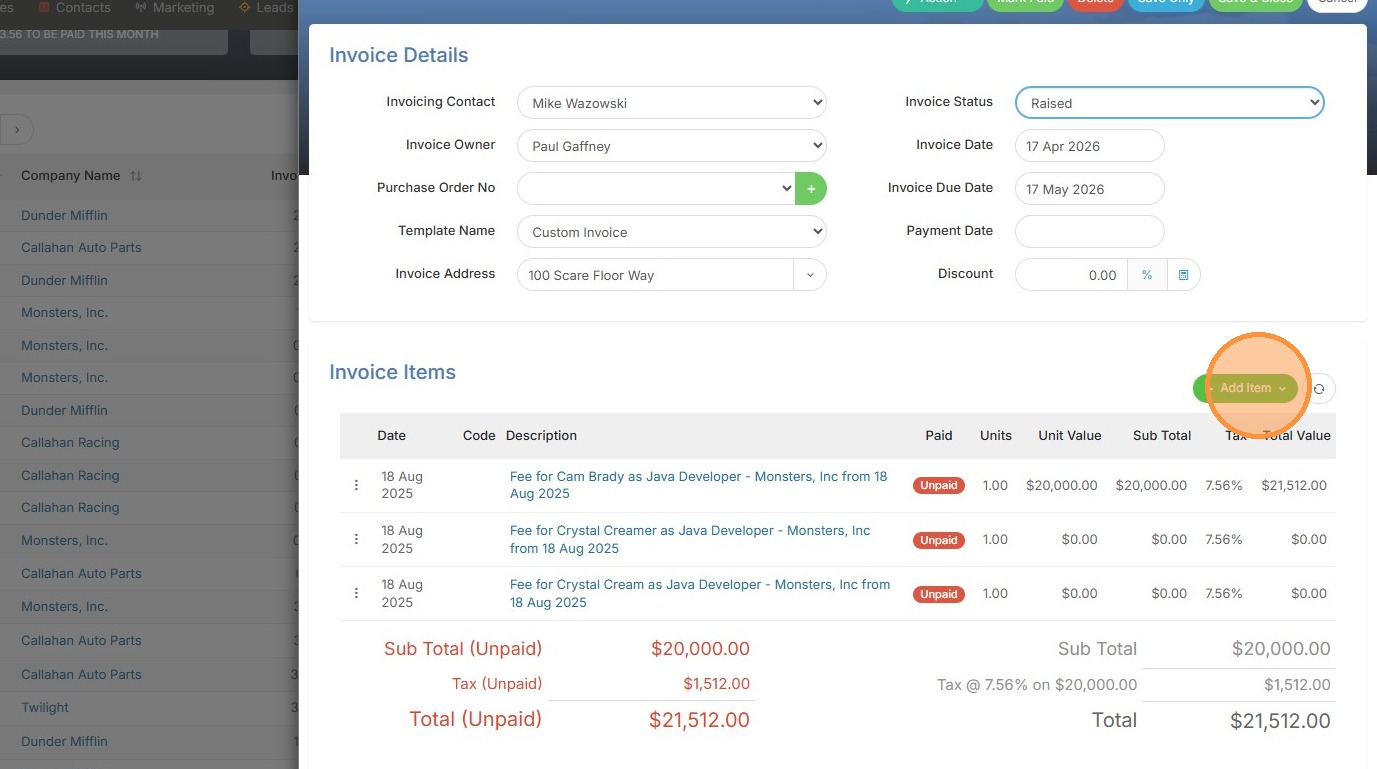
2. Click "Add Item"
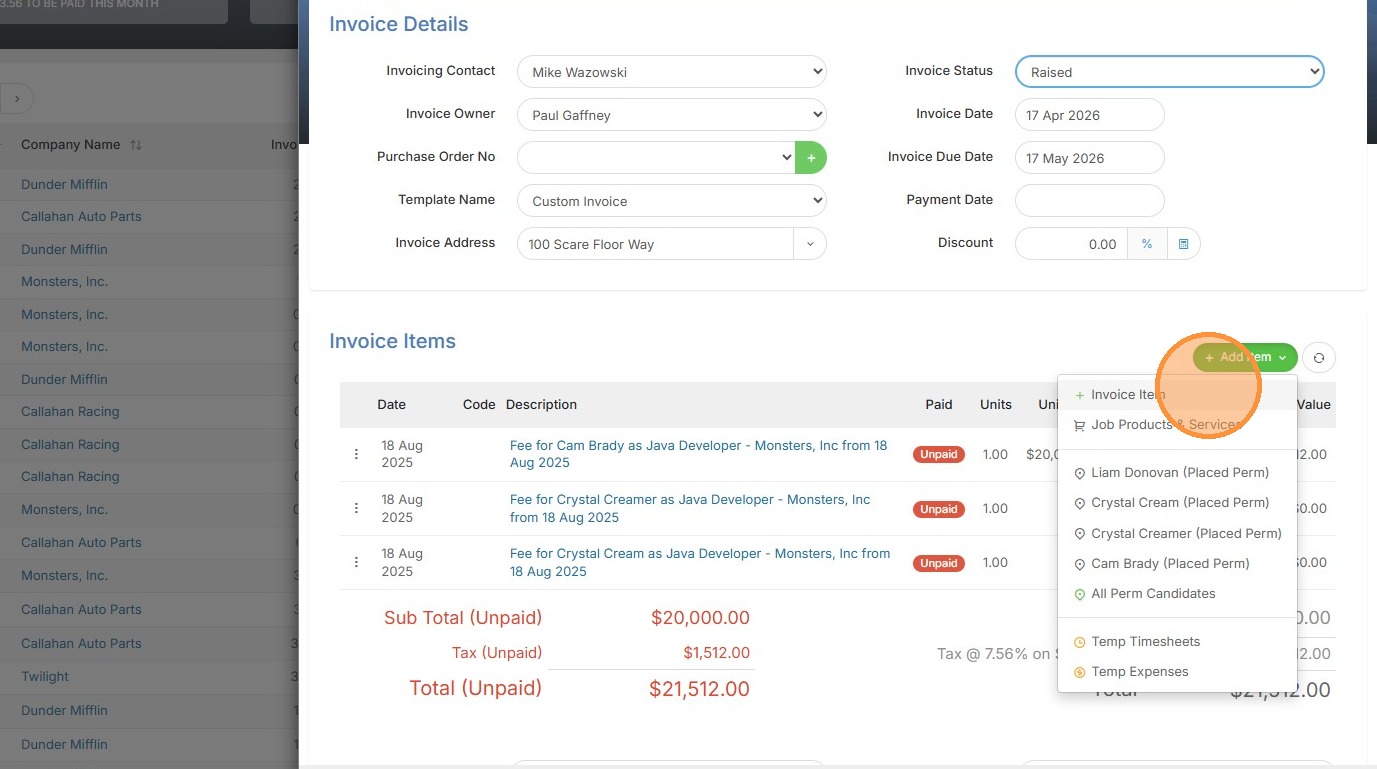
3. Click "Invoice Item"
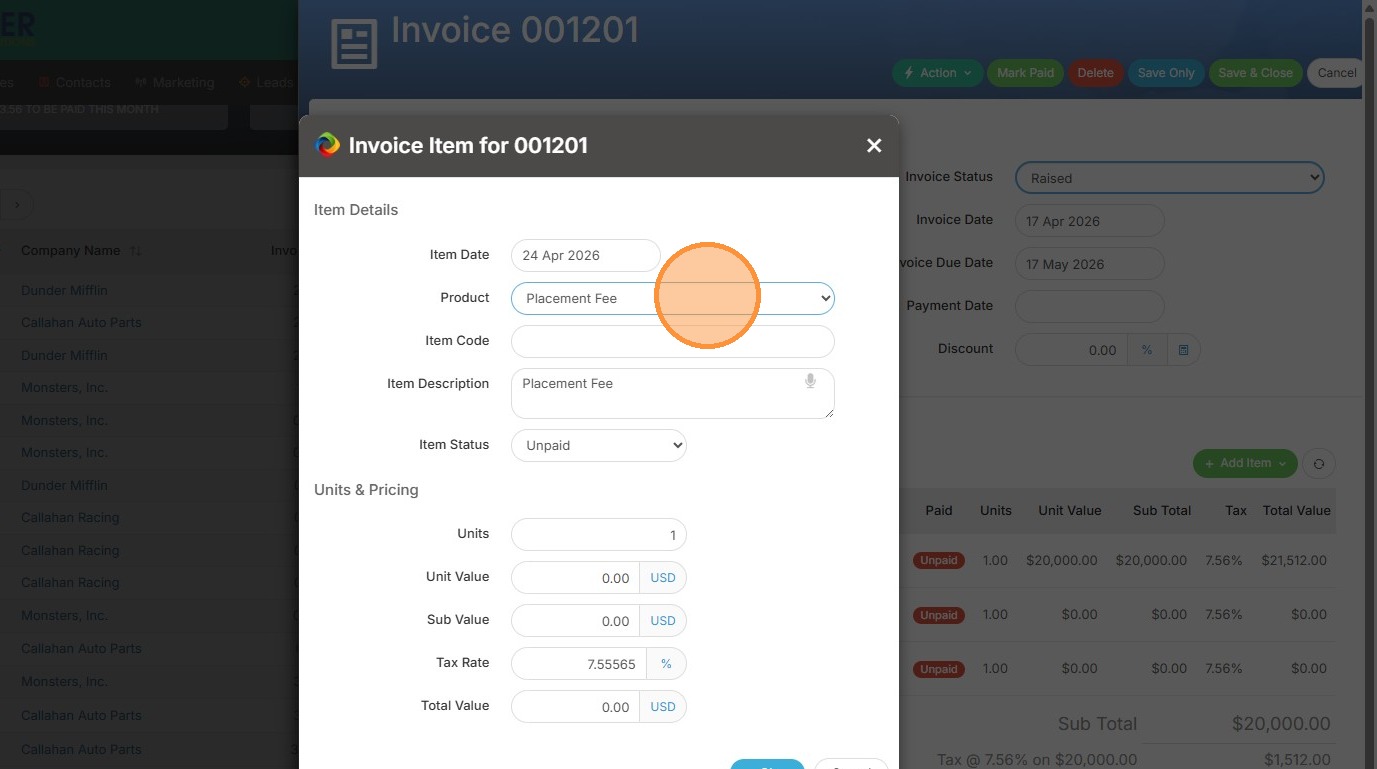
4. Select the product from the dropdown list or manually type the item details.
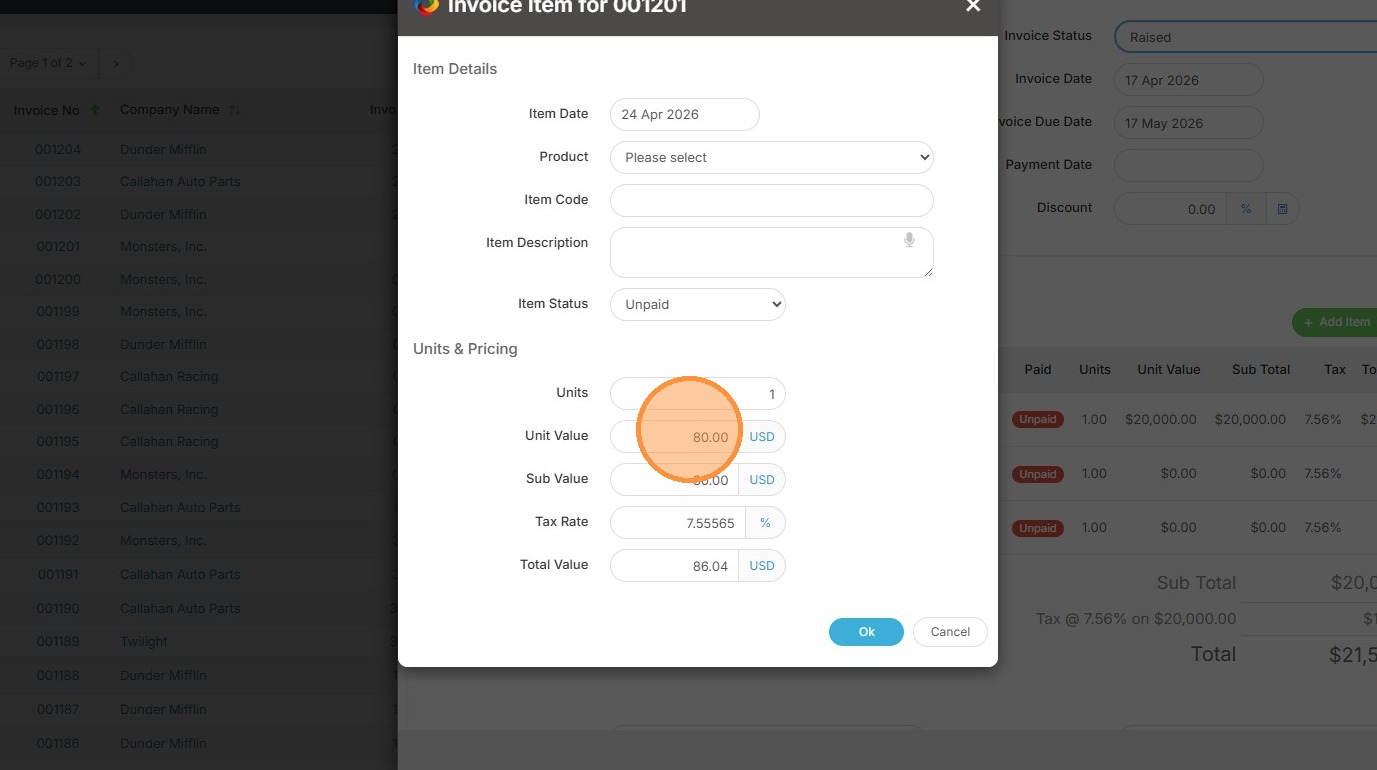
5. Ensure you include a unit value in this field if you're manually typing this up.
6. Click "Ok"
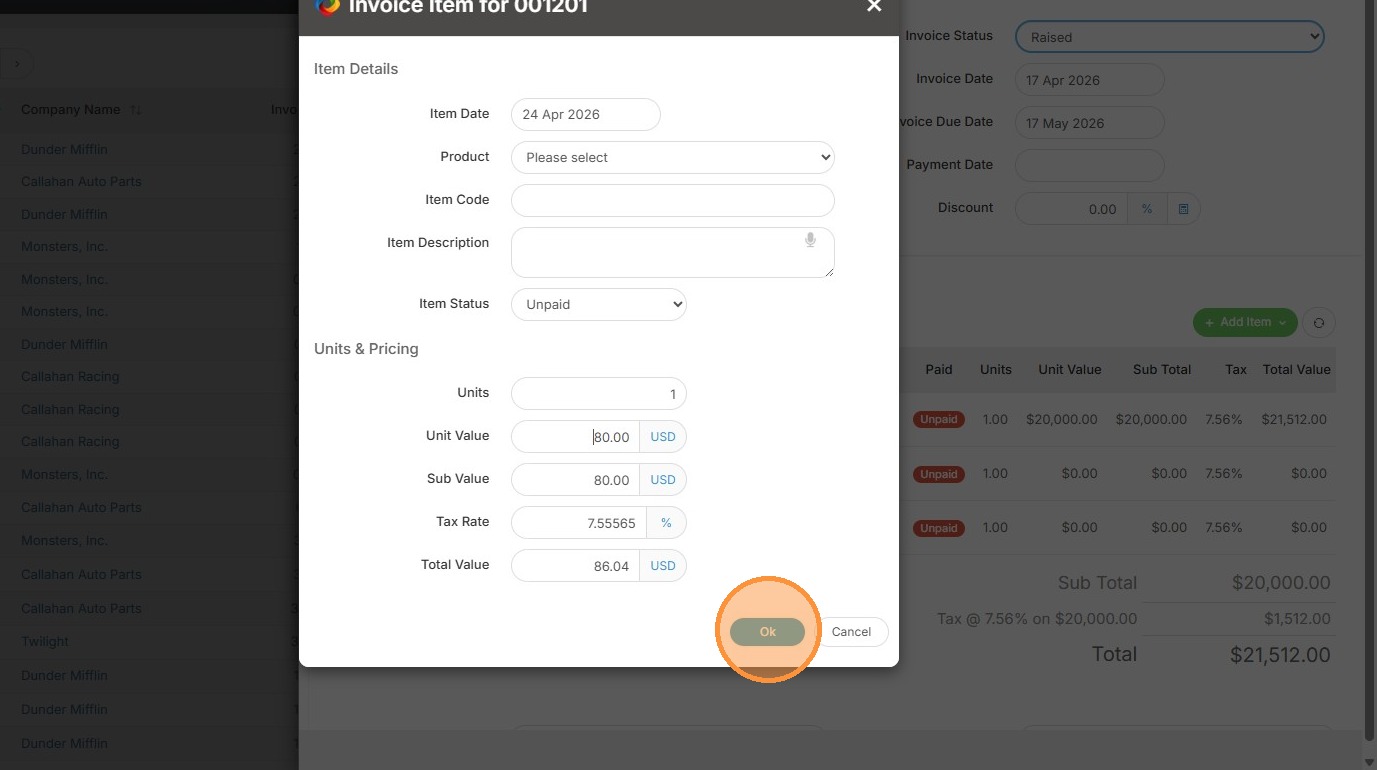
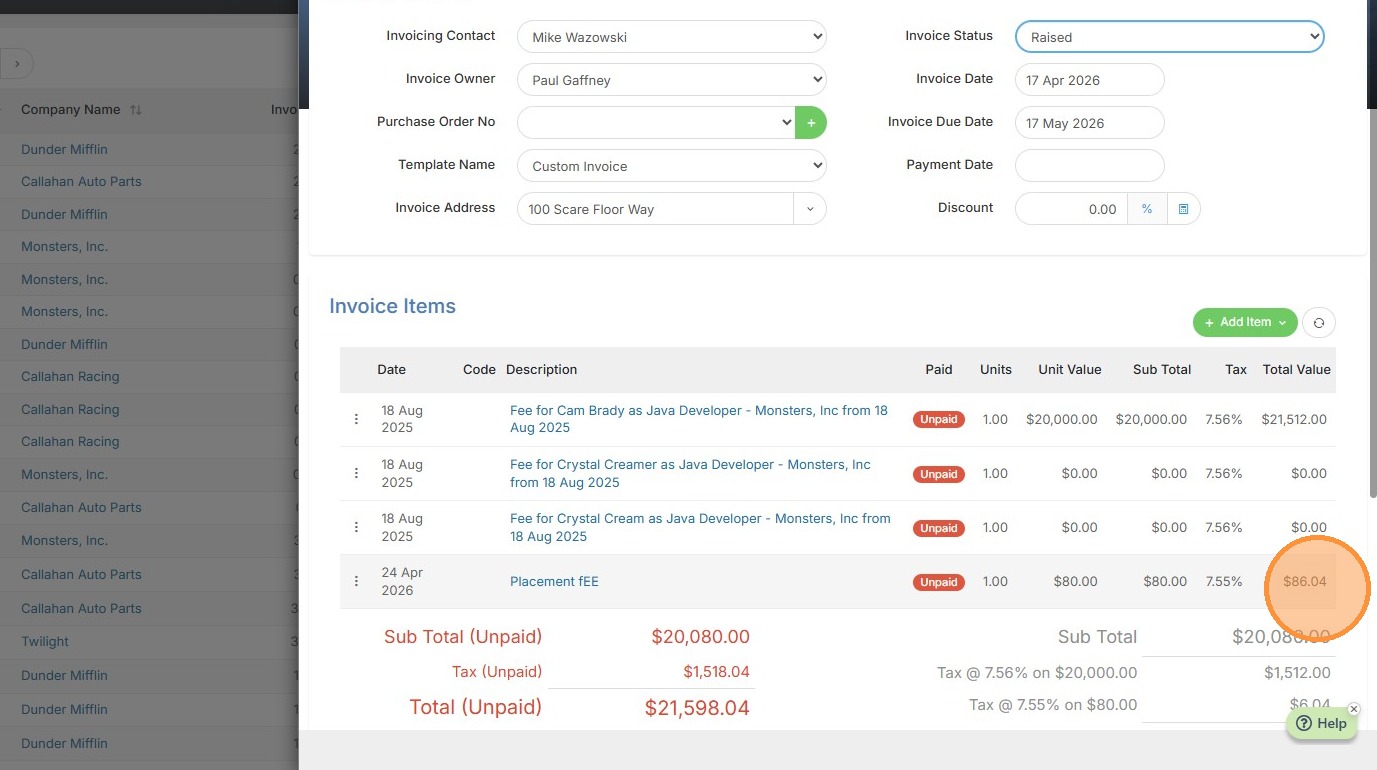
7. You can now see the added item.