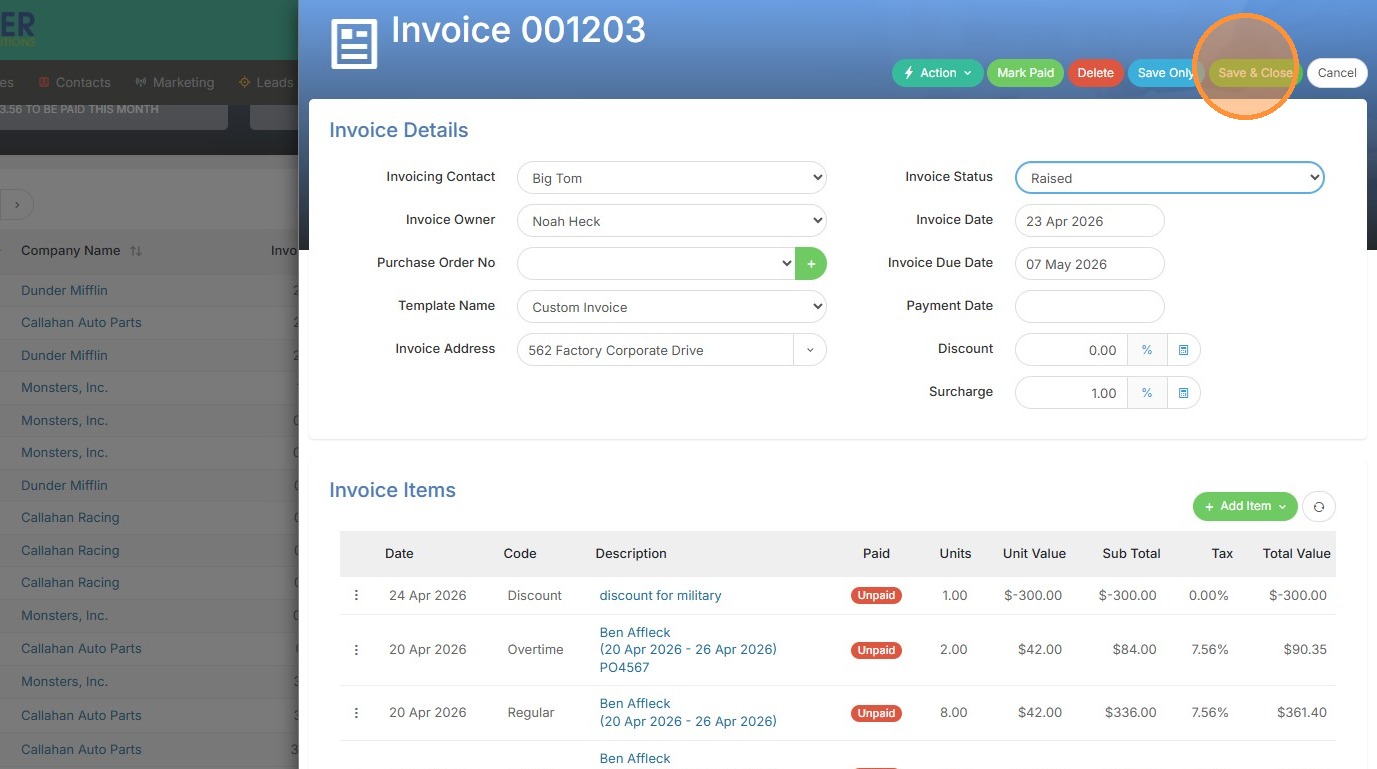
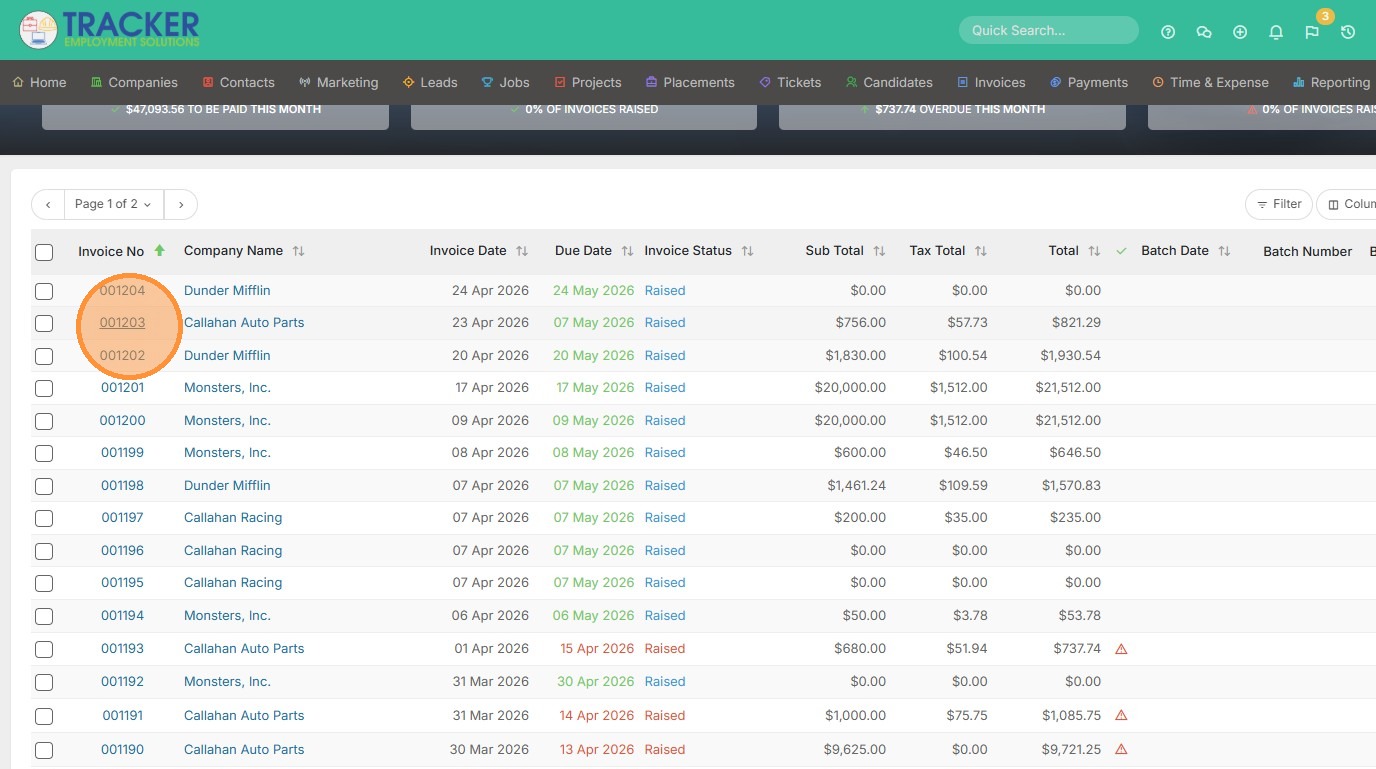
1. To add a discount to an invoice, open that invoice.
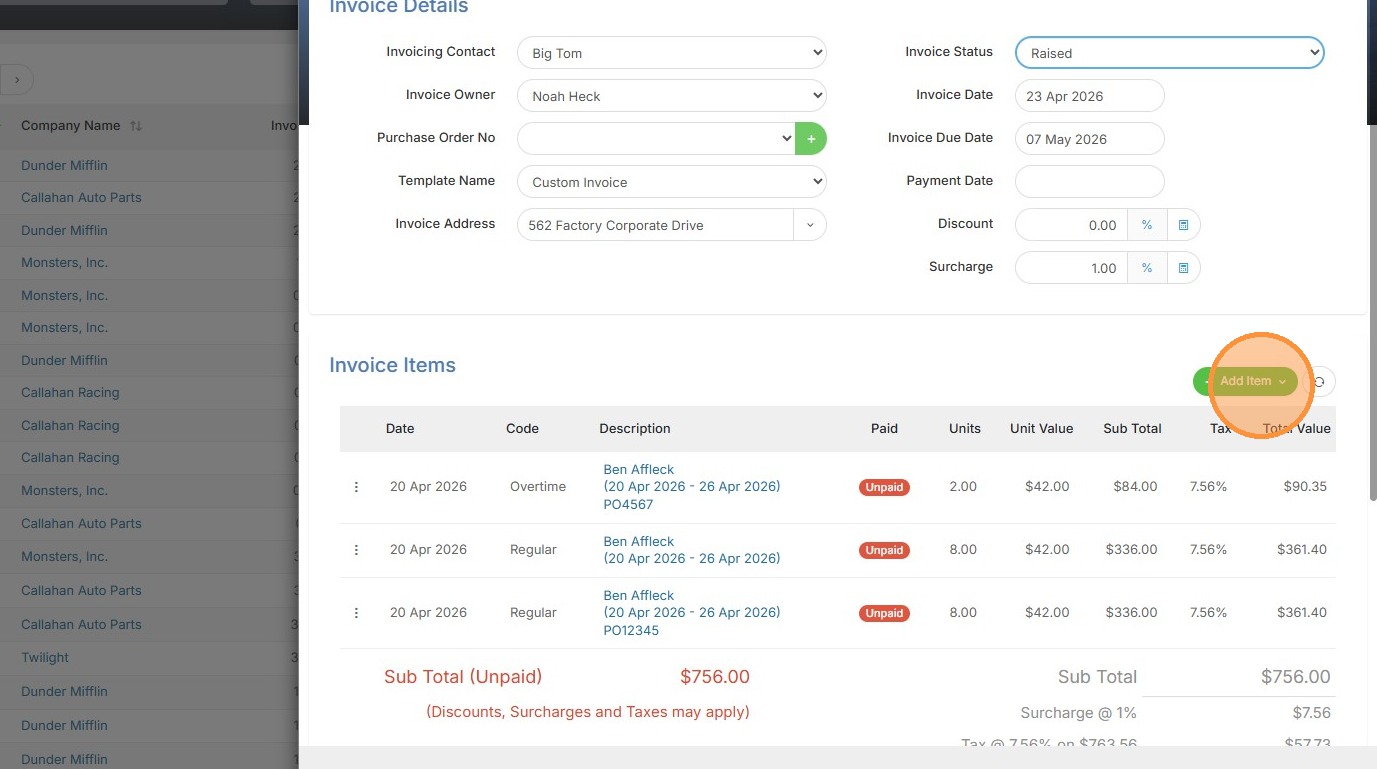
2. Click "Add Item"
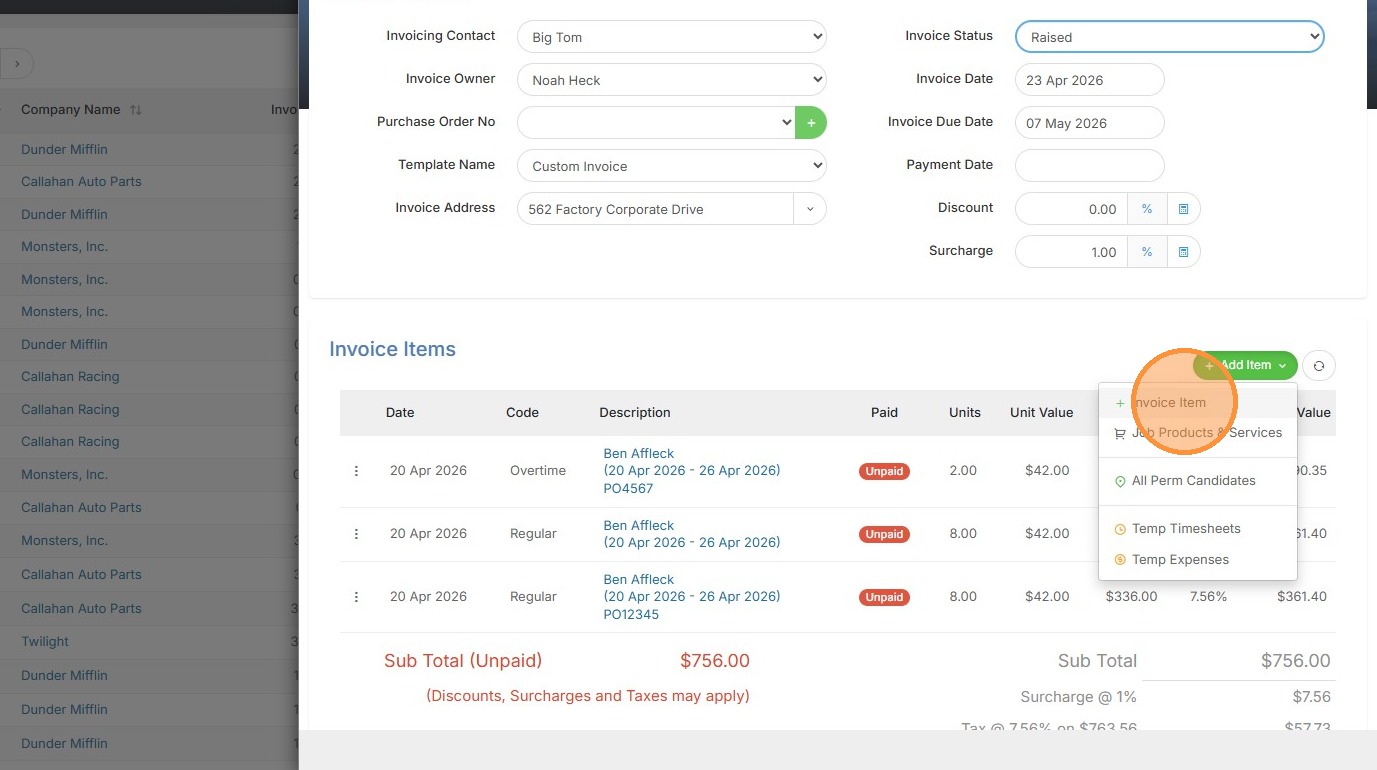
3. Click "Invoice Item"
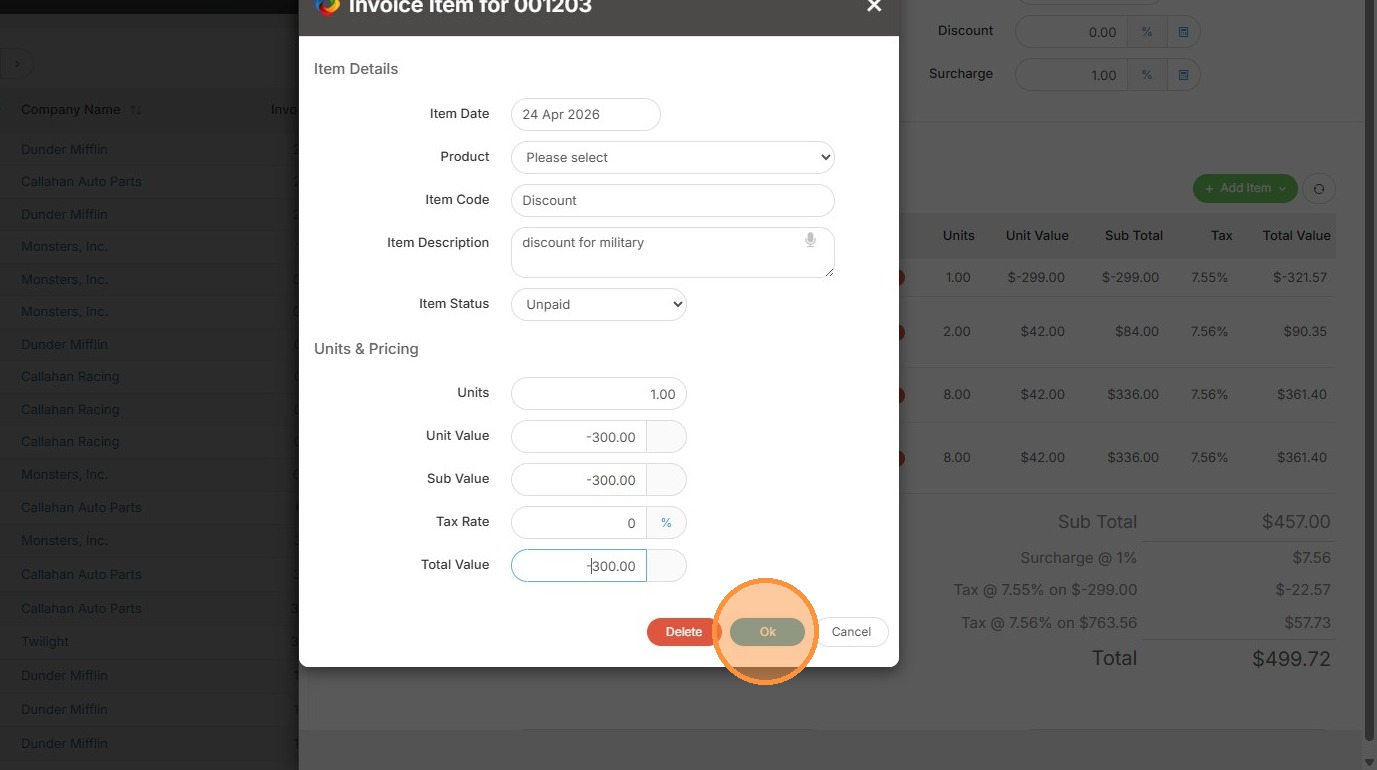
4. Click this dropdown if you have a credit already existing under Products/Services in tools & settings.
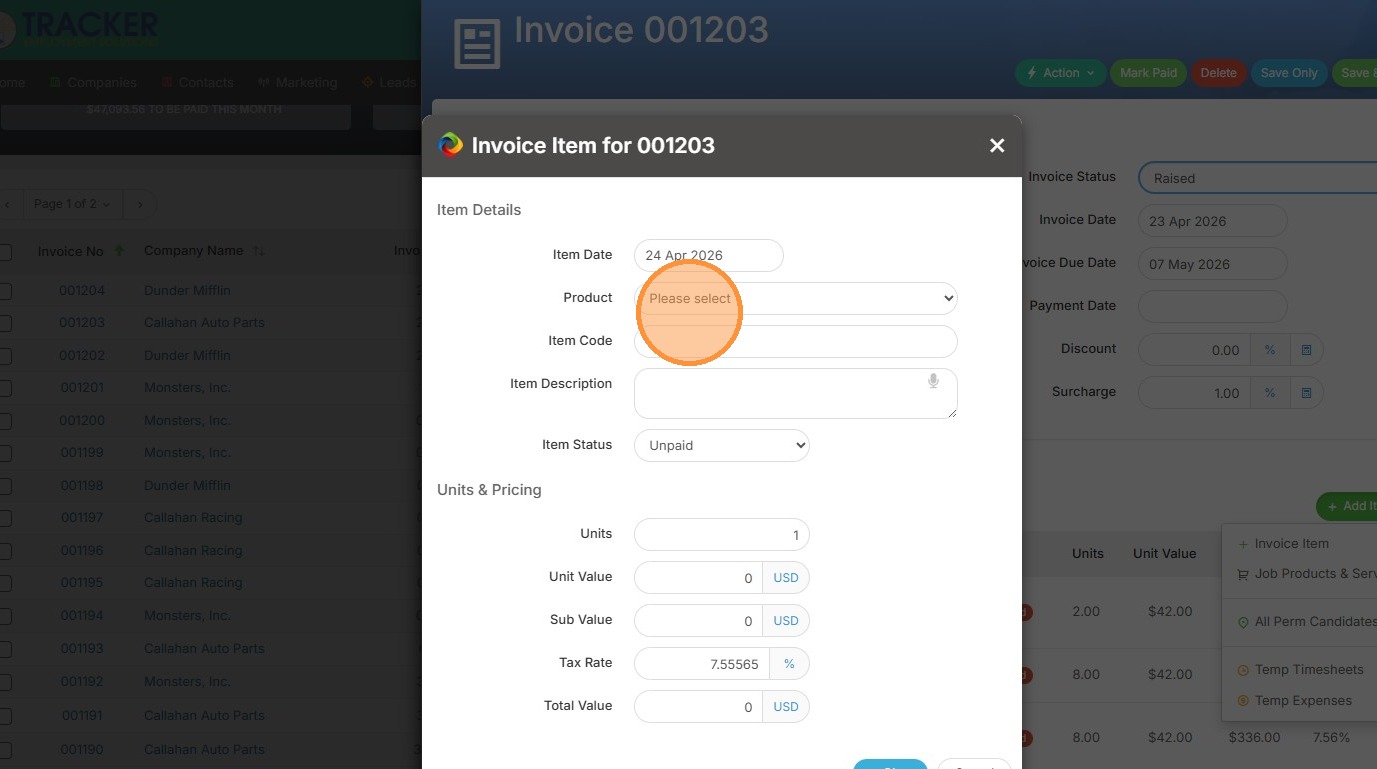
5. If you don't, manually type in the discount details.
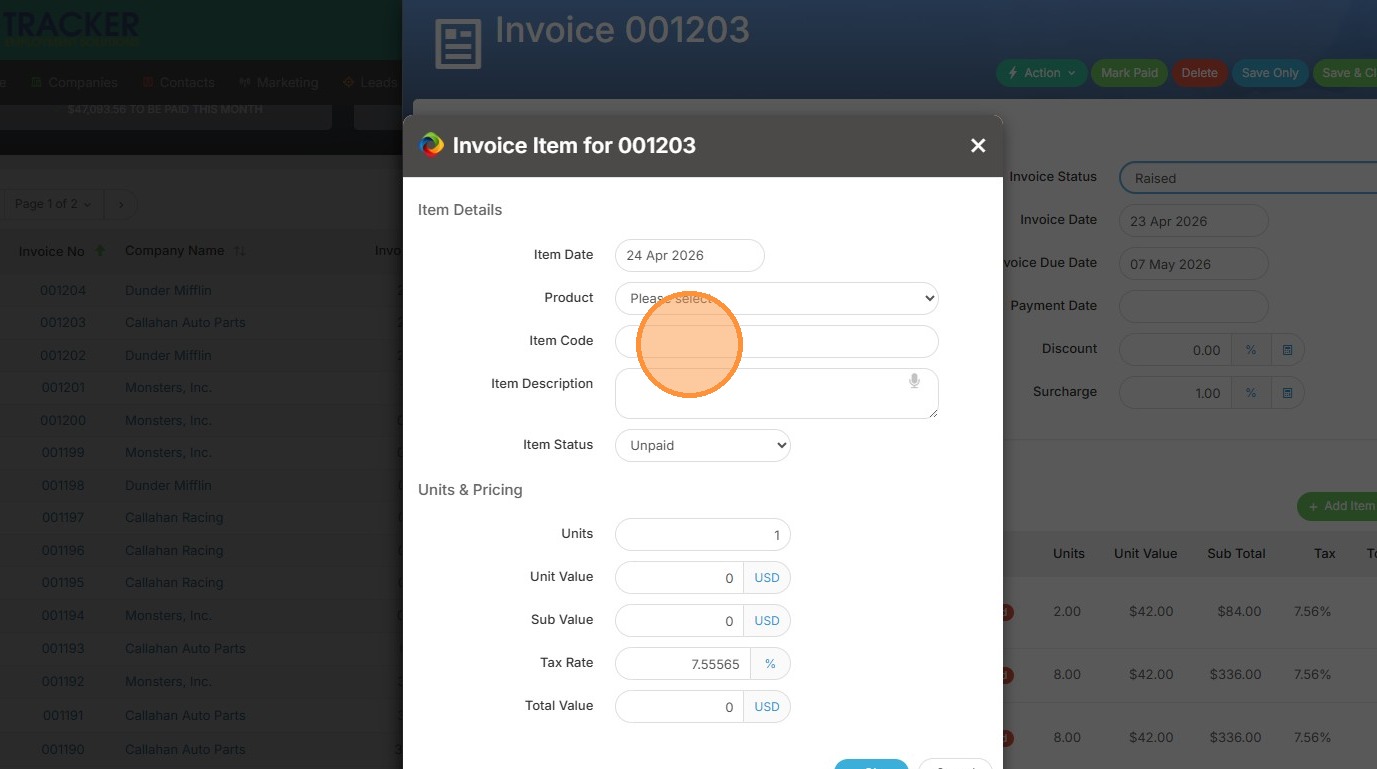
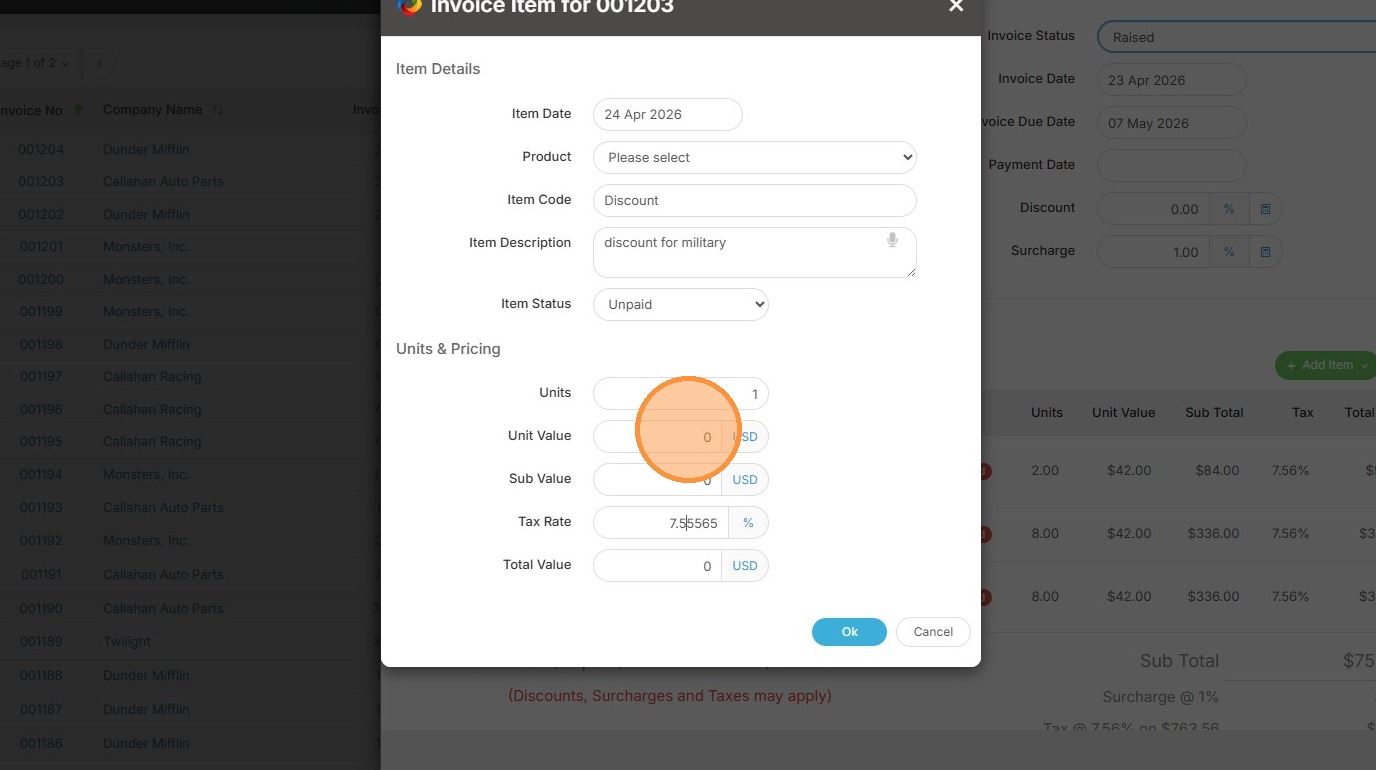
6. When inputting the Unit Value, make sure to add in a negative number.
7. You can see my total discount will be $300.
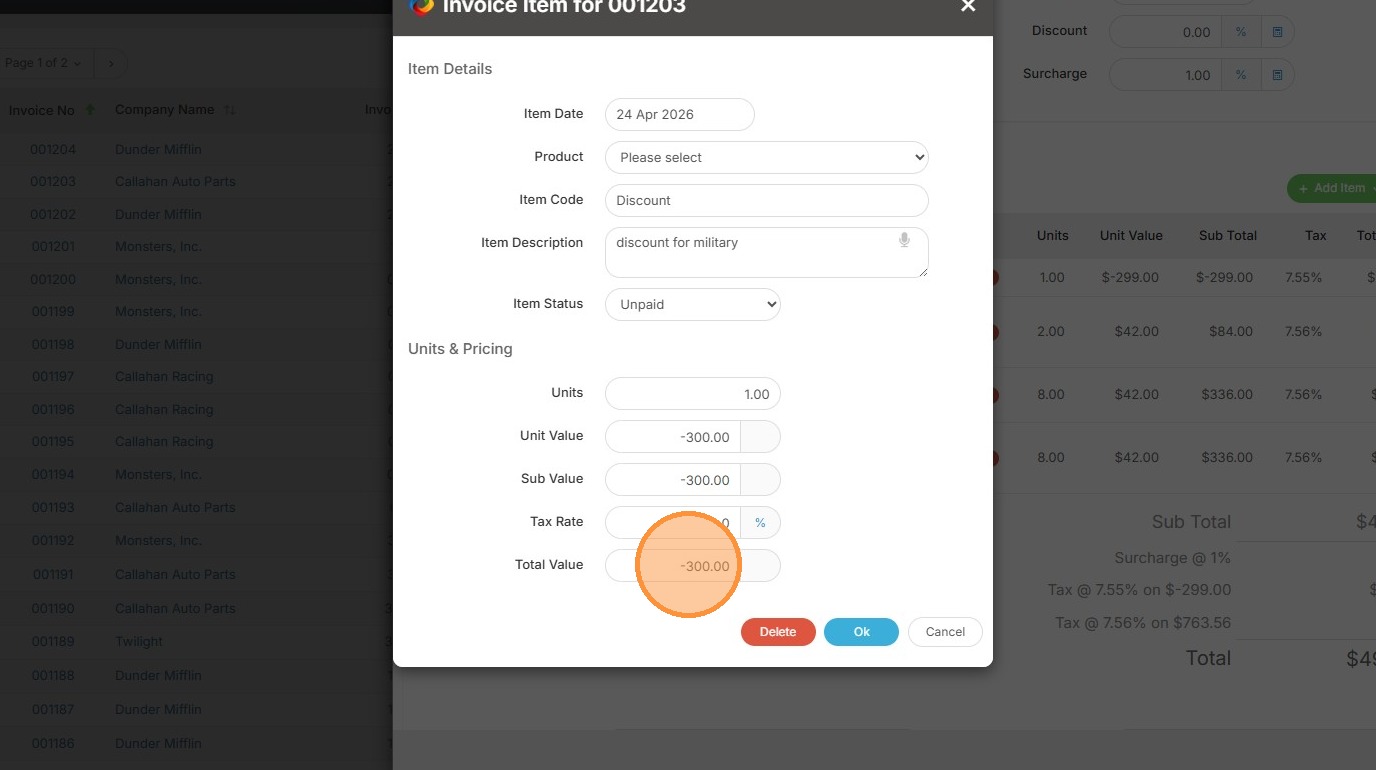
8. Click "Ok"
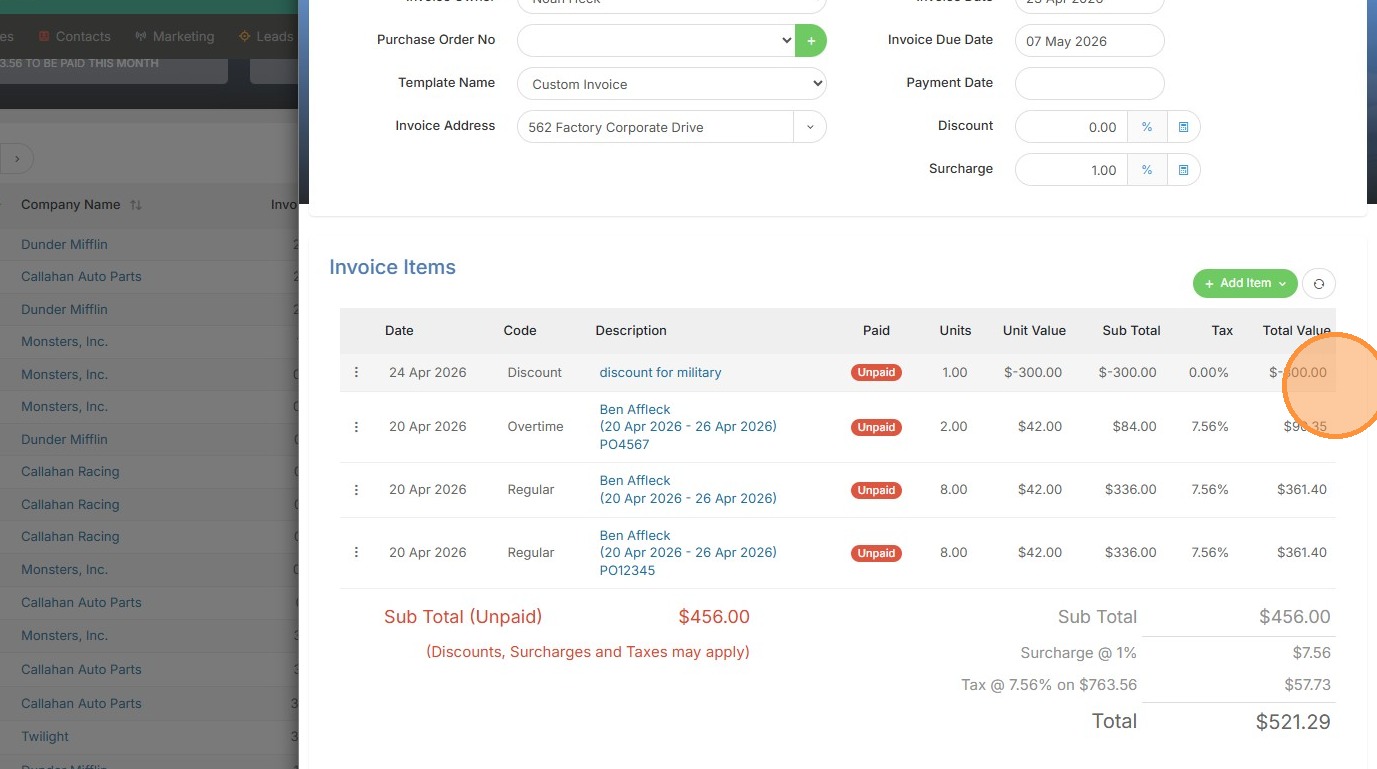
9. The discount has been added here.
10. And the invoice calls out discounts at the bottom now.
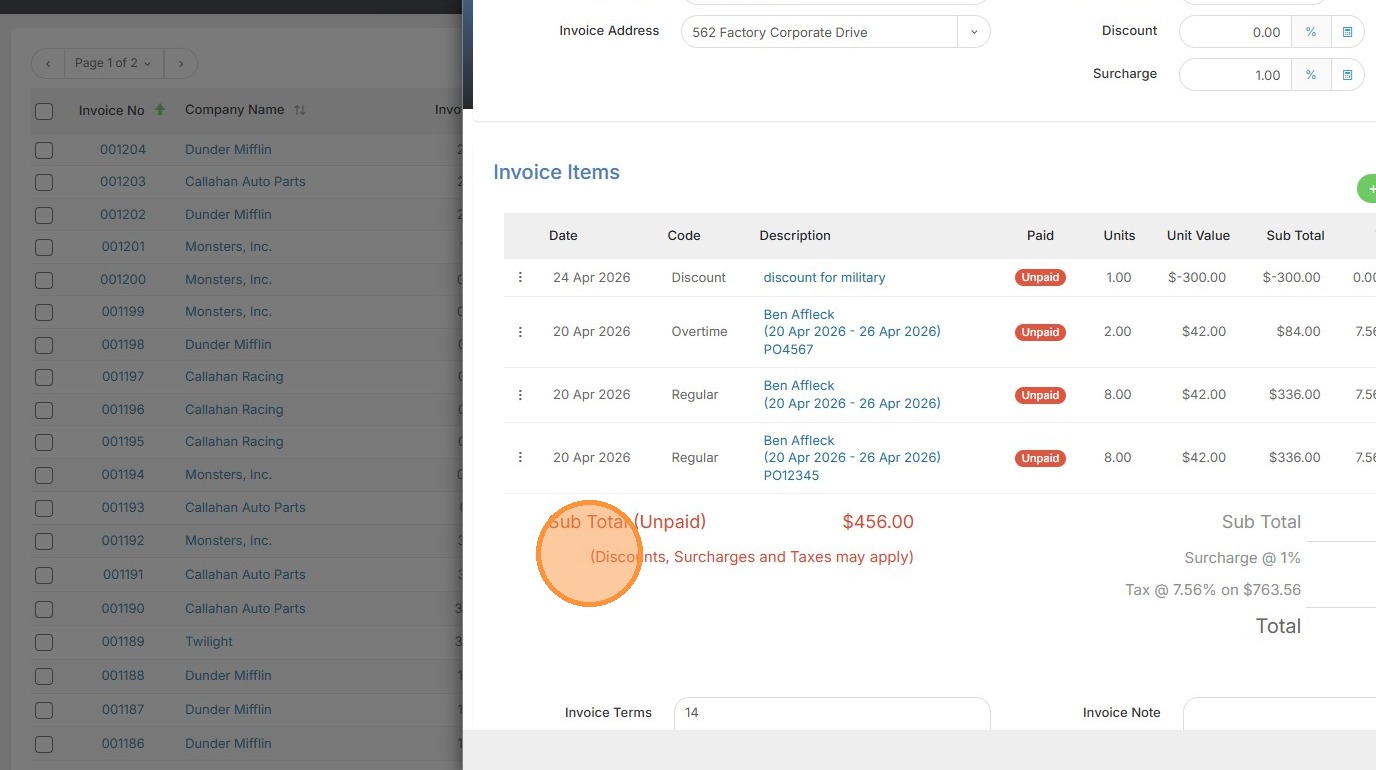
11. Click "Save & Close" once you're happy with the results.