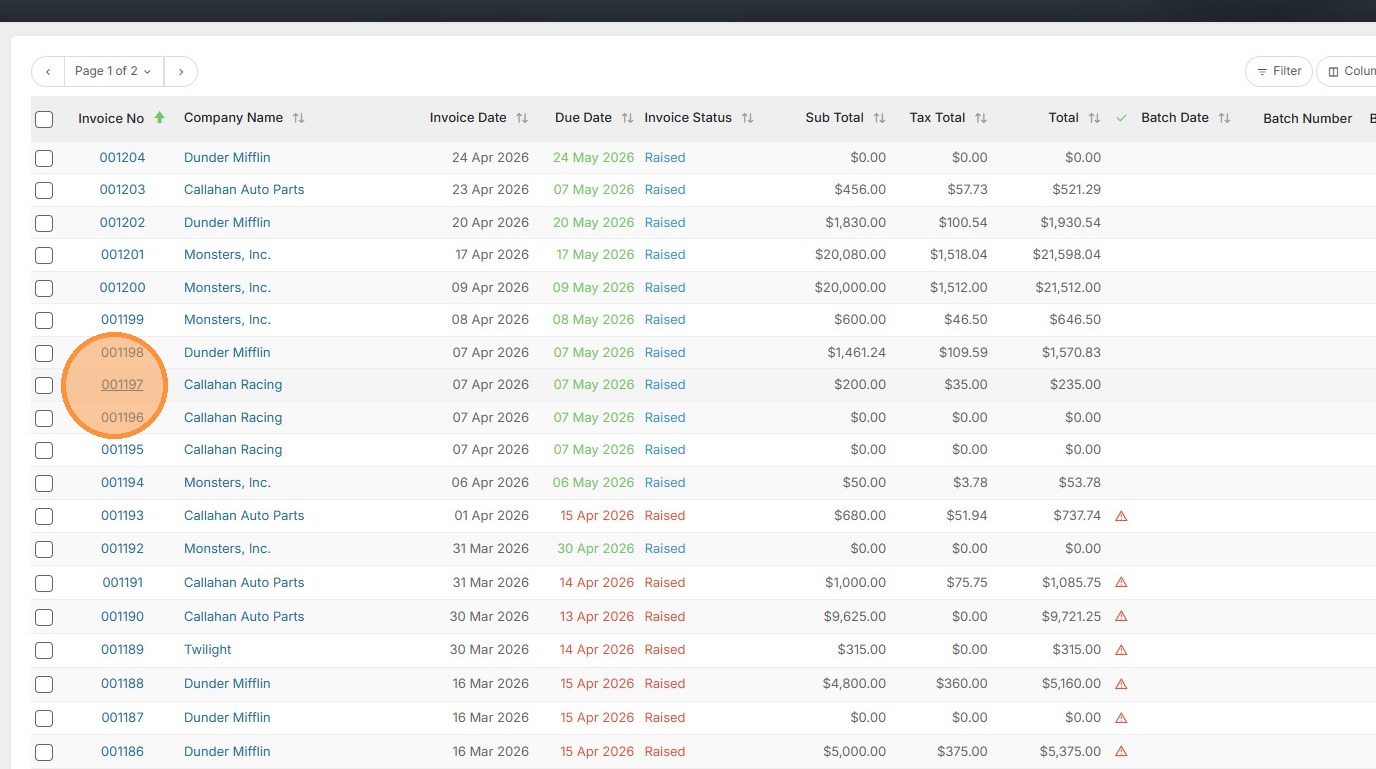
1. To add a PO to an existing invoice, open that invoice.
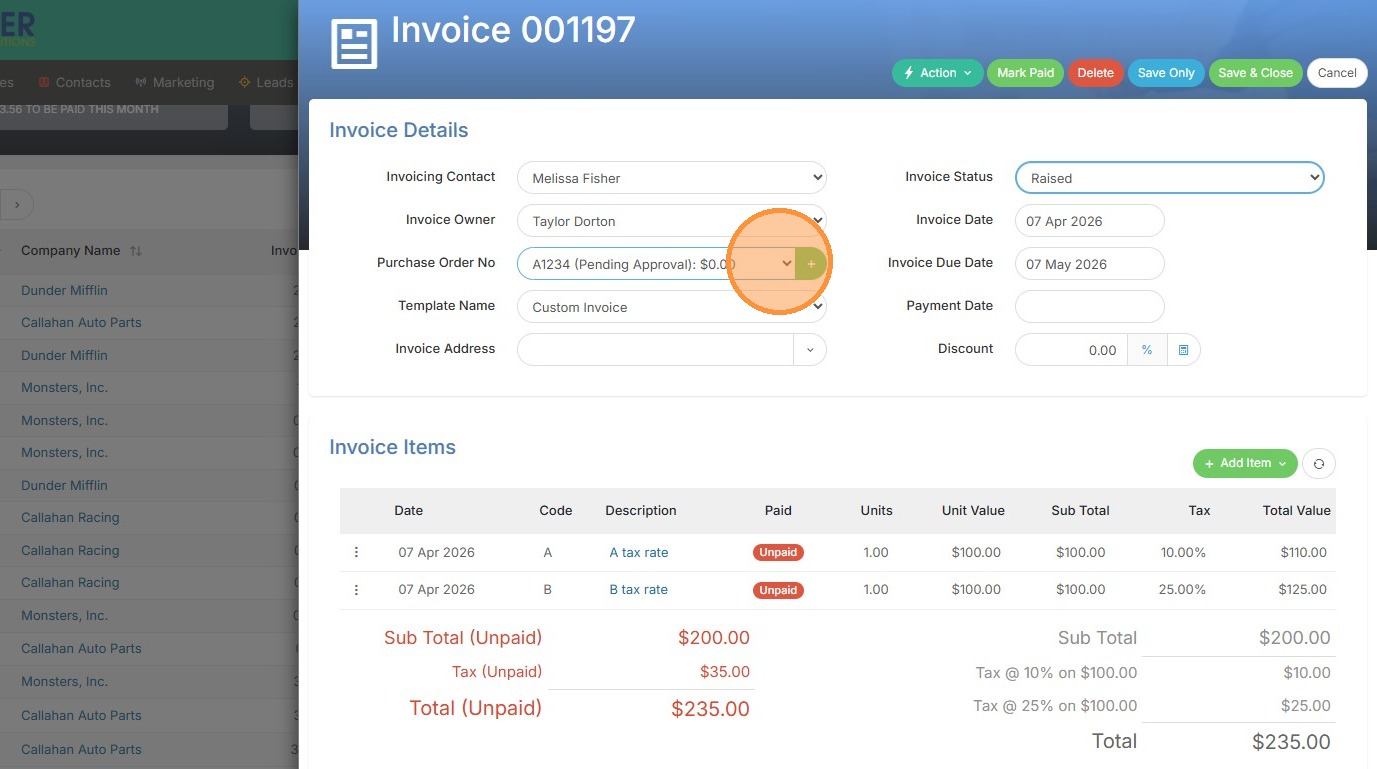
2. Here you can select a PO number from the project/assignment record in this dropdown.
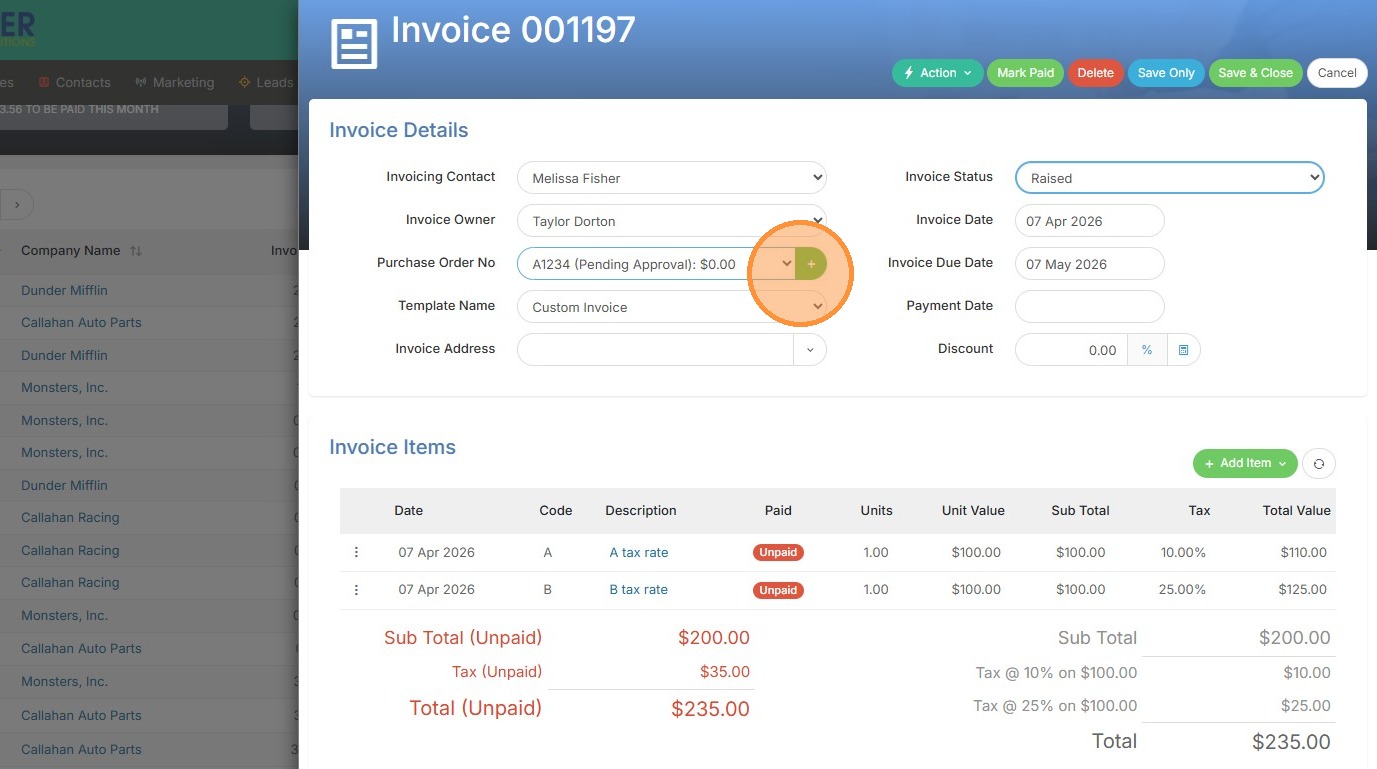
3. Or you can click the green + button to create a brand new one.
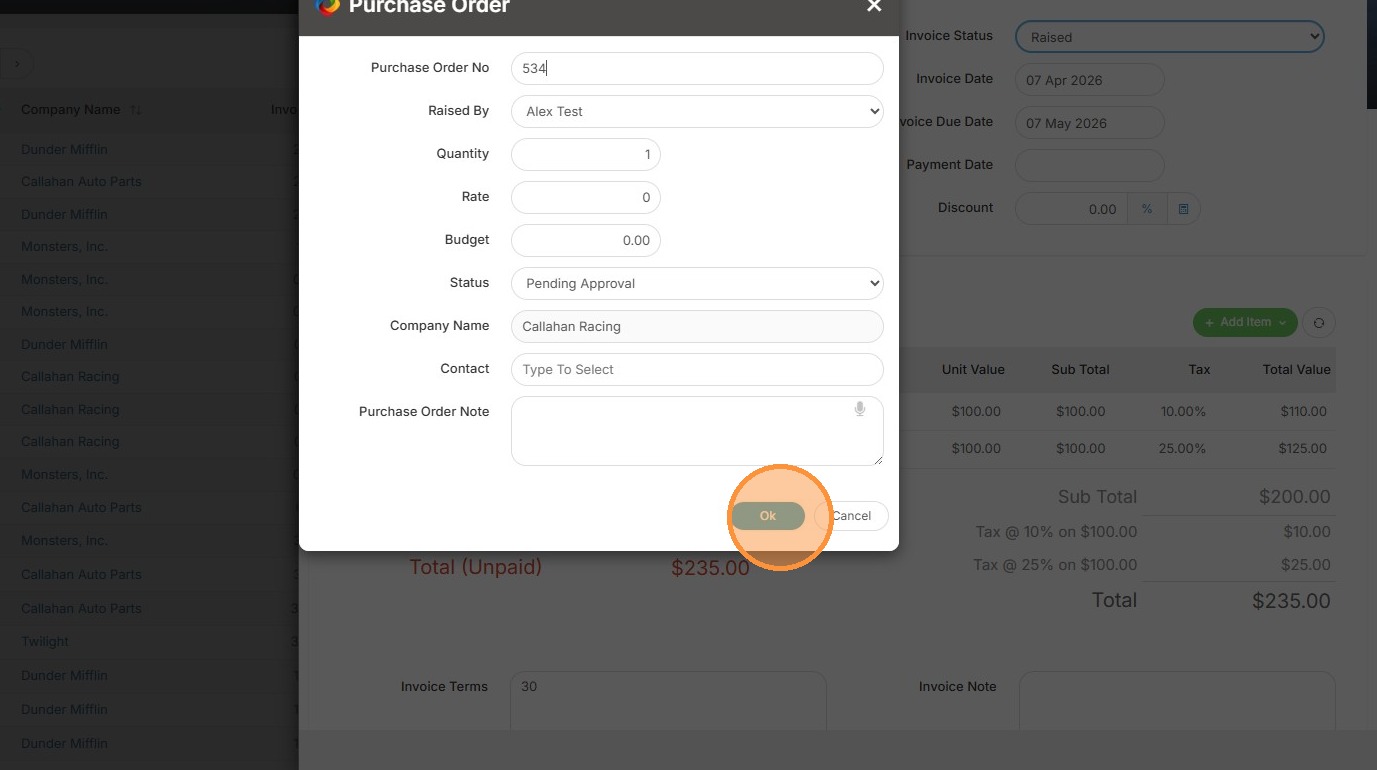
4. Next you would fill in all of the details for that PO number.
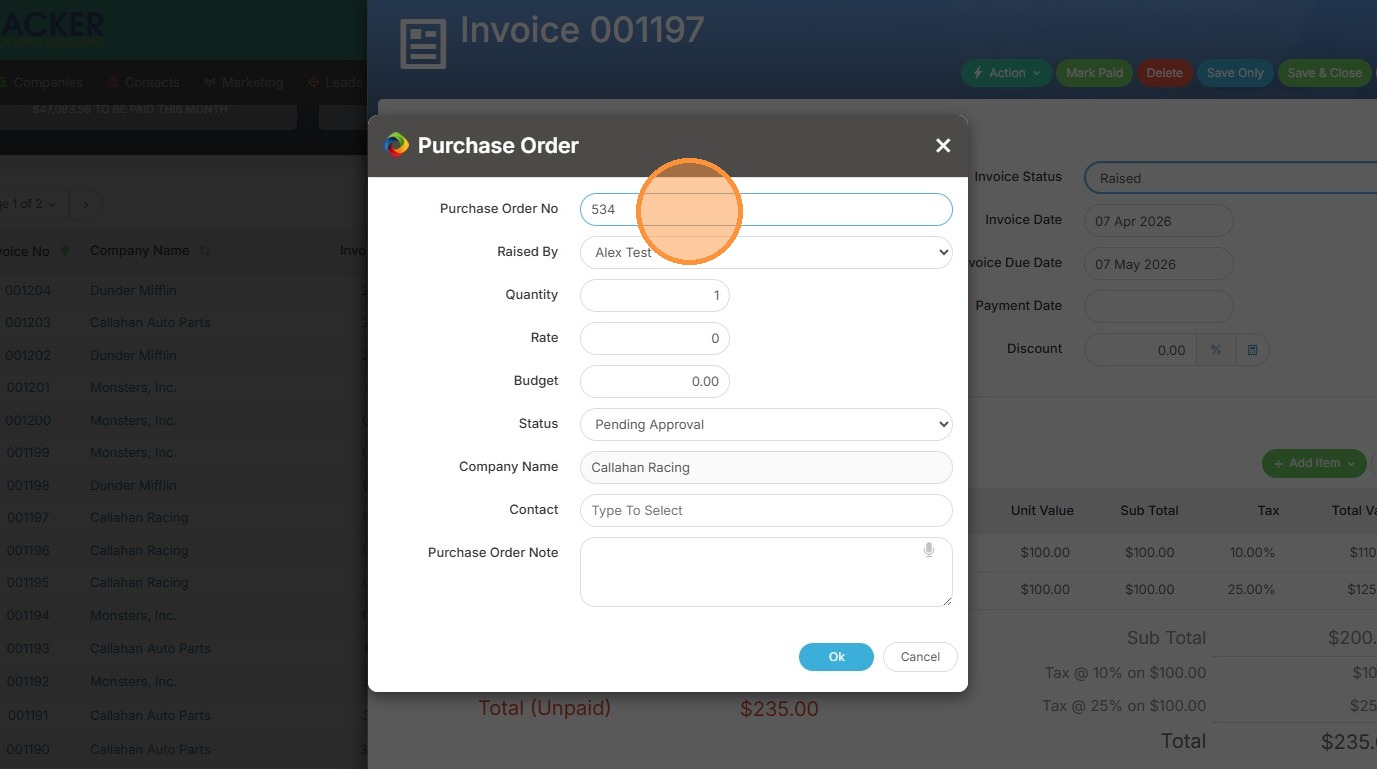
5. Click "Ok"