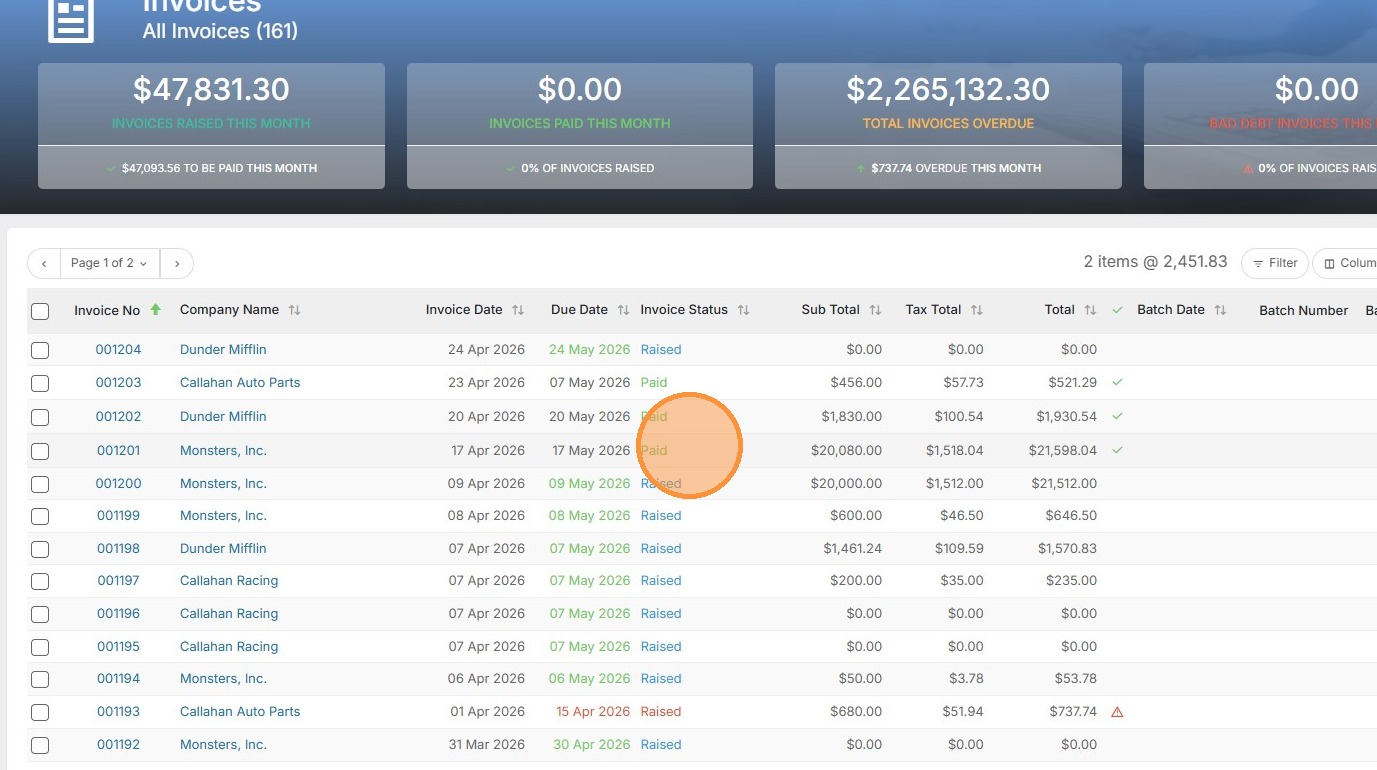
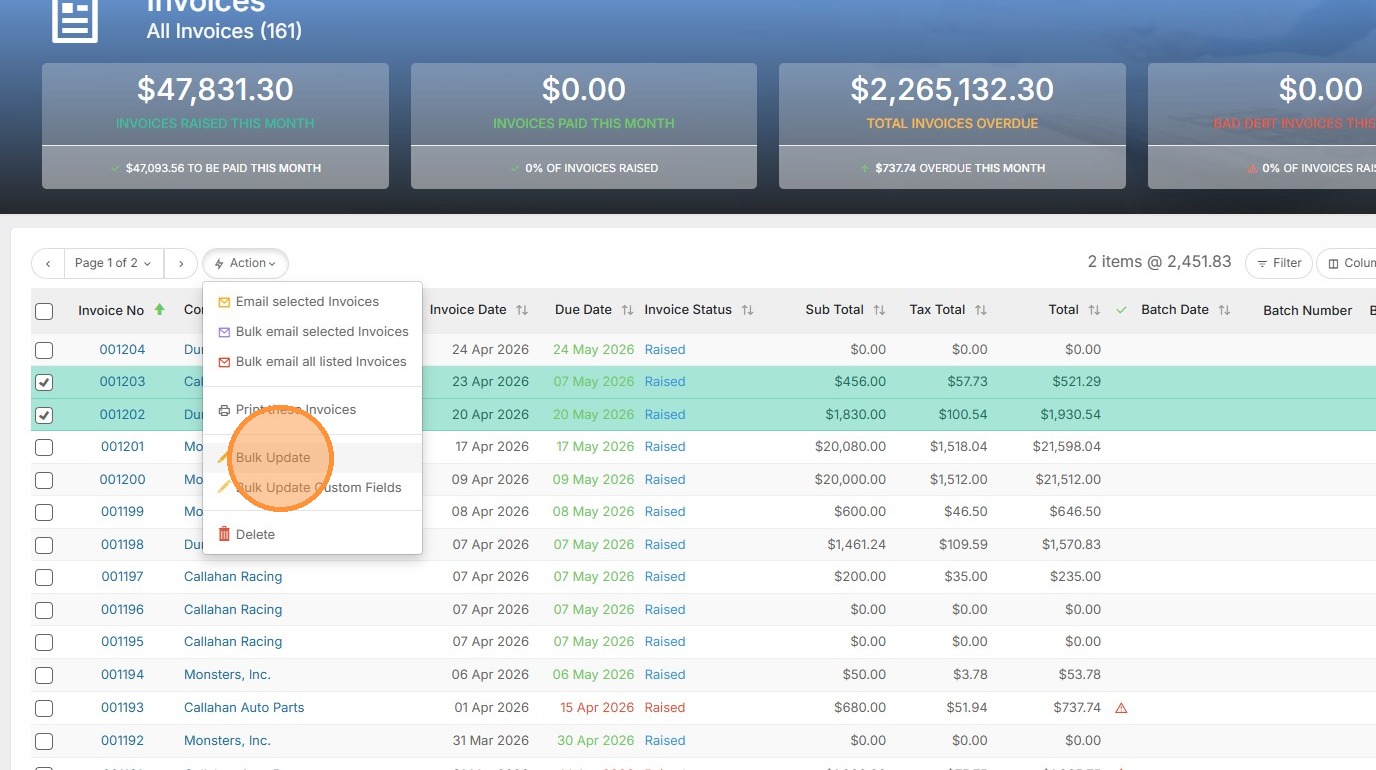
1. To mark invoices as paid in bulk, check those invoices off where the white boxes appear.
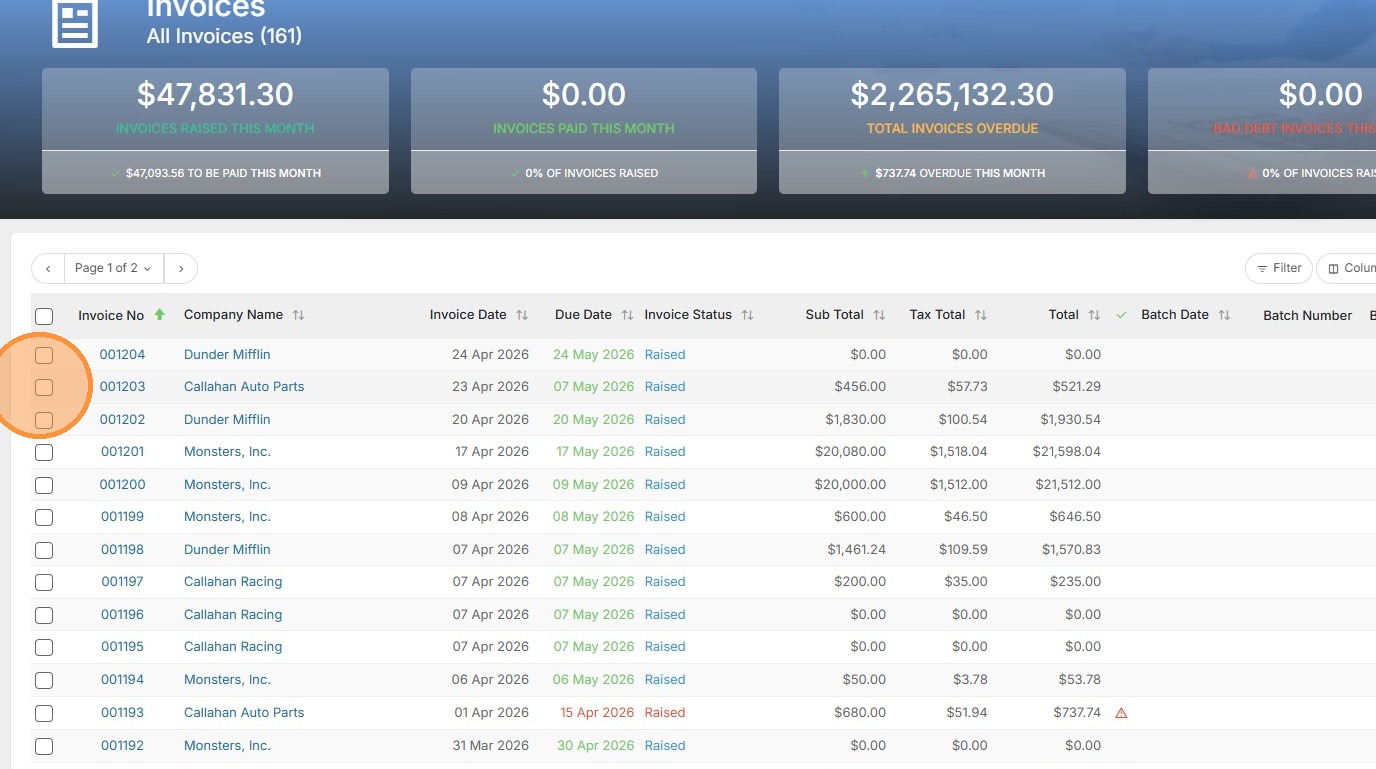
2. Click here.
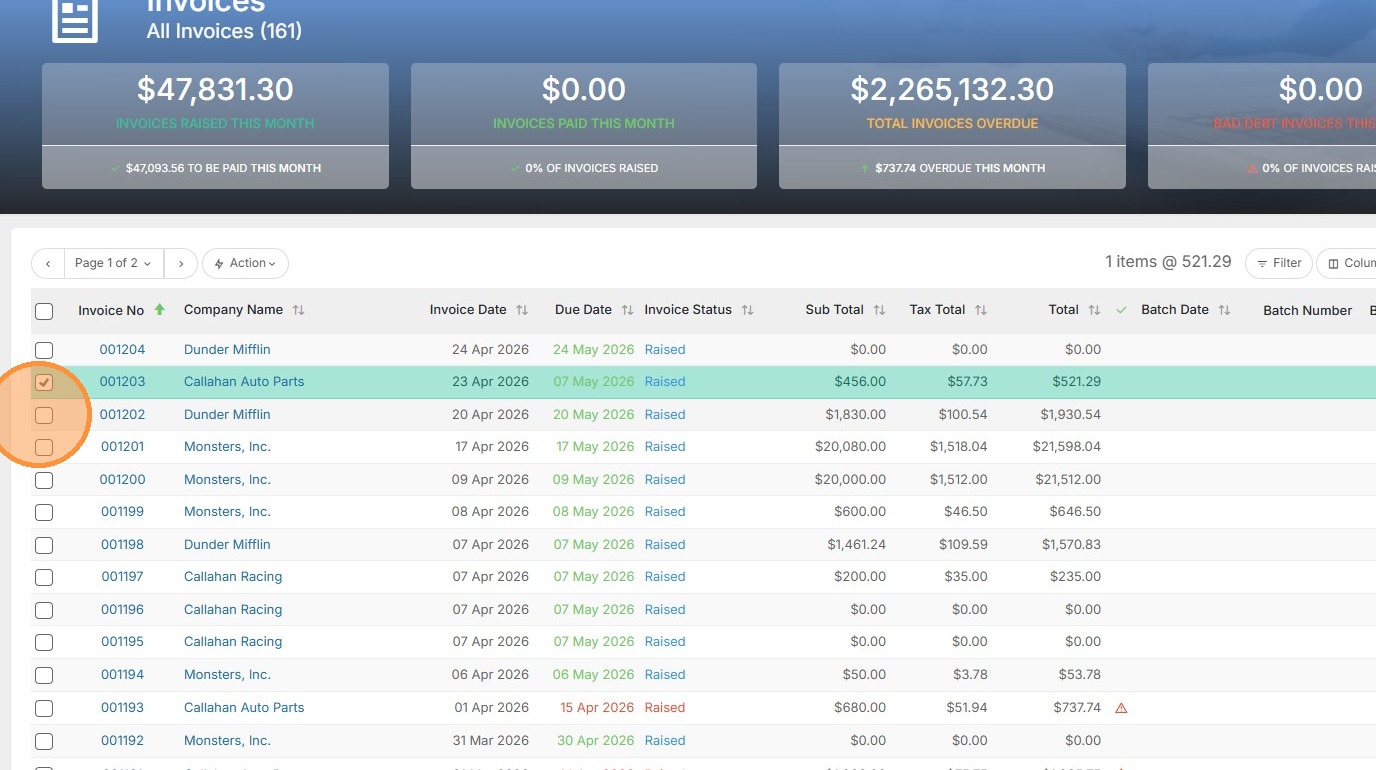
3. Next, select the action button.
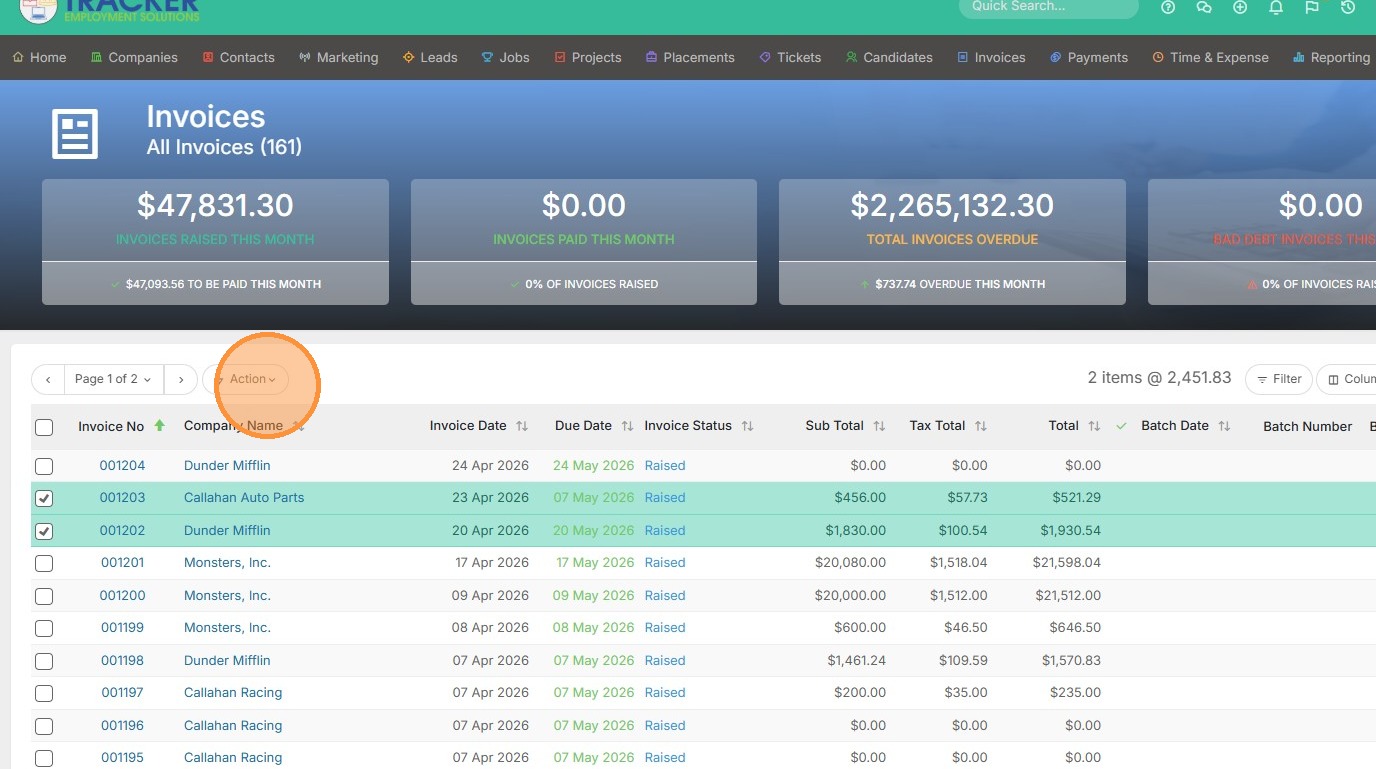
4. Click "Bulk Update"
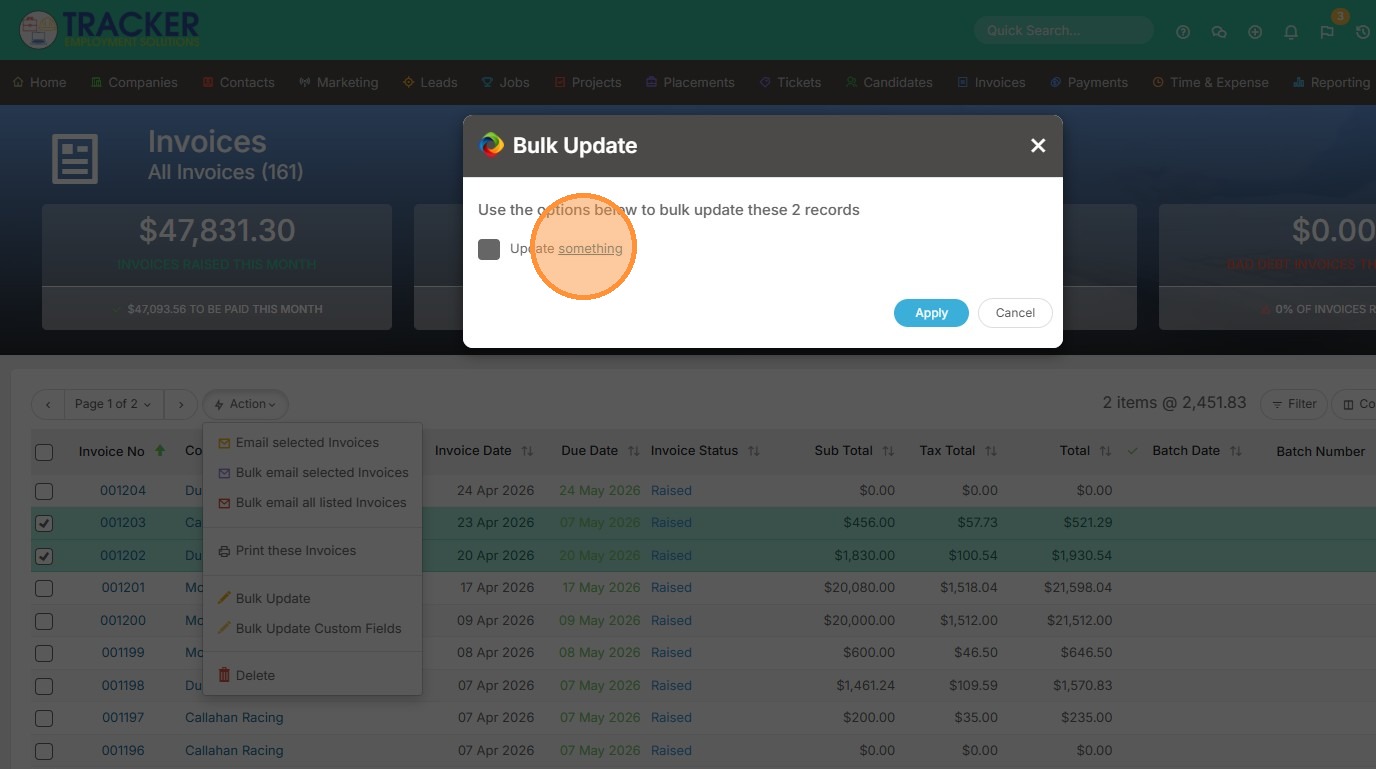
5. Click "something"
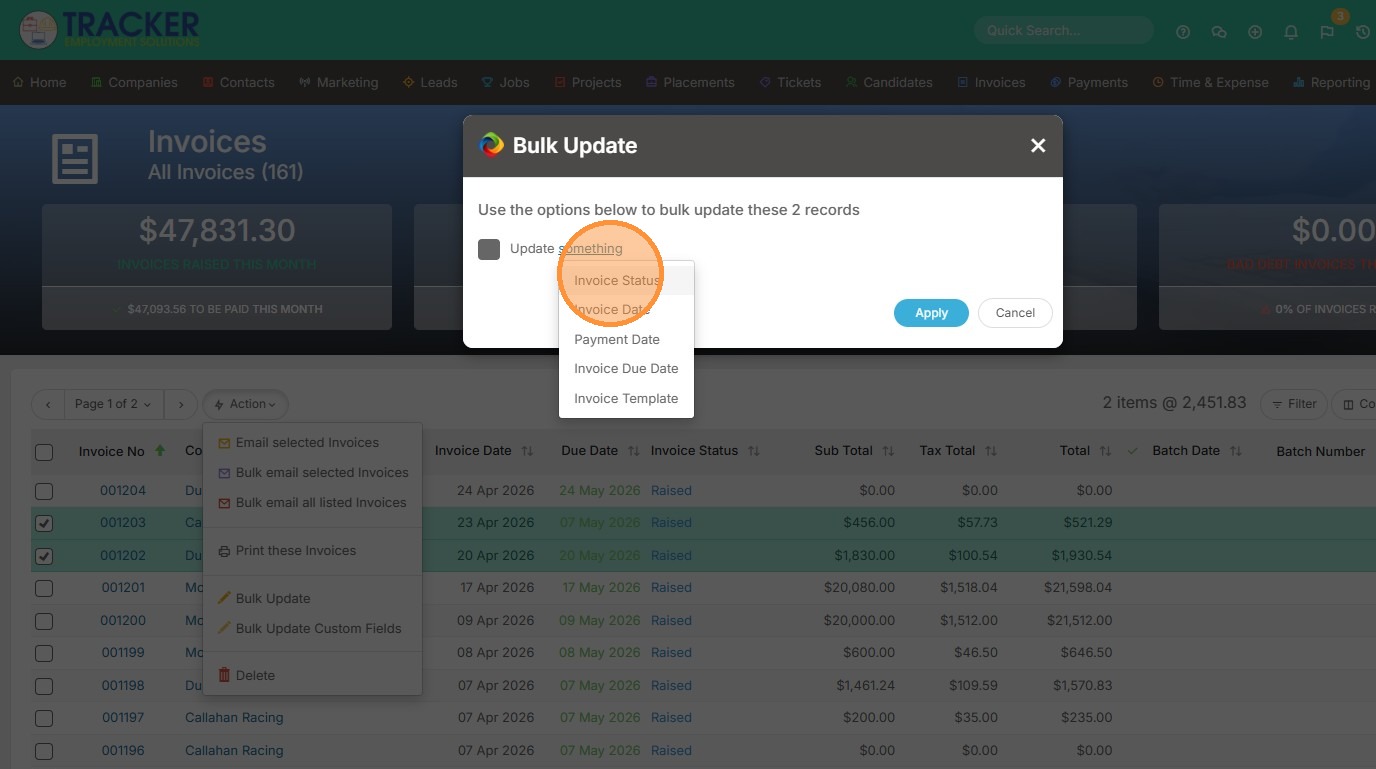
6. Click "Invoice Status"
7. Click "something"
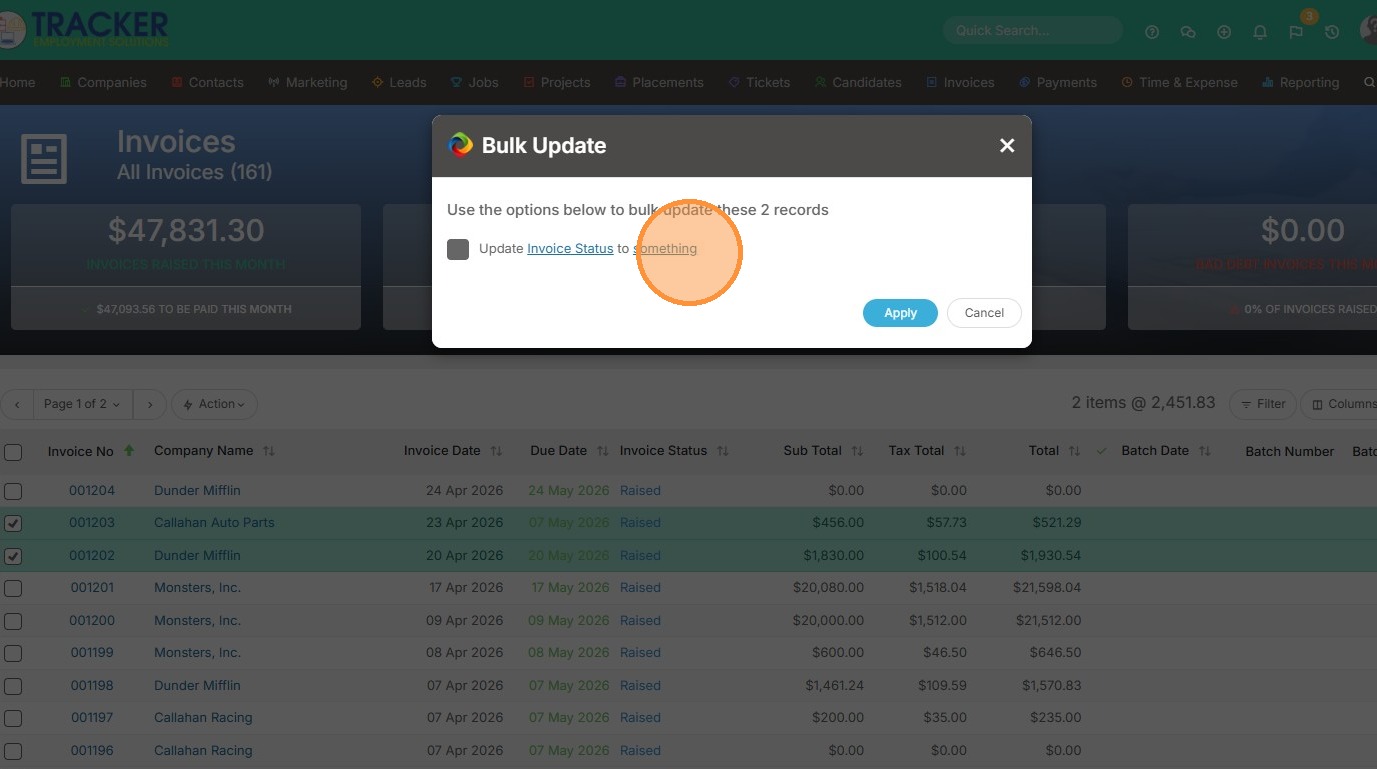
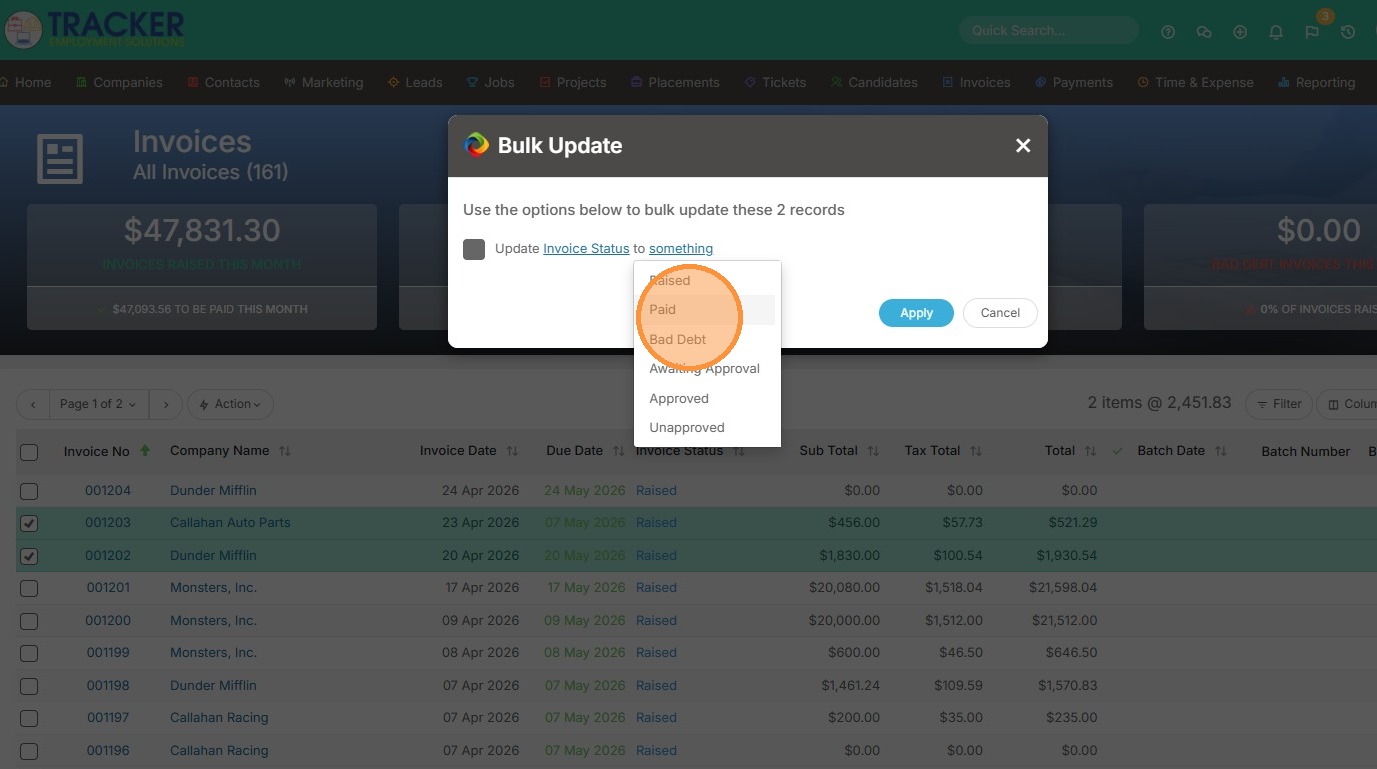
8. Click "Paid"
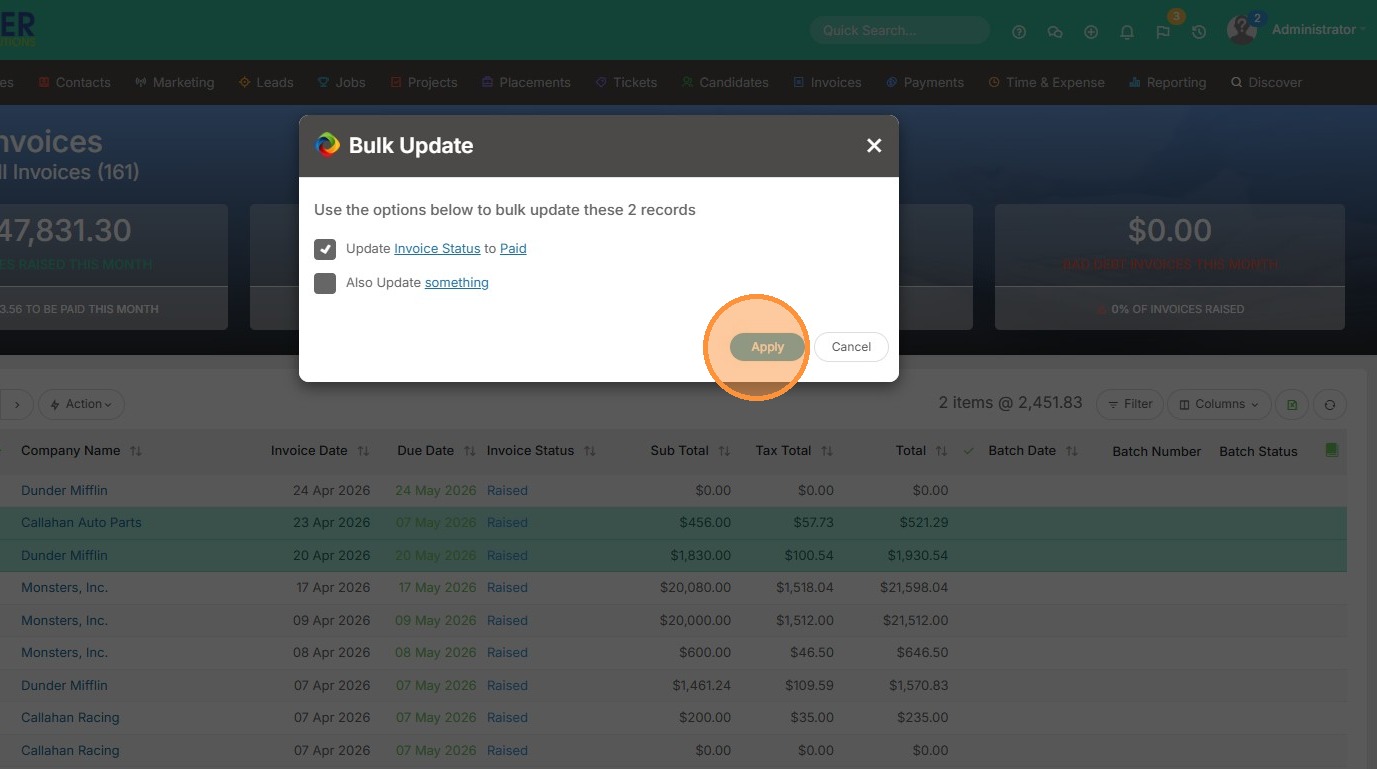
9. Click "Apply"
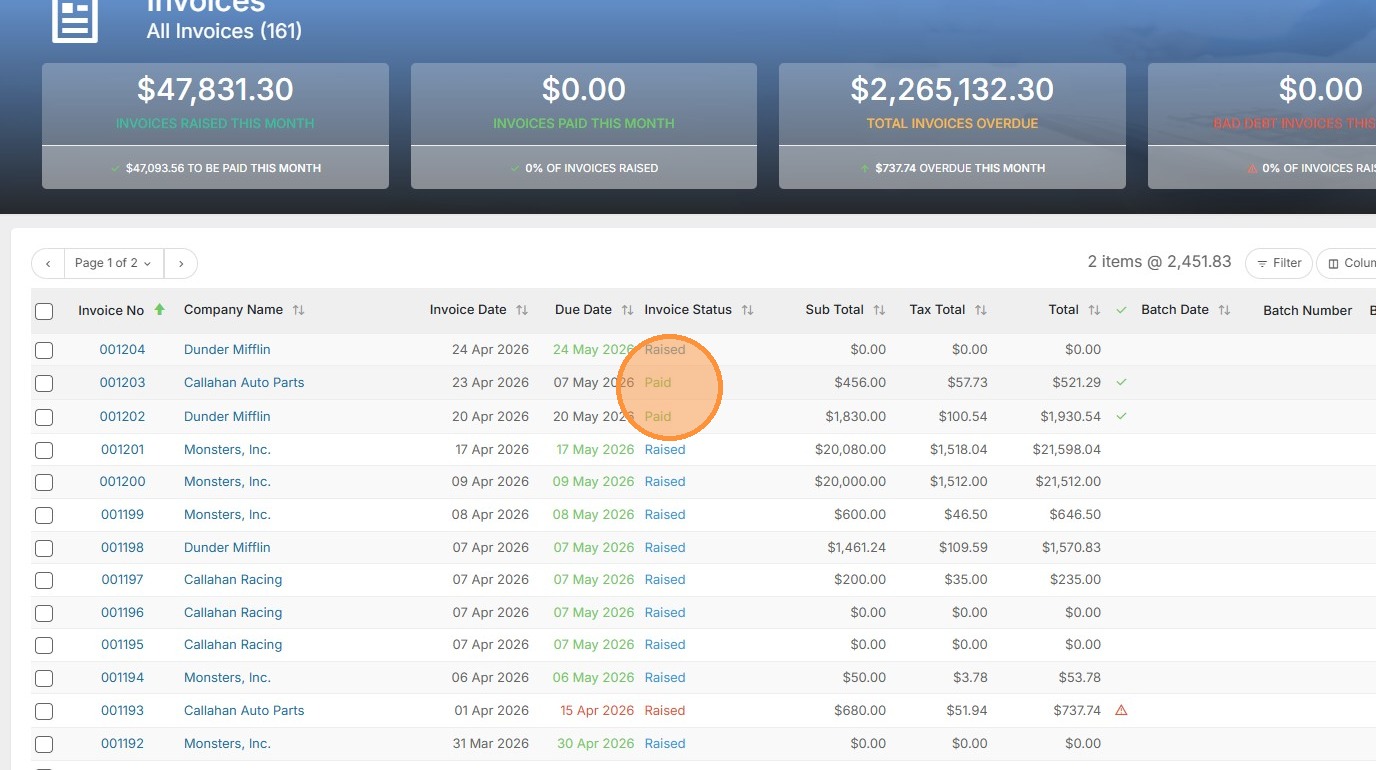
10. You can see those invoice's statuses changed to Paid.
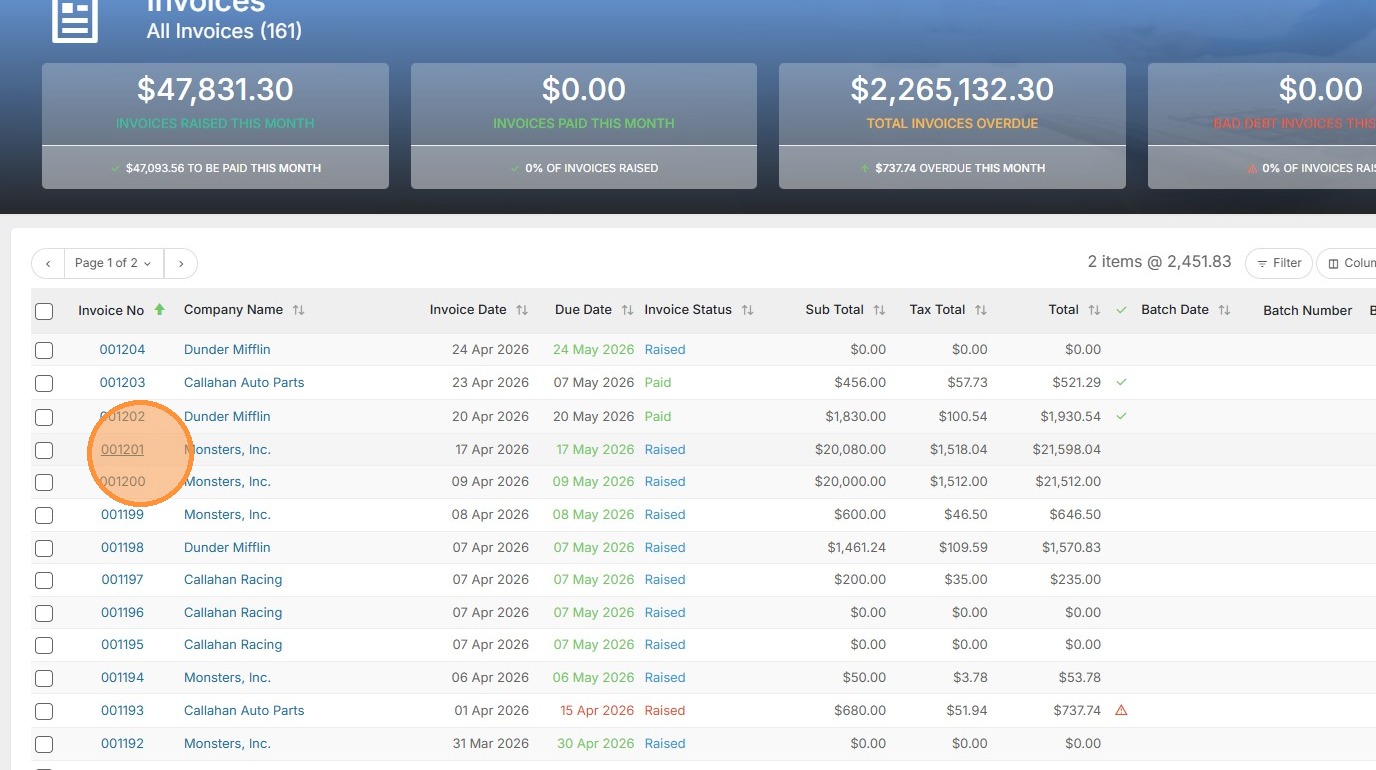
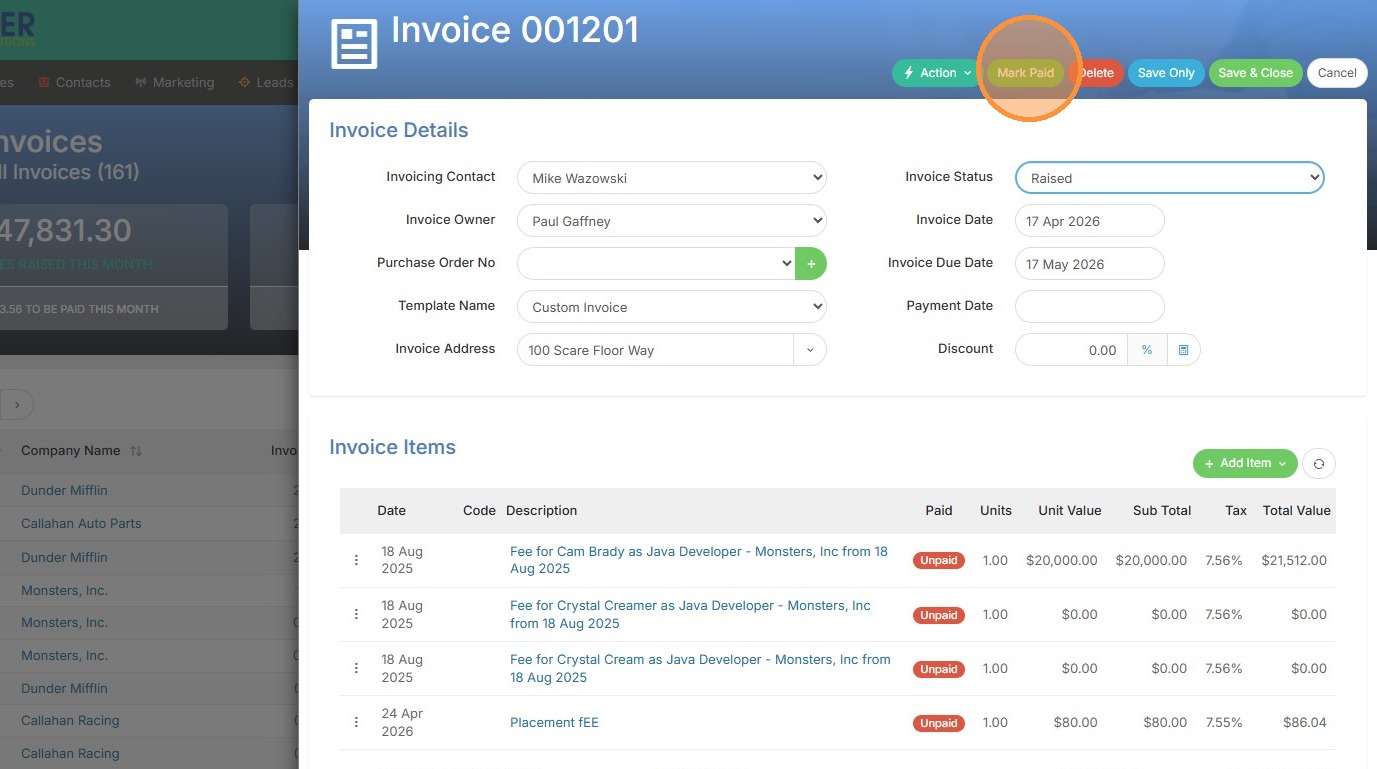
11. To individually update an invoice, open it up.
12. Click "Mark Paid"
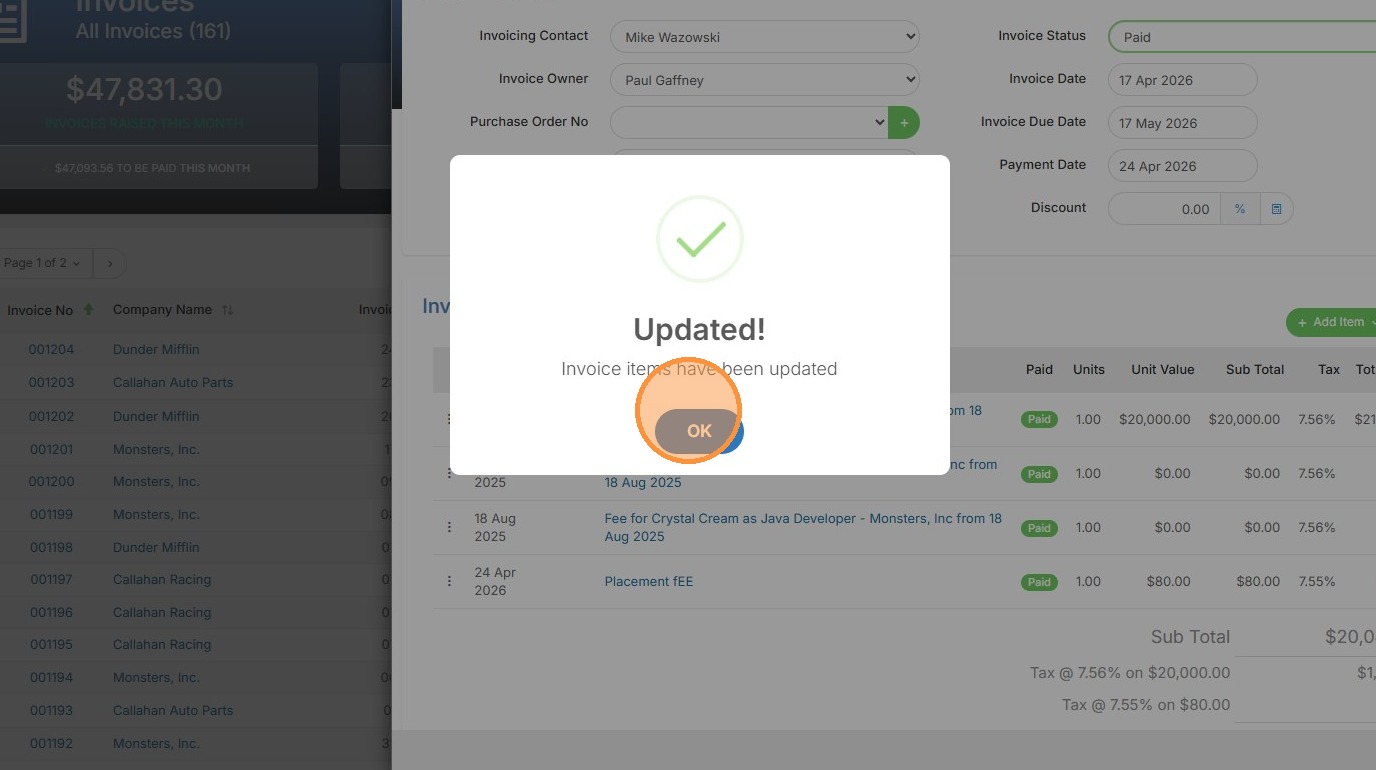
13. Click "OK"
14. Click "Save & Close"
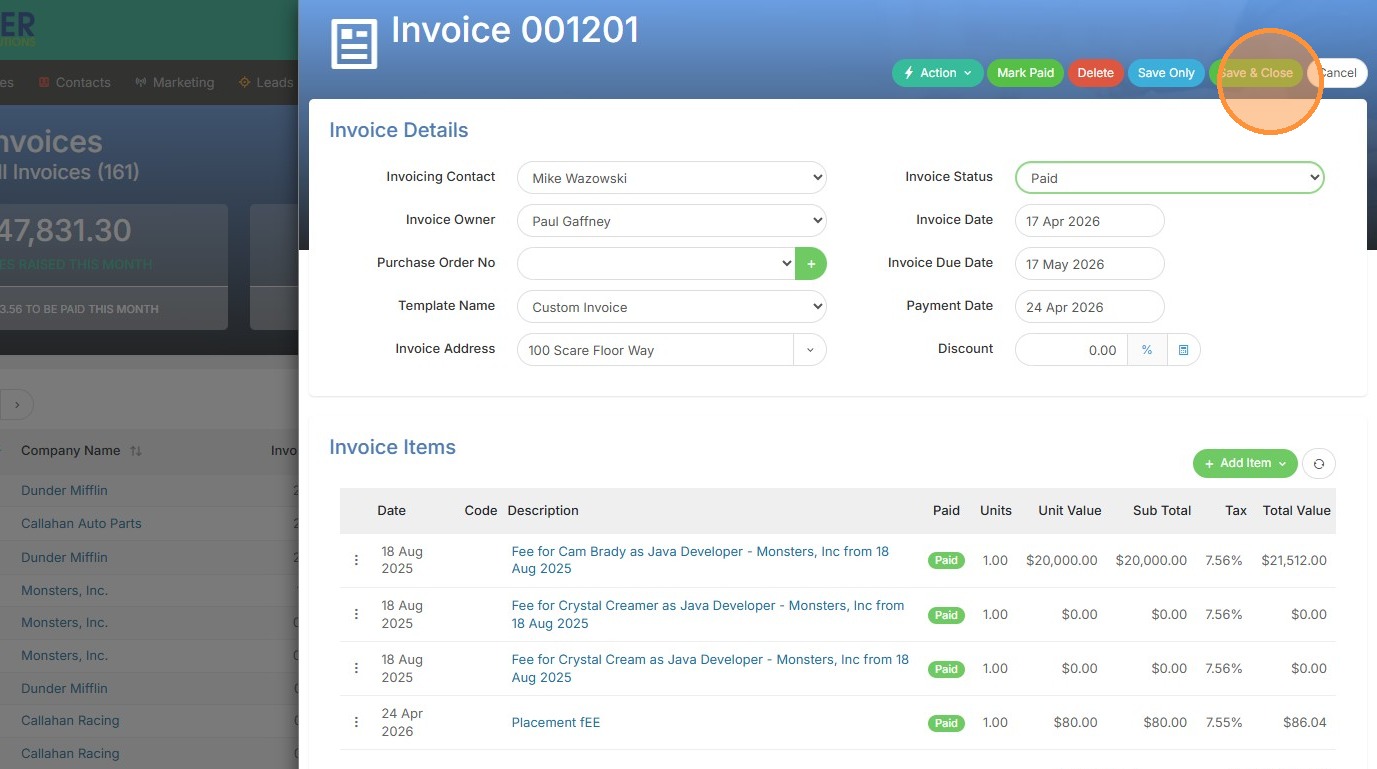
15. Now you can view that paid invoice.