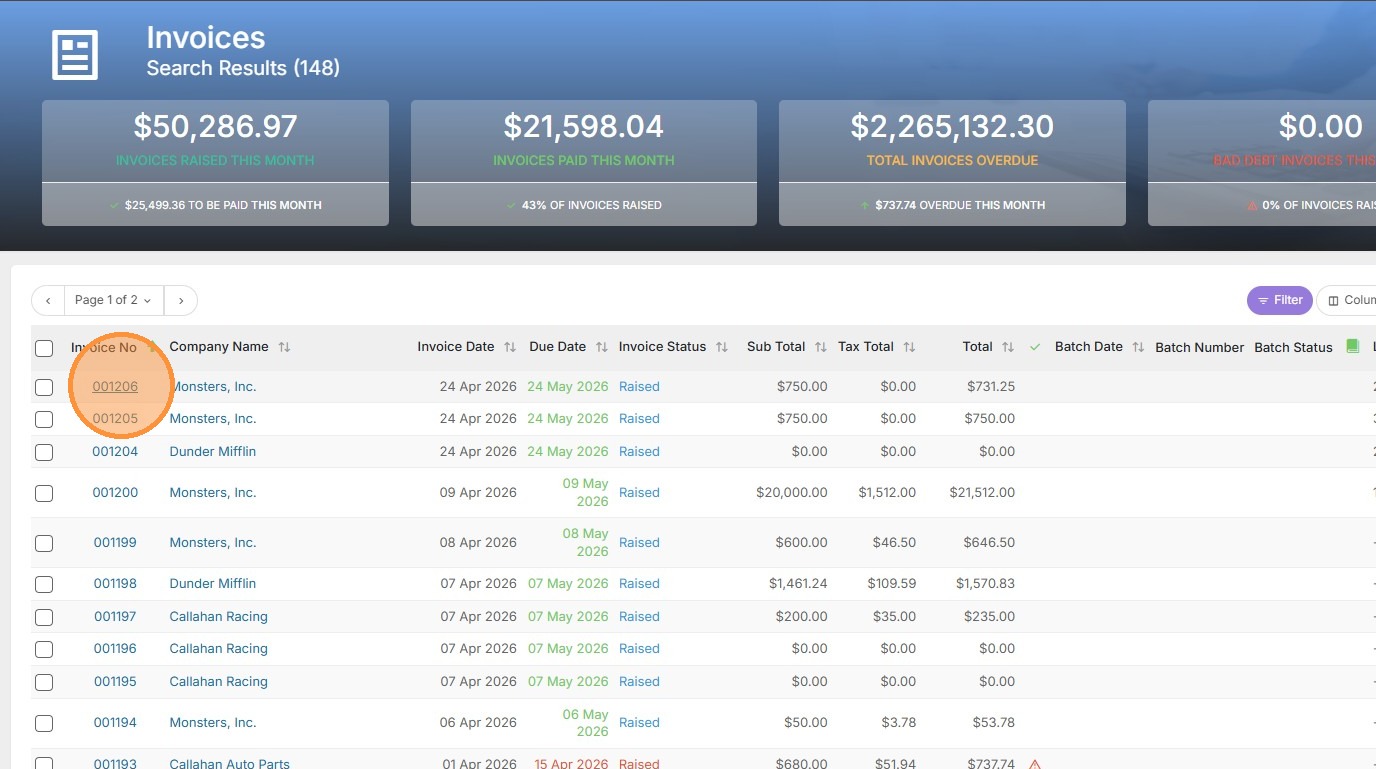
1. Select the invoice number from the search results.

2. Click the Action menu and select 'Pdf Invoice' to generate the document. The invoice PDF will now be in the Downloads section on your computer (or whichever folder you chose) when clicked.
Your one-stop shop for help on TrackerRMS
1. Select the invoice number from the search results.
2. Click the Action menu and select 'Pdf Invoice' to generate the document. The invoice PDF will now be in the Downloads section on your computer (or whichever folder you chose) when clicked.