Timesheet Selection
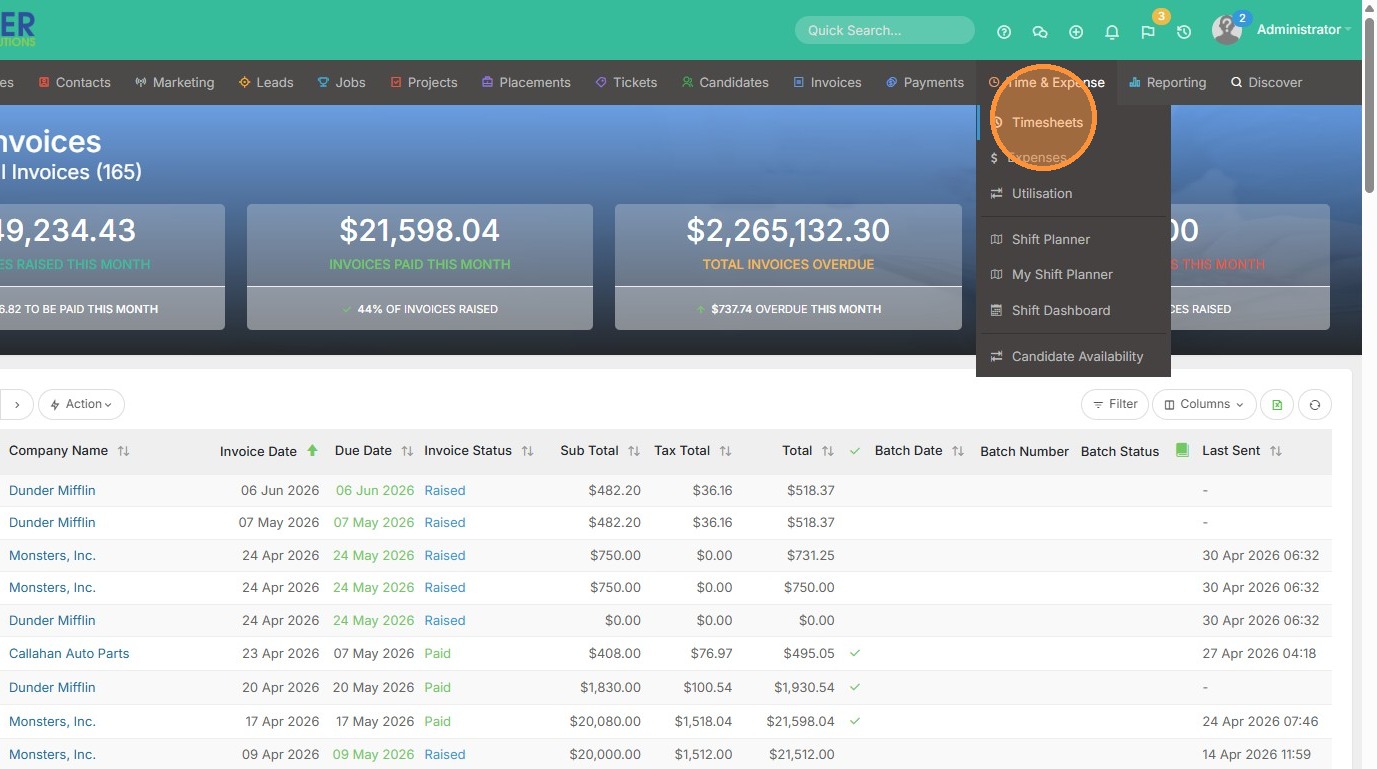
1. Navigate to Timesheets under the Time & Expense menu

2. Select the checkboxes for the projects you want to invoice

3. Click the Action button and select "Generate Invoices"
Invoice Configuration
4. Select the details you would like to see on these invoices. Whether that's time & expenses, or only time etc.
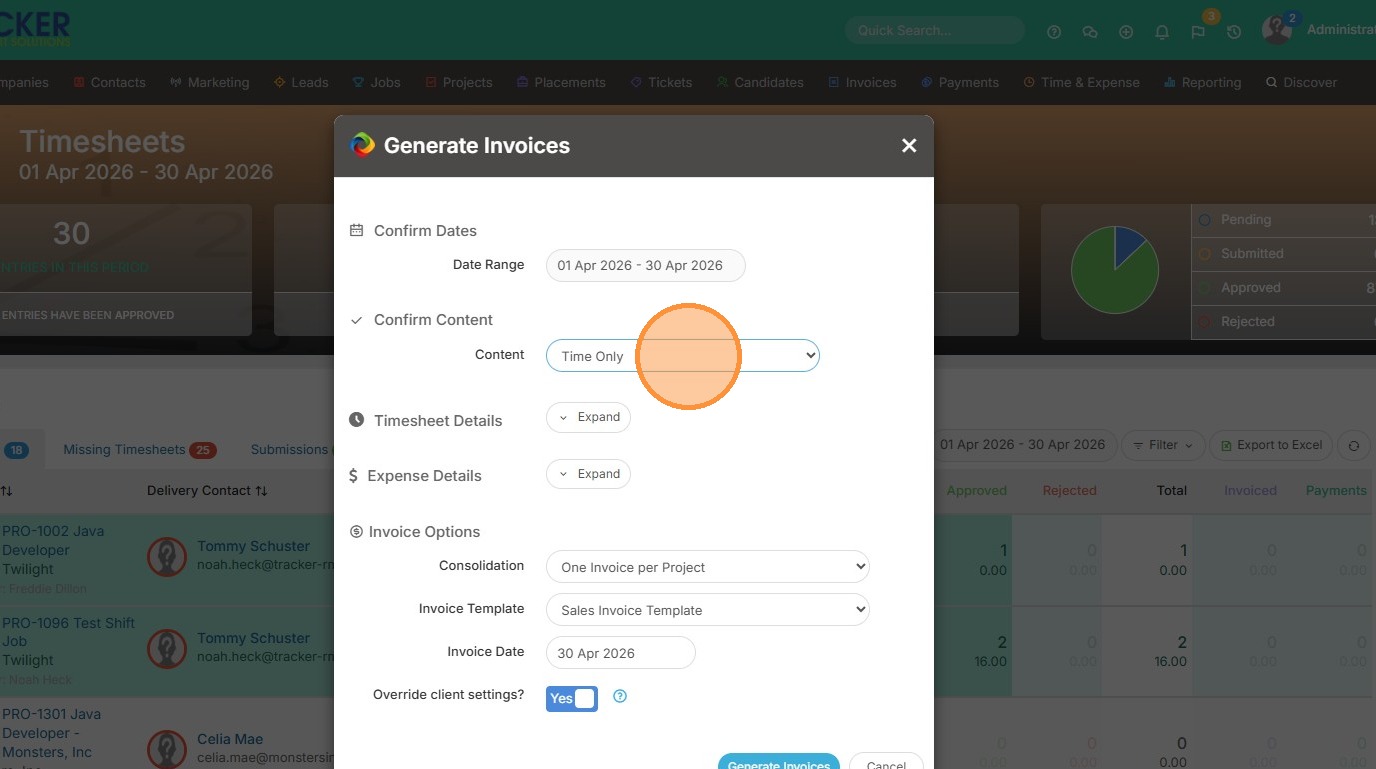
5. Click "Generate Invoices" to process the request
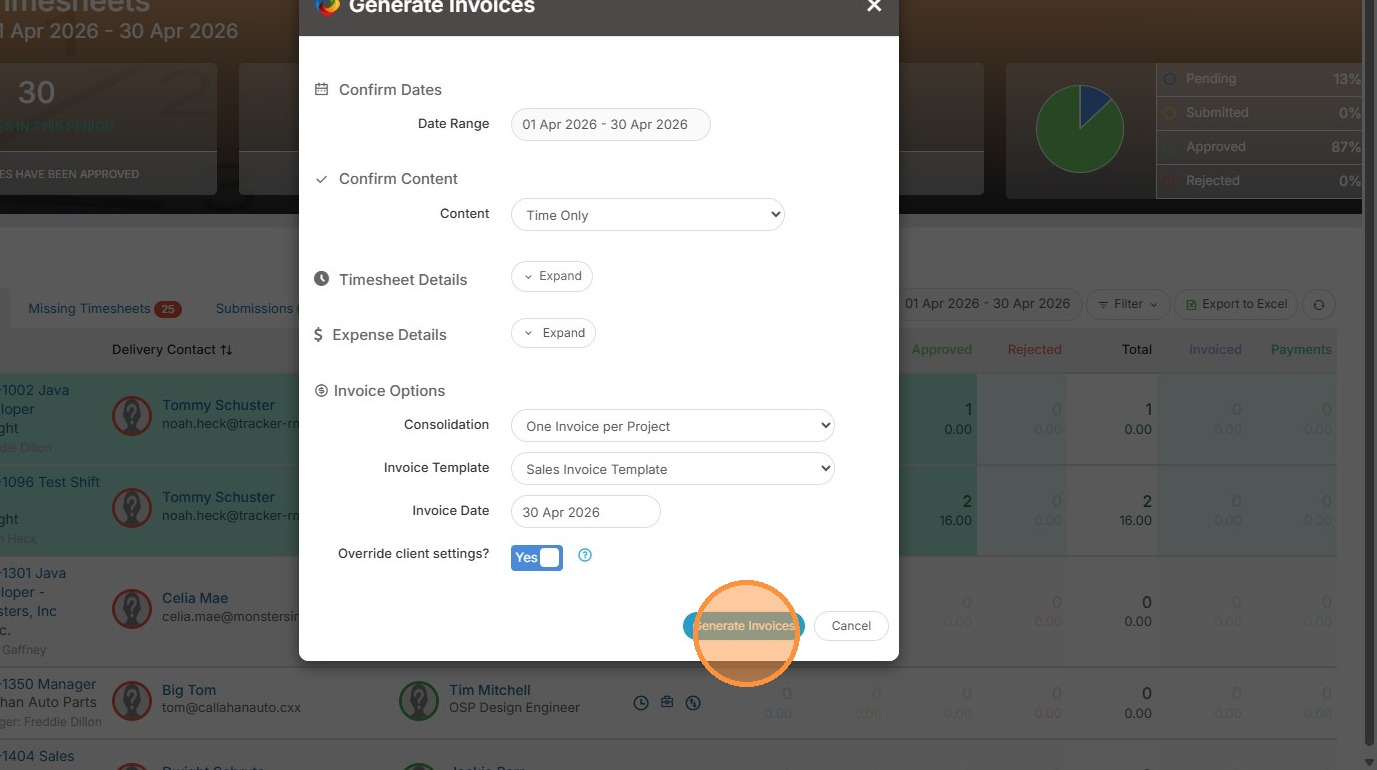
Invoice Verification
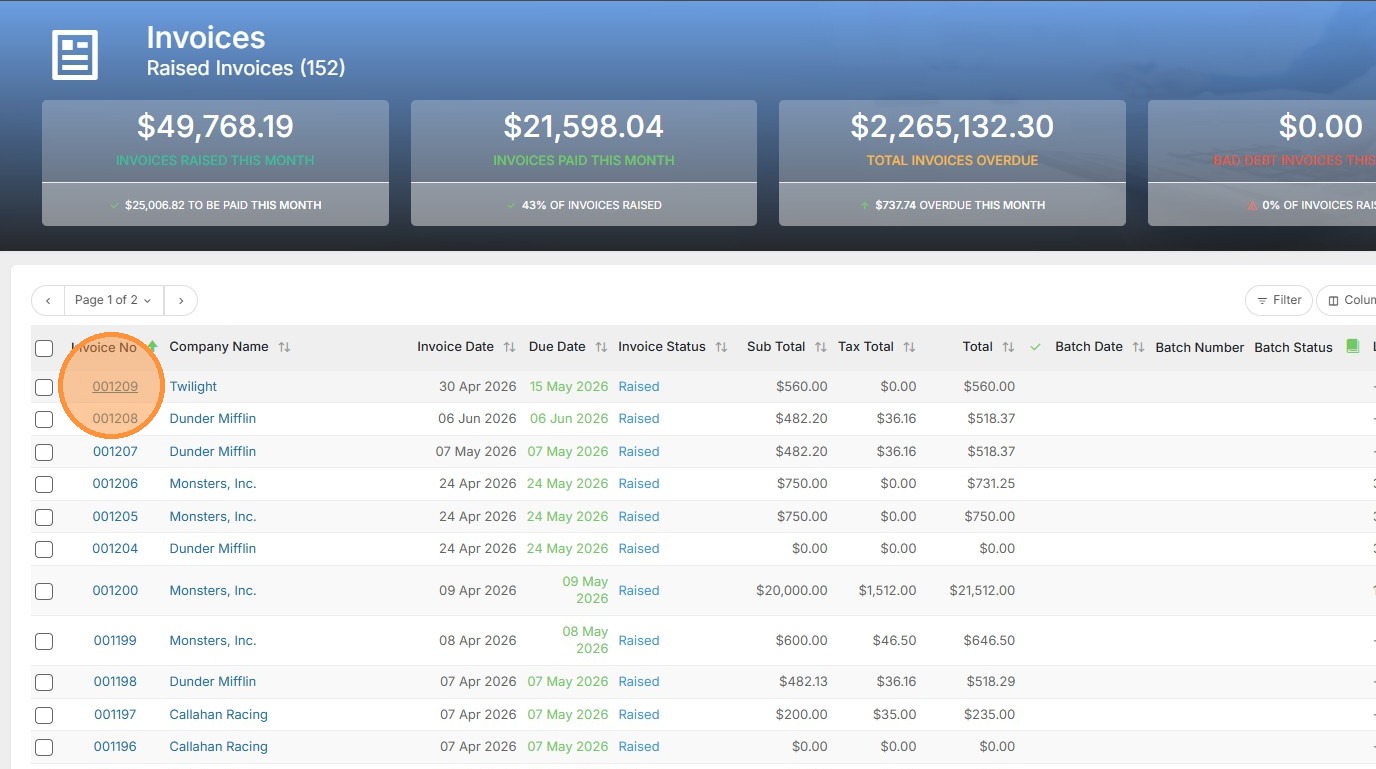
6. Navigate to Invoices and select "Raised Invoices" to see your new invoices.
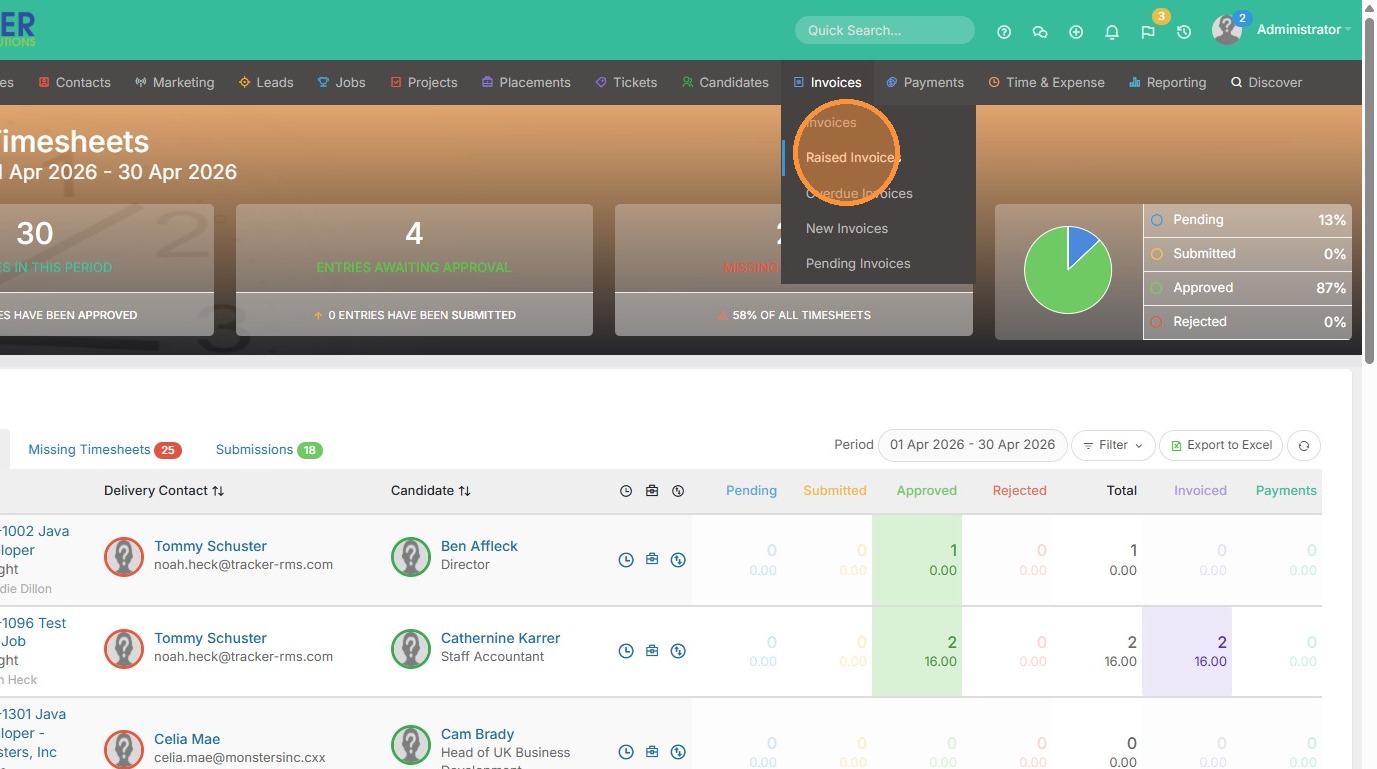
7. Click the invoice number to view the generated invoice