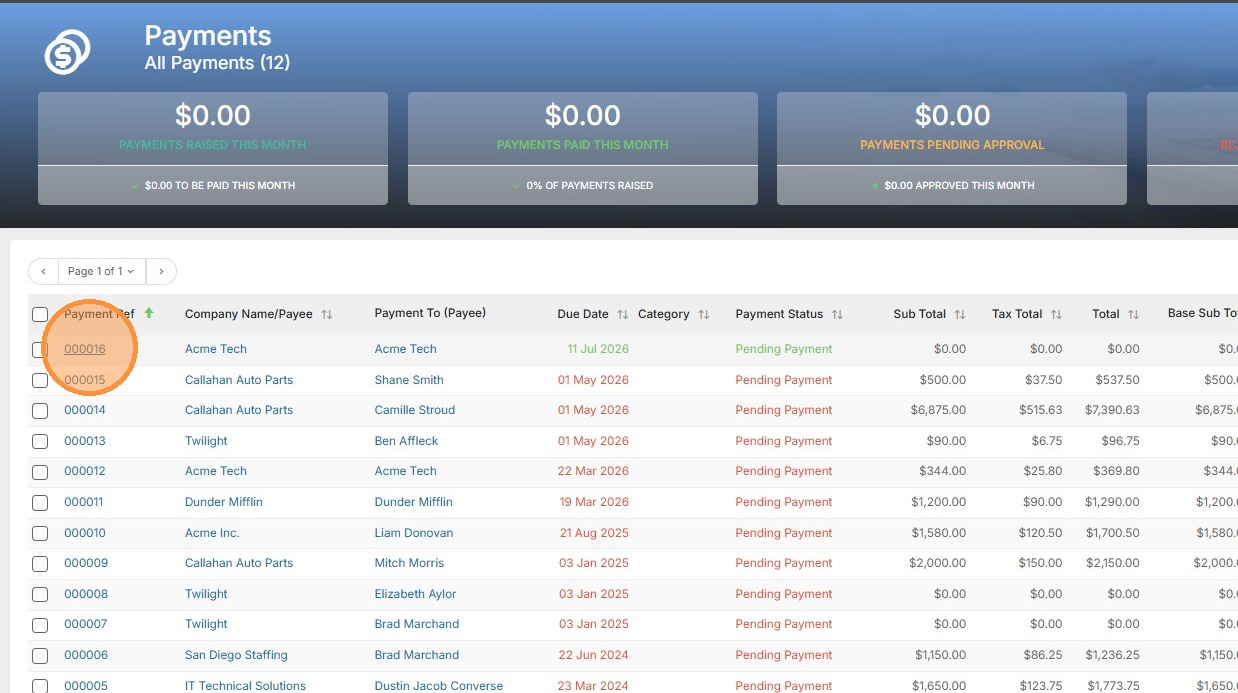
1. Open the existing payment you wish to add a timesheet to.
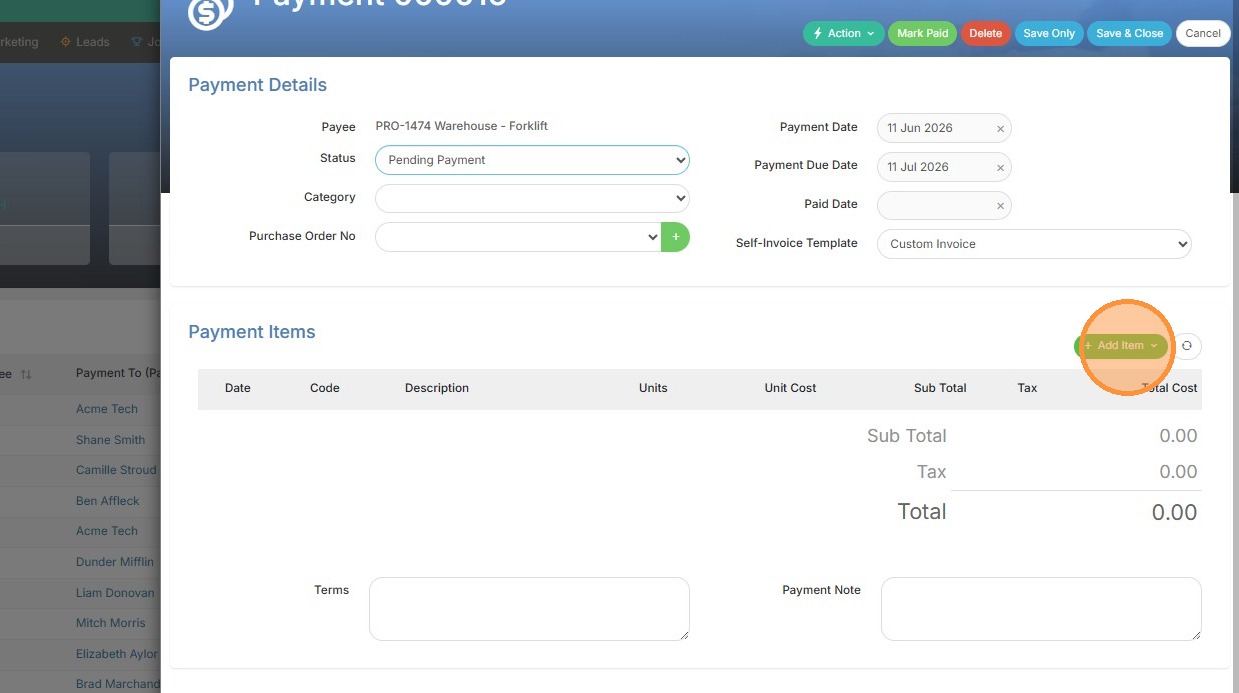
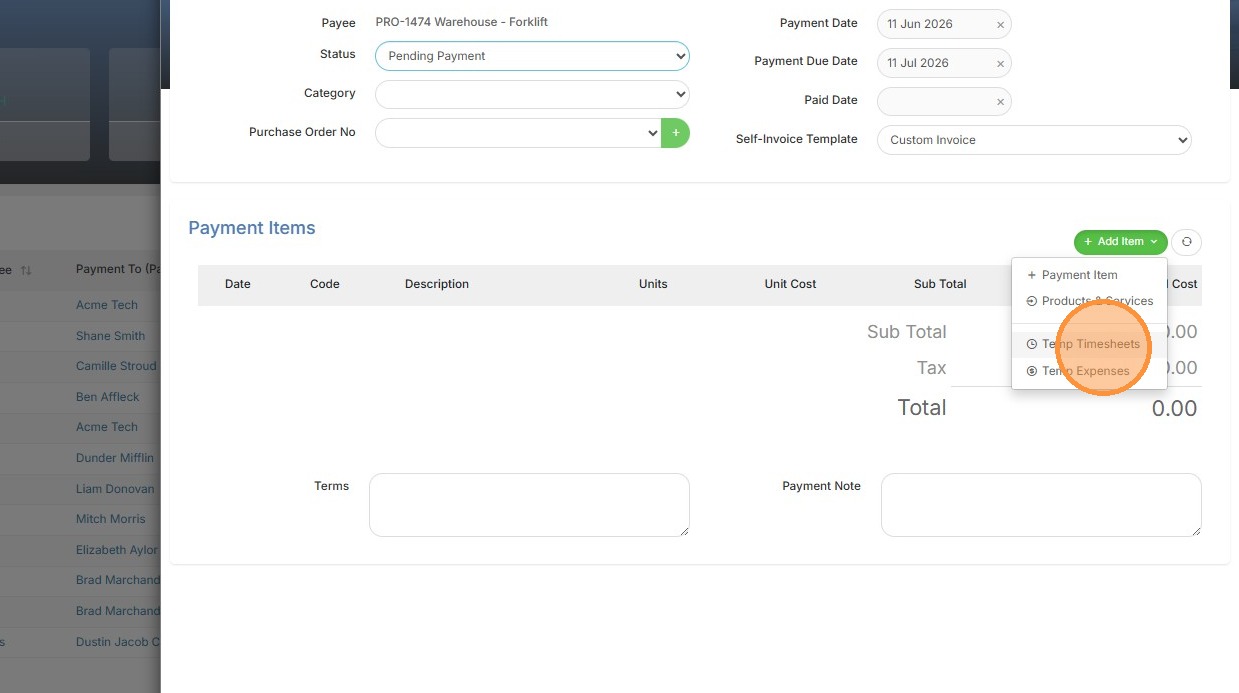
2. Click 'Add Item' and select 'Temp Timesheets'.
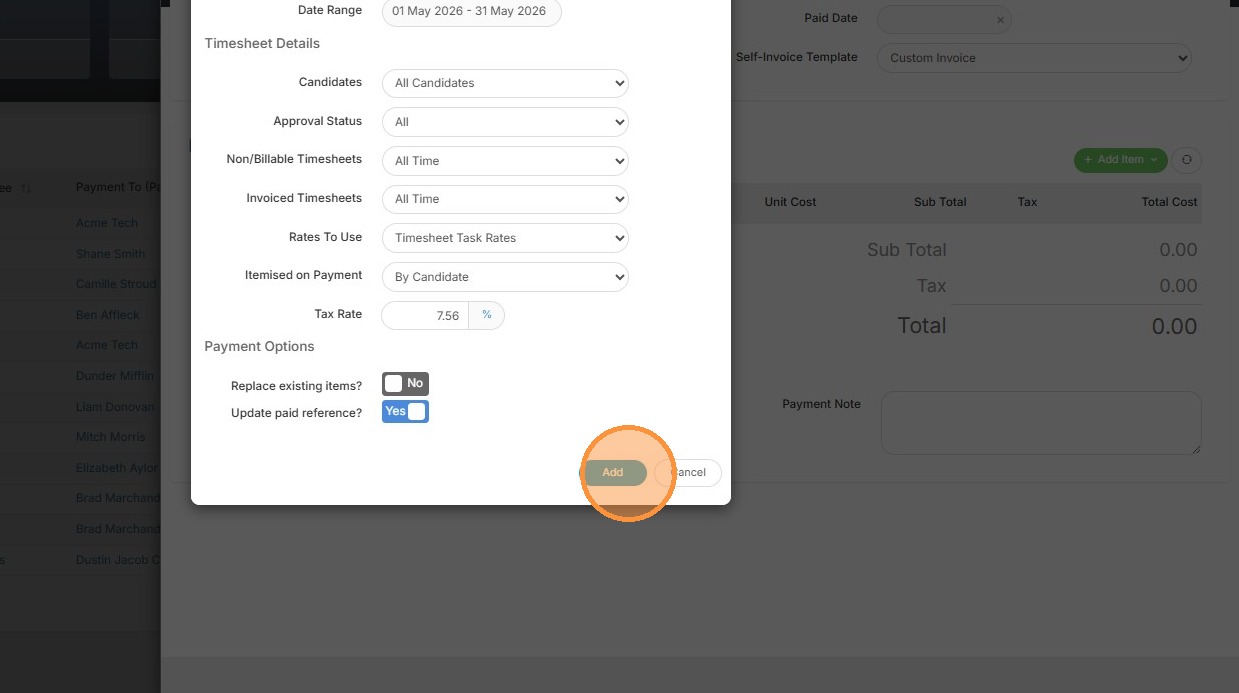
3. Click 'Add' to confirm adding the timesheets.
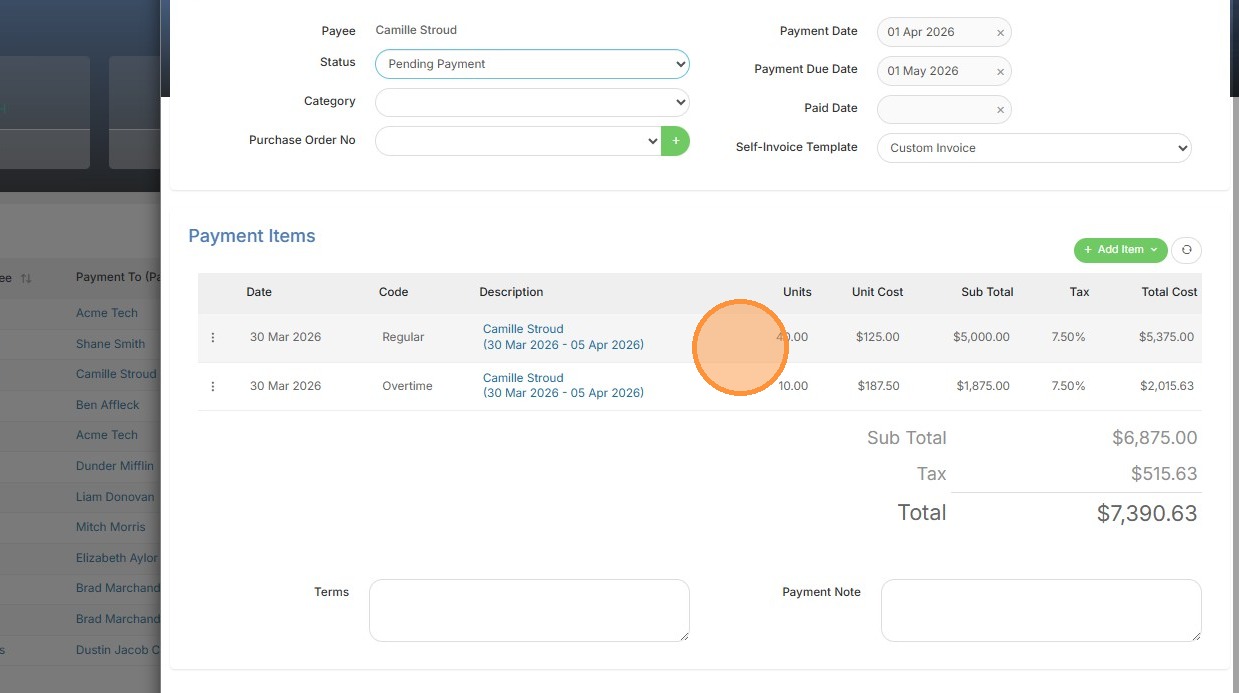
4. Here you can see the time has successfully been added.
Your one-stop shop for help on TrackerRMS
1. Open the existing payment you wish to add a timesheet to.
2. Click 'Add Item' and select 'Temp Timesheets'.
3. Click 'Add' to confirm adding the timesheets.
4. Here you can see the time has successfully been added.