Project Selection
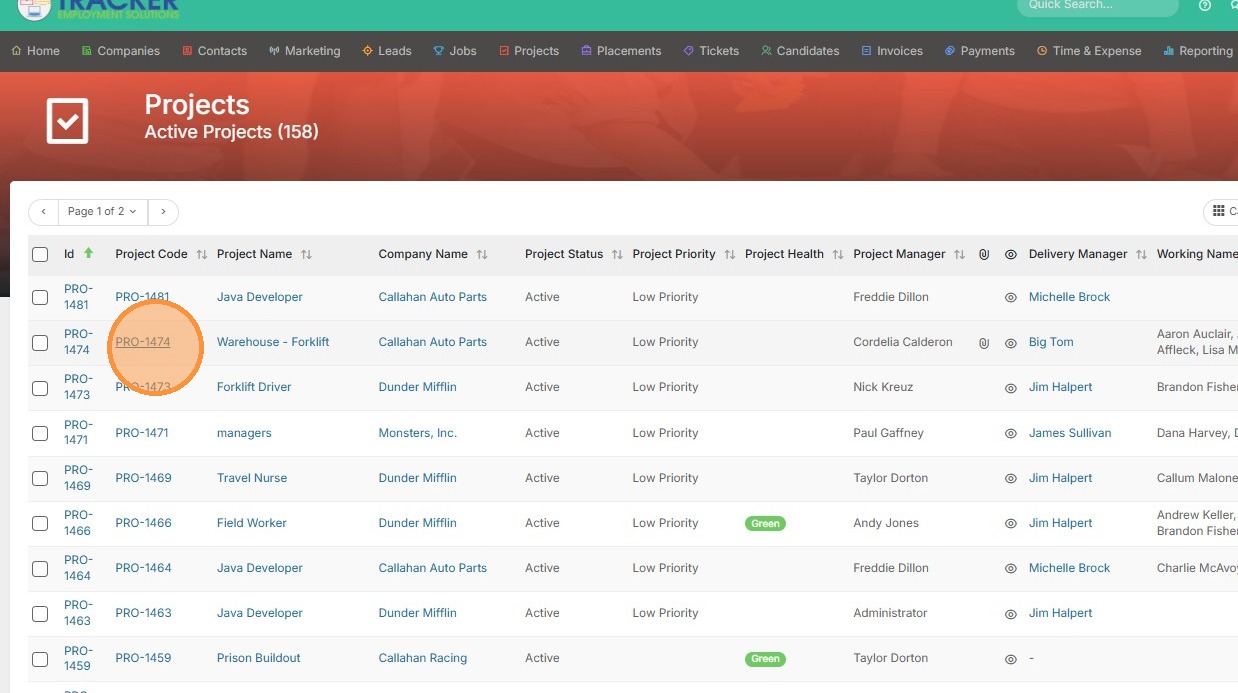
1. Open an assignment/project record to start the process of raising a payment.
Payment Initiation
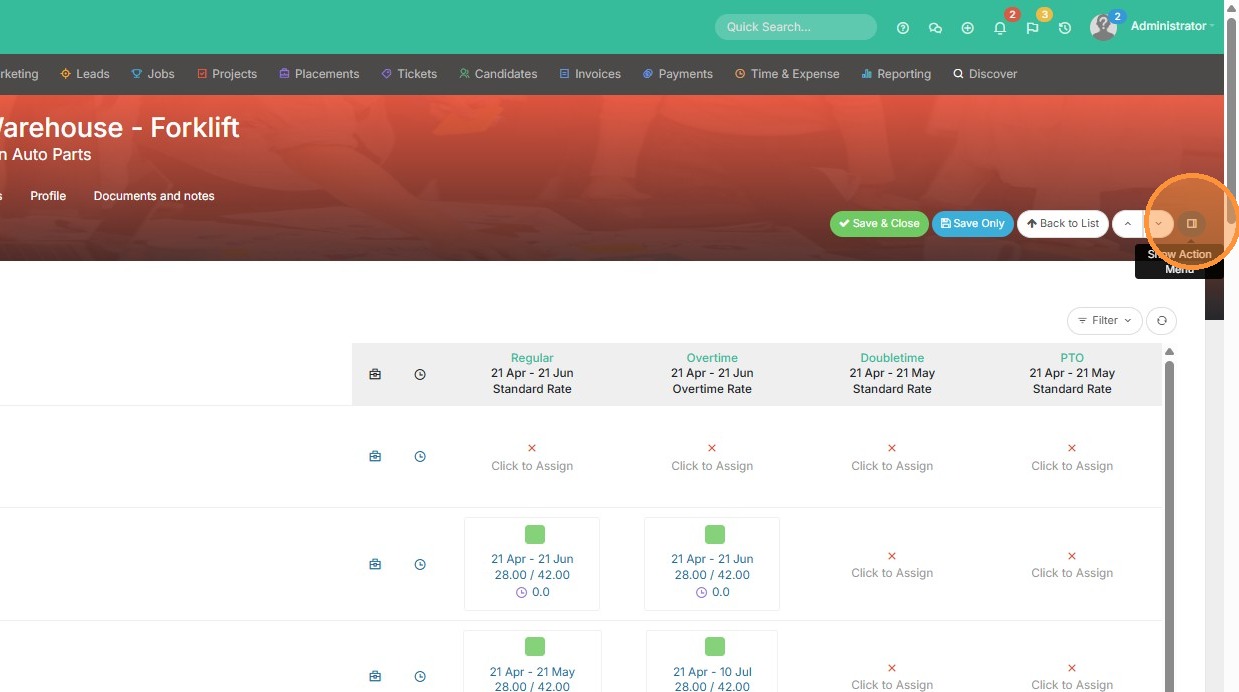
2. Open the Action Menu
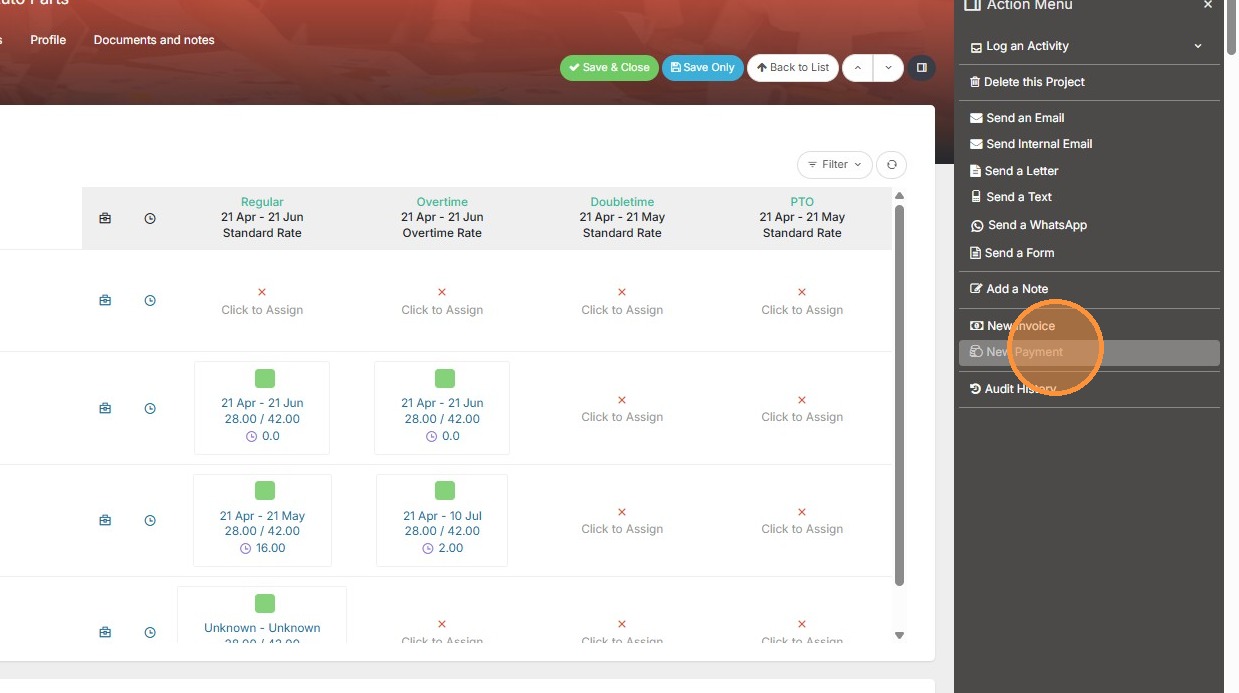
3. Click "New Payment"
4. Select the supplier and/or contractor.
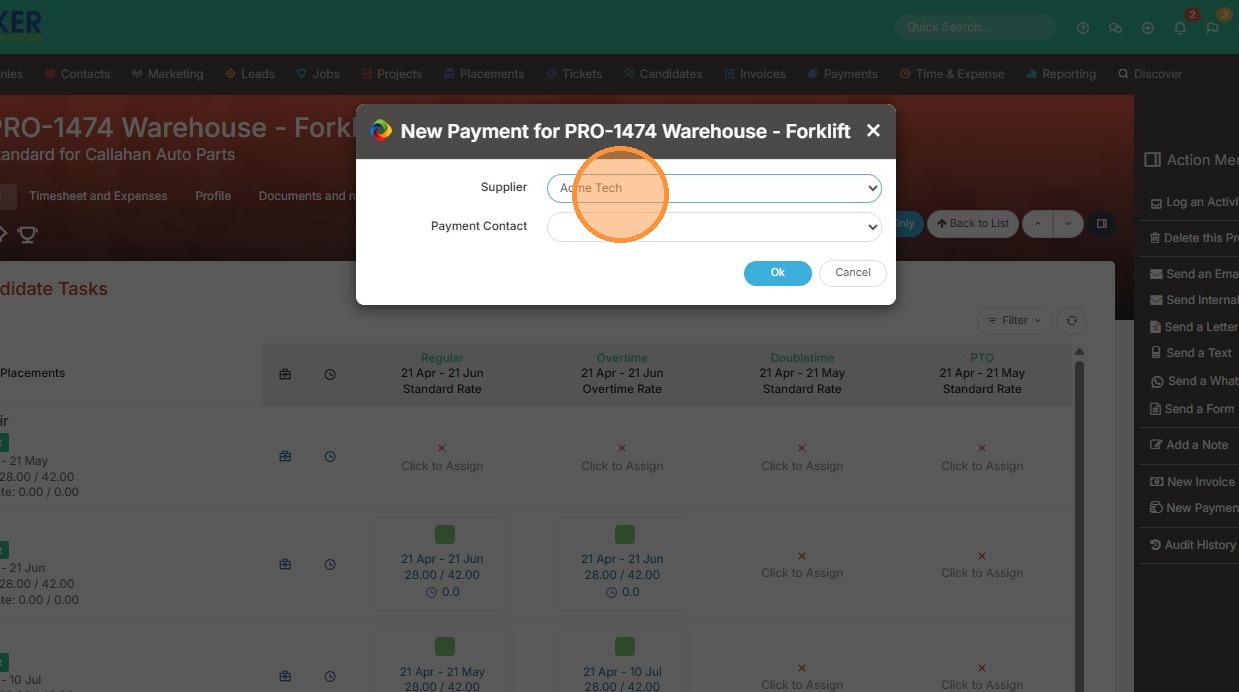
5. Select Payment Contact.
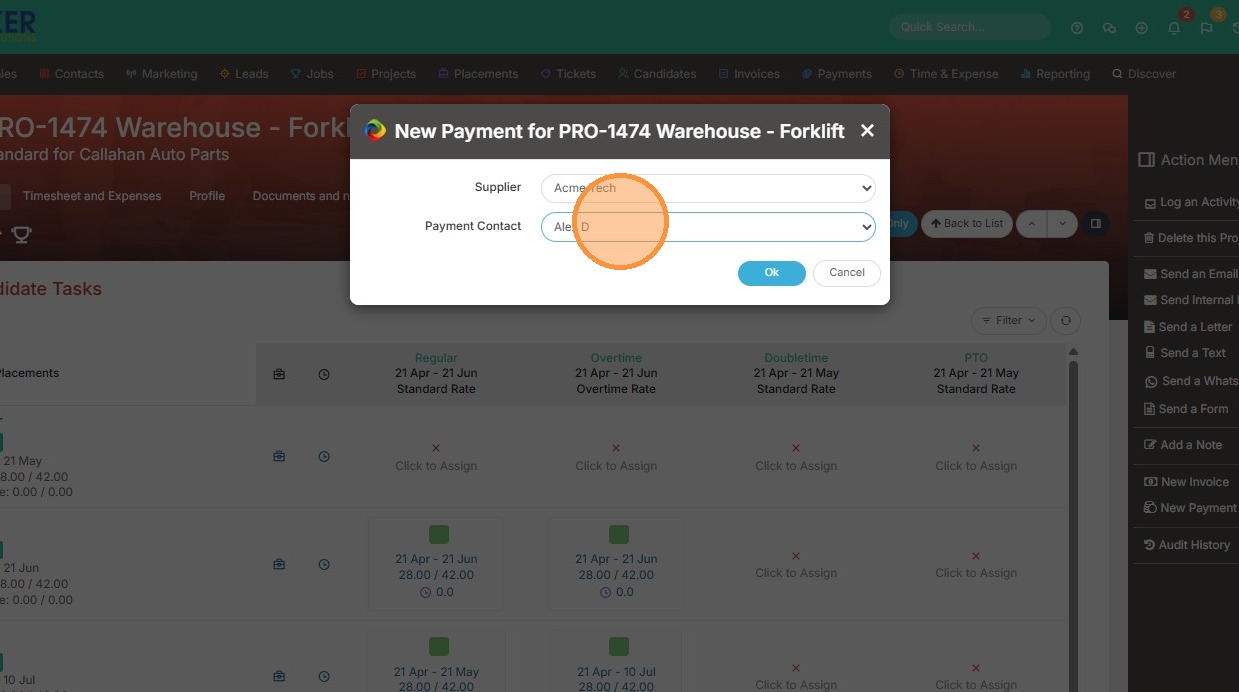
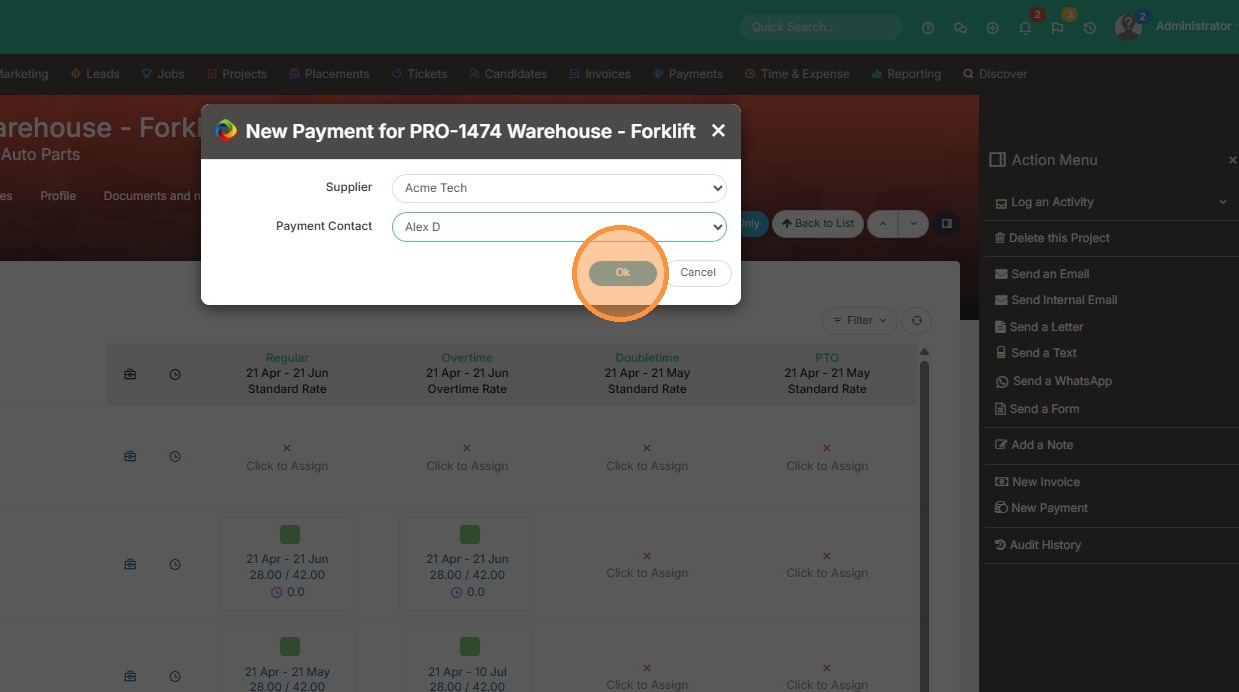
6. Click "Ok"
Payment Itemization
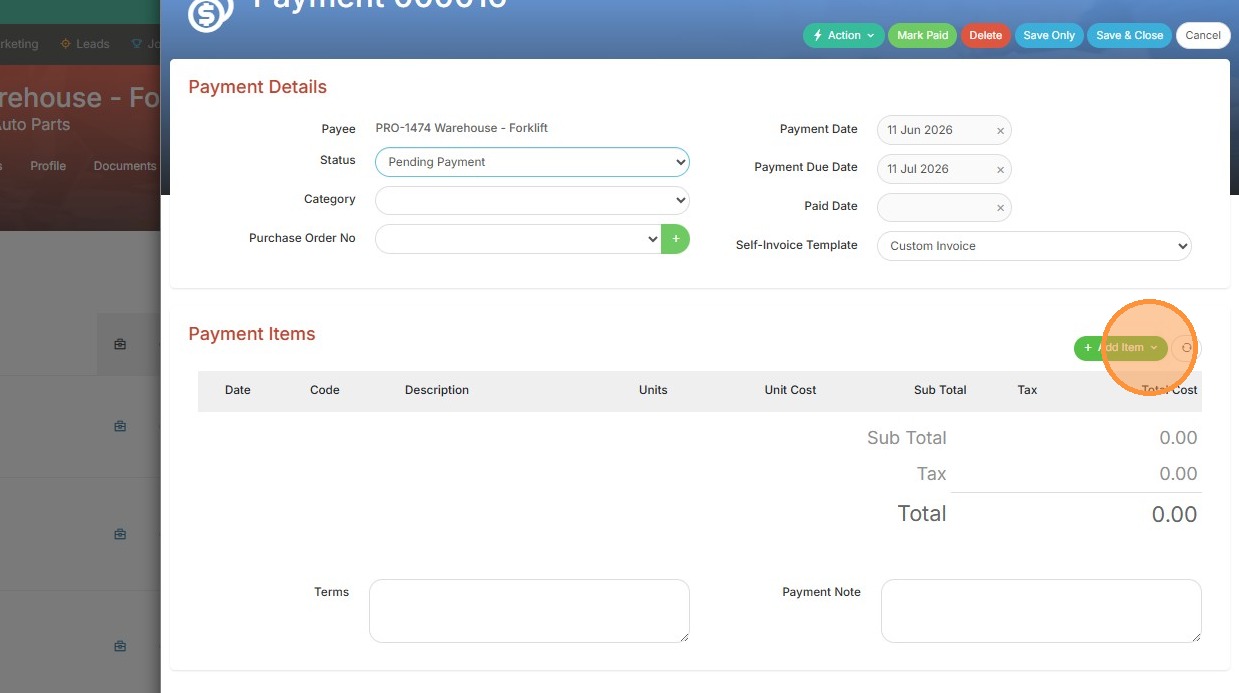
7. From here, the payment window will appear and you may add items as needed.