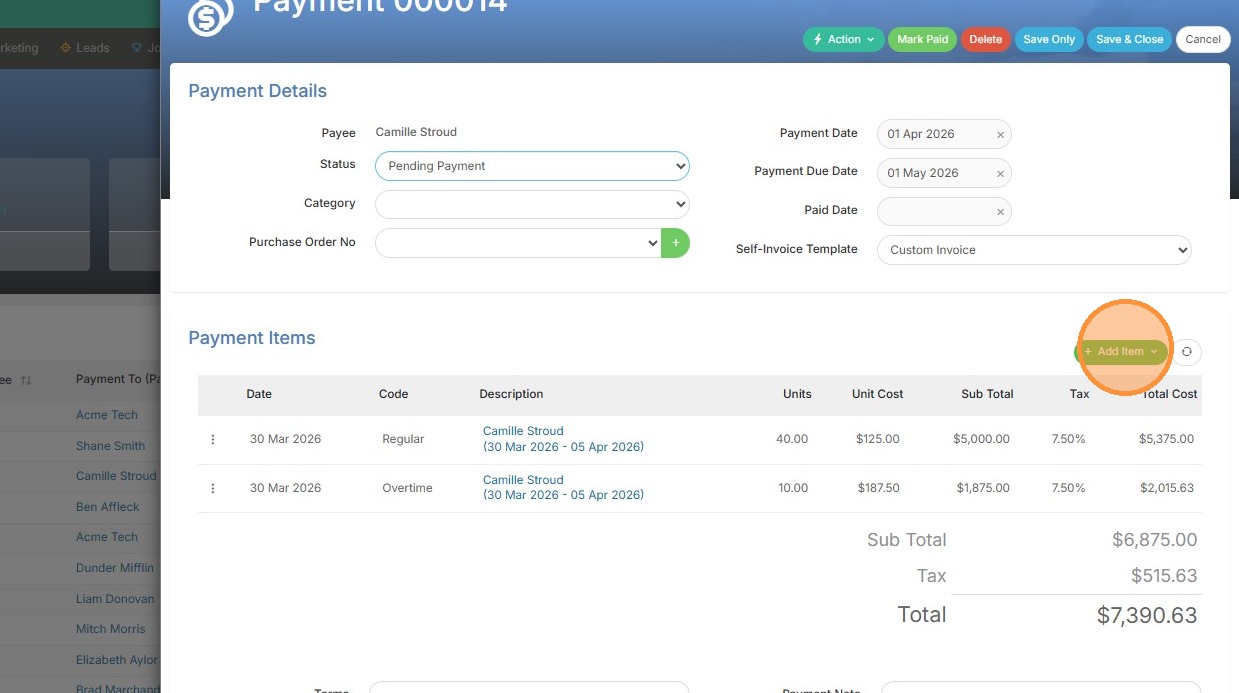
1. From within the payment, click add item.
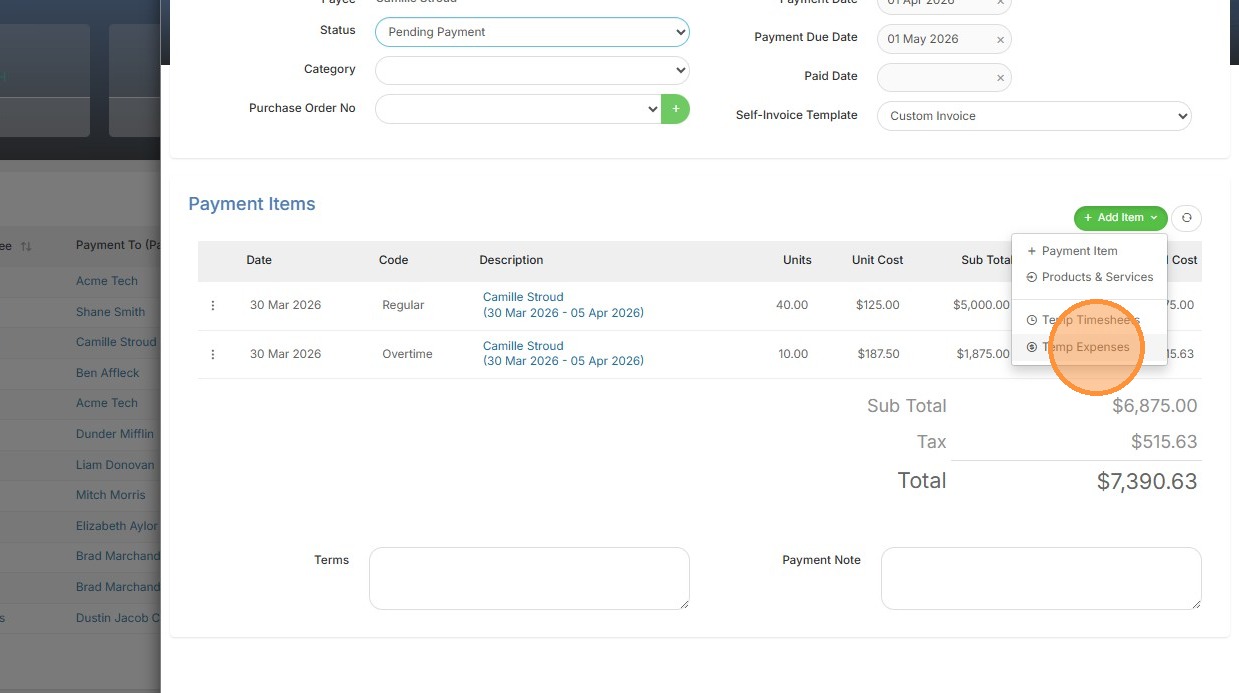
2. Click "Temp Expenses"
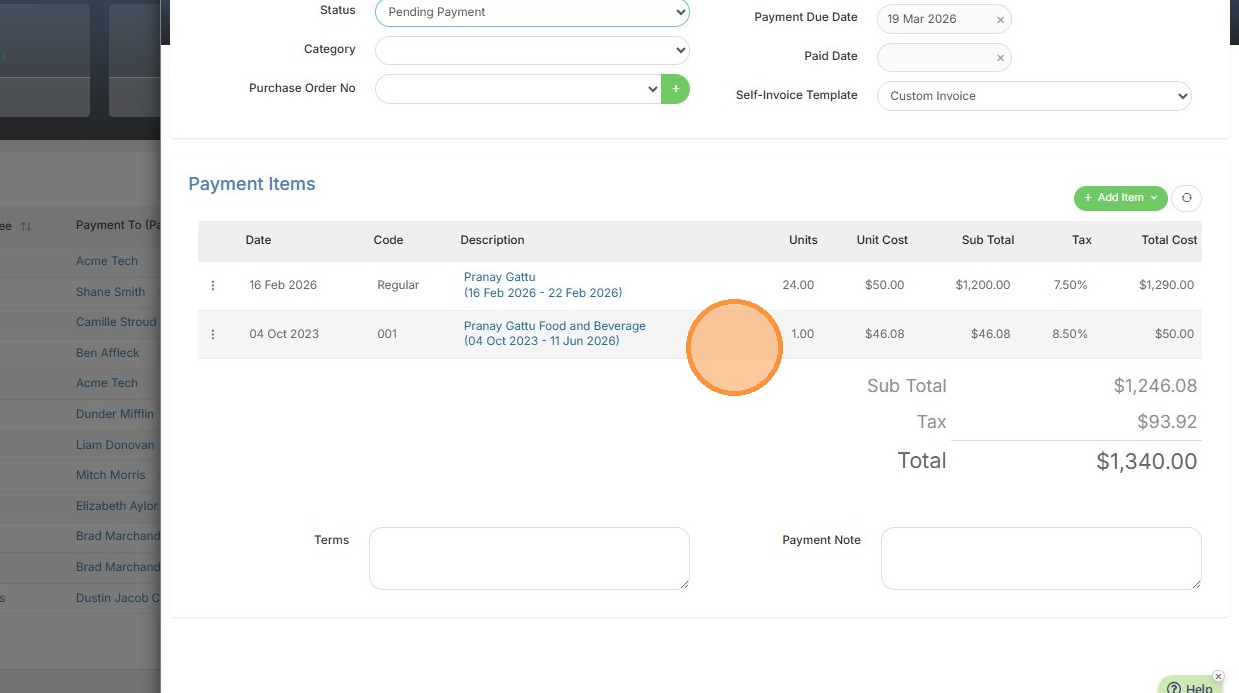
3. Select the specific expense item to include in the payment, then it will appear.
Your one-stop shop for help on TrackerRMS
1. From within the payment, click add item.
2. Click "Temp Expenses"
3. Select the specific expense item to include in the payment, then it will appear.