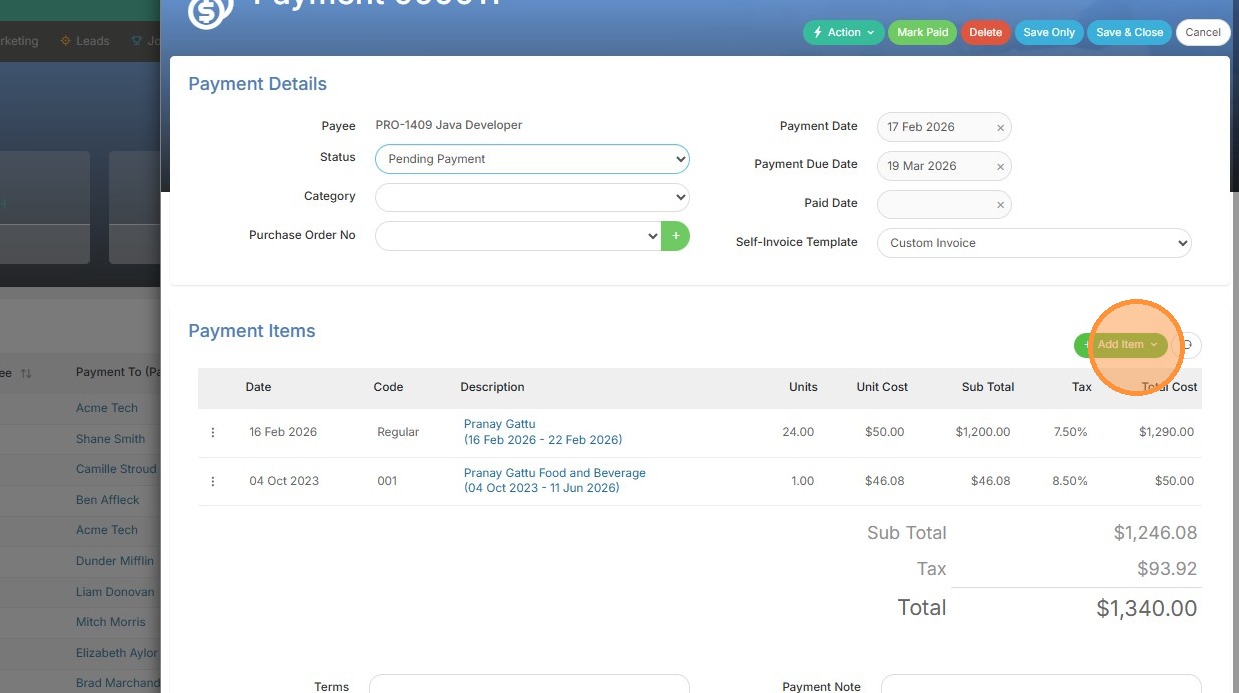
1. From within the existing payment, click add item.
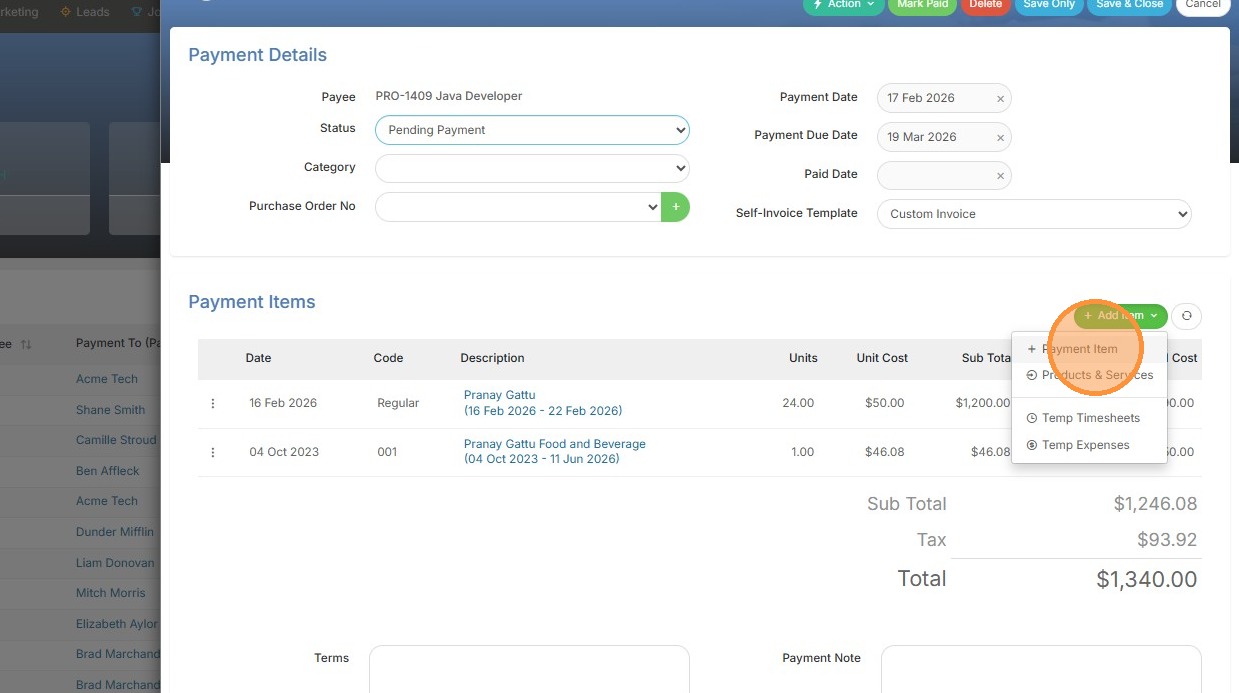
2. Select "Payment Item"
3. Pick a product under this dropdown (or if you don't have any pre-set products available, type in the details below as needed - item code, cost etc.).
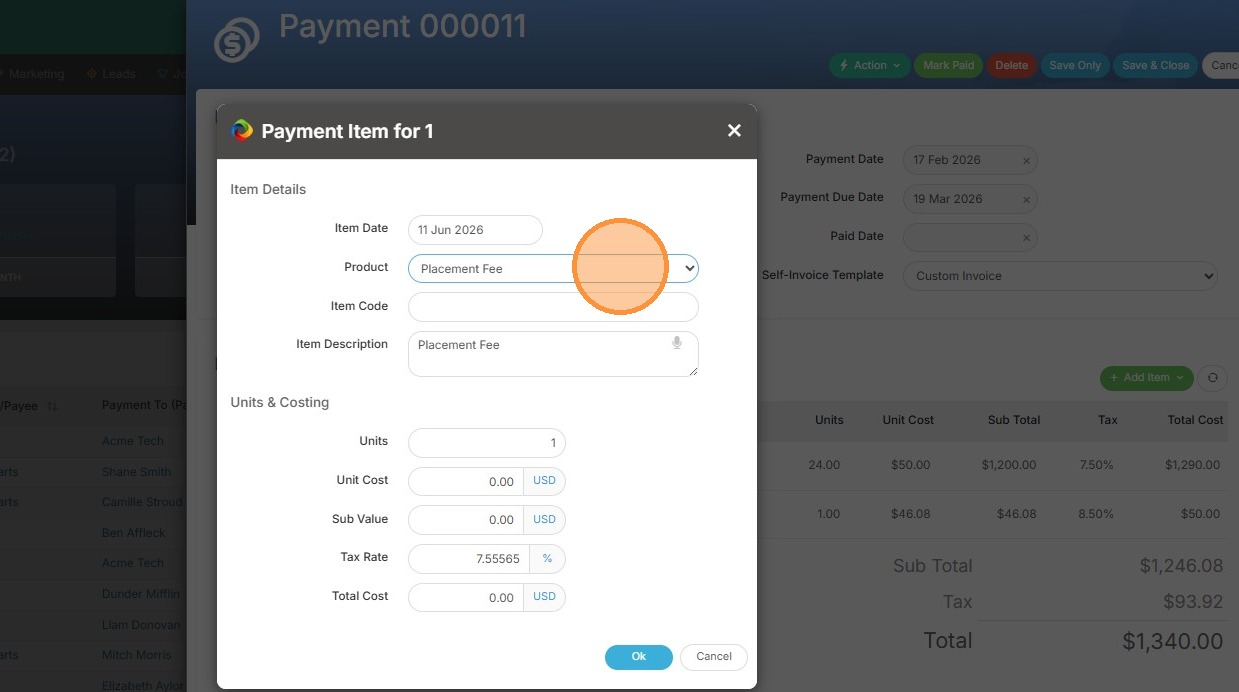
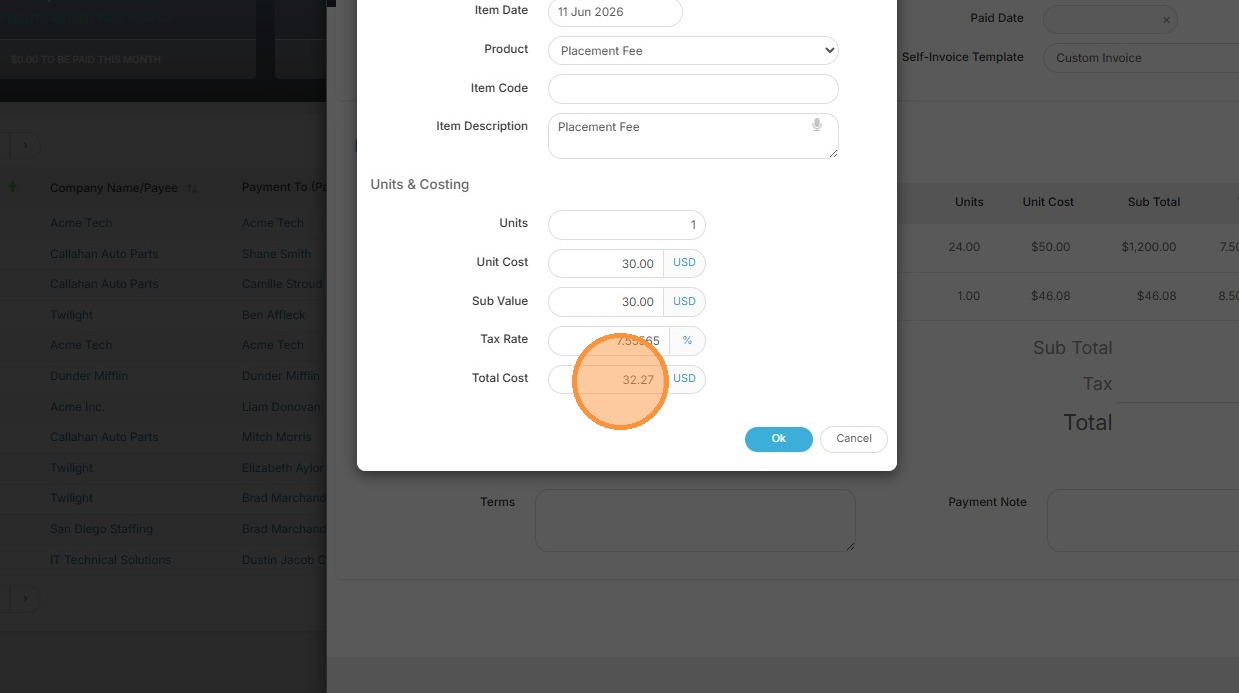
4. Here you can see my product for Placement Fee auto-adds the amount.
5. Click "Ok"
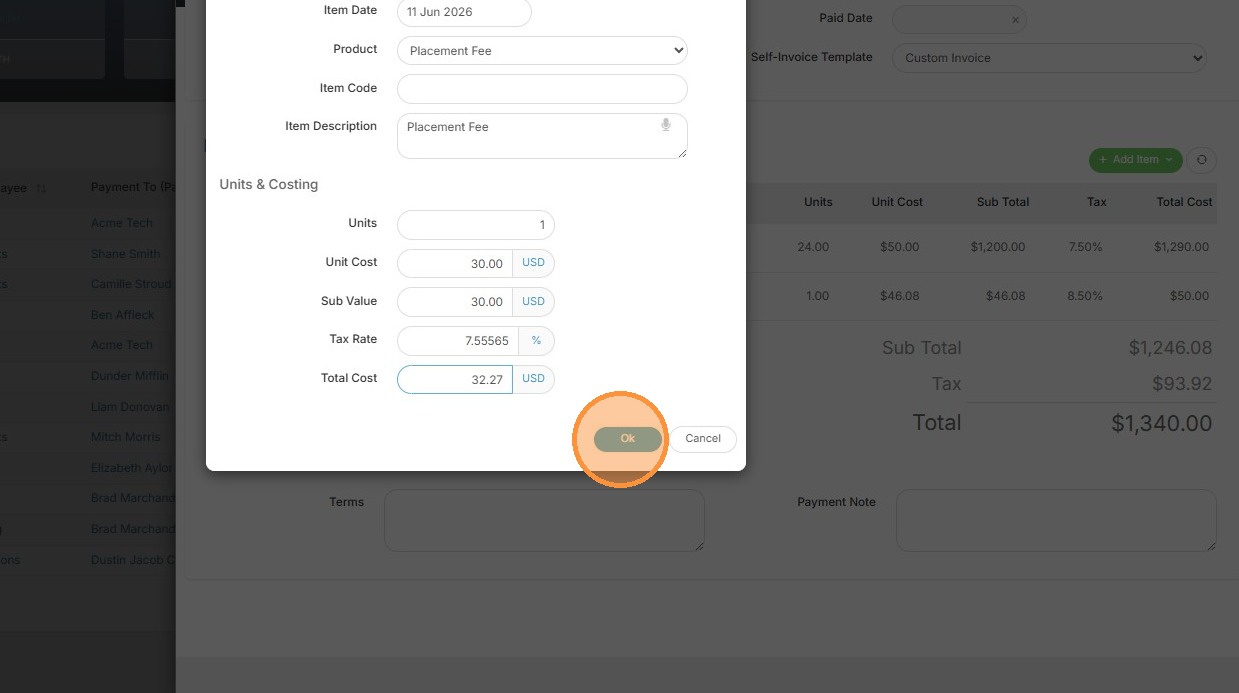
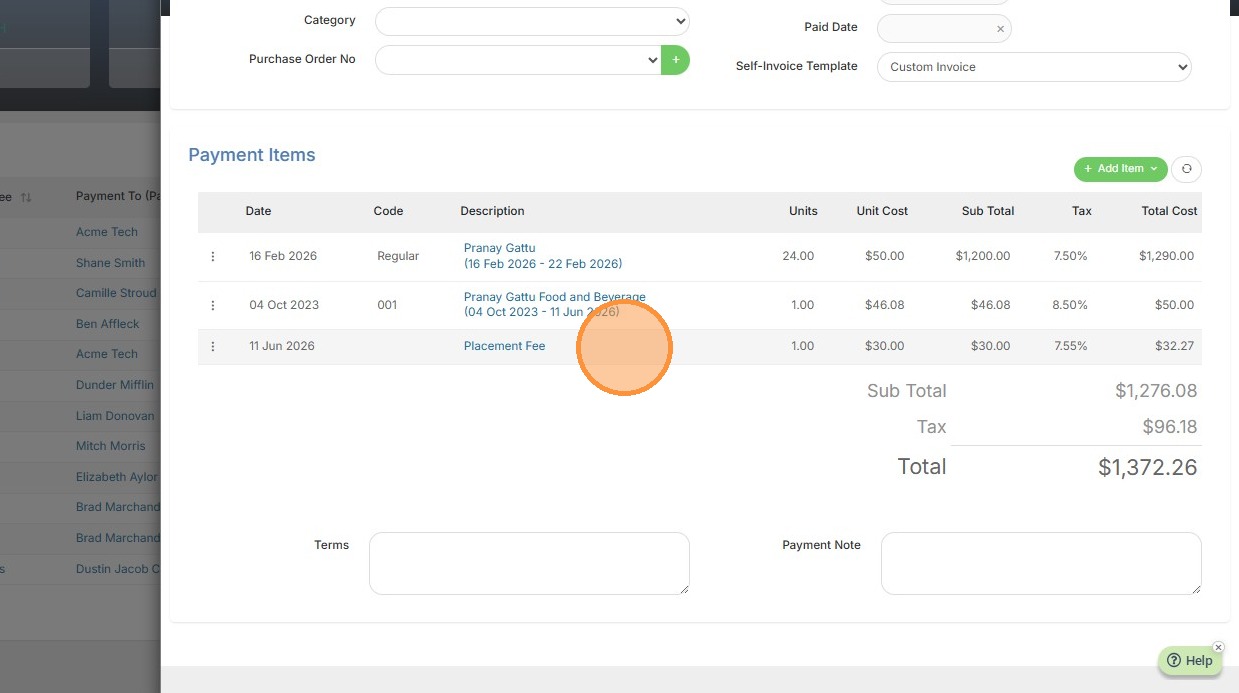
6. Now you can see Placement Fee has been added to the Payment.