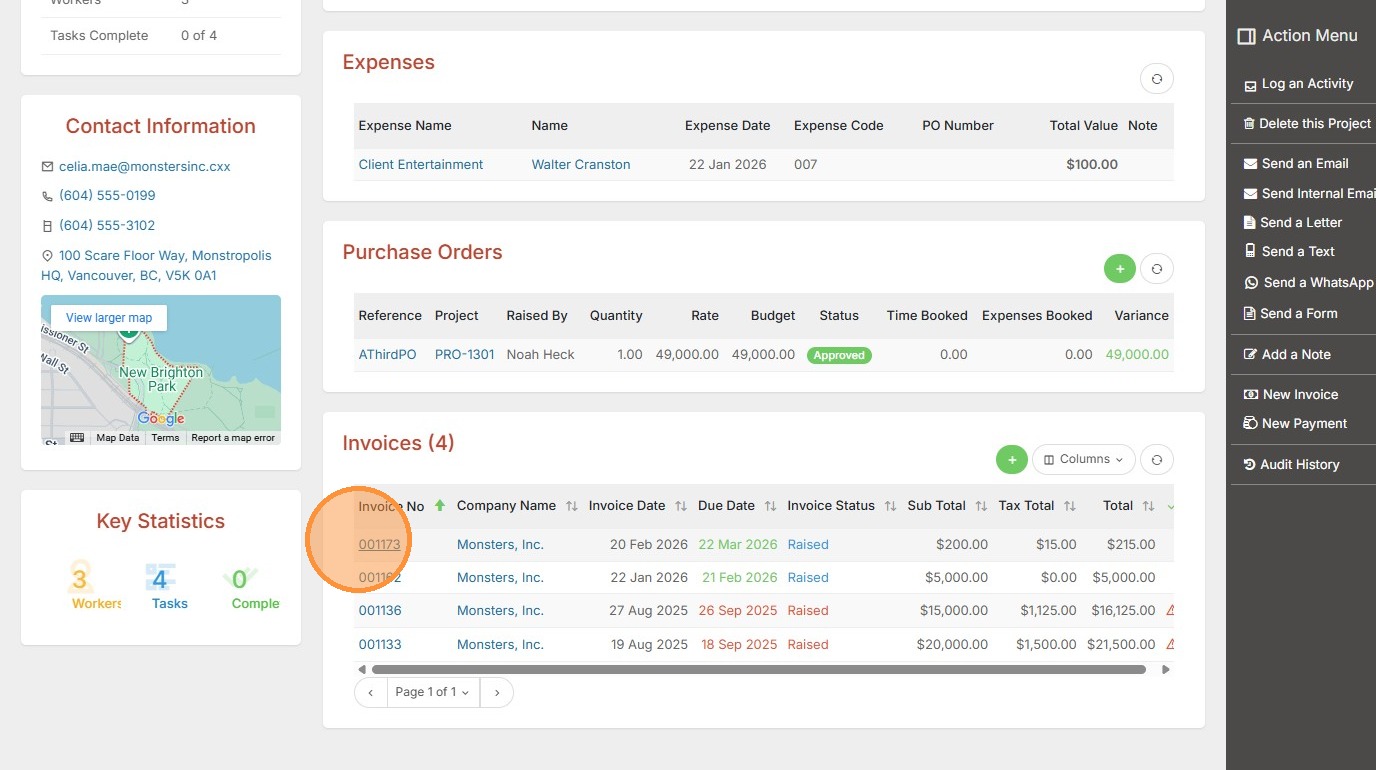
This lesson shows you how to Raise an invoice from within an Assignment Record.
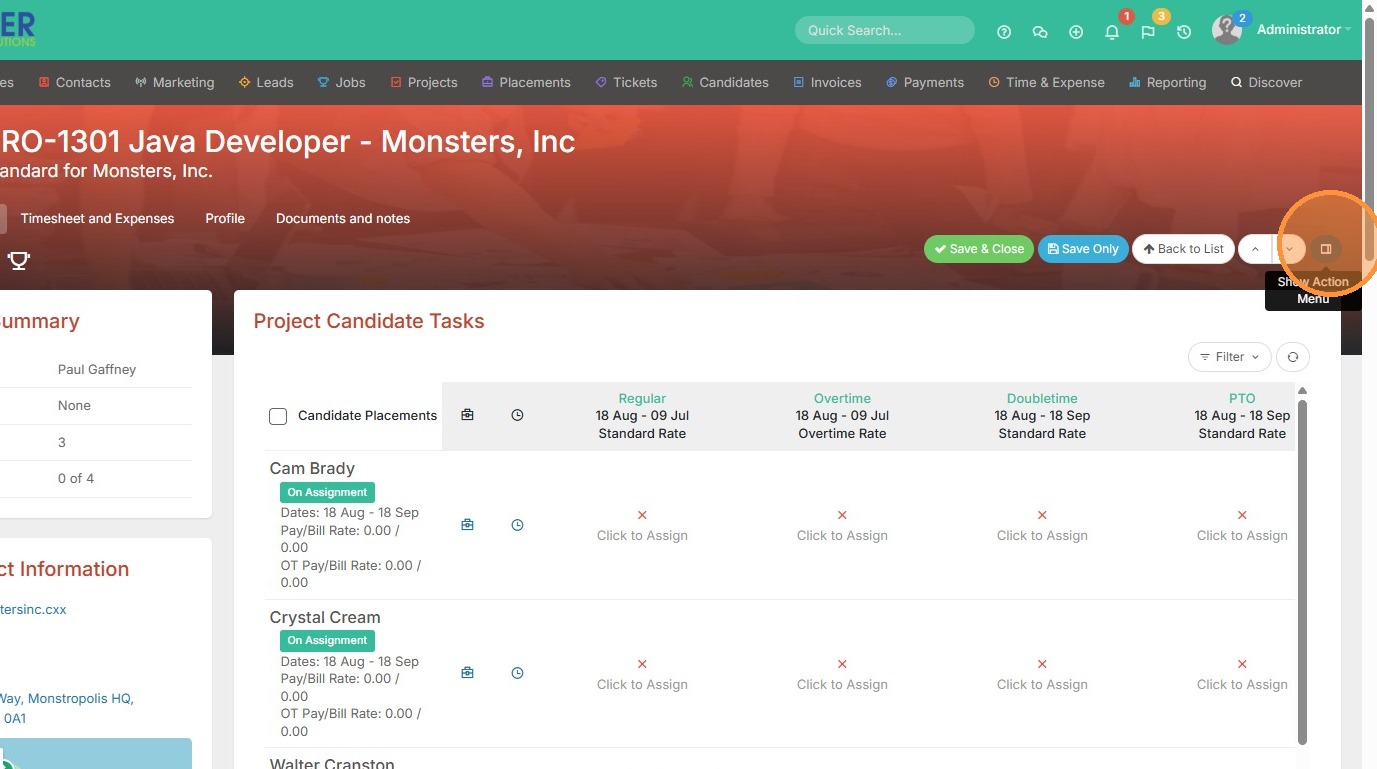
1. To raise an invoice from within a project/assignment record, click on the Action menu.
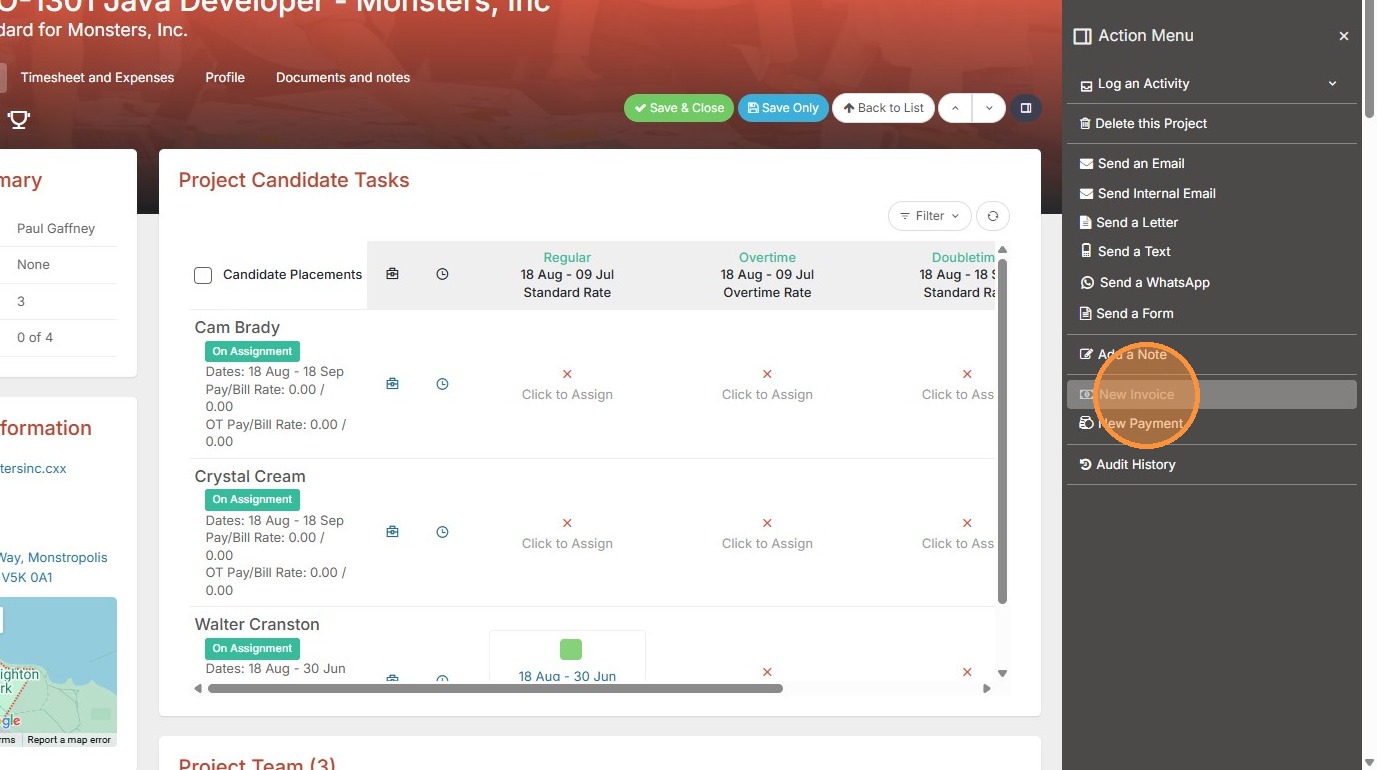
2. Click "New Invoice"
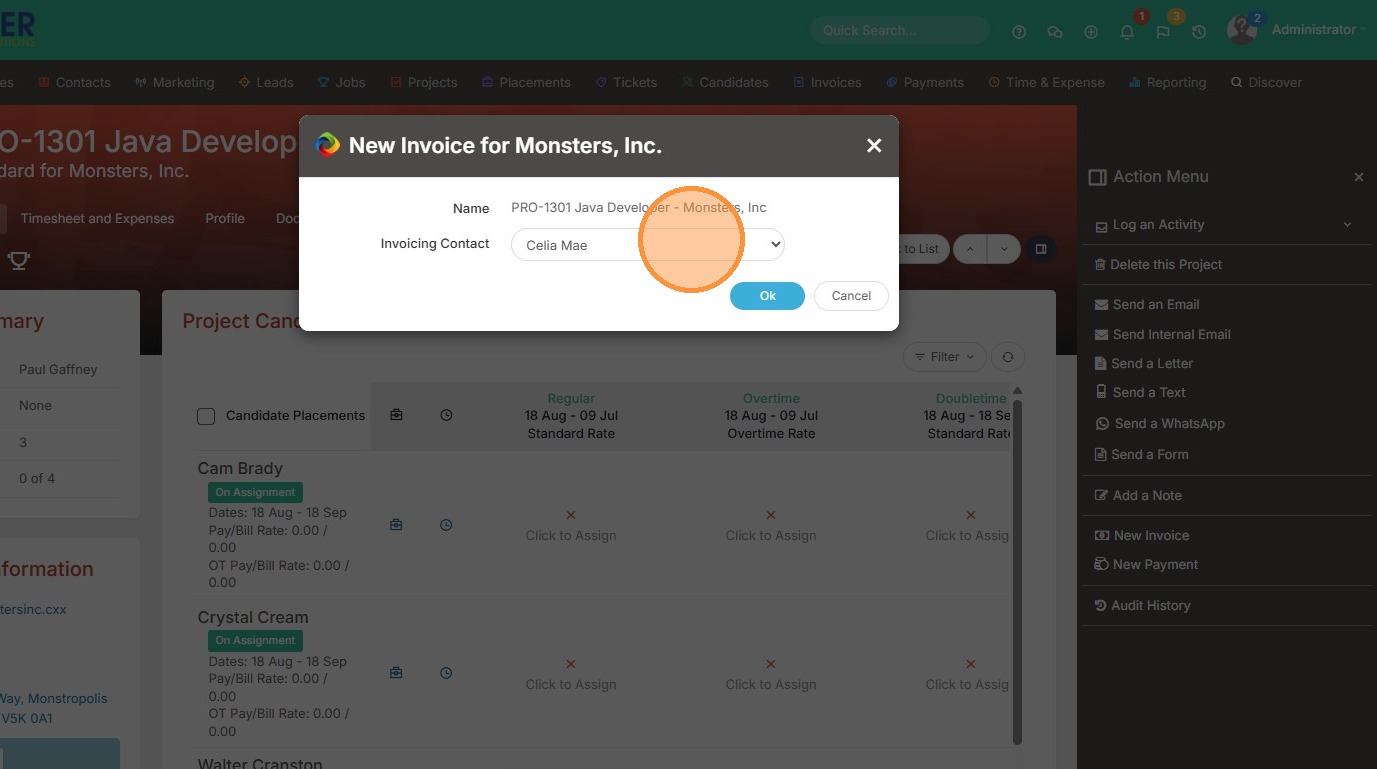
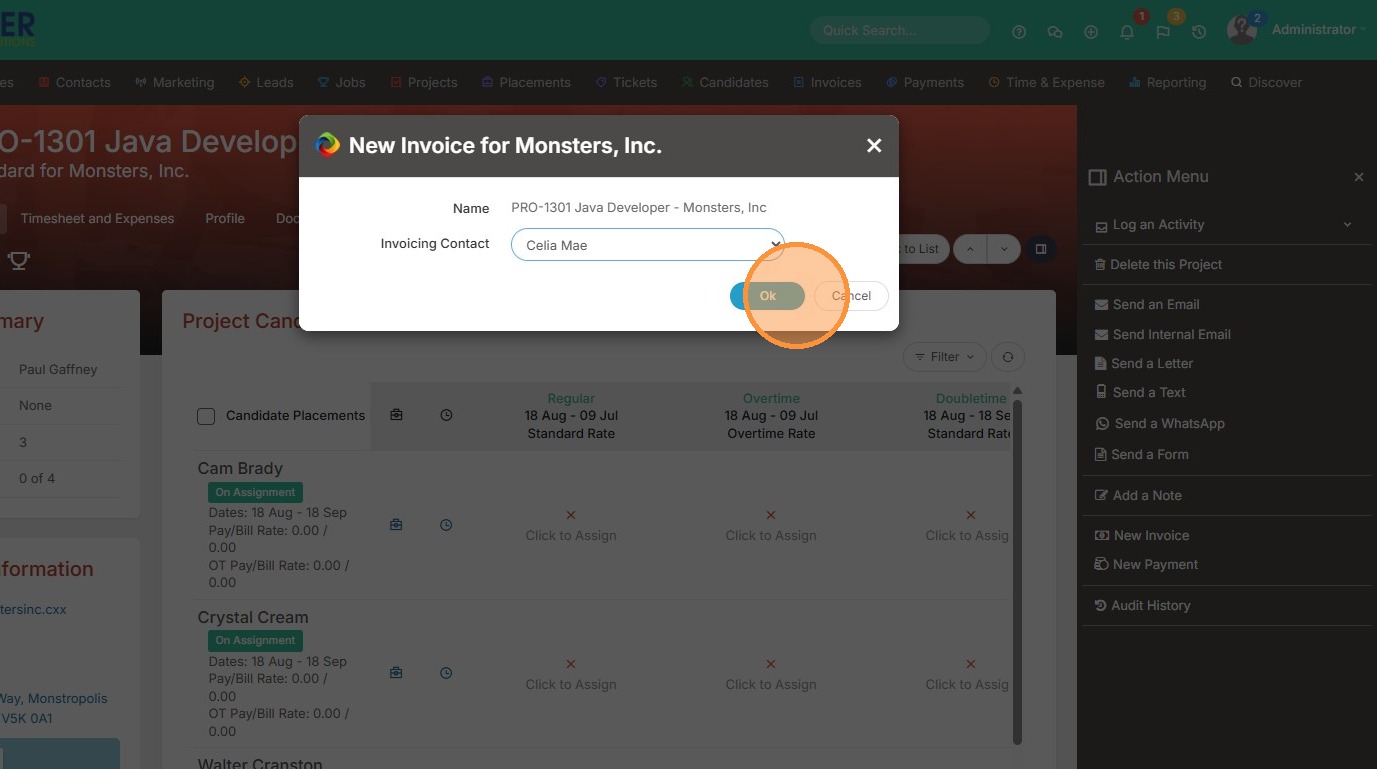
3. Click this dropdown to change the Invoicing Contact.
4. Click "Ok" once you're done.
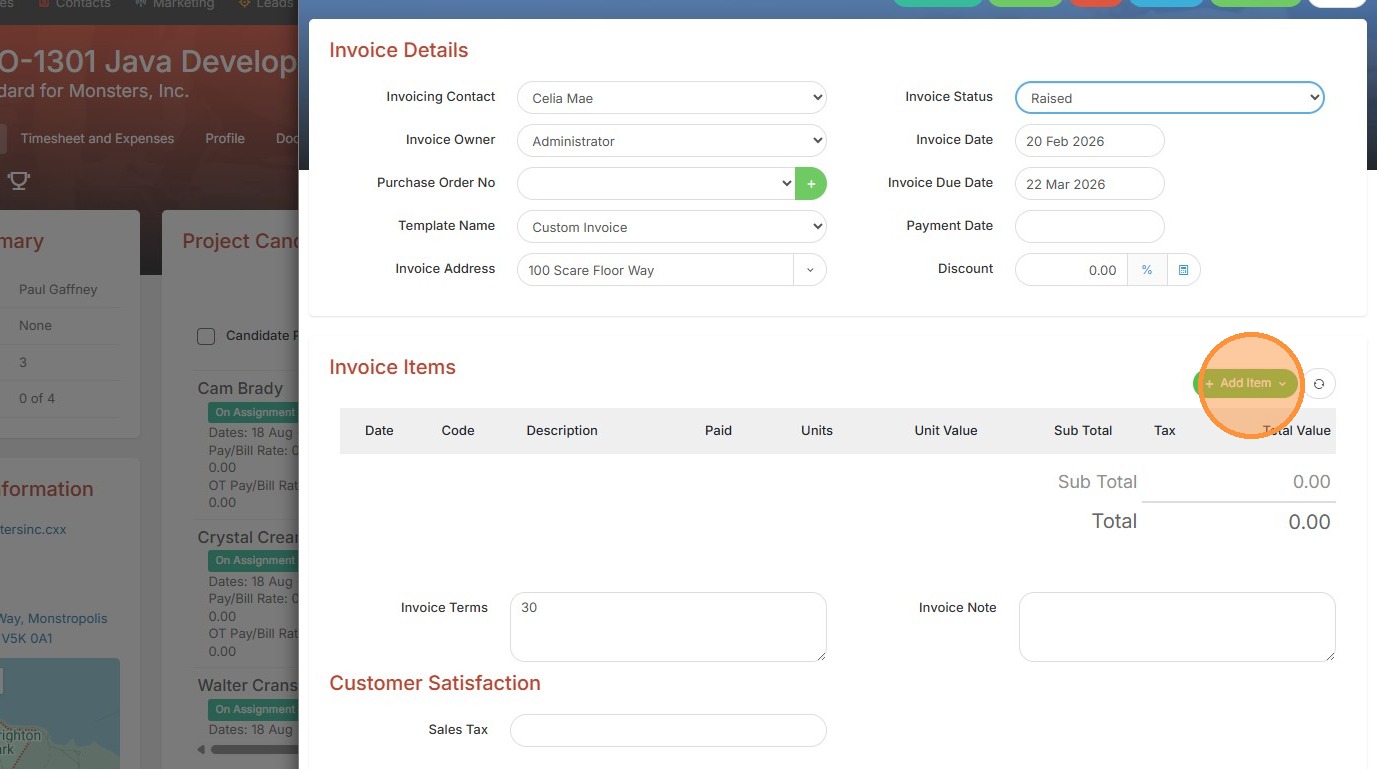
5. Click "Add Item" to get started.
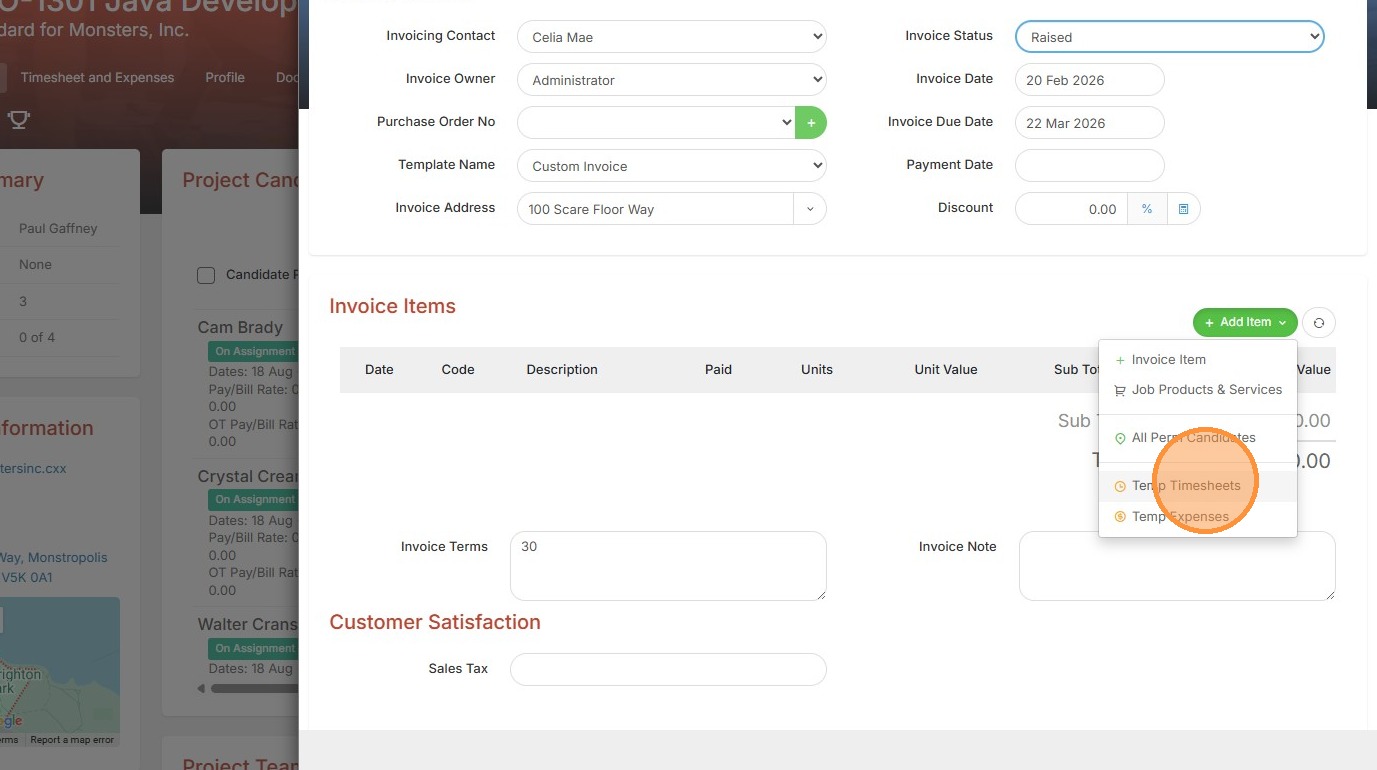
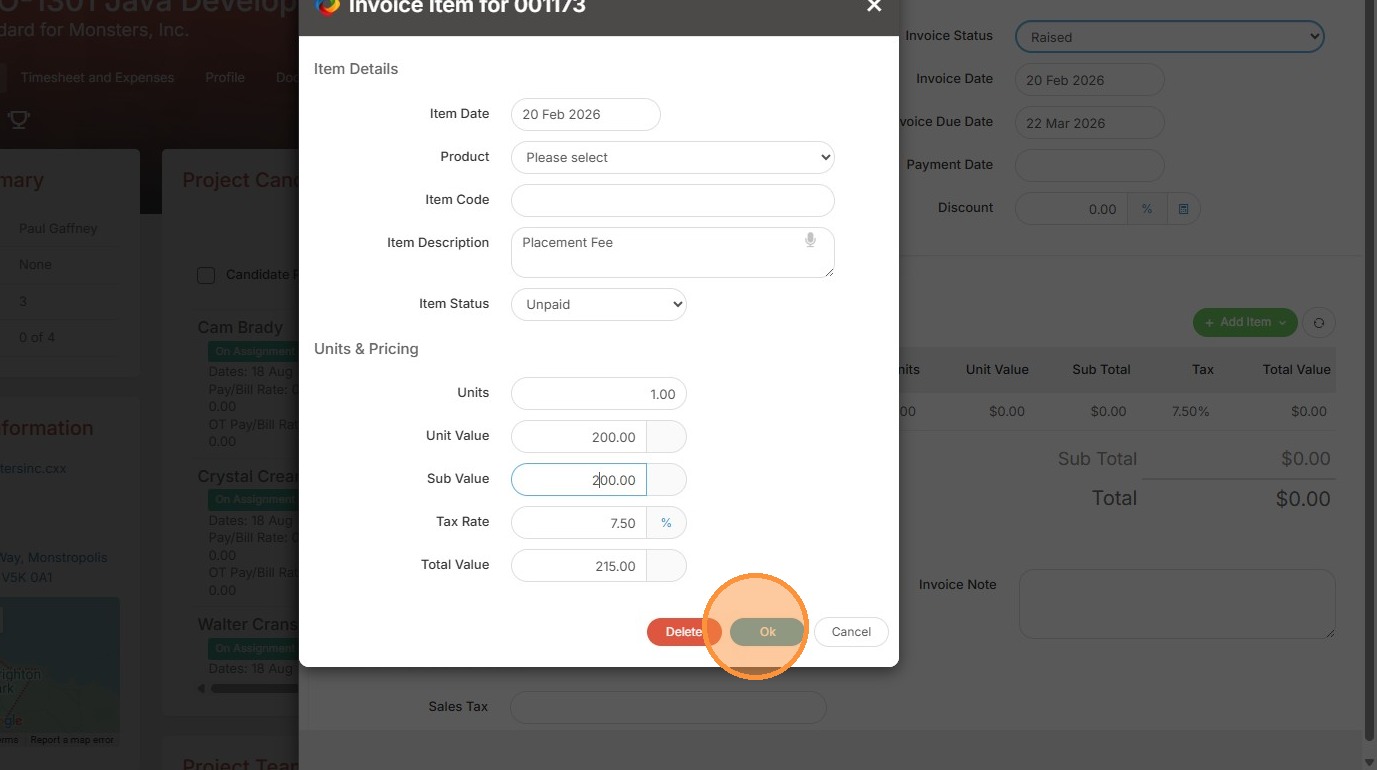
6. From here you can add timesheet info (if applicable) or a simple Invoice Item.
7. For example, I could add a Placement Fee invoice.
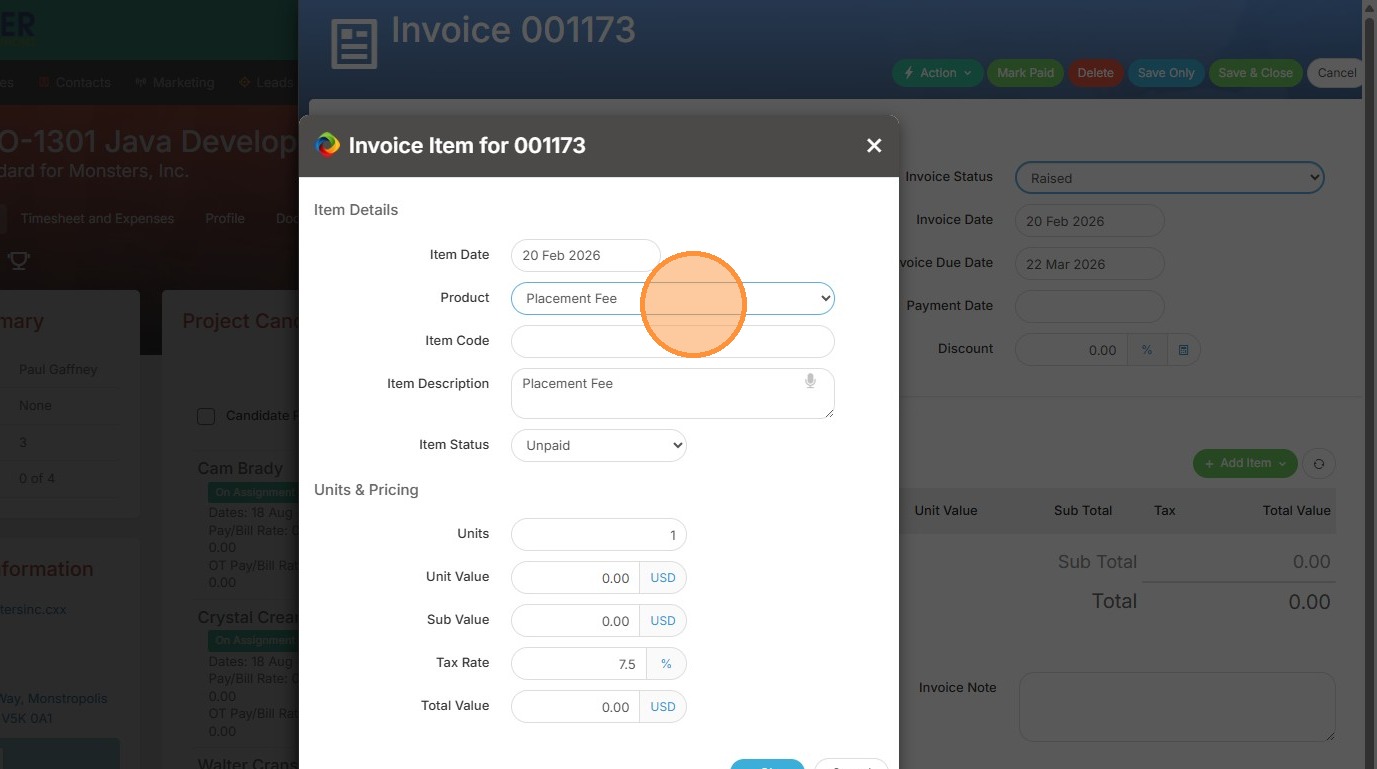
8. Click "Ok" once you have added all details.
9. Click "Save & Close" to complete the creation of this invoice.
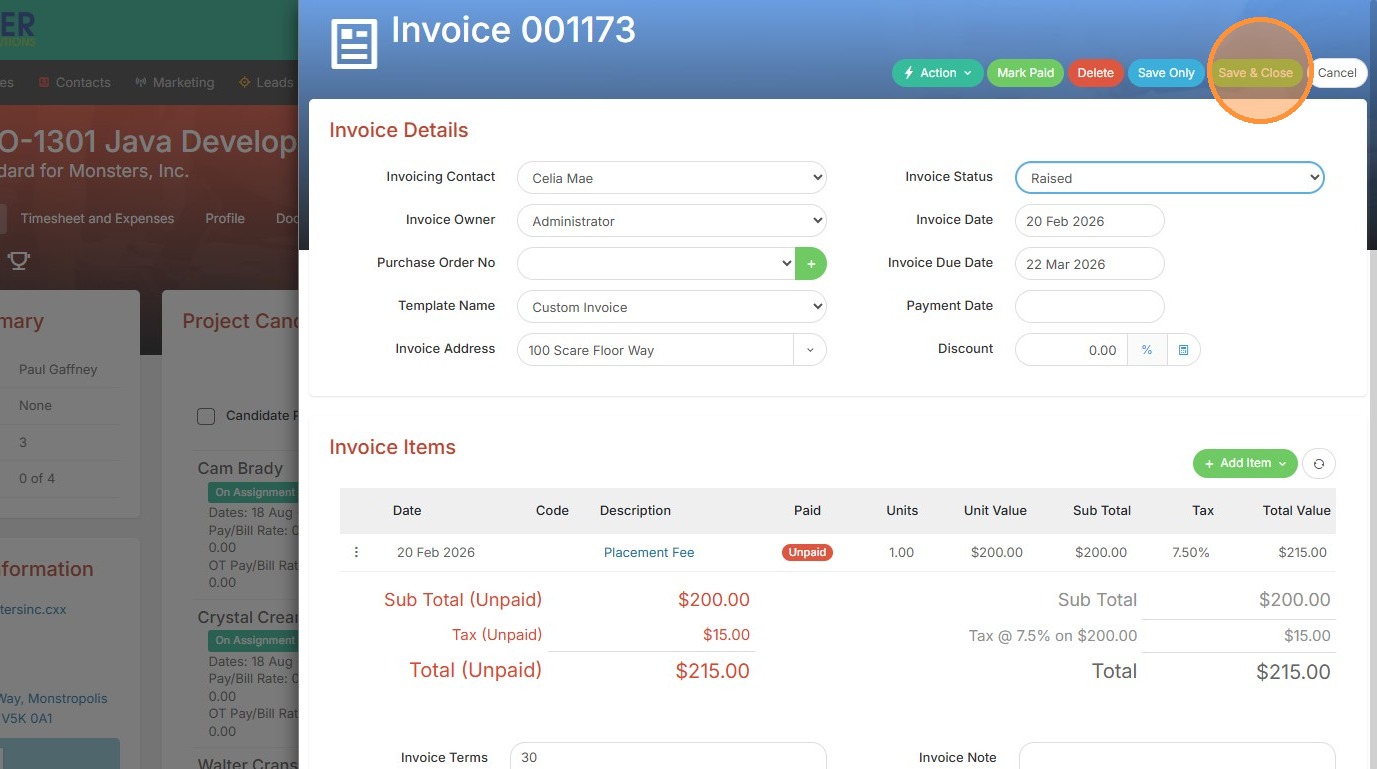
10. You can view the invoice in the invoice section of the project, or the Invoices tab.
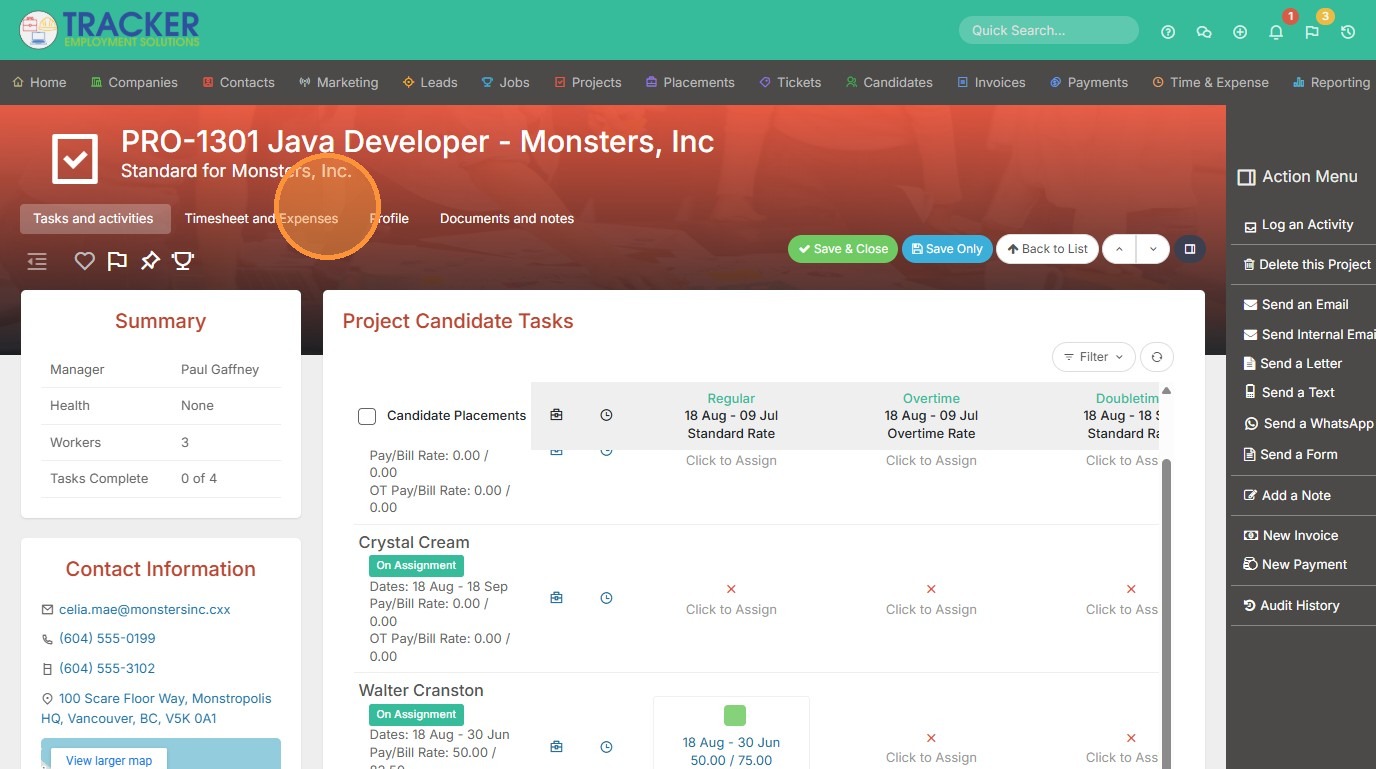
11. For example, within the project you can view it here.