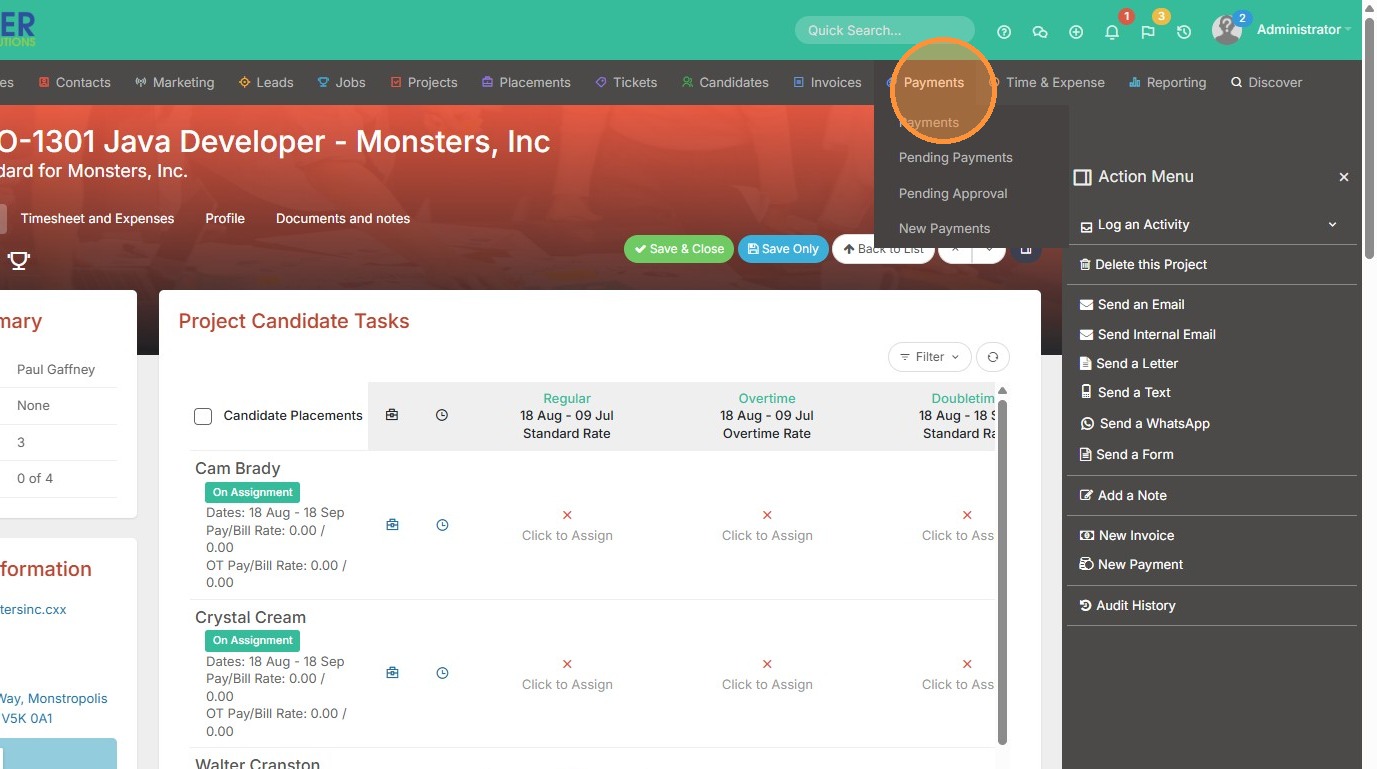
This lesson explains how to Raise a payment from within an Assignment.
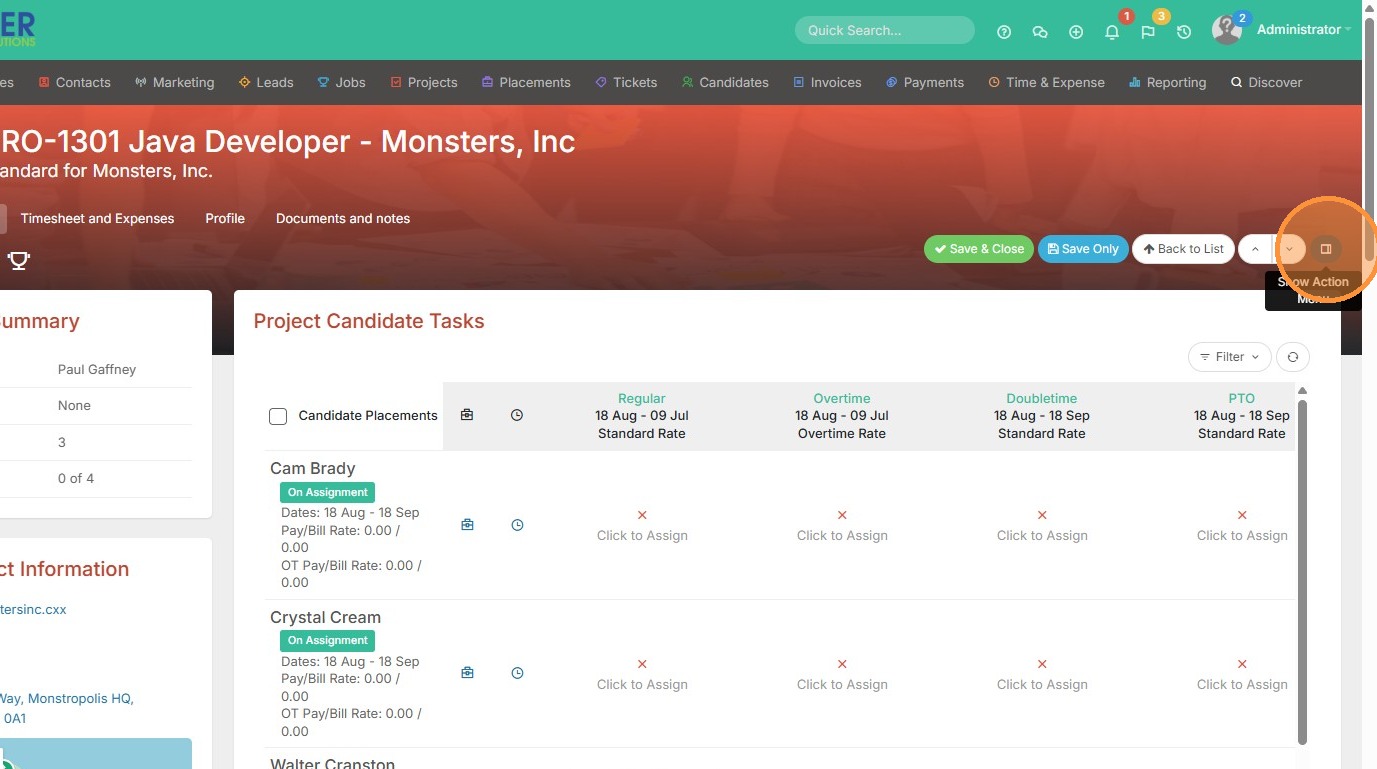
1. To add a payment from a project/assignment record, click on the action menu.
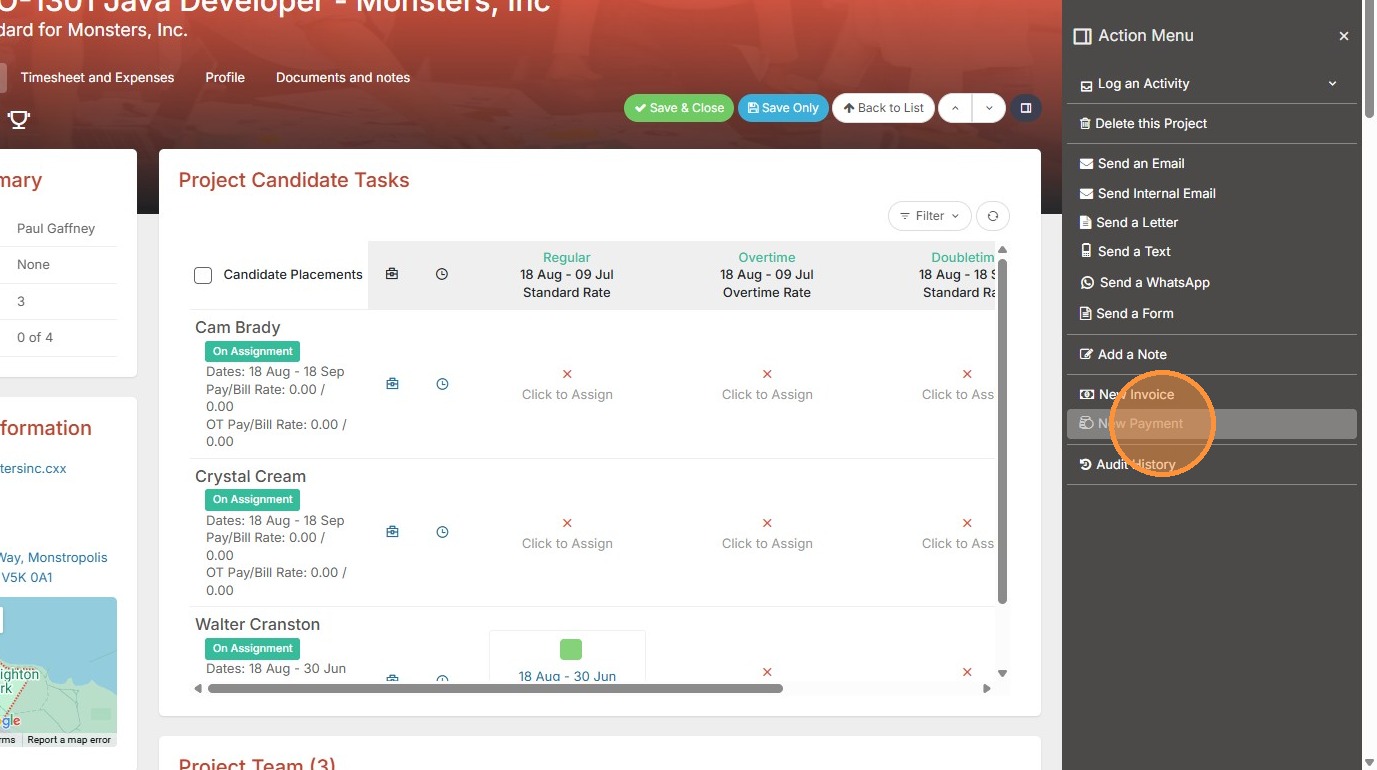
2. Click "New Payment"
3. Select the Supplier.
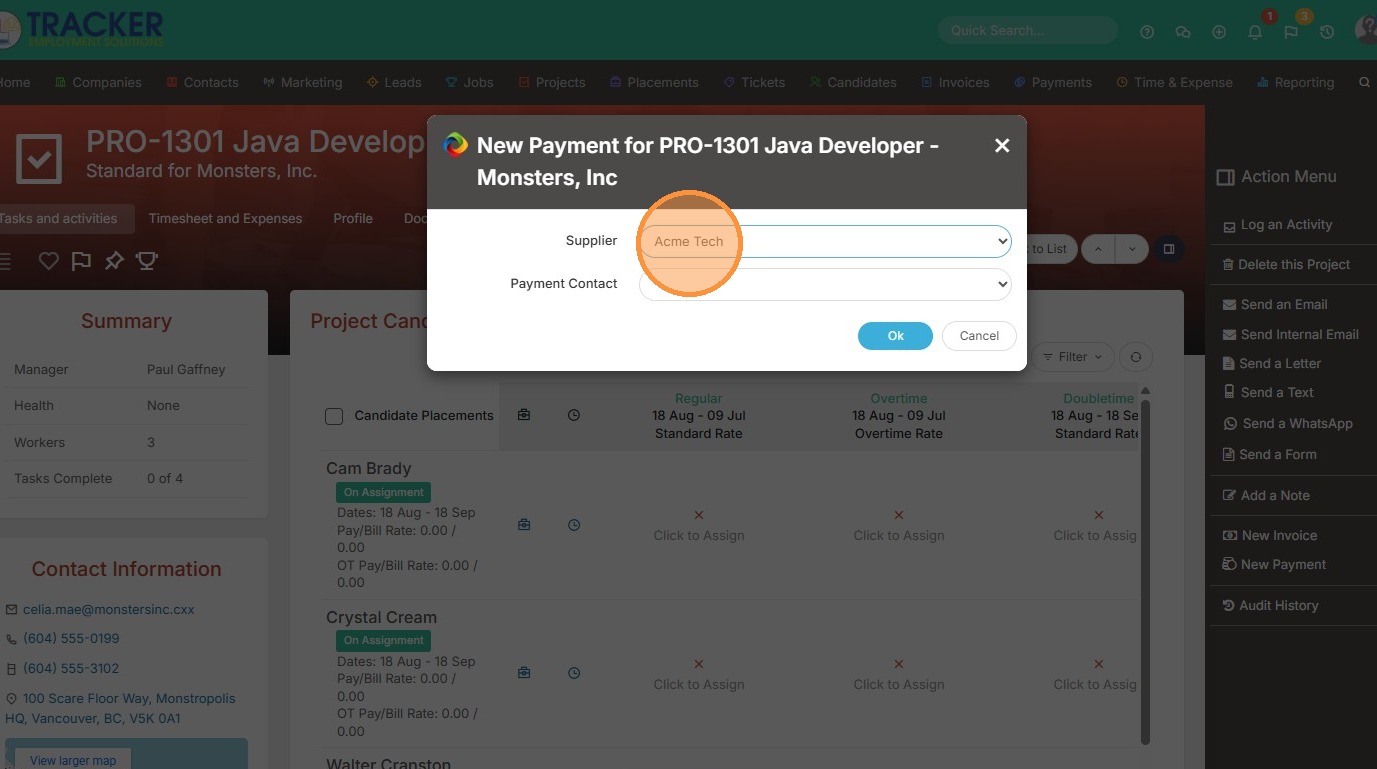
4. Then the Payment Contact.
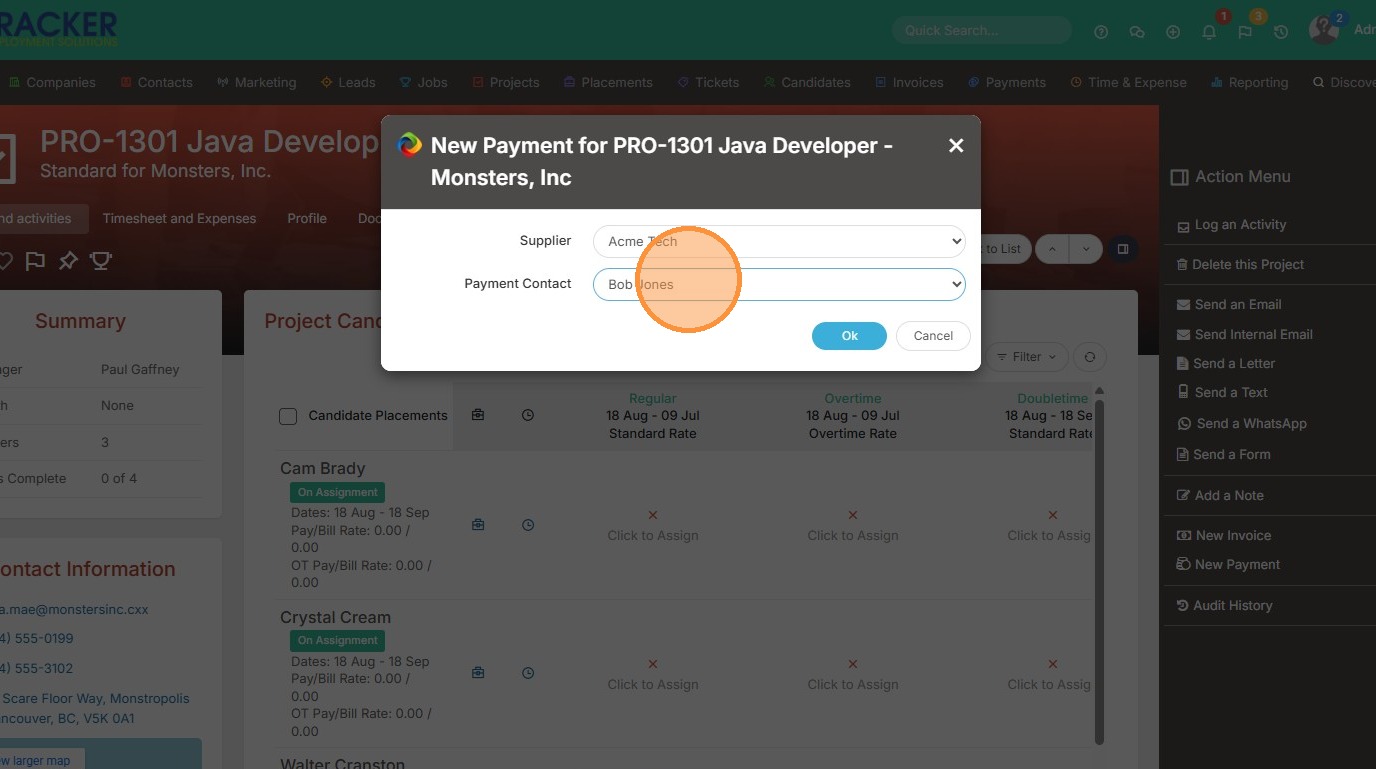
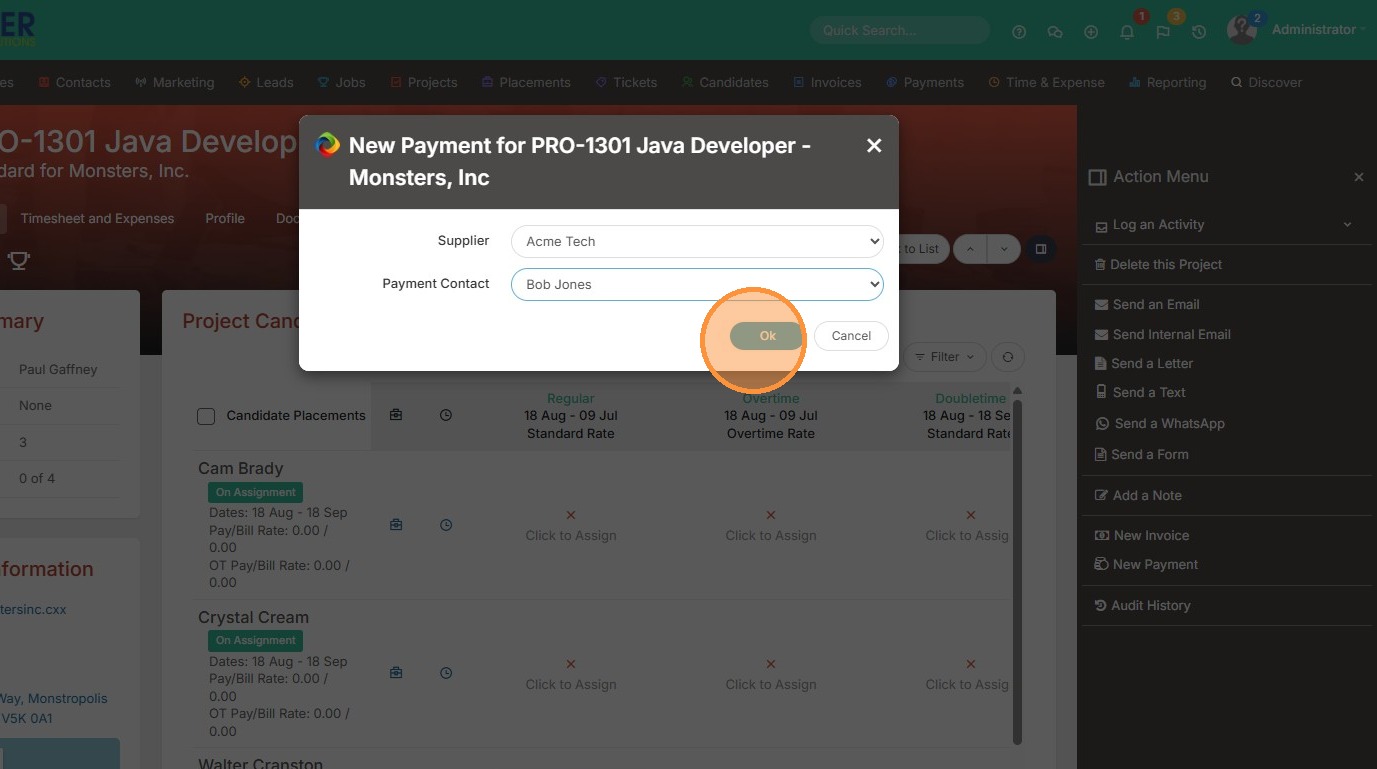
5. Click "Ok"
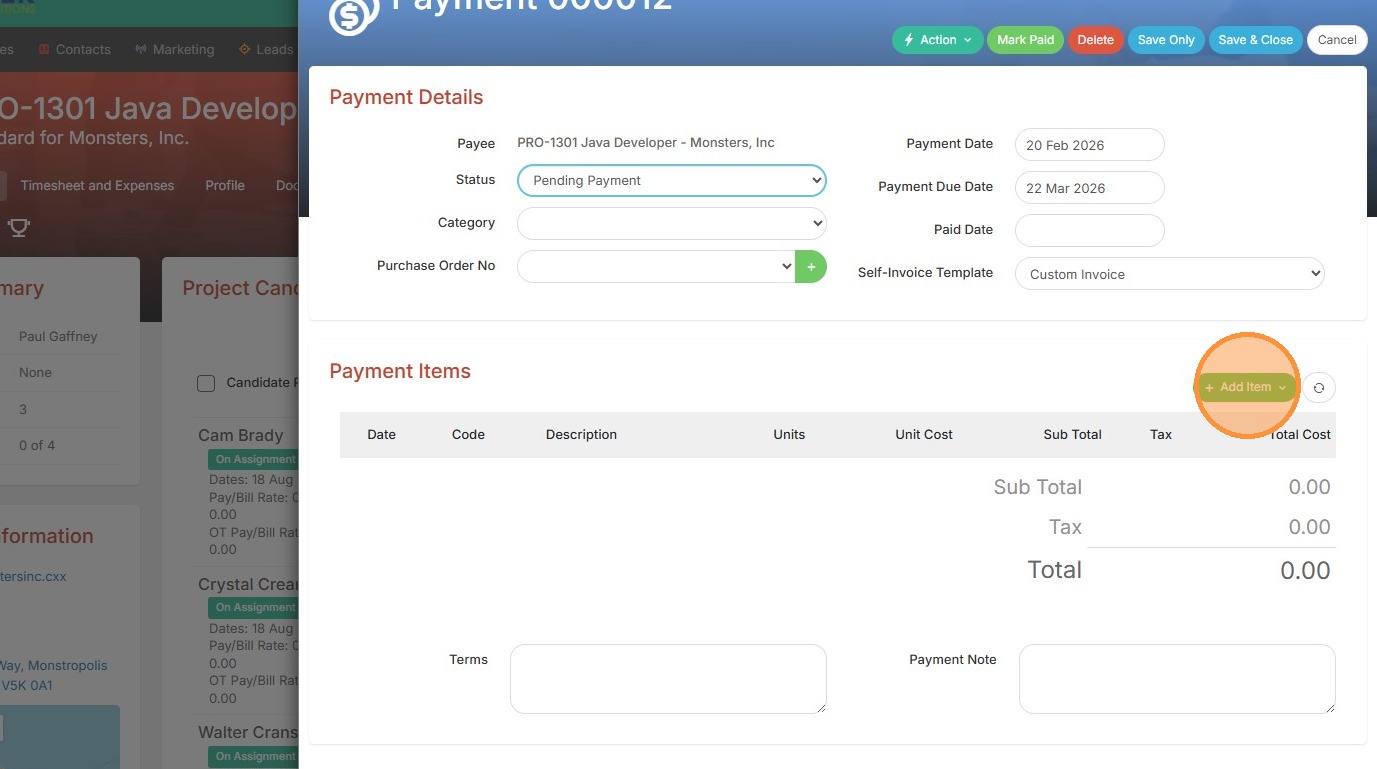
6. Click "Add Item" to begin creating the payment.
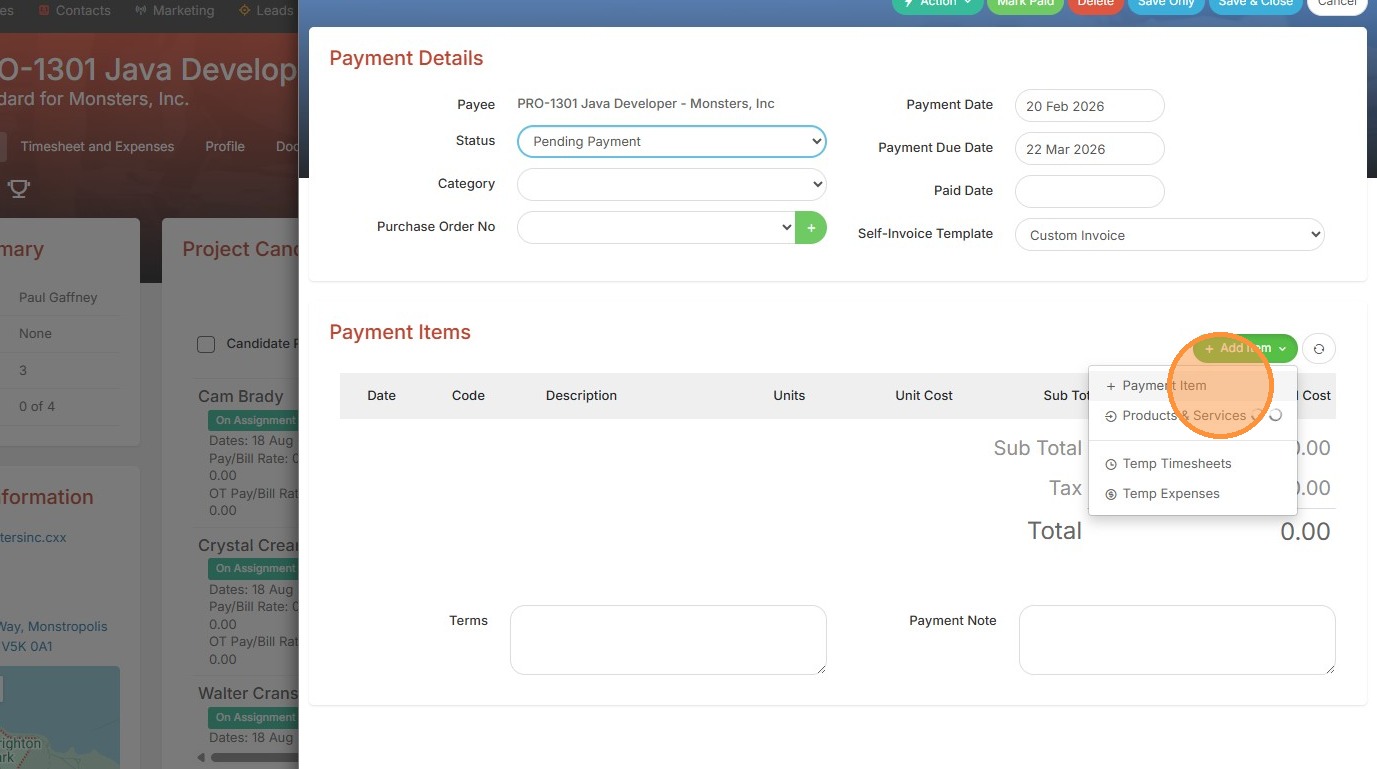
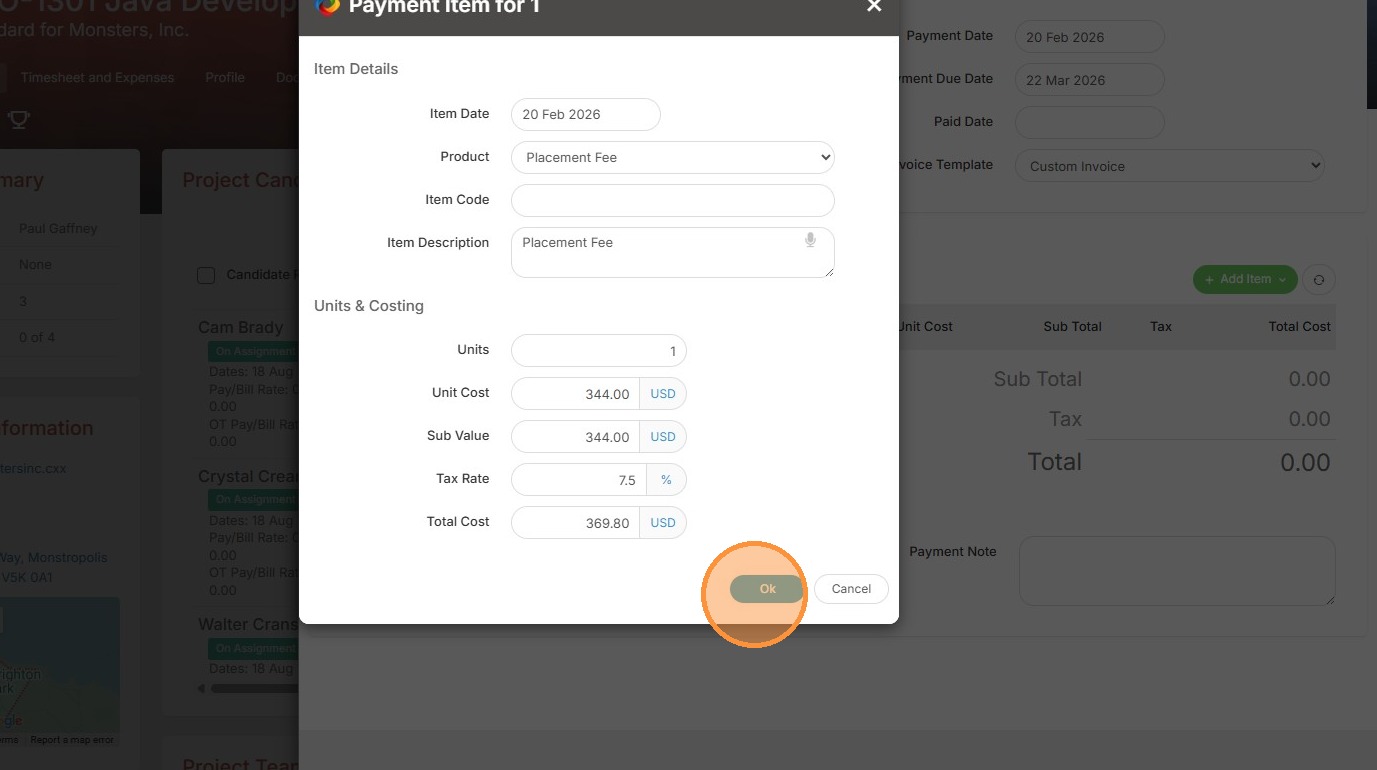
7. Here you can ad hoc add a payment item, or select Products/Services if you want to select a dropdown option (keep in mind you need to setup Products & Services in Tools & Settings to use this area).
8. Click "Ok" once all details have been filled in.
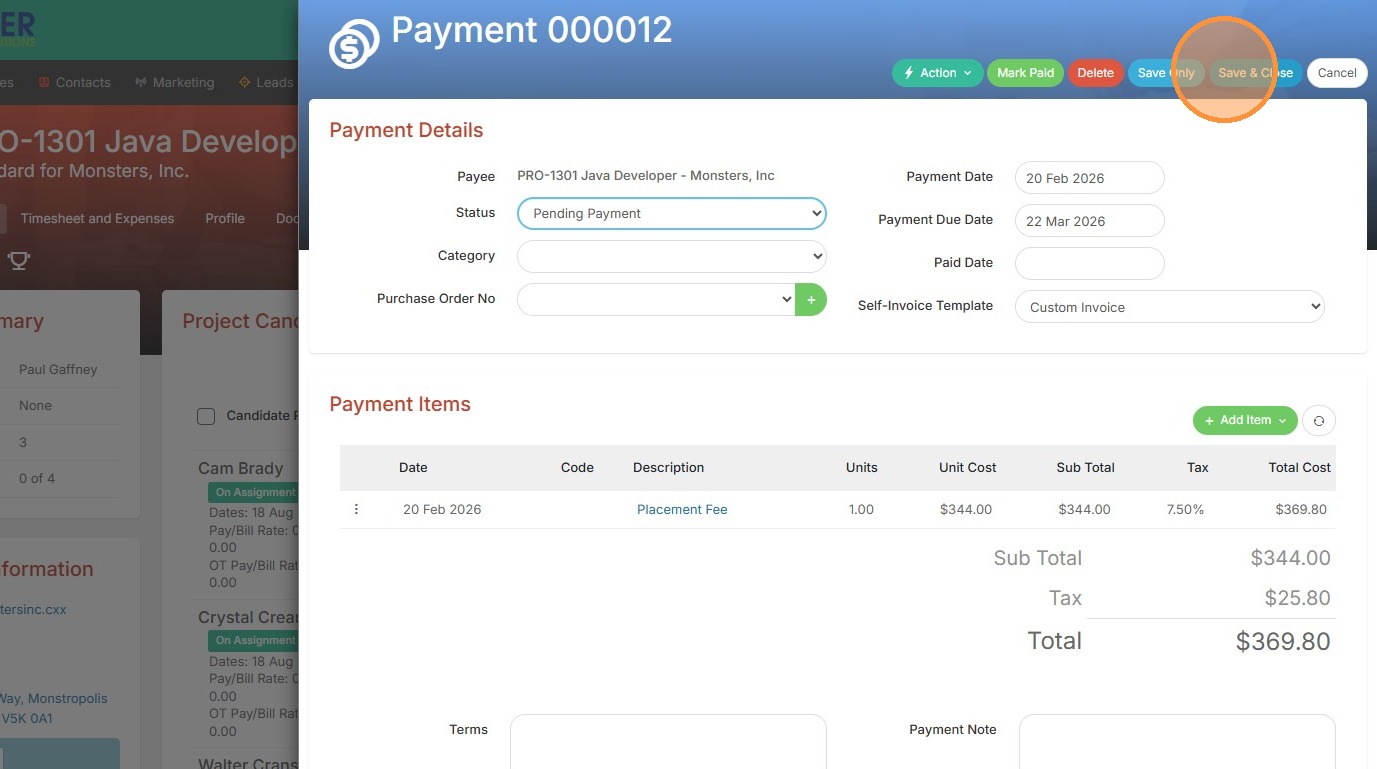
9. Click "Save & Close" to add the payment.
10. Click "Payments" to view.