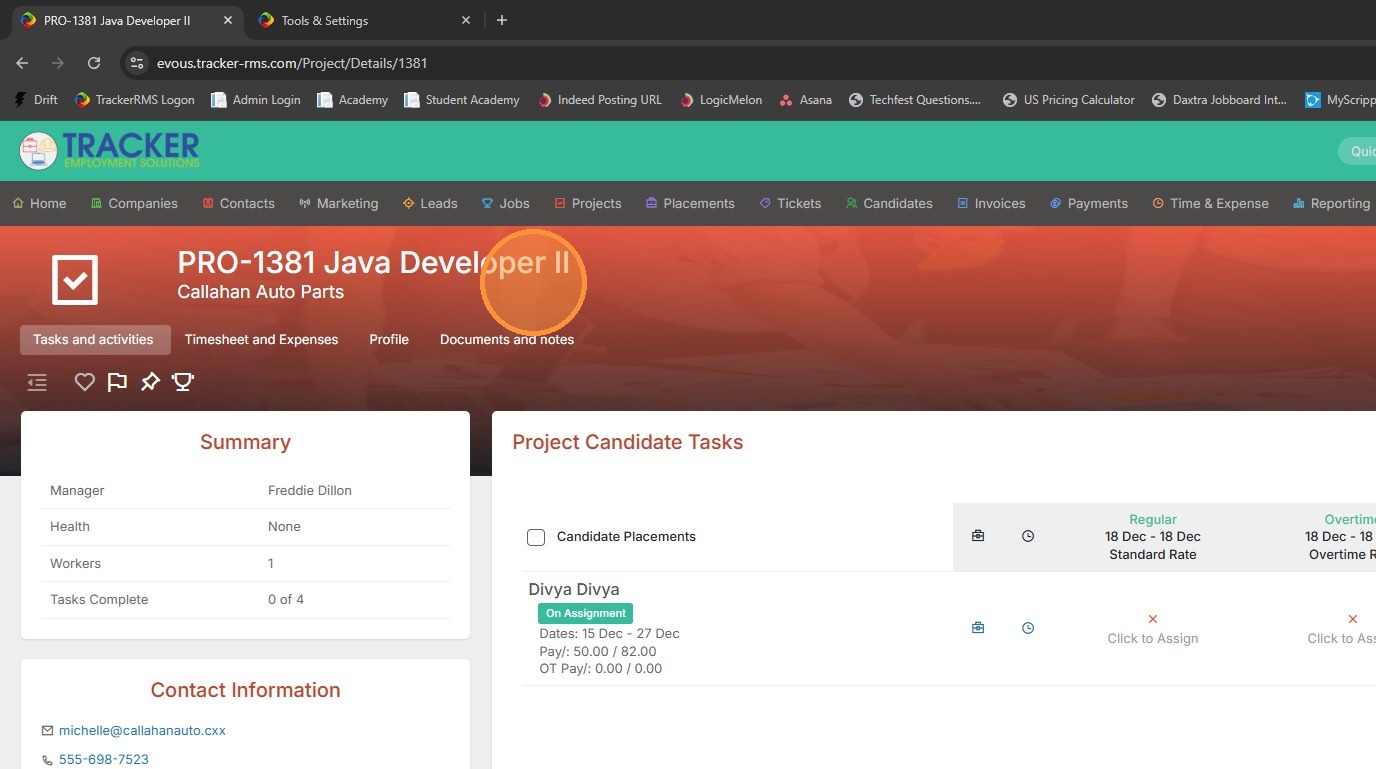
1. Open the project you need to add the new task to.
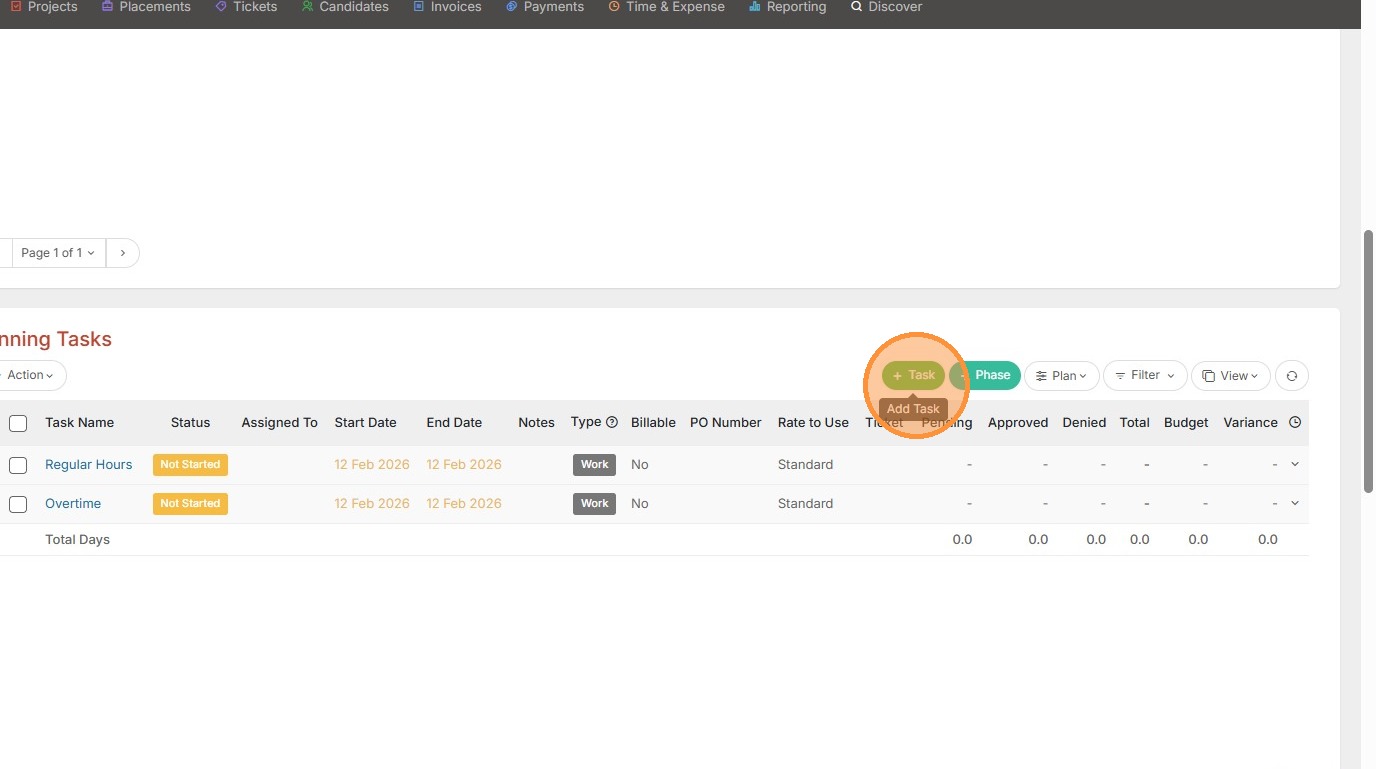
2. Scroll down to Planning Tasks, and click the green Task button.
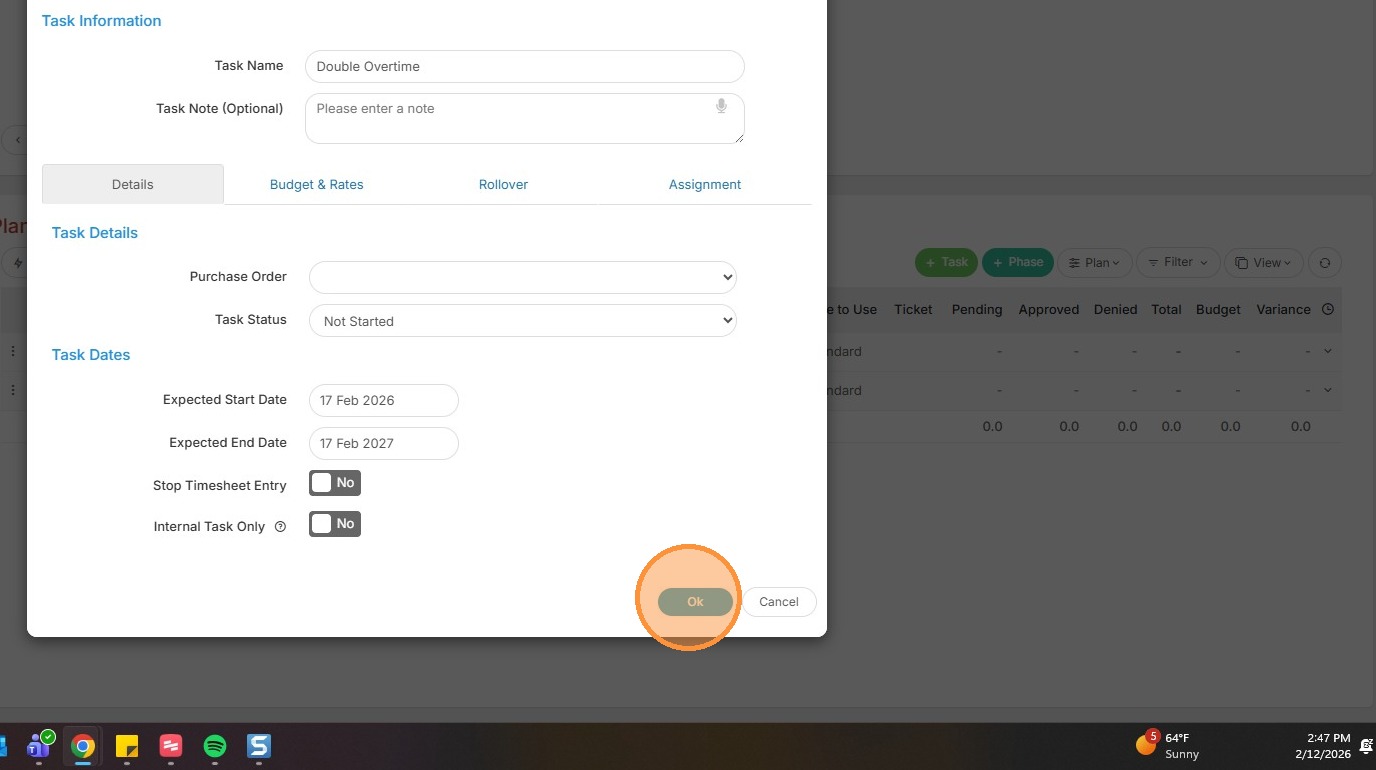
3. From here you can add the name of the task, start date, and rates etc.
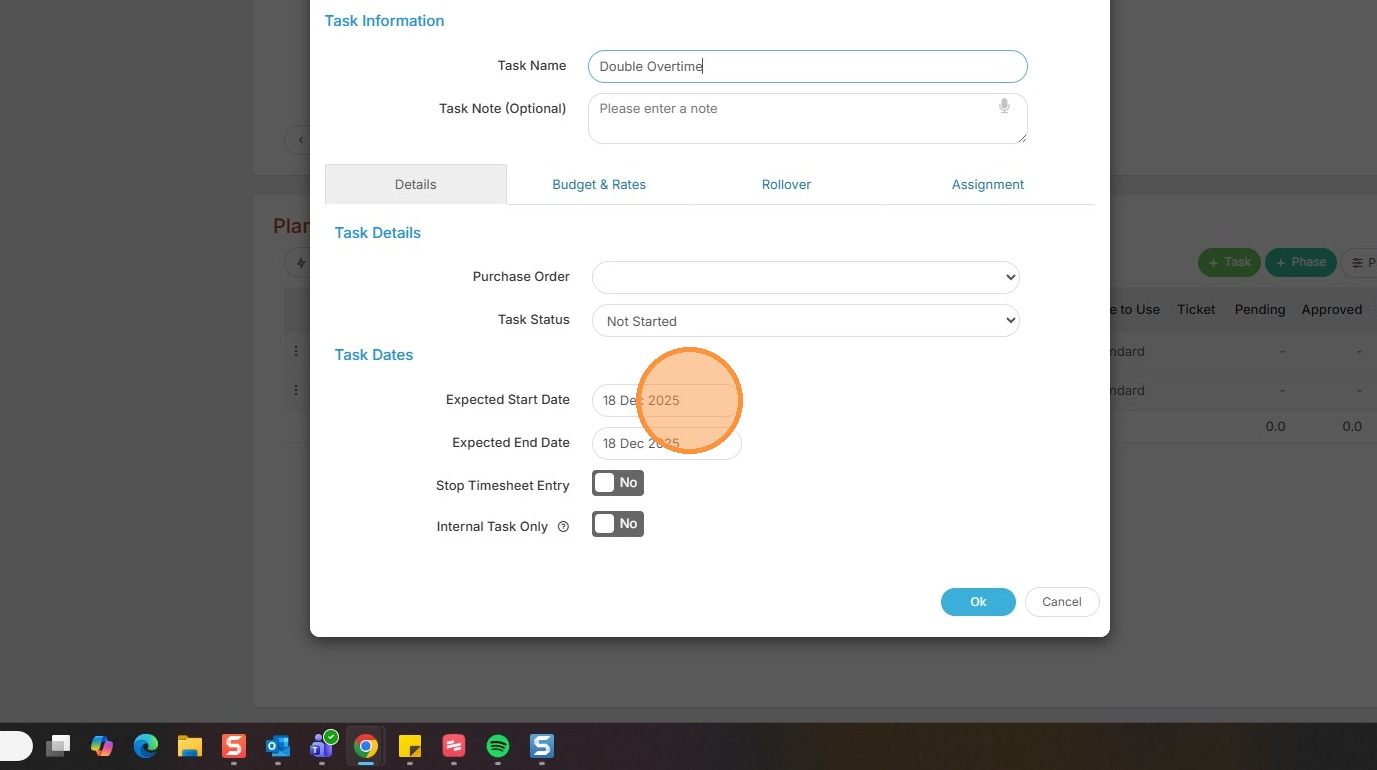
4. Click Ok once you have added all details.
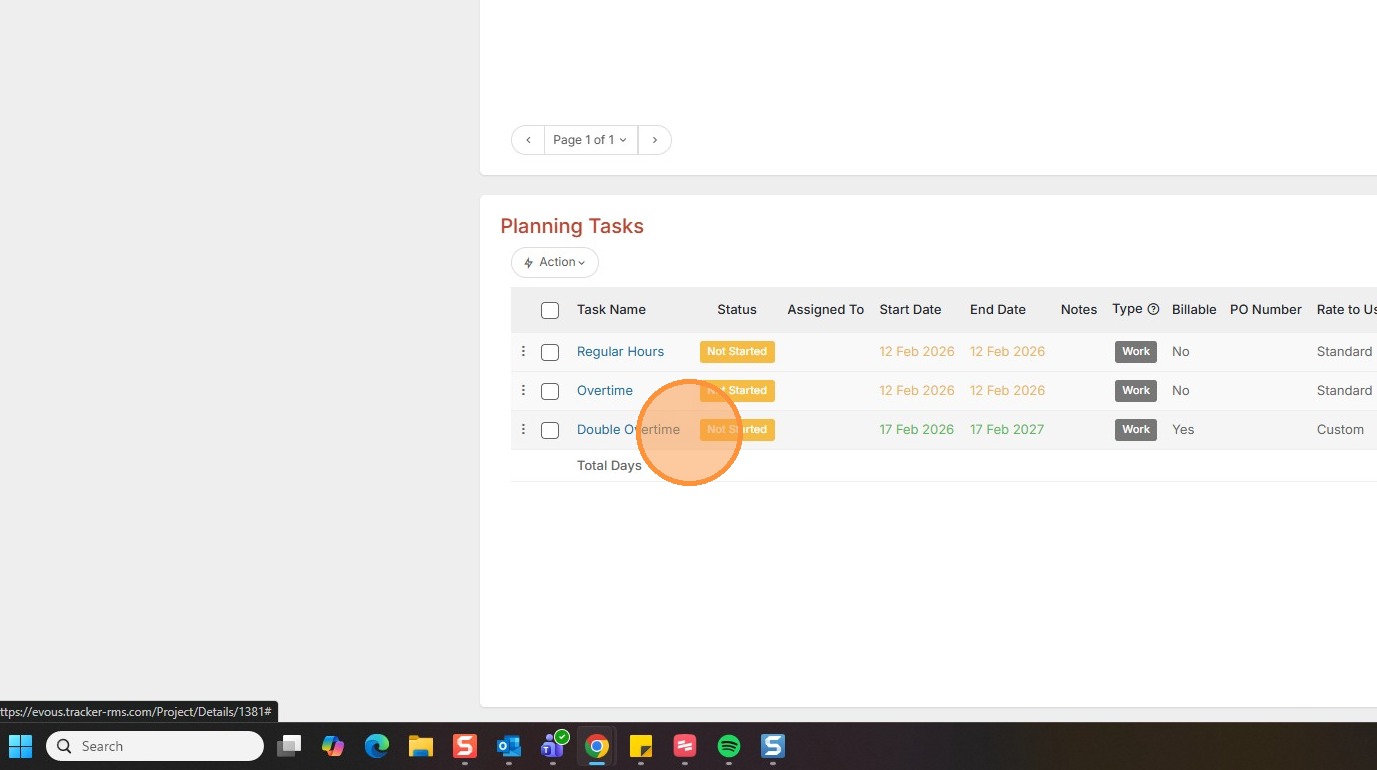
5. Now you can see the new task has been added. Make sure to Save Only or Save & Close before moving on.