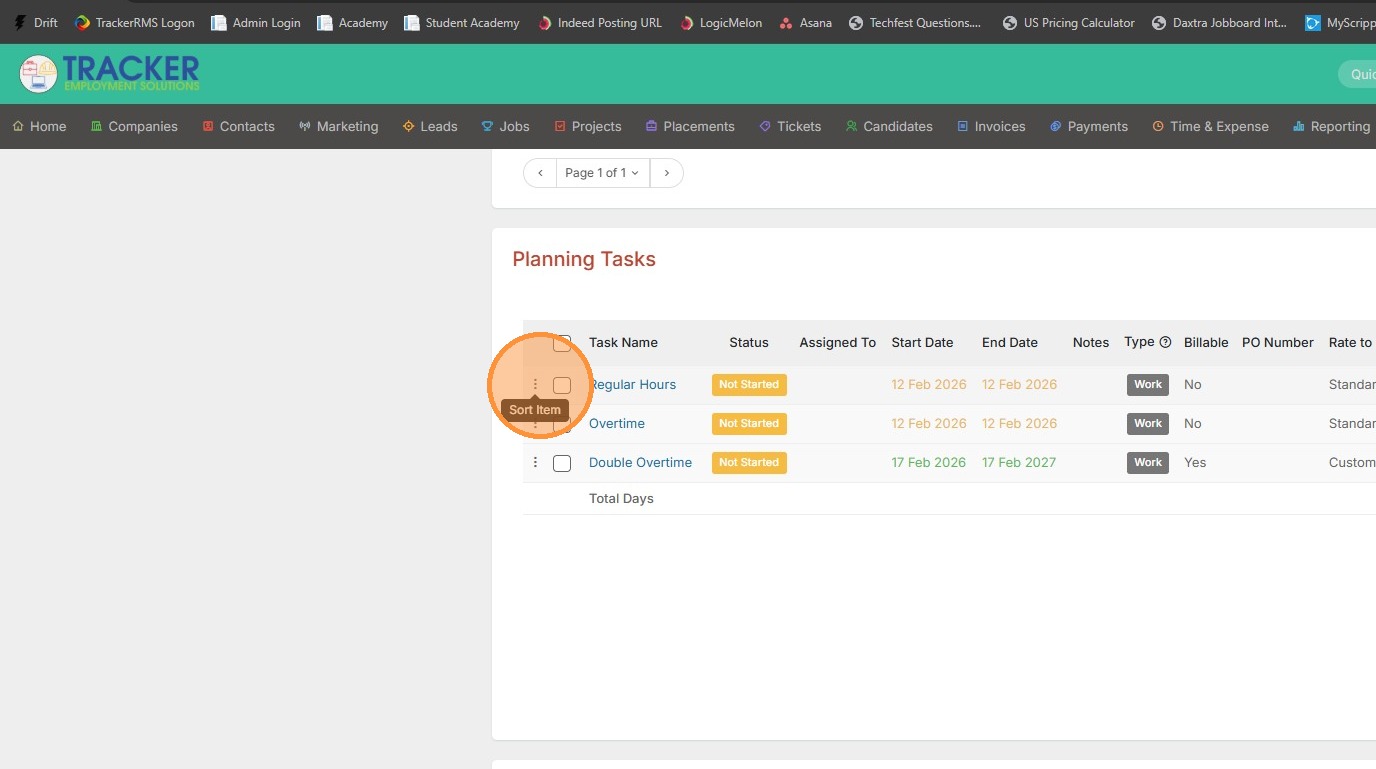
This lesson explains how to reorder Phases and Tasks.
1. To reorder phases and tasks within a default set, click on your name at the top right corner of the screen.
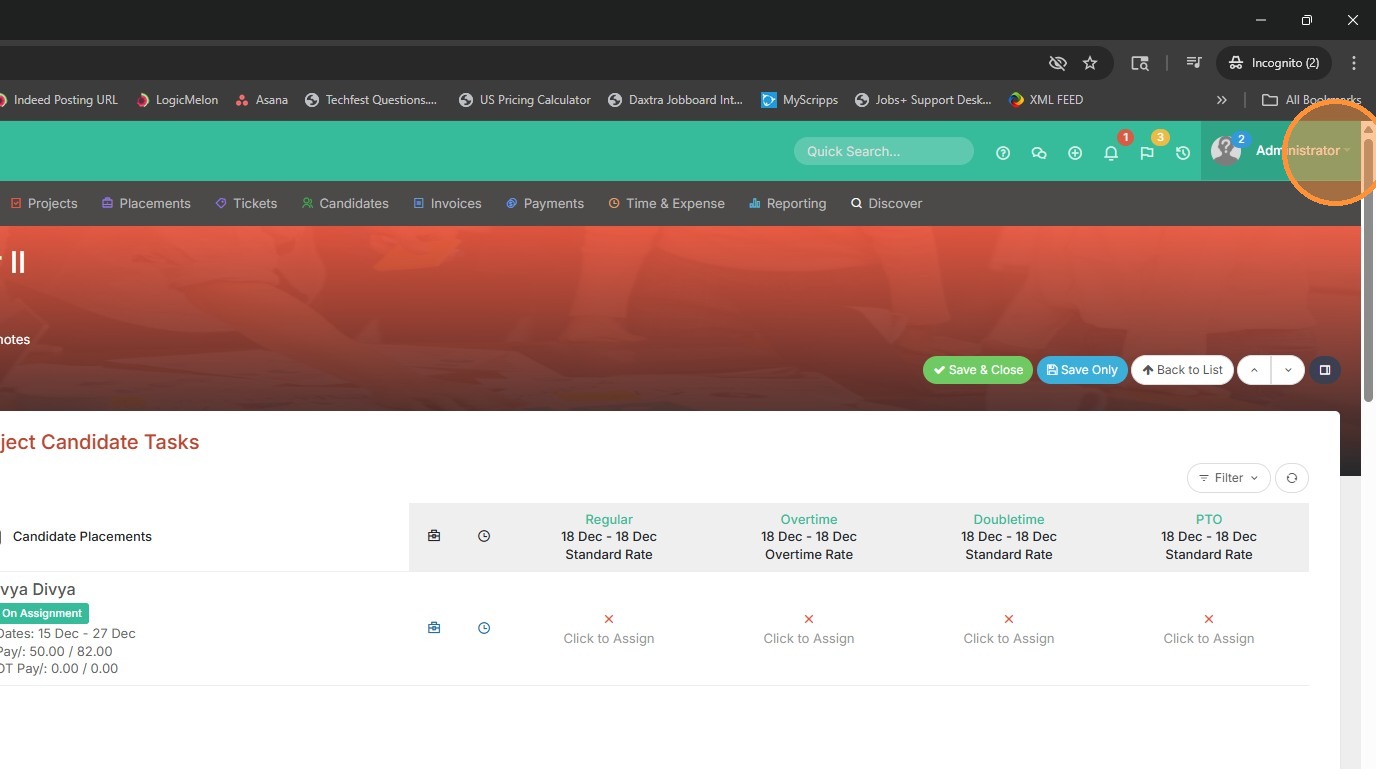
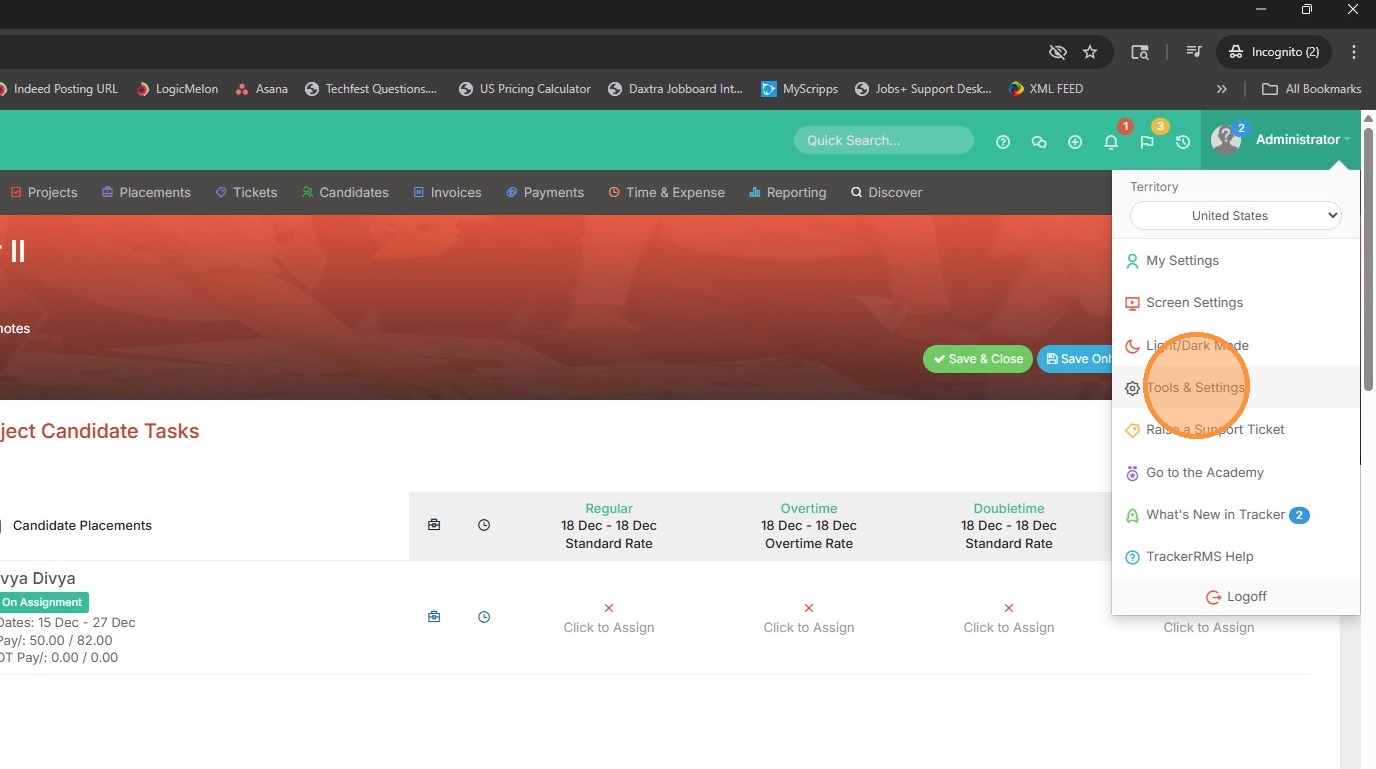
2. Select Tools & Settings.
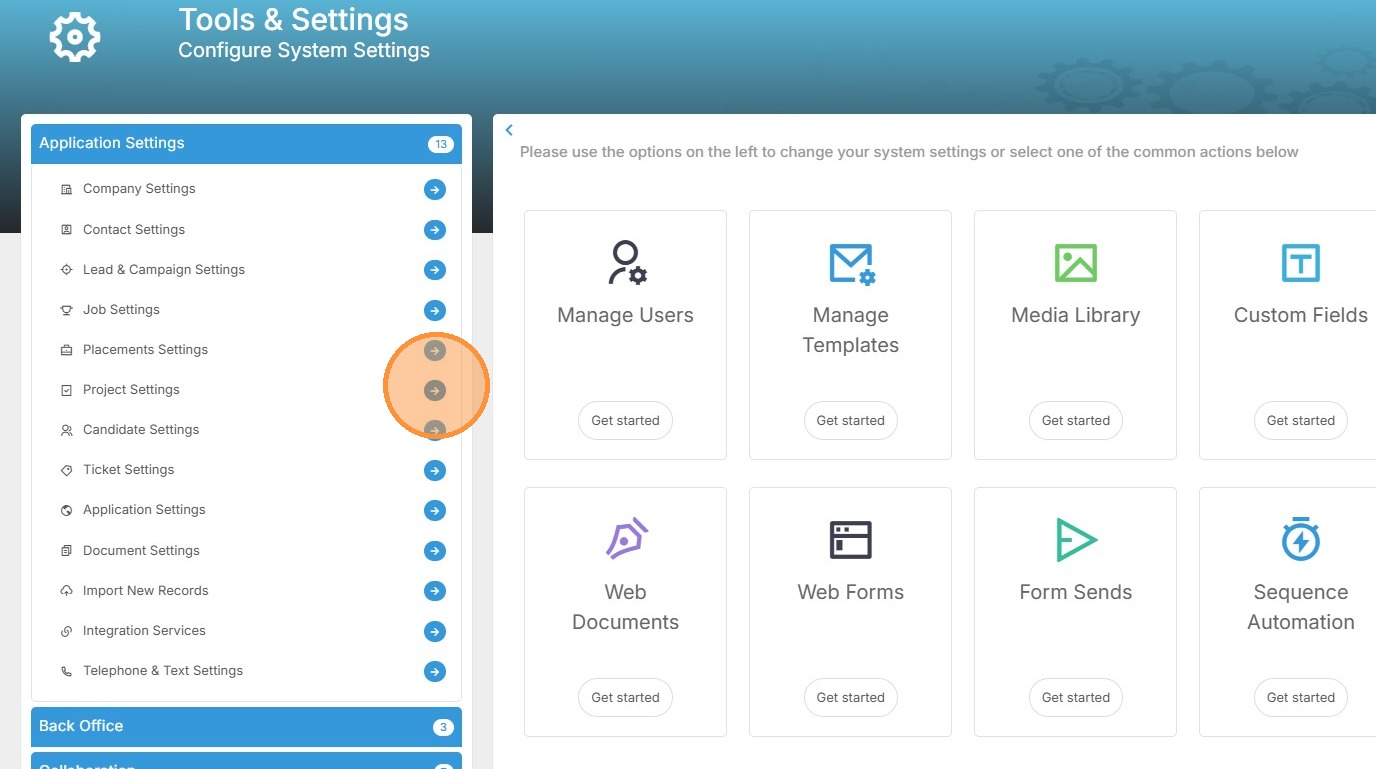
3. Open project settings.
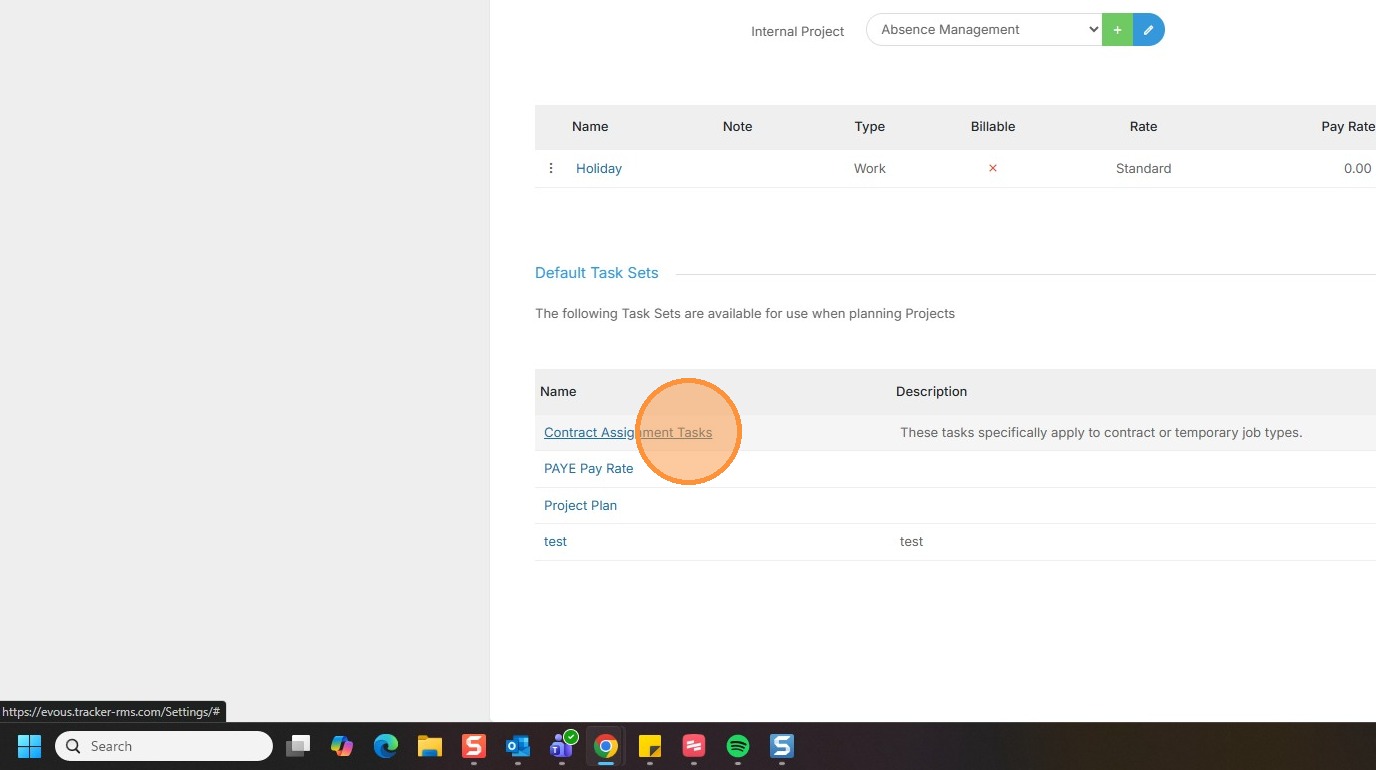
4. Open the task set by clicking on the blue link.
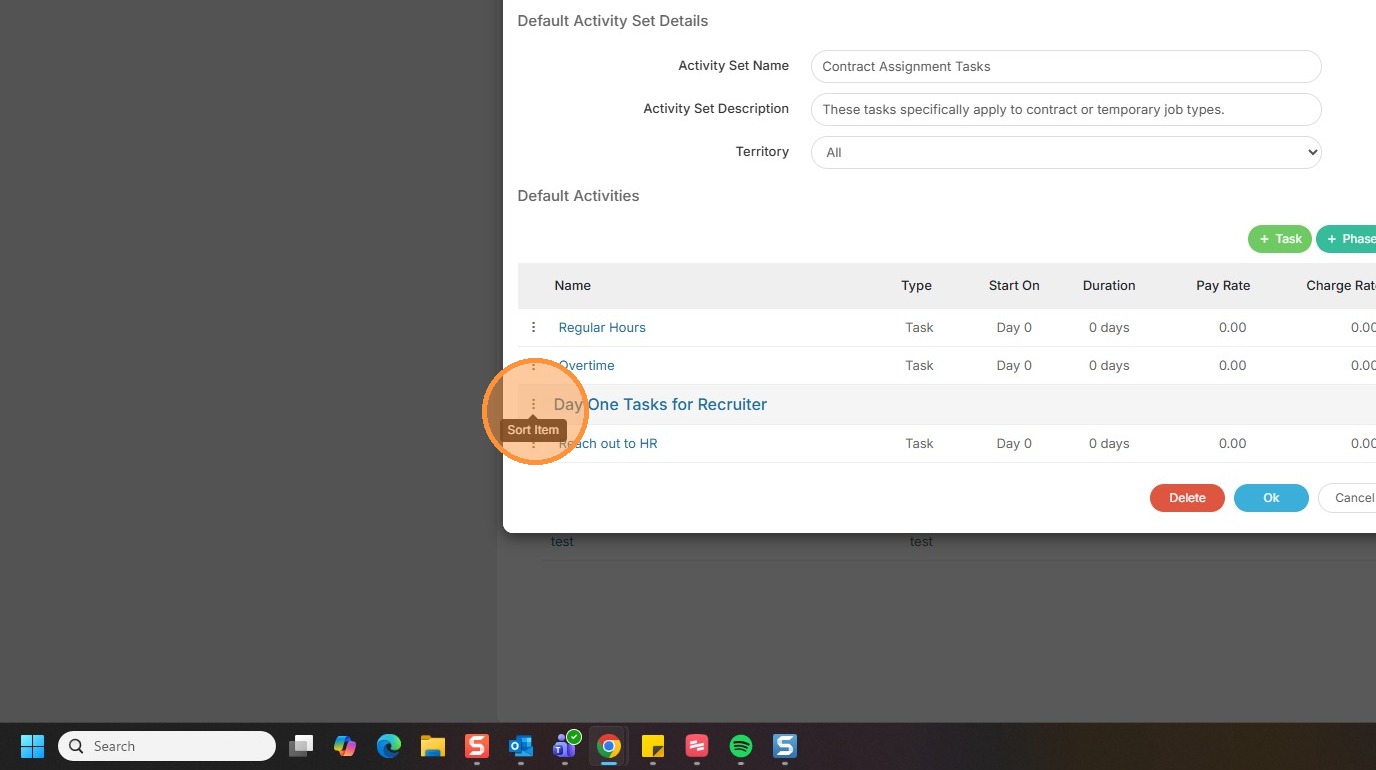
5. Drag and reorder by using these 3 dots on the lefthand side.
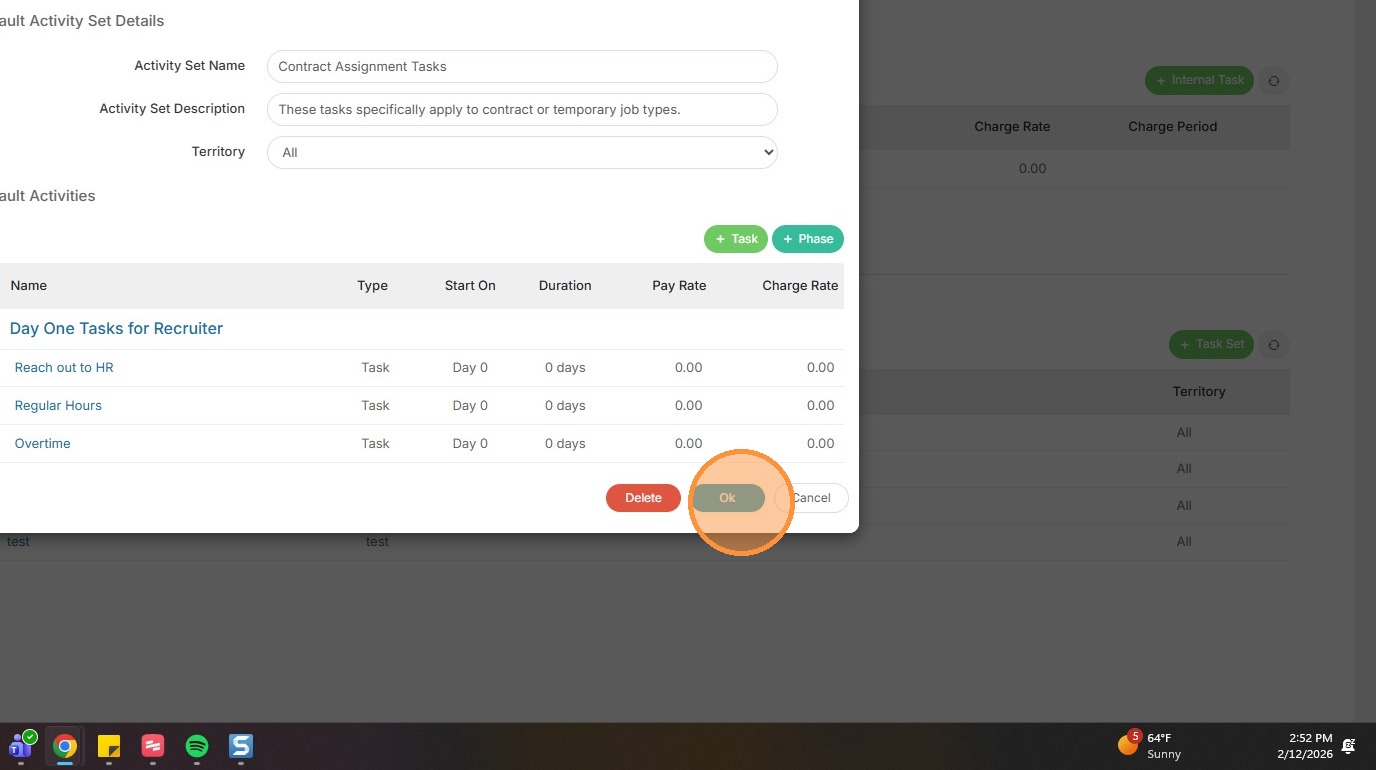
6. Click Ok once you're done.
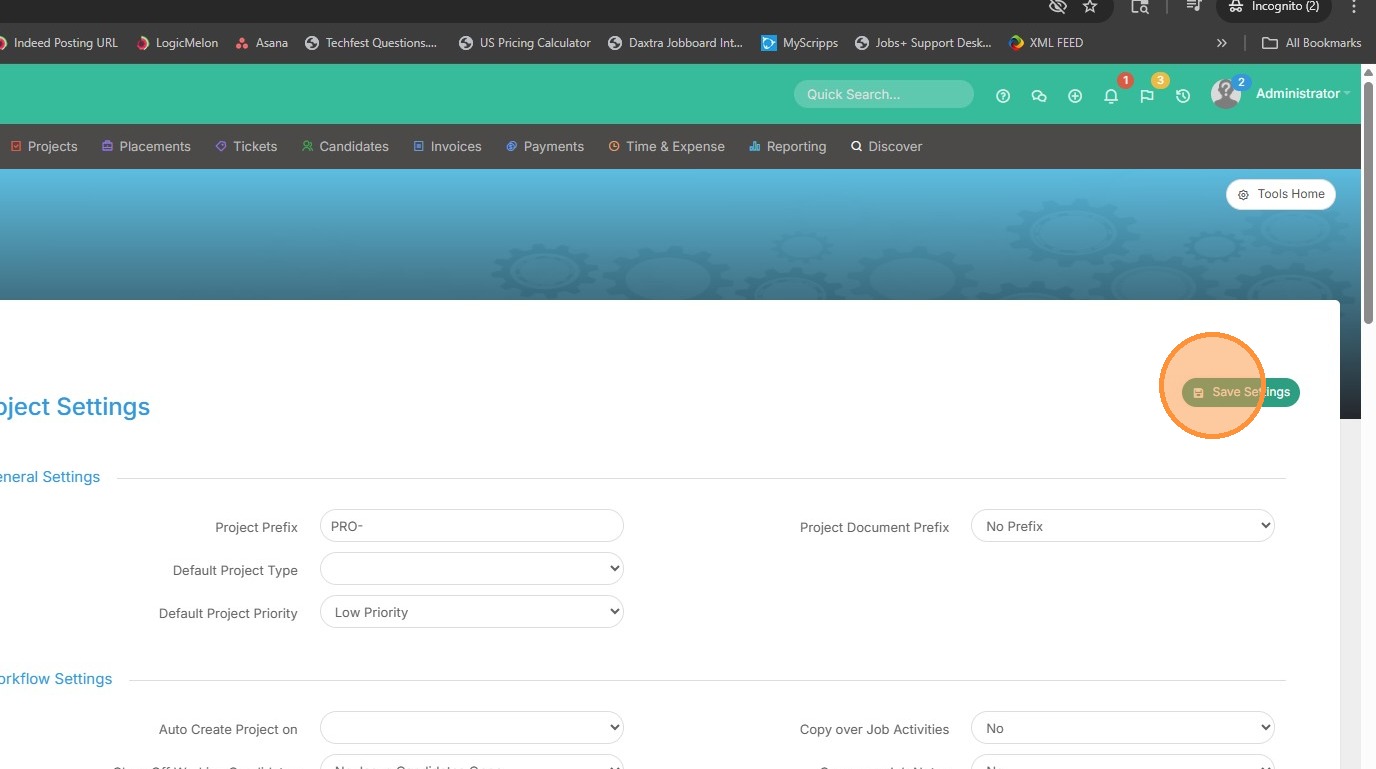
7. Save Settings. These settings will be applied system wide.
8. To reorder a task or phase within an existing project, open that record.
9. Use those same 3 dots on the lefthand side to complete the reordering. Don't forget to save!