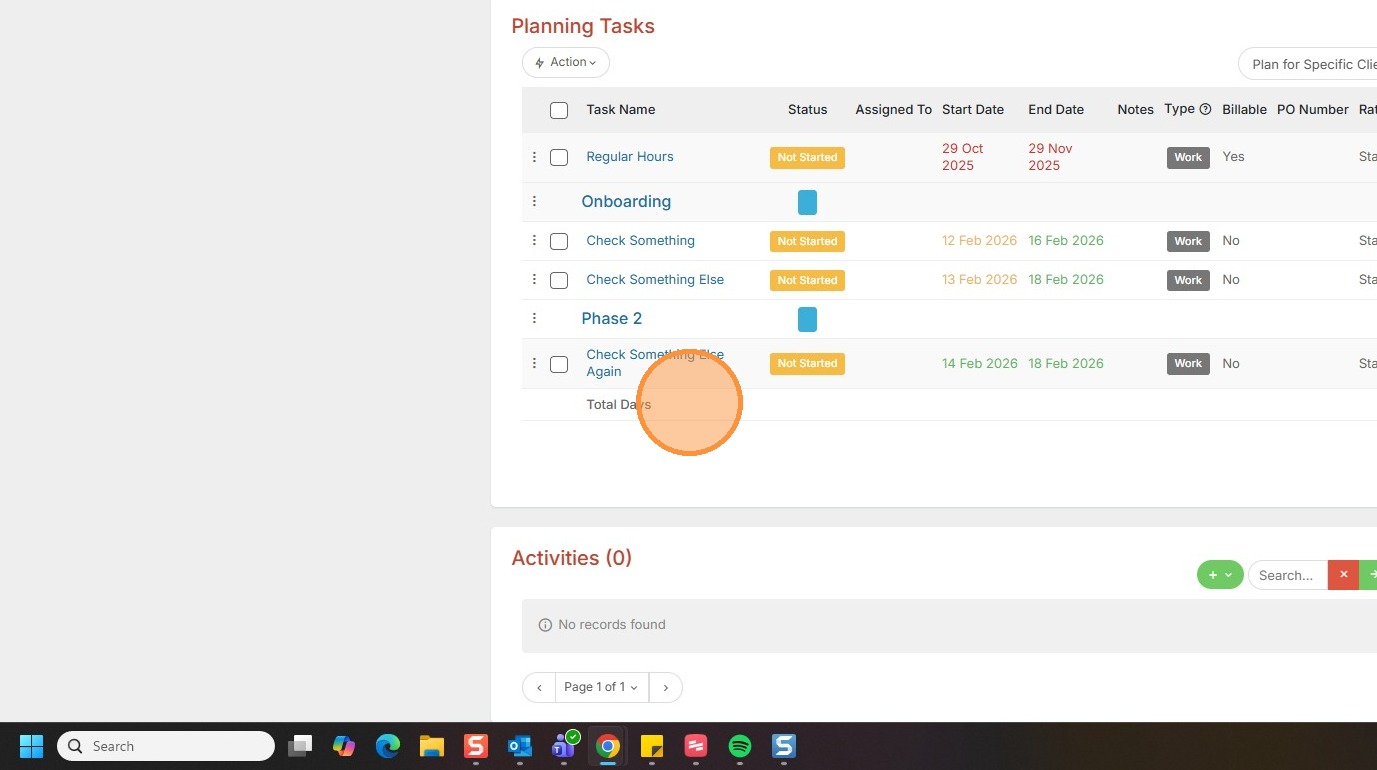
This lesson explains how to apply a Default Planning Task Set.
1. If you're looking to apply a set of tasks to a project that aren't your default tasks, you can do this using a Project Plan.
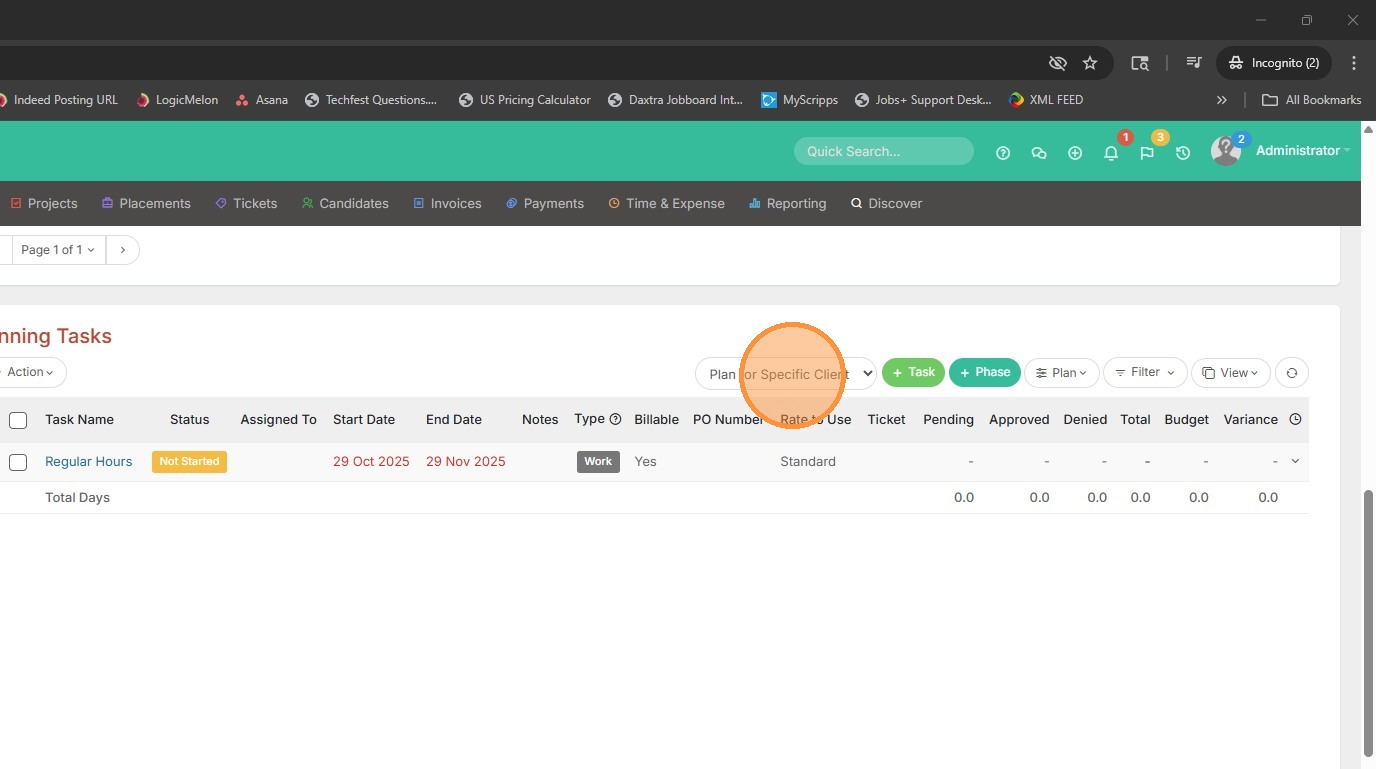
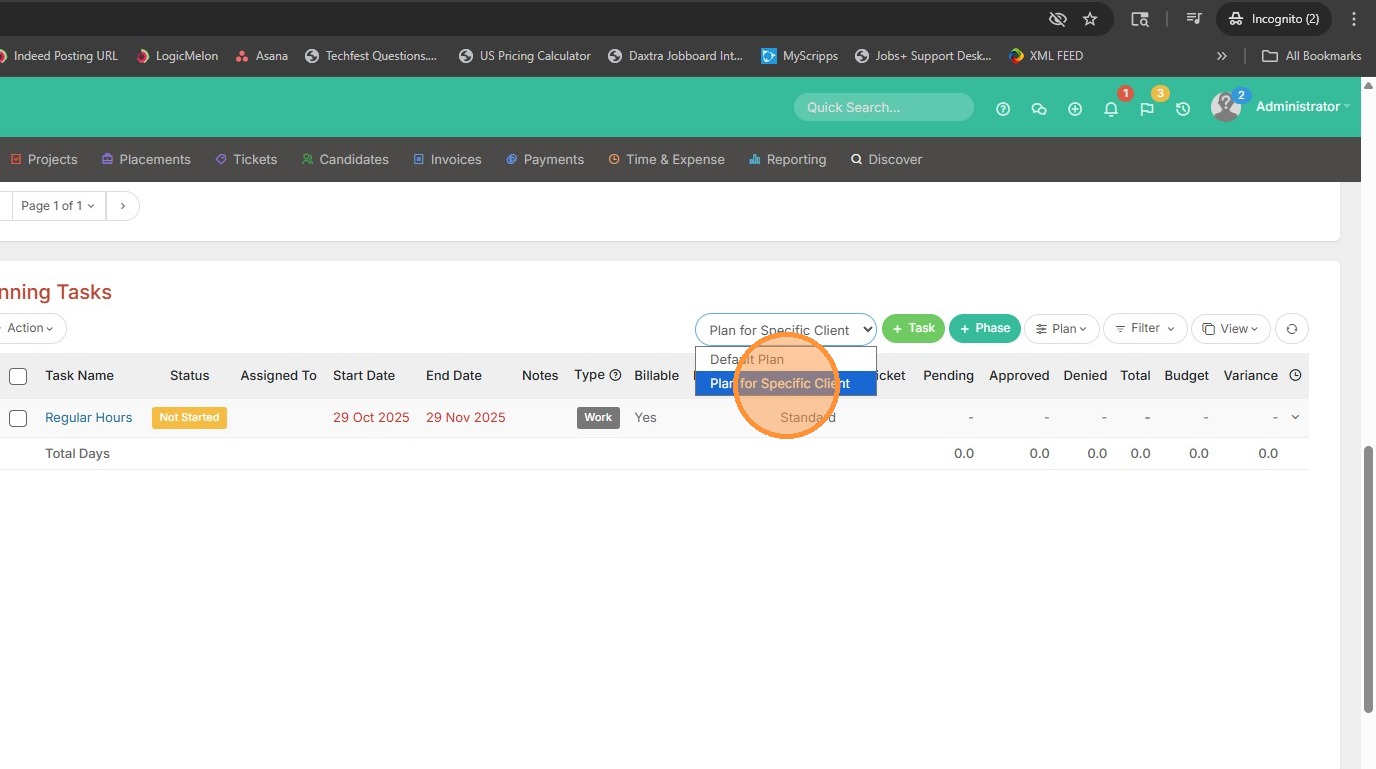
2. Select the Project Plan from this dropdown.
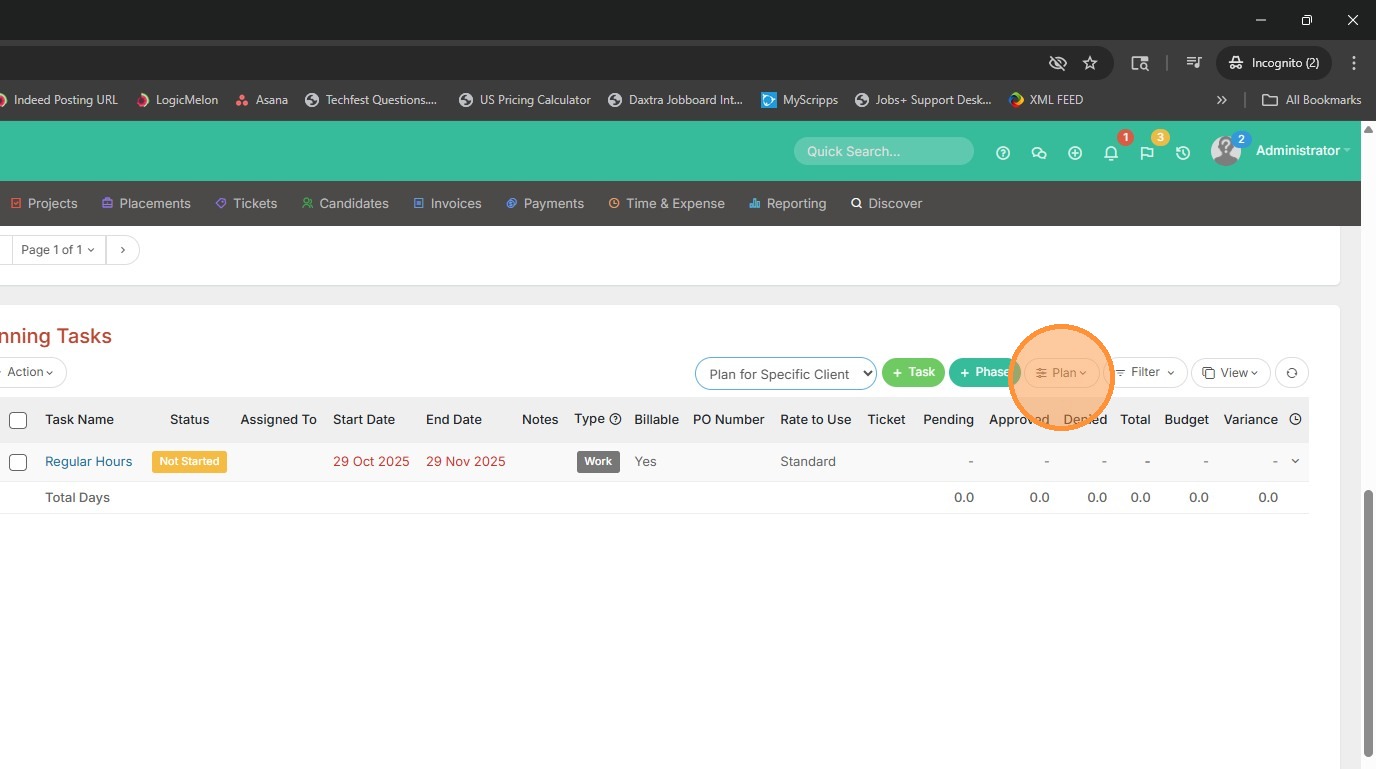
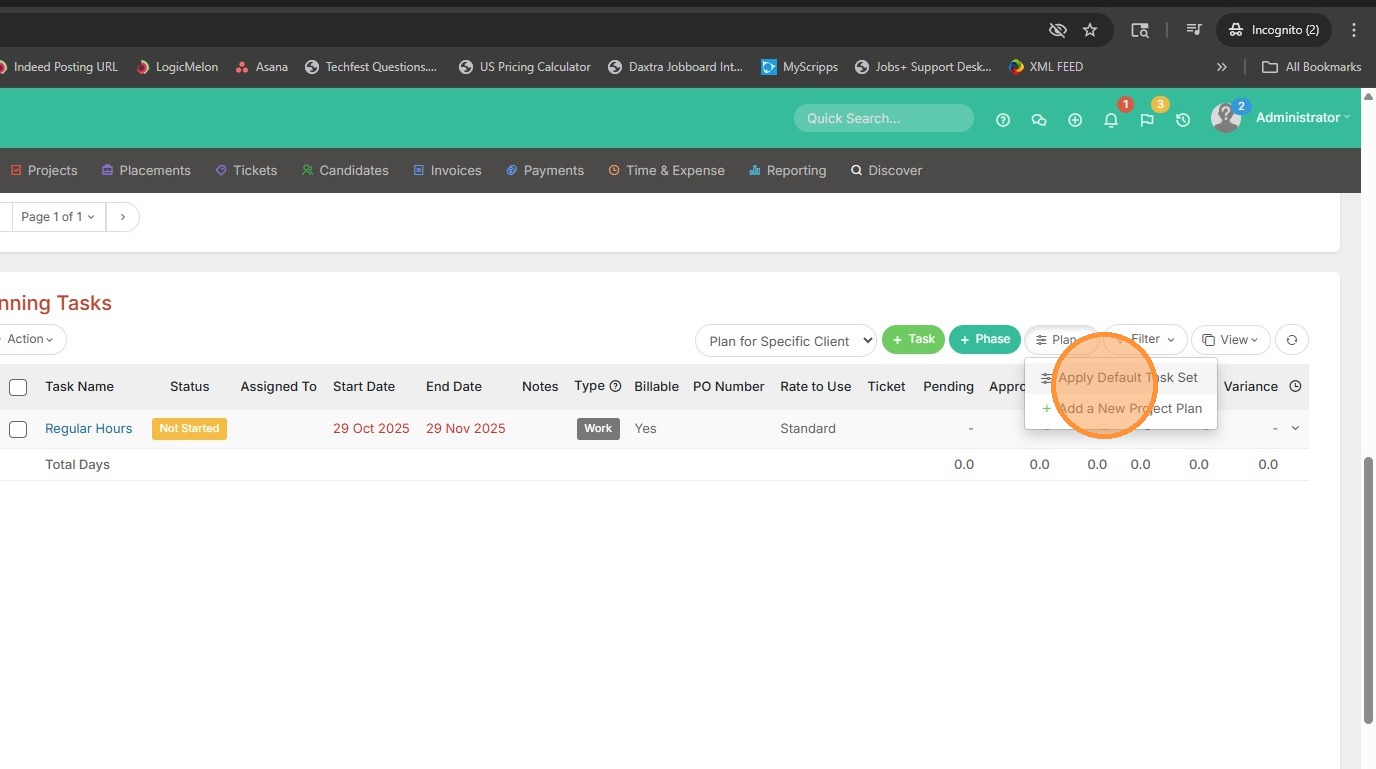
3. Then click Plan to apply a default task set.
4. Click Apply Default Task Set.
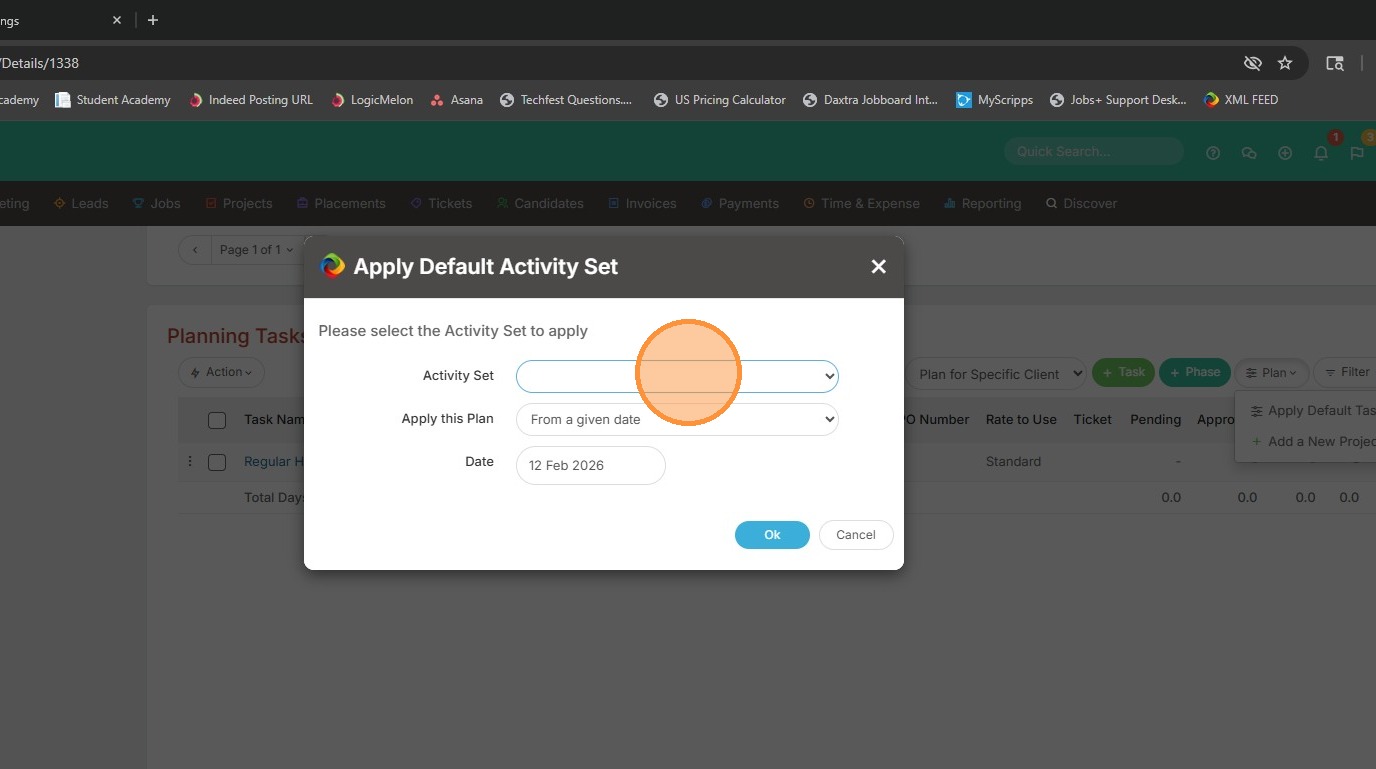
5. You can then pick the set.
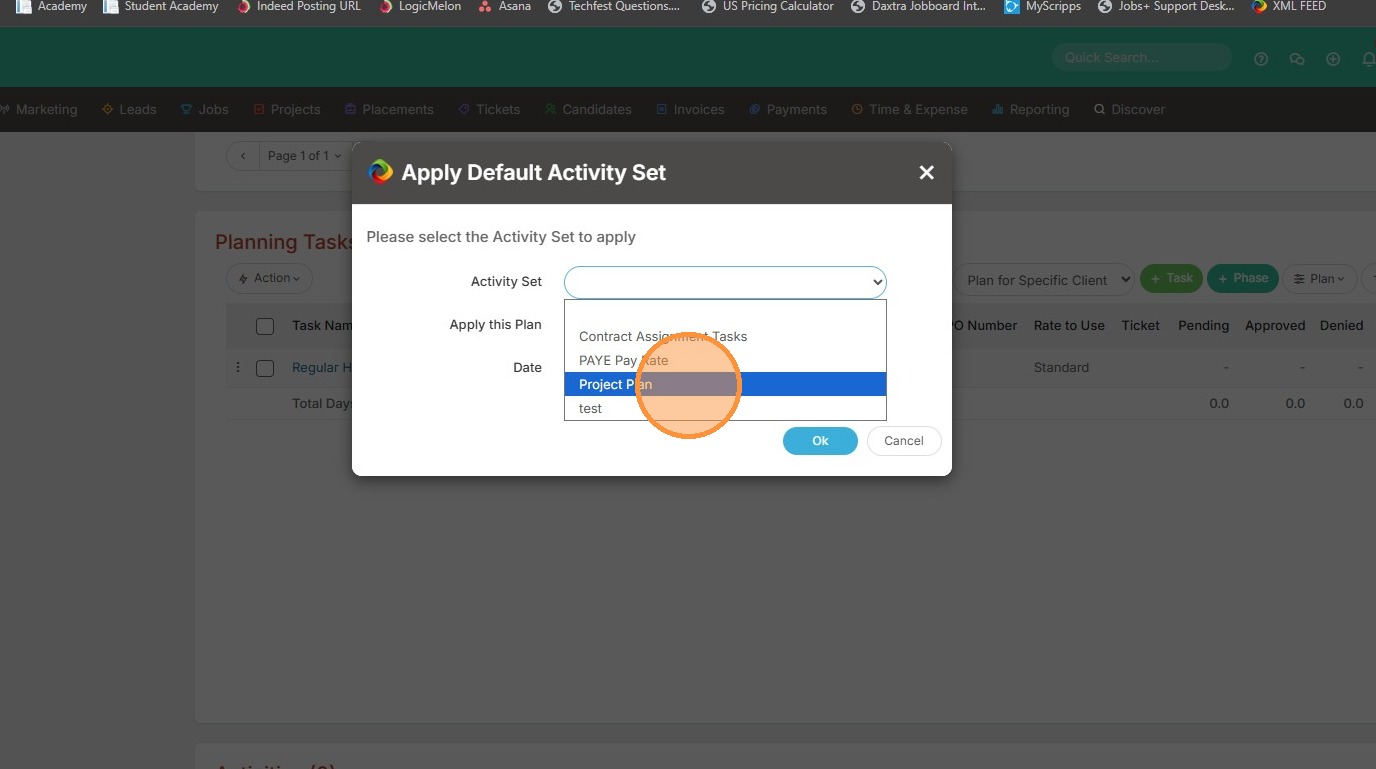
6. For example, Project Plan.
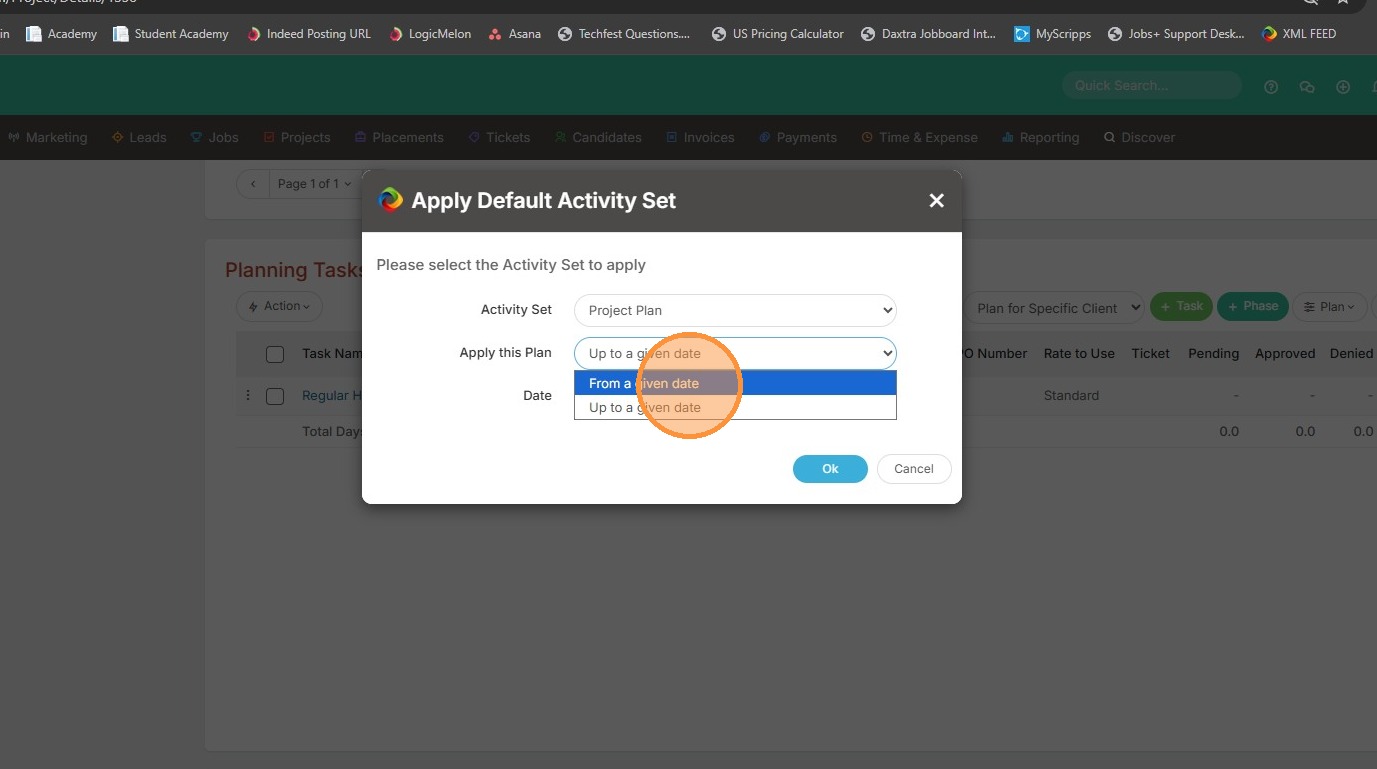
7. You can choose when to apply the plan, whether that's "From a Given Date" (like today).
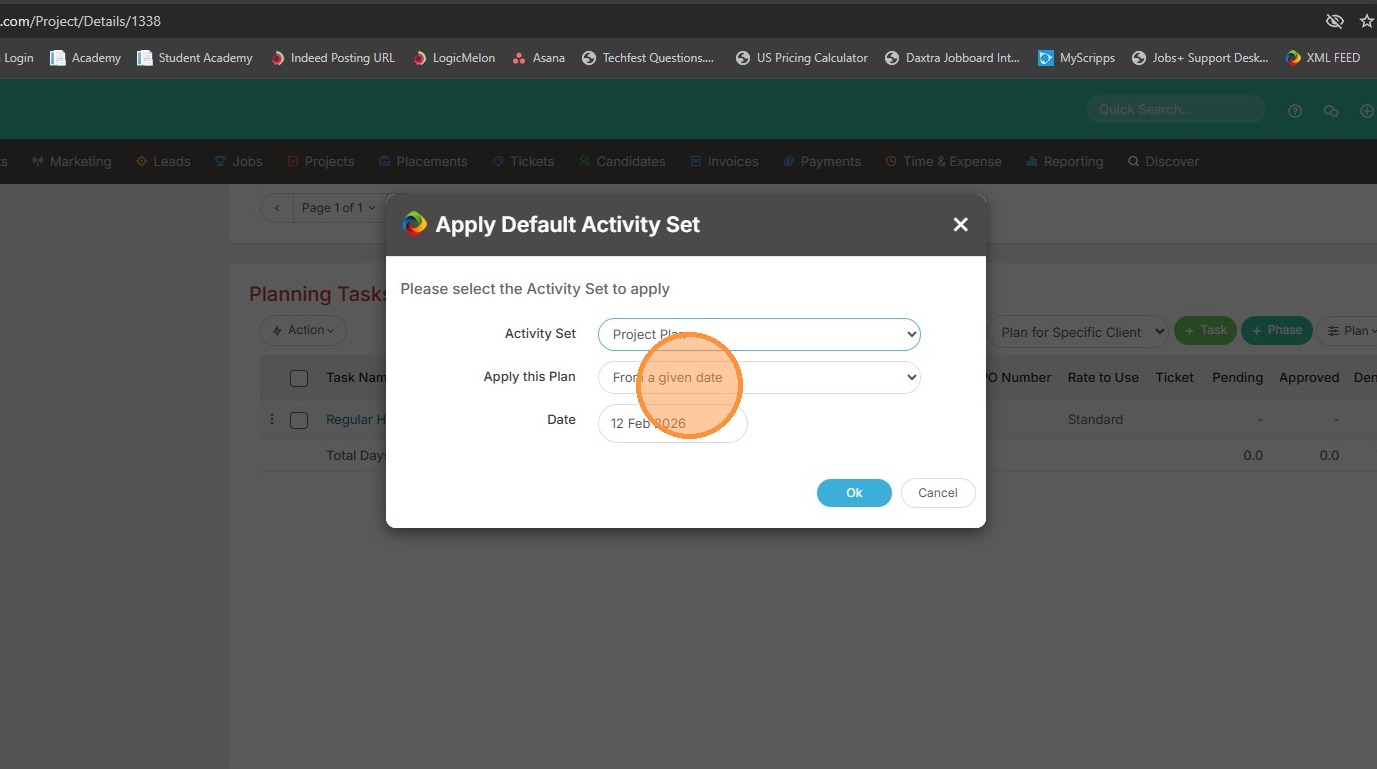
8. Or Up to a Given Date (an End Date).
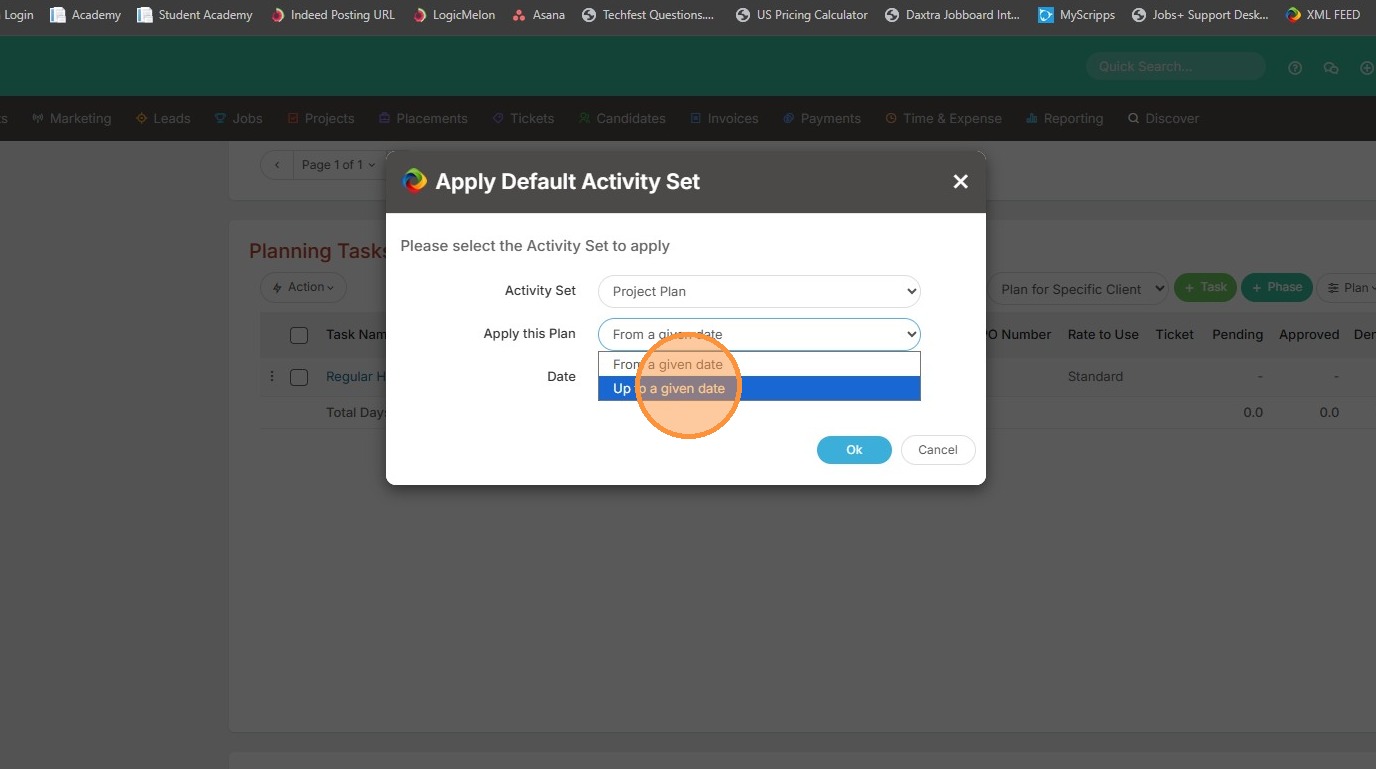
9. To apply the tasks today, I'll select From a Given Date, and pick today's date.
10. Then click Ok.
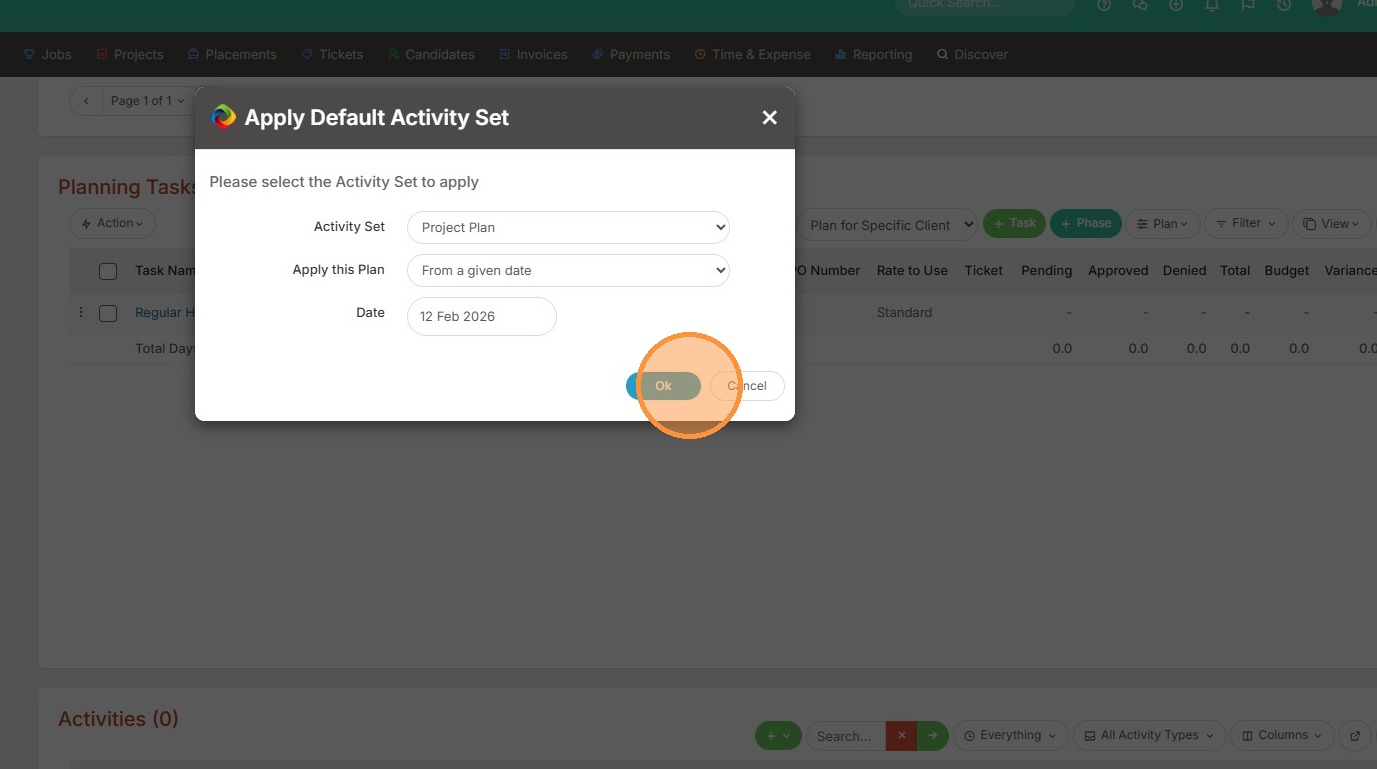
11. You will see those tasks applied.