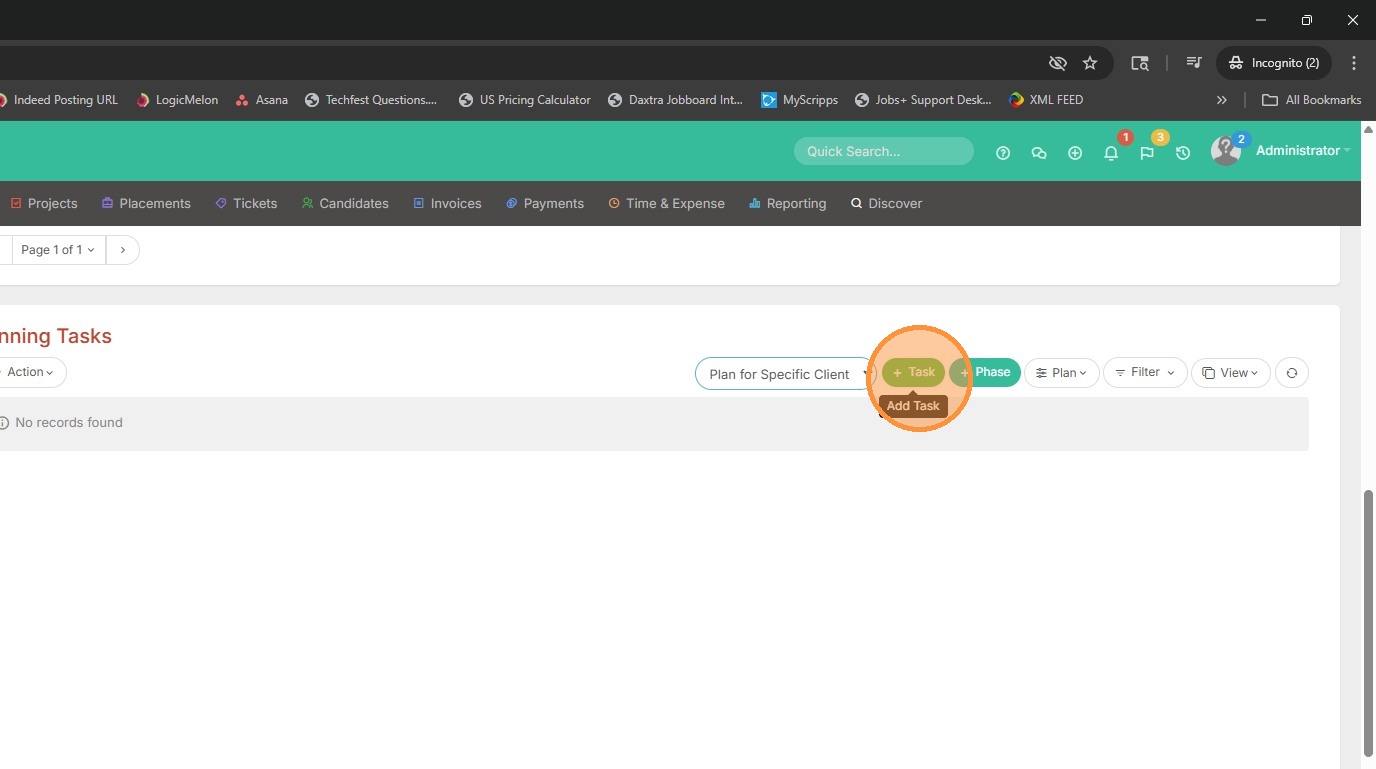
This lesson explains how to add new plans to an Assignment or Project.
1. Occasionally you will run into a case where a client may want a specific task applied for their candidates. If this is something you are always finding that you add manually, watch this lesson.
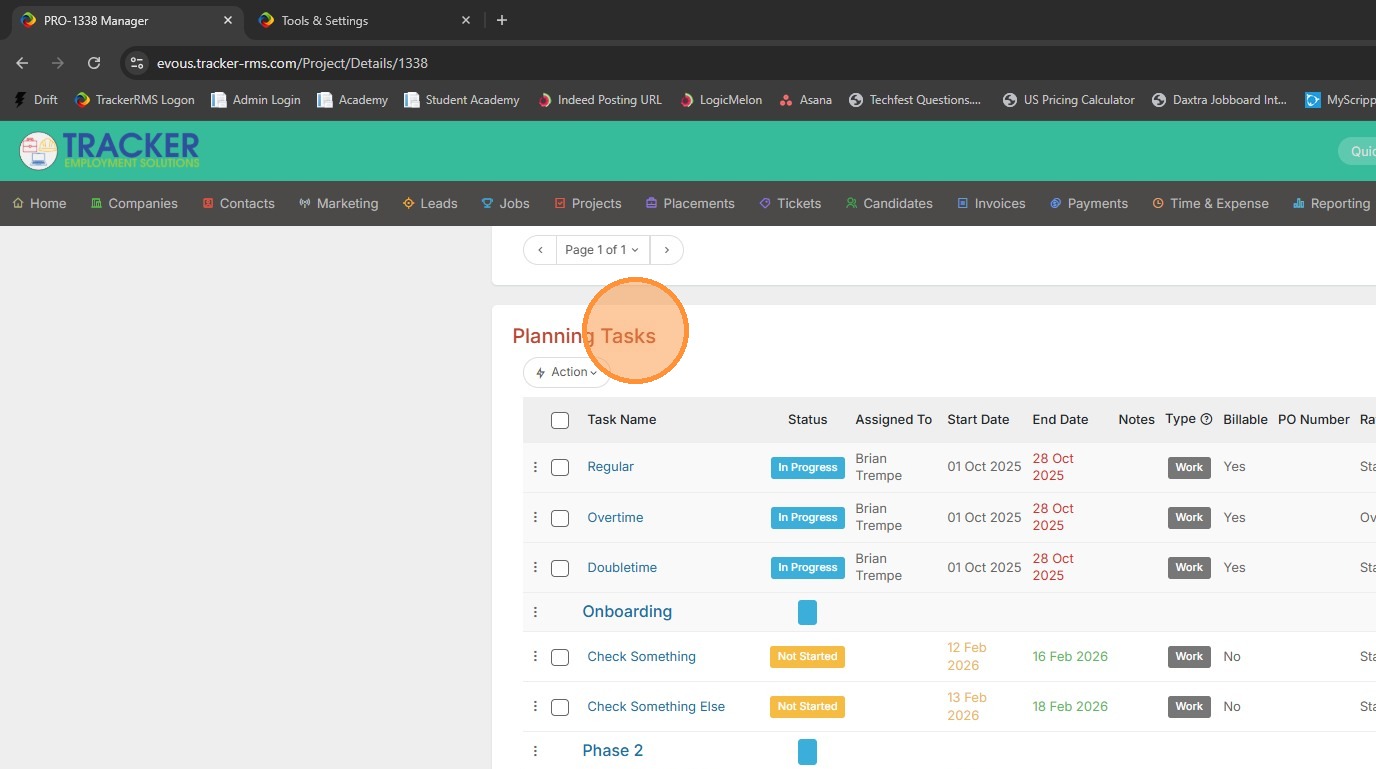
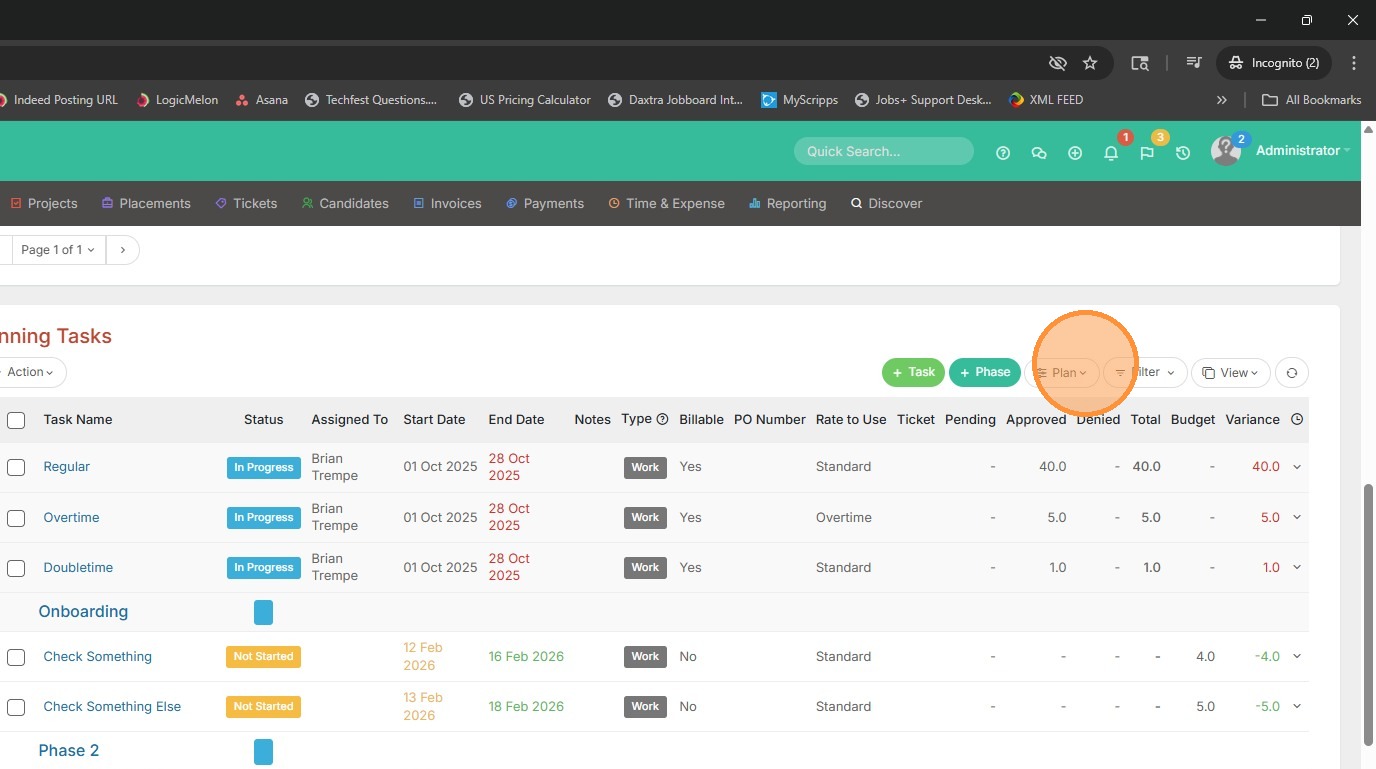
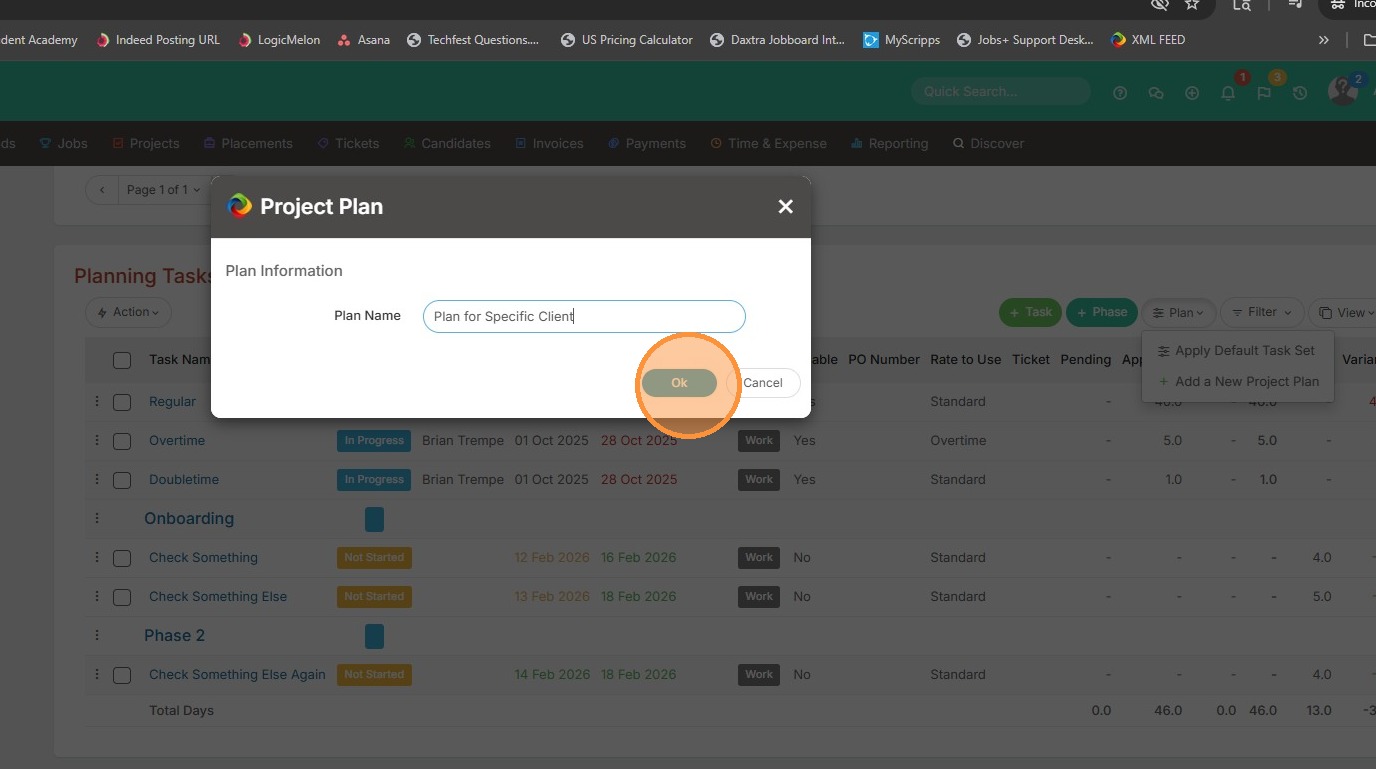
2. From within Planning Tasks, click Plan.
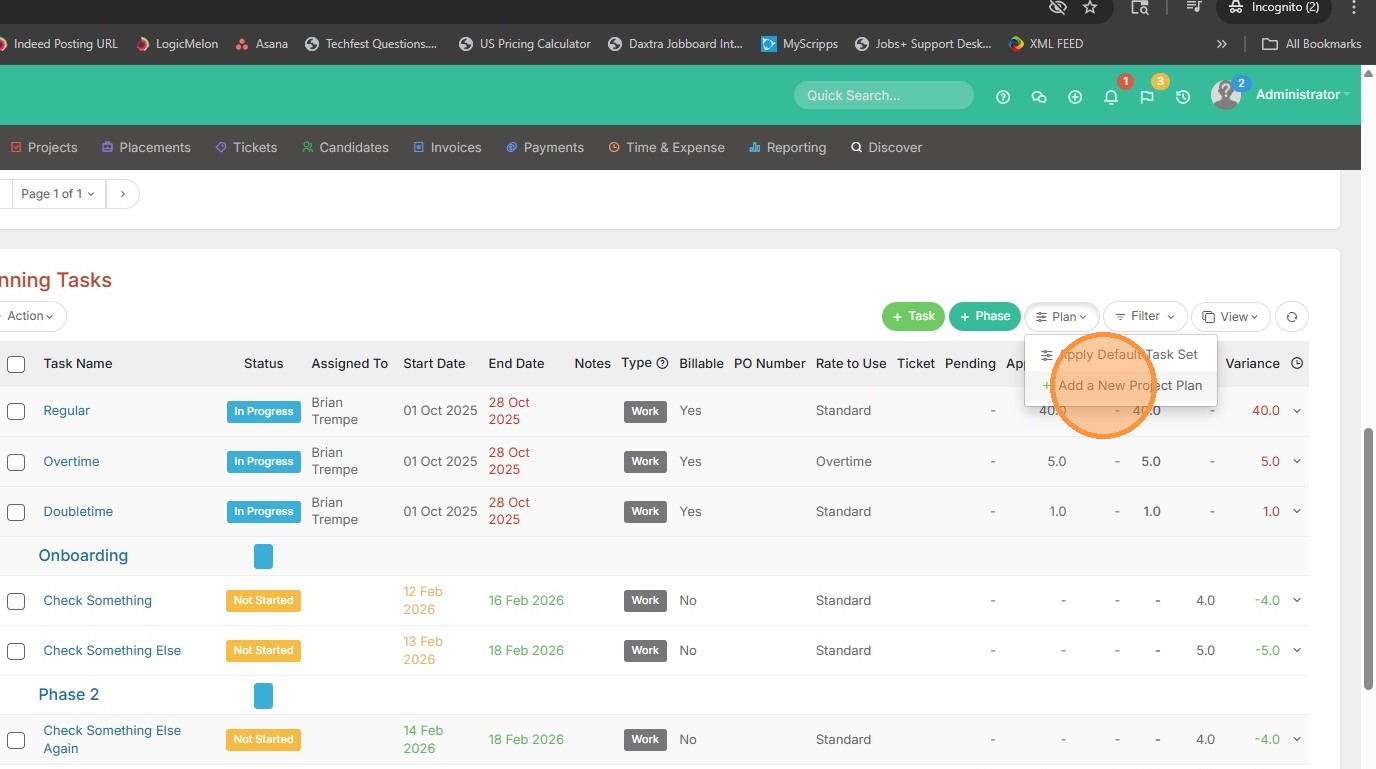
3. Then Add New Project Plan.
4. Add a name for the Plan, and click Ok.
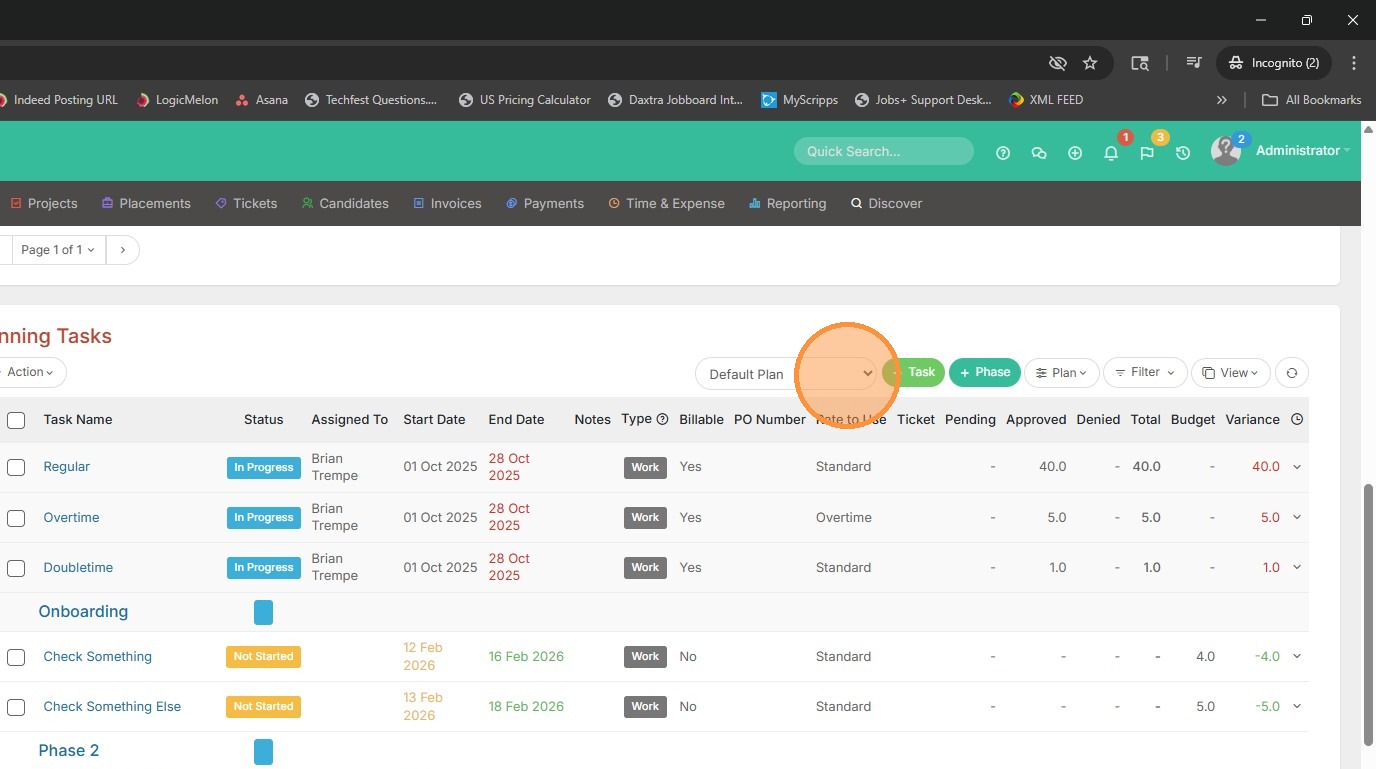
5. Where you have Default Plan selected, click this dropdown.
6. Select the new Plan.
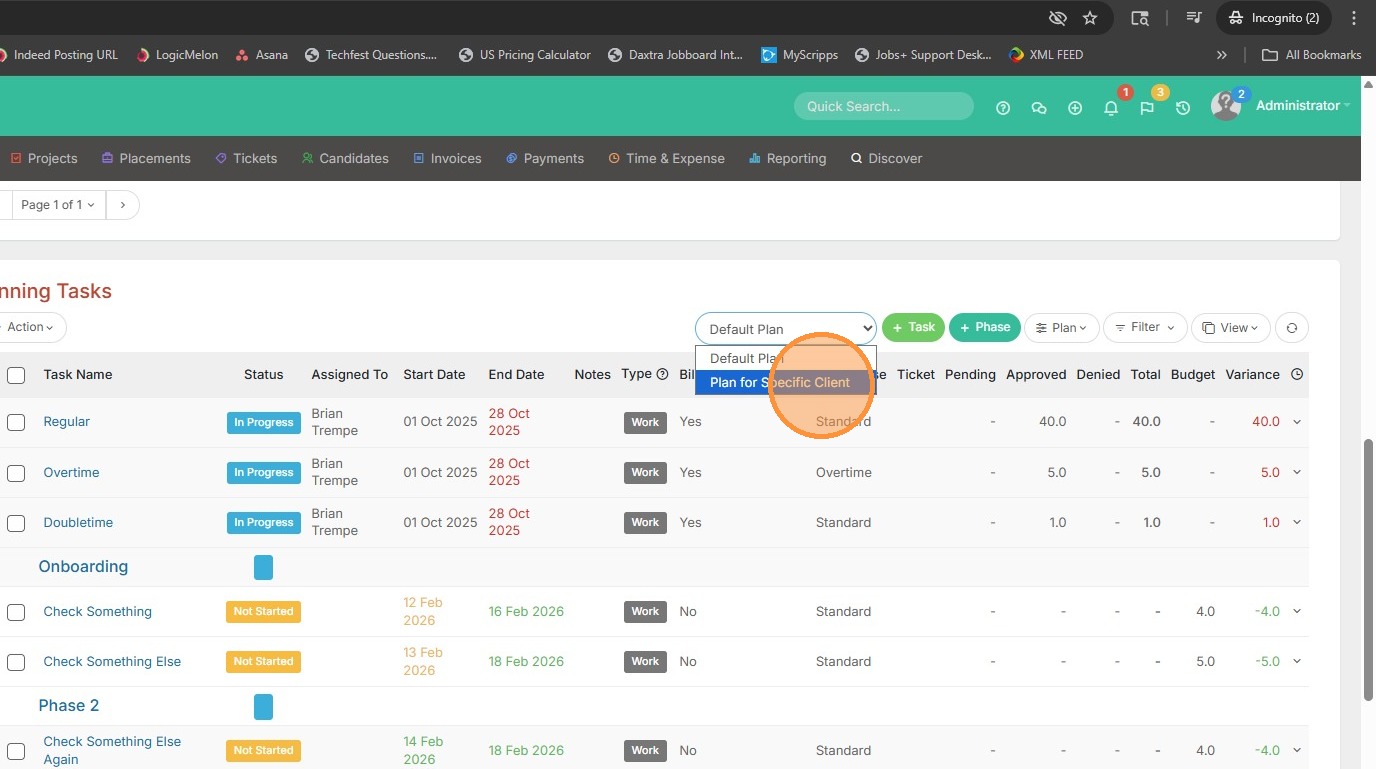
7. Then you can add tasks for this plan from here.