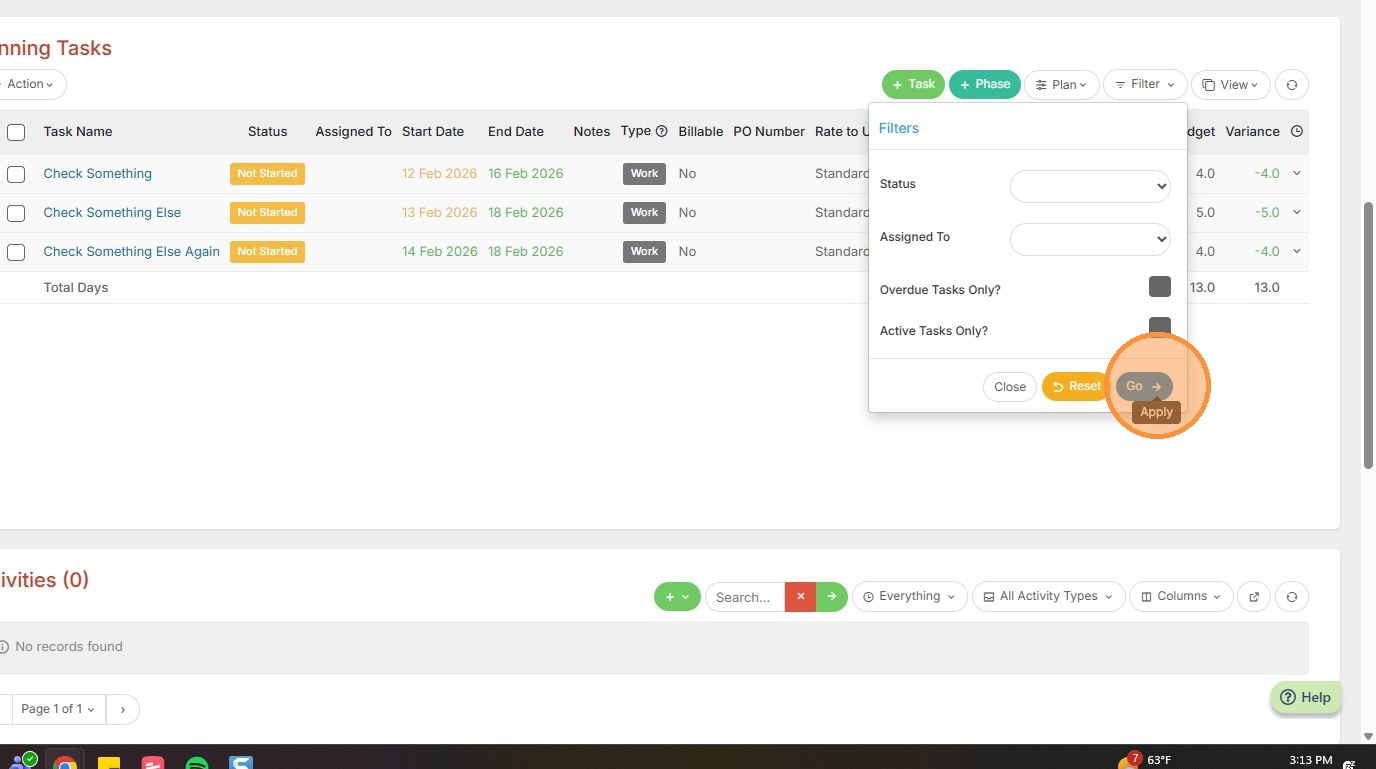
This lesson explains Filtering Tasks in the Planning Tasks list.
1. Within the Planning Tasks section of a project or assignment, you can filter out tasks as needed.
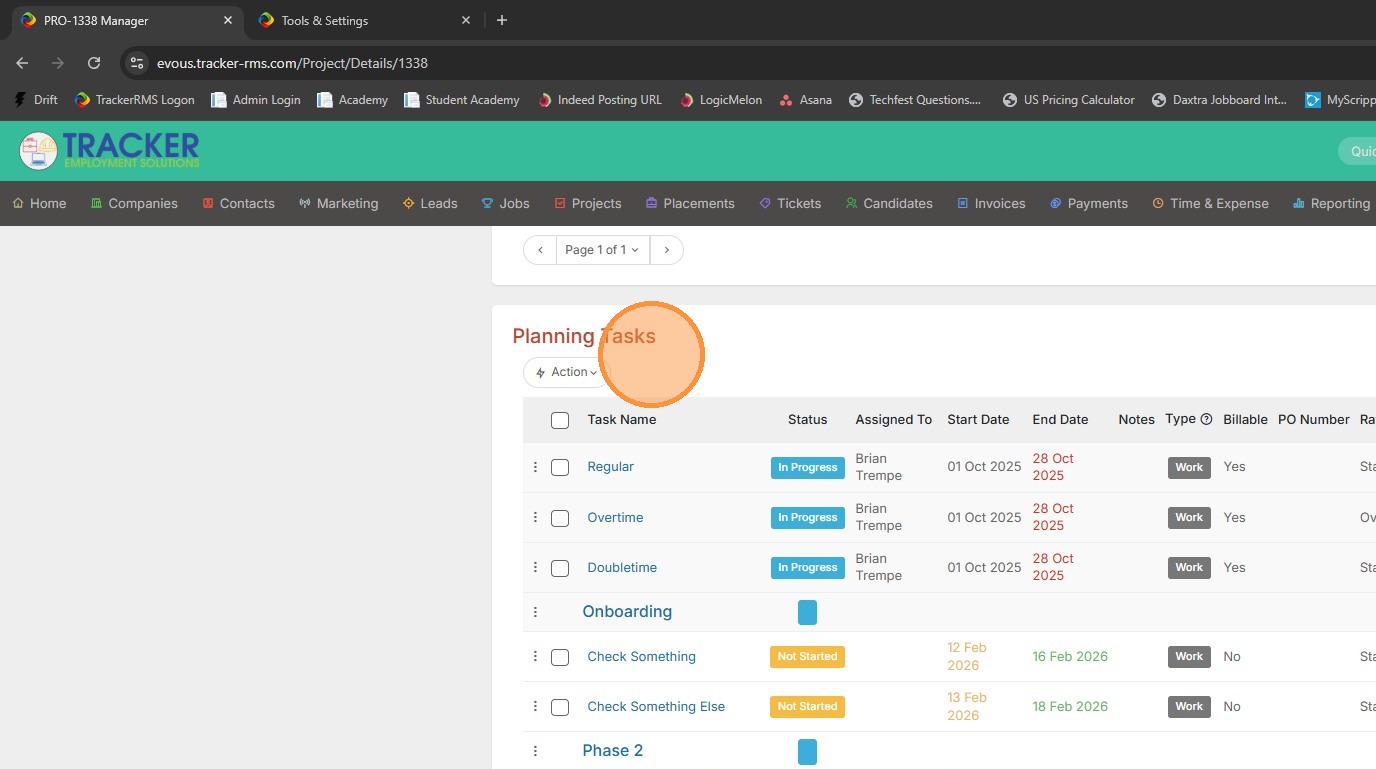
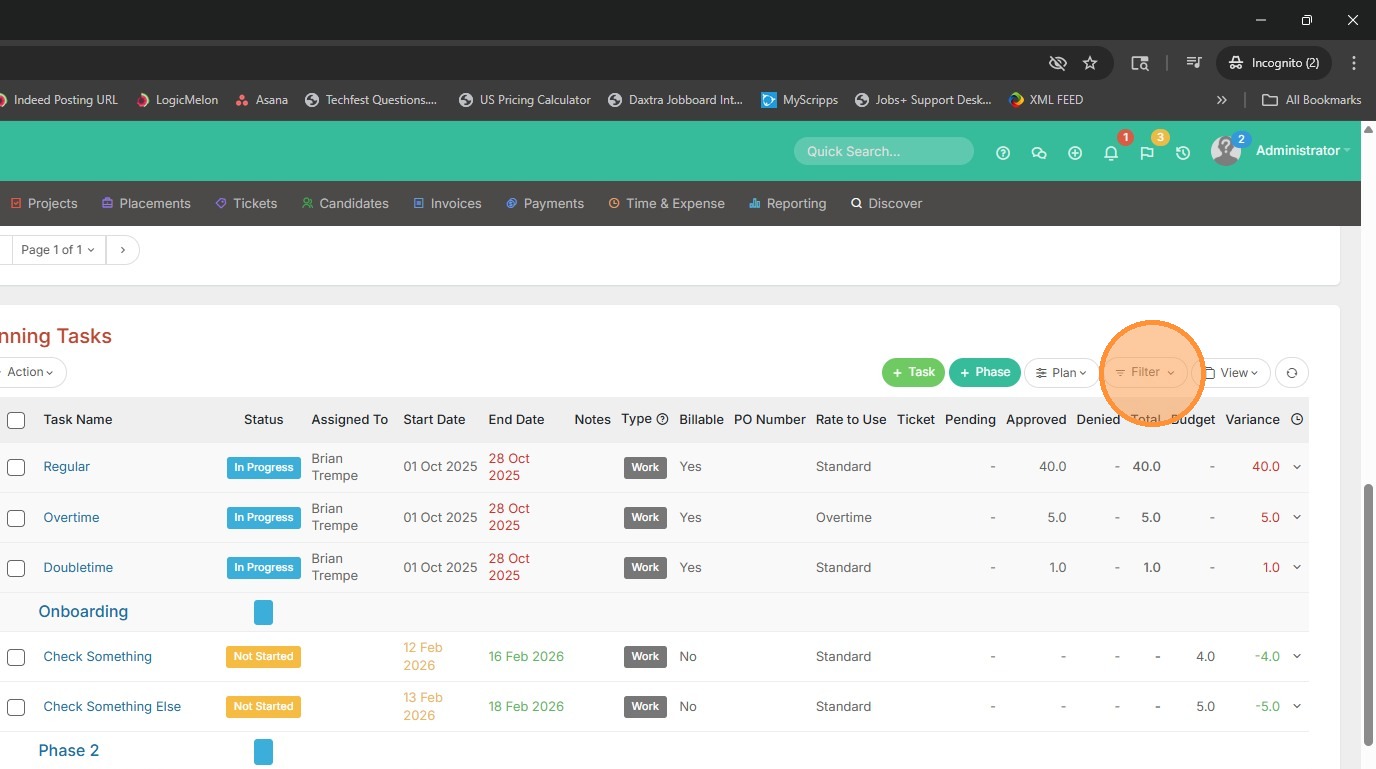
2. Click the Filter button.
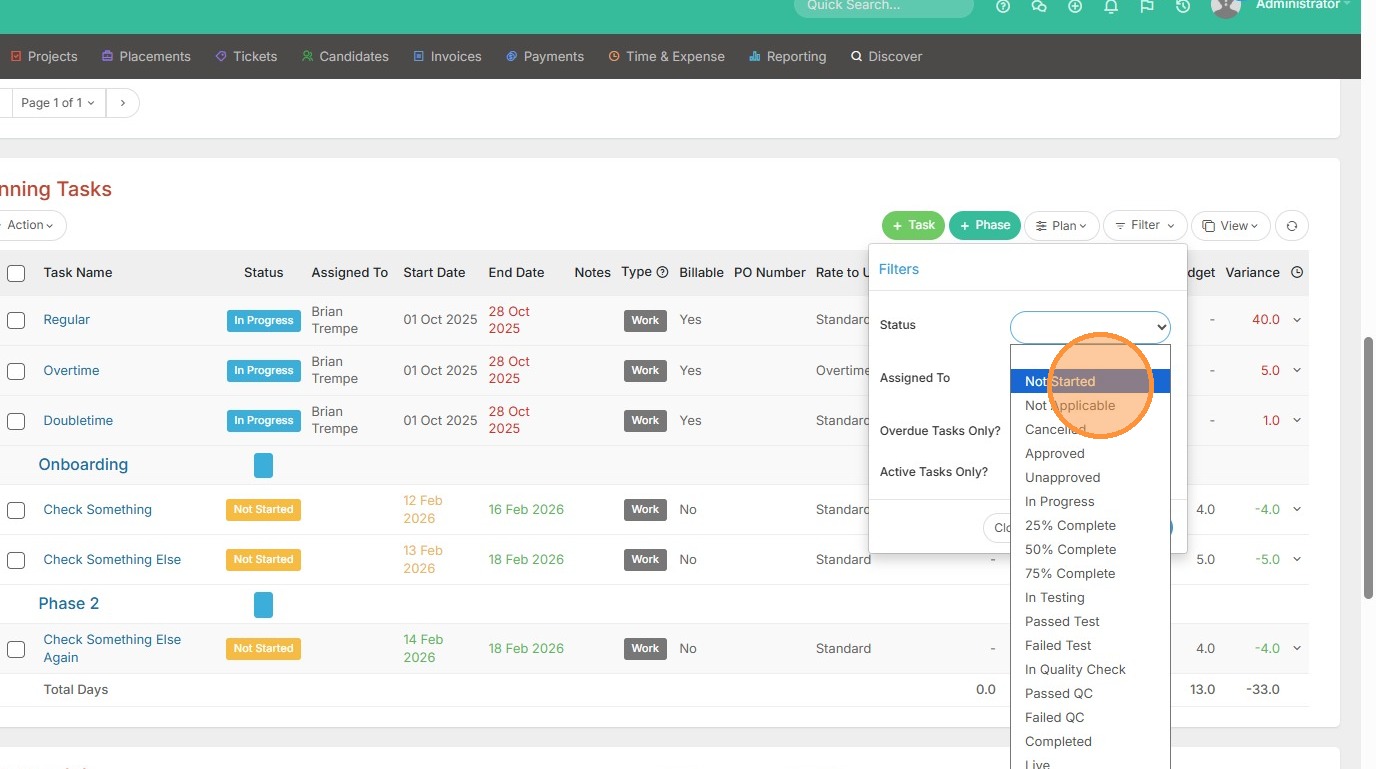
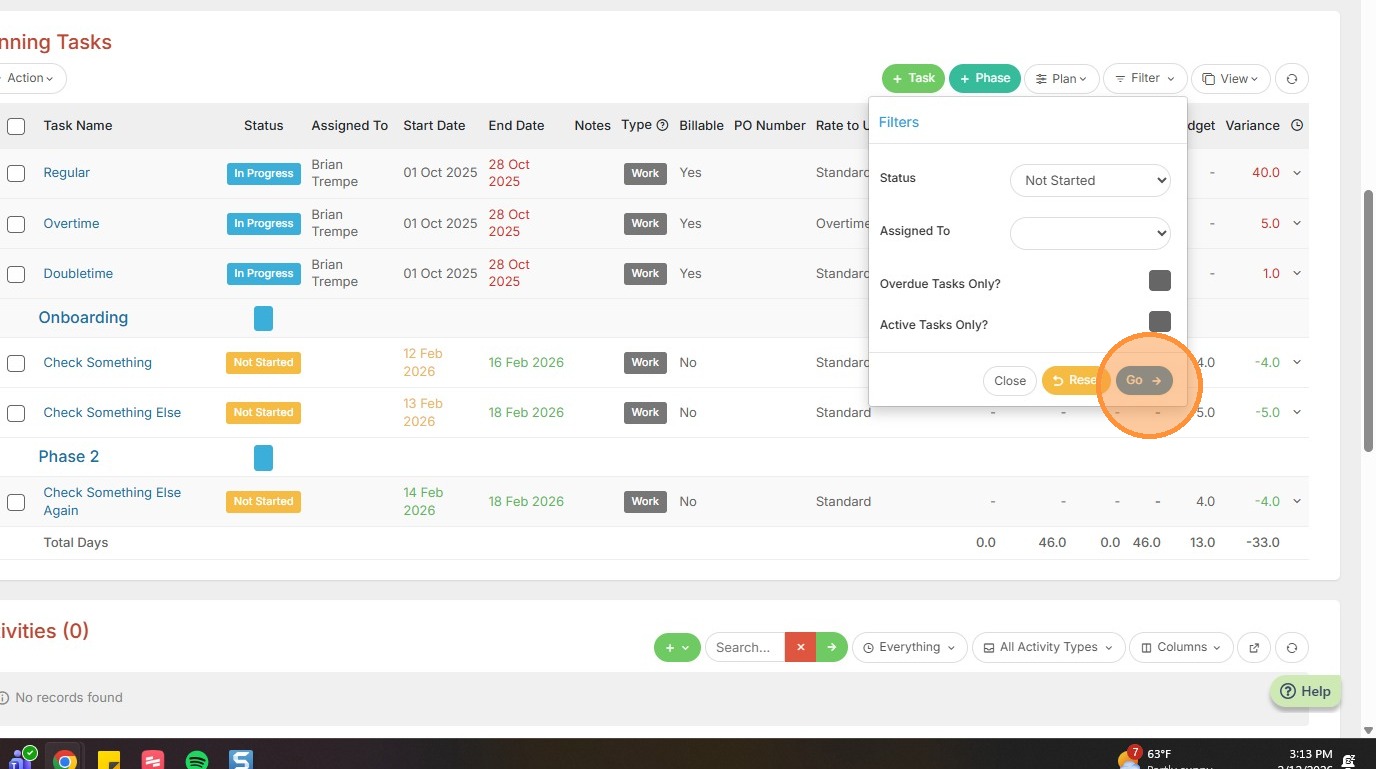
3. Select a Status you want to Filter by.
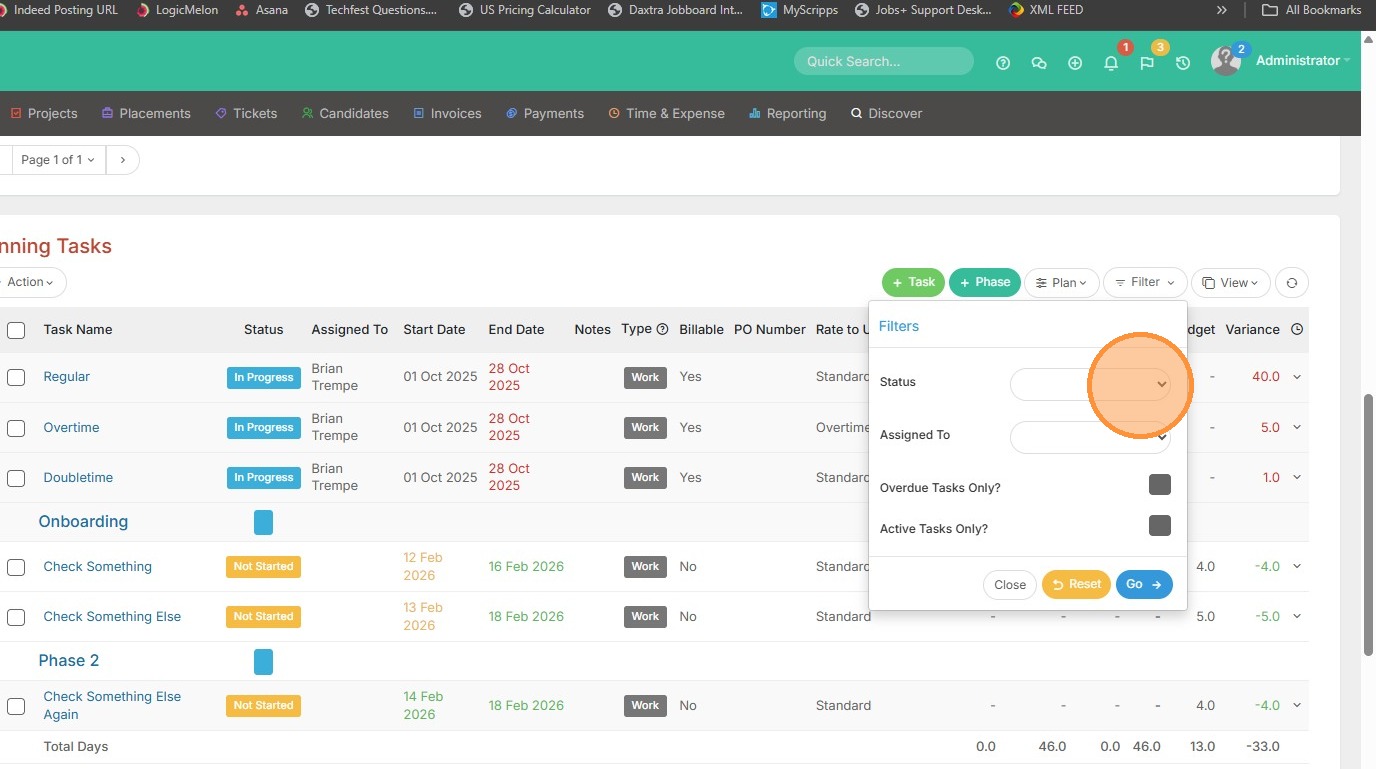
4. For example, I only want to see tasks that haven't been started yet.
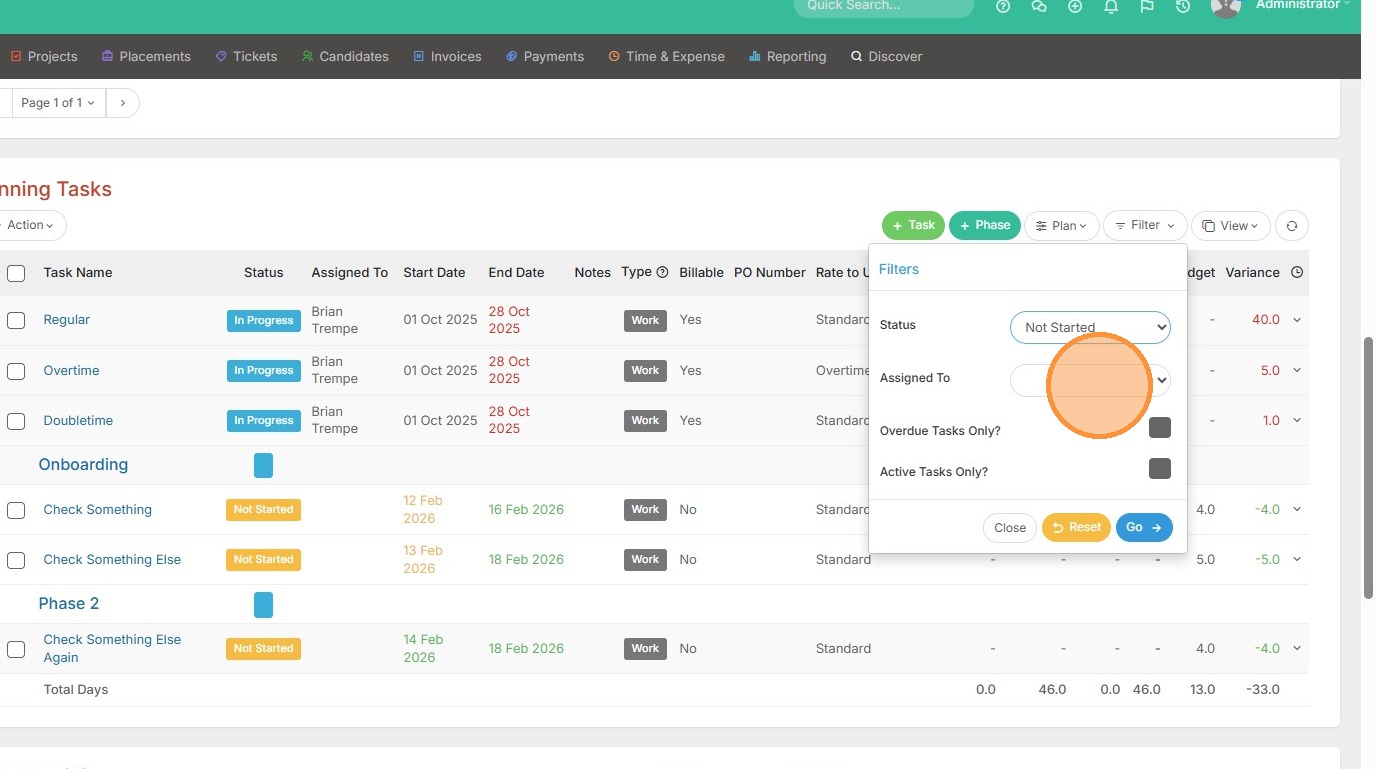
5. You can also filter by a specific person the tasks are assigned to.
6. You can filter by overdue tasks by checking this off.
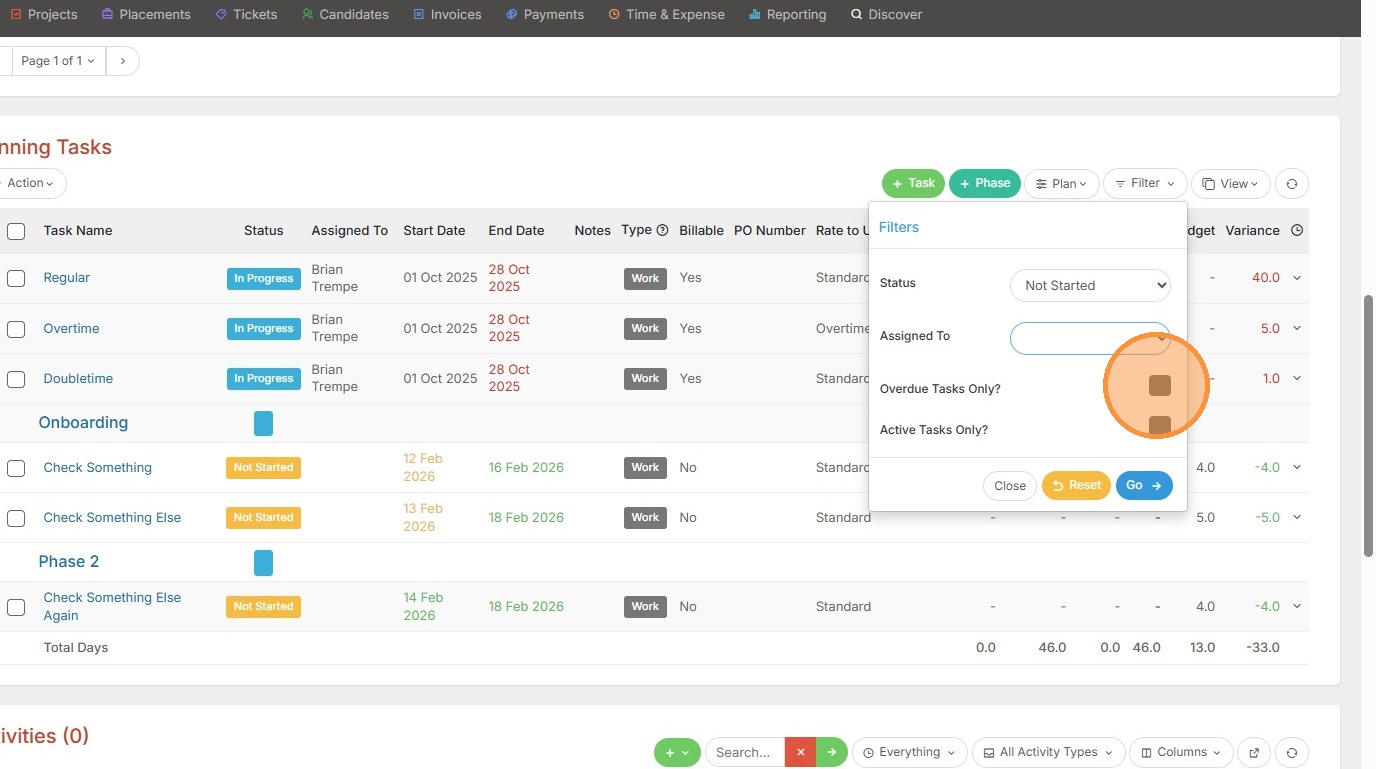
7. Click here
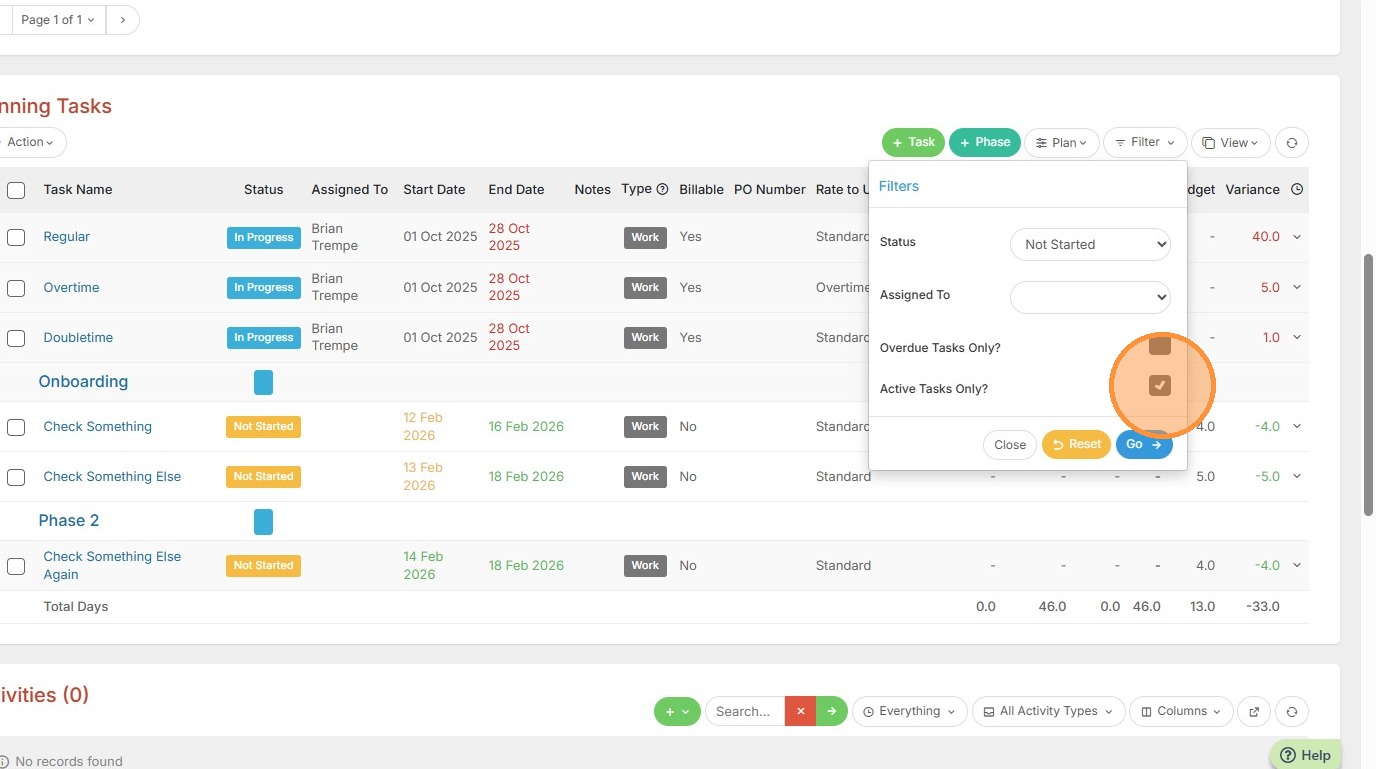
8. Or filter by Active Tasks Only, meaning the task dates are current.
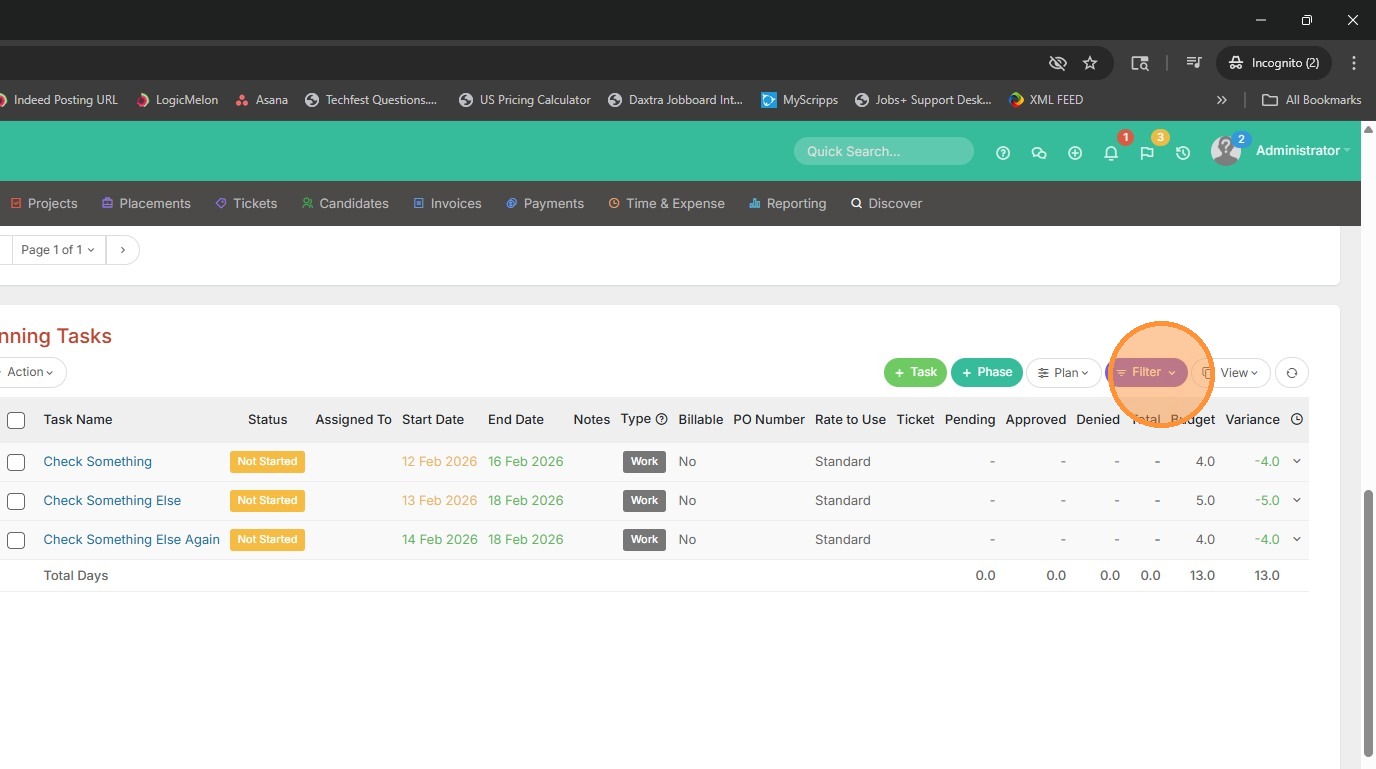
9. You will know a filter is on when this is colored purple. Click back into it to reset the results.
10. Click Reset.
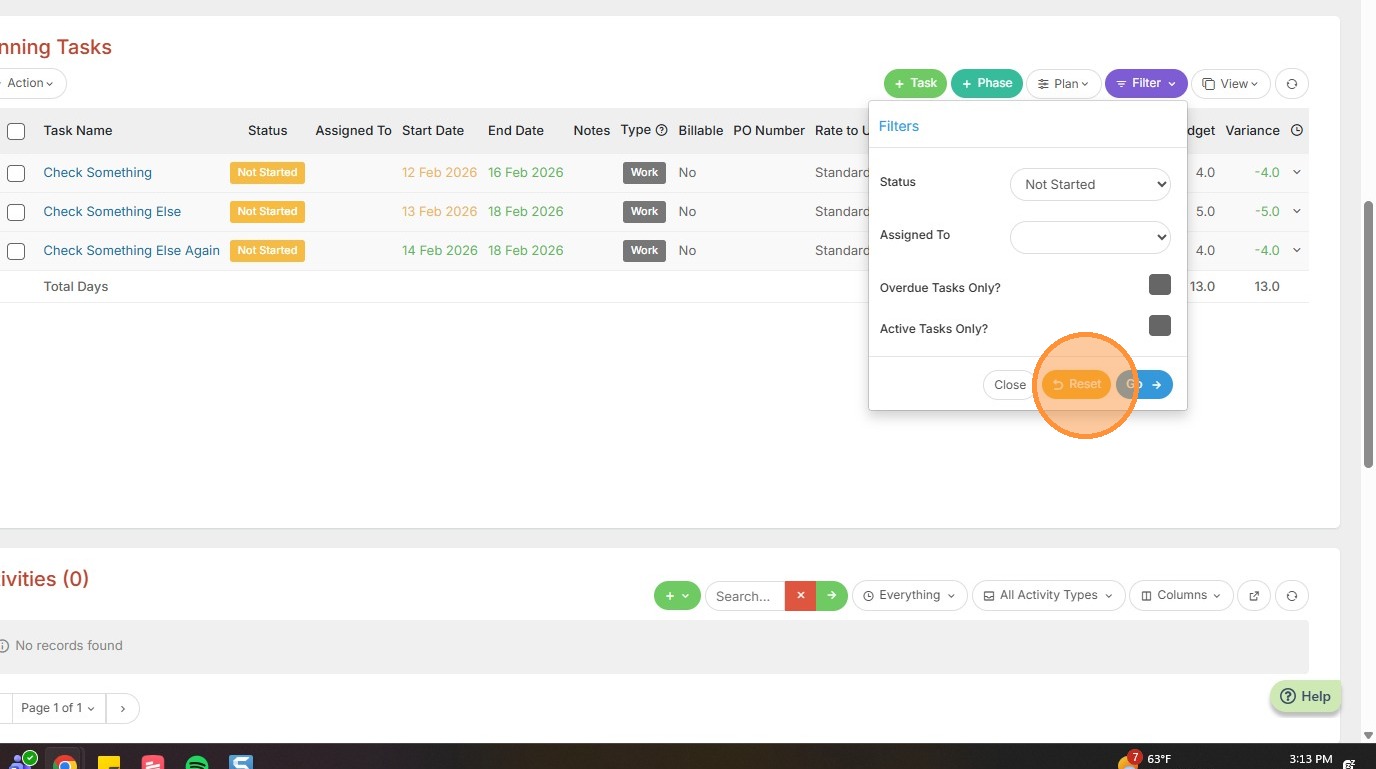
11. Then Go, and all the tasks will return to the page.