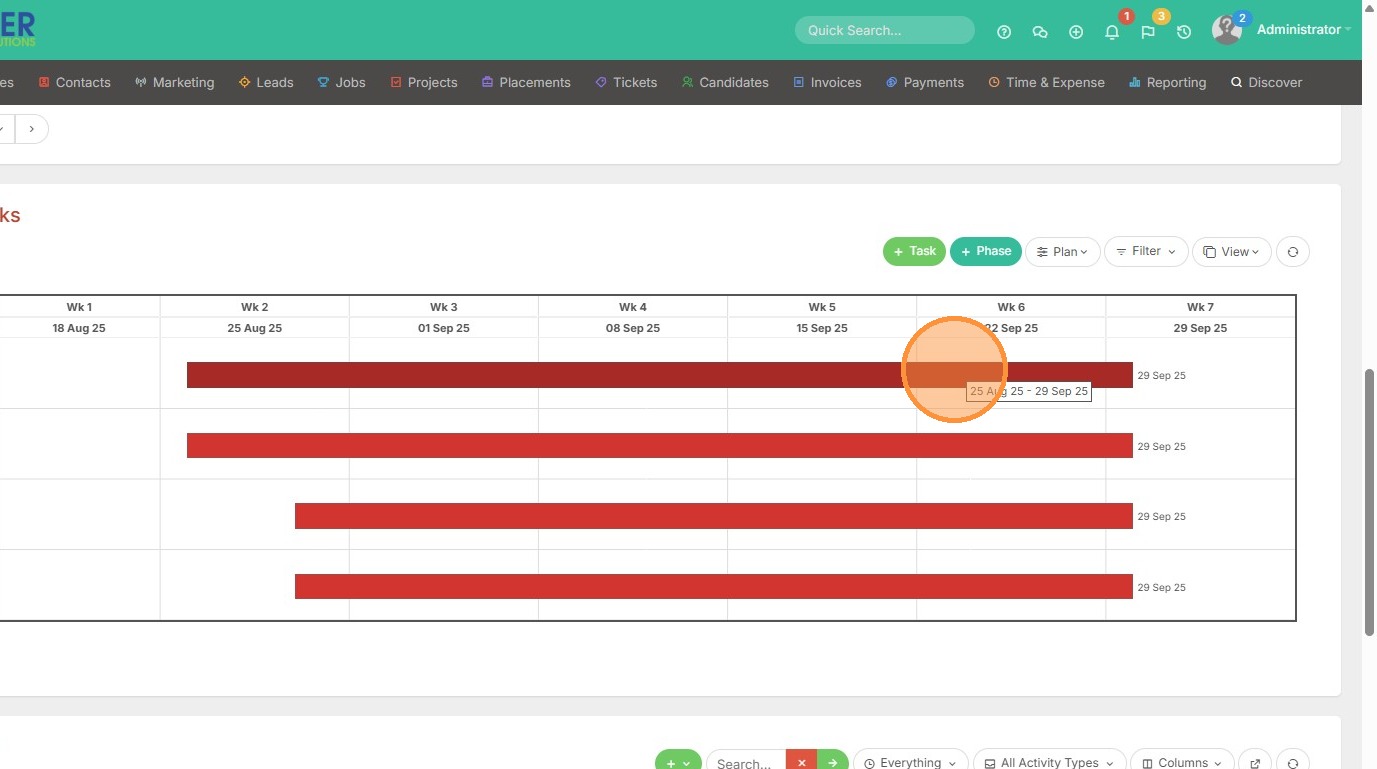
This lesson shows you how to view a Plan in Card/List/Gantt format.
1. You can use various types of views within the planning tasks section of a project/assignment record. This includes the List View (currently shown), Card View, and Gantt View.
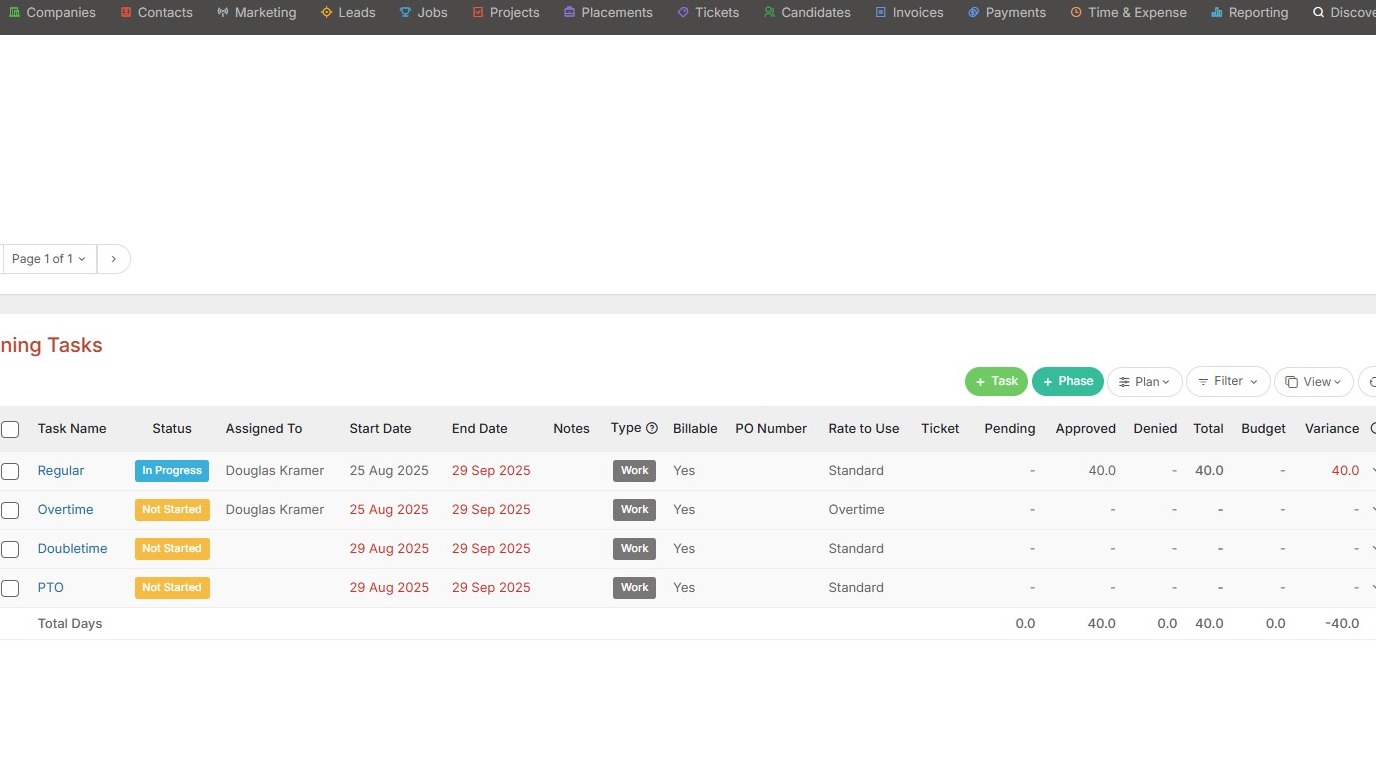
2. Click "View" to change it.
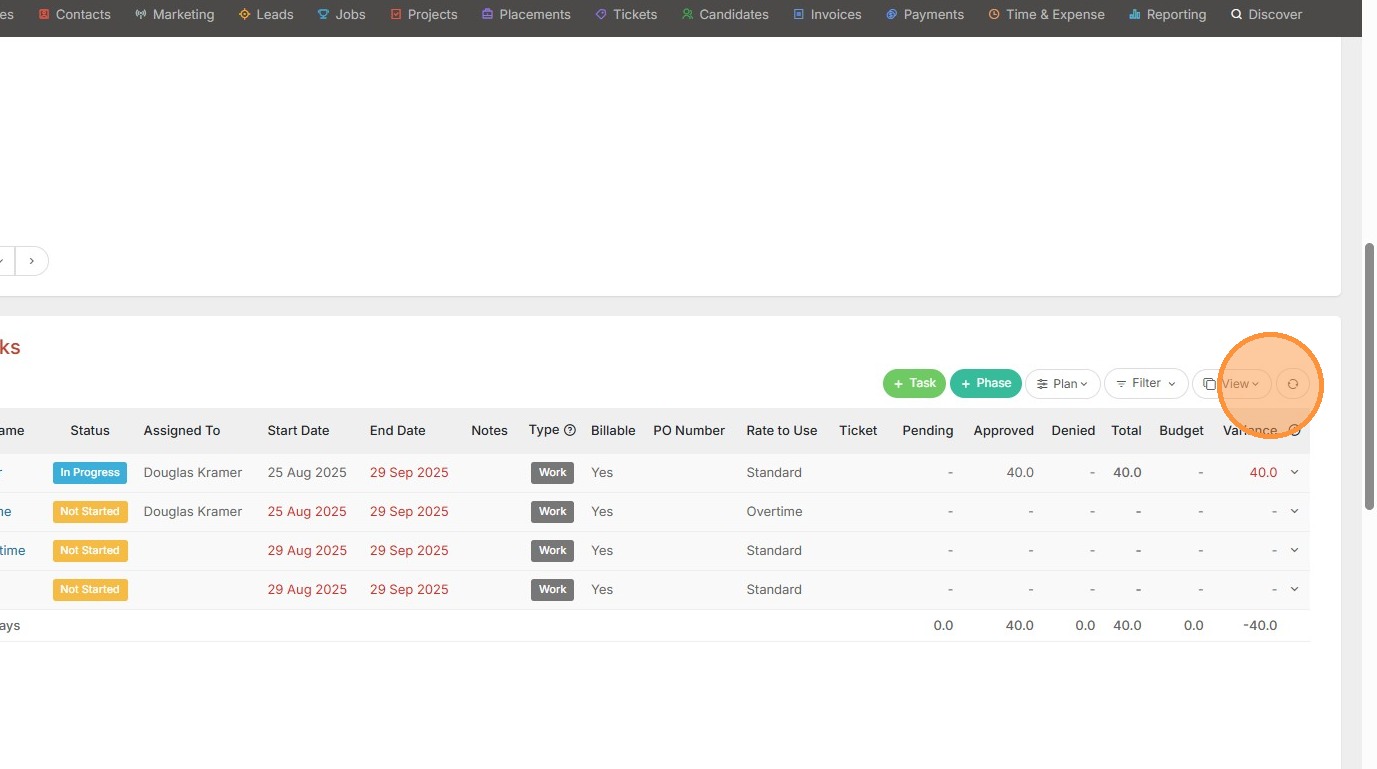
3. Here we will select Card View, for example.
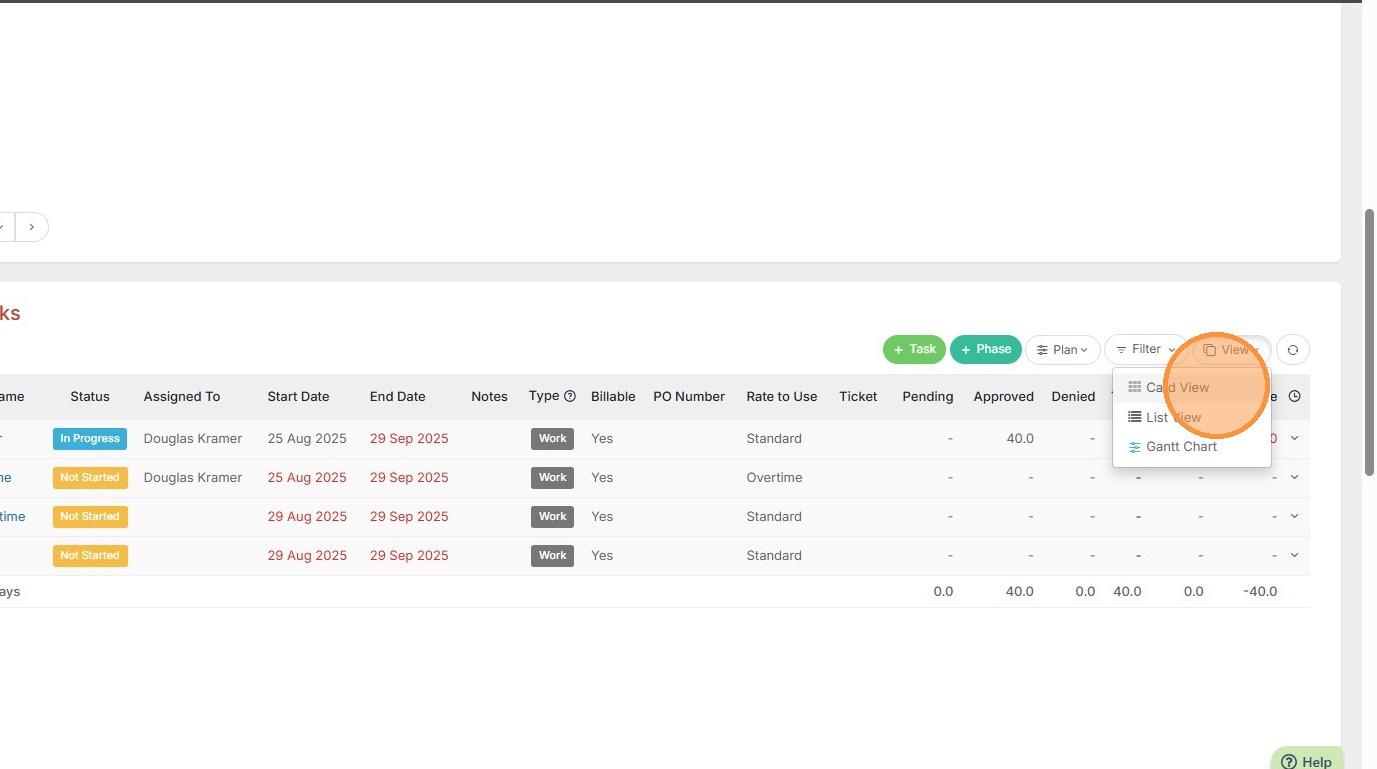
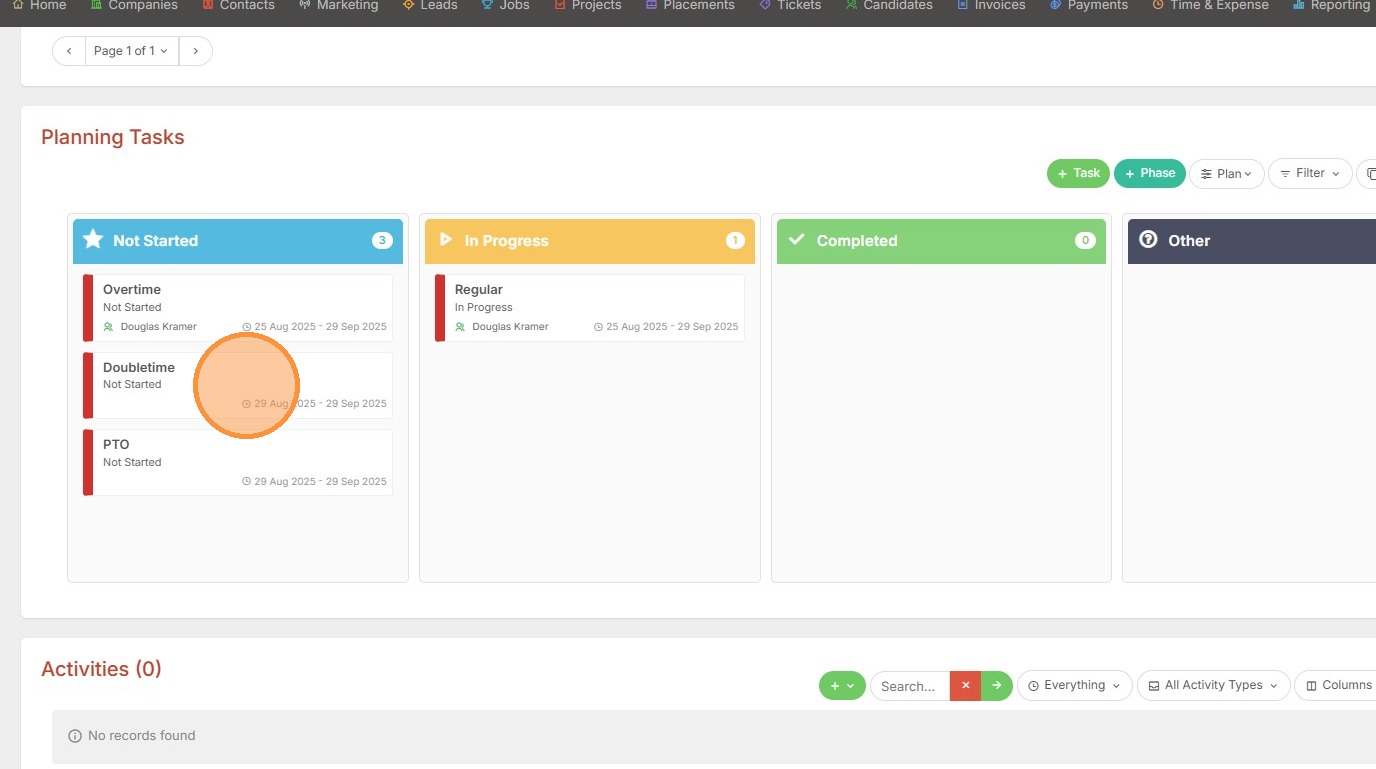
4. Now you can visually see the Not Started / In Progress / Completed statuses in a card type visual. You can drag and drop tasks into the different statuses as needed.
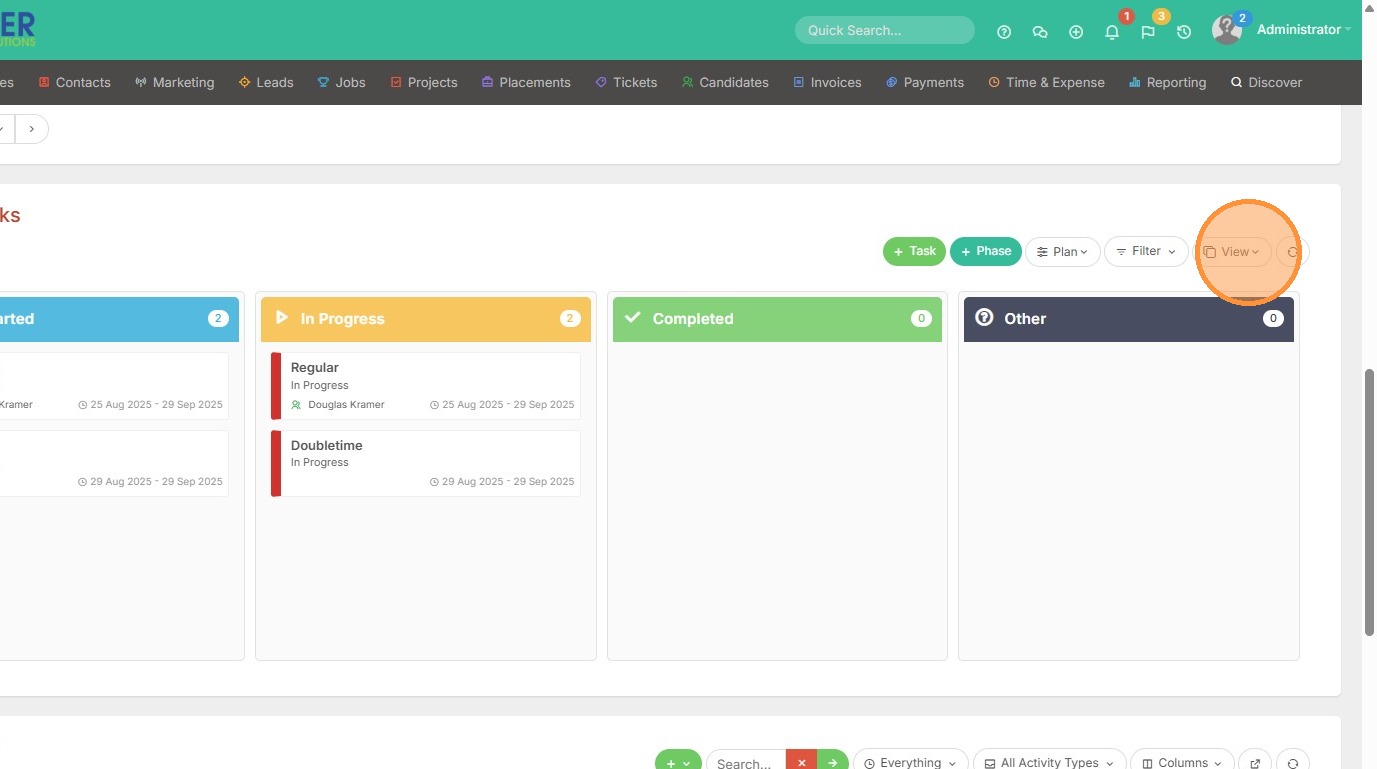
5. Click "View" to switch to the Gantt Chart next.
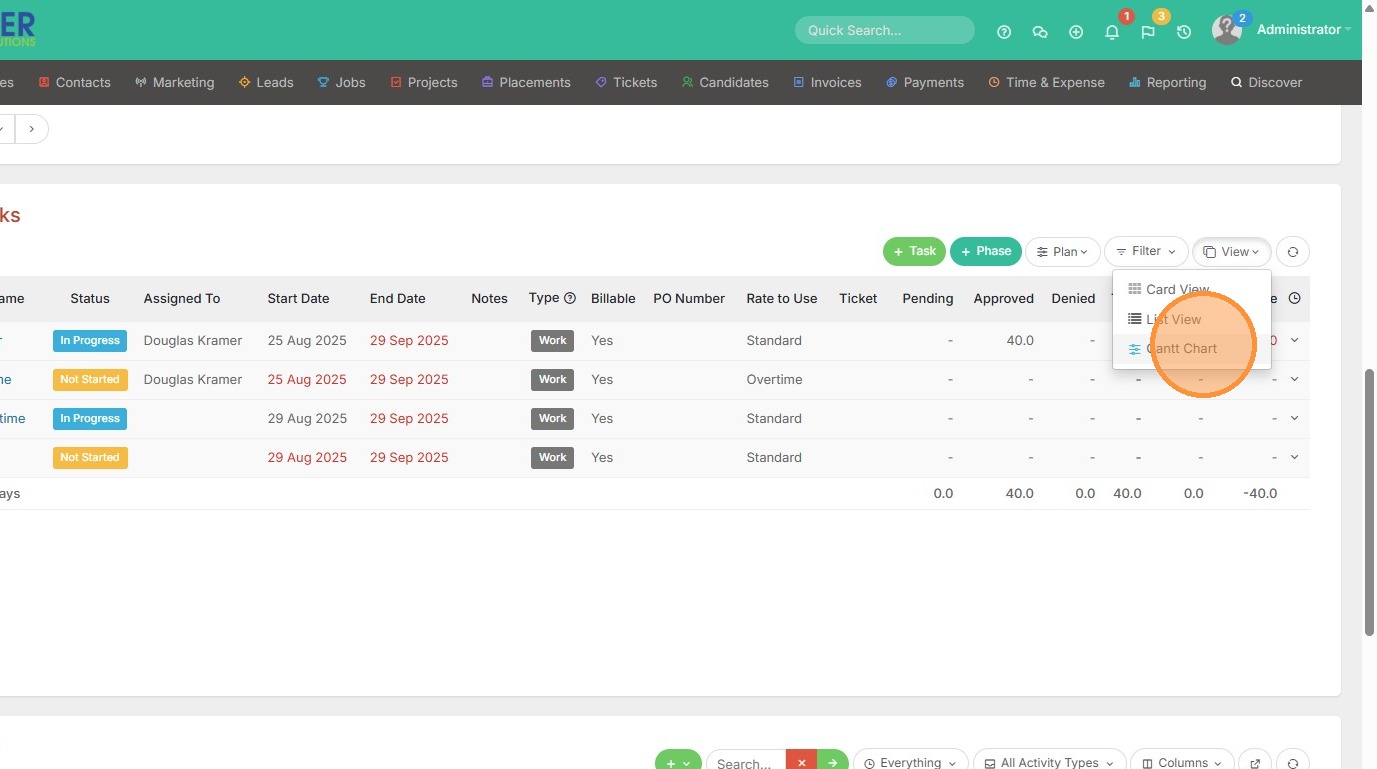
6. Click "Gantt Chart"
7. The Gantt Chart will display your tasks - what's been done, what's left, and how long you have to complete those tasks.