This lesson explains how to add an Issue to the Issue Register.
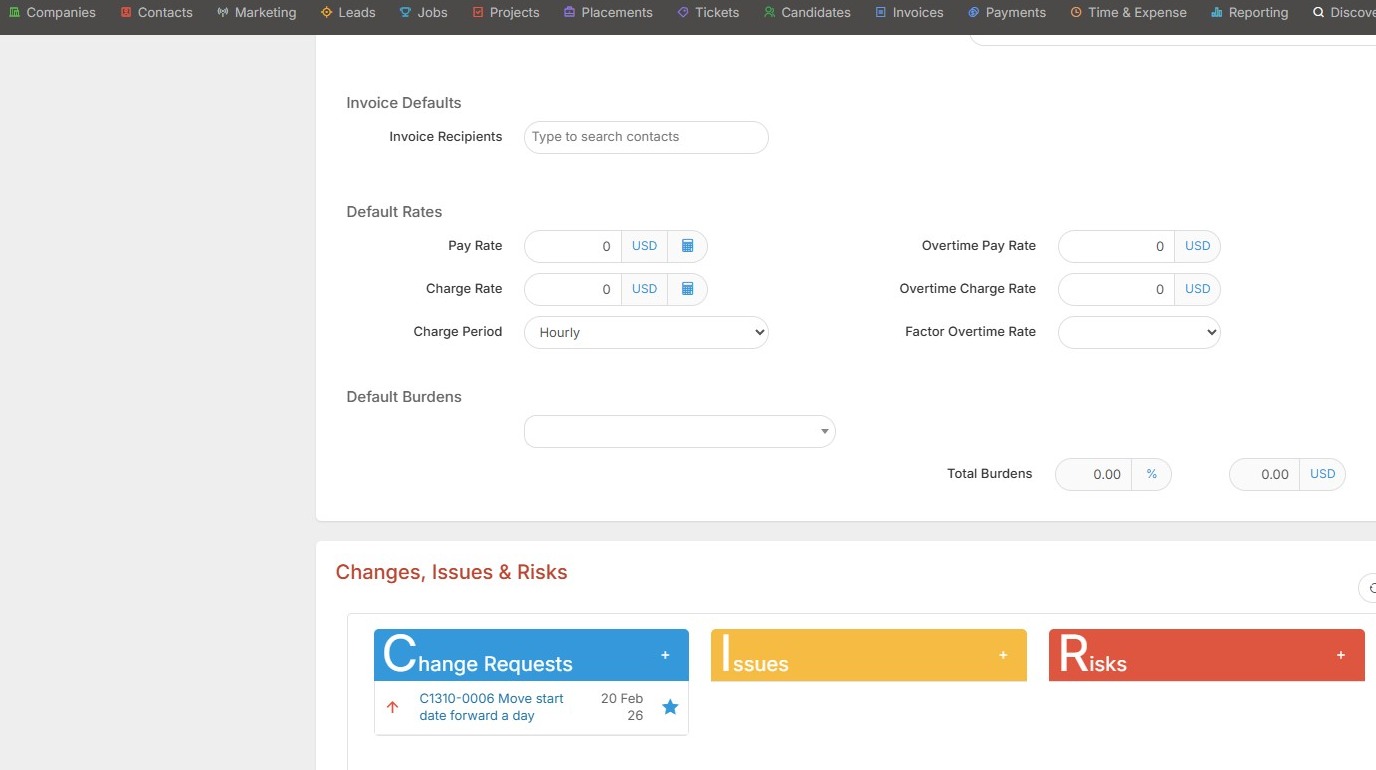
1. Within project/assignment records you can add Issues for various team's to take action on.
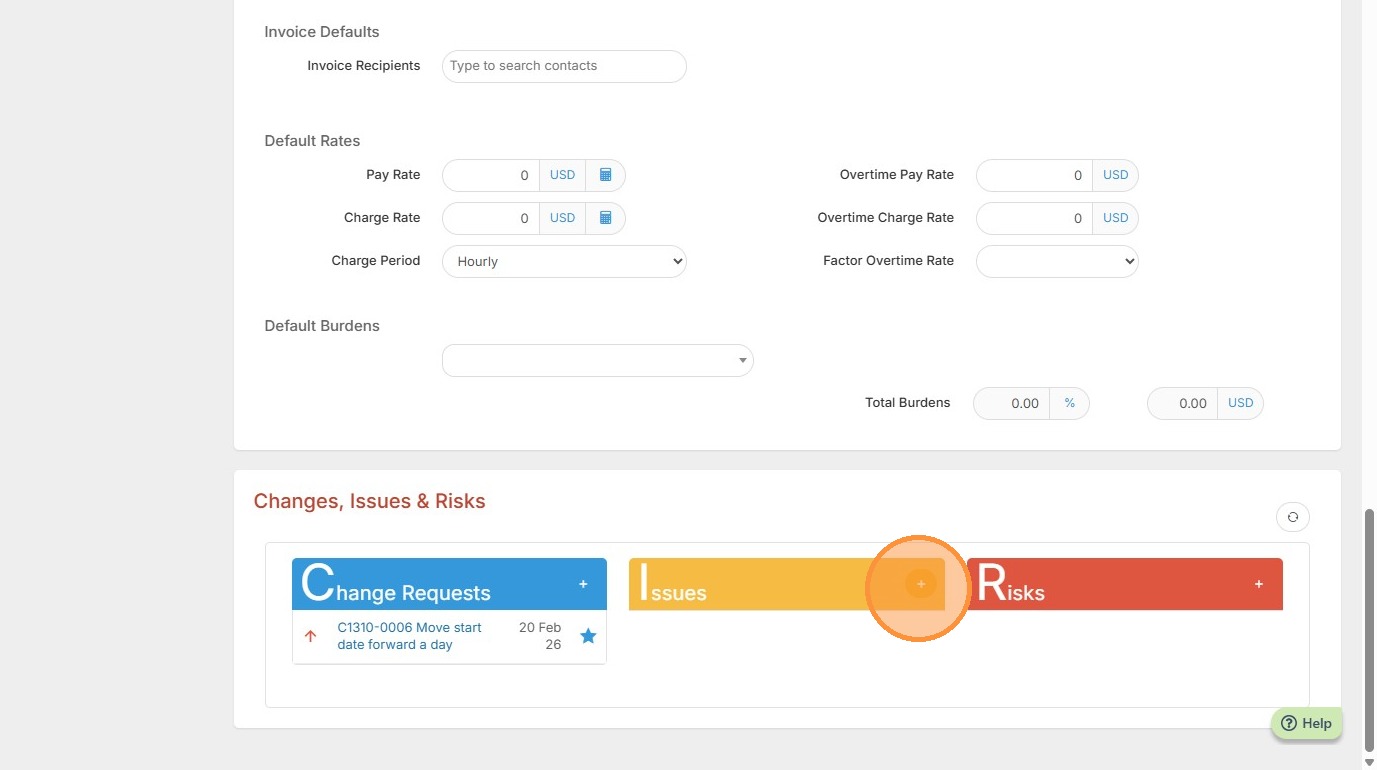
2. Click the yellow + button under Issues to get started.
3. In this example, the issue we have is for Payroll, and it's that we need the candidate to complete their W2.
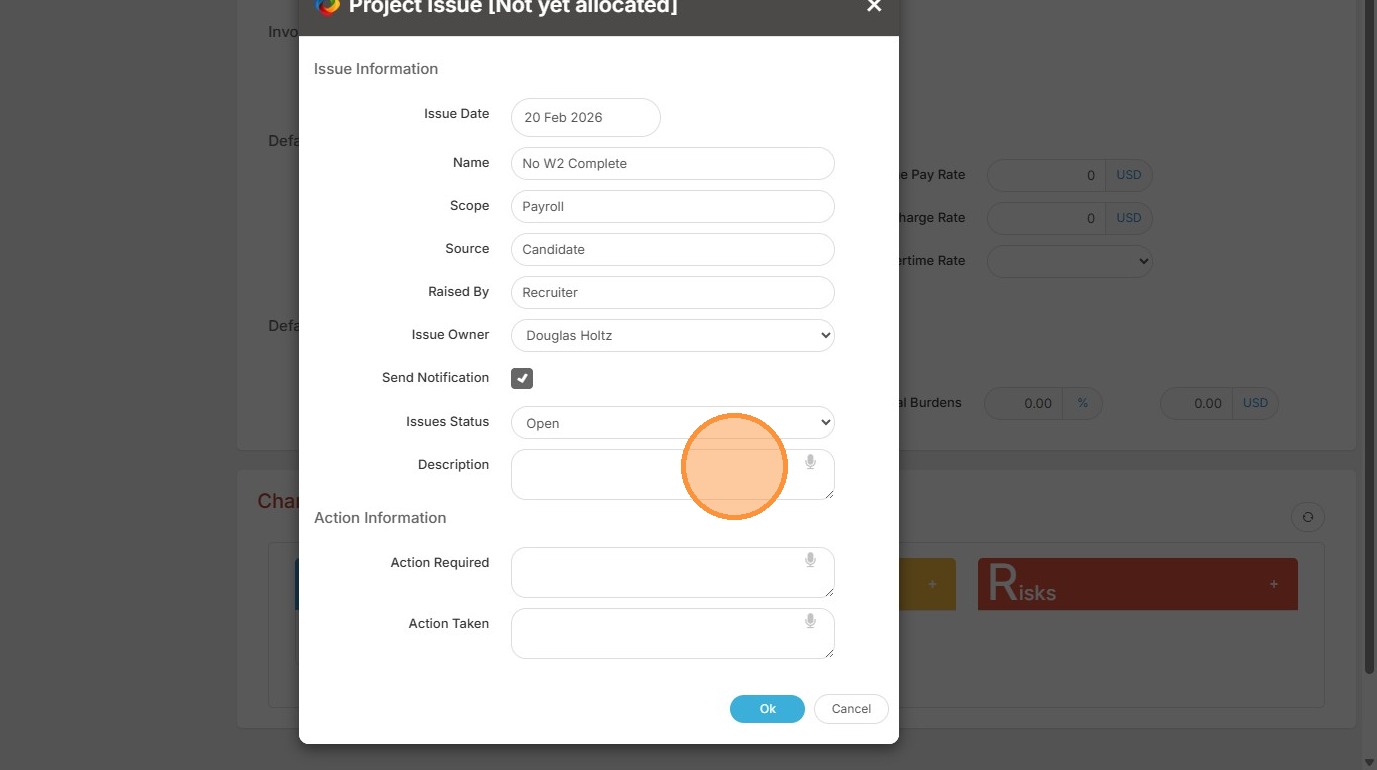
4. We can Send Notifications to the Issue Owner once the Issue has been completed (email and on screen).
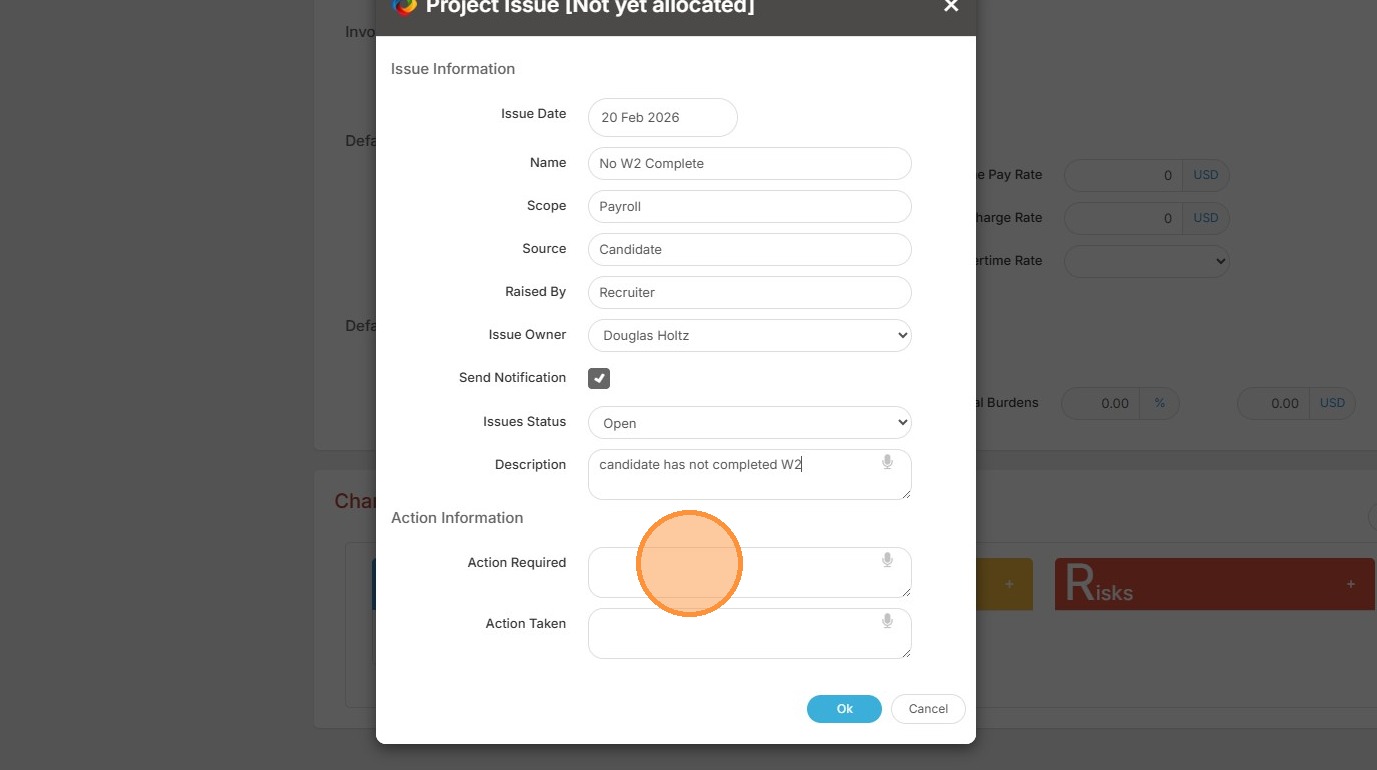
5. We can add the Action Required.
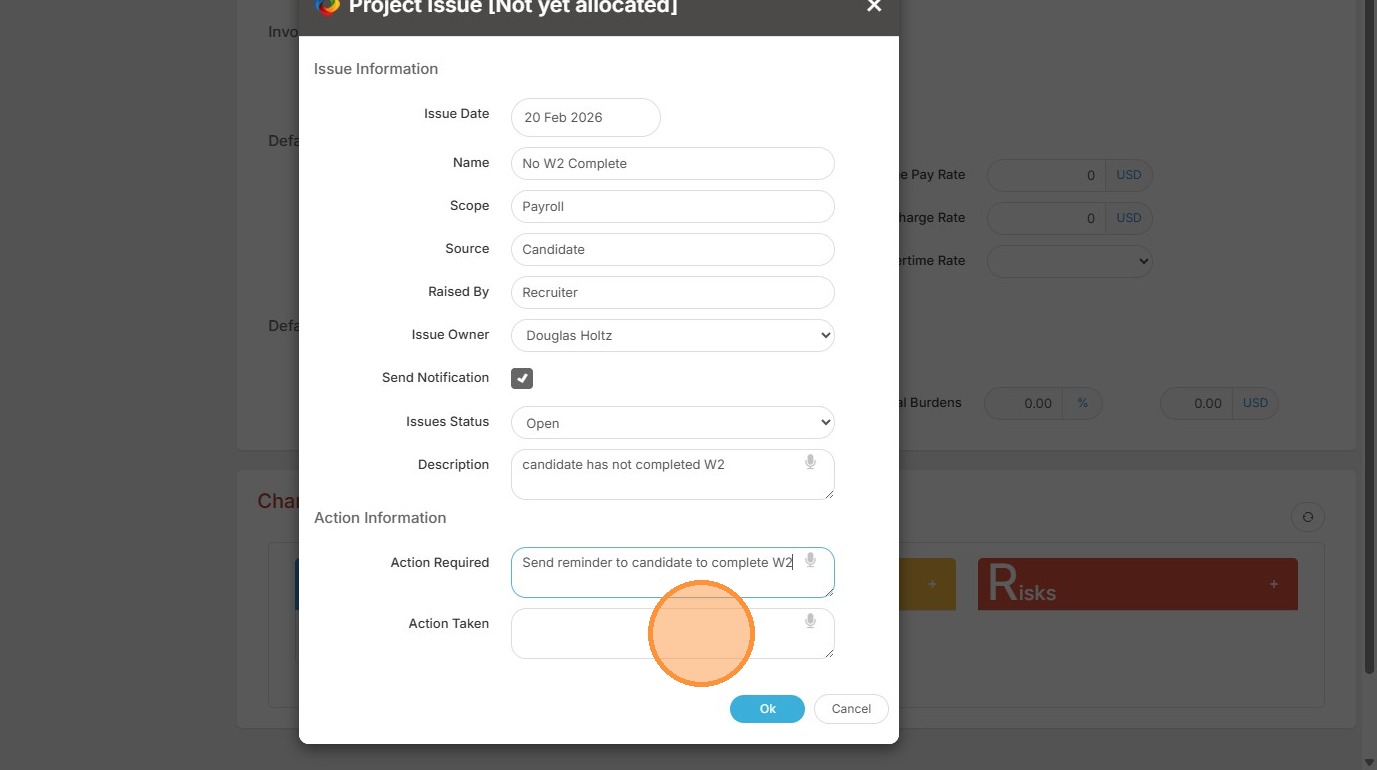
6. And the Action Taken (if it has been), and click Ok to add the Issue.
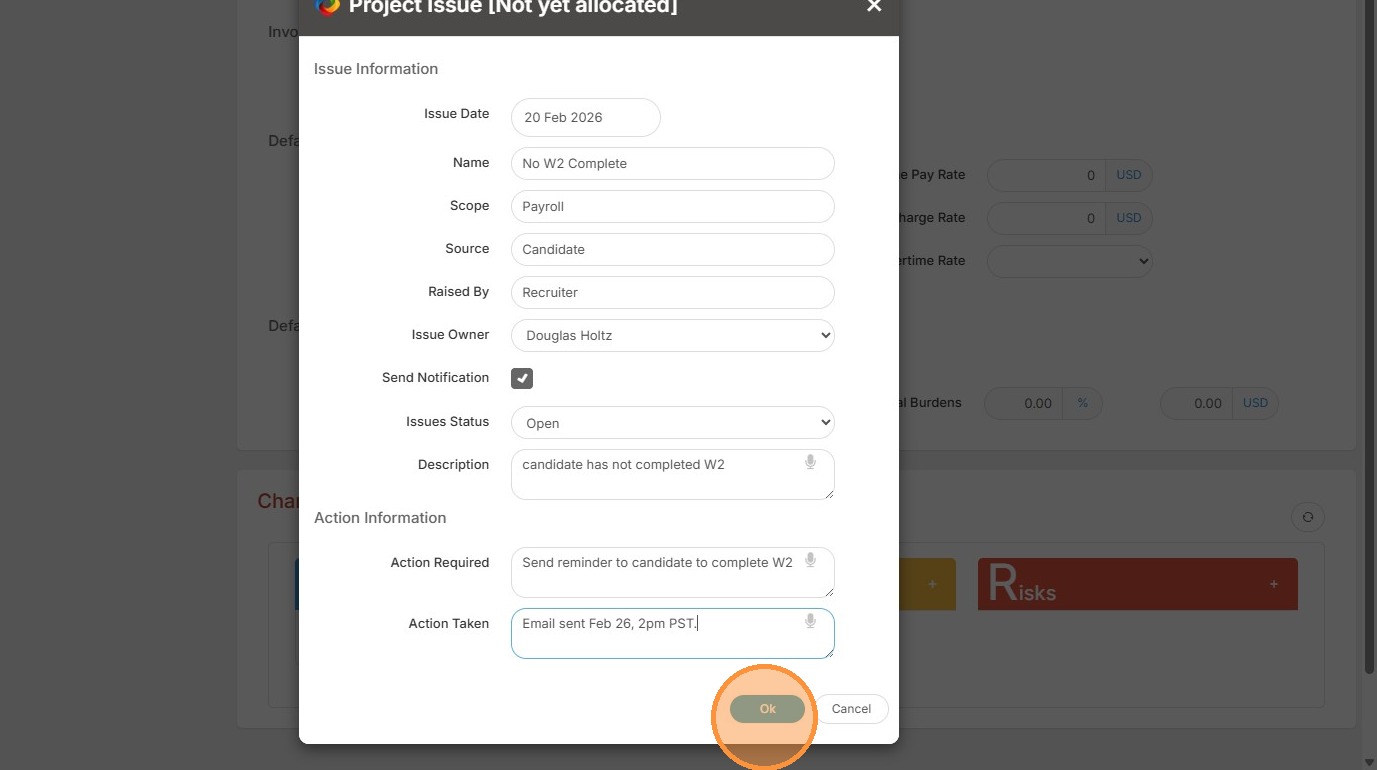
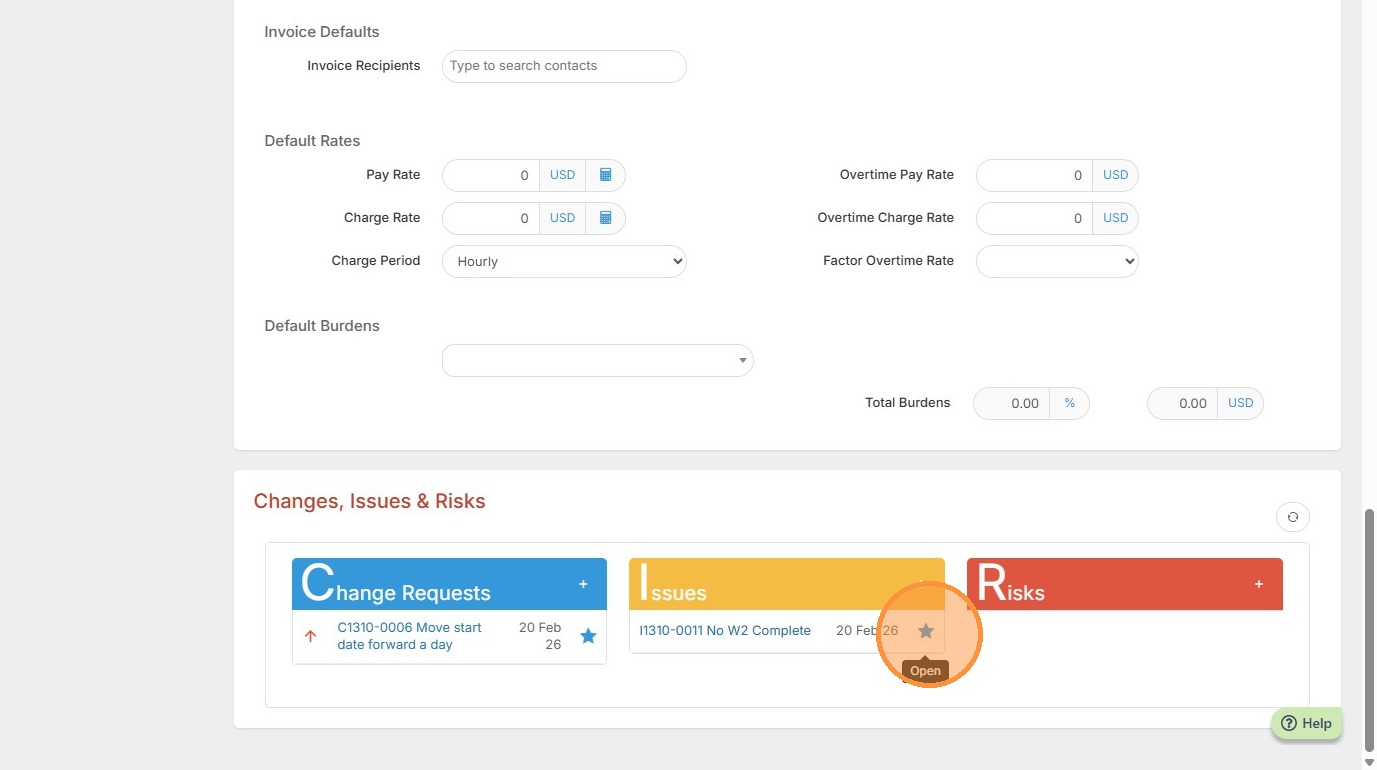
7. You can now view it here, and click on the issue itself to make edits.