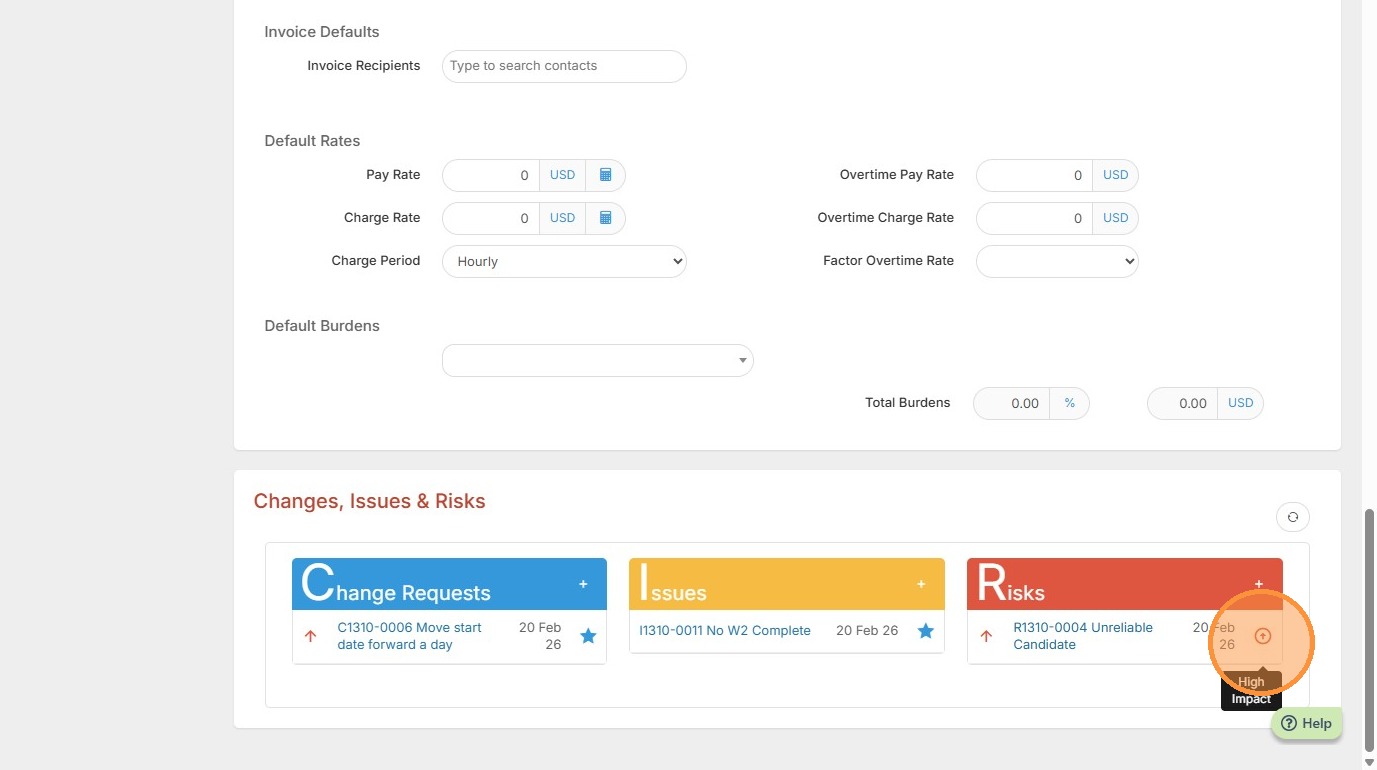
This lesson explains how to add a Risk to the Risk Register.
1. Within Projects/Assignments you can add Risks, if necessary.
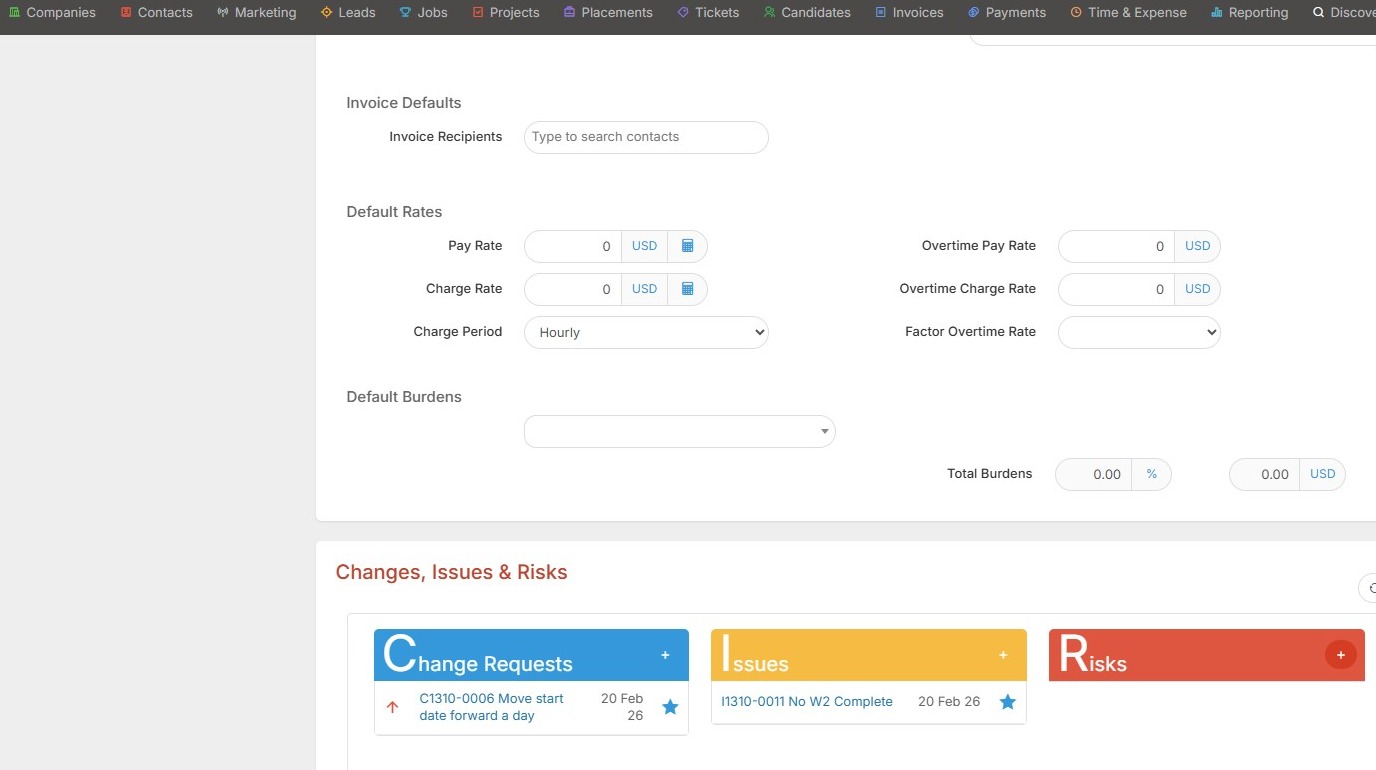
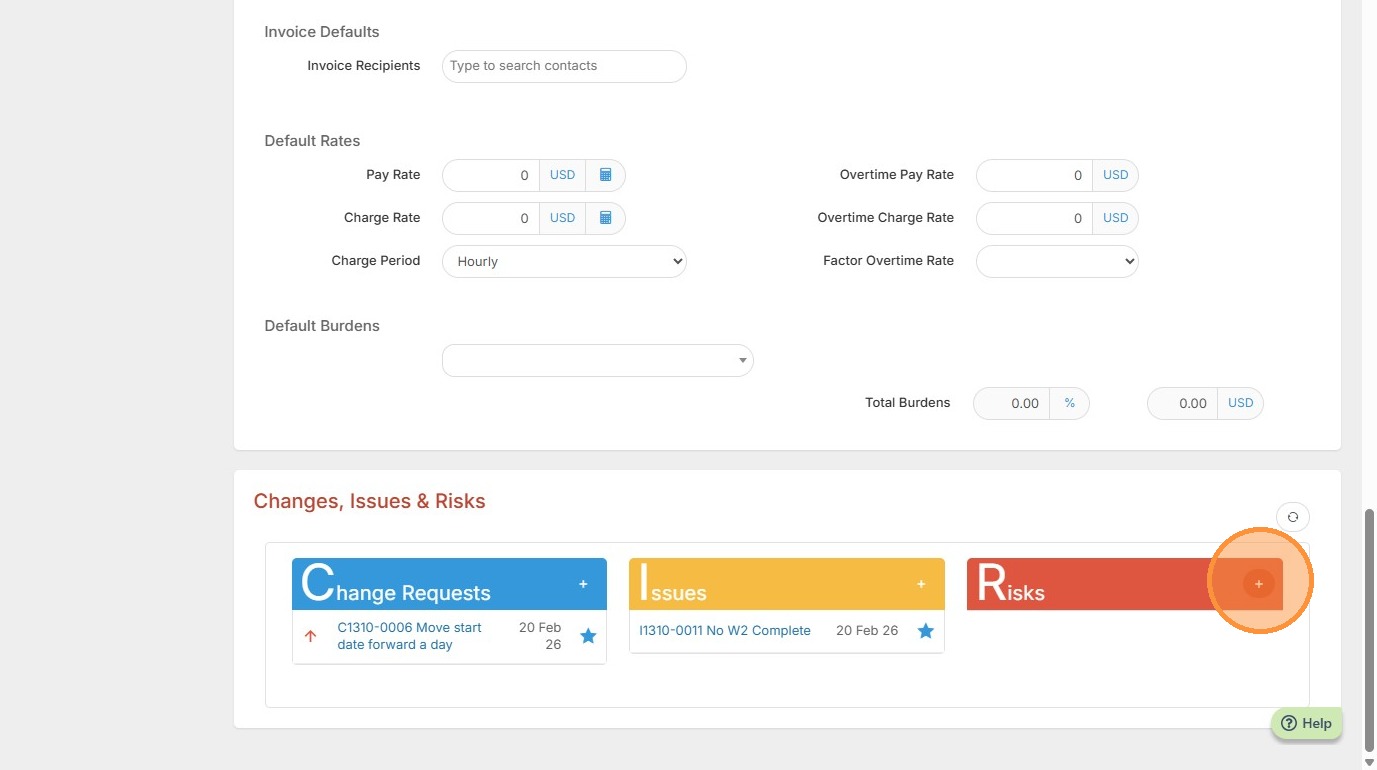
2. Click the Red + button to add a Risk.
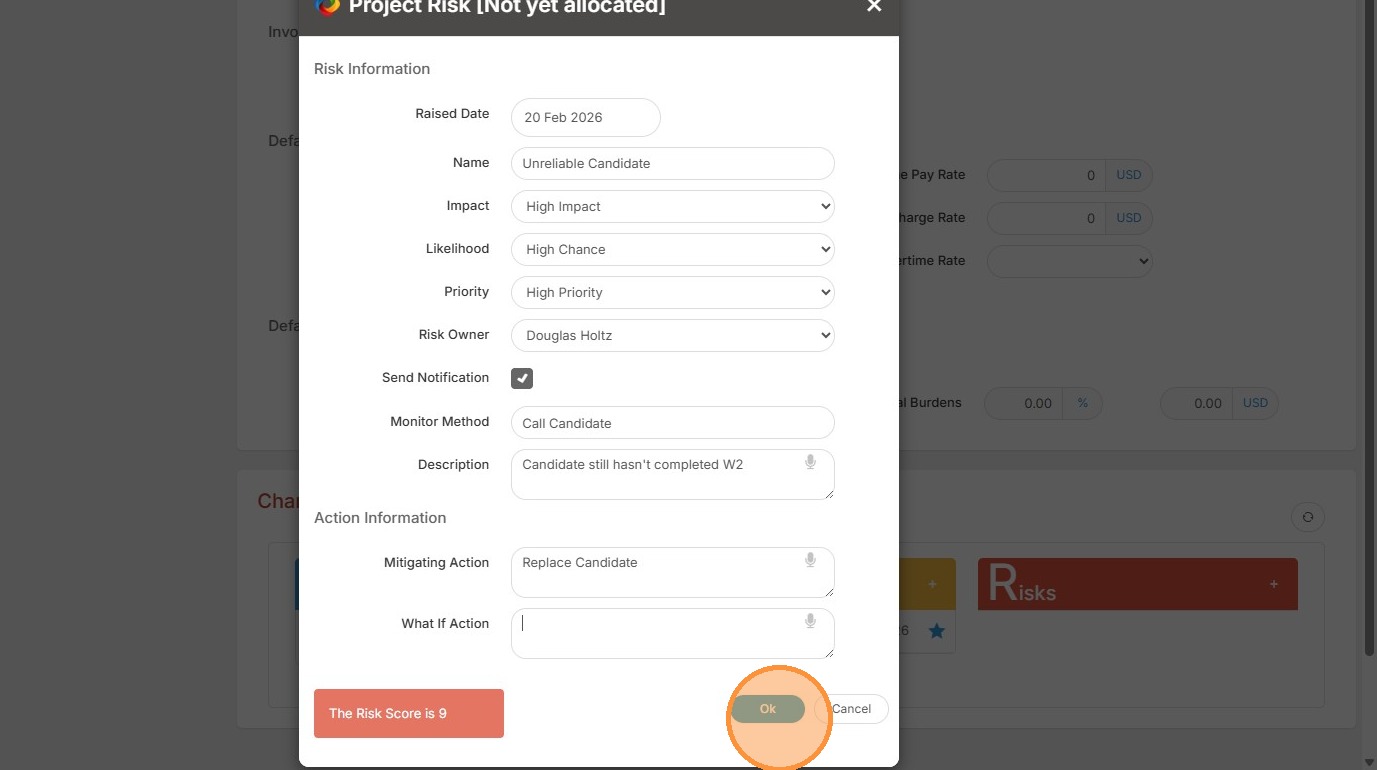
3. Here, for example, our risk is that the candidate still hasn't completed their W2, and they are deemed unreliable.
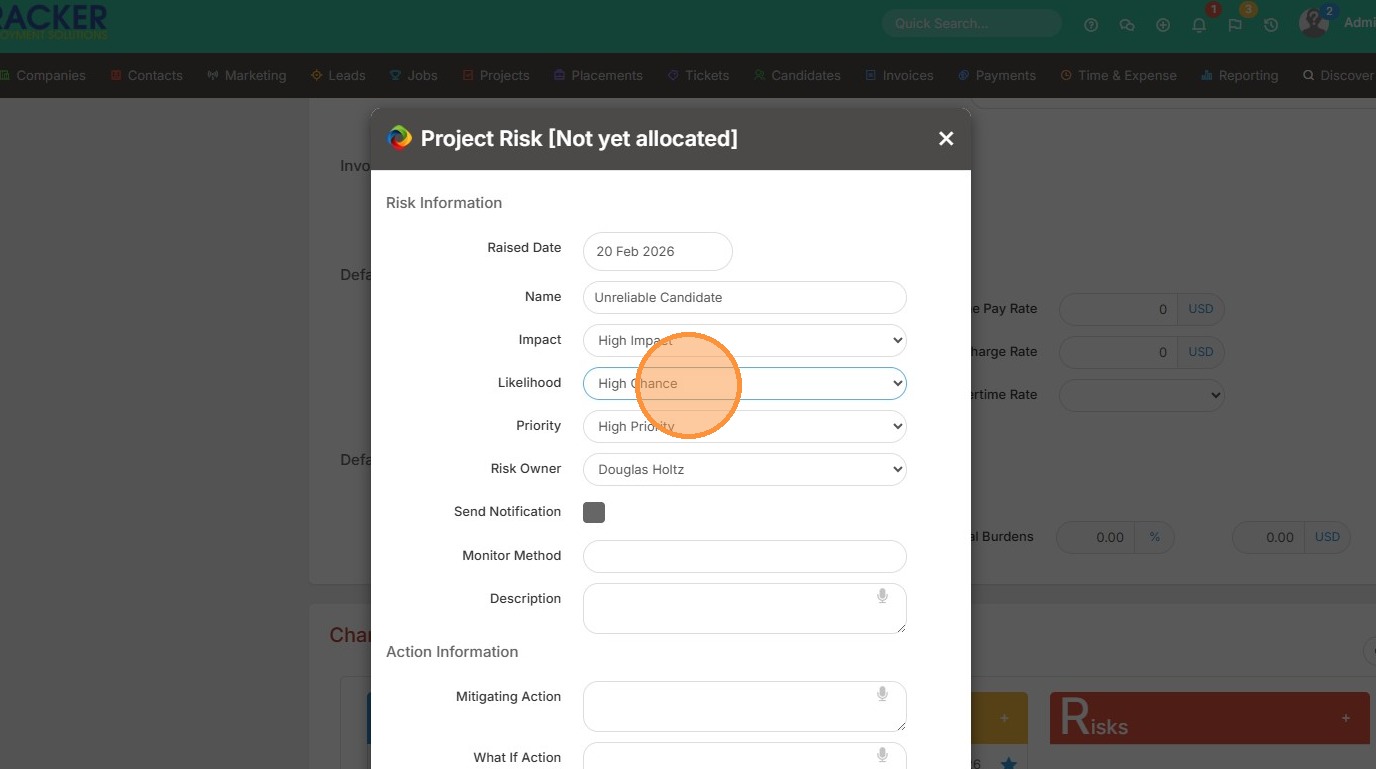
4. If you update the Likelihood to Medium or High Chance, the Risk Factor below will change.
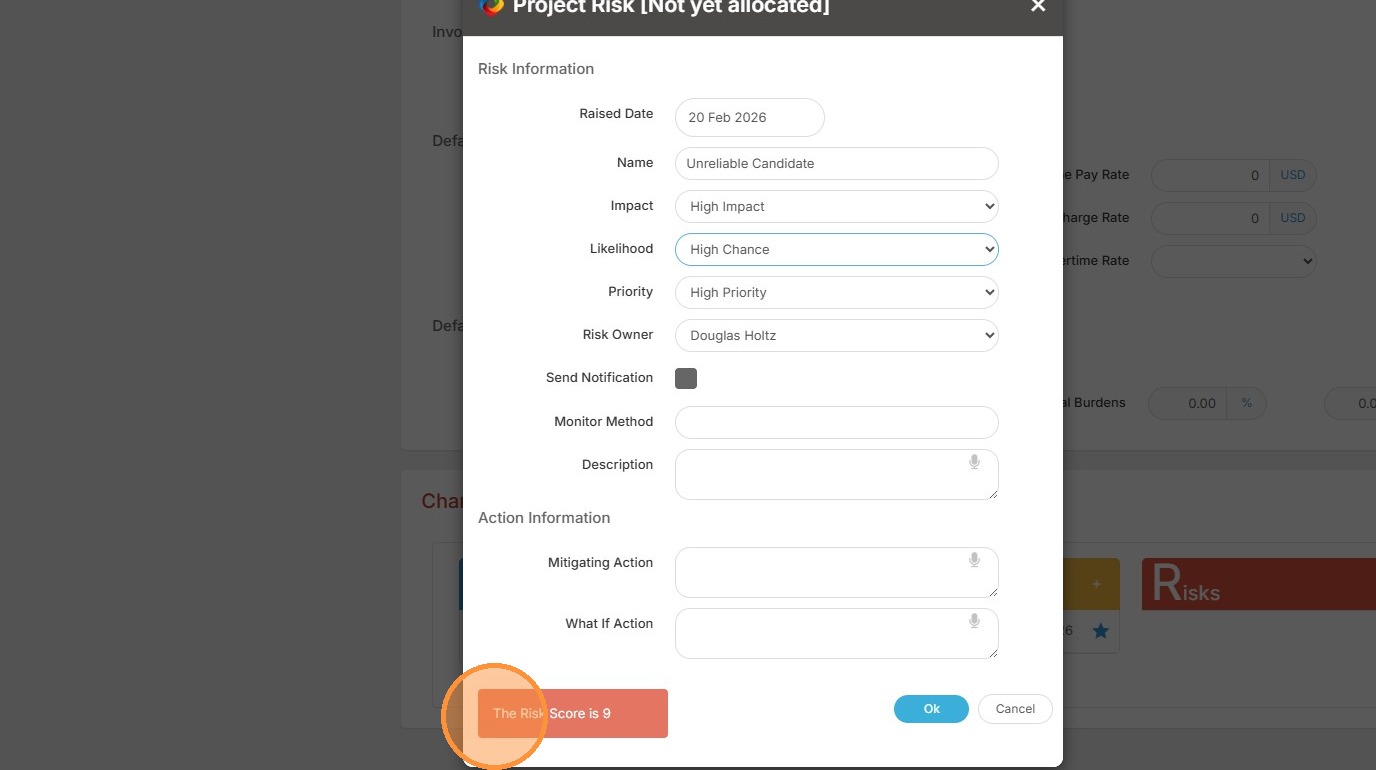
5. You can add a priority level.
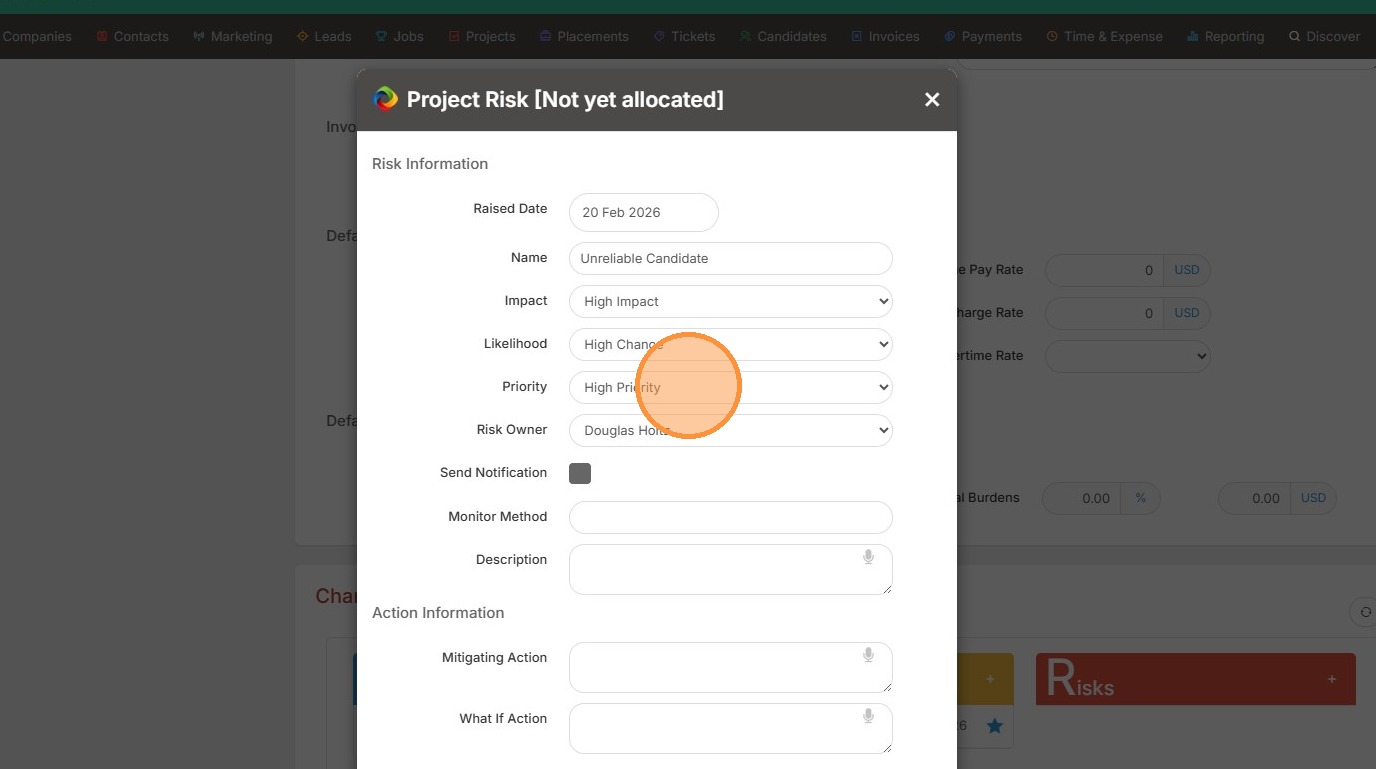
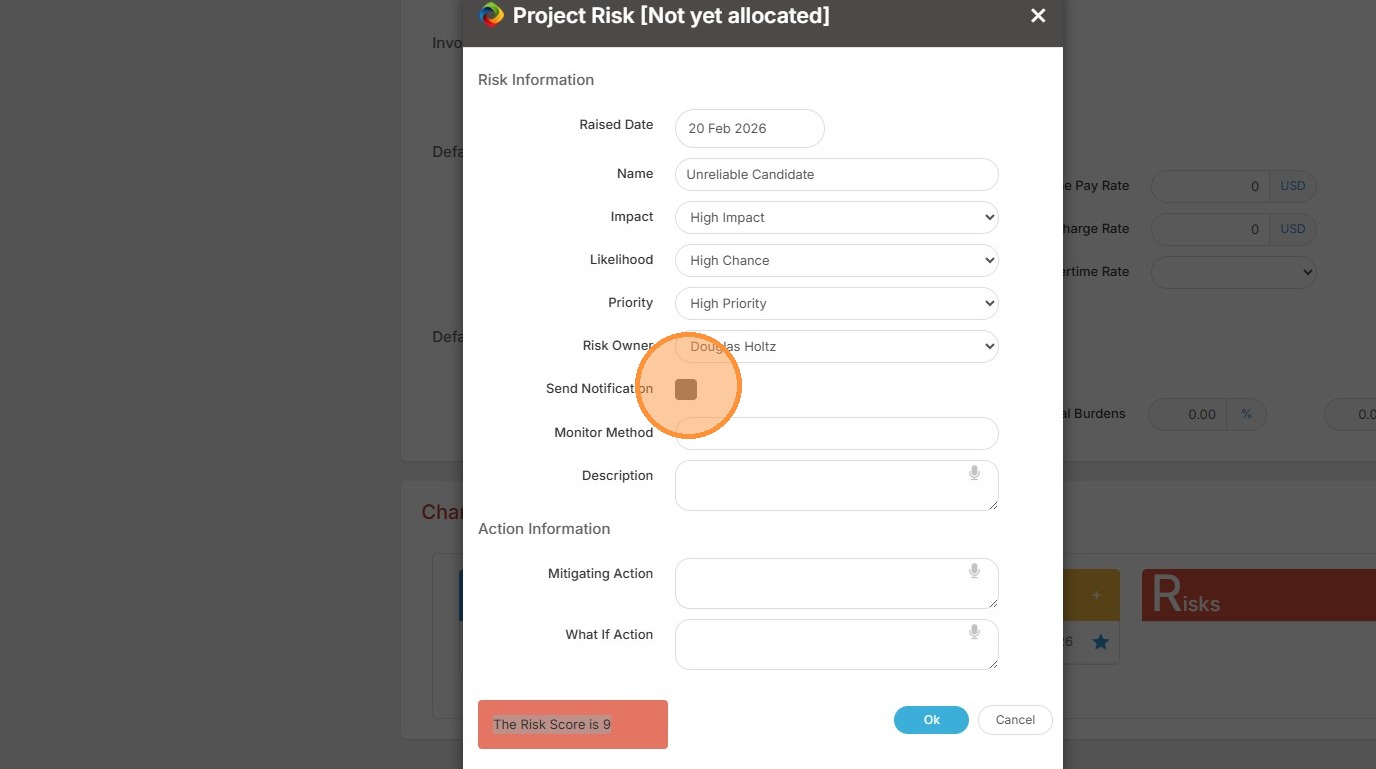
6. You can also notify the Risk Owner if any updates are made.
7. You can add more to the description, such as the Monitor Method.
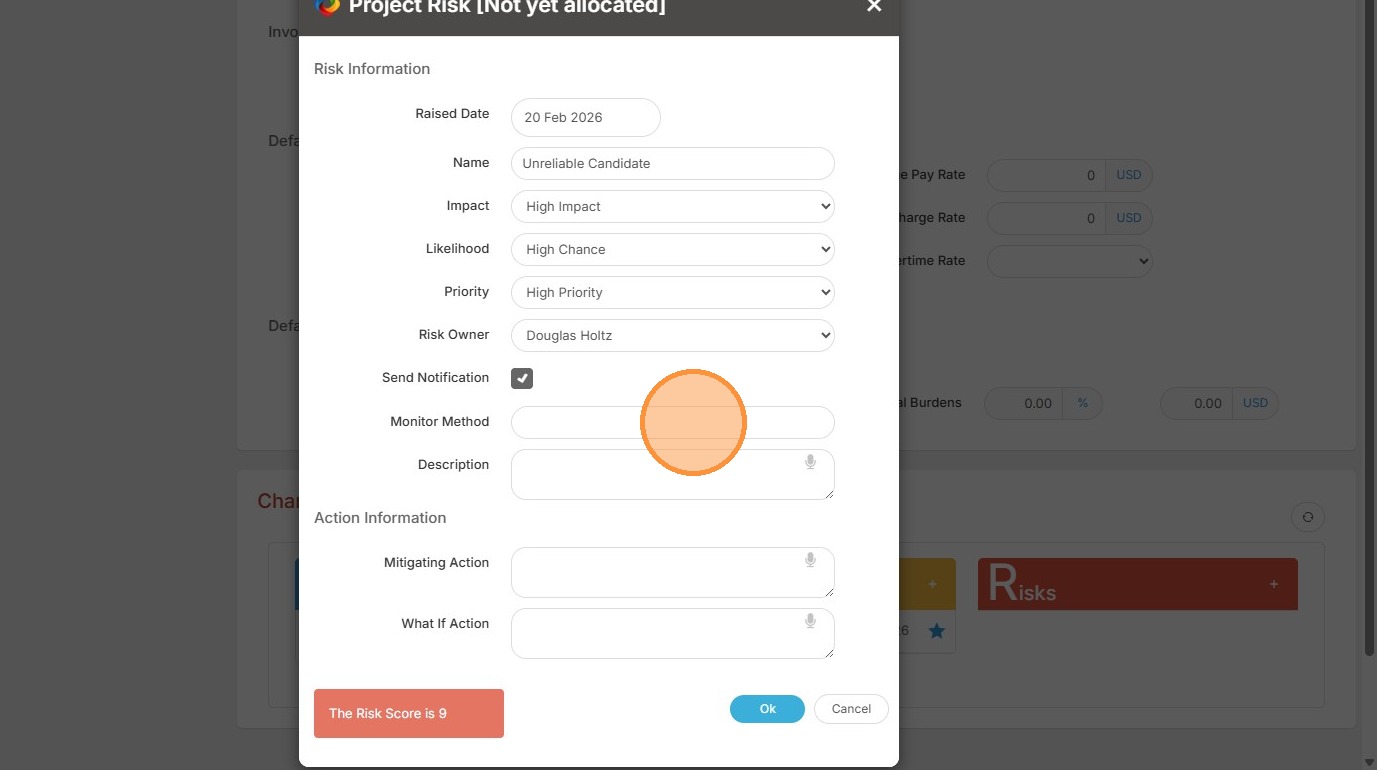
8. Click "Ok" once you have added all necessary details.
9. Now you can view the High Impact Risk.