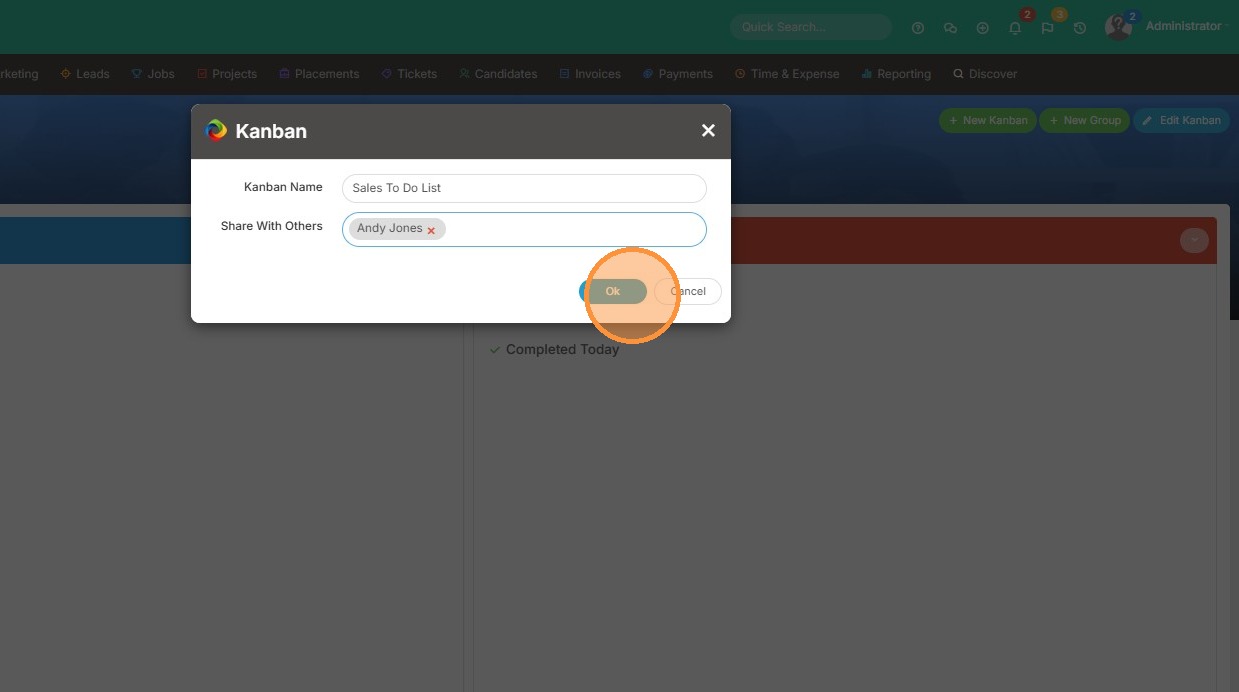
This lesson explains how to create a New Kanban. For more details on how to add items to the Kanban, check out this lesson.
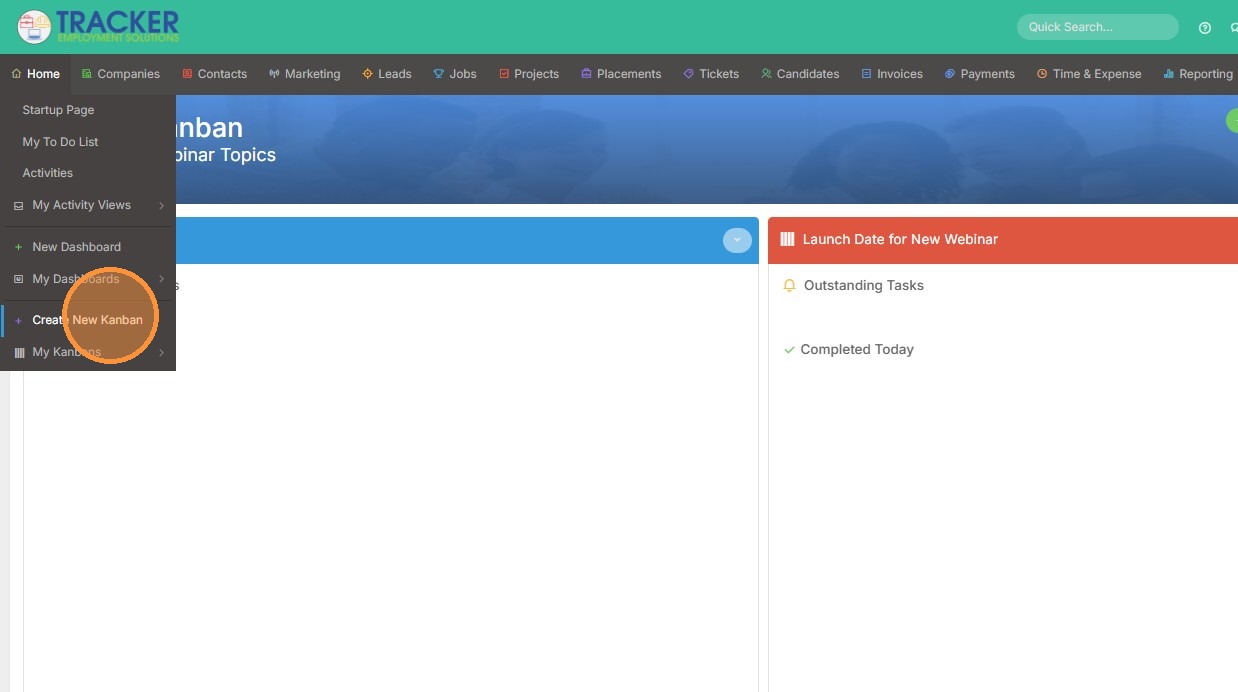
1. Hover over the home tab, and then click "Create New Kanban"
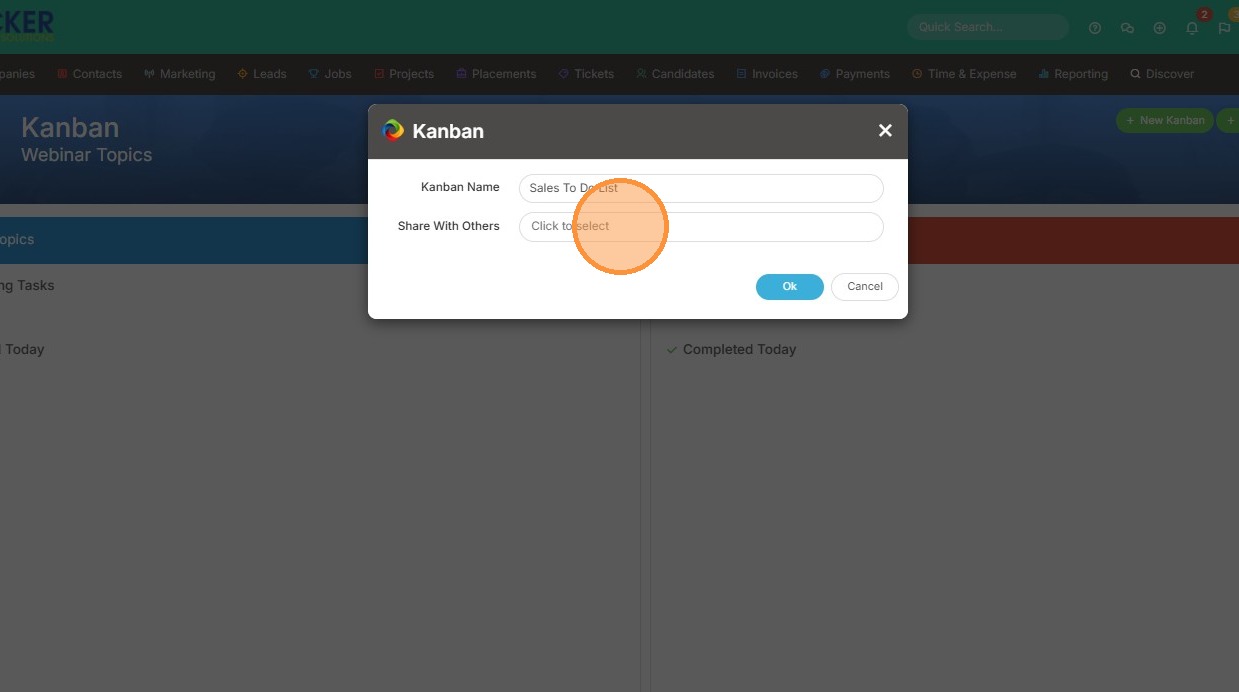
2. Name your Kanban.
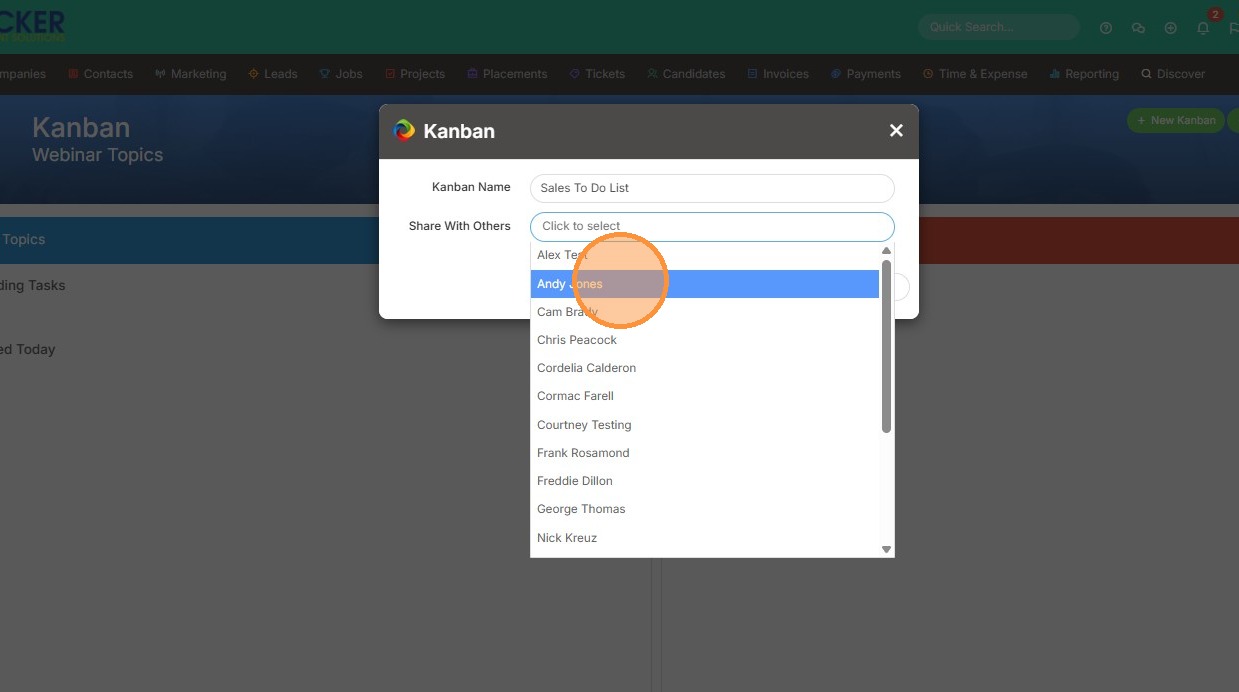
3. If you would like to share it with anyone, click their name from this dropdown list.
4. Click "Ok"