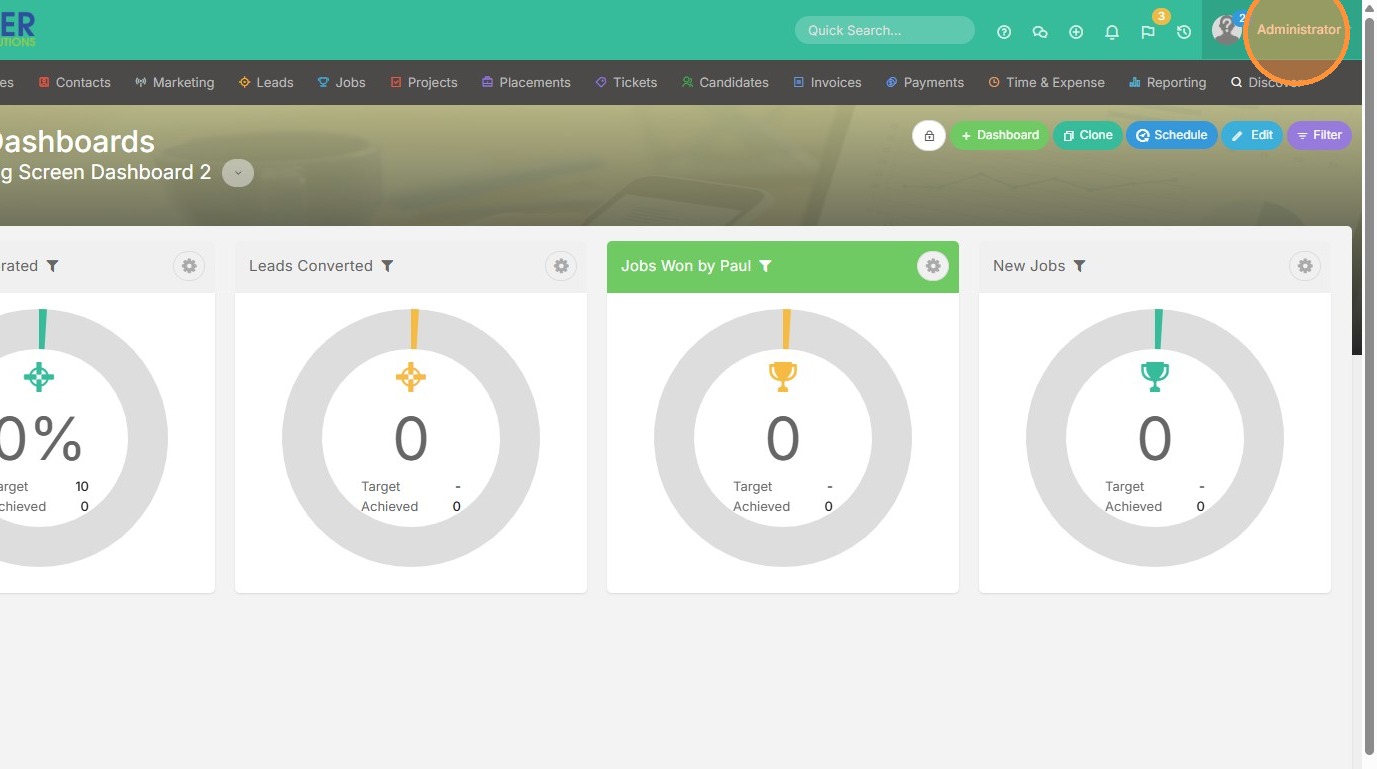
1. Click on your name to get to Tools & Settings.
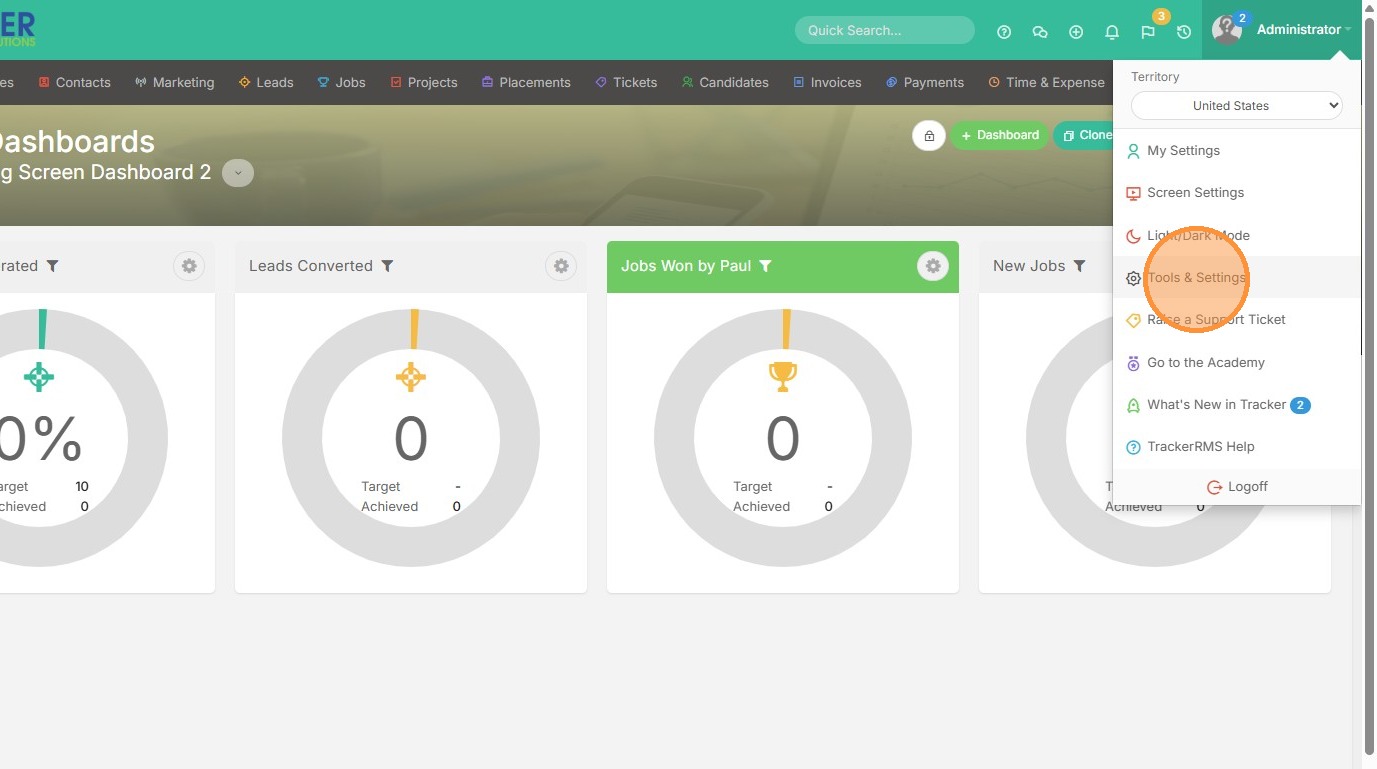
2. Click "Tools & Settings"
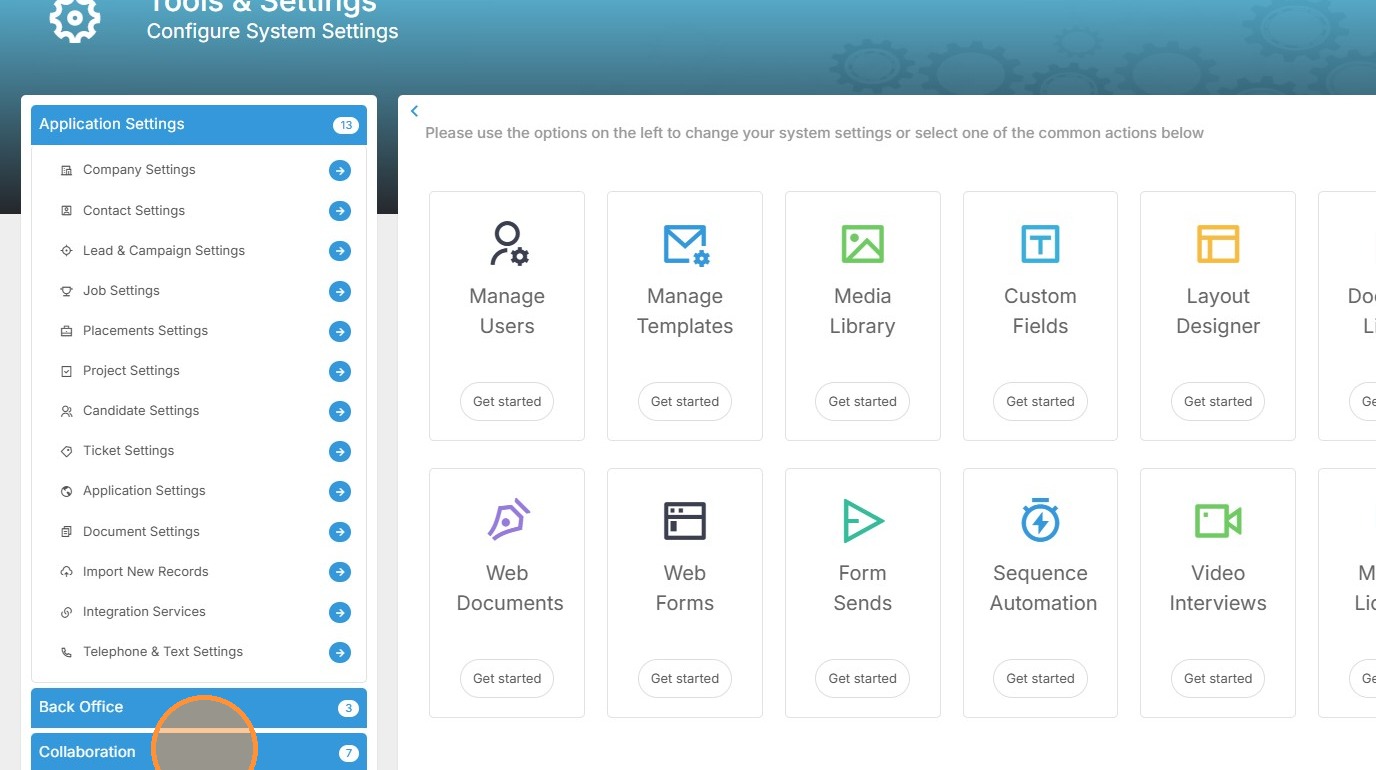
3. Click "Collaboration"
4. Click Big Screens.
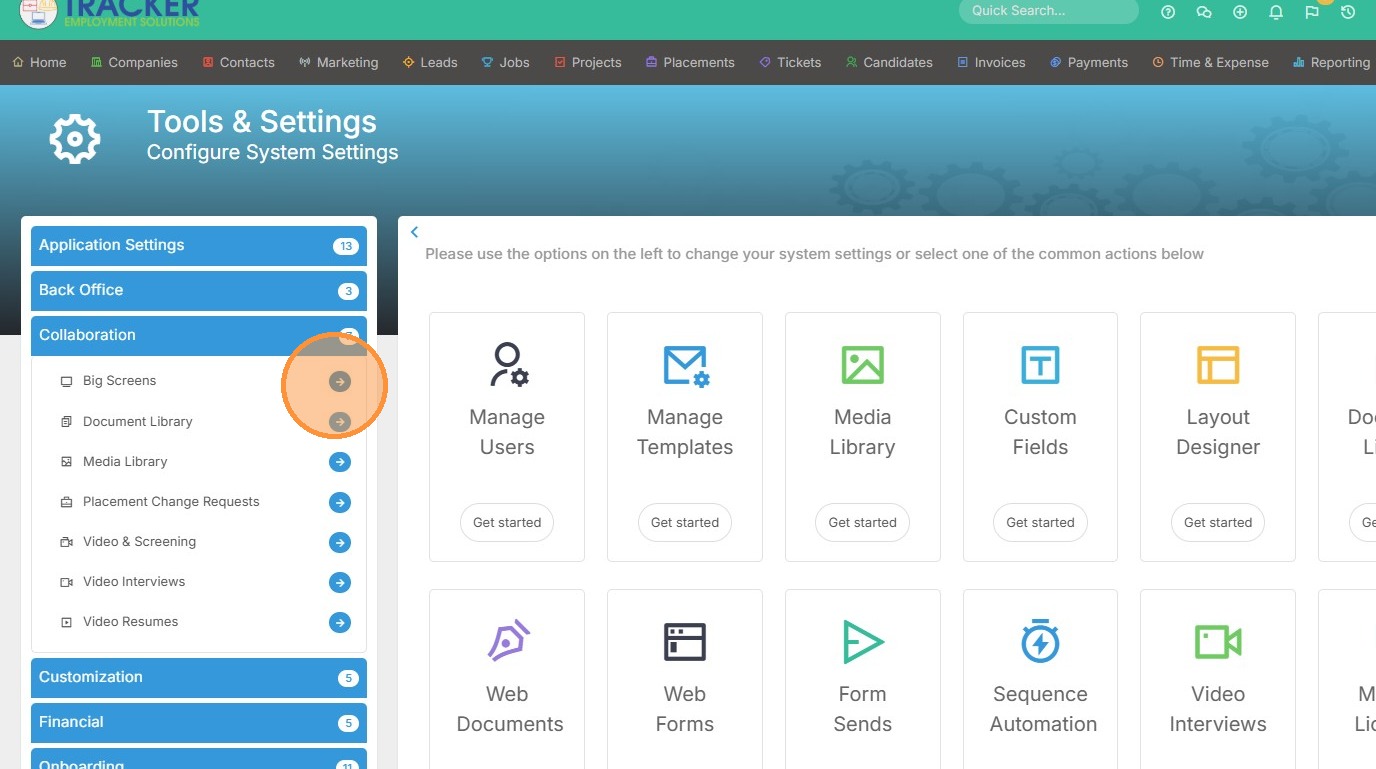
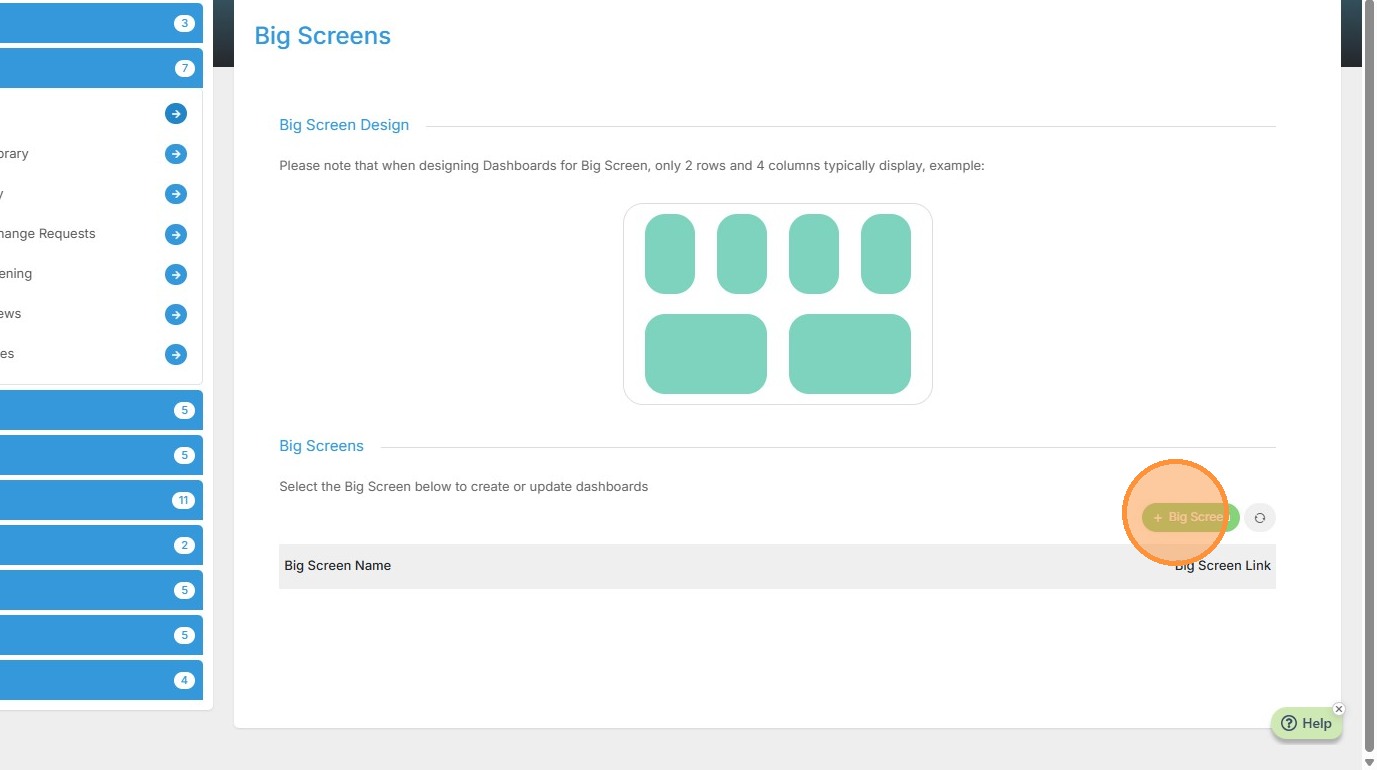
5. Click "Big Screen"
6. Edit the name of the Big Screen.
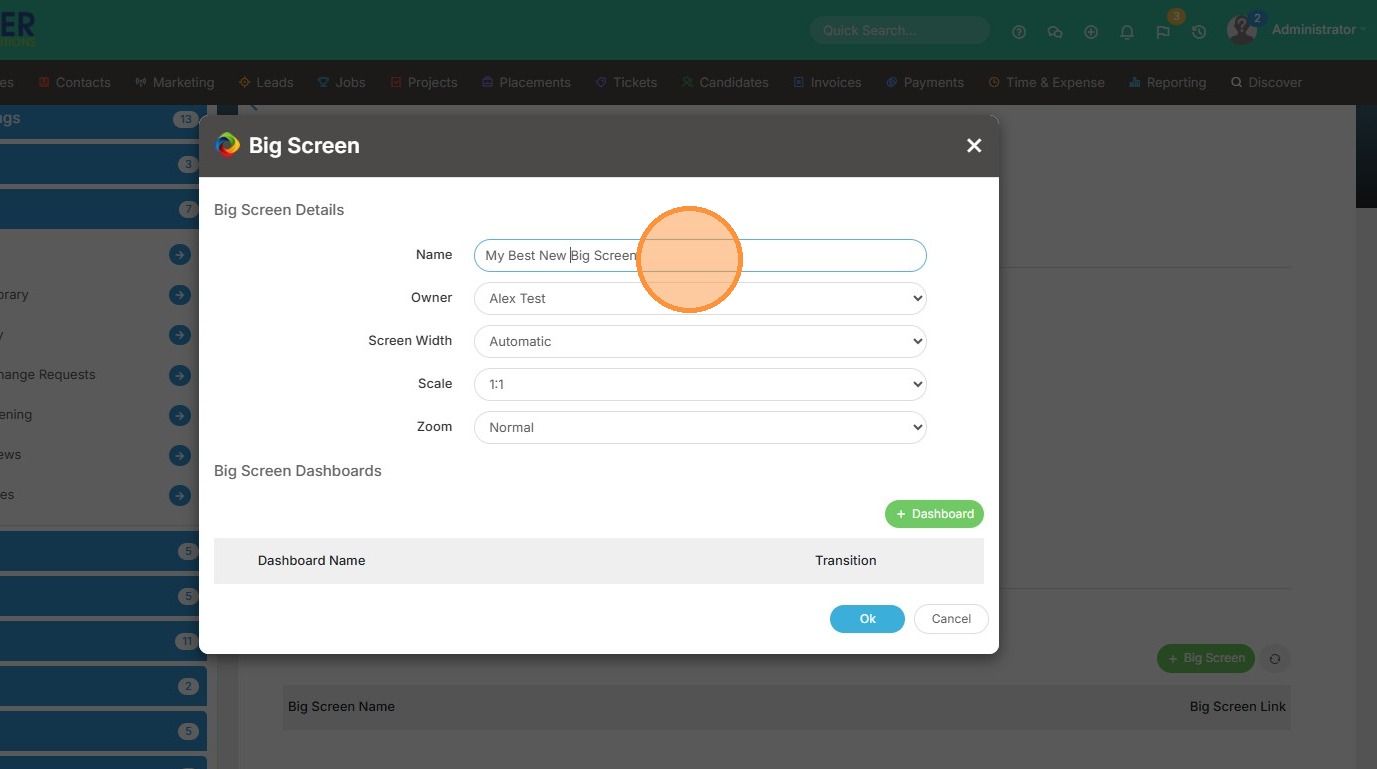
7. Click this dropdown if you want to change the Big Screen owner.
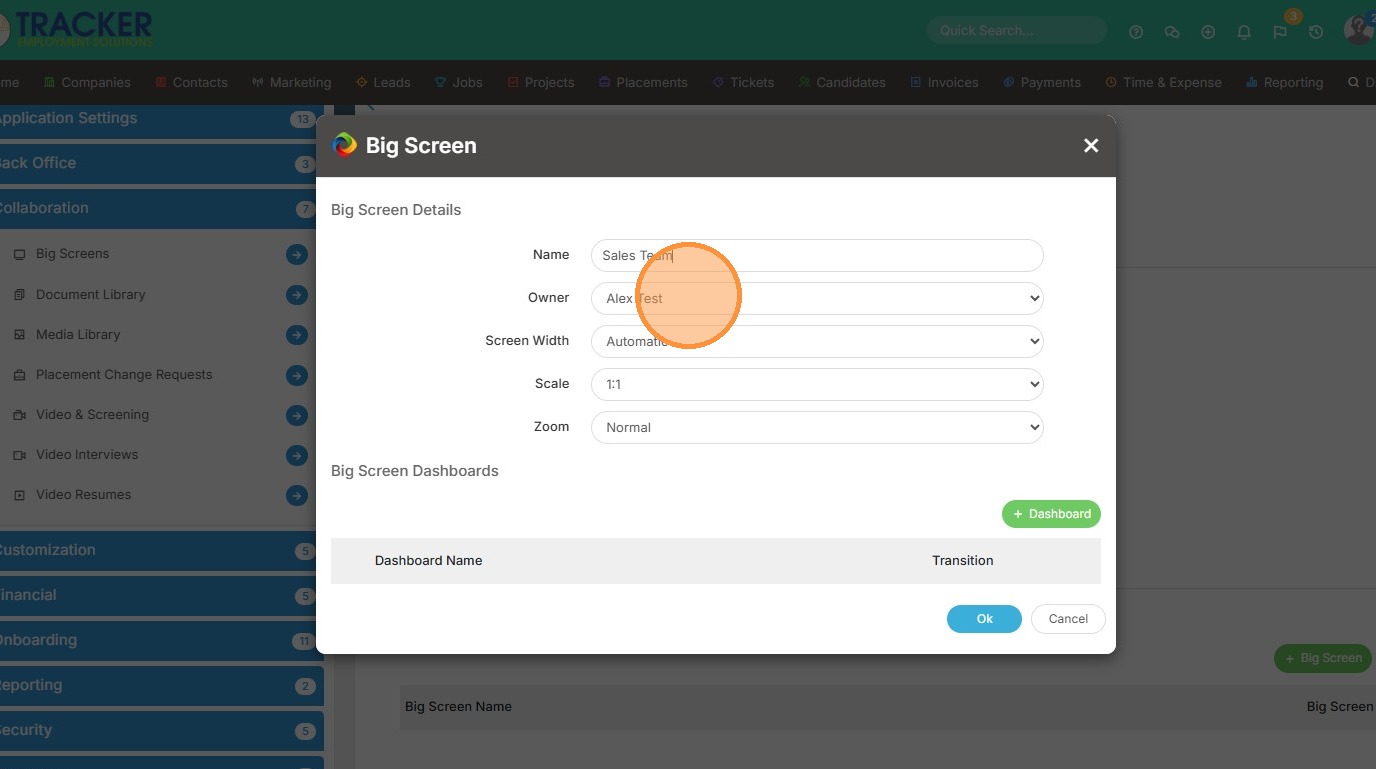
8. Click this dropdown to adjust the screen width and scale.
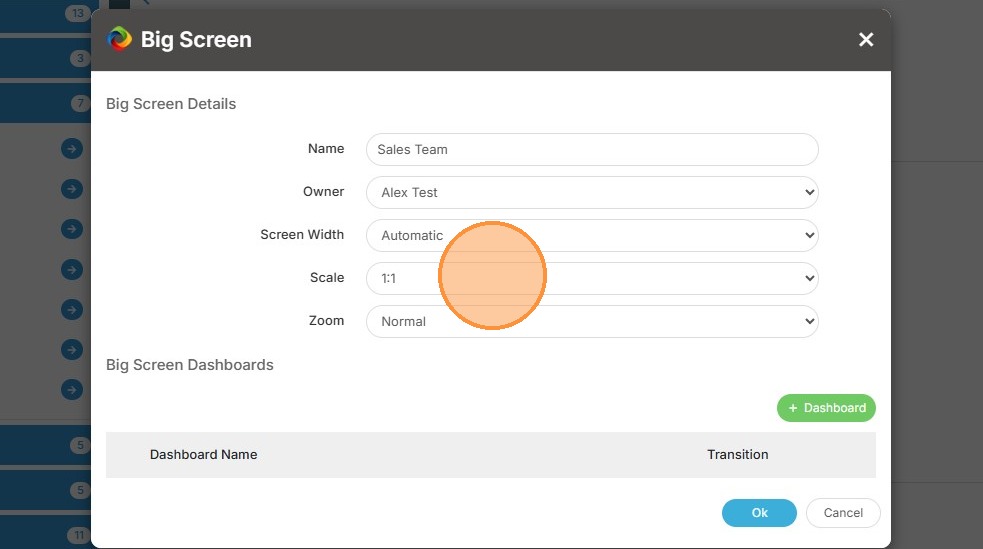
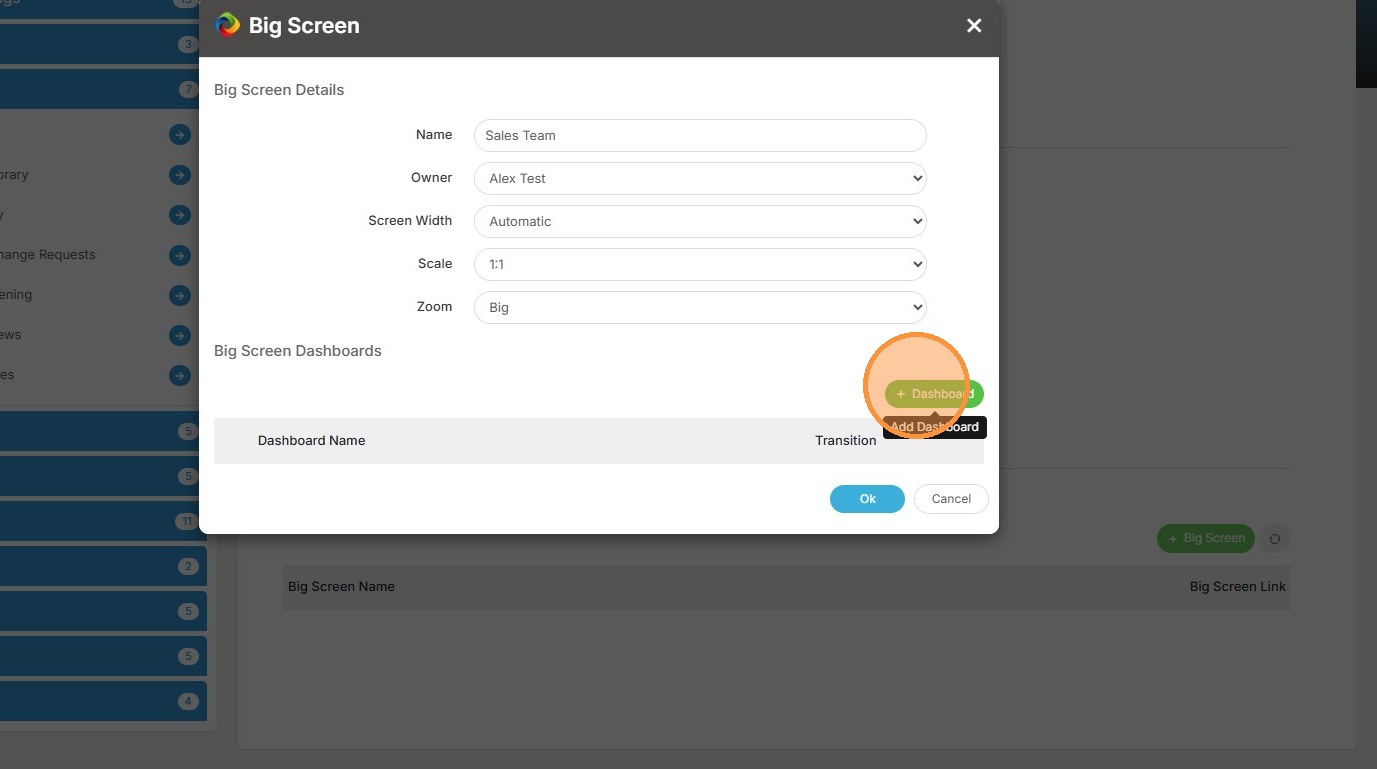
9. Click the Dashboard button to add.
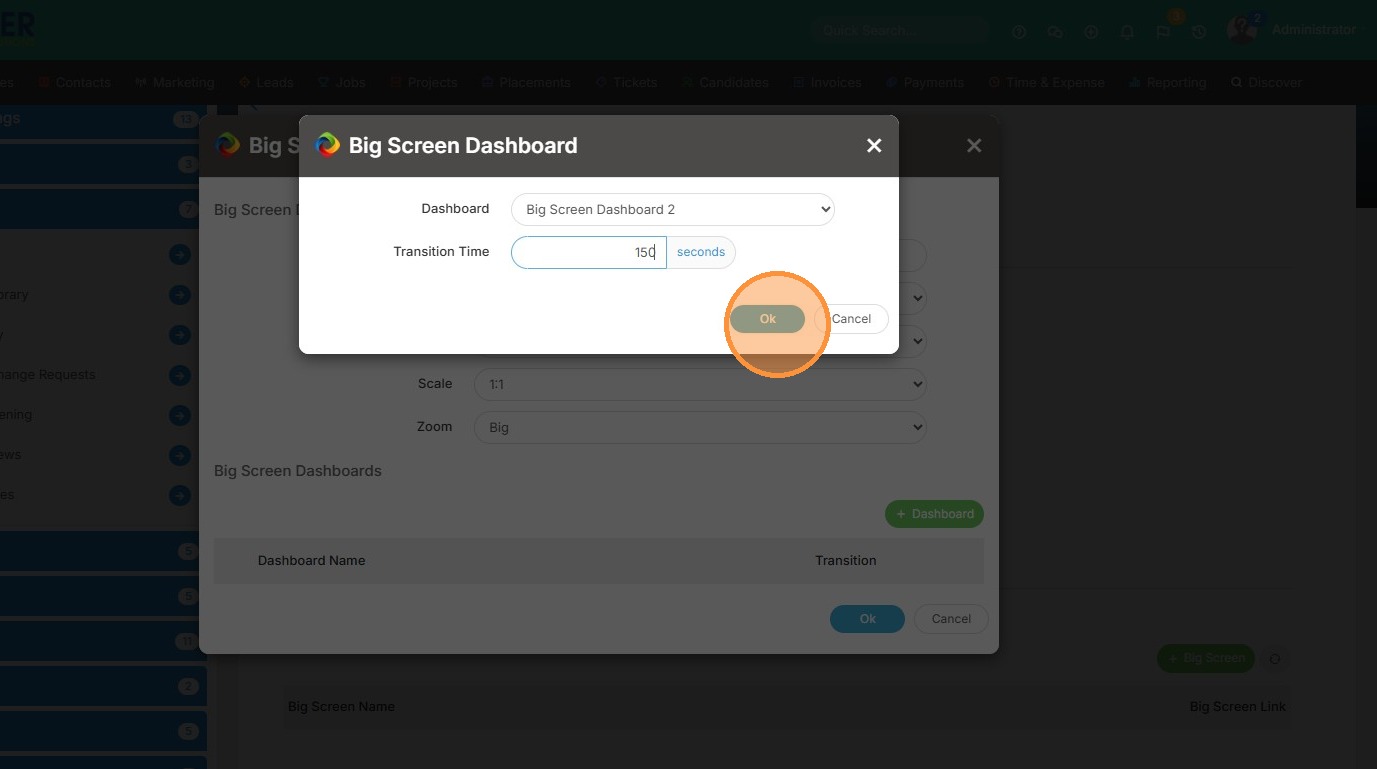
10. Select the dashboard you want displayed on a big screen.
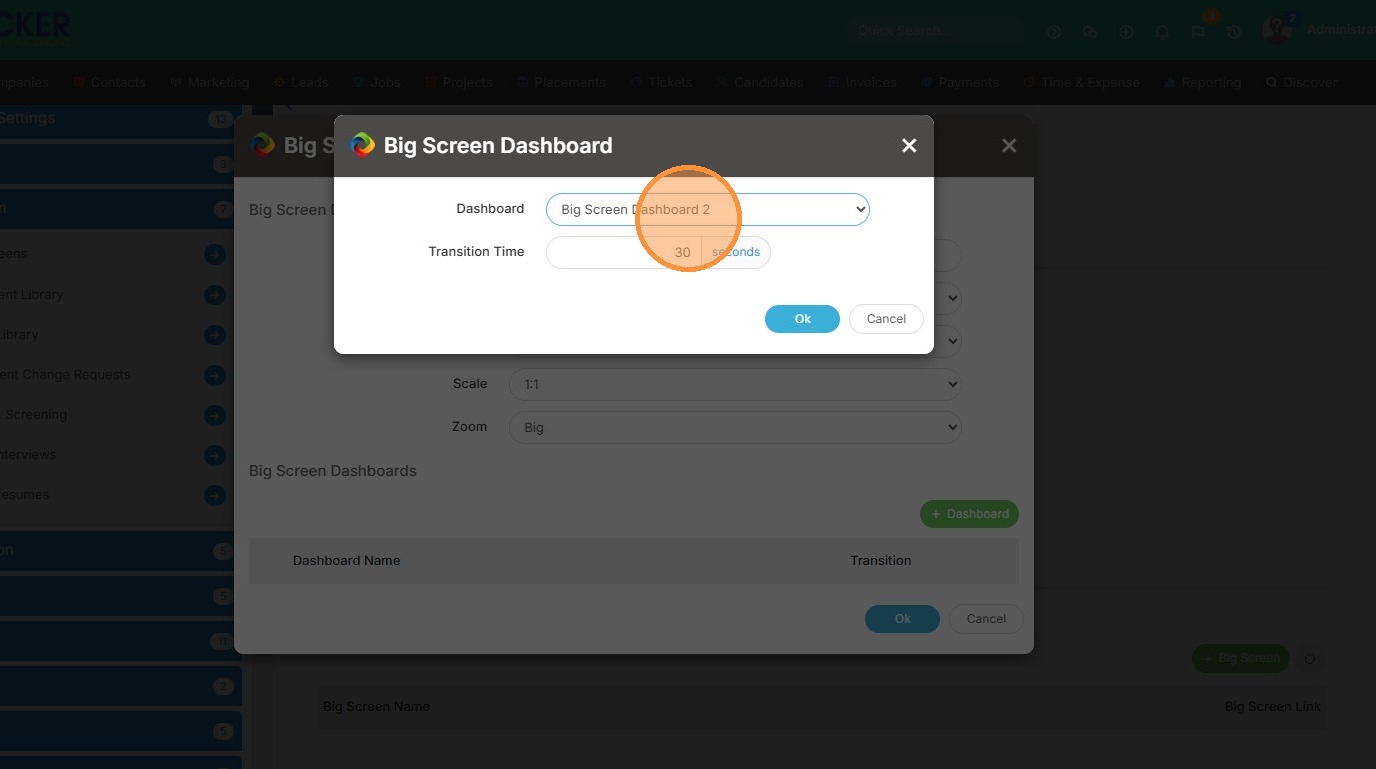
11. Click the "Transition Time" field to add time between the refresh.
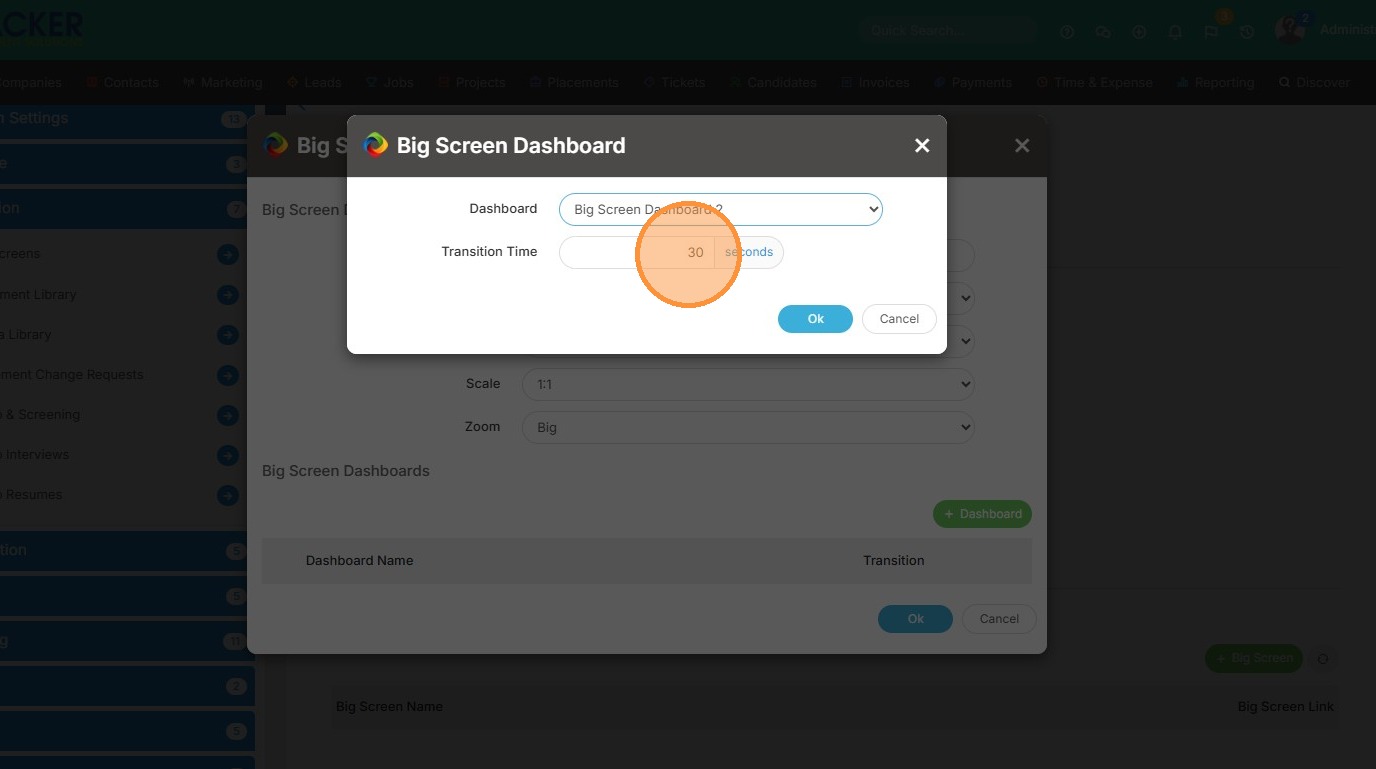
12. Click "Ok" and check out this lesson next.