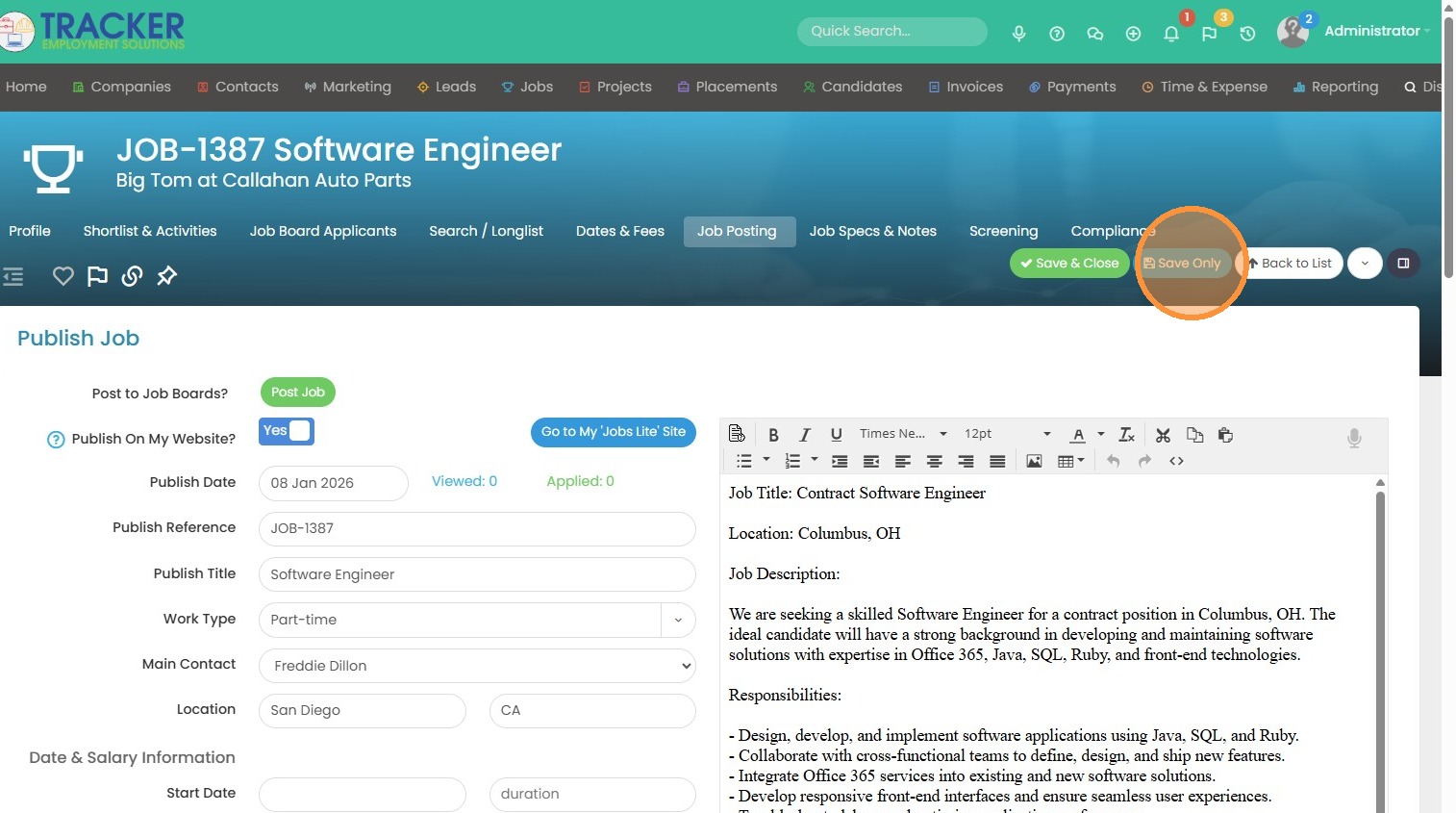
Here is some helpful information on Google for Jobs, after reading this help file below about posting.
1. Within the job you want to post, find your job posting tab to get started.
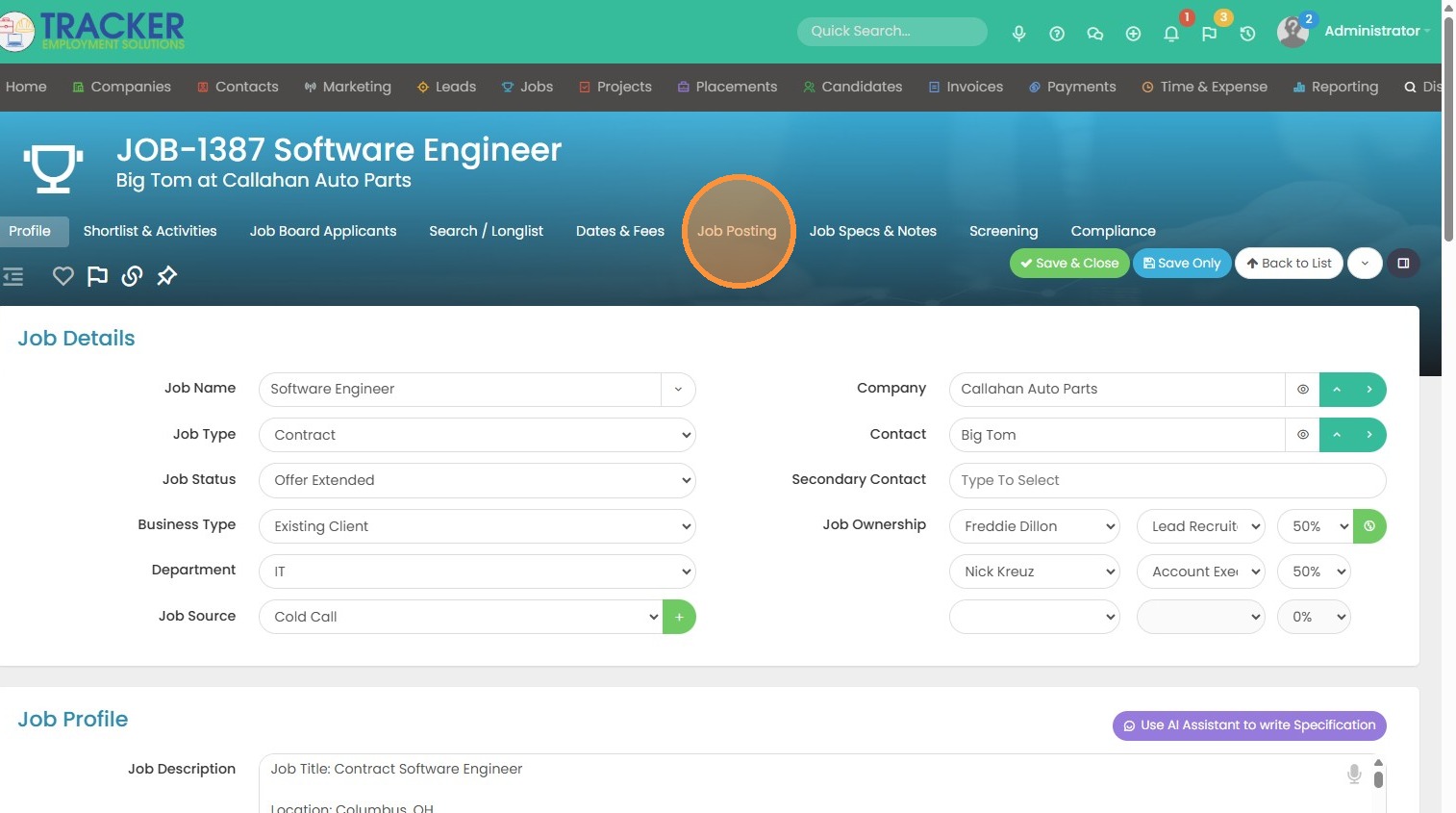
2. It's important to fill in the Work Type when using the Jobs+ integration. You can use pre-defined work types that we have in this dropdown menu, or you can type in the work type.
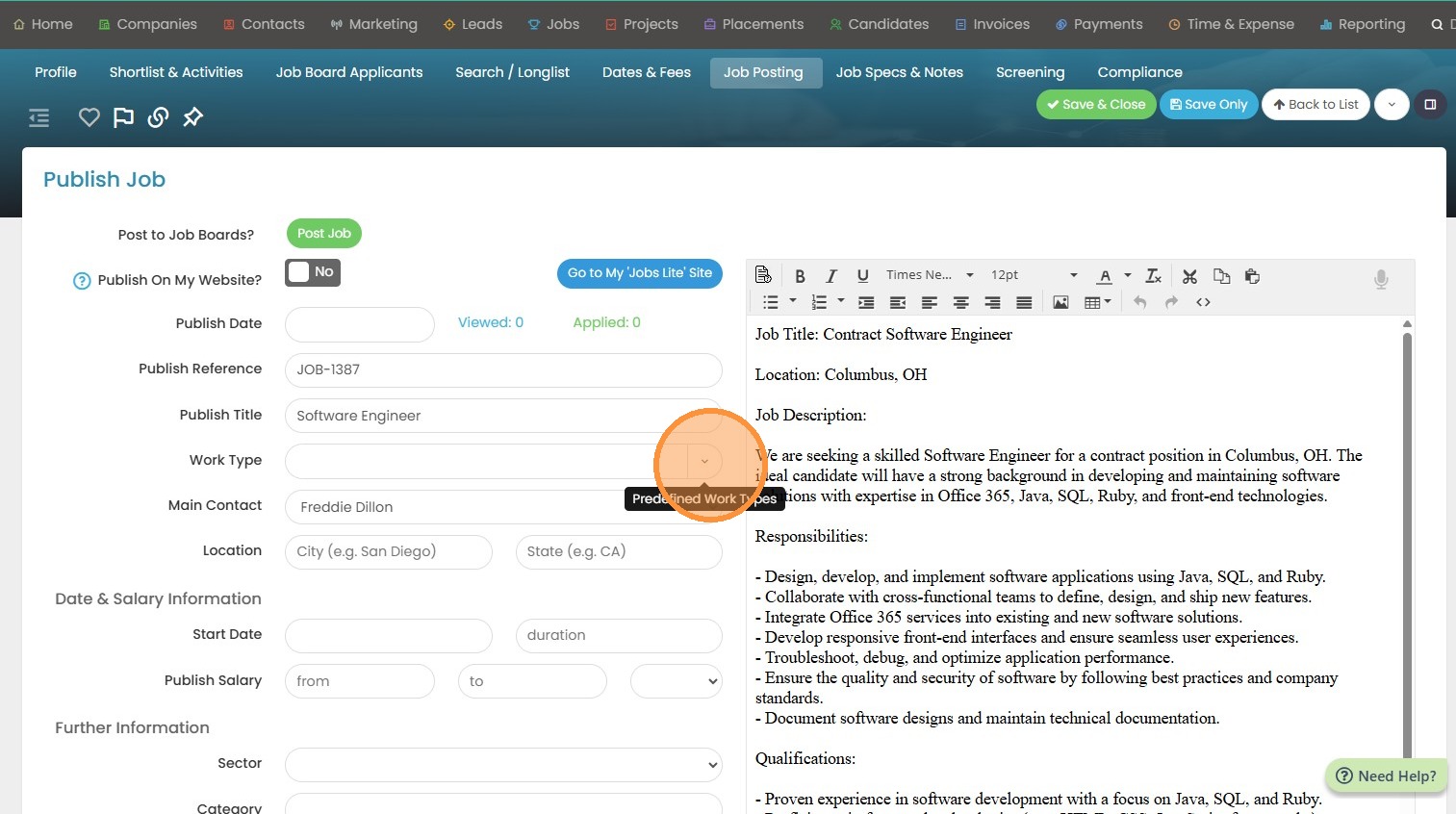
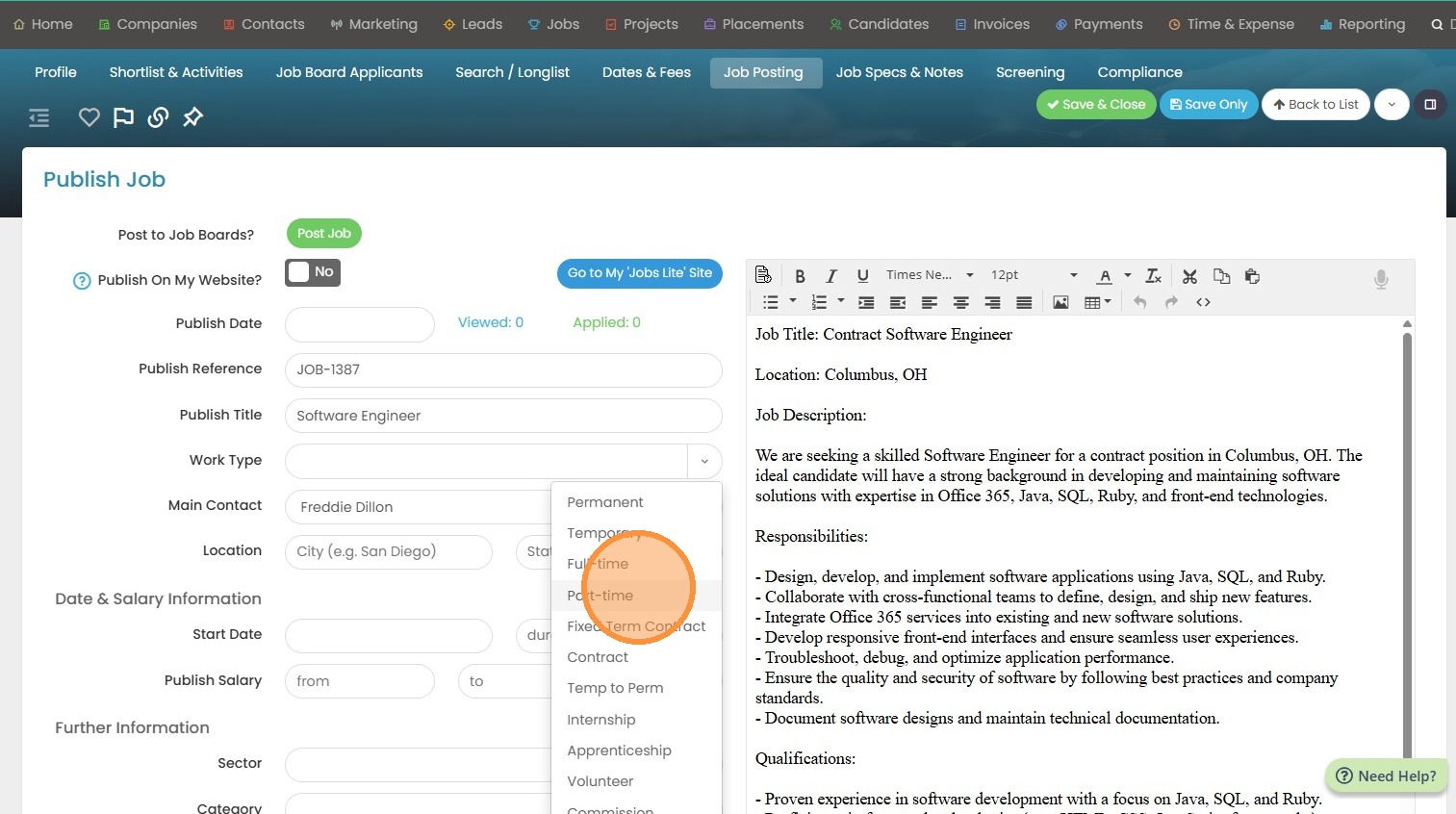
3. Please keep in mind if you're typing it in that you and your colleagues are using the same terminology. There are radial buttons on your website that will filter out different terminology so you will want to stay consistent.
4. You will also need to fill in the location. Your jobs will be fed to Google jobs and Google relies heavily on the location.
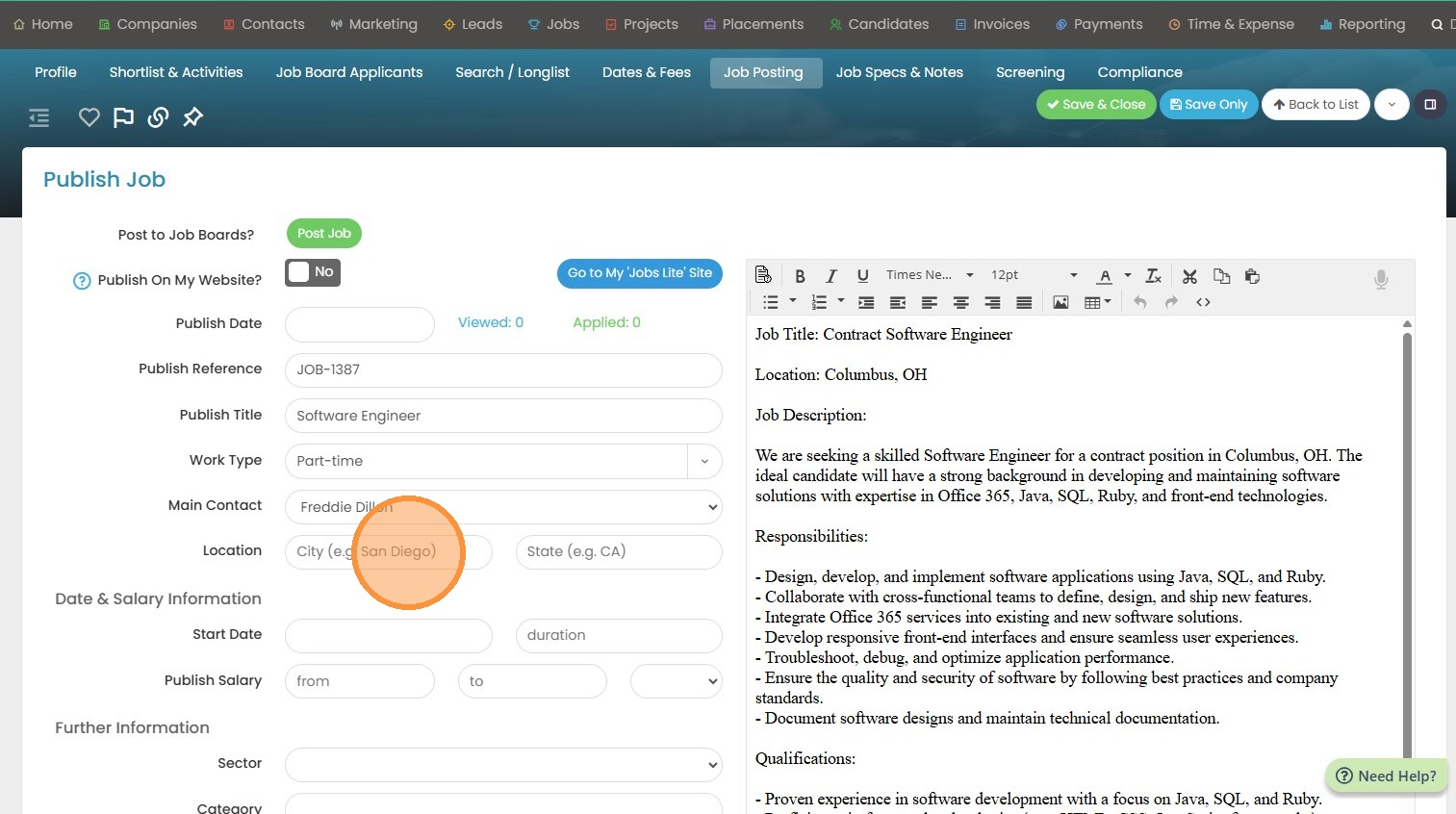
5. In this example, I'll add San Diego, CA.
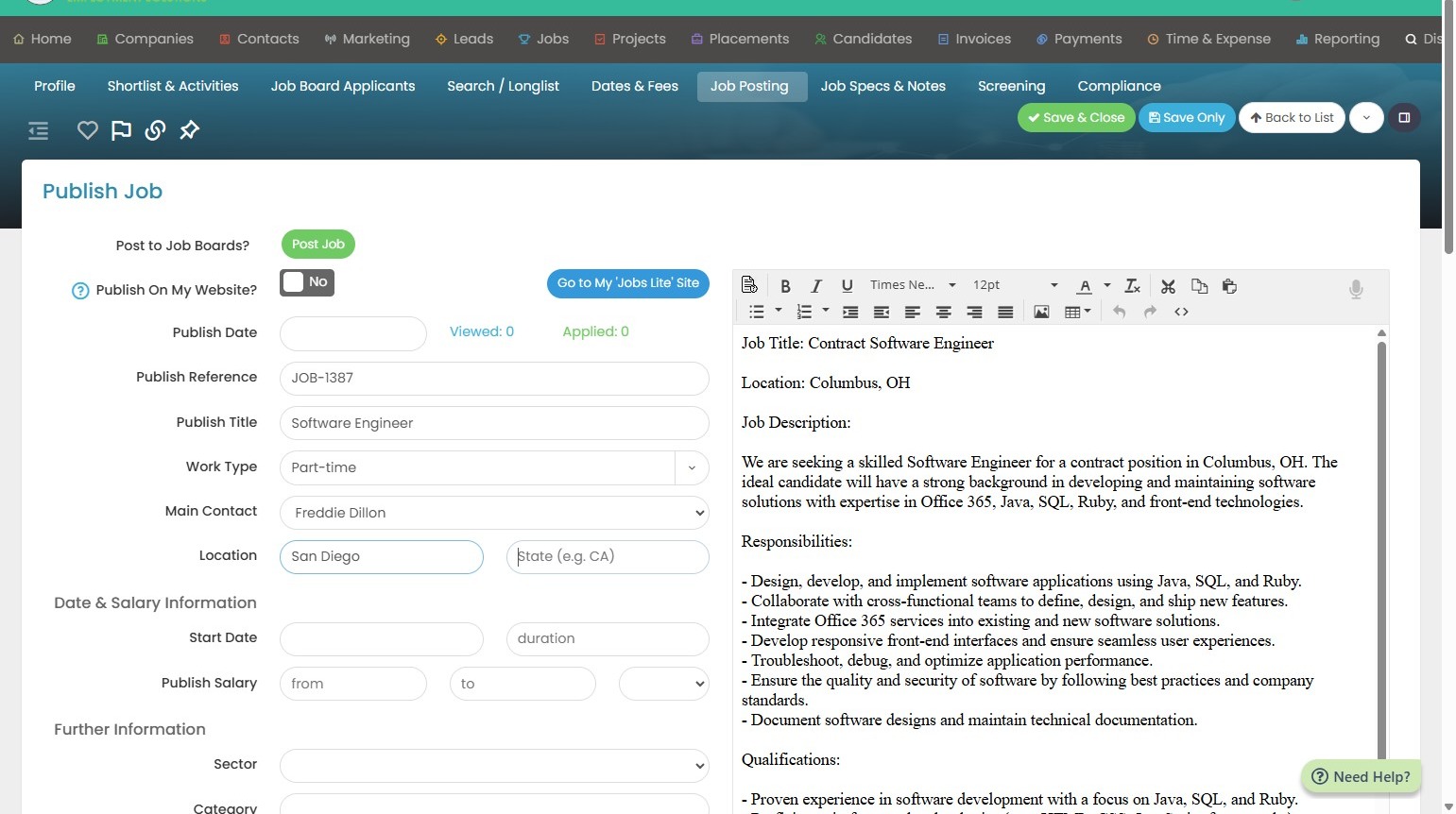
6. Lastly, you will want to fill in Sector. There will be radial buttons on your website to filter out the sector as well. The sector options can be edited under Tools & Settings > Application Settings.
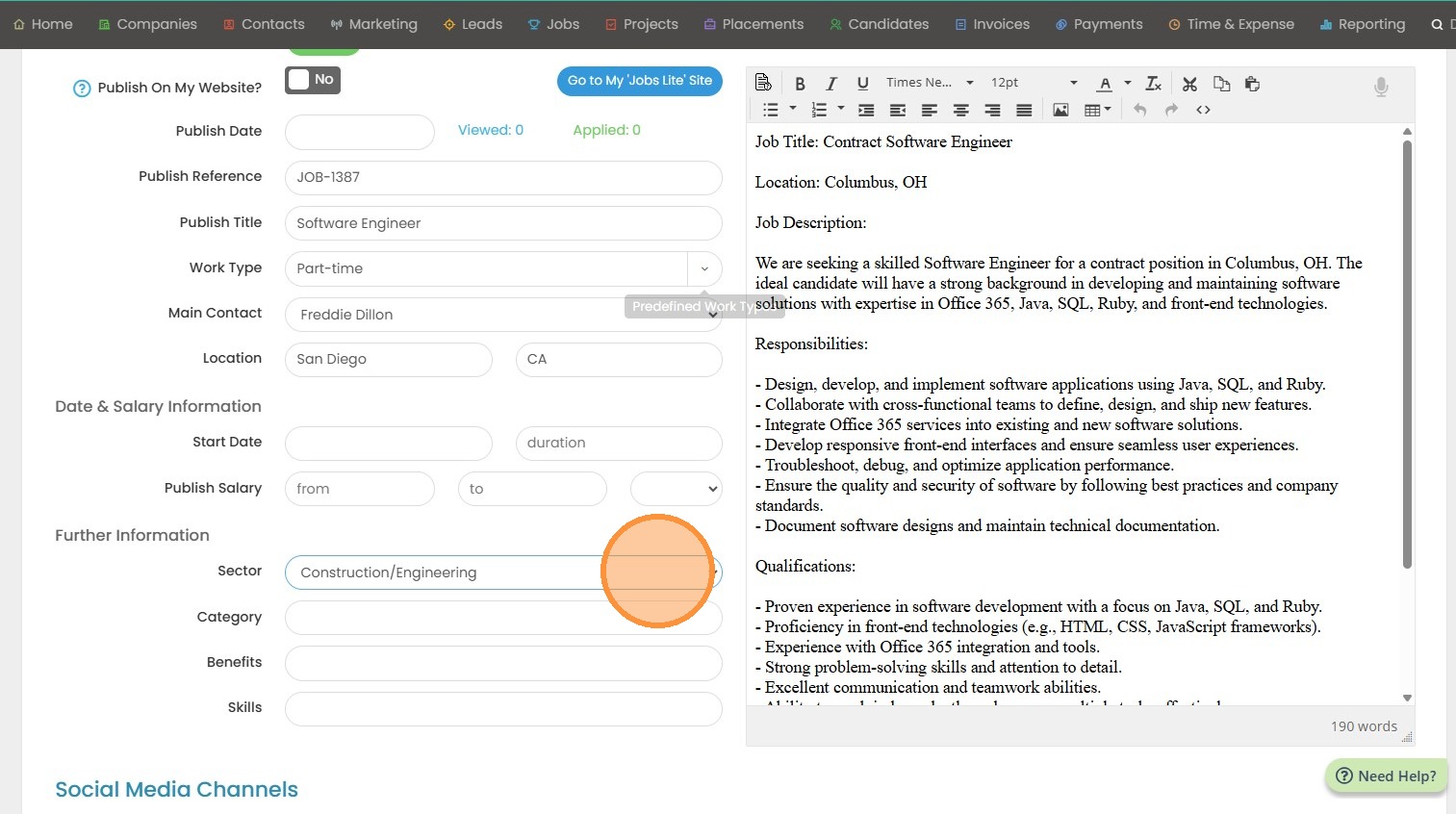
7. To post, click the "Yes" button.
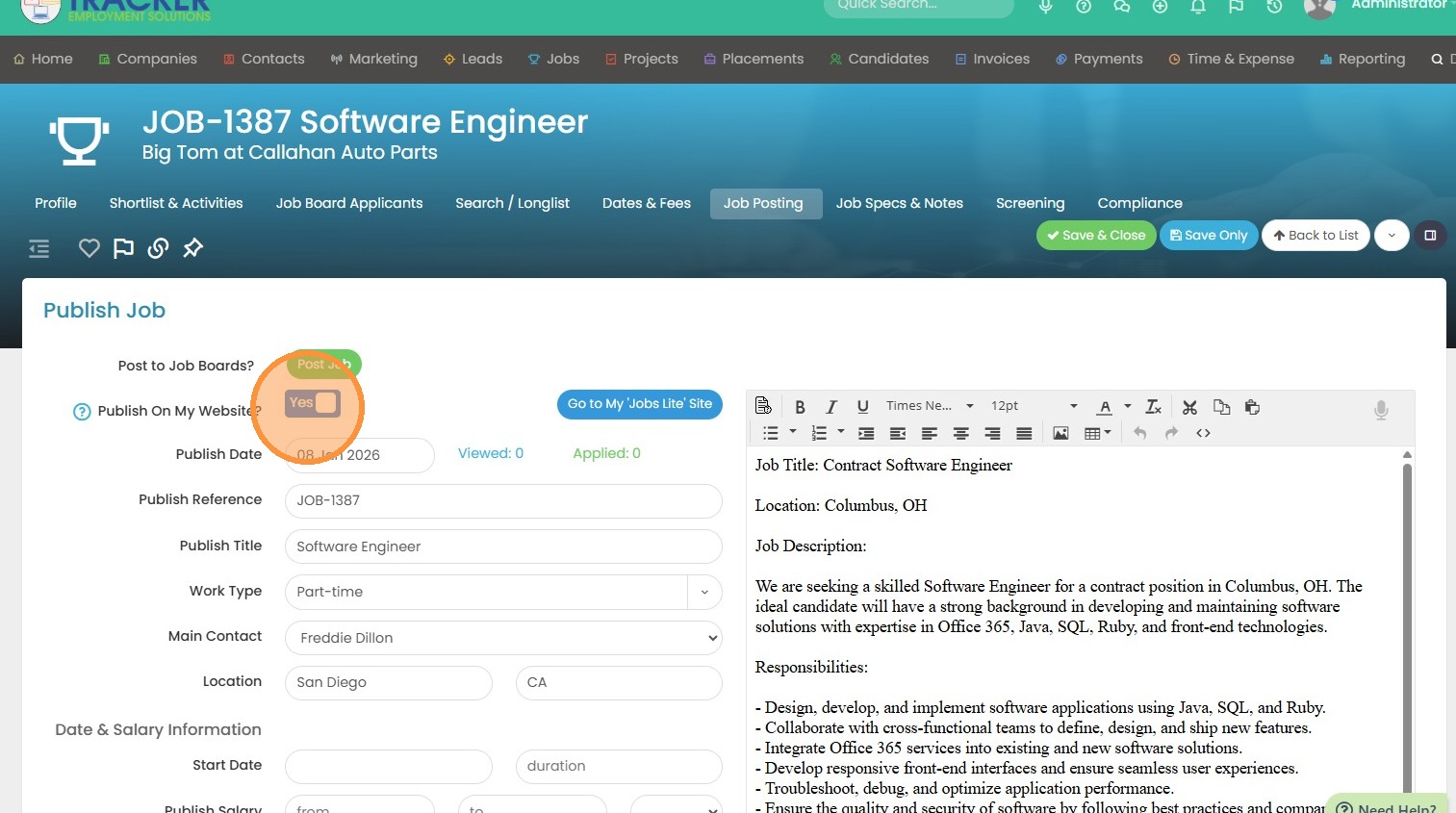
8. Click "Save Only". Your job will be posted within approximately an hour of clicking the post button.