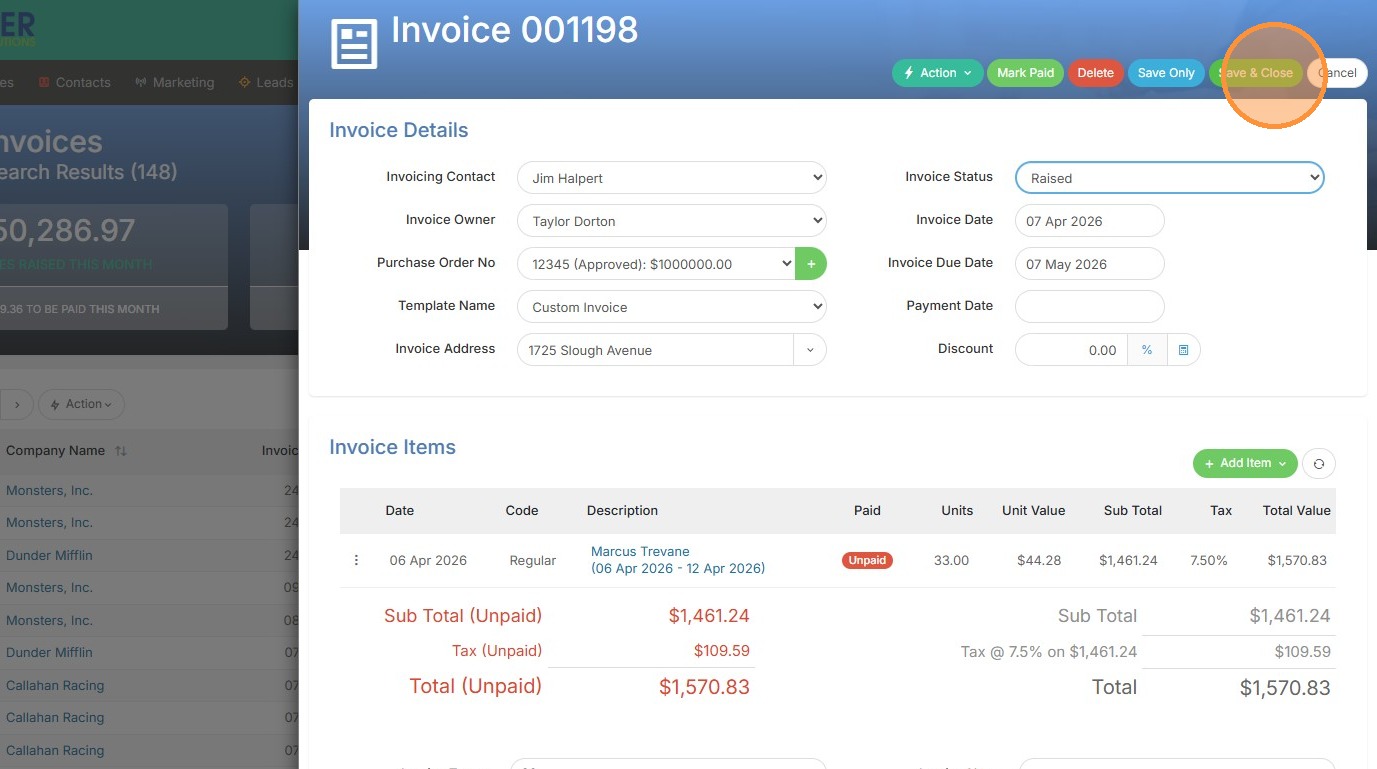
Invoice Selection
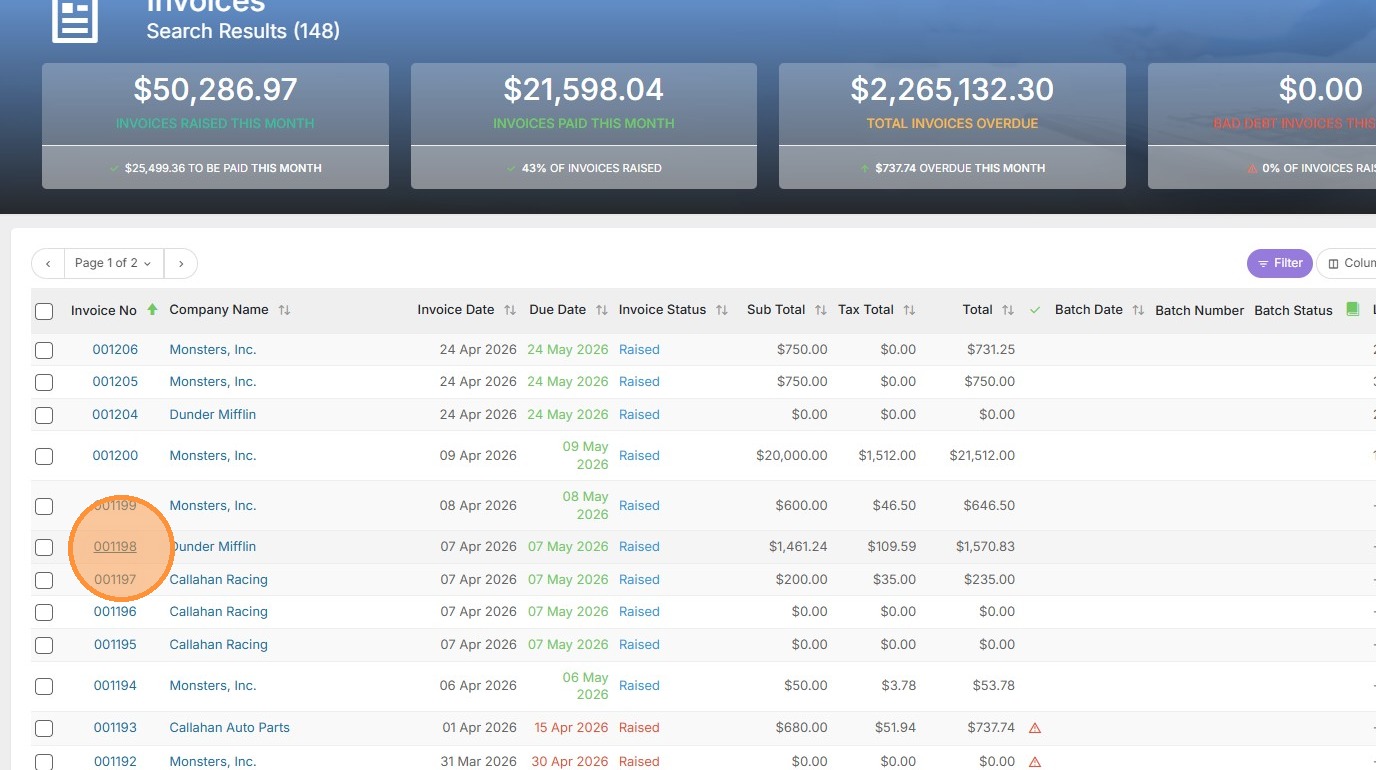
1. Select an invoice from your list.
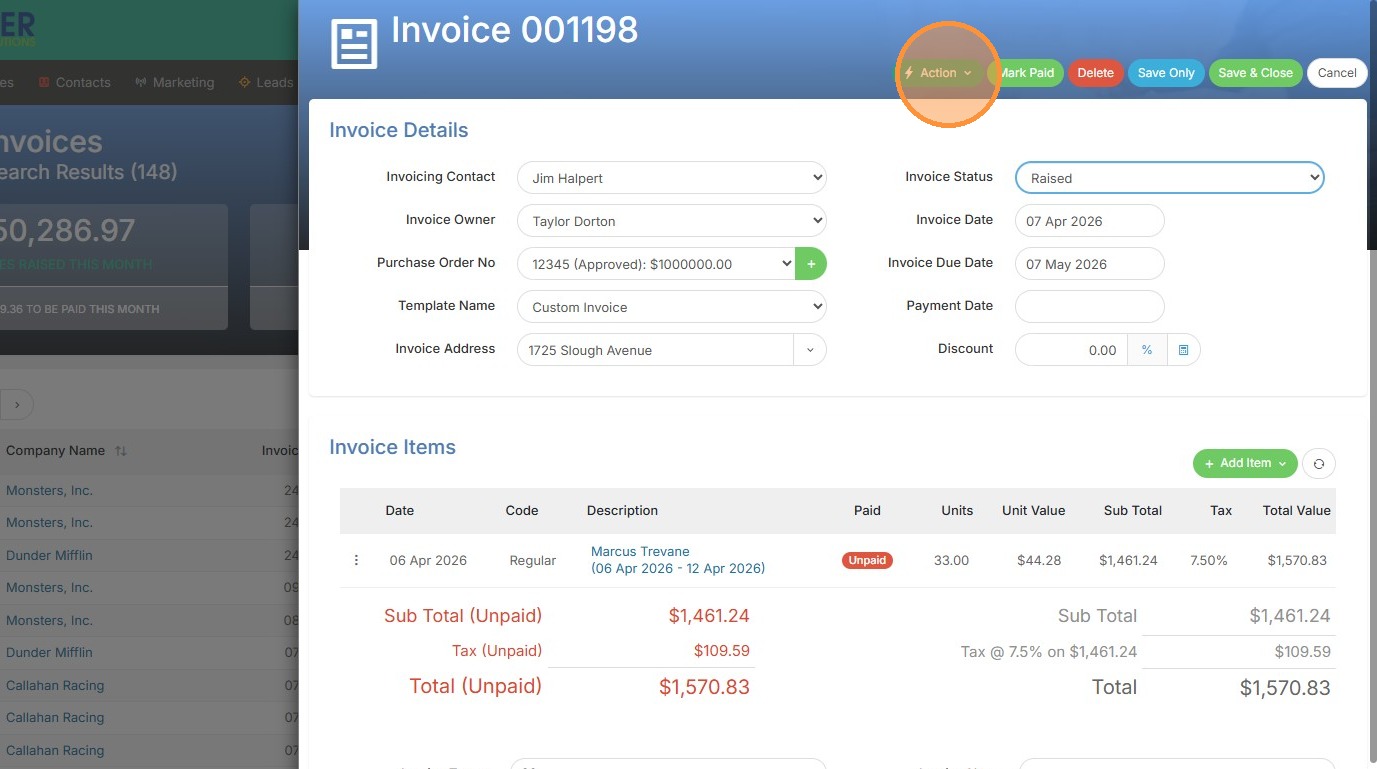
2. Click "Action"
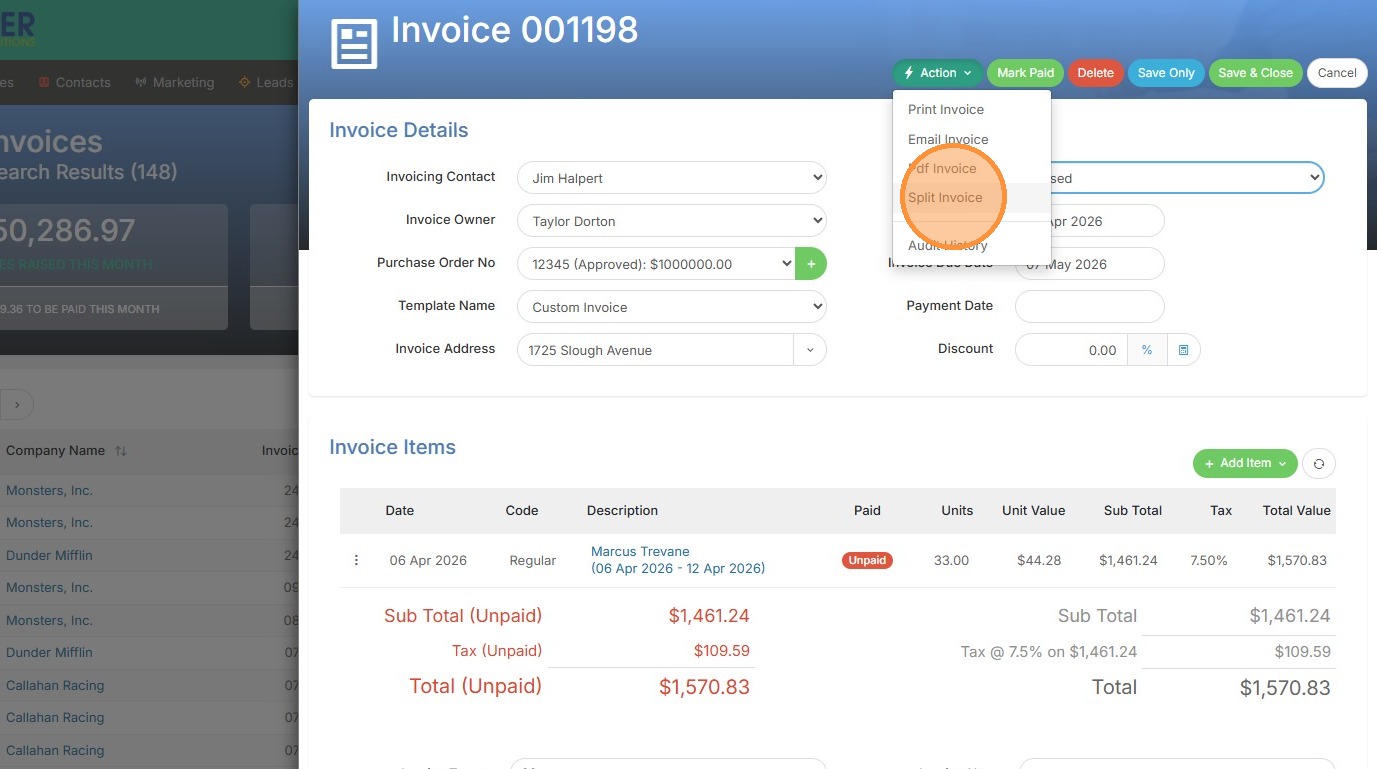
3. Click "Split Invoice"
Split Configuration

4. Select checkbox for items to split and choose profile from 'Invoice Profile to apply' dropdown. Keep in mind you will only have profiles to select here if you have set this up in the Tools & Settings section of Tracker. Follow this help file if you have not done this step yet.
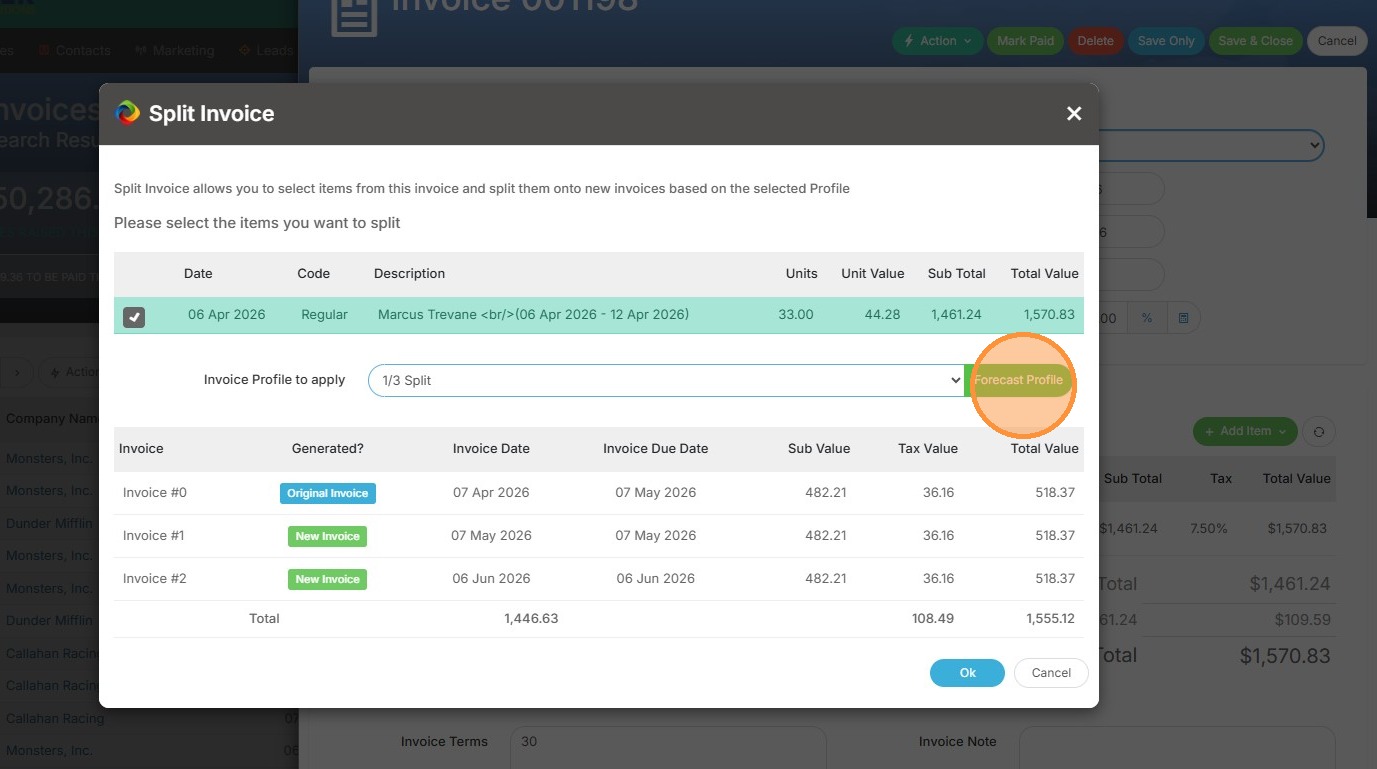
5. Click 'Forecast Profile' to preview split results.
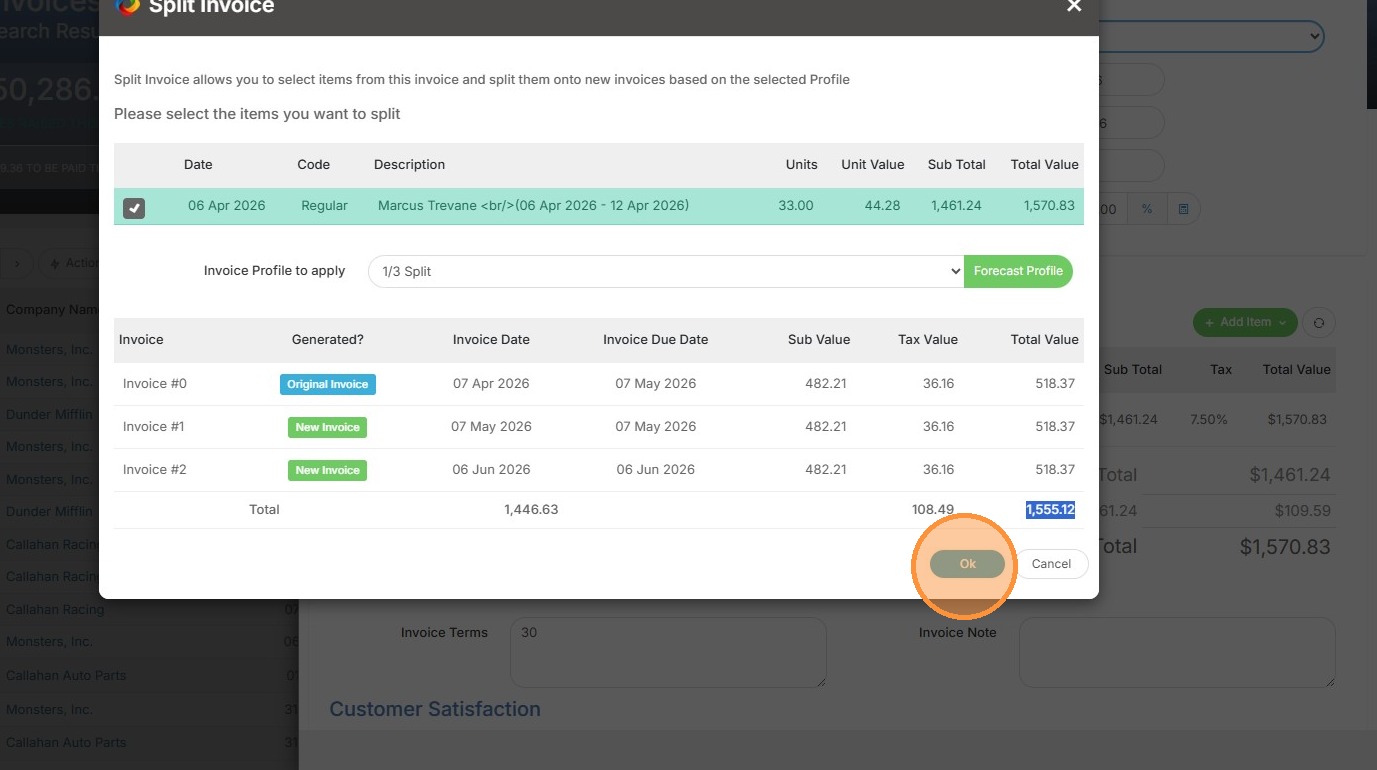
6. Click 'Ok' to confirm the split.
Finalize Split
7. Click "Save & Close" to save these changes and create the new split invoice.